Video production for social media: a weekly playbook
A weekly playbook for brand teams making social video: plan the cuts, shoot a month in one day, frame for safe zones, caption for sound off, cut per platform.

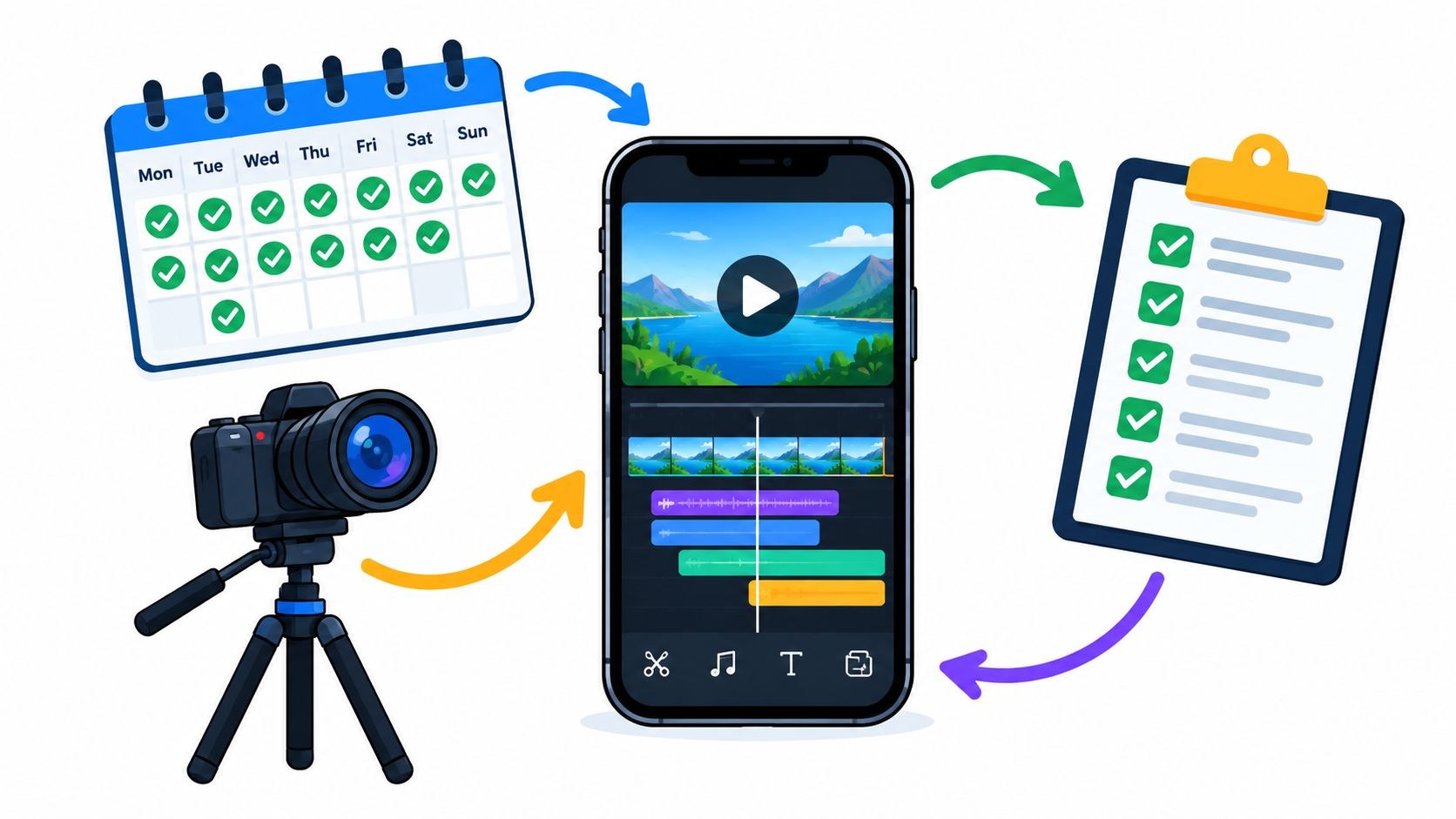
When a brand team tells me their social video has stalled, I ask about the shoot last, because that part usually went fine. (I’m on the Moonb team, so I hear this one a lot.) The message changed after filming and nobody owned the captions. So the editor spent Friday exporting the same clip four times.
In my experience, video production for social media works best as a weekly routine. You decide which cuts the calendar needs, shoot them in batches, edit a version per platform, publish, then look at what happened before you write next week’s brief.
The week a brand video team actually lives
The week opens on a backlog. A launch clip, an interview with the head of product, a demo, and somebody’s request to “try something more fun.” Each sounds small until you count what hangs off it: approvals, graphics, captions, a version per channel.
The script waits for feedback through Tuesday. Wednesday, someone forwards a trending video with “can we do one like this?” Thursday’s shoot happens before anyone agrees which messages matter, and Friday goes to caption fixes and re-exports.
I see that week a lot, and it usually means each video is being planned as its own little project. Behind every finished post sit four jobs that are easy to skip. Somebody has to choose the audience question and the evidence that answers it. Talent, product, location and approved wording need lining up. Delivery needs an owner too (the channel versions, the rights check, making sure the right file goes live). And once it’s posted, someone decides what to repeat or change next week. When nobody owns those, they all end up with the editor.
DataReportal’s April 2026 figures count 5.79 billion social media user identities, with 294 million new ones over the previous year (identities, which DataReportal notes may not represent unique individuals). Nobody is short of competition for a spot in the feed, and the teams I’ve seen keep up plan most of the month ahead and leave a slot or two open for whatever comes up.
Plan the cuts before you plan the shoot
Start from the gaps in the calendar and work backward to footage. “A product film” is too vague to schedule a shoot around. Give each edit a name and the producer can book for it.
I push for ten to twelve named cuts, knowing a few will die in the edit: a setup demo, a common mistake, one feature explained, a presenter answering a real customer question, a launch teaser. Three openings on the same footage count as one cut with test variants, so I don’t let them pad the list.
Every cut gets a short brief, and mine fits on one screen:
| Brief field | What to write |
|---|---|
| Audience question | The specific doubt this video answers |
| Hook | The opening line and the opening image |
| Proof point | The demo or approved evidence |
| Call to action | The next useful step for the viewer |
| Target platform | Where it runs and how people watch there |
| Required coverage | Presenter, product action, detail shots, graphics |
| Safe-zone notes | Where faces, text and product details must stay visible |
| Approval owner | Who signs off the message before filming |
Then build the shot list in modules. Shoot the explanation apart from the opening and the close, so a hook can be swapped without rebuilding the piece. Ask for B-roll that proves something: the button being pressed, the screen changing, the finished object, the step people usually miss. Our storyboard examples help when the shot order has dependencies. If most of your calendar is product content, AdCrafty’s walkthrough on how to make converting product videos covers scripting and shot lists for product videos aimed at TikTok, Meta and YouTube.
Before approving the list, point at each shot and ask which cut uses it. No answer means optional coverage, shot only once the essentials are safe.
One shoot day, a month of posts
When the messages share talent, product and location, a month of posts from one shoot day is a fair planning target. Some productions won’t get there; complex demos and sensitive claims may need their own sessions, and so may a big scene change.
I organize the day by setup and ignore the order the posts will go out in:
| Shoot block | Capture | Why it belongs together |
|---|---|---|
| Opening setup | Lighting, sound check, framing test, product prep | Technical problems get solved before talent arrives |
| Morning talent block | Hooks, short answers, alternate closing lines | Presenter energy and delivery stay consistent |
| Product demo block | Complete actions, close details, start and end states | The product station stays built |
| Afternoon interview block | Objections, practical explanations, context | Uses the quieter conversational setup |
| Coverage and pickups | Missing actions, clean frames, stills, corrected lines | Closes gaps against the edit list |
| Wrap review | Footage check, audio check, take notes, backups | Confirms the essentials before people leave |
For a four-week calendar, give each week a theme: the problem, the demo, the objection, the practical use. One theme can carry several cuts on the same set. I’d batch setups too. Every swap from tabletop to presenter and back costs a lighting reset, and that’s time you could have spent on one more good take.
On set, slate every take with the cut it belongs to, out loud or on a card. Get more than one version of the hook, say a question and a demo-first open, so your test variants exist before anyone asks for them. And let the presenter finish the sentence and hold on the result for a beat (hands out of frame) before anyone calls cut. Editors need those spare frames.
Frame for the feed
Compose vertically from the start and keep faces, hands and product details away from the edges where the app’s buttons and captions sit. No single safe-zone number covers every platform: TikTok’s ad specs say it depends on the video’s dimensions, the caption length and any extra formats, and TikTok publishes downloadable safe-zone files for each case. LinkedIn’s help page tells you to keep the top, bottom and sides free of key elements, text and logos so the interface does not cover them. I drop each destination’s current overlay onto a test frame, because a presenter can look perfectly framed on the monitor and still leave no room for captions.
Julia from YouTube’s editorial team has a short beginner walkthrough on making a first Short, with chapters on Remix, trending audio, hashtags and templates. Good for whoever runs the phone on shoot day.
Hooks for the first two seconds
The most common waste of the first two seconds I see is a presenter introducing their job title. Open on the task, or on whatever is going wrong.
When Facebook announced automated captions for video ads, it cited independent Fors Marsh tests showing that people can recall mobile News Feed content after seeing it for only a quarter of a second. So people take something from your opening frame even if they scroll on. With software, show the unfinished task before anyone explains it. With a physical product, show it being used and skip the slow reveal of the box. We go deeper on writing openings in our guide to video hooks.
For the platform’s view, this Creator Insider conversation has creator Jenny Hoyos, Todd Sherman (YouTube’s head of Shorts) and YouTube’s Rene Ritchie talking through how Shorts recommendations work, what makes a good hook, which metrics creators should look at, and short versus longer Shorts.
Platform specs and what to cut for each
Each row comes from the platform’s own help or business pages as of this month, and they do change.
| Platform | Shape | Length | Safe zone |
|---|---|---|---|
| YouTube Shorts | Square or vertical | Up to 3 minutes | Not stated on the upload page; preview on a phone |
| Instagram Reels | Not stated on Instagram’s Reels page | Record and edit up to 20 minutes, but reels over 3 minutes won’t be recommended to new audiences | Not stated on Instagram’s Reels page |
| TikTok in-feed ads | 9:16 recommended (at least 540x960); 16:9 and 1:1 accepted | Non-Spark ads up to 10 minutes; Spark Ads (Pull) have no duration restriction | Varies with dimensions, caption length and add-ons; downloadable safe-zone files |
| LinkedIn video | 1:2.4 to 2.4:1 | 3 seconds (2 on mobile) to 15 minutes | Keep top, bottom and sides free of key elements, text and logos |
Those are ceilings; the right length is shorter and depends on the idea. Keep our vertical video dimensions reference next to the delivery checklist for the pixel sizes, and if the Shorts versus TikTok question keeps coming up in your team, our comparison of the two covers it.
Cut the explanation differently
Say one interview becomes a 21-second TikTok, a 60-second Reel, a 90-second Short and a 15-second teaser. Those runtimes are my example, neither platform rules nor proven ideal lengths.
The TikTok keeps the claim, the decisive demo and the next step, and loses the speaker’s intro and the second example. The Reel has room for the demo in sequence plus one useful caveat. The longer Short can carry an objection and its answer, if they serve the hook. The teaser needs a complete premise and a pointer to the full version.
When an answer runs long, cut to the part that matters. Speeding it up until it’s hard to follow is the one fix I’d never use. Revid’s guide on how to create videos for social media runs through the same ground from a creator’s side, including adapting one video for every platform.
Prepare cover frames alongside the edits. Check whether each destination pulls a frame or takes a separate thumbnail, preview the profile grid crop, and pick the frame on purpose.
Edit for sound off, captions and access
Mute the rough cut before you add music. If the premise disappears, the visuals need work. In my experience it’s usually the demo, where the key action is too small or too quick to follow without the voiceover.
Facebook’s own research is blunt about this. In the same post that announced automated captions for video ads, it reported that when feed-based mobile video ads play loudly when people aren’t expecting it, 80% react negatively, toward both the platform and the advertiser. Its internal tests showed captioned video ads increase video view time by an average of 12%, and in one study of Facebook video ads, 41% of videos were basically meaningless without sound. These are old, Facebook-only numbers. I still quote them, mostly because nothing newer I’ve read contradicts them.
Accessibility goes in the same pass. A Clemson University study published in the Journal of Advertising Research analyzed over 1,000 pieces of social media content across four product categories and found that the majority were not accessible to people with hearing or visual impairments. Many platforms offer tools like alt text and video captions; the researchers found them often underused.
Start captions from the approved script, then match them to what was said, since speakers change words on set. Names, technical terms and negations get checked by hand (a dropped “not” can reverse a product or safety claim). Break lines where the meaning breaks and sync them to speech. Before lock, I go through five questions:
- Can someone get the premise, the demo and the next step with the sound off?
- Is the text readable on a phone (contrast, size, time on screen, position)?
- Did you replace vague words like “this part” with the name of the control or action?
- Does anything rely on color alone to mean something?
- Does critical text stay still long enough to read?
Text burned into the video isn’t readable page content for a screen reader, so add a description or transcript wherever the platform allows one. Go easy on kinetic typography: animate the emphasis and keep the sentence readable. Review localized versions on their own; translated text often needs different line breaks and timing.
Distribute, repurpose and run the weekly calendar
An approved cut still needs a publishing package: the final file, title, post copy, cover frame, caption file where relevant, rights notes and the intended publish window. I keep that package with the file itself. Once it’s scattered across a chat thread, the review export ends up going live sooner or later.
Pick upload windows from your own audience history and from when someone is around to check the upload, answer comments or fix a typo. Plan the month by message first, then assign destinations. Our content calendar template tracks each post’s channel, owner and status; add columns for asset location, publish date and what you want to learn from each post and it handles the bookkeeping, and our broader social media best practices cover the posting habits around it.
One interview might give you a hero cut, three short edits, two animated quote cards and some stills, though plenty won’t stretch that far. I’d only make the quote cards if the lines still make sense outside the conversation. For the distribution side (matching channels to formats, turning long videos into short ones, scheduling), Klap’s piece on video content distribution is worth reading next to this one.
I like to write a name next to each decision. The brand or content lead sets priorities and has the last word when feedback conflicts. Visual approach and message clarity belong to the creative lead. Capture, assembly, versions and delivery sit with the producer and editor, while whoever owns the channel publishes, checks the live post and reports back what they saw. In a small team one person often holds several of these, which is fine. I also ask reviewers to merge their notes before the editor sees them, with factual corrections kept apart from taste.
I’ve seen this run fully in-house, and I’ve seen it run with outside help (a specialist editor, or a whole outside creative team). My bias is to decide by review capacity: if your people already can’t keep up with reviewing, adding makers won’t help. I’d start slower than feels comfortable and add posts once the handoffs stop breaking.
Measure what you can act on next week
Younger buyers say social shapes what they buy. In Deloitte’s 2025 Digital Media Trends survey, Gen Zs (63%) and millennials (49%) were much more likely to say ads or product reviews on social media are most influential to their purchasing decisions. So I don’t judge social video by view counts, which mostly tell you the video played.
For the weekly review I’d bring one page:
| Creative question | Evidence to review | Decision to record |
|---|---|---|
| Did the opening hold attention? | Early retention, where the platform shows it | Keep or revise the hook |
| Did viewers reach the explanation? | Watch time around the proof point | Shorten the setup or clarify the demo |
| Was it useful? | Saves, shares and substantive comments | Develop or retire the topic |
| Did viewers show intent? | Clicks and landing-page behavior | Align the next step with the message |
| Did it help the business? | Assisted conversions or a lift study | Look at contribution beyond engagement |
Note the audience, placement and distribution conditions next to each result. Then change one thing at a time. The opening, say, or the presenter. Hold the rest steady where you can; swap the proof point and the call to action in the same week and you won’t know which one did it. Even then, a stronger opening might just have met a different audience, so I treat a finding as a hypothesis until it repeats.
I end every review by writing one specific change into next week’s brief, like a shorter setup before the demo or a new hook. A note that just says “Make it more engaging” goes back to whoever wrote it. If you need to tie this weekly loop to bigger goals, that lives in our video marketing strategy guide.
Frequently asked questions
A month of posts is a fair target, as long as the cuts share talent, product and location and the cut list exists before anyone books the shoot. Name ten to twelve specific edits, organize the day by setup and record each hook a few ways, then expect a few cuts to die in the edit. Complex demos or sensitive claims tend to need a session of their own.
YouTube's help pages allow Shorts up to 3 minutes in a square or vertical shape. Instagram lets you record and edit reels up to 20 minutes but says reels over 3 minutes won't be recommended to new audiences. LinkedIn accepts videos from 3 seconds to 15 minutes. Treat all of them as ceilings and recheck the help pages before a big delivery, since the limits change.
Yes. Auto captions are a first draft. Names, product terms and negations need a check by hand, since a dropped "not" can reverse a claim, and the visuals should carry the premise with the sound off. Facebook has said that in one study of its video ads, 41% were basically meaningless without sound, and that its internal tests showed captioned video ads increased view time by an average of 12%.



