Content calendar template.
Plan every post by date, channel, owner and status. An Excel workbook with dropdowns and a year view, plus a printable month planner.
Free, no sign-up, no email.
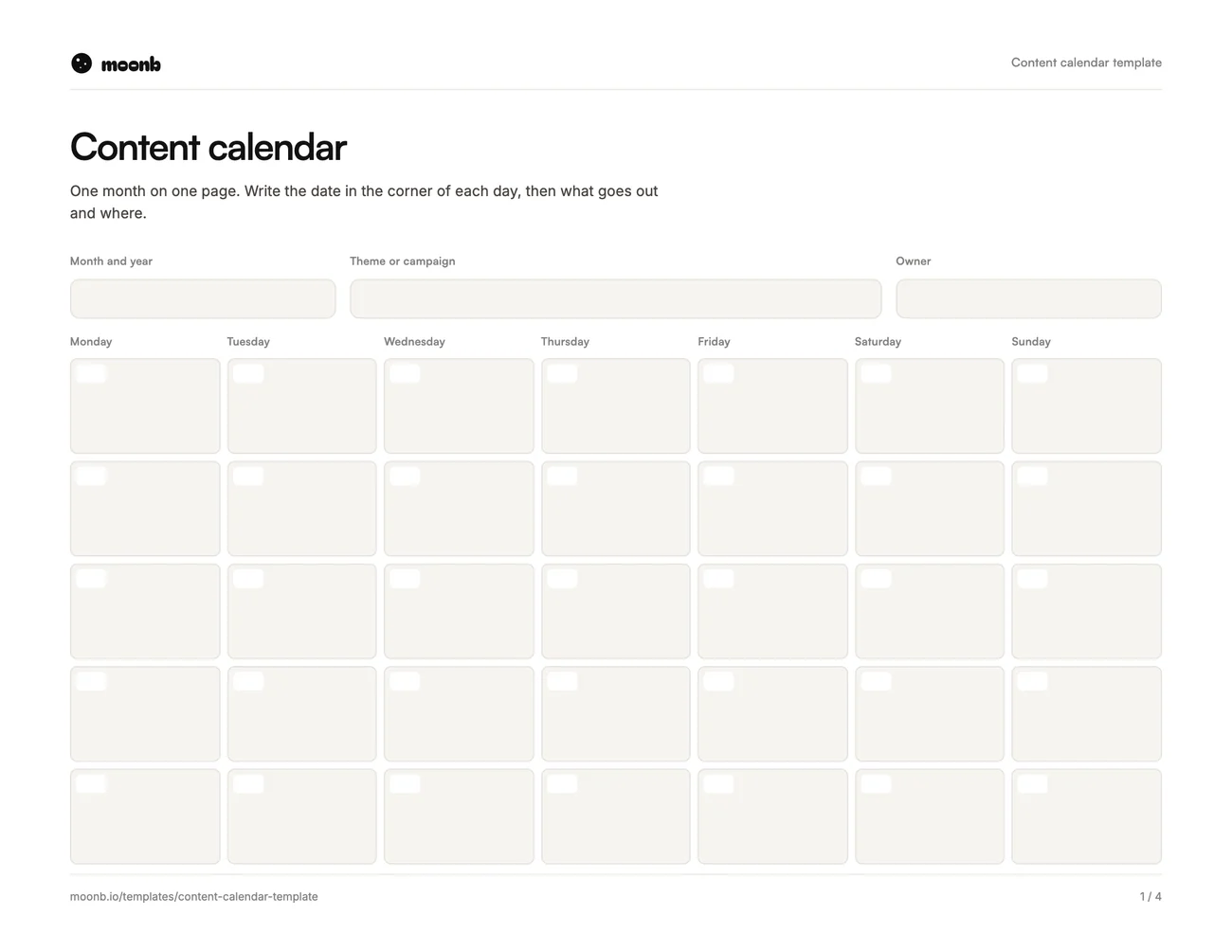
- Page 1
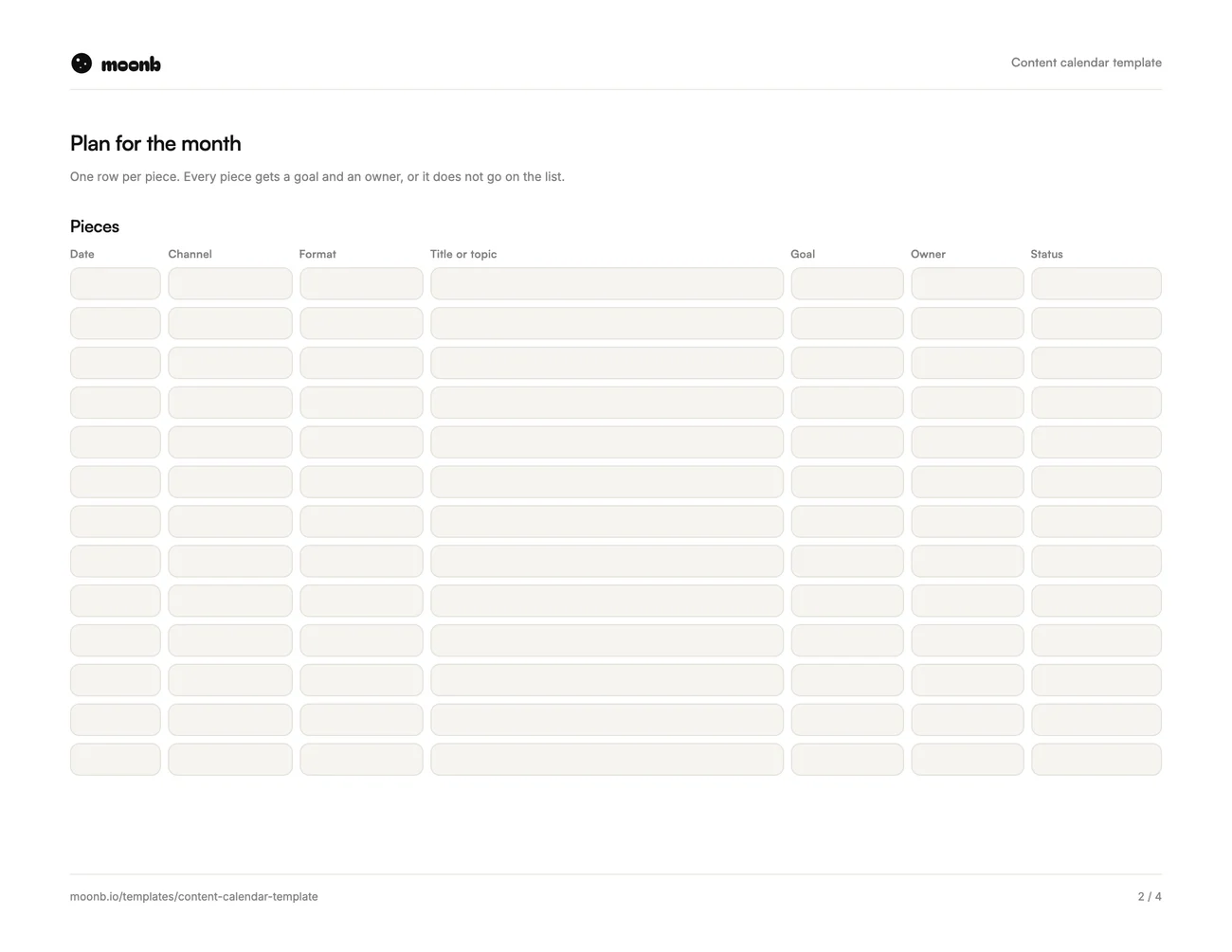 Page 2
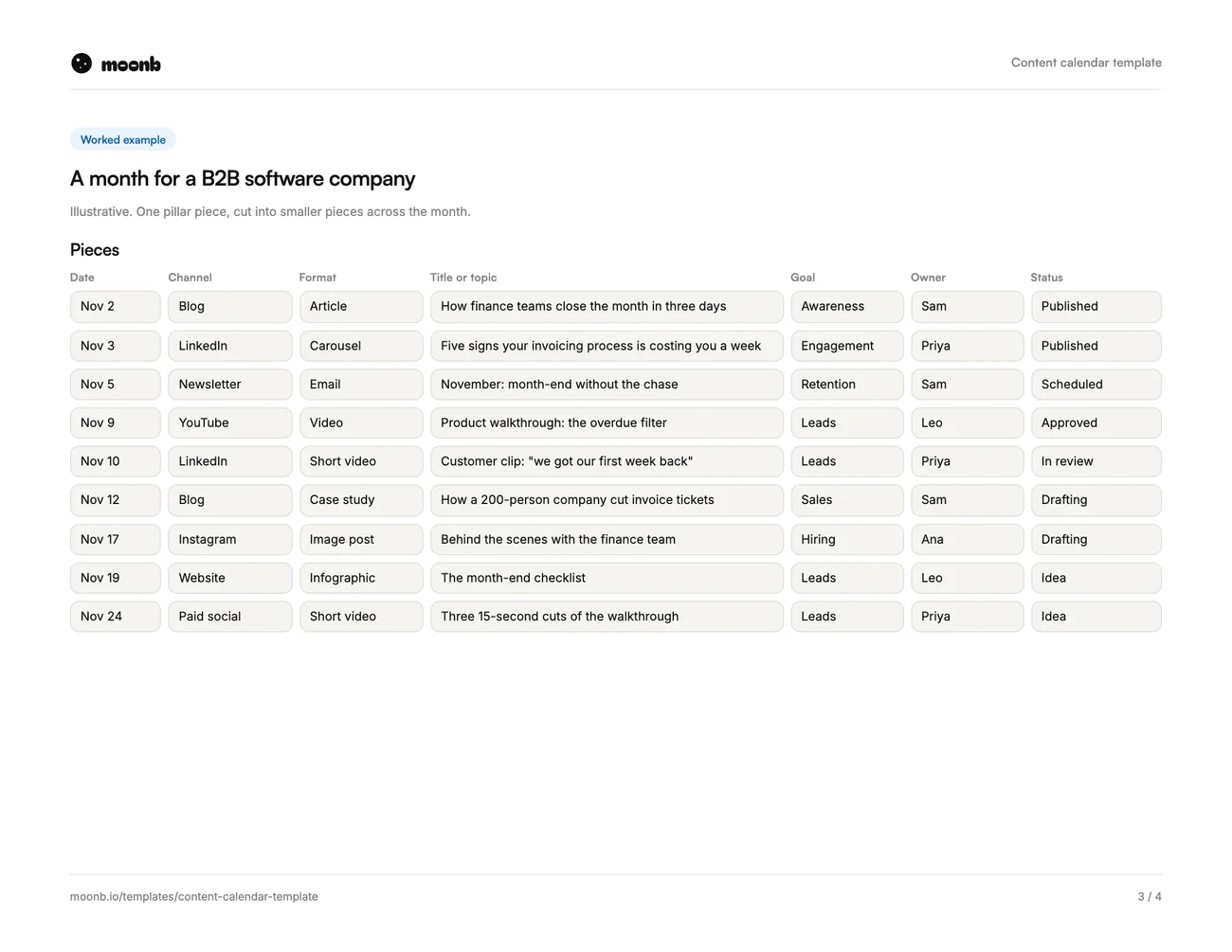 Page 3
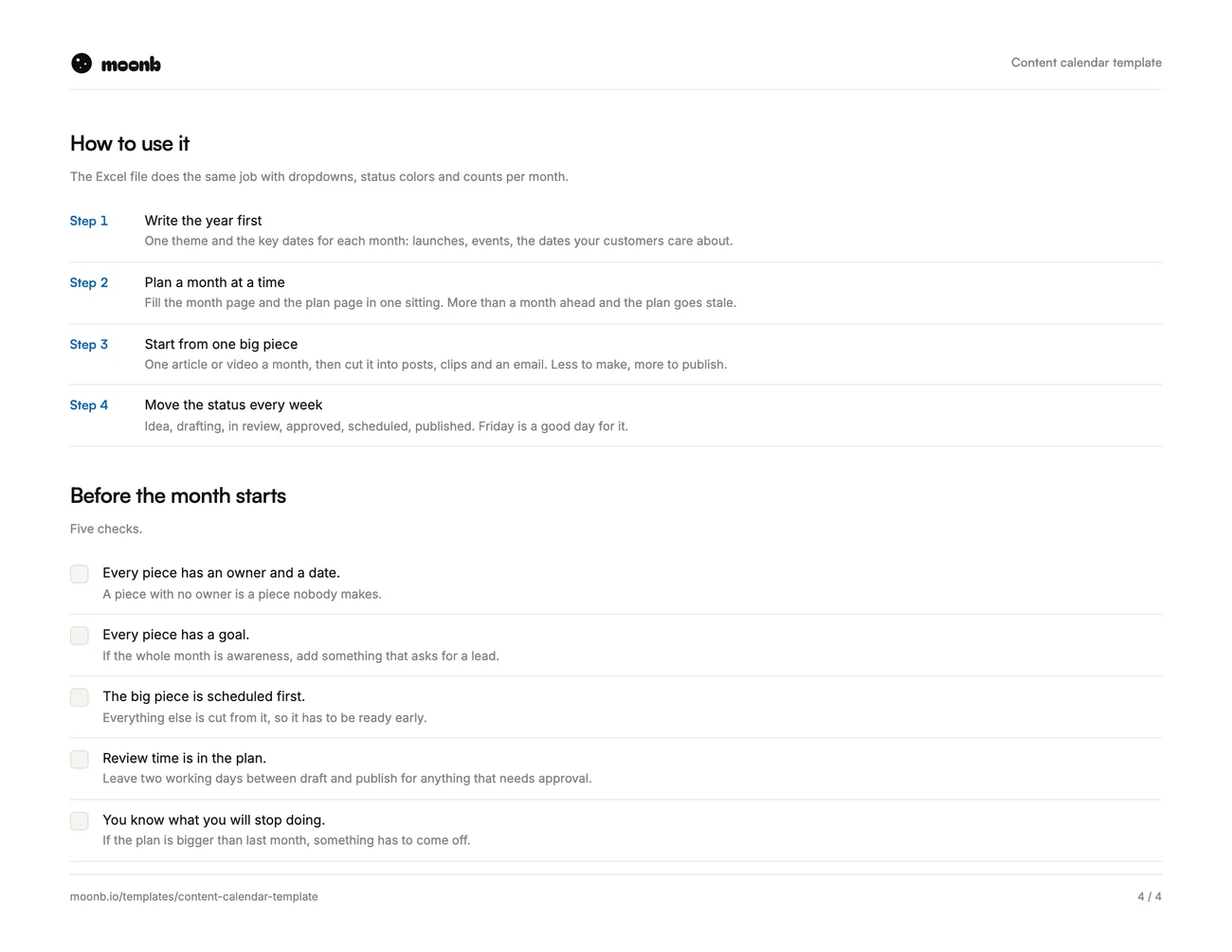 Page 4
A content calendar is a list of everything you plan to publish, with a date, a channel, an owner and a status for each piece. This one comes as an Excel workbook that also opens in Google Sheets, and as a PDF month planner you can type into or print.
The workbook does the boring parts for you. Pick the channel and format from a dropdown, move the status as the piece moves, and the year view counts what is planned and what is published.
What is in it
| Part | What it does |
|---|---|
| Content plan | One row per piece: date, week, channel, format, title, goal, owner, status, link |
| Year at a glance | A theme and key dates for each month, with pieces planned and published counted for you |
| Example month | A filled month for a software company, to show the level of detail |
| Lists | The channels, formats and owners behind the dropdowns. Edit them once |
| PDF planner | A month grid, a plan page, an example and a checklist |
How to use it
- Start with the year. One theme and the key dates for each month. Launches, events, the dates your customers care about.
- Plan one month at a time. Fill the month in one sitting. More than a month ahead and the plan goes stale.
- Start from one big piece. One article or video a month, cut into posts, clips and an email. Less to make, more to publish.
- Give every piece a goal and an owner. If nobody owns it, nobody makes it. If the whole month is awareness, add something that asks for a lead.
- Move the status every Friday. Idea, drafting, in review, approved, scheduled, published. The colors change on their own.
Where it fits
The calendar is the last step. It works best once you know what you are trying to achieve and who for, which is what our content marketing plan post covers. If you are stuck on what to put in it, our list of social media content ideas is a good place to start.
And if the hard part is making the videos and designs on the calendar, that is the part we do at Moonb.
Frequently Asked Questions
Plan themes and key dates for the whole year, but plan the actual pieces one month at a time. Anything further out goes stale, because launches move and good ideas turn up late.
Yes. Upload the Excel file to Google Drive and open it with Google Sheets. The dropdowns, status colors and monthly counts all carry over.
As many as you can make well and on time. Most teams do better with three solid pieces a week than with seven rushed ones, and the year tab shows you what you actually shipped.
More free templates
Briefs, plans and production sheets, built the way we use them.
- PDF + WordMarketing plan templateGoals, audience, channels, budget split and the calendar for the year.
- Excel + PDFProduction schedule templateEvery day of a video shoot, from prep to delivery, with owners.
- PDF + WordCreative brief templateEight fields that turn a vague request into work you can sign off.
The templates are free. The team isn't.
Need the video, design or motion actually made? Tell us what you're working on.