Production schedule template.
Every step of a video shoot, from the signed brief to delivery. An Excel file with a timeline that colors itself, plus a printable PDF.
Free, no sign-up, no email.
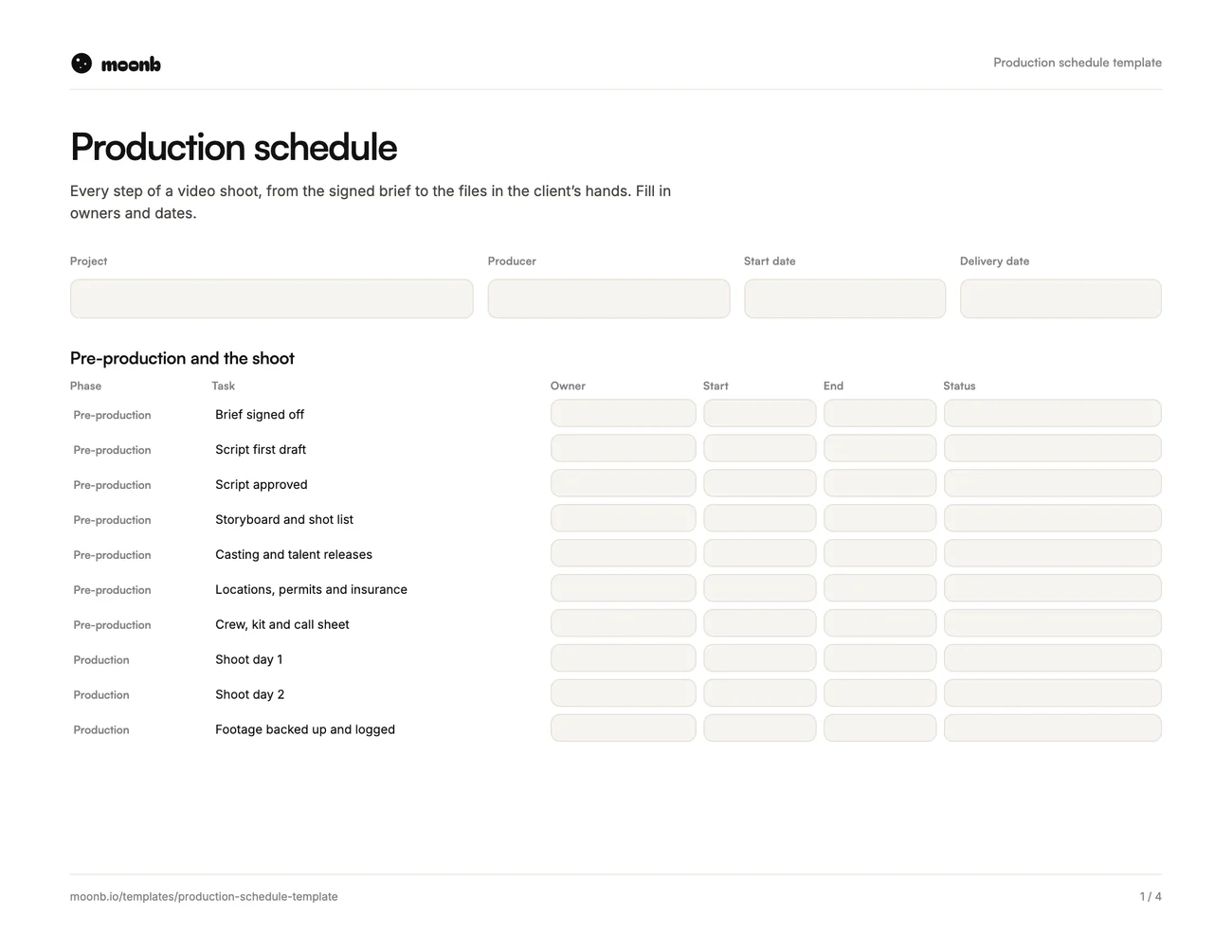
- Page 1
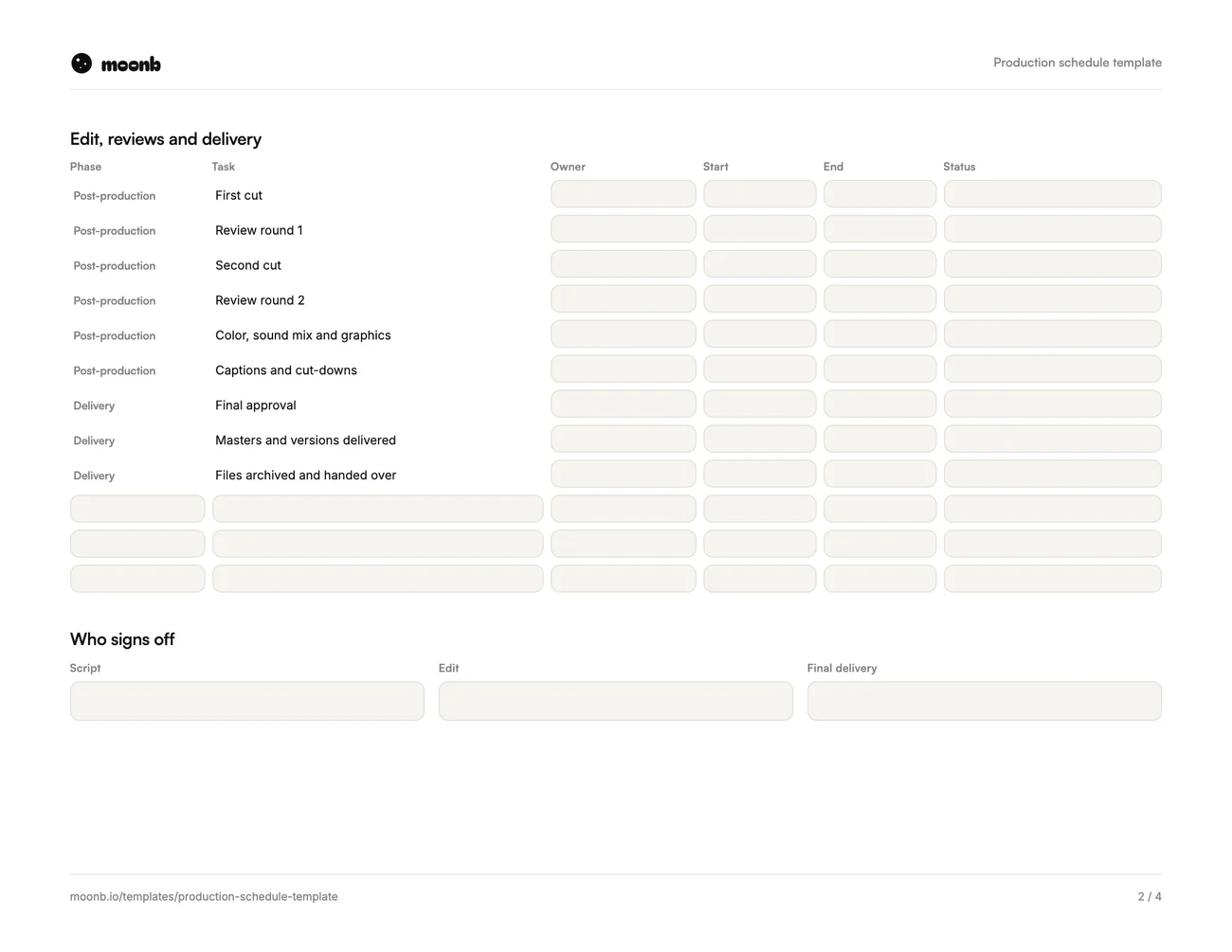 Page 2
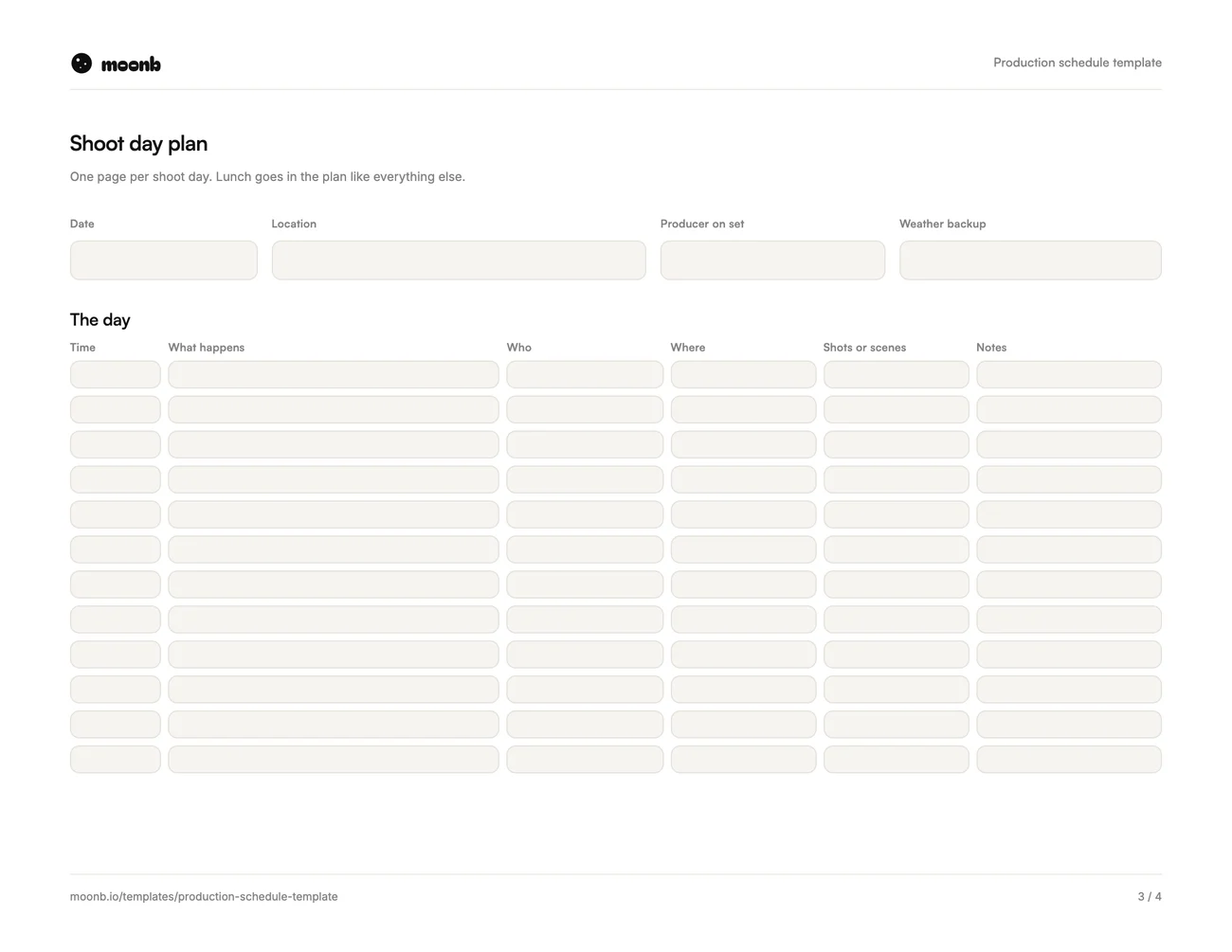 Page 3
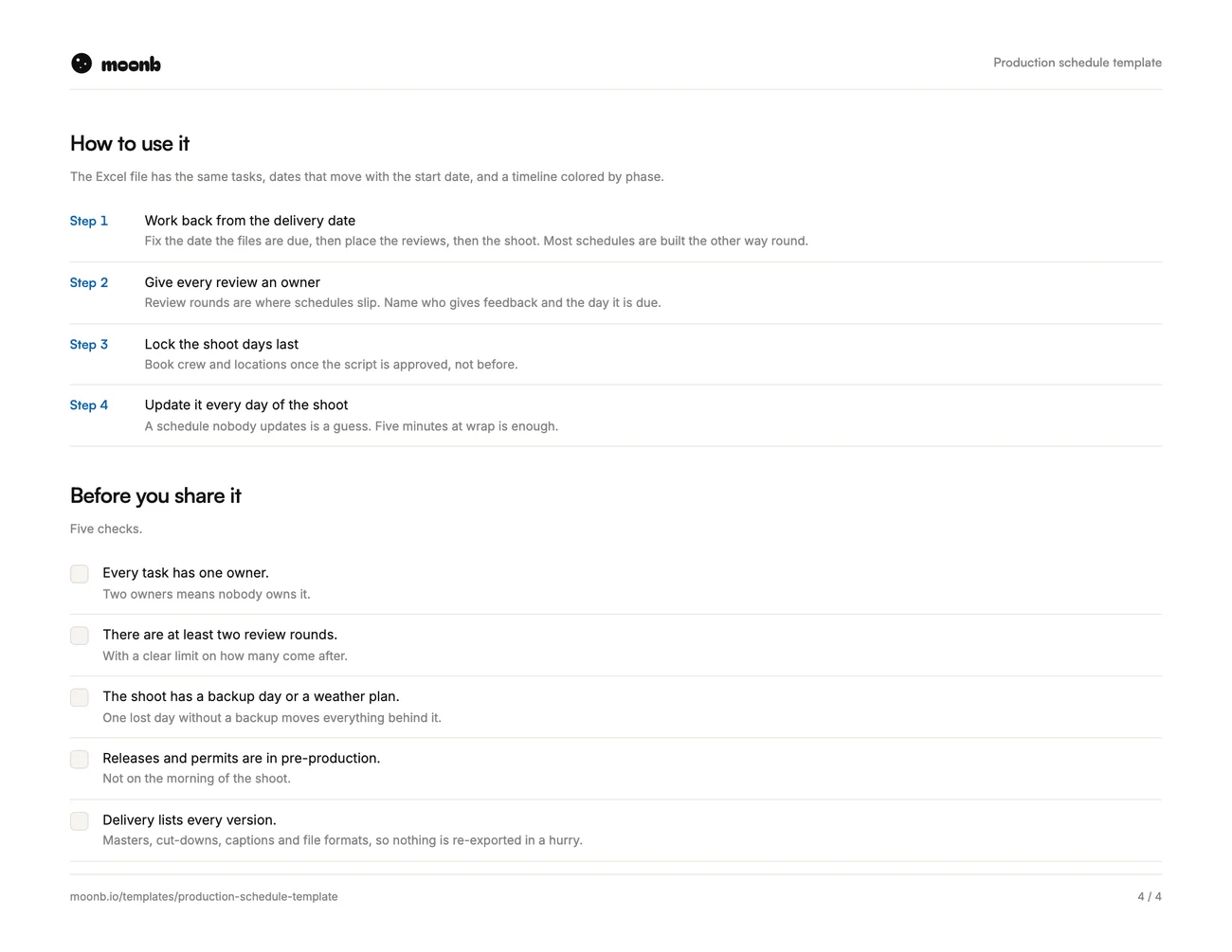 Page 4
A production schedule lists every task in a video project with an owner and a date, from the signed brief to the files in your hands. This one is an Excel workbook with the usual tasks already in it, and a PDF you can type into or print.
Set the start date and every date moves with it. The timeline on the right colors itself by phase, so you can see at a glance where the time goes.
What is in it
| Part | What it does |
|---|---|
| Schedule | Nineteen standard tasks across pre-production, the shoot, post-production and delivery, with owners, dates and status |
| Timeline | Six weeks of days that fill in by phase as you set dates |
| Shoot day | Call times, setups, who and where, for one day of filming |
| Lists | Phases, statuses and owners behind the dropdowns |
| PDF version | The same tasks on paper, a shoot day page and a checklist |
How to use it
- Work back from the delivery date. Fix when the files are due, then place the reviews, then the shoot. Most schedules get built the other way round and slip.
- Give every review an owner and a date. Review rounds are where schedules slip, not the shoot.
- Lock the shoot last. Book crew and locations once the script is approved.
- Plan each shoot day. Use the shoot day tab for call times. Lunch goes in the plan like everything else.
- Update it every day of the shoot. Five minutes at wrap. Blocked tasks turn red so they get seen.
Before you start
The schedule only holds if the brief is clear. Our creative brief template covers that part, and the video production checklist lists what to lock at each stage. If you are choosing who makes the video, our guide to picking a video production company helps.
If you would rather hand the whole schedule to a team that runs it every week, that is what we do at Moonb.
Frequently Asked Questions
For a short corporate or product video, five to seven weeks from signed brief to final files is common. The shoot itself is often one or two days; script approval and review rounds take most of the time.
The producer. One person keeps it current and chases the dates, while everyone else owns their own tasks on it.
The schedule covers the whole project, from brief to delivery. A call sheet covers one shoot day: who arrives when, where, and what gets filmed. The shoot day tab in this template is a simple call sheet.
More free templates
Briefs, plans and production sheets, built the way we use them.
- PDF + WordMarketing plan templateGoals, audience, channels, budget split and the calendar for the year.
- Excel + PDFContent calendar templateA month-by-month sheet for every post, channel, owner and status.
- PDF + WordCreative brief templateEight fields that turn a vague request into work you can sign off.
The templates are free. The team isn't.
Need the video, design or motion actually made? Tell us what you're working on.