11 best places to get free animated icons
Eleven free animated icon libraries checked on their own pages: how much is free, the license and credit rules, the formats you get, and what you can recolor.

The best places to get free animated icons are Mosso, LottieFiles, Lordicon and useAnimations for most interface work, plus Icons8, IconScout and Magnific when you need a huge catalog and can live with a credit or a narrower free format. All eleven below are free to start, but read the terms before you build on one. Icons8 wants a link back on every page, and Magnific keeps the Lottie file for paying members.
Small motion work fills a good part of my week on the Moonb team: a bell that wiggles when a notification arrives, a checkmark that draws itself after a form submits. Nearly all of it starts in a free library. The problems I end up fixing later are almost always boring ones, like a credit nobody added because nobody read the license, or a GIF dropped into a spot that needed a Lottie file.
This list sticks to icons. Full animated scenes, loaders and illustrations are in my roundup of free Lottie animations. If you would rather animate from scratch, Studio Liddell’s roundup of the best free animation software tools covers Blender, Krita, OpenToonz and Rive, among others.
Free animated icon libraries at a glance
Counts and license terms are as of October 2026. “Customizable” means you can change color or timing on the site before download, or edit the source once it sits in your project.
| # | Library | Free amount | License (credit and commercial use) | Formats on the free tier | Customizable |
|---|---|---|---|---|---|
| 1 | Mosso | 89 animated icons on the page; a free account can download up to 50 a day from the library | Commercial and client work allowed; no credit needed for Mosso's own work | Lottie; the editor also exports GIF, MP4 and transparent video | Yes (stroke width, color, timing) |
| 2 | LottieFiles | Close to 6,000 free icon animations | Lottie Simple License: commercial use allowed, credit encouraged but not required | Lottie JSON, dotLottie, GIF, MP4 | Yes (recolor) |
| 3 | Lordicon | 9,700+ free icons out of 48,100+ | Commercial use allowed; attribution required on the free tier | Lottie, GIF, MP4, WebP, PNG, SVG | Yes (color, stroke, speed, animation state) |
| 4 | useAnimations | All 300 icons | MIT: commercial use allowed, attribution not required | React component, shadcn, Lottie JSON, still SVG | Yes (color, size, interaction) |
| 5 | Jitter | Free icon templates on the free plan (3 workspace files) | Free plan is pitched at personal projects; Pro removes the watermark | Video, GIF, Lottie at up to 720p | Yes (full editor) |
| 6 | Icons8 | Most-downloaded animated icons free in every format | Free with a link to icons8.com wherever you use them; a paid license drops the link | Lottie, GIF, After Effects | Yes (edit the free AEP or Lottie file) |
| 7 | Animated Icons | Part of a 4,000+ library; the rest sits behind All-Access | Commercial and personal use allowed, no attribution | Lottie JSON, SVG, PNG | Yes (colors, stroke width, speed) |
| 8 | lucide-animated | All 468 icons in the open-source set | MIT: commercial use allowed, attribution not required | React components added with the shadcn CLI | Yes (source lives in your project) |
| 9 | IconScout | A free share of 334,839 animated icons, mixed with premium items | Commercial use allowed; credit not required under the IconScout Simple License | GIF on free items; JSON and SVG may need a paid membership | Yes, once you have the JSON (LottieFiles editor or After Effects) |
| 10 | Magnific | 34K+ animated icons | Free with attribution; Premium, Premium+ or Pro removes the credit | GIF, MP4, PNG (JSON, SVG and AEP are premium) | Yes (edit colors) |
| 11 | Creattie | A free filter inside a catalog sold as premium collections | Commercial and personal use, no attribution, licensed per seat | Lottie JSON, GIF, MP4 | Yes (edit the JSON after download) |
The best places to get free animated icons
1. Mosso
Mosso's license, palettes and exports
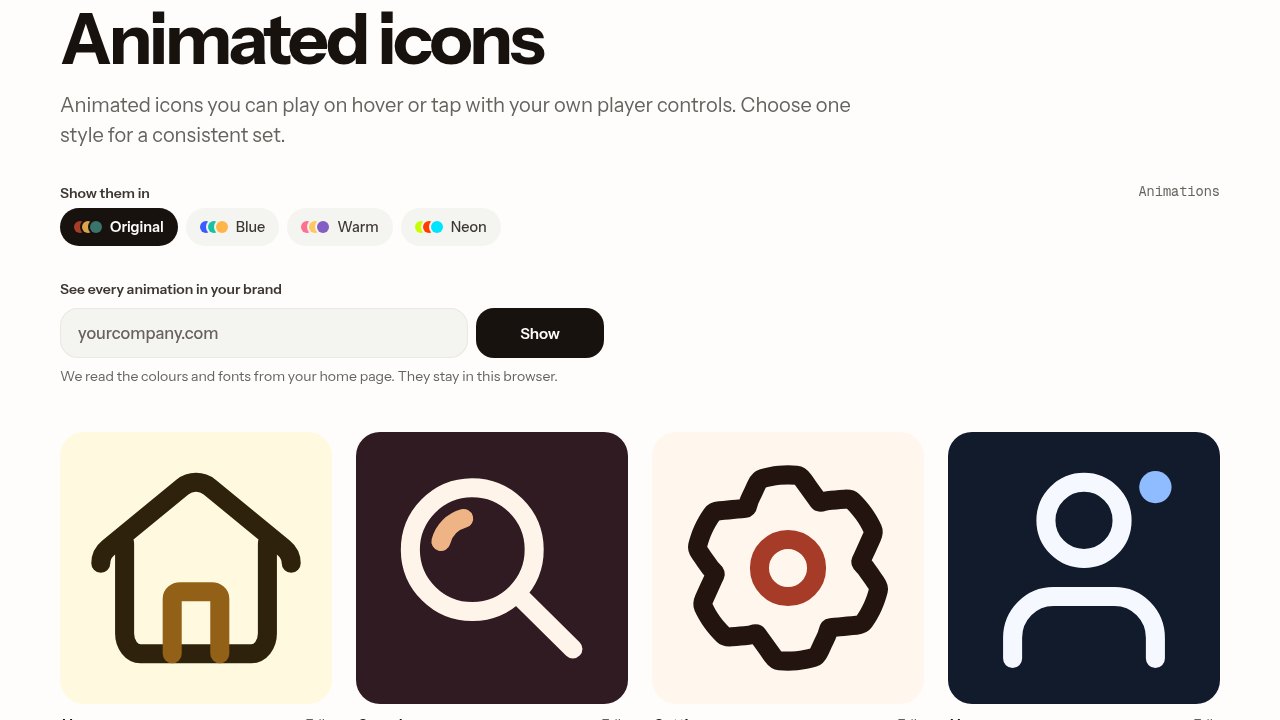
Mosso is a browser animation editor with a library attached, and its animated icon page lists 89 icons from home and search through wallet, trophy and log out, each tagged with its loop length (most run 1.5 seconds). You can switch the whole page between Original, Blue, Warm and Neon palettes, or enter a domain and it reads the colors and fonts from that homepage to show every icon in your brand. Downloads are Lottie, and anything you open in the editor can also leave as GIF, MP4 or transparent video. The license covers commercial and client projects; third-party parts keep their own licenses, and Mosso does not ask for a credit on its own work.
Mosso’s page even prints the advice I keep giving developers, almost word for word. Load the icon paused and play it on hover or tap. Keep it at 24 to 48 pixels next to text, and put the label on the button while the animation itself stays aria-hidden. Every one of the 89 was made in Mosso itself, and the page tells you to stick to one style for a consistent set.
The size of the library is where Mosso runs short. If you need a stethoscope or a shipping container, it won’t be there, and the moment you mix in a second library you are back to the stroke and easing mismatches I get into further down. For the everyday interface set, though, I’d send a developer here first.
2. LottieFiles
What the Lottie Simple License allows
LottieFiles runs a large community library for the format, and its free icon page describes the files as a few kilobytes each and recolorable to match your palette. Public files fall under the Lottie Simple License, which allows commercial use and modification and says that using a file without crediting its creator is permitted, though attribution is strongly encouraged. The license also bars collecting files to build a competing service. Free and premium animations show up side by side, so check the badge on a file before you build around it.
When a brief asks for something odd (an animated pill bottle, a ticket stub), this is the first search I run. The same subject often turns up in three line weights from different uploaders, so pick one creator and stay inside their pack where you can.
3. Lordicon
Lordicon's three families and the free license
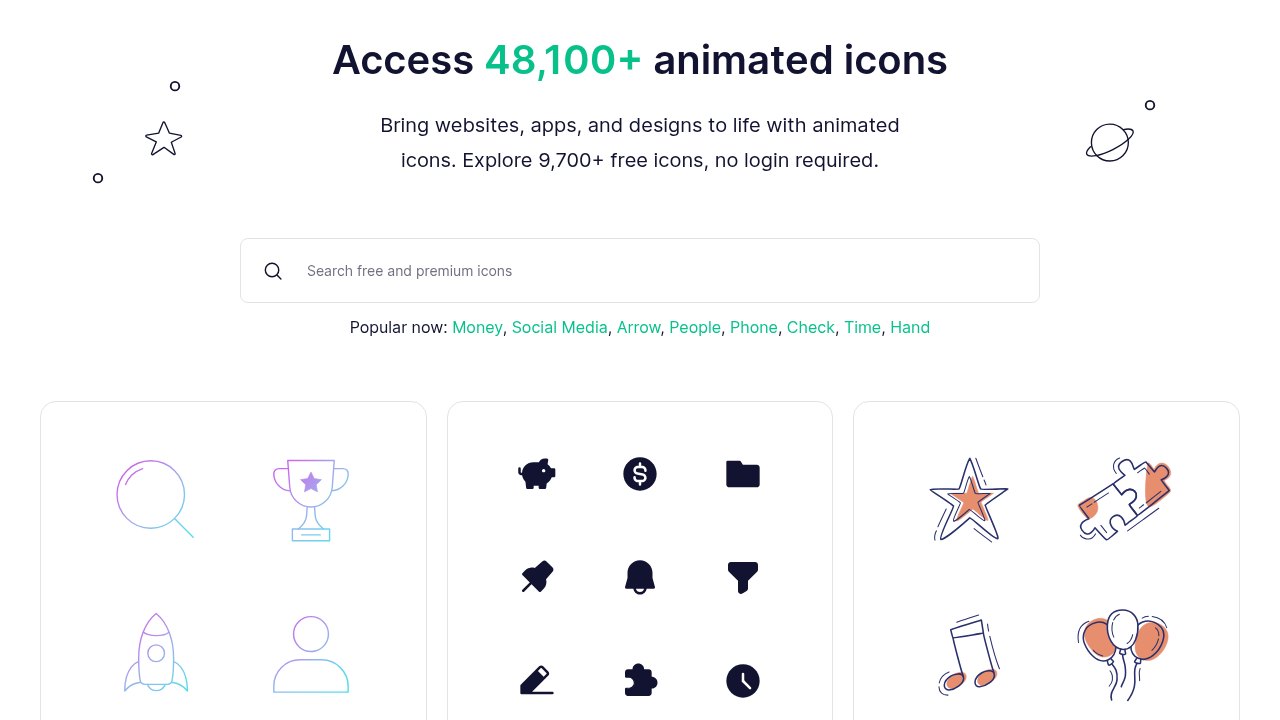
Lordicon's catalog is split into three families: Wired (decorative, 39,263 icons in outline, flat, lineal and gradient), System (minimal, 2,299 in outline and solid) and Doodle (hand drawn, 6,583). The free license is based on Creative Commons Attribution-NoDerivatives 4.0 with changes: it allows commercial use, requires a credit, and caps embedded icons at 1 million CDN requests. The pricing page lists the free tier with icon customization, one icon collection and no download limit. Its own pricing FAQ confirms free icons can go into client websites, ads and paid products as long as you credit Lordicon.
Teams forget the credit all the time. Lordicon’s attribution page says where it goes: a footer link on a website, and for an app the About page or Settings plus the store description, or the app’s website if there is no About screen. If none of that fits your product, pay for PRO or use a library that needs no credit. And if you want to see the editor before signing up, Lordicon’s own short product video goes through finding an icon, changing its colors and animation, and exporting it.
4. useAnimations
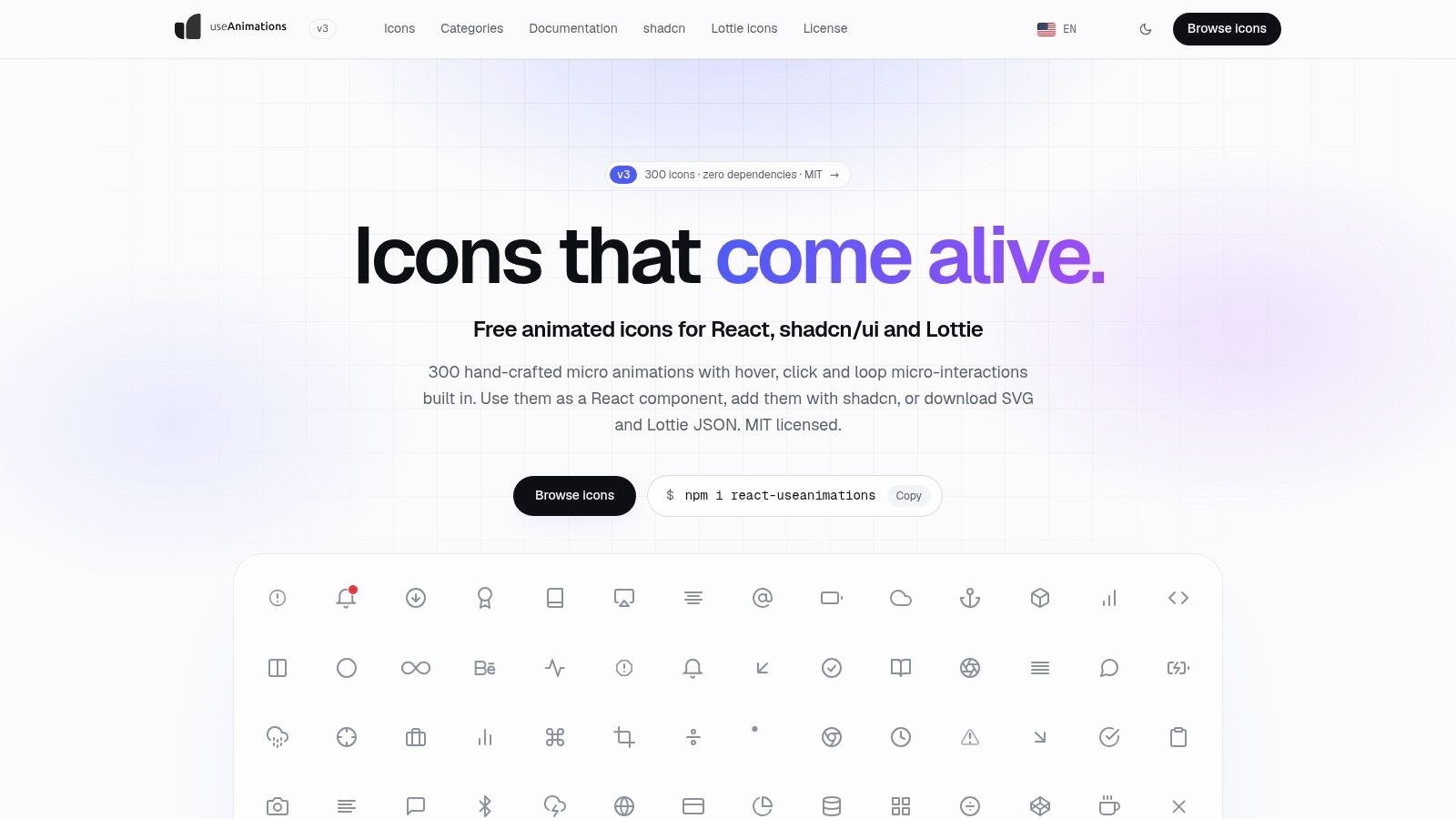
useAnimations under the hood
Version 3 of useAnimations has 300 hand-crafted micro animations, an 8 kB gzipped player with zero dependencies, and per-icon modules that run 1 to 15 kB (2 kB median). You can install it from npm, add icons with the shadcn CLI, or download each one as Lottie JSON, SVG and ZIP from its page. Because every icon is a standard Lottie file, it also plays with lottie-web in plain JavaScript, Vue or Svelte. The site says icons play their hover animation on keyboard focus too, and stay out of screen readers unless you label them.
For interface feedback, a menu turning into a close button or a bell ringing, I think this is the cleanest free license here.
5. Jitter
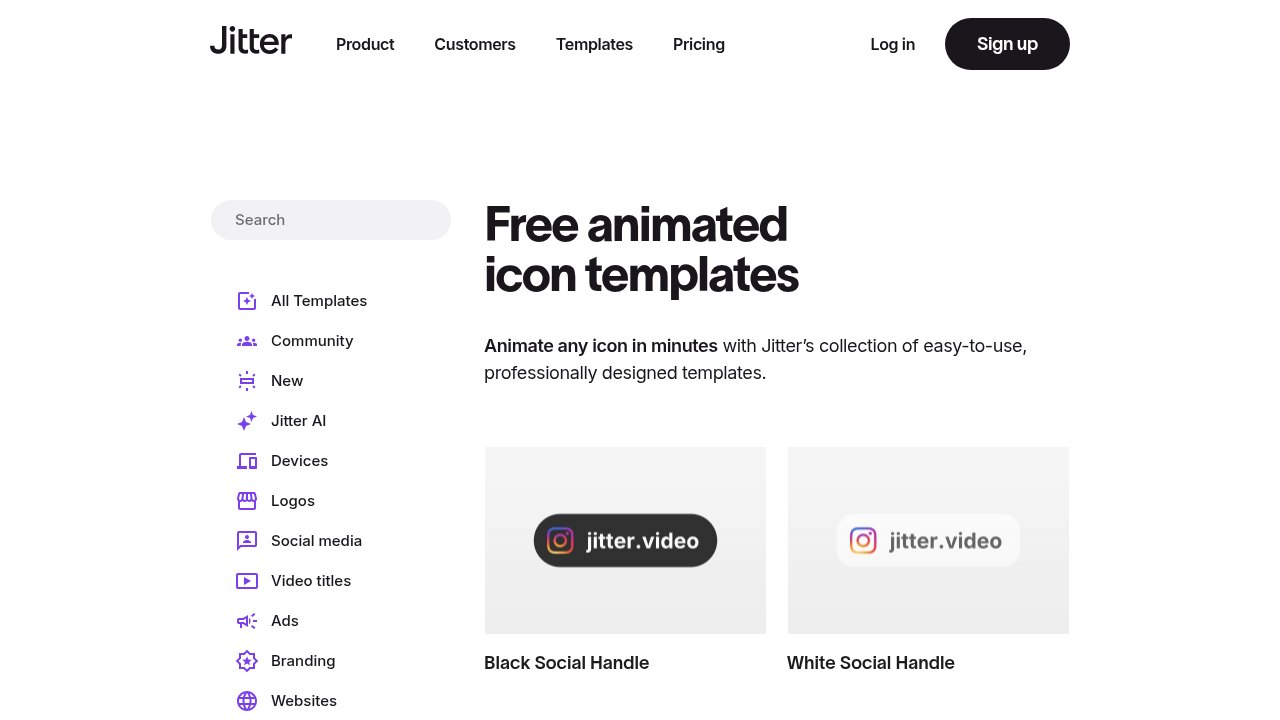
Jitter's templates and Free plan limits
Jitter is a browser motion design tool, and its icon template category includes morphing weather icons, star ratings, progress pies and donuts, like and dislike buttons, app store badges and a bouncy icon set. Its FAQ says the templates are fully customizable and that you can use the results anywhere, from websites and social posts to presentations and videos. The pricing page positions the Free plan for personal projects, with unlimited drafts, three workspace files, 720p at 30fps and limited AI credits. Higher resolutions, ProRes and WebM export and watermark-free files start on Pro.
You see the motion before you commit to anything, which I like. It suits a landing page with one hero icon. Building a whole interface set on three workspace files would be a slog.
6. Icons8
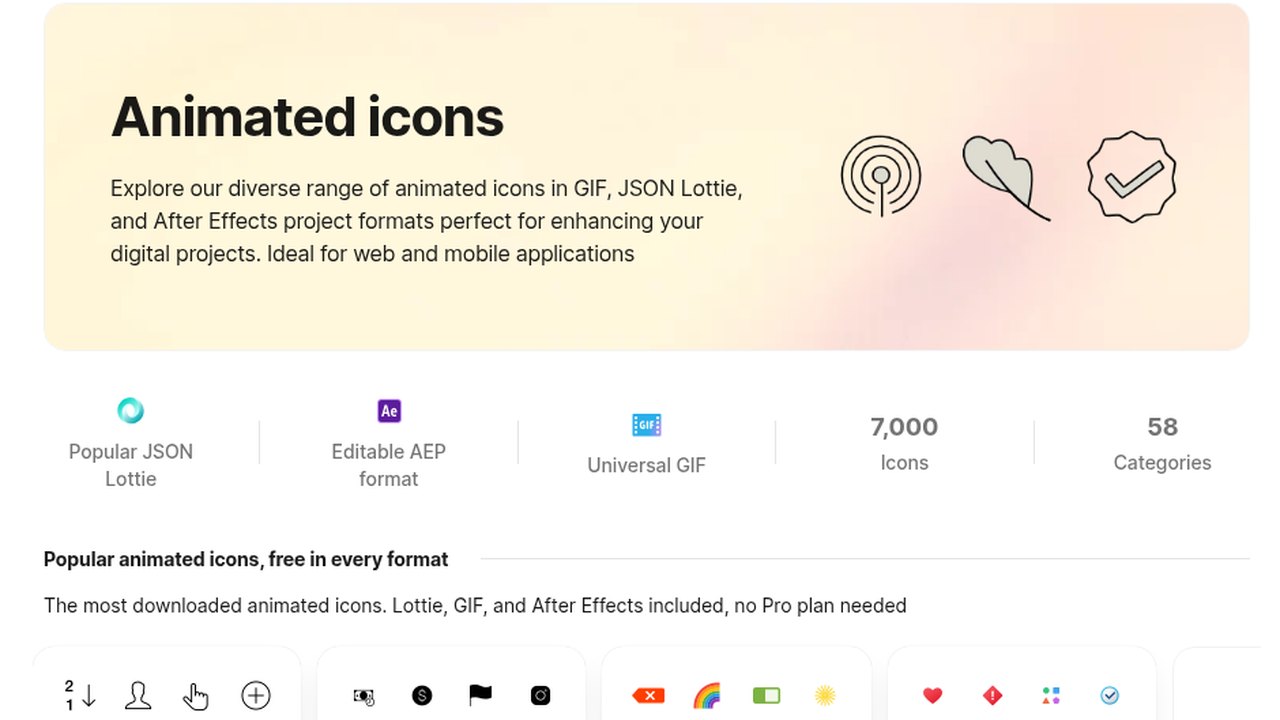
The Icons8 link rule, in full
The free license page asks for a link to icons8.com on every page using its graphics; for apps it wants the link in the About section or Settings plus a credit in the App Store or Google Play description. Buying a license removes the link and, in the page's words, gives access to all formats and sizes. The animated set itself is described as the same icons as Icons8's static styles, but moving, in Lottie and GIF, grouped by style (iOS outlined, iOS filled, color and more) and by category, from ecommerce and finance to weather and healthcare.
A free After Effects file surprised me. If your motion designer wants to retime an icon or merge two, having the source saves rebuilding it from a GIF.
7. Animated Icons
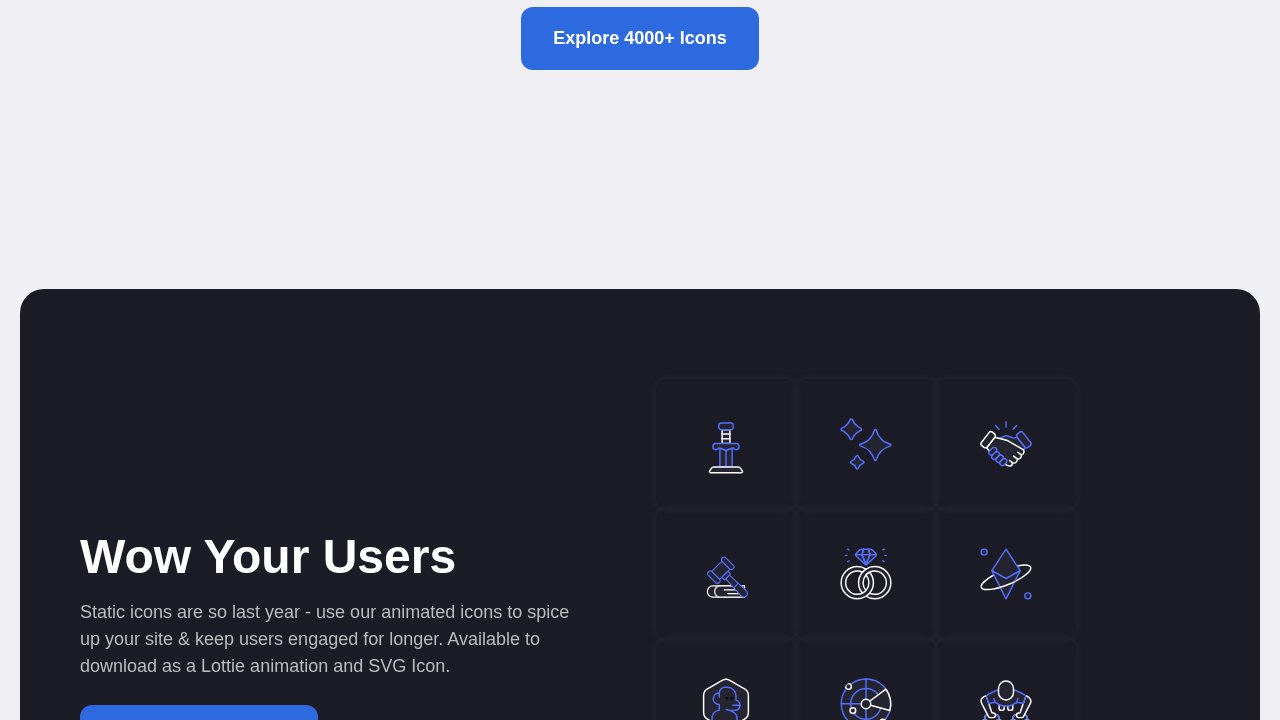
Who runs Animated Icons
Animated Icons is run by Pixel True Design Studios and offers downloads as a Lottie animation, SVG or PNG, with HTML embed code covered in its docs. Its license summary says you can use the icons in any project, commercial or personal, without attribution or cost. The full license text adds that this applies to free and paid icons alike, and rules out using them to build a competing service or redistributing them as a standalone package.
The drawings lean illustrative, handshakes and planets and the like. Lovely in a feature section. Next to a plain gear icon in a toolbar, they look like they wandered in from another app.
8. lucide-animated
How lucide-animated installs
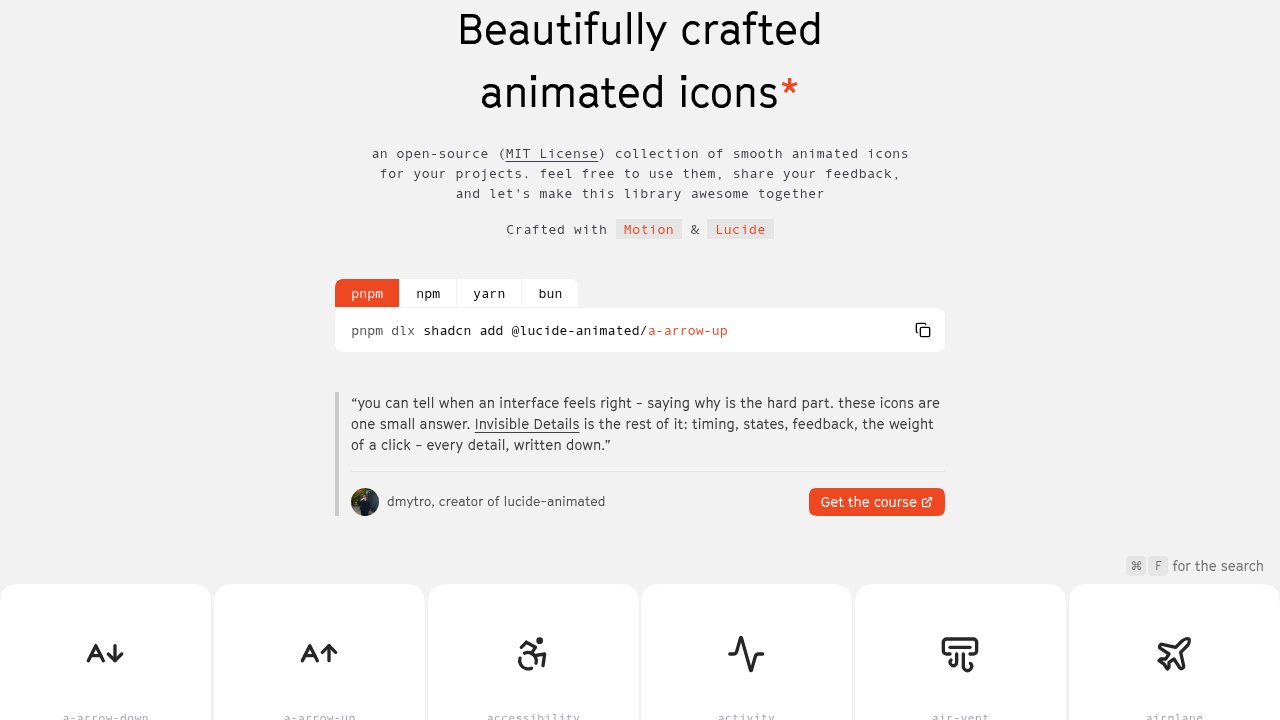
lucide-animated is an open-source collection of 468 animated React icons built with the Motion animation library and Lucide's icon set. Each one animates on hover. You add an icon with one shadcn command (for example, pnpm dlx shadcn add @lucide-animated/a-arrow-up), and the component file is copied into your codebase, where you can change it like any other code.
If your design system already runs on Lucide, I wouldn’t look any further. If it doesn’t, you need React in the stack, since there is no Lottie or GIF to fall back on.
9. IconScout
IconScout and its LottieFiles connection
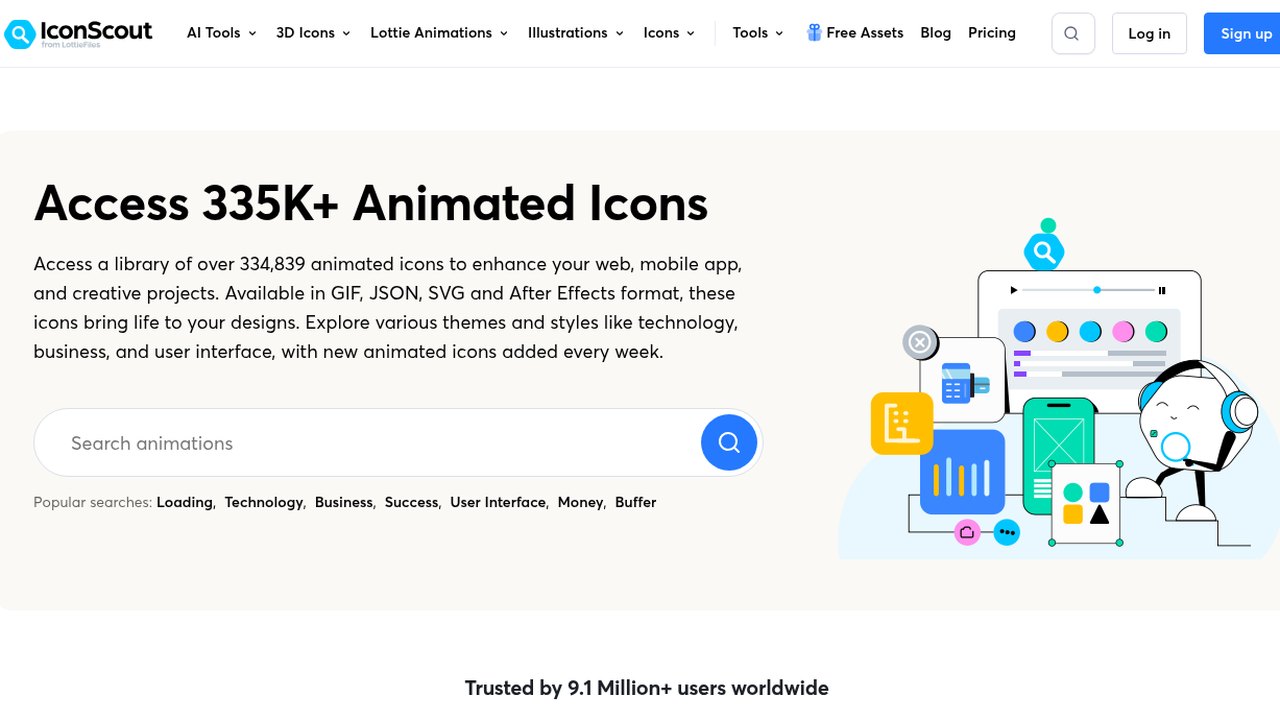
IconScout is part of the LottieFiles family (its logo reads "from LottieFiles", and its Simple License is copyrighted to Design Barn Inc., the same company named on the Lottie Simple License). The animated icons page says new icons are added every week, and its FAQ points to the LottieFiles editor or After Effects for customizing the JSON files. Logos in the catalog are a separate case: the licenses page limits brand logos to personal use under each owner's guidelines.
Between the premium badges and the sheer spread of styles, filtering here takes longer than downloading, so I pick a style family first and keep every search inside it.
10. Magnific
Magnific (formerly Freepik): free vs premium files
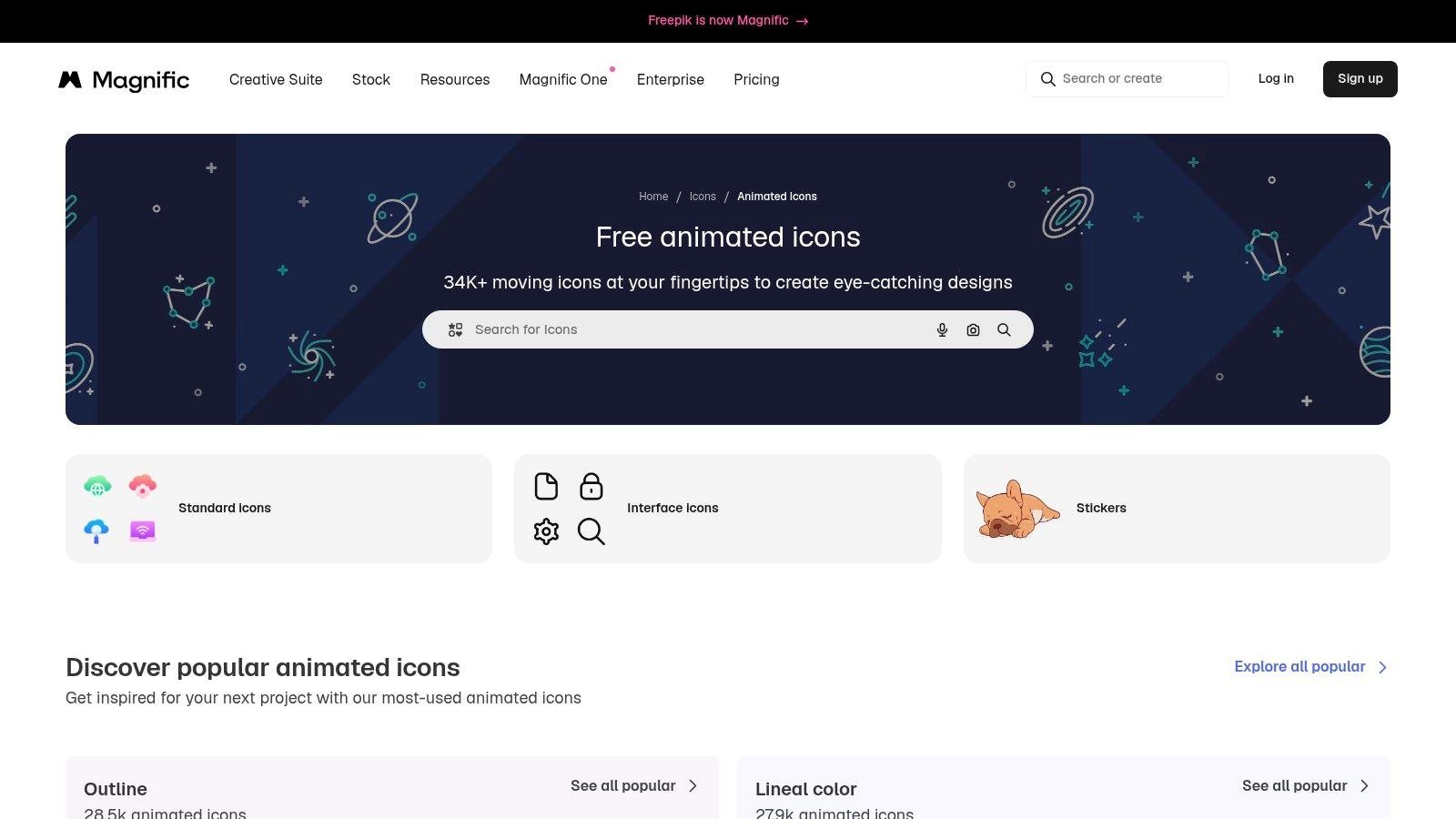
Premium users download AEP, JSON and SVG, while free users get GIF, MP4 and PNG, according to Magnific's file format docs. Magnific is the new name for Freepik, and its animated icon page groups the catalog into outline and lineal color styles alongside stickers. The terms of use make free use conditional on crediting the site, and content marked for editorial use, or showing logos and recognizable products, cannot be used commercially.
On a website or in an app, the free formats get in the way. Magnific’s own docs note that GIF is limited to 256 colors, and neither a GIF nor an MP4 can respond to a hover the way a Lottie file can. For a carousel post or a slide none of that matters, and that is where the free tier makes sense to me.
11. Creattie
Creattie's license terms
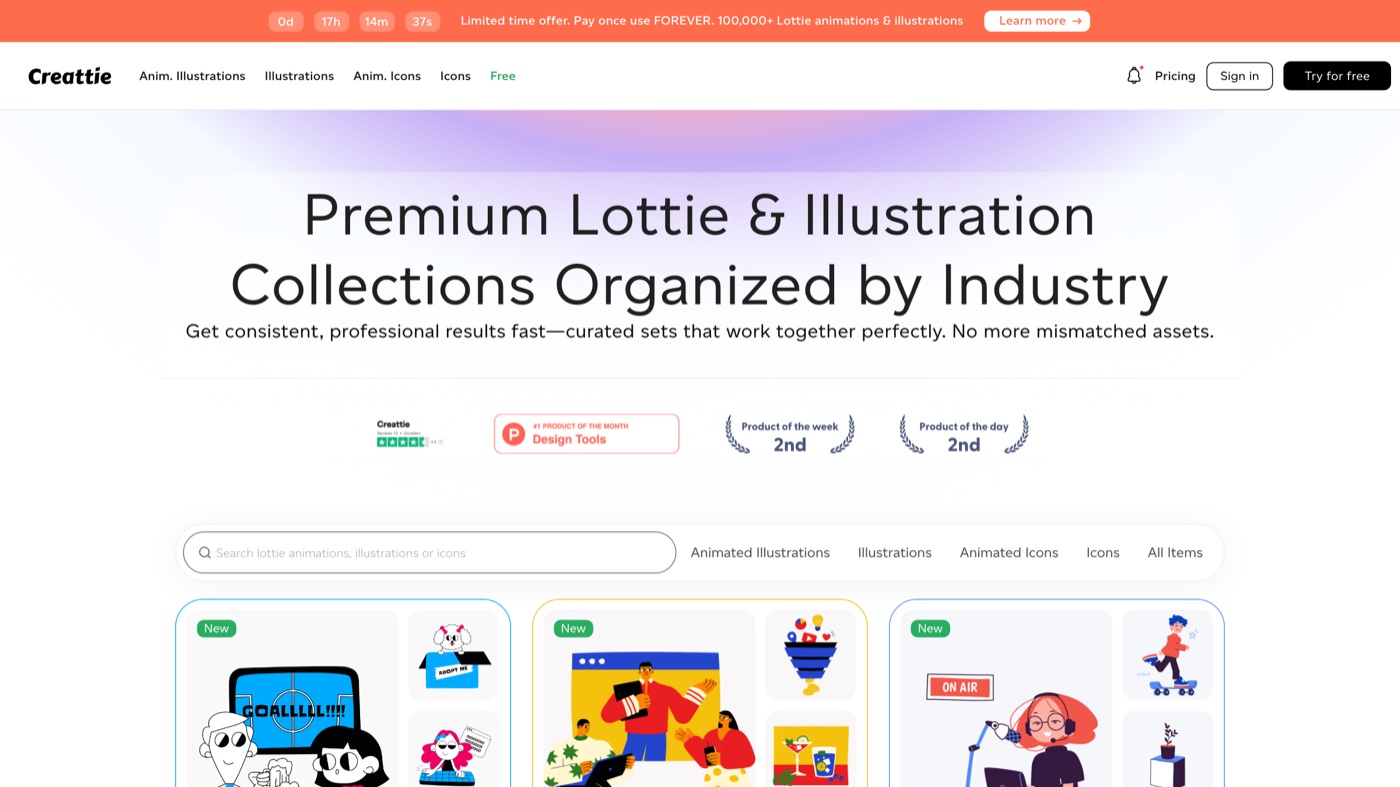
No attribution is required unless agreed otherwise, and the license (last updated February 2025) grants a perpetual, worldwide right to use assets in personal or commercial work, transferable to one client or employer, but you cannot distribute an asset as a standalone file, modified or not. Everything else on the site is sold as animated illustrations and icons organized by industry collection.
If one of the free icons fits, the rest of that style lives in the matching paid collection.
How to match animated icons to your brand
Before anything goes live, I put the new icons next to the ones the product already uses, because a clash with the existing set is usually what gives a free icon away.
I start with stroke weight. Put the animated icon next to a static one at the size it will ship, usually 24 pixels. If your system draws 1.5 pixel lines and the animation draws 2, the moving icon looks bolder than its neighbors every time it plays. Mosso, Lordicon and Animated Icons let you change the stroke before download; anything else you fix afterward.
Corners and line caps matter almost as much. I check those zoomed in, because a rounded cap sitting next to a square one is easy to miss at 24 pixels and still makes the row look off. Our guide to icon libraries argues for picking one static family and staying inside it. I’d hold animated sets to that too.
Timing is what nearly everyone skips, and it bugs me most. Interface icons should finish fast. Most of Mosso’s loops run 1.5 seconds, and a hover state that takes longer starts to feel like a loading spinner. Easing counts as well; when one icon bounces and the one next to it slides, the whole set feels random.
Tintd’s guide to how to customize folder icons on Mac is about restyling folders in bulk, but its warning about manual styling carries over almost exactly: every folder ends up with an unrelated color, and the directory gets harder to read. Animated icons pulled from a handful of libraries do that to a web page.
Color I leave until the end. With a Lottie file, open it in our free Lottie editor and swap the library’s colors for your palette across every layer at once. Then drop it into the Lottie viewer, watch it play at real size, and check the frame count and layers before a developer ever sees it. Never opened a Lottie file before? Our explainer on what Lottie animation is covers how the JSON is structured and why it stays small.
Getting animated icons onto a website
A Lottie file can play on hover, pause, loop or react to a click, while a GIF just loops and an MP4 behaves like a short clip. So inside a product, ask for Lottie or dotLottie and save GIF and MP4 for email, slides and social. If your motion designer works in After Effects, our guide to Bodymovin explains where the Lottie format came from.
LottieFiles has a developer tutorial on the embed, including autoplay and play on hover.
While you’re in the code, check accessibility too. The W3C’s WCAG 2.2 success criterion on pausing says that anything moving that starts automatically, lasts more than five seconds and sits alongside other content needs a way for the user to pause, stop or hide it. A looping icon in a hero section can trip that rule.
Browsers also expose a prefers-reduced-motion setting, which MDN describes as a way to detect that a user has asked the device to minimize non-essential motion. When it is on, serve the still frame. And when an icon carries meaning (a success check, a warning), give it a text label, because a screen reader gets nothing from the animation. More on motion in interfaces is in the UI animation post.
When none of the eleven has the icon you need, or the brand wants a set nobody else has, you’re into custom motion graphics, which is a different kind of job from downloading one.
Frequently asked questions
useAnimations and lucide-animated are MIT licensed, LottieFiles files fall under the Lottie Simple License, and Animated Icons and Creattie ask for no credit. Lordicon, Icons8 and Magnific allow commercial use on the free tier only with a visible credit or link. Mosso needs no credit for its own work, Jitter pitches its free plan at personal projects, and IconScout's free downloads come as GIF. Save a copy of each license page with the date you downloaded, since terms change and you may one day need to show what they said back then.
Lottie JSON or dotLottie for anything that should react to a hover or tap. Those are small vector files you can pause, play and recolor in code. GIF or MP4 works for email, slides and social posts, where nothing has to respond. And check whether an SVG download moves at all; on useAnimations, for example, the SVG is a still of the icon at rest, meant as a fallback.
If the library lets you, recolor on the site before download (Mosso, Lordicon, Animated Icons and Magnific all have color controls). For a Lottie file you already have, open it in a Lottie editor such as our free Lottie editor, replace the colors across every layer, then preview it at real size in a Lottie viewer. While the file is open, check stroke weight and timing against your existing icons too.



