18 Best Icon Libraries for Designers (2026)
I ranked 18 icon libraries I actually use for client work, free and paid, with pricing, licensing, and the right project for each one.

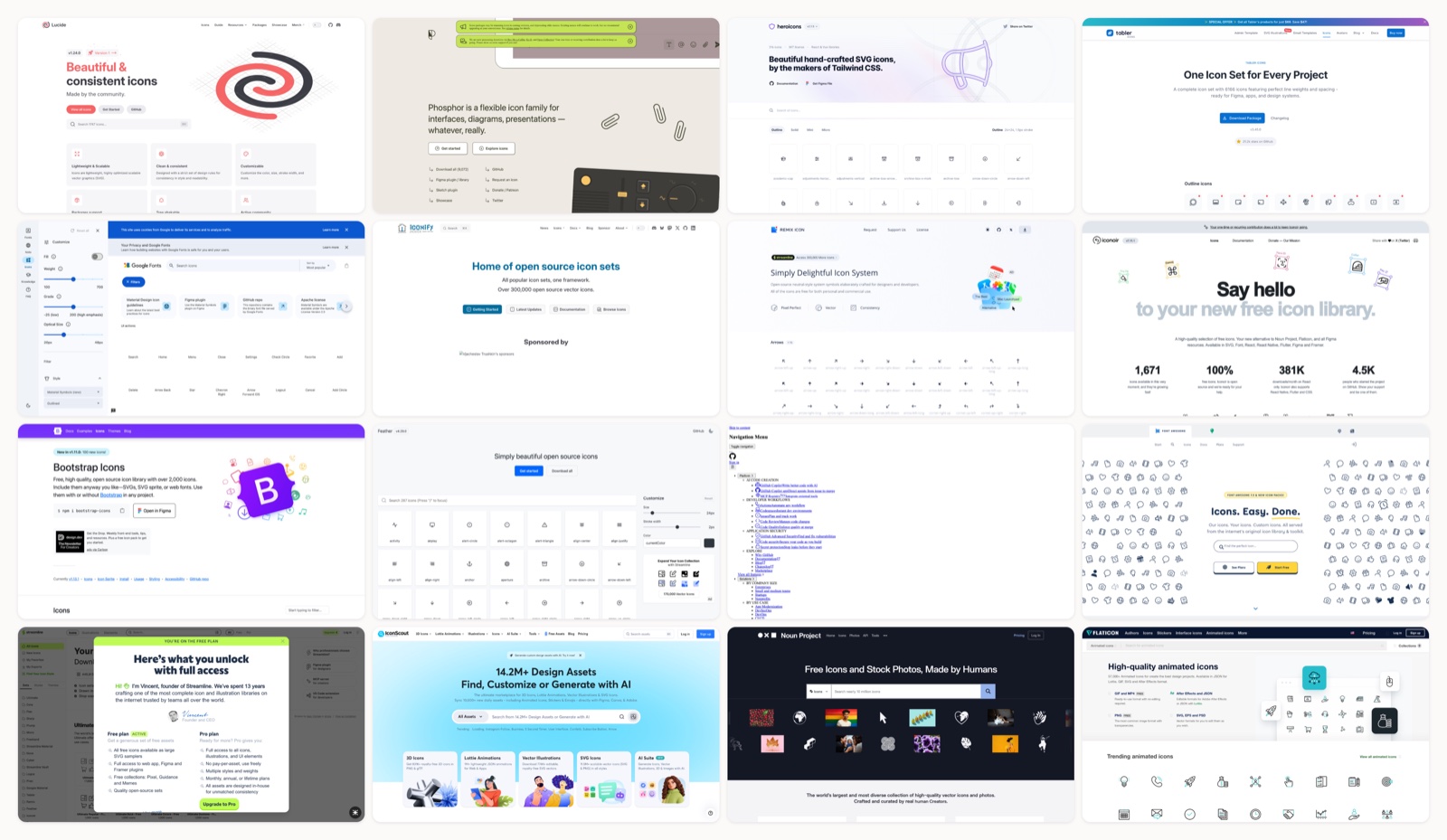
I keep a running shortlist of icon sets because I pull from them constantly for client work, and most “best icon library” posts just paste the same dozen links with a one-line blurb. This is the version I would hand a teammate: eighteen libraries I actually reach for, ordered by how often I use them, with the pricing and licensing written out so nothing surprises you at launch.
One thing up front. The library matters less than the discipline. Match a single set to your project, tune its stroke weight to your typography, and stay inside it; mixing grids and stroke widths is what makes an interface look like three people built it. If your type is not settled yet, my roundup of the best free fonts pairs well with this one, because icon weight and font weight should feel related.
A quick map of what follows. The first eleven are free and open source (MIT, Apache 2.0, or ISC), so they are safe for commercial use with no attribution. The next five are freemium or paid platforms worth knowing for when an open set runs out of road, and the last one is a free 3D set for the times a flat glyph is not the look. Icons are only one layer of a visual system anyway, so if you also need artwork, my royalty-free illustrations guide covers the next layer up.
1. Mosso
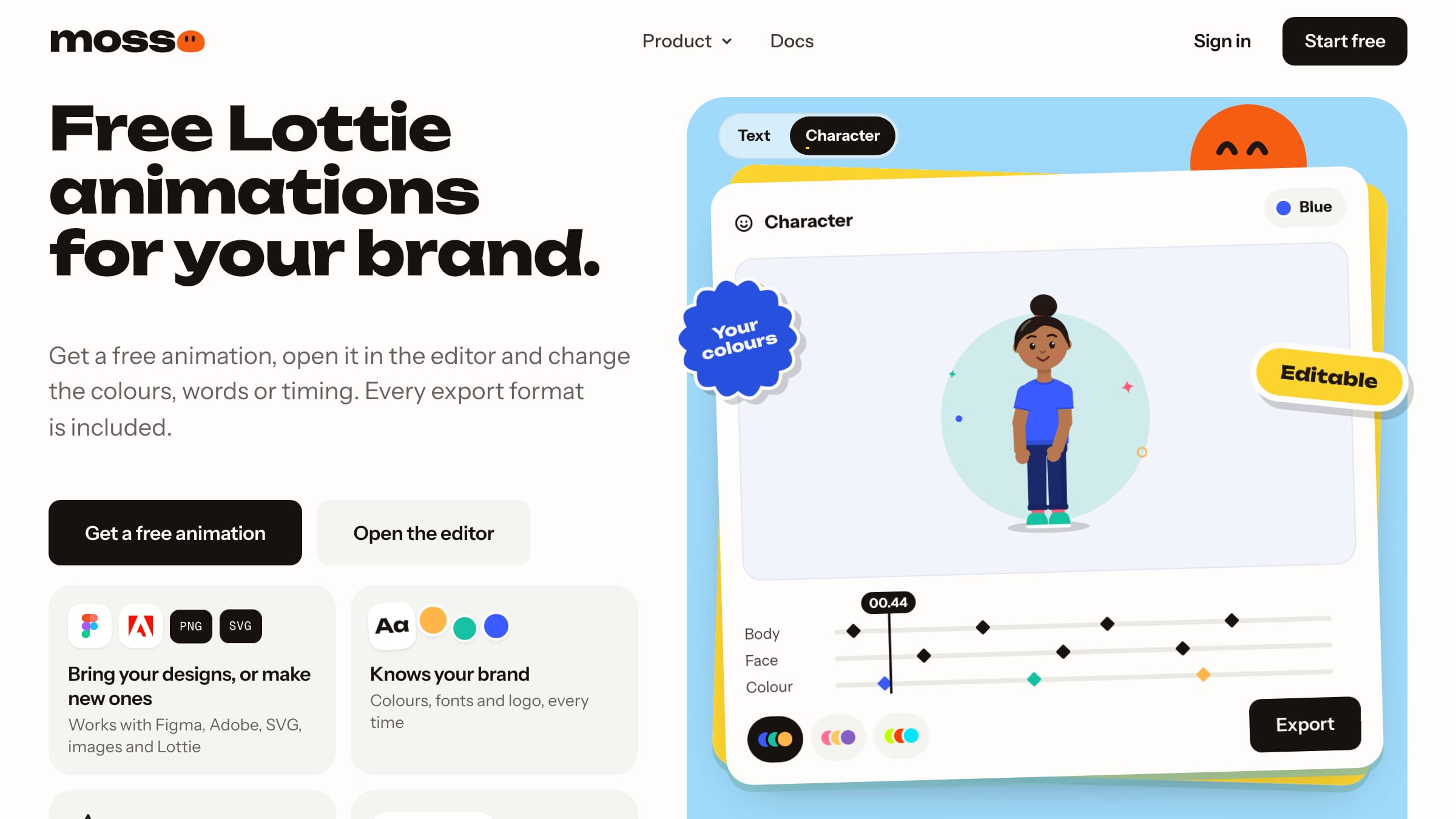
Hands down the best place for animated icons. Mosso’s icons move on hover and tap, match your colours, and are free for commercial work.
More on Mosso
Static icon sets are where most products start, and nothing on this list replaces Lucide for that. Mosso fills a different gap: the handful of icons that should respond when someone hovers or taps, like home, search, settings or a user icon. Each one is a small Lottie file, free for commercial and client work with no credit, and you can open it in the editor to change the timing or the stroke colour. A free account gets you up to 50 library downloads a day.
2. Lucide
More on Lucide
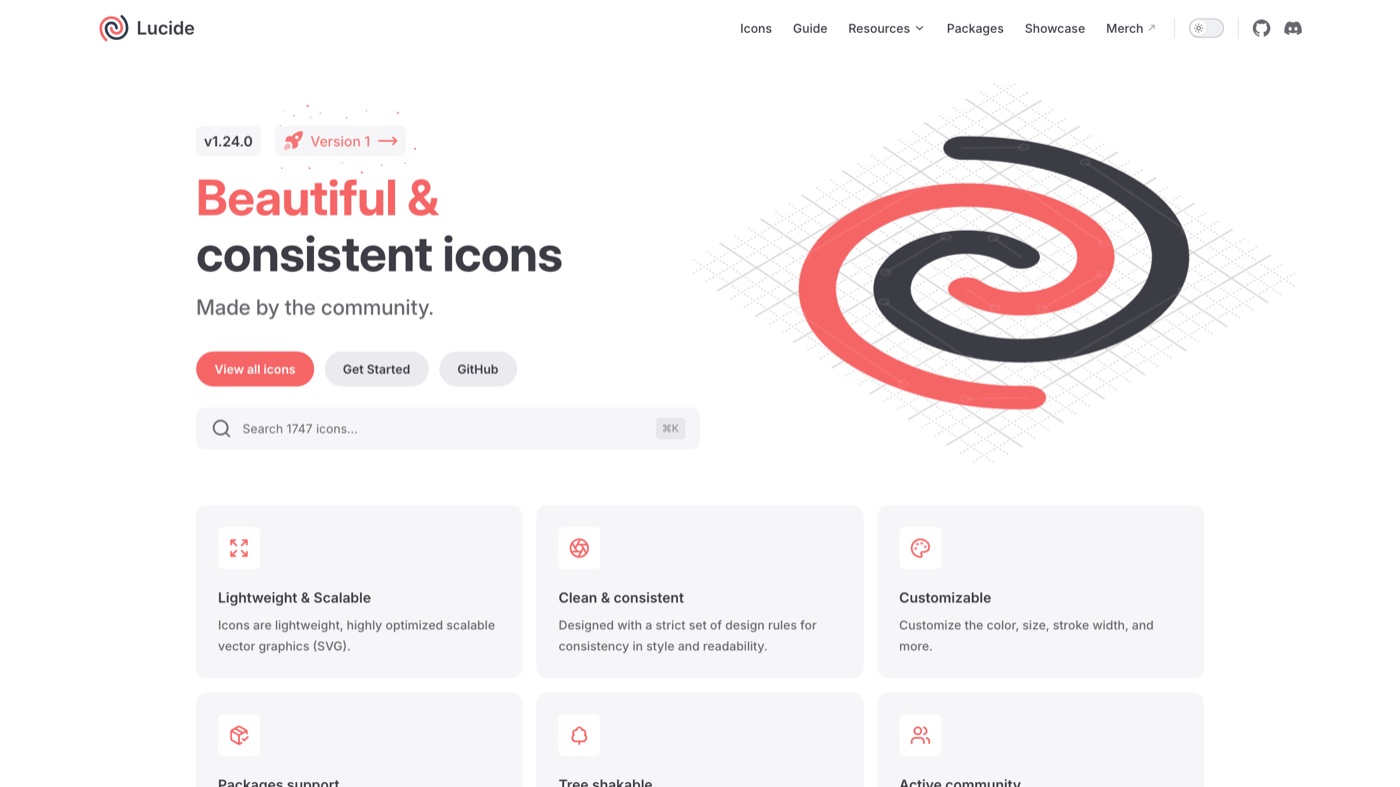
Lucide began as a community rescue of Feather after the original stalled, and it has grown into one of the better-maintained open sets around. Every icon is a lightweight SVG on a 24px grid with a consistent 2px stroke, and the framework packages are tree-shakeable, so your bundle only carries what you import. The on-site customizer lets you tune stroke width, size, and color before you copy or download. I reach for Lucide as my default on new product work because the style is neutral enough to sit inside almost any brand. The one real limit is that it is a single outline style, so if you need filled or duotone variants you will supplement it.
3. Phosphor Icons
More on Phosphor Icons
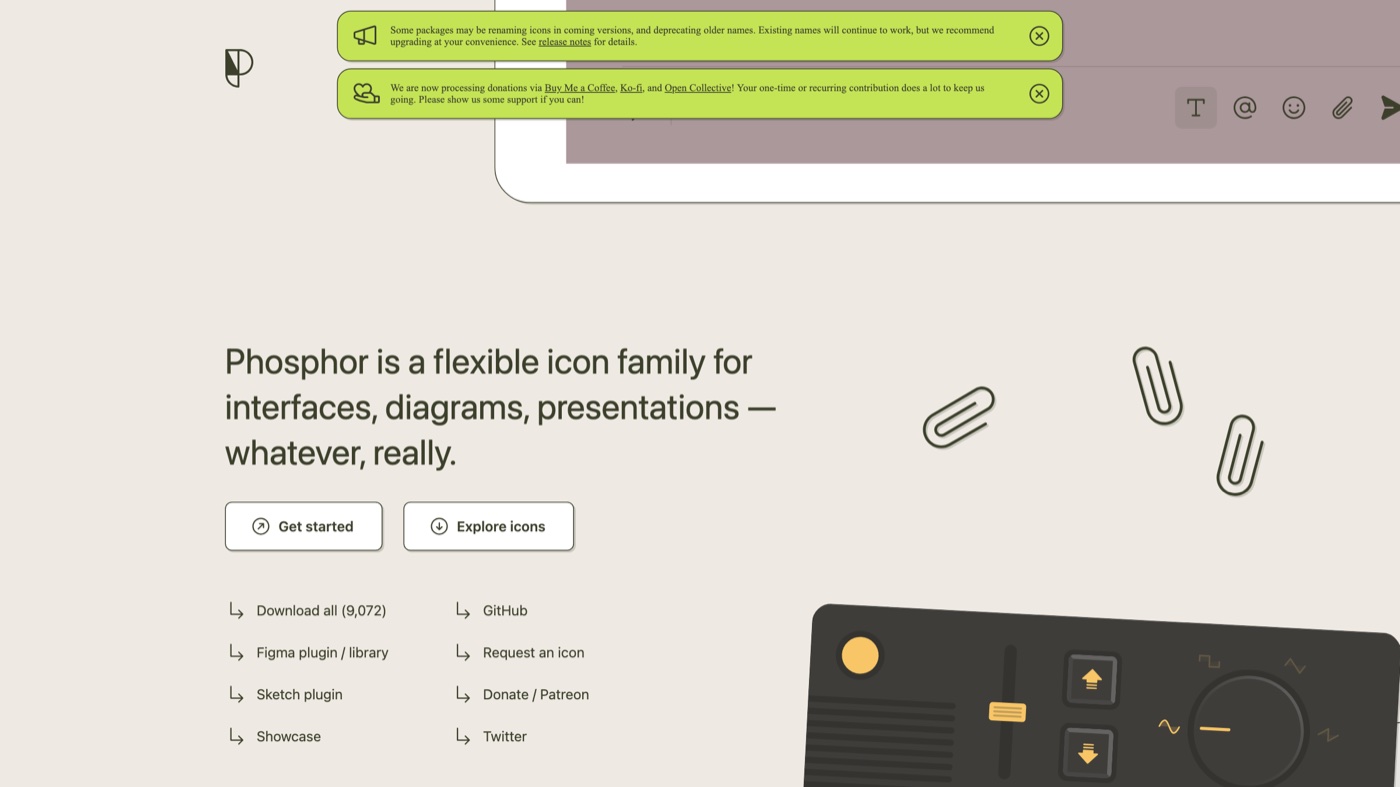
Phosphor is built around flexibility. Every glyph ships in six weights, which means you can dial the icon line weight to sit next to a thin display face or a heavy grotesk without the icons fighting the type. There are dedicated packages for React, Vue, Flutter, and more, plus a plain web font if you want the simple route. Roughly 1,500 base icons across six weights gives you a deep, consistent family. The tradeoff is size, so lean on the per-weight imports rather than pulling everything in everywhere.
4. Heroicons
More on Heroicons
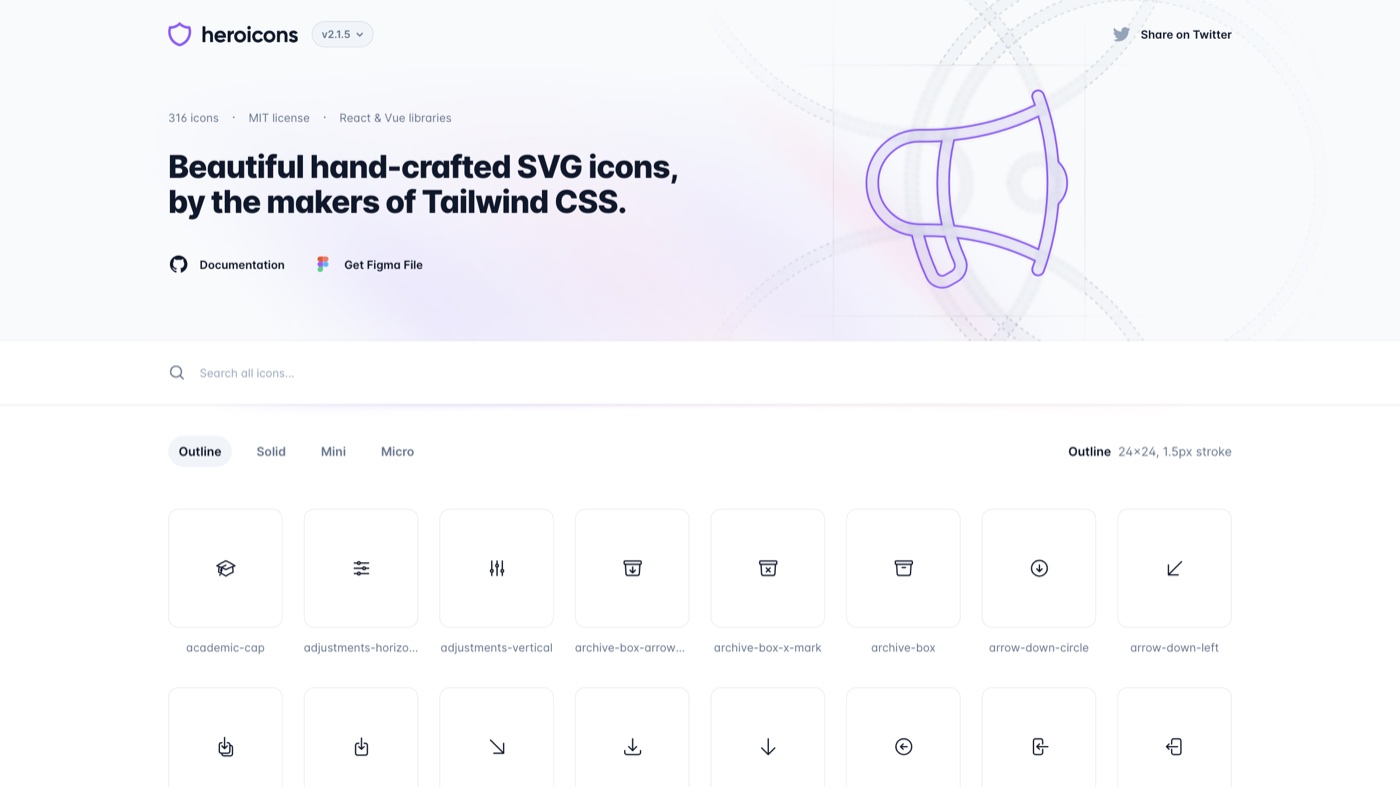
Heroicons comes from the people behind Tailwind CSS, and it shows in how tidily it fits a utility-class workflow. You get outline and solid at 24px plus mini at 20px and micro at 16px, each drawn for its intended size rather than scaled down. The React and Vue packages make importing a single component trivial, or you can copy raw SVG straight off the site. It stays deliberately small, which keeps it consistent but means you will hit gaps on niche concepts. For a marketing site or a straightforward app, that focus is a feature rather than a shortcoming.
5. Tabler Icons
More on Tabler Icons
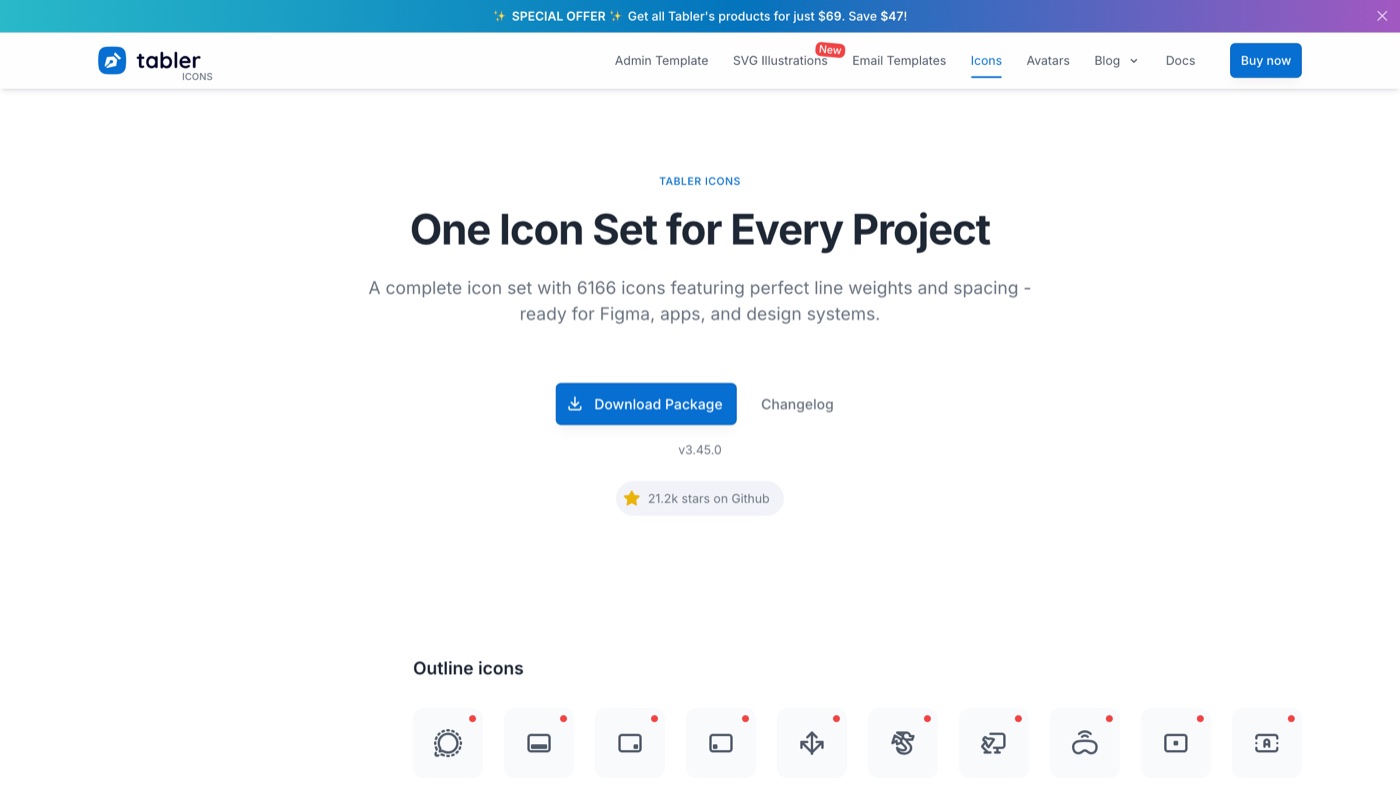
Tabler is one of the largest MIT-licensed outline sets, now past 6,100 icons, all drawn on a consistent 24px grid. The stroke width is easy to tune in CSS, so you can match it to a lighter or heavier UI without redrawing anything. It ships as individual SVGs, sprites, an npm package, and a Figma plugin. Because it is so complete, I rarely hit a missing icon on dashboard work. The look is precise and utilitarian, which is ideal for admin tools and a little cold for playful consumer products.
6. Google Material Symbols
More on Google Material Symbols
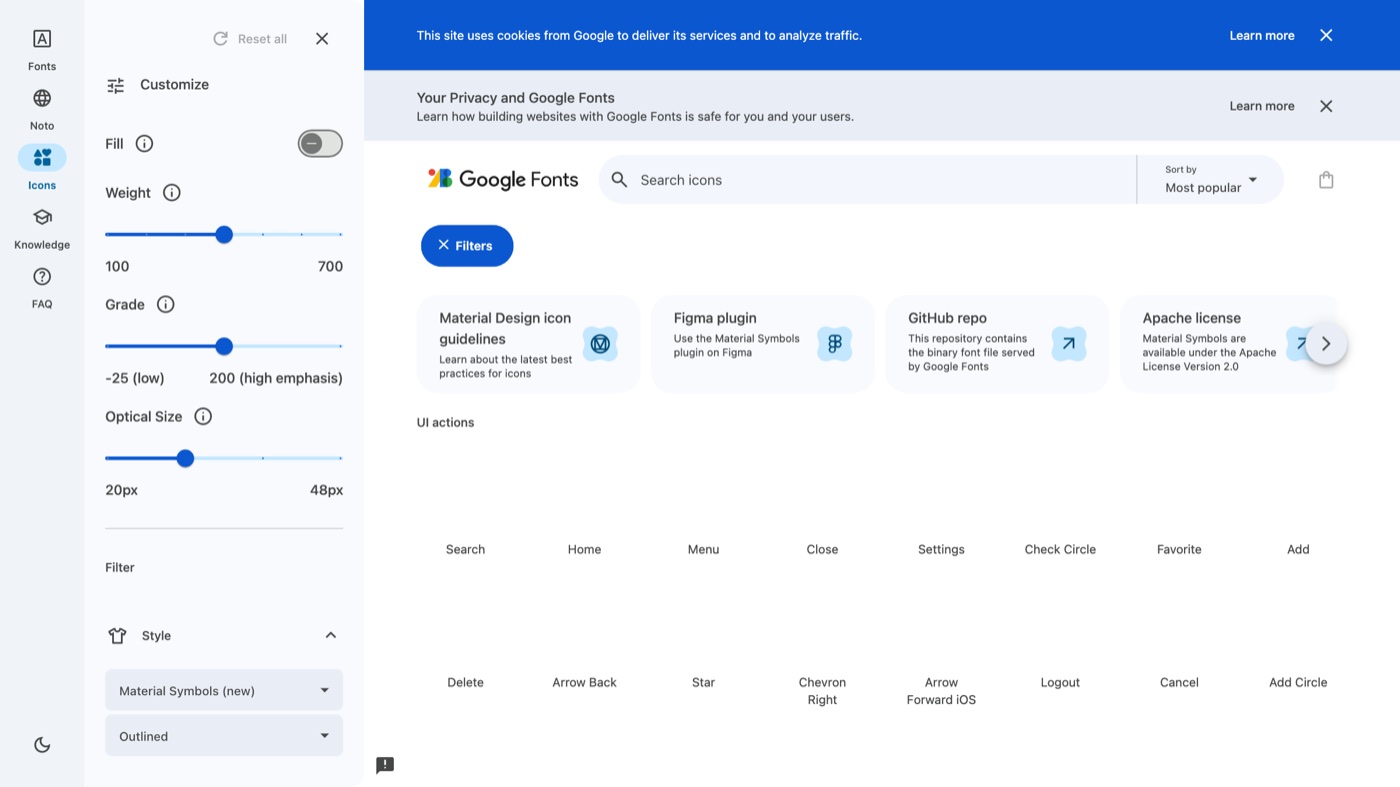
Material Symbols is the successor to the old Material Icons, and it moves the whole thing into a variable font. That single file holds thousands of icons, and you animate fill, weight, grade, and optical size right in CSS, which removes the usual juggling of separate filled and outlined files. It comes in Outlined, Rounded, and Sharp styles, and you can still export static SVGs and PNGs. It is a strong fit for design systems and mobile apps that live inside the Material world. The one caveat is aesthetic: the style is distinctive enough that some brands will read as too Google.
7. Iconify
More on Iconify
Iconify is less a single icon set and more the pipe that feeds all of them. It exposes more than 200,000 icons from over 150 open source collections through one consistent component, loading each icon on demand so you do not bundle thousands you will never use. There are integrations for React, Vue, Svelte, plain web components, Figma, and Tailwind. I use it when a project needs icons from several families and I do not want a package per set. The risk is discipline, because having every set at your fingertips makes it easy to mix styles, so pick a primary family and treat the rest as exceptions.
8. Remix Icon
More on Remix Icon
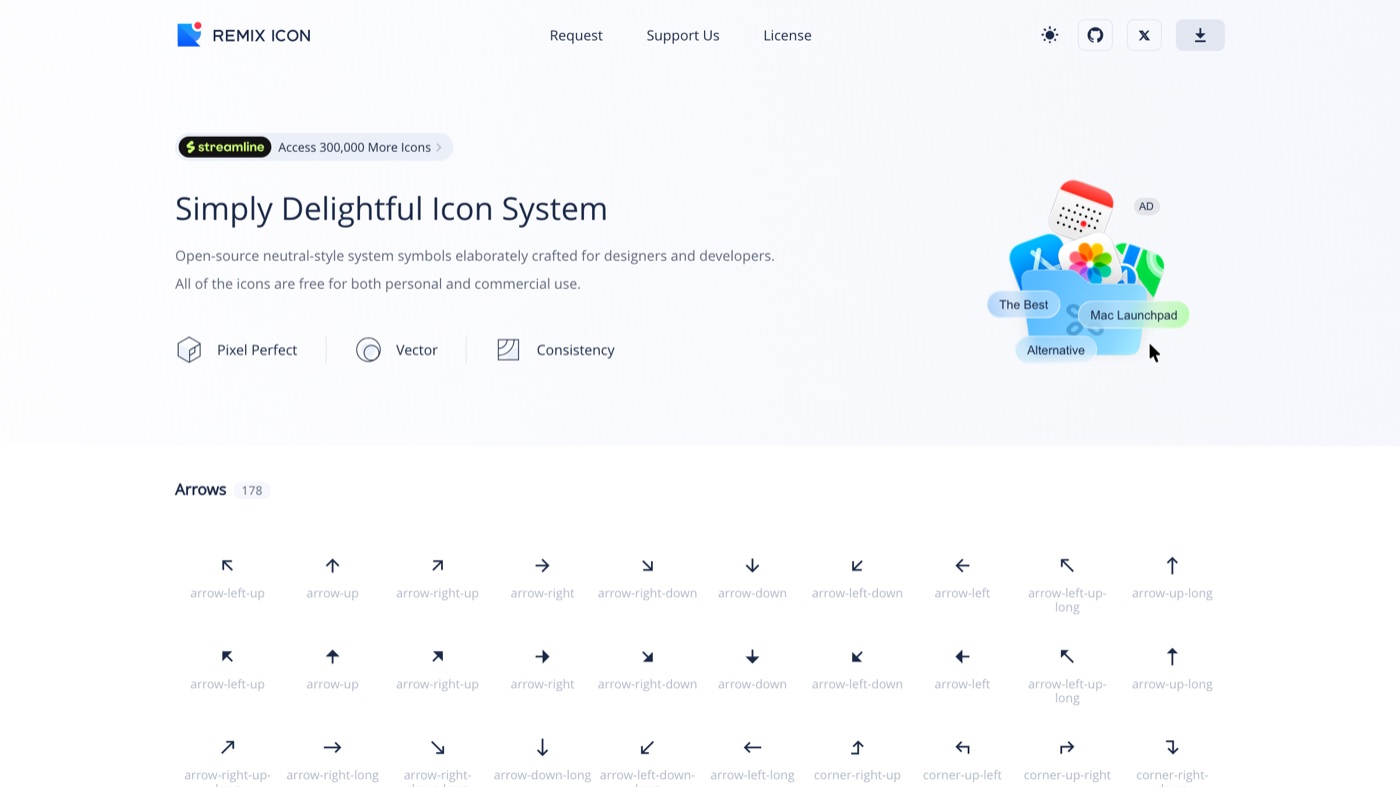
Remix Icon is a neutral, readable set designed so every icon has a matching outline and filled version, which makes button states and active navigation straightforward. It sits on a 24px grid and holds up well at small sizes, where a lot of sets fall apart. There is an npm package and a Figma plugin, plus an icon font if you want it. It blends into most brands without imposing much personality. If you need weight or grade variation beyond outline and fill, look at Phosphor or Material Symbols instead.
9. Iconoir
More on Iconoir
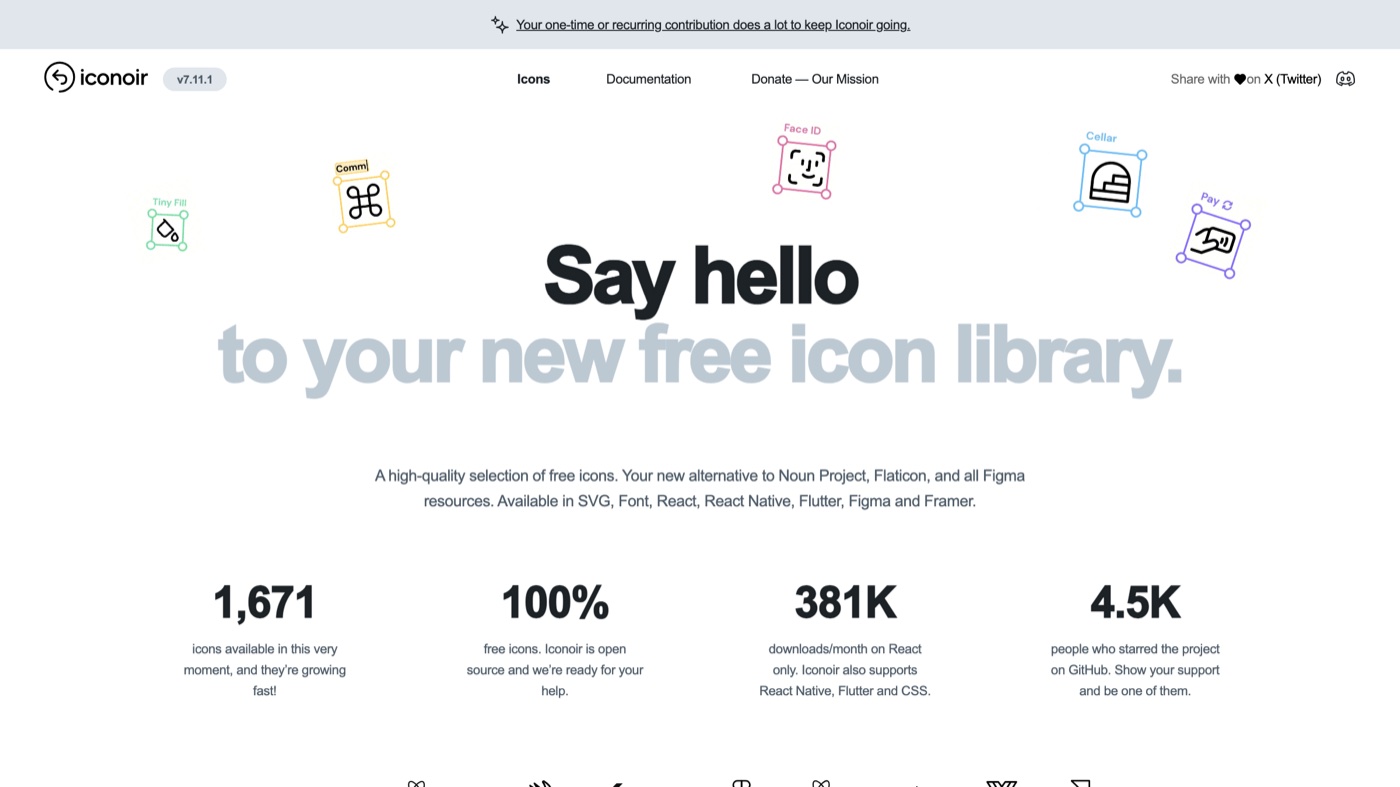
Iconoir threads a nice line between neutral and characterful. The set is geometric and a touch more expressive than most UI-first collections, so it gives a product some personality without looking bespoke. It is fully open source with no paid tier and no attribution requirement, and it ships packages for React, React Native, Flutter, and CSS plus Figma and Framer plugins. There is an on-site tool for adjusting stroke width and size before download. The main limit is style range, since it is built around one outline weight, so you will not find filled or duotone versions of everything.
10. Bootstrap Icons
More on Bootstrap Icons
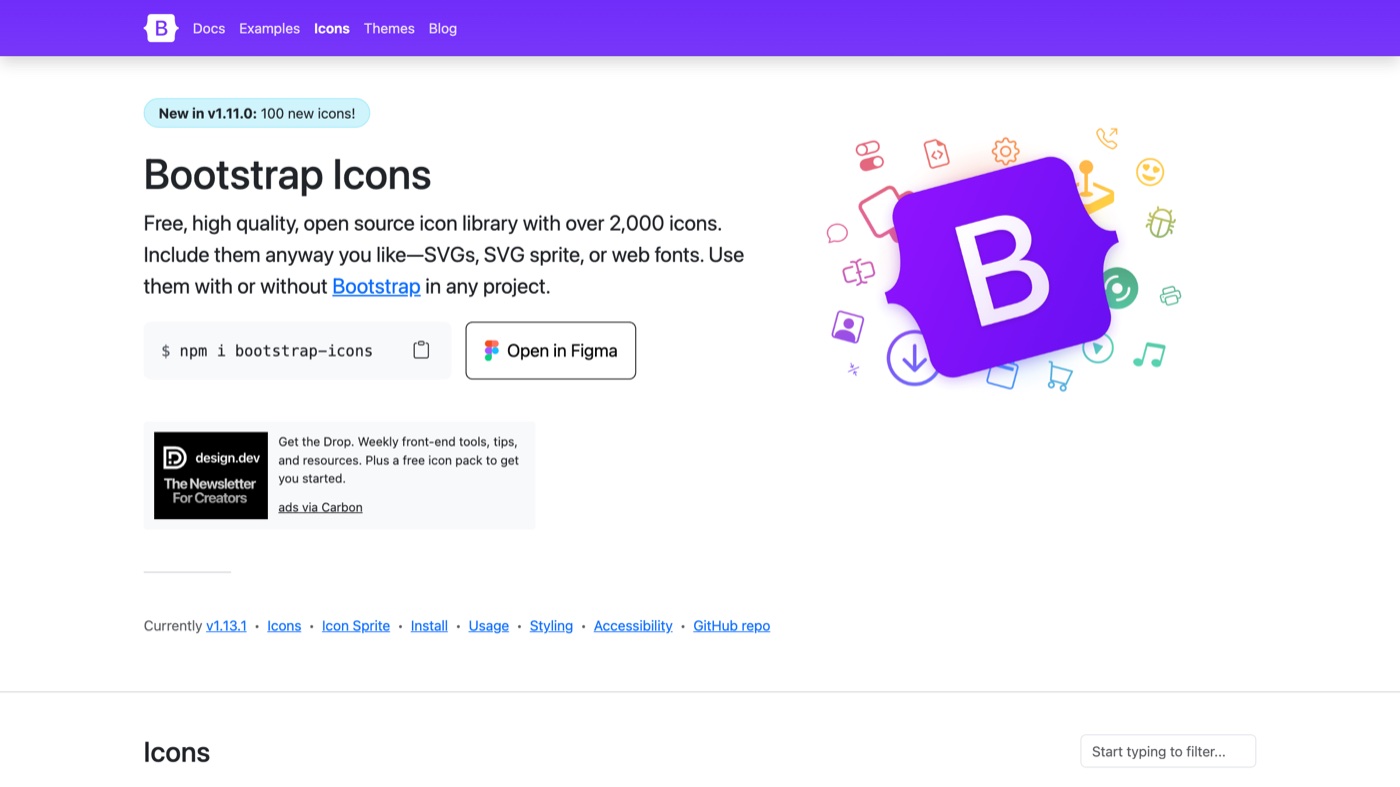
Bootstrap Icons is the official set from the Bootstrap team, but it does not require Bootstrap at all. You can drop the SVGs in directly, use the icon font, or reference them via CSS. The library has grown past 2,000 icons covering the usual UI needs plus a solid run of brand and file-type glyphs. It is MIT licensed for personal and commercial use. I think of it as the reliable, no-drama option, and nothing about the style will surprise you, which is exactly why it is easy to standardize a team on.
11. Feather Icons
More on Feather Icons
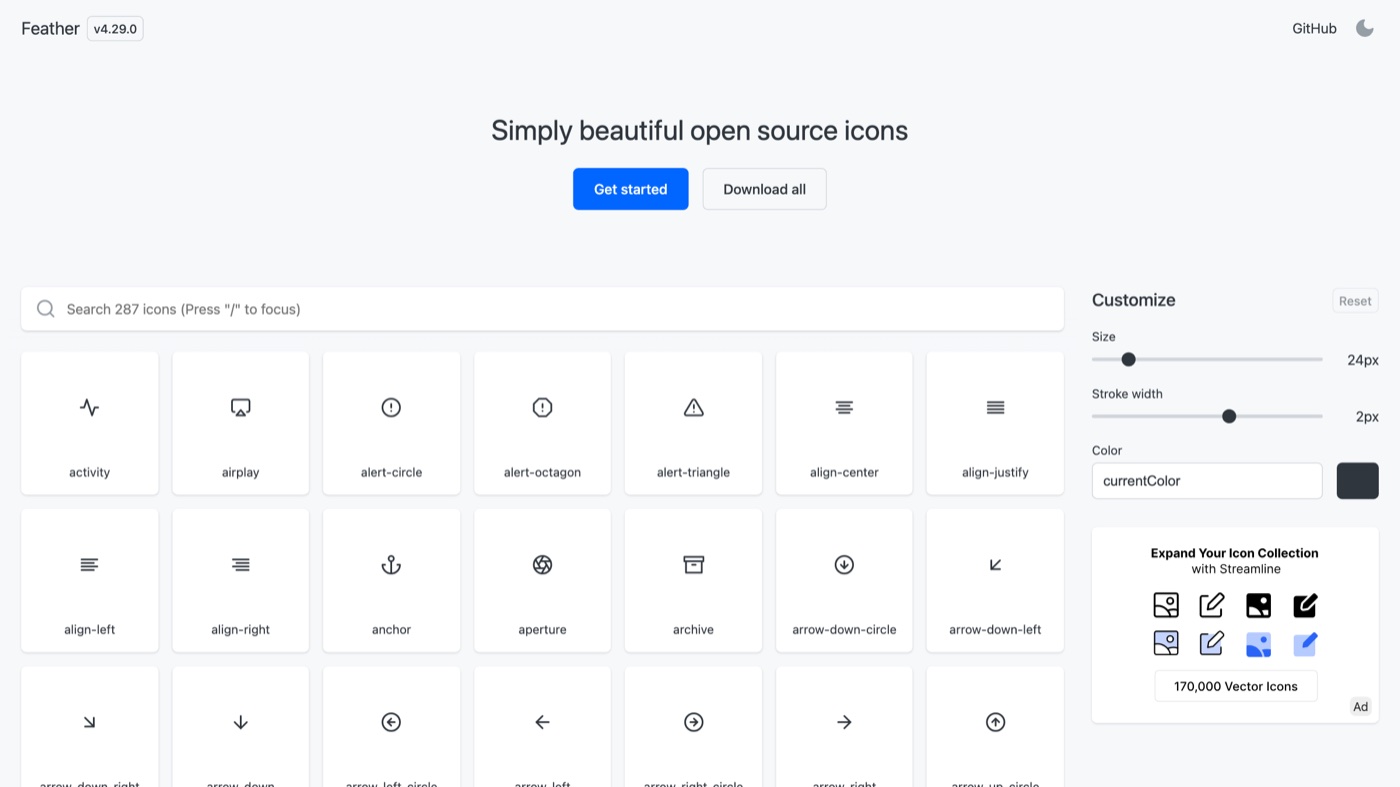
Feather is the set a lot of the current minimalist look descends from, drawn by Cole Bemis on a 24px grid with a consistent 2px stroke. It is small, under 300 icons, and every one of them is purposeful, which is why it still looks good on landing pages and simple apps. The SVGs are tiny and copy-paste is instant. Worth flagging is maintenance: the project has been quiet for a long stretch, so if you love the style but want ongoing updates and more coverage, Lucide is the same DNA with an active team behind it.
12. Fluent UI System Icons
More on Fluent UI System Icons
Fluent UI System Icons are the icons Microsoft uses across its own products, released under MIT. There are thousands of glyphs in both regular and filled weights, sized for real interfaces and proven at scale in software people use daily. You pull them from the GitHub repo or the official Figma library. Because it is a system set, coverage of common app actions is deep and consistent. The tradeoff is browsing, since there is no slick gallery site with a copy button, so finding the exact icon takes more effort than a purpose-built directory.
Those eleven cover the large majority of interface work for exactly nothing. The next five earn their place when you need something the open sets do not give you: brand logos, 3D and Lottie motion assets, or a metaphor nobody has drawn yet.
13. Font Awesome
More on Font Awesome
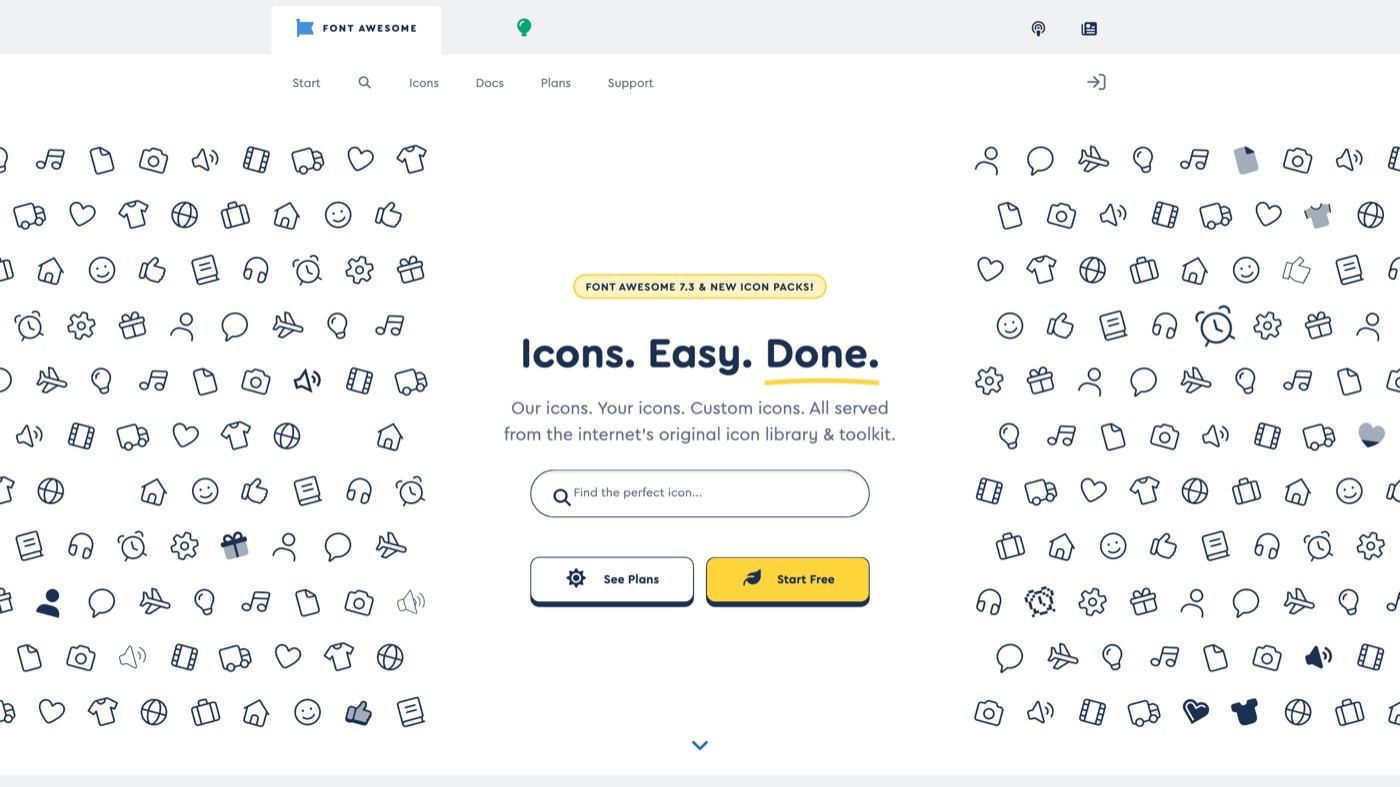
Font Awesome has been the default icon toolkit for so long that its free set sits on a huge share of the web, which is both its strength and its limit. The free tier covers a couple thousand icons under a permissive license and includes brand logos that most open sets skip. Pro, from around $99/year for an individual, unlocks tens of thousands more plus extra styles like thin, sharp, and duotone. Delivery is flexible, with SVG, web font, CDN kits, and official React, Vue, and Angular components. Because it is so widely used, leaning on the free icons alone can make a UI feel generic, so I treat Pro as the reason to reach for it over a fresher open set.
14. Streamline
More on Streamline
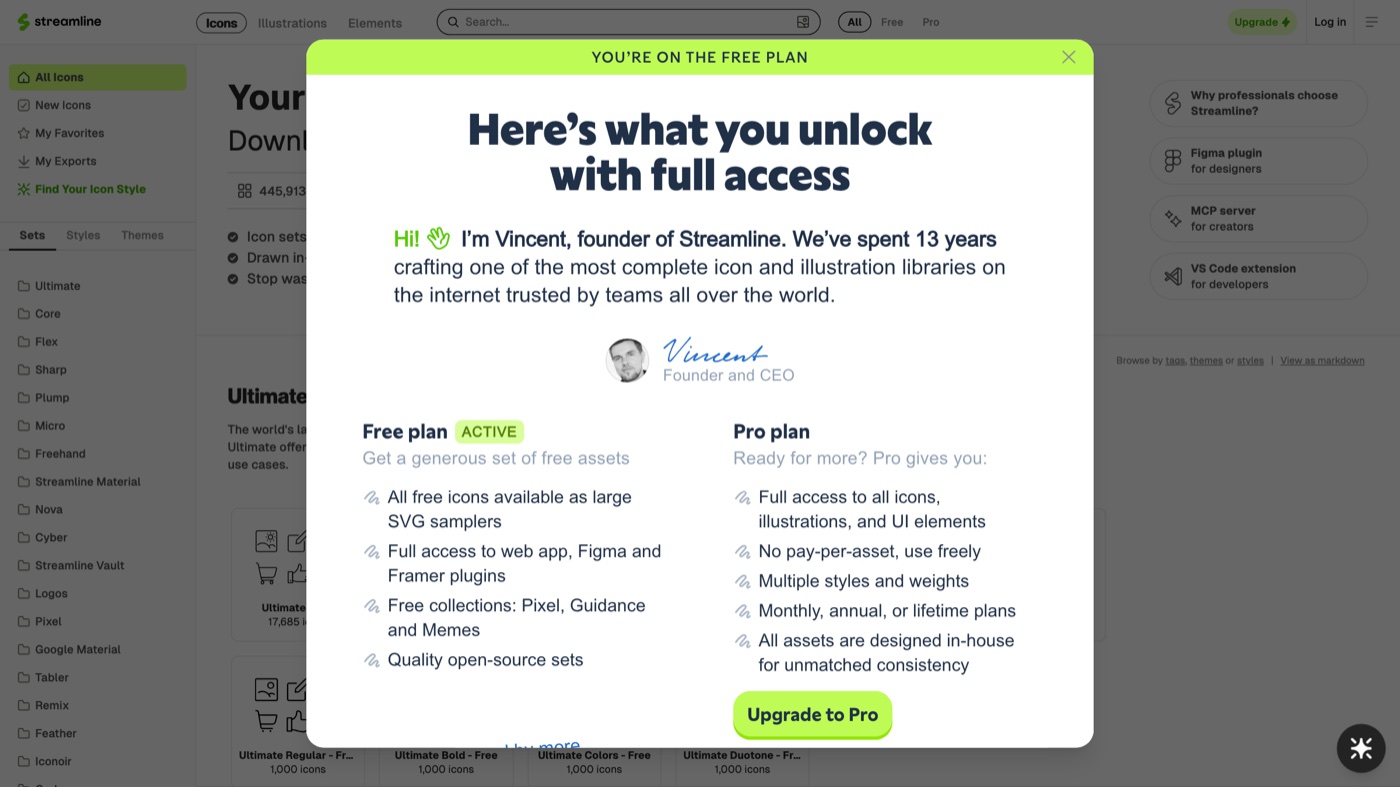
Streamline is a scale play. It packages a very large number of coordinated icon families alongside illustrations, emojis, and other elements, all browsable through a strong Figma plugin. There is a free set you can start with, and the bulk of the catalog, plus the more polished families, unlocks with a paid plan. For teams that want a single source across many visual styles, it is hard to match on breadth. Two cautions: the license and price structure has shifted over the years, so confirm the current terms before you standardize on it, and the sheer size still means you have to choose one family and hold the line for consistency.
15. IconScout
More on IconScout
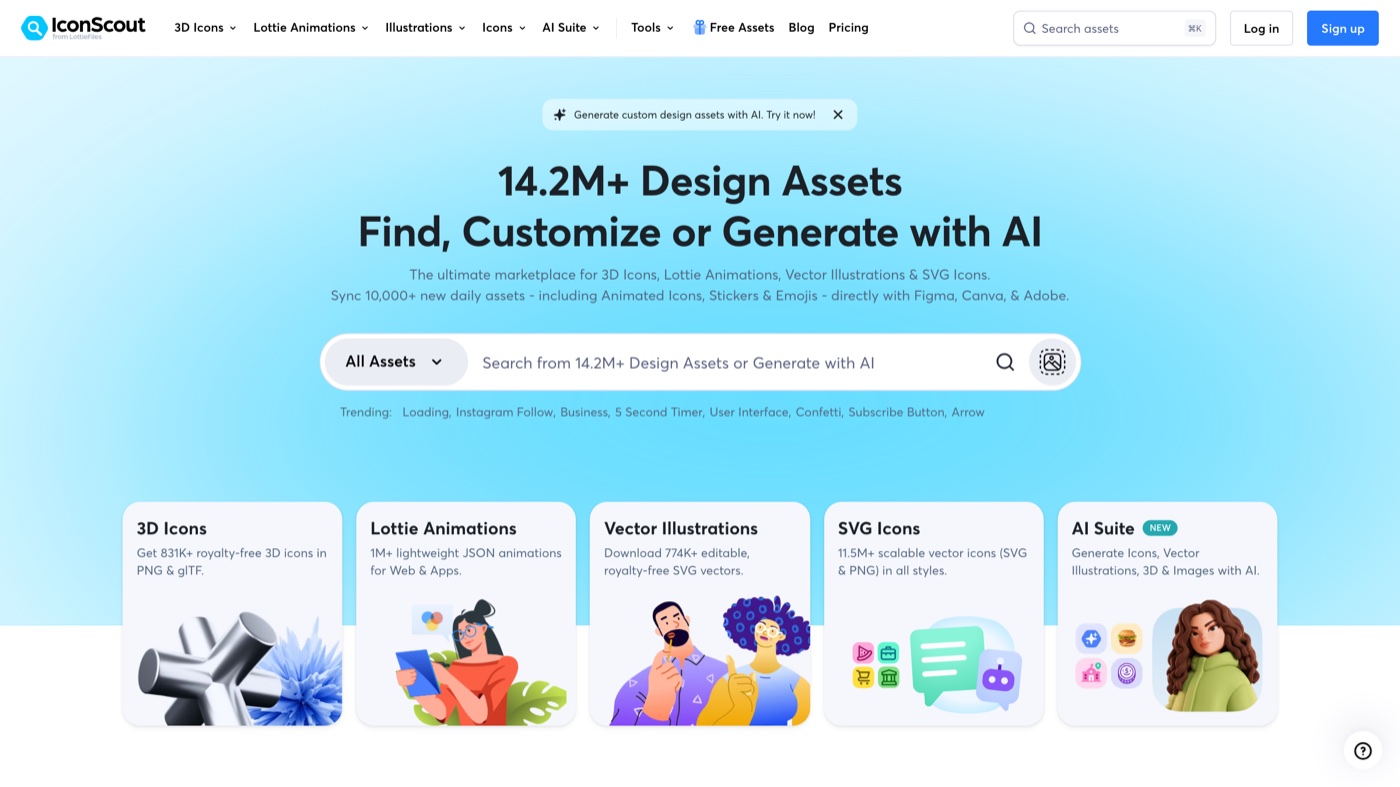
IconScout is a marketplace as much as an icon set, and its real edge is range. Static icons sit next to editable illustrations, 3D assets, and Lottie animations, which is useful when you want one visual language across a site, a deck, and a motion piece. A large slice is free with attribution, and paid plans remove the attribution requirement and open the premium catalog. There is an in-browser editor for recoloring and format conversion plus plugins for Figma and other tools. Because contributions come from many creators, style and quality vary, so curate the packs you actually use.
16. Noun Project
More on Noun Project
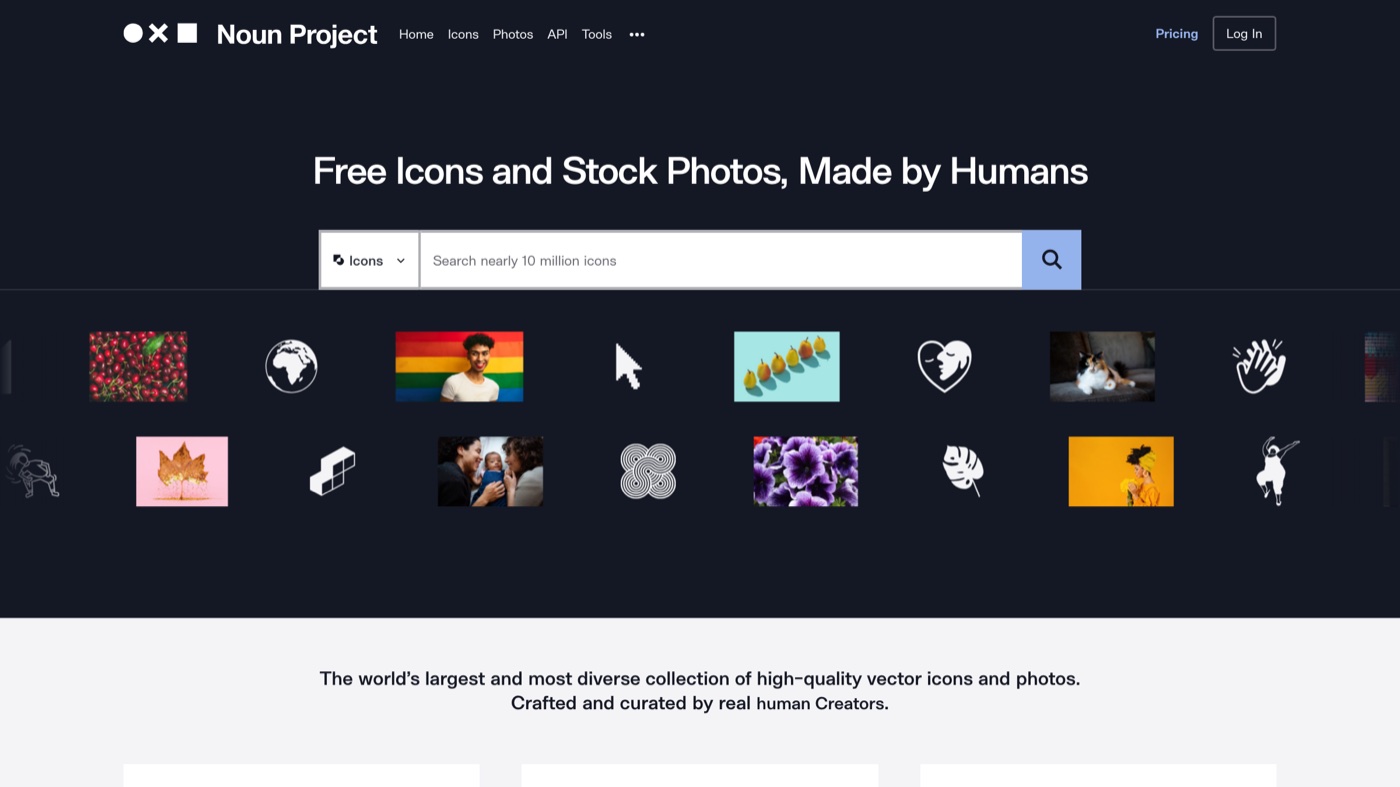
Noun Project is where I go when I need an icon for something oddly specific and the tidy UI sets come up empty. It is a community library approaching 10 million symbols, so coverage of unusual concepts is its whole reason for being. Free downloads require crediting the creator; Icon Pro, around $3.33/month billed yearly, removes attribution, and Creator Pro adds photos and full sets. There are apps and plugins for Mac, Adobe, and Microsoft tools plus an API. The downside of that breadth is inconsistency, since icons from different artists rarely share a grid or stroke, so it is better for one-off concepts than for a whole interface system.
17. Flaticon
More on Flaticon
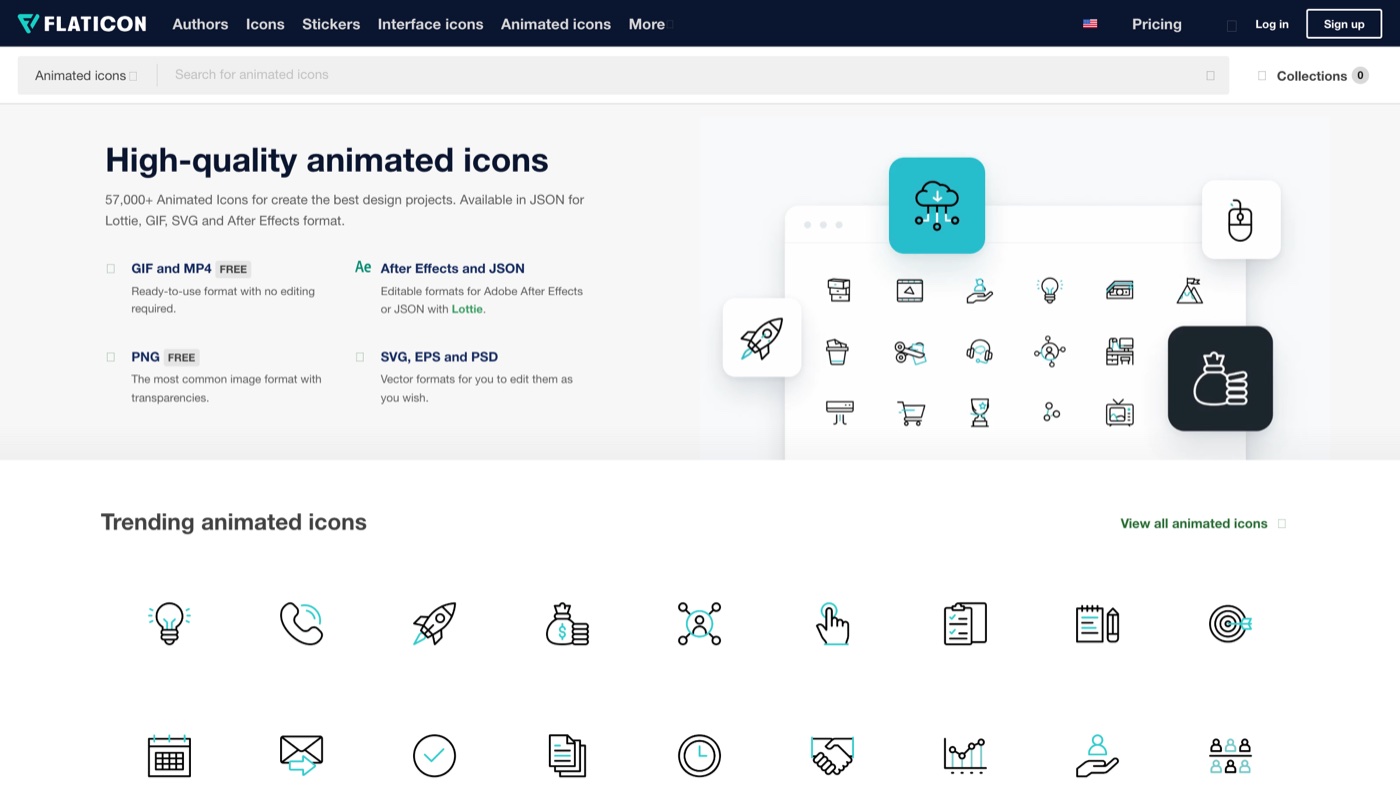
Flaticon is built for volume. It holds millions of icons and stickers across nearly every topic, with strong search and an in-browser editor for recoloring and organizing collections. Free downloads, mostly PNG, require attribution; Premium removes that and unlocks SVG, EPS, and other formats. It is a favorite for slide decks, social graphics, and infographics where you need one specific visual fast. For production UI it is less ideal, since styles vary by contributor and the attribution rule on the free tier gets fiddly. Treat it as a source for marketing assets more than a foundation for an app.
One more, in a different key. Everything above is flat or line work, so if what you need is a 3D spot icon and you do not want a paid marketplace, this is the free option.
18. Thridy
More on Thridy
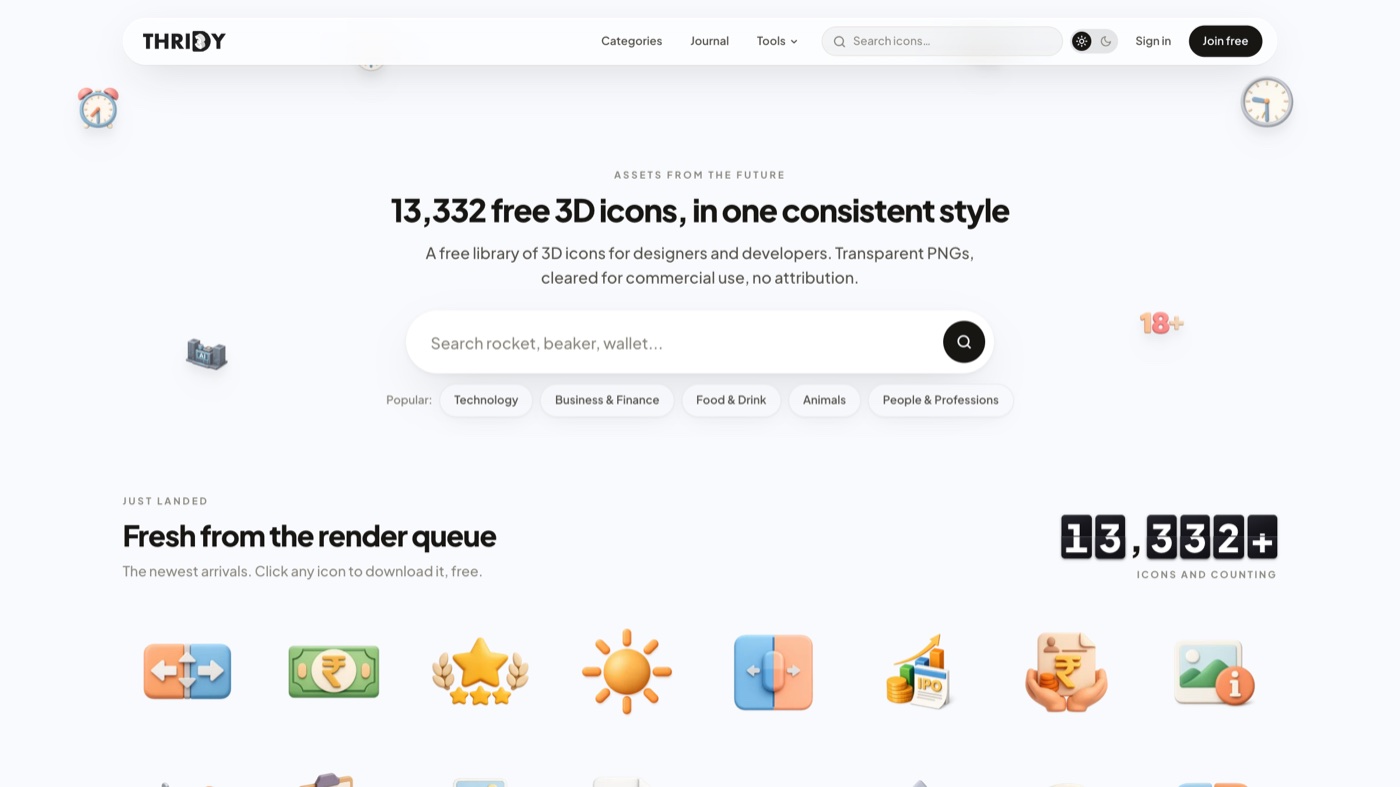
Thridy is the odd one out here because it is not line or flat icons at all, it is a library of roughly 13,000 rendered 3D icons, free for commercial use with no signup and no attribution. What makes it usable rather than a grab-bag is consistency: every icon shares one camera angle and one lighting setup, so a wallet, a rocket, and a chart sit together on the same screen without looking like they came from three different packs, which is exactly where most free 3D sets fall apart. Downloads are transparent PNGs, so it is built for spot illustration, hero art, empty states, and slides rather than as a scalable UI system. One honest caveat before you standardize on it: the maker ran a test of 59 icons in dark mode and found the fixed lighting flatters light backgrounds more than dark ones, so if your product is dark-first, check the specific icons you plan to use. For a landing page or a deck that needs a little depth without a paid marketplace, it is a genuinely useful free option.
Here is the whole list side by side.
| # | Tool | Best for | Pricing | Limitation |
|---|---|---|---|---|
| 1 | Mosso | Free animated icons that react on hover or tap, in your colours. | Free: the editor, every export, templates and the library. A free account allows up to 50 library downloads a day. | Small animated set, not thousands of static icons. |
| 2 | Lucide | Modern web and app UIs that want a clean default which stays maintained. | Free (ISC license) | One outline style only, and it leaves out brand logos on purpose, so you will pair it with something else for social marks. |
| 3 | Phosphor Icons | Teams that want one family to flex across a whole brand voice. | Free (MIT license) | All six weights add up to a lot of files, so import only the weights you ship or the bundle balloons. |
| 4 | Heroicons | Tailwind CSS projects and anyone who wants a small, opinionated set that just works. | Free (MIT license) | The catalog is small (roughly 300 icons), so specialized concepts will not be covered. |
| 5 | Tabler Icons | Dashboards, admin panels, and data-dense interfaces. | Free (MIT license) | The style is functional and line-based, which can read as sterile on a warmer consumer brand. |
| 6 | Google Material Symbols | Product and mobile teams that want a scalable system, not a folder of files. | Free (Apache 2.0) | The Material look is recognizable, so it can make a product feel Google-adjacent if that is not the goal. |
| 7 | Iconify | Anyone who wants many icon sets behind one API instead of a dozen packages. | Free, open source | It is plumbing, not a house style, so you still have to pick a set and stay disciplined or you will mix aesthetics by accident. |
| 8 | Remix Icon | General UI work that needs matched outline and filled states. | Free (Apache 2.0) | Just the two styles per icon, so there is no variable weight or grade for finer control. |
| 9 | Iconoir | Products that want a bit of geometric character without going fully custom. | Free (MIT license) | Mostly a single outline style, so filled variants are not there for every glyph. |
| 10 | Bootstrap Icons | Bootstrap projects and anyone who wants a dependable MIT set with no fuss. | Free (MIT license) | The style is straightforward rather than distinctive, so it will not carry a brand on its own. |
| 11 | Feather Icons | Minimalist sites where a small, tidy set is plenty. | Free (MIT license) | Updates have slowed to a crawl, so if you want the same style actively maintained, use Lucide. |
| 12 | Fluent UI System Icons | Enterprise apps that want a mature, system-grade icon language. | Free (MIT license) | It lives on GitHub with a Figma file rather than a polished browse-and-copy site, so discovery is clunkier. |
| 13 | Font Awesome | Teams that want one mature toolkit with broad coverage and brand logos. | Free tier at $0; Pro from $99/year | It is everywhere, so the free icons can look familiar, and the more distinctive styles sit behind Pro. |
| 14 | Streamline | Design teams that want one enormous, stylistically varied library. | Free starter set; paid plans unlock the full library | The best families and full access sit behind paid plans, and the pricing has changed more than once, so confirm current terms. |
| 15 | IconScout | Teams that want icons plus 3D assets and Lottie animations from one place. | Free with attribution; paid plans remove it | Quality varies by contributor, so you will vet packs, and no-attribution use needs a paid plan. |
| 16 | Noun Project | Finding an icon for an abstract or oddly specific concept the tidy sets miss. | Free with attribution; Icon Pro from $3.33/month (billed yearly) | Styles differ wildly between creators, so building one consistent UI set from it takes real curation. |
| 17 | Flaticon | Presentations, marketing graphics, and infographics that need sheer variety. | Free with attribution; Premium removes it | Contributor quality varies and free PNGs require attribution, which makes it awkward for polished product UI. |
| 18 | Thridy | Landing pages, decks, and app empty states that want a 3D spot icon without a paid marketplace. | Free, commercial use, no attribution | A spot-illustration set rather than a UI system, and the fixed lighting reads cleaner on light backgrounds than dark. |
Who to hire when icons are not the hard part
Choosing an icon set is a twenty-minute decision. Keeping a whole visual system consistent, week after week, across a landing page, a pitch deck, a product UI, and a launch video, is the part that eats a team’s time. Writing down how icons get used is a good start (our note on how to create brand guidelines covers the mechanics), and so is a real system for storing and versioning the assets themselves, which is where creative asset management goes deeper.
If the real problem is that you do not have enough hands to hold that standard, that is what an embedded creative team like Moonb is built for: one Creative Director, one set of standards, and design, motion, and video that match from the first asset to the fortieth. Icons you can handle this afternoon. The rest is worth a conversation.
Frequently asked questions
For a new product or website, I would start with Lucide or Heroicons if you want a clean single style, or Phosphor Icons if you want weight options to match your brand. All three are free for commercial use under permissive licenses (ISC and MIT), and all three drop into React or Vue with a first-party package. Tabler Icons is the one I add when I need a very large set for a dashboard.
Usually yes. Icons from different sets sit on different grids and use different stroke weights, so mixing them makes an interface look inconsistent even when users cannot say why. Pick one family as your base. If it is missing a specific icon, it is better to draw one in the same style than to borrow a mismatched glyph from another set.
The open source sets here (Lucide, Phosphor, Heroicons, Tabler, Material Symbols, Remix, Iconoir, Bootstrap Icons, Feather, Fluent) use MIT, Apache 2.0, or ISC licenses, which allow commercial use with no attribution. The marketplace platforms (Noun Project, Flaticon, IconScout) are different: their free tiers usually require crediting the creator, and you remove that requirement with a paid plan. Always check the license on the specific asset, not just the site.



