14 best After Effects alternatives (free and paid)
Fourteen After Effects alternatives sorted into free desktop apps, paid apps and browser tools, with the price, platforms, Lottie export and main limit of each.

The closest After Effects alternatives are DaVinci Resolve’s Fusion page and Blender if you want free desktop software, Apple Motion, Fusion Studio or Nuke if you are willing to pay, and Jitter, Rive or Lottielab if the animation has to run on a website or inside an app. None of them is a straight copy, and your After Effects templates and plugins won’t come along, so pick by what you have to deliver.
With any new app, I check what file it can hand to the next person well before I look at the price. At Moonb I open a lot of the project files clients send over, and these days they come out of a long list of apps. A Resolve timeline with Fusion comps tucked inside is normal now, and so is the odd Lottie file some product team exported from a browser tool.
Price, platform and Lottie export for each tool
All prices are in US dollars, from each maker’s own pricing or product page in October 2026.
| # | Tool | Price | Runs on | Best for | Lottie export |
|---|---|---|---|---|---|
| 1 | DaVinci Resolve (Fusion page) | Free; Studio $295 | Mac, Windows, Linux | Editors who want effects and the cut in one project | No |
| 2 | Blender | Free (GNU GPL) | Windows, Mac, Linux | 3D motion graphics and camera tracking | Not built in |
| 3 | Cavalry | Free for individuals | Mac, Windows | Procedural 2D, kinetic type, data-driven motion | Yes |
| 4 | Maxon Autograph | Free | Windows, Mac | Compositing plus 3D, one comp rendered to several formats | Not listed |
| 5 | Glaxnimate | Free, open source | Linux, Windows, Mac | Small vector animations and Telegram stickers | Yes, partial feature support |
| 6 | Apple Motion | $49.99 one-time, or in Apple Creator Studio | Mac only | Final Cut Pro titles and templates | No |
| 7 | Blackmagic Fusion Studio | $295 | Mac, Windows, Linux | Standalone node-based VFX and broadcast graphics | No |
| 8 | Foundry Nuke | $3,839/yr; Indie $499/yr; Non-commercial free | Windows, Mac, Linux | Film and episodic compositing | No |
| 9 | Jitter | Free tier; paid tiers per editor | Browser | Animating Figma designs for UI and social | Yes, every tier |
| 10 | Rive | Free; paid seats from $9/month | Browser, Mac, Windows | Interactive animation inside apps and sites | No (imports Lottie) |
| 11 | Lottielab | Free; Pro $12/editor/month billed yearly | Browser | Lottie files for product teams | Yes, on Pro |
| 12 | SVGator | Free (static exports); Starter $20/month billed yearly | Browser | Animated SVG for websites | Yes, Starter and up |
| 13 | Canva | Free; paid Pro and Business tiers | Web, Mac, Windows, iOS, Android | Template-based social clips | Not listed (imports Lottie) |
| 14 | CapCut | Free to download and use online | Browser, Windows, Mac | Short-form social video | No |
There is no free version of After Effects
Adobe doesn’t make one. The closest thing on its plans page is a seven-day trial of the full app, which turns into a paid Creative Cloud membership unless you cancel, and anyone who wants a free online video editor gets pointed to Adobe Express. Bought by itself, After Effects is US$22.99 a month on the annual, billed monthly option. Adobe sells it only through Creative Cloud, paid monthly or annually, so there is no one-time license to buy (Adobe’s After Effects plans page).
If the monthly bill is why you’re looking, every app in the first group below is free. Several browser tools have usable free tiers too, and even Nuke, the most expensive thing on this list, has a free non-commercial edition for learning.
Free After Effects alternatives
Resolve and Blender are full production suites. The other three are smaller desktop apps built around motion design, Glaxnimate most of all.
1. DaVinci Resolve
More on DaVinci Resolve
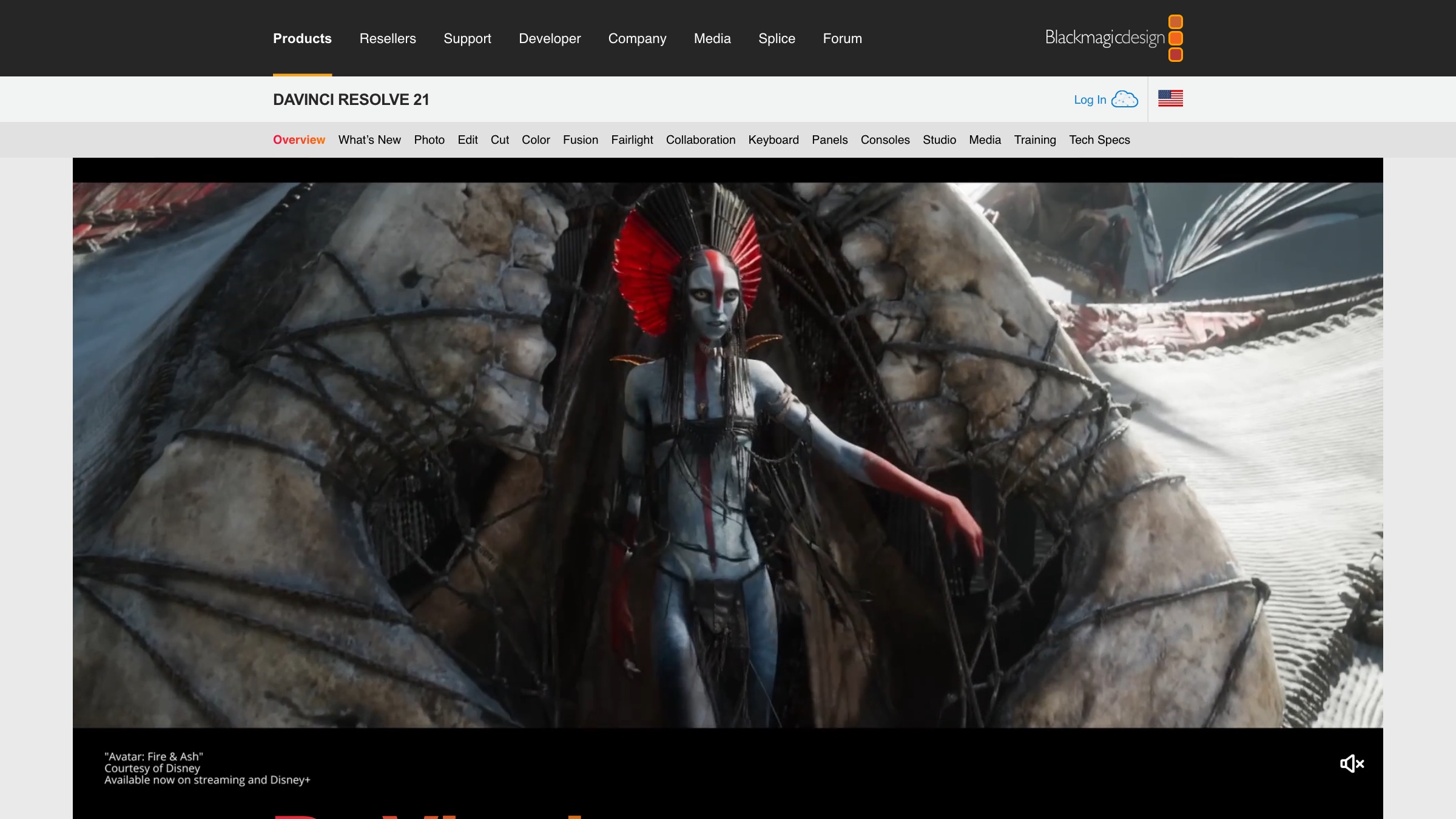
Blackmagic splits Resolve into pages: cut and edit for editing, Fusion for visual effects and motion graphics, color, Fairlight for audio, and media and deliver for organizing and output. Version 21 adds the Krokodove toolset to Fusion, with more than 70 new graphics, and a Photo page for stills. Compositions built on the Fusion page can now be saved as templates and used on the edit and cut pages, which is the closest Resolve gets to an After Effects and Premiere round trip. Project libraries and Blackmagic Cloud let editors, colorists and effects artists work on the same project at the same time. Studio adds the DaVinci AI Neural Engine, extra Resolve FX, 10-bit video up to 120fps and resolutions beyond 4K.
Resolve is the free tool I’d try first. The editor alone tops my video editing software roundup, ahead of fifteen other editors, and the Fusion page inside it handles most of the compositing, tracking, keying and titling people do in After Effects, with no export step between the cut and the effects. The node graph is the hard part. Coming from stacked layers, your first few Fusion comps feel clumsy, and then at some point the wiring starts to read like a map of the shot.
2. Blender
More on Blender
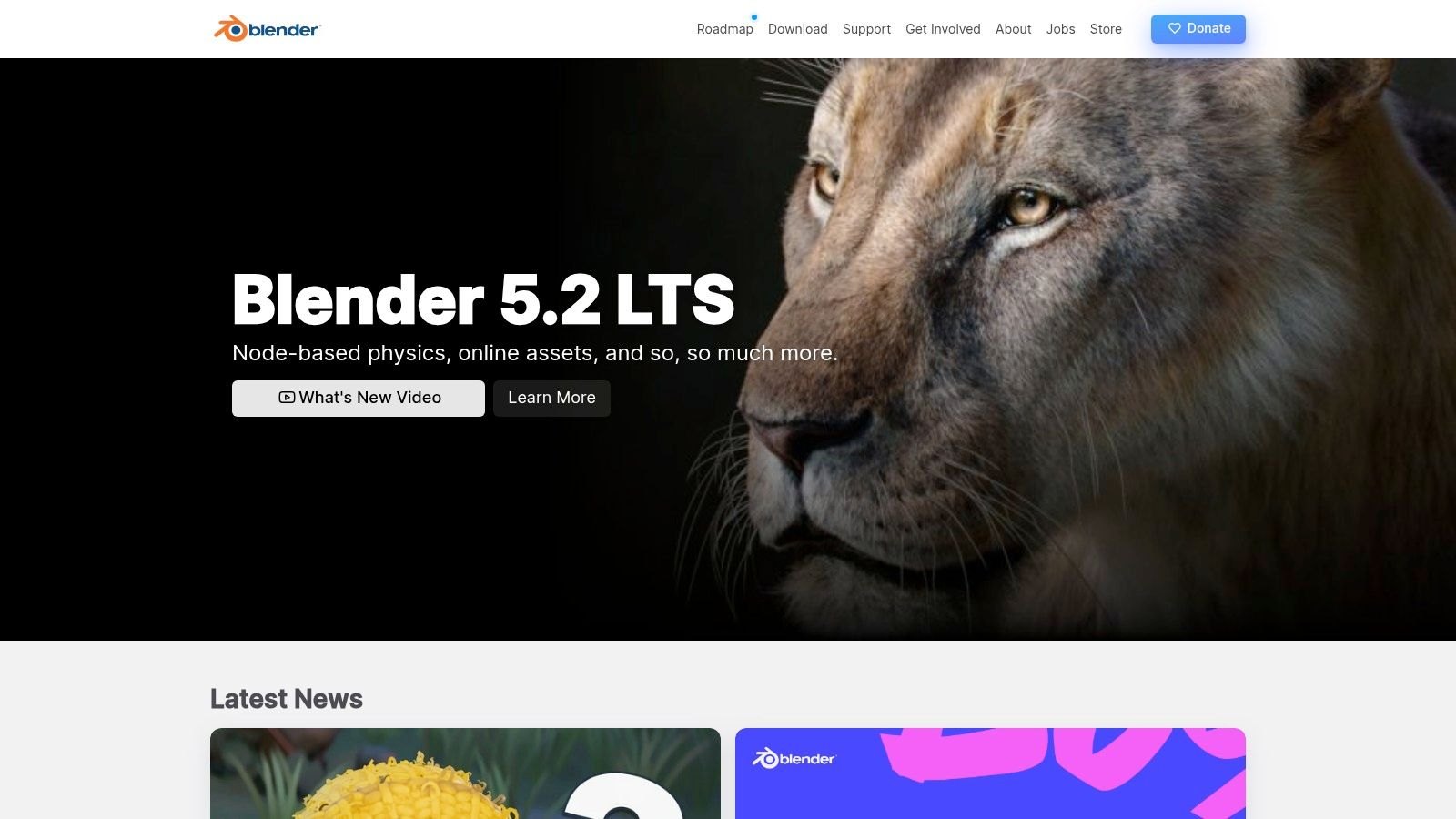
Blender is a complete 3D suite covering modeling, sculpting, rigging, animation, rendering and compositing, and blender.org states plainly that you are free to use it for any purpose, including commercial work. The current long-term support release is 5.2 LTS. For After Effects users, the useful parts are the motion tracker (auto and manual tracking, planar tracking and camera reconstruction), the node compositor for grading and post effects, and Grease Pencil, which draws 2D animation inside a 3D scene with onion skinning. The manual's import and export section covers formats like FBX, USD, Alembic, OBJ and SVG from Grease Pencil, with no Lottie exporter among them.
Learn Blender before you pay for a 3D plugin. After Effects now has its own 3D workspace and imports 3D models, but extruded type, product turntables and a logo tracked into a handheld shot all get easier in Blender, which does them for free, along with a camera that moves through an actual scene. The climb is steep for anyone who only knows layers, since almost everything happens in 3D space.
In Blender’s official 5.2 LTS overview, I’d watch the Grease Pencil, animation and rigging, and compositing chapters first.
3. Cavalry
More on Cavalry
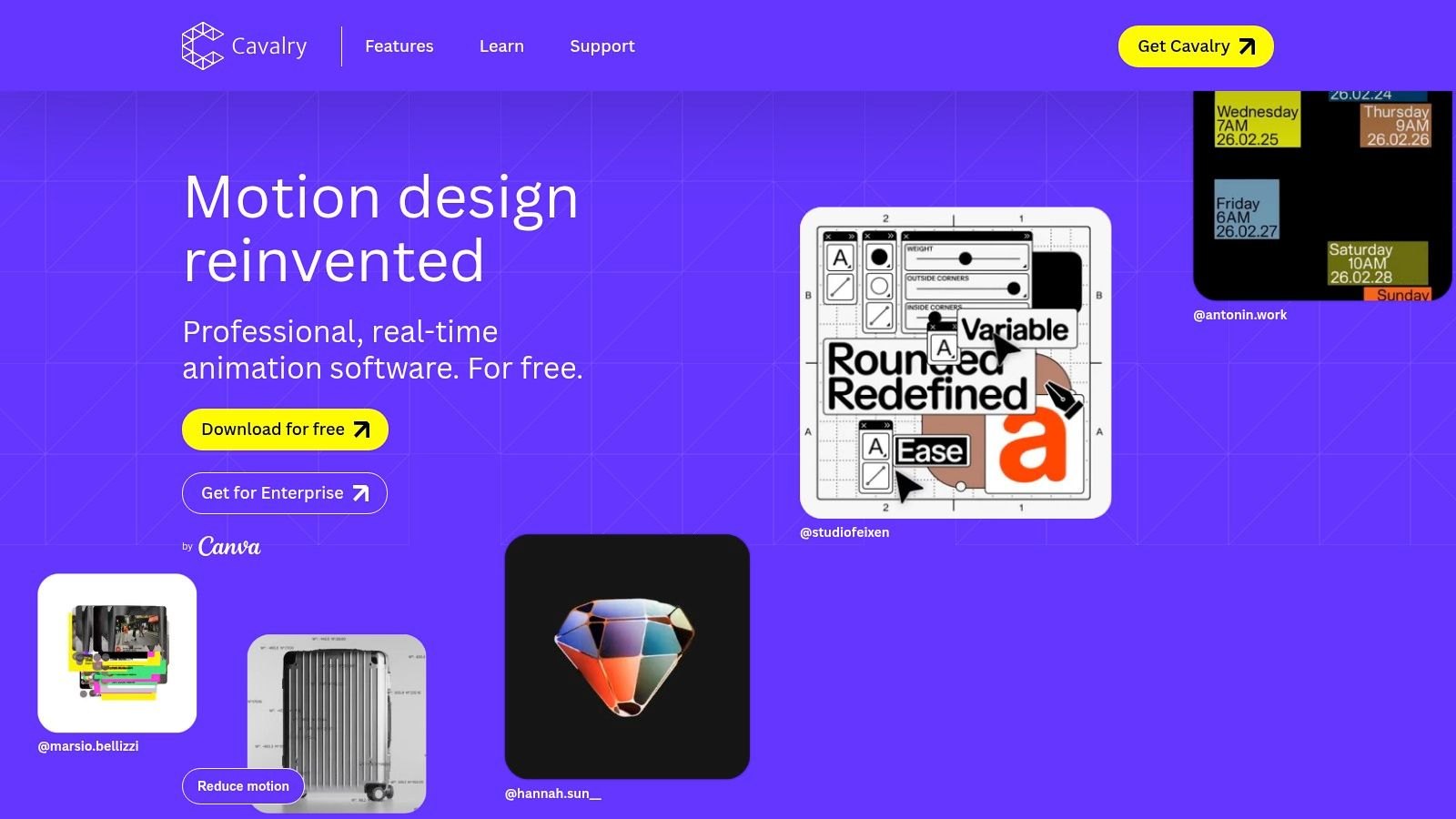
Cavalry is now published by Canva and is free for individuals, with procedural rigs, the real-time viewport and data-driven sequences all included. People who bought a Pro or Teams license can keep using the legacy version provided by Scene Group until the term they paid for ends, or claim the free Canva one. The Lottie exporter sits in the File menu and in the Render Manager, and where Lottie lacks a matching feature, Cavalry tries to bake the shape animation, which keeps a wide range of effects exportable. Its documentation lists which features export with no baking at all, which is worth reading before you design anything bound for an app.
My favorite on the list. If you have ever written a wall of expressions, or hand-set dozens of keyframes, just to get a grid of shapes moving slightly out of sync, Cavalry’s duplicators, falloffs and connections do that work for you. You set up rules and Cavalry works out the motion from them, which takes some getting used to after years of keyframing by hand. It also exports Lottie, so for motion that has to live inside a product it’s the free tool I’d reach for.
One layer driving another, nulls, noise, stagger and falloffs all come up in Cavalry’s getting-started tutorial on animation systems.
4. Maxon Autograph
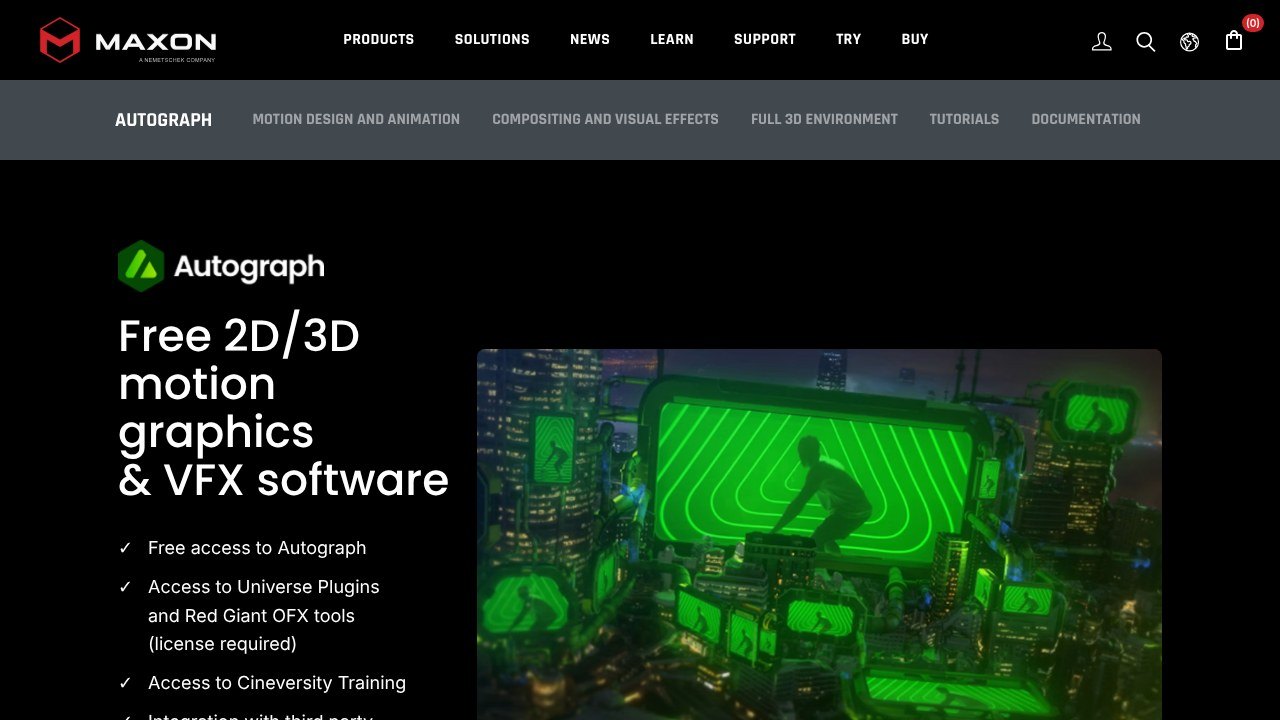
Image: Maxon, Autograph product page
More on Maxon Autograph
Maxon's FAQ asks "Is Autograph really free?" and answers "Absolutely!" The app covers motion graphics, VFX and compositing on a GPU-powered engine, and it pairs a 2D timeline with a full 3D environment based on Pixar's OpenUSD, so 3D models and 2D layers render in one place. Text tools animate individual text properties and can turn type into an extruded 3D mesh in one click. The relative definition system is built for last-minute format requests: one composition, rendered in multiple formats. There is also a rotoscoping toolkit with 2D and planar tracking.
Of the free apps, Autograph is the one an After Effects user will recognize fastest. Titles, logo animation, compositing and transitions work the way you’d expect, and the 3D sits in the same timeline. There’s far less around it, though, with fewer tutorials and even fewer templates, so I’d leave slack in the schedule of the first job you try it on.
5. Glaxnimate
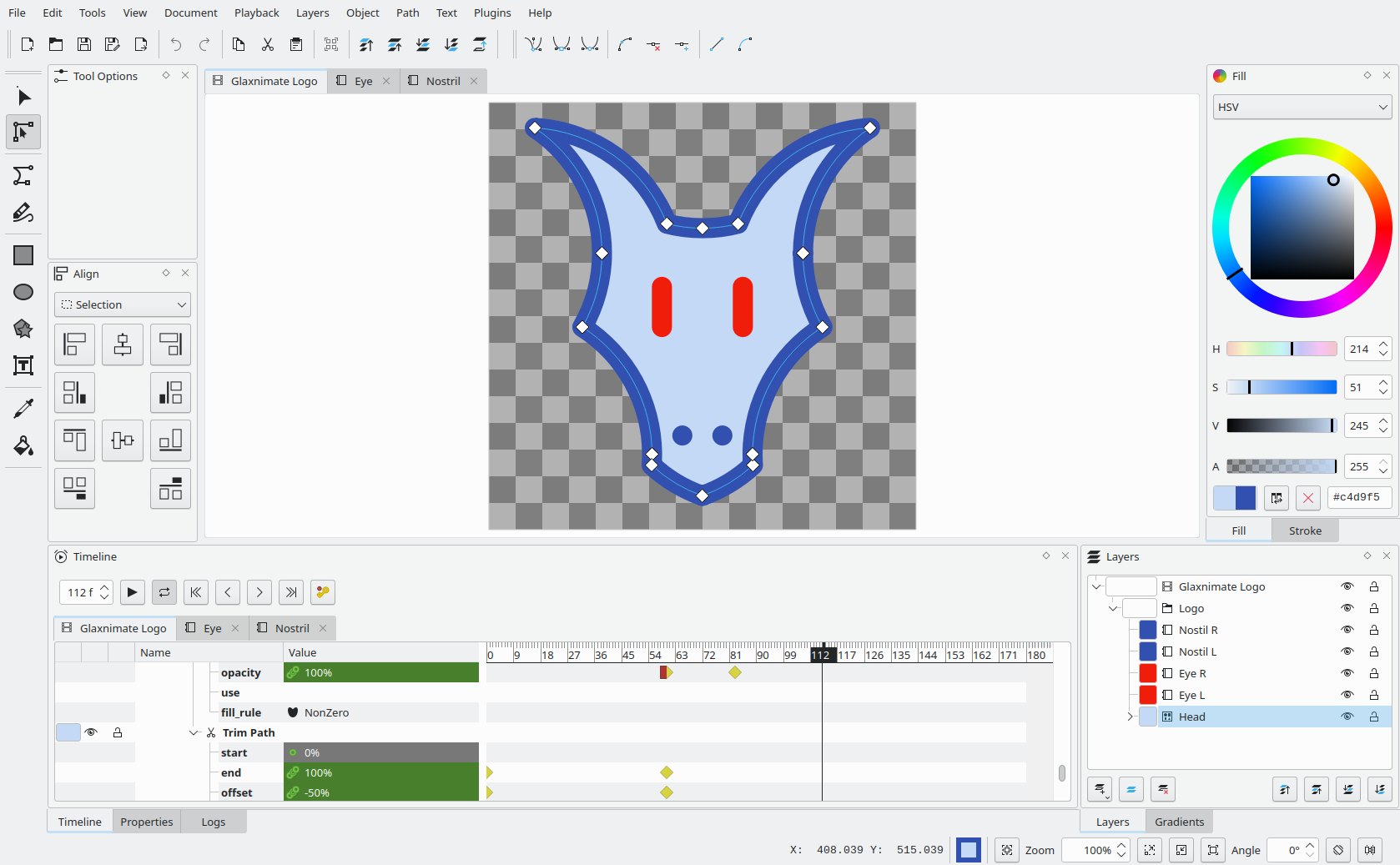
Image: Glaxnimate screenshot from glaxnimate.org
More on Glaxnimate
Glaxnimate is an open-source vector animation and motion design app for the desktop, and version 0.6.0, released on March 3, 2026, is its first stable release as a KDE project. Lottie files open and save, TGS sticker files do too (they are based on Lottie), and a validator in the Document menu checks a sticker against Telegram's limits before you save. SVG files load and export, including SMIL animation, and it reads most of the extra attributes Inkscape writes. You can also trace imported bitmaps into vector shapes.
Glaxnimate is small on purpose. It handles shape layers, trim paths and simple keyframed vector motion, and leaves footage and 3D alone. For a stock loader, grabbing one from a free Lottie animation site is quicker than drawing it, so I’d save Glaxnimate for animation that has to be your own.
Paid After Effects alternatives
Prices here run from a one-time $49.99 for Motion to thousands a year for Nuke.
6. Apple Motion
More on Apple Motion
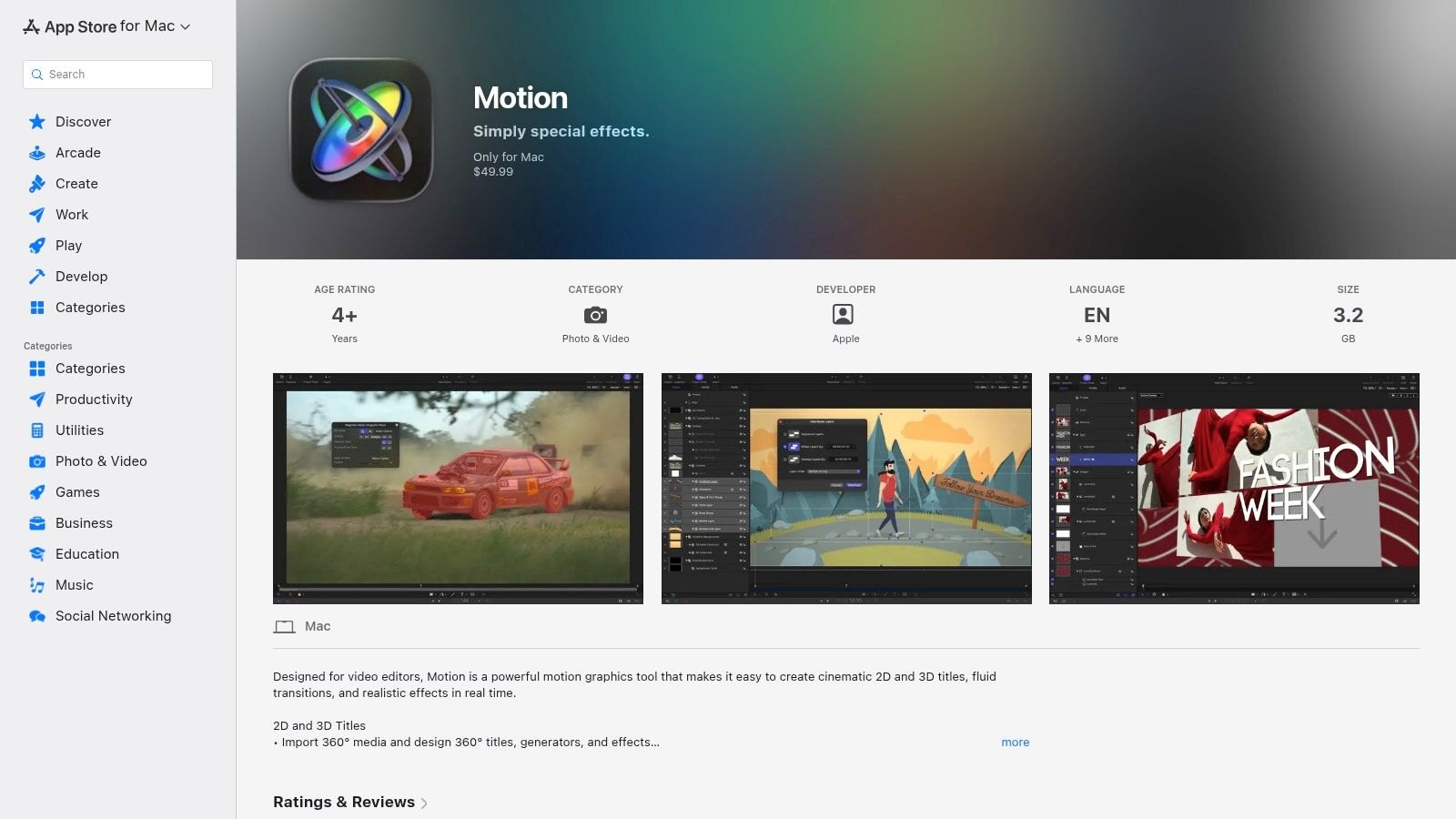
In Motion, a template can expose single parameters or rigs (a slider, a pop-up menu, a checkbox) for an editor to control inside Final Cut Pro. The app builds 2D and 3D titles, transitions and effects in real time. 3D titles can start from scratch or from a converted 2D title, wear more than 90 Apple-designed materials, and sit in 360-degree projects with cameras. Apple now also bundles it into Apple Creator Studio with Final Cut Pro, Logic Pro, Pixelmator Pro, Compressor and MainStage, while the standalone app is still sold as a one-time purchase.
I’d only buy Motion for a team that already cuts in Final Cut Pro, since most of its value is in how the two talk to each other. In that kind of edit suite it handles titles, lower thirds, callouts, simple logo moves and quick effects, and behaviors do a lot of the animating.
7. Blackmagic Fusion Studio
More on Blackmagic Fusion Studio
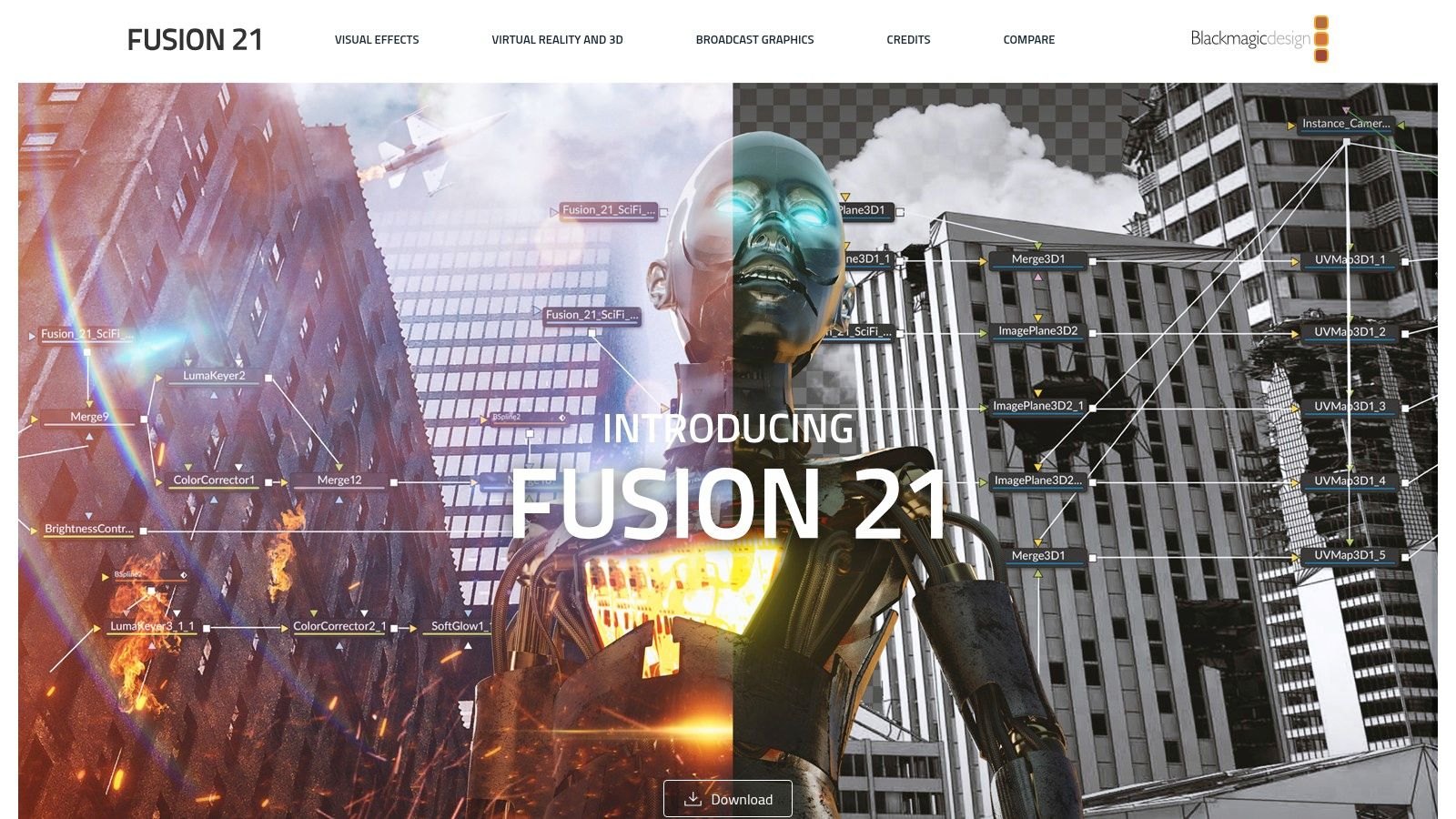
Fusion Studio is Blackmagic's standalone Fusion application (inside Resolve, Fusion lives on the Fusion page), and Blackmagic says it has been used on thousands of feature films and TV shows over the last 30 years. It works in a true 3D workspace with tools for keying, painting, animation, VR and stereoscopic 3D, and its optical flow tools generate motion vectors to retime, stabilize and morph shots. Fusion Studio adds support for third-party filters and a bin server, so a team sees shared assets without copying them around. The current Fusion Studio 21.1.1 update ships for Mac, Windows (including Windows on Arm) and Linux.
Think of it as the Fusion page without Resolve wrapped around it, made for compositors and VFX artists who never want to see an edit timeline. Most people should start with the Fusion page in free Resolve. The $295 makes sense once you have render machines to spare and artists who spend their whole day on shots, because that’s where the network rendering and the bin server pay off.
8. Foundry Nuke
More on Foundry Nuke
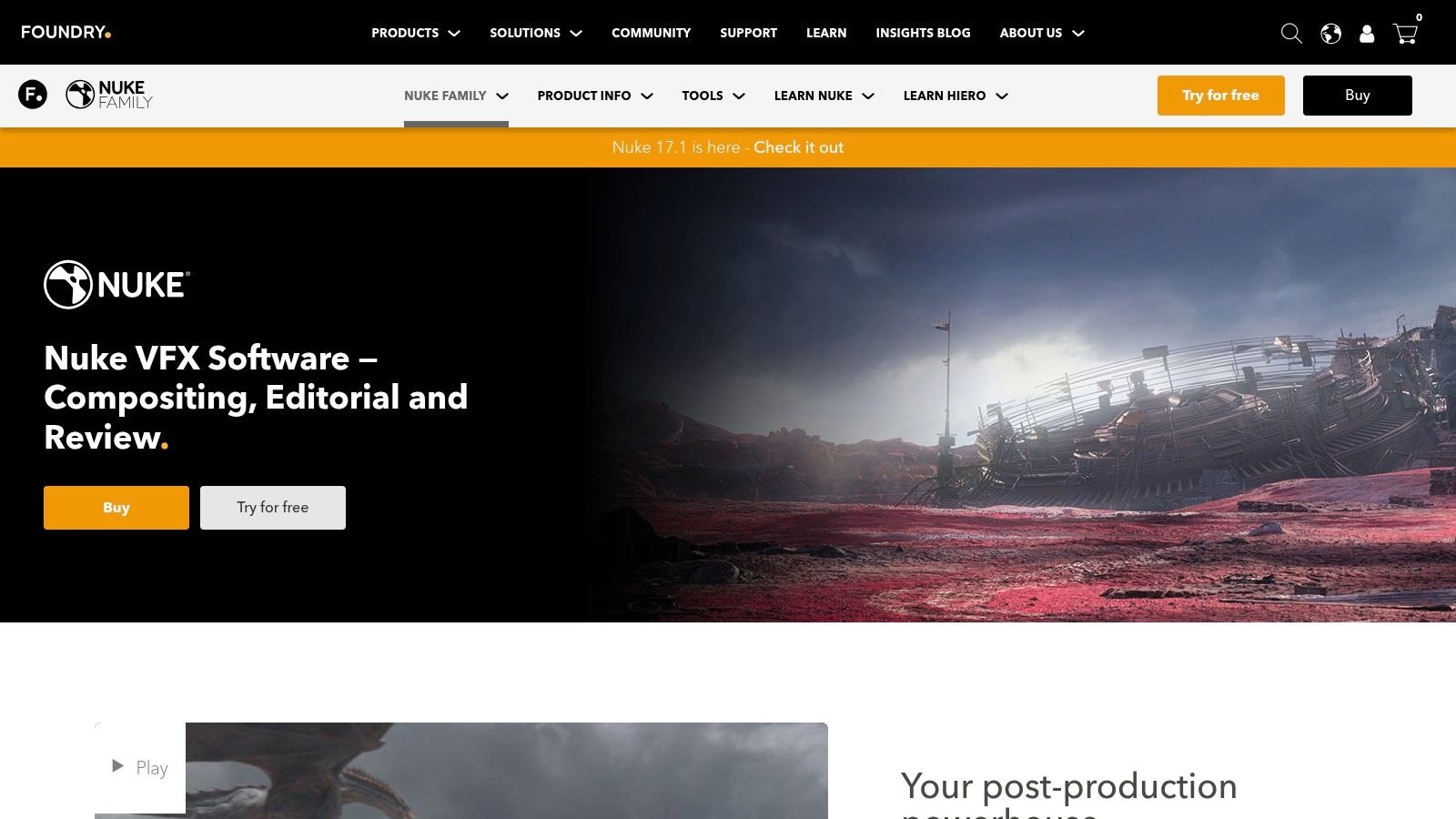
Nuke is the node-based compositor at the center of Foundry's Nuke family, and the current release is 17.1. Above the $3,839 annual price for Nuke sit NukeX at $5,219 a year, with advanced 3D camera tracking and cleanup plug-ins, and Nuke Studio at $6,379 a year, which adds a multi-track editorial timeline and conform. Nuke Indie is a functionally limited version of Nuke Studio for solo artists, and it cannot sit in a pipeline with other commercial Nuke licenses. Nuke Non-commercial gives learners free, unwatermarked versions of Nuke, NukeX and Nuke Studio, minus third-party plug-ins and with limited Python.
Compositors move to Nuke when After Effects stops being enough, usually on shots that need multi-pass CG integration, deep compositing, roto, cleanup or set extensions. I wouldn’t open it for titles or brand motion. If you’re curious how high-end compositing works, the free Non-commercial edition lets you poke around before anyone spends $3,839.
Browser-based After Effects alternatives
Rive, Canva and CapCut also have desktop apps, but all six of these work in a browser tab. Lottie is usually why product teams look here, and half of them export it. For ready-made files, the libraries and marketplaces collected in Lottie resources are worth checking before anyone animates from scratch.
9. Jitter
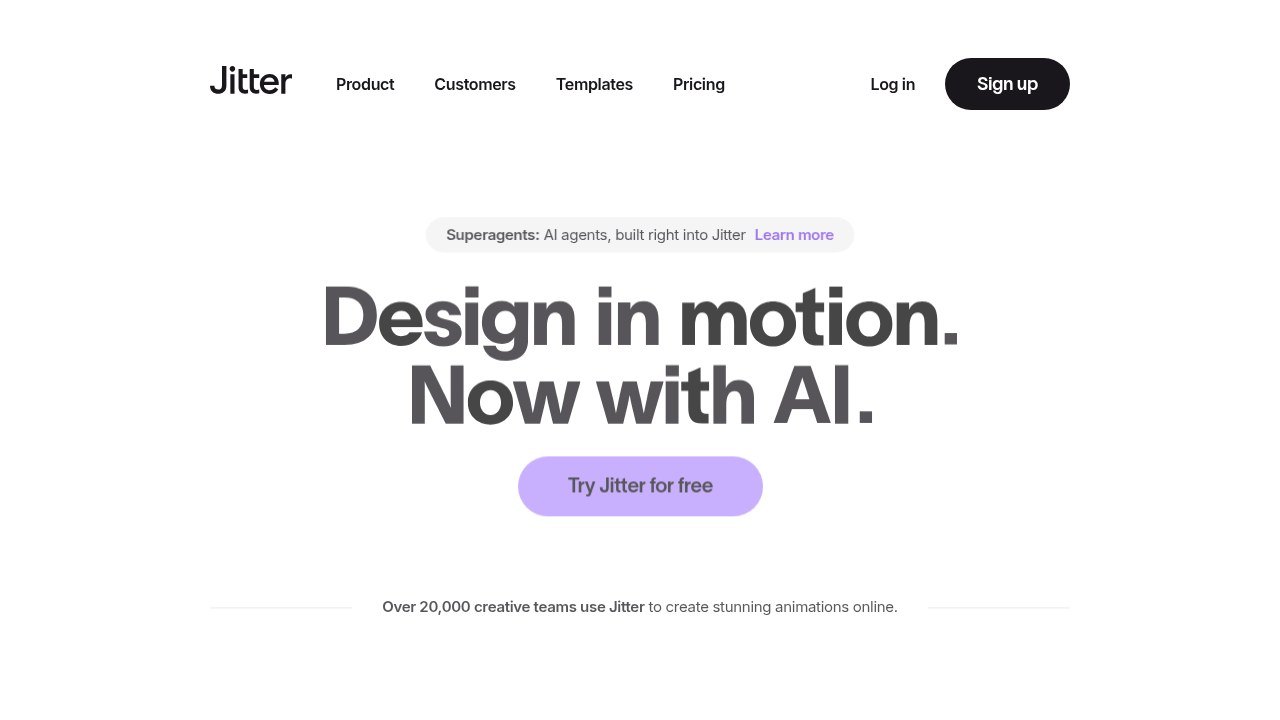
Image: Jitter
More on Jitter
Designs come into Jitter through its Figma plugin: select a frame or layer, click Copy, then paste it into a Jitter file and start animating. It comes with more than 300 animation templates, and presets you can retime and re-ease. Pro adds 1080p at 60fps and ProRes and WebM export, Max adds transparent and frame-by-frame export plus 4K at 120fps, and every tier carries some AI credits.
Designers who used to hand button states, notification animations, logo reveals and social cards to a motion person can do them in Jitter themselves, starting from a pasted Figma frame. For type-heavy work it’s also the first tool in our guide to how to animate text online. And it’s the only browser tool here whose free tier exports Lottie, so it costs nothing to find out whether your developers can use what it makes.
10. Rive
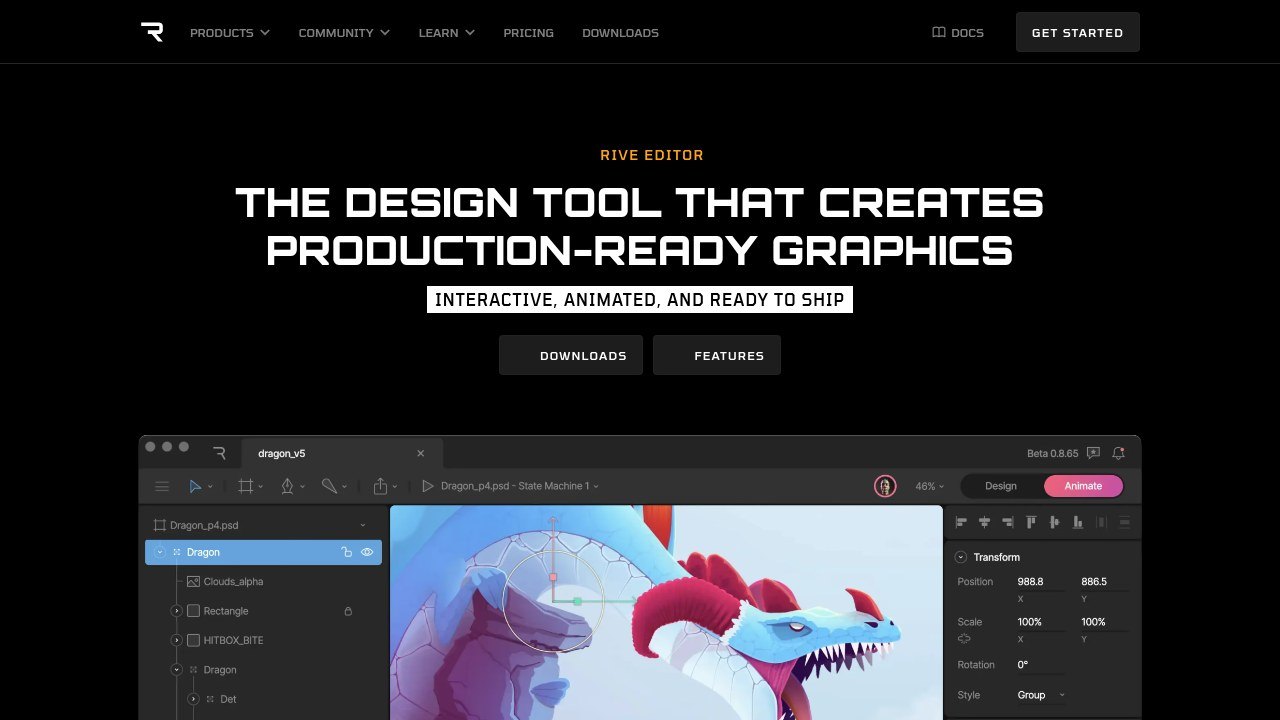
Image: Rive, Rive Editor page
More on Rive
Designers, animators and developers build interactive UI, motion and game pieces in the same Rive editor, and the result runs natively on mobile, desktop, web, consoles, TVs and vehicles. Rive's own term for all this is the interactive experience engine. Per seat a month, the tiers go Free, Cadet at $9 (three seats at most), Voyager at $32 (up to 25) and Enterprise at $120 for companies with $10M or more in annual revenue. Free exports play a Rive splash screen, which Cadet removes. Rive can also generate pieces from an agent through its command-line tool.
For interactive work, Rive cuts out the old relay from After Effects to Lottie to a developer. A hover animation, or a progress meter driven by real data, lives in a state machine inside the file, something a rendered After Effects file can’t manage by itself. Plan extra time for the state machines, which take longer to learn than the animation side.
11. Lottielab
Image: Lottielab homepage
More on Lottielab
Lottielab's free tier covers as many files as you like, Lottie and SVG uploads, Figma import, and GIF and MP4 export. Pro adds Lottie export, HD and 4K video, a team library with shared files, comments and mentions, file size optimization, and Lottie hosting on a CDN. That fits how Lottielab describes itself, as a web-based alternative to After Effects for anyone who needs Lottie, video and GIF output without installing anything.
If your team already has a folder of Bodymovin exports, I’d start with Lottielab. It opens them, so the onboarding illustrations, empty states, loaders and small celebrations someone once built in After Effects can keep being edited in a browser tab.
12. SVGator
More on SVGator
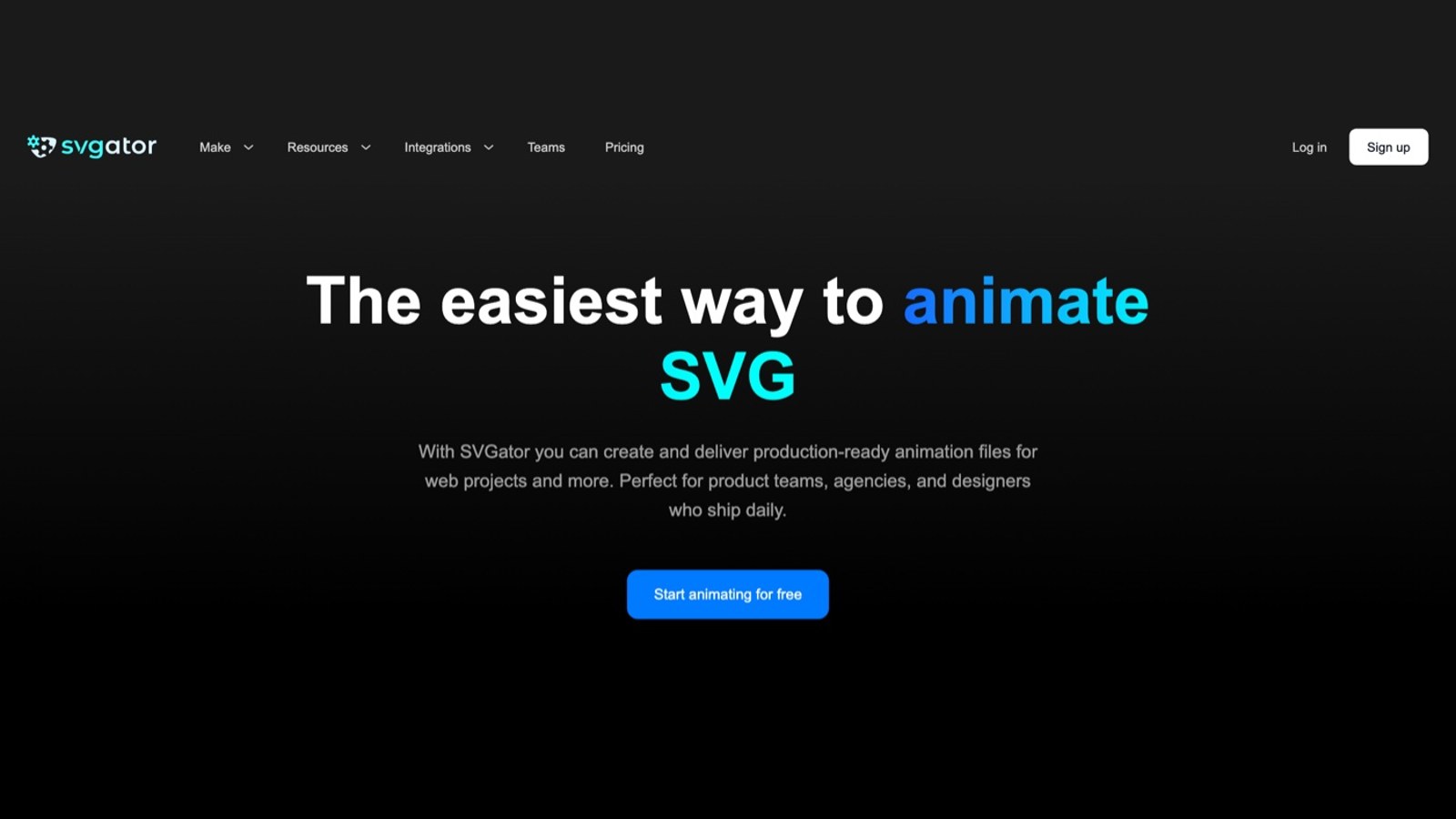
According to SVGator's FAQ, the free tier lets you explore the full editor and export static SVG files without limit, Starter adds animated SVG, Lottie, React Native and Flutter export, and Pro adds video and GIF. Starter also brings the SVG Player API and interactive animations, while Team runs $27 per seat a month billed yearly with a three-seat minimum and room for up to ten. It integrates with Figma and WordPress.
SVGator makes the most sense when the animation’s final home is a website, say a hero illustration that moves or a logo that draws itself. Don’t judge it by the free tier, which lets you explore the whole editor but only exports static files; anything that moves needs Starter.
13. Canva
More on Canva
Canva Free is open to anyone, Canva Pro covers a single person, and Canva Business is built for individuals and small teams that want brand management, ad performance insights and more AI allowance. Canva supports importing Lottie animations into designs and renders them out with its GIF and MP4 exports (the Canva entry in our Lottie explainer has what that did to its rendering). Canva also publishes Cavalry, entry 3 on this list, which is where its more serious motion design tool lives.
Canva is first on my list of animation tools for non-designers, and here too it’s for people who don’t animate for a living. Presets and templates do most of the moving, so custom brand motion is hard to get out of it. An animated quote card, or a logo that fades up at the end of a clip, is easy.
14. CapCut
More on CapCut
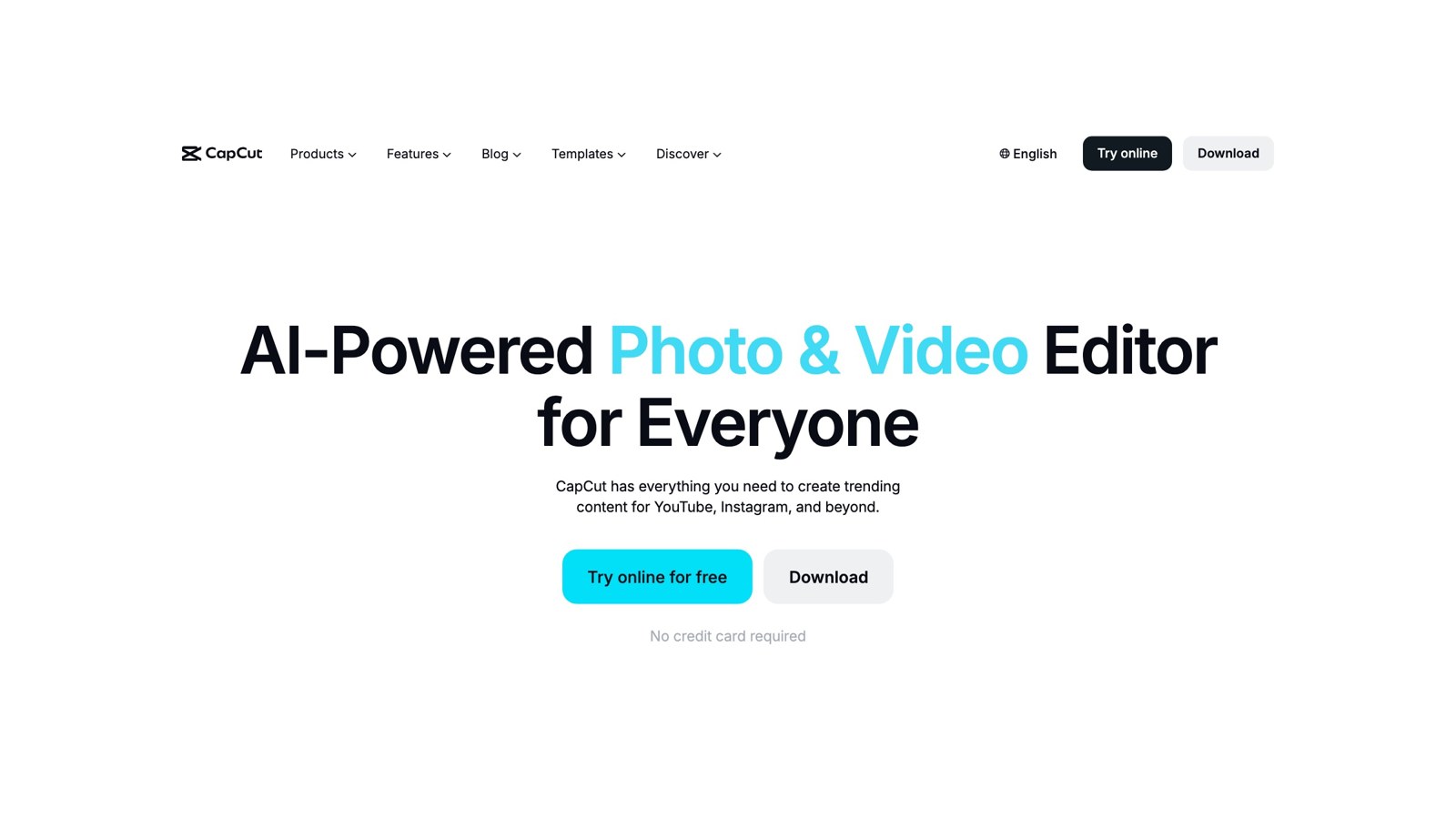
CapCut's site lists desktop, online, tablet and mobile versions; the two that matter here are the online editor, which runs in the browser, and CapCut Desktop, a free download. The desktop app lists keyframes and graphs for smoother, more precise animation, color wheels, a broad effects library, and automatic captions generated from video and audio. Its own pages pitch it squarely at creators turning out posts for TikTok, YouTube and Instagram.
Animated captions and a zoom on the beat are the light end of After Effects work, and for a social team CapCut does both for free. Reusable animation rigs and compositing are beyond it.
How DaVinci Resolve compares with After Effects
If you edit, I’d pick Resolve. The free version is already a complete post suite, with edit, color, audio and Fusion for effects, and Studio costs $295. After Effects alone runs US$22.99 a month, and you still cut somewhere else. Blackmagic argues its node graph is faster than a layer stack once comps get complex. On a busy shot I agree, because the node tree shows you what feeds what, and nested precomps bury exactly that.
After Effects keeps its edge for a team that has paid for templates and third-party plugins over years, since most of that doesn’t carry over to Fusion. It also keeps it for anything headed into an app. Lottie started life in 2015 as an After Effects export, the Lottie Animation Community still names designing in After Effects and exporting with a plugin as a popular method, and Resolve has no Lottie export at all.
How CapCut compares with After Effects
CapCut is a free, fast editor for short-form social video. Its keyframes, graph curves, automatic captions and templates make a vertical clip look finished in minutes, and for a weekly run of short social cuts I’d use it over After Effects every time.
A custom logo animation or a title system is a different job, and it needs a motion tool, After Effects or one of the alternatives above. If what you’re actually choosing is a short-form editor, viral.new’s comparison of video editing software for short-form creators weighs CapCut against Premiere Pro, DaVinci Resolve and Final Cut Pro on speed, AI features and price.
Relearning costs more than the license
A few weeks of a team relearning its tools can easily cost more than the most expensive license in the table above. The median special effects artist or animator in the US earned $102,030 a year in May 2025, going by the Bureau of Labor Statistics.
So before anyone migrates, push one real job through the new tool. A lower third won’t tell you much. Rebuild a piece from the last quarter and watch the boring parts: import, export, whether you get the Lottie you need, how files move between people, and who looks after the templates afterward. If the test mostly shows that nobody has the hours to learn a new tool, and the backlog is steady motion work, bringing in motion graphics designers may make more sense than switching software at all.
Frequently asked questions
No. Adobe offers a seven-day trial of the full app, which becomes a paid Creative Cloud membership unless you cancel, and after that After Effects on its own costs US$22.99 a month on the annual, billed monthly option. For a free online video editor, Adobe itself points people to Adobe Express. If you want free software that does After Effects work, Resolve's Fusion page and Blender cover compositing and 3D, and Cavalry and Maxon Autograph are both free motion design apps.
For editors, usually yes. Resolve keeps the cut, color, audio and Fusion compositing in one project, the free version already handles Ultra HD at 60fps, and Studio costs $295, where After Effects is US$22.99 a month. Stay with After Effects if your team runs on layer-based templates and paid plugins (most of them don't carry over to Fusion) or ships Lottie, which Resolve can't export. Whether the node graph suits you only shows up on real work, so give the Fusion page a couple of actual projects before deciding.
CapCut, if the job is short social clips. It's a free, fast editor, and its keyframes, graph curves, automatic captions and templates get a vertical video finished quickly. After Effects is where custom animation and compositing happen, and a social team can use both, cutting in CapCut and dropping in a title or logo animation rendered from a motion tool.



