13 Lottie Resources That Save Designers Hours
The Lottie tools I actually keep open, from LottieFiles and IconScout to no-code editors and per-item marketplaces, sorted by what each one does best.

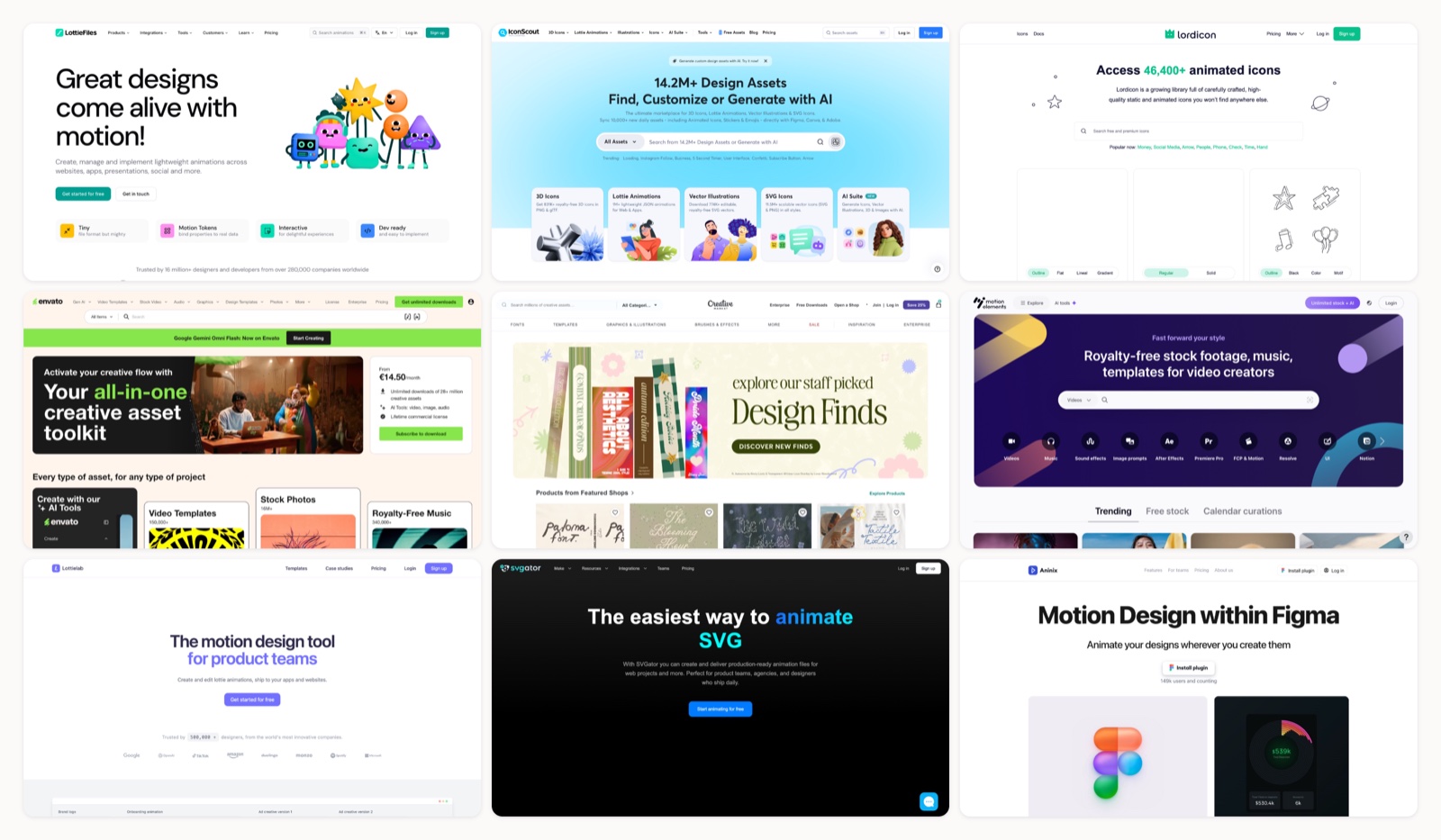
Lottie is the format I reach for whenever a design needs to move without ballooning into a heavy video file. It stays crisp at any size, weighs next to nothing, and plays natively on web, iOS, and Android. The format was never the hard part. Finding animations that do not look generic is one problem; editing them without living in After Effects, then handing developers a file they can actually ship, is the other.
This is the shortlist my team and I keep open while we work, ordered by what each resource is actually best at, so you can skip whatever does not fit how you work. Most of them run right inside Figma; for the wider set of add-ons, see my guide to the best Figma plugins and extensions. If free is your only requirement, I keep a separate list of free Lottie animation sources.
1. Mosso
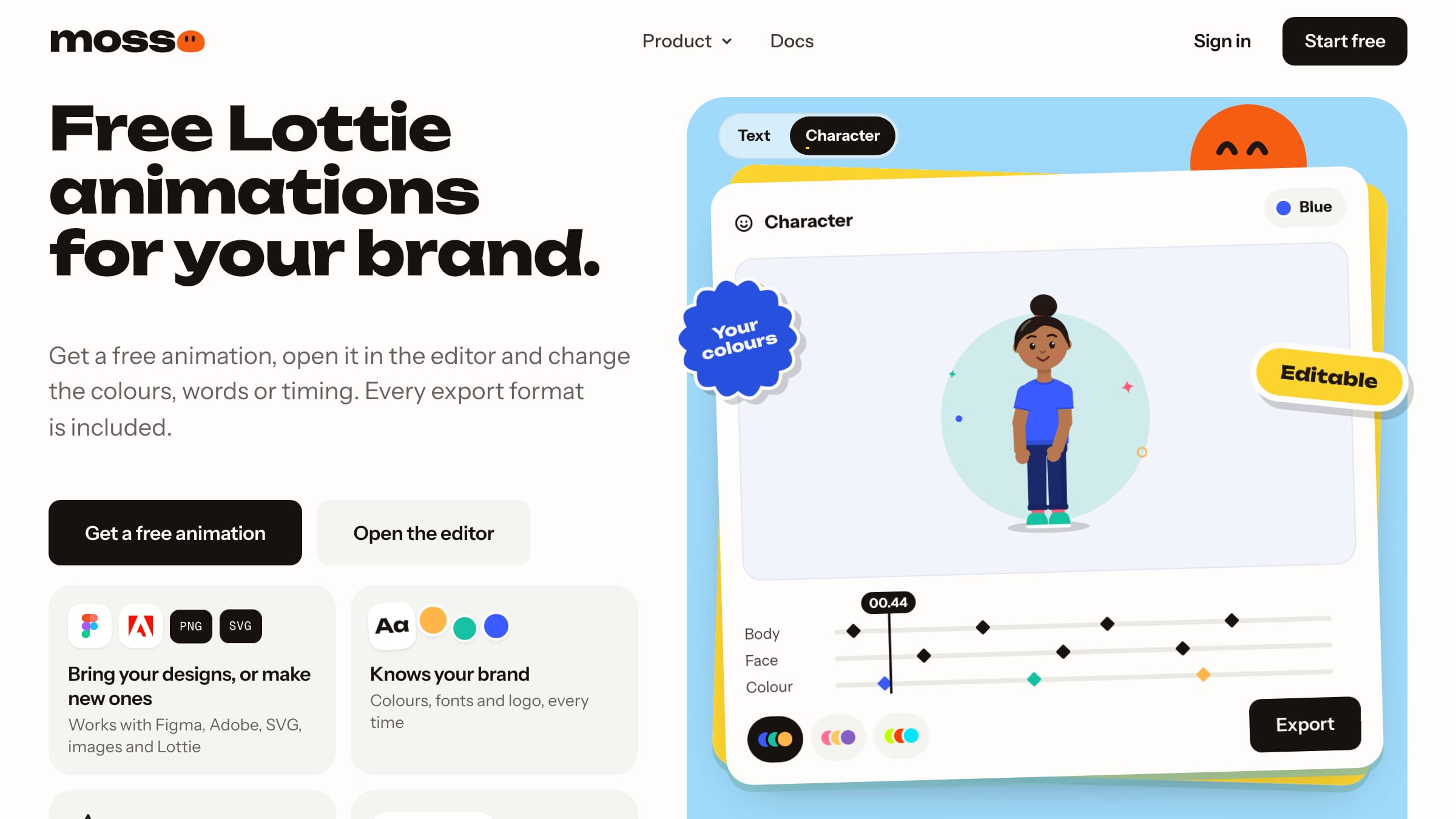
The best Lottie resource I use, by far. Mosso replaces three or four tabs on its own: a free library, a real editor and free converters, with every export format included.
More on Mosso
Most Lottie workflows hop between three or four sites: one to find a file, one to tweak it, one to convert it. Mosso keeps those steps together. You can open a Lottie from anywhere, paste SVG or drop in images, set keyframes, easing and springs, and export Lottie, dotLottie, GIF, MP4 or transparent WebM. Your colours, fonts and logo come from a brand kit you set once, so files stop drifting off brand. The free tools on its site work without the editor too, which makes it a handy bookmark even if you build in After Effects.
2. LottieFiles
More on LottieFiles
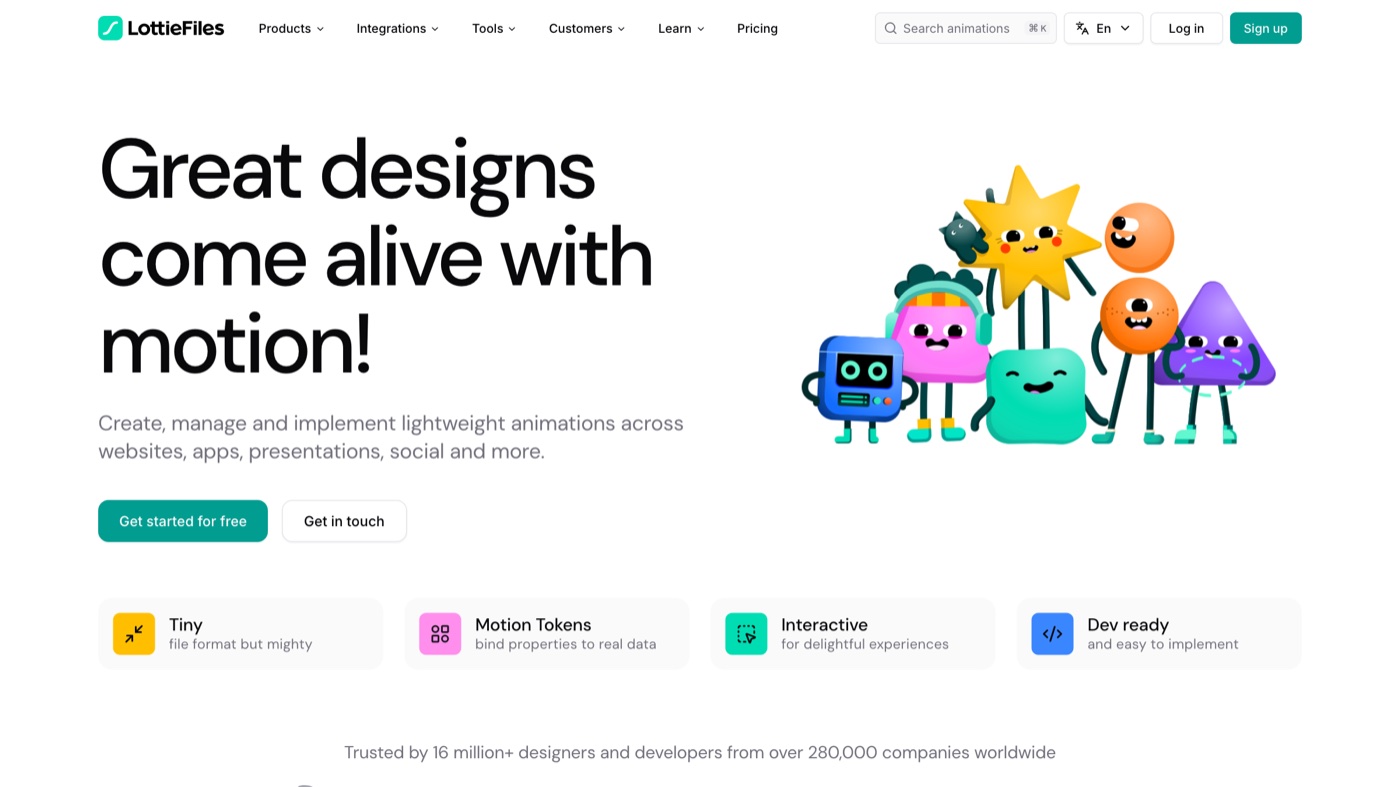
LottieFiles is less a plugin and more the operating system for the format: a library, an in-browser editor, a hosting layer, and a Dev Mode handoff plugin under one account. In practice I use it as the hub even when the animation came from somewhere else, because dropping a file in and pulling a hosted link out is faster than any manual export. The Figma plugin inserts animations as GIFs for prototyping, while Dev Mode gives developers optimized .lottie files and CDN links. The free tier is generous for solo work; team hosting, higher limits, and the best premium assets are where it starts to cost. If you only adopt one thing from this list, make it this.
3. IconScout
More on IconScout
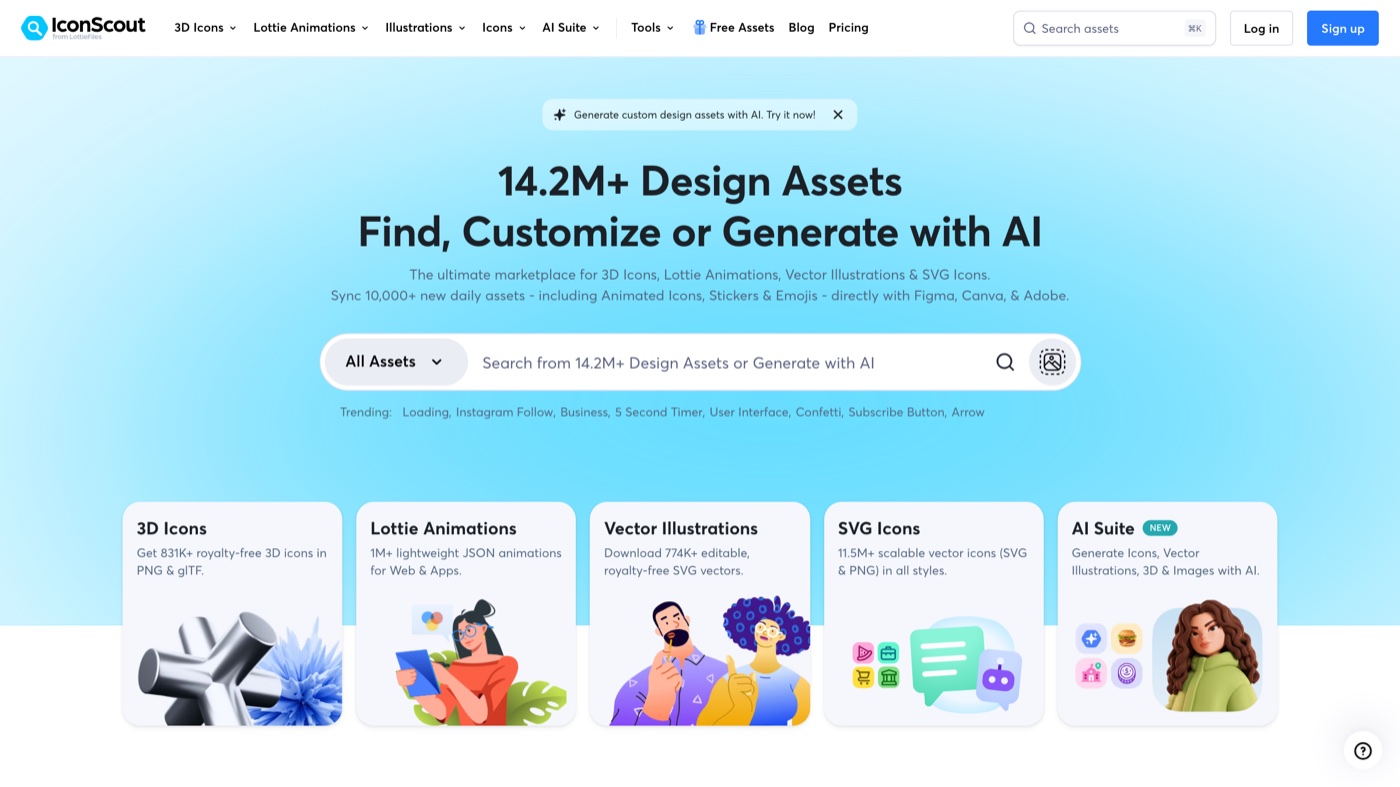
IconScout is a broad asset marketplace where Lottie animations sit alongside icons, illustrations, and 3D. The reason it earns a spot over a plain library is the Figma plugin's color editor: I can recolor an animation to a brand palette before it touches the canvas, instead of hand-editing JSON. Assets insert as GIFs for prototyping, and the licensing is clear enough that I do not have to email their support before using something on client work. The main limit for teams is cost, since the fullest library and commercial rights need the paid all-access membership. It is a strong pick when you want licensed motion and static assets from the same place.
4. Lordicon
More on Lordicon
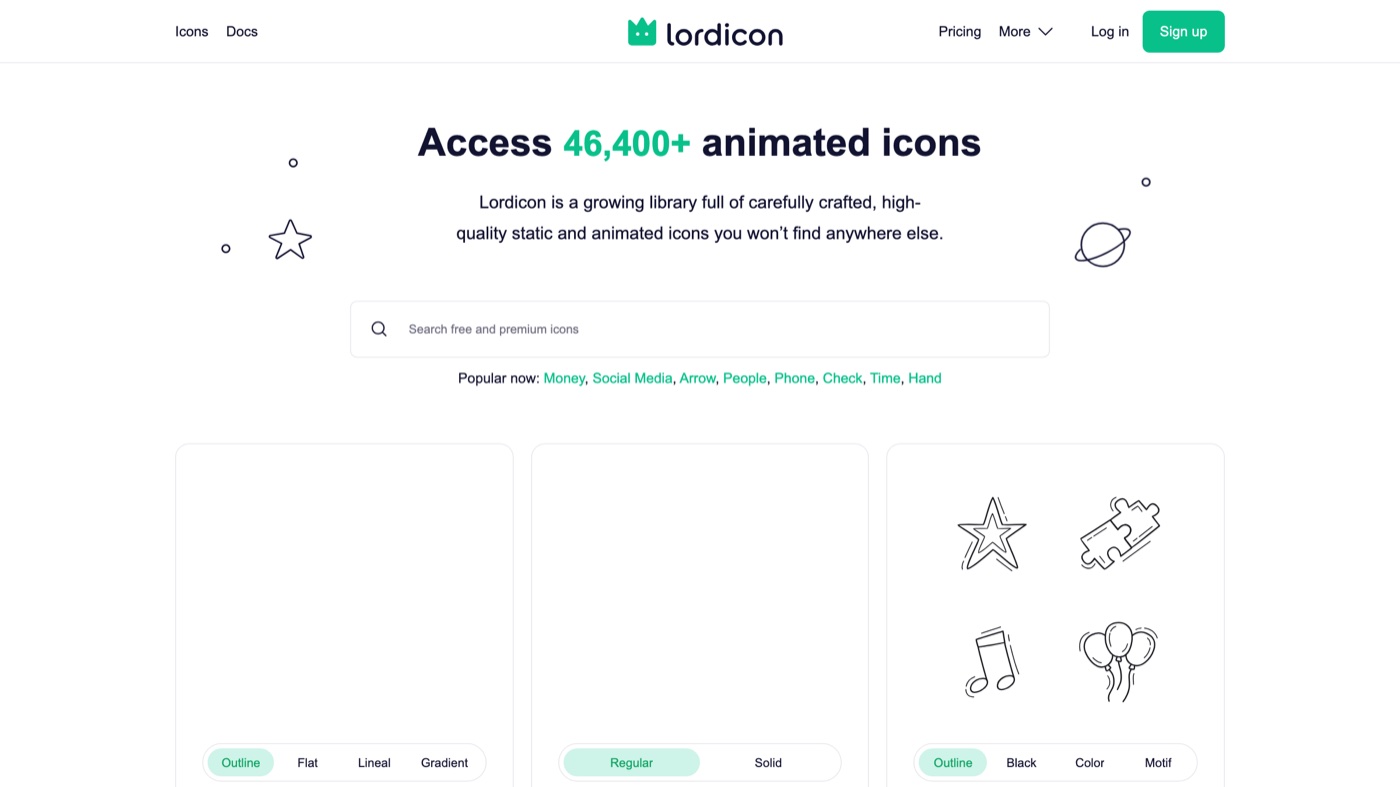
Lordicon does one thing and does it well: animated icons with a consistent house style across a library of more than 46,400. Because each icon ships with multiple states (in, hover, loop, morph), I can prototype interactive UI without animating anything myself, then export as Lottie JSON for production or GIF for a mockup. The free tier covers 9,100 icons if you can live with attribution; PRO removes that and unlocks the full set from $8 a month billed yearly. Where it stops is scope, since this is icons, not illustrations or scene work, so it lives next to a broader library rather than replacing one. For UI micro-interactions specifically, nothing else feels as cohesive.
5. Envato Elements
More on Envato Elements
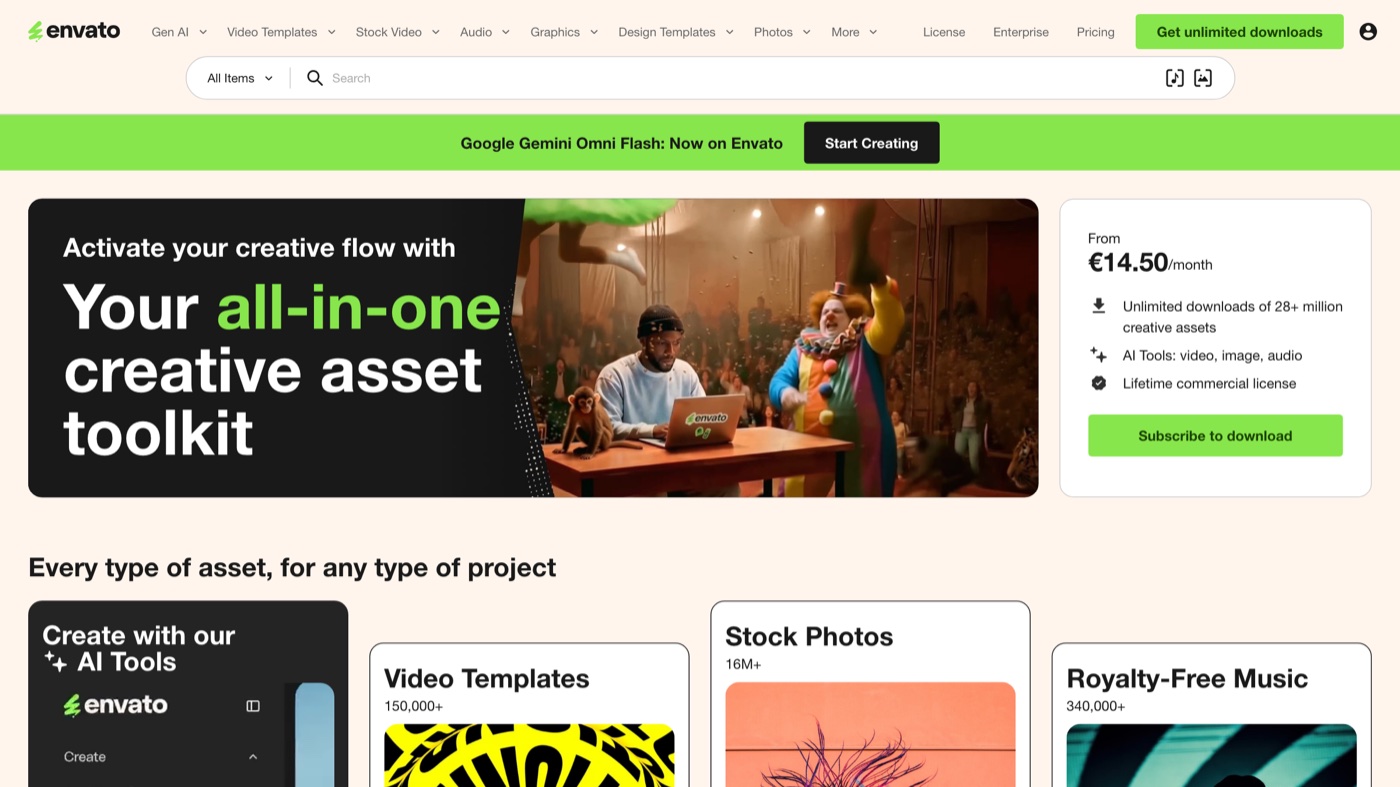
Envato Elements is the all-in-one membership I point busy studios toward, because one login covers Lottie animations plus stock video, music, fonts, mockups, and templates, all under a commercial license. The Core tier starts at 14.50 euros a month billed yearly, and if your work spans more than motion it replaces a pile of separate purchases. There is no Figma plugin, so the flow is to download the JSON, then bring it into Figma through LottieFiles or similar. Quality varies by contributor, which is the trade for breadth. It makes the most sense when Lottie is one line item in a much longer asset list.
6. Creative Market
More on Creative Market
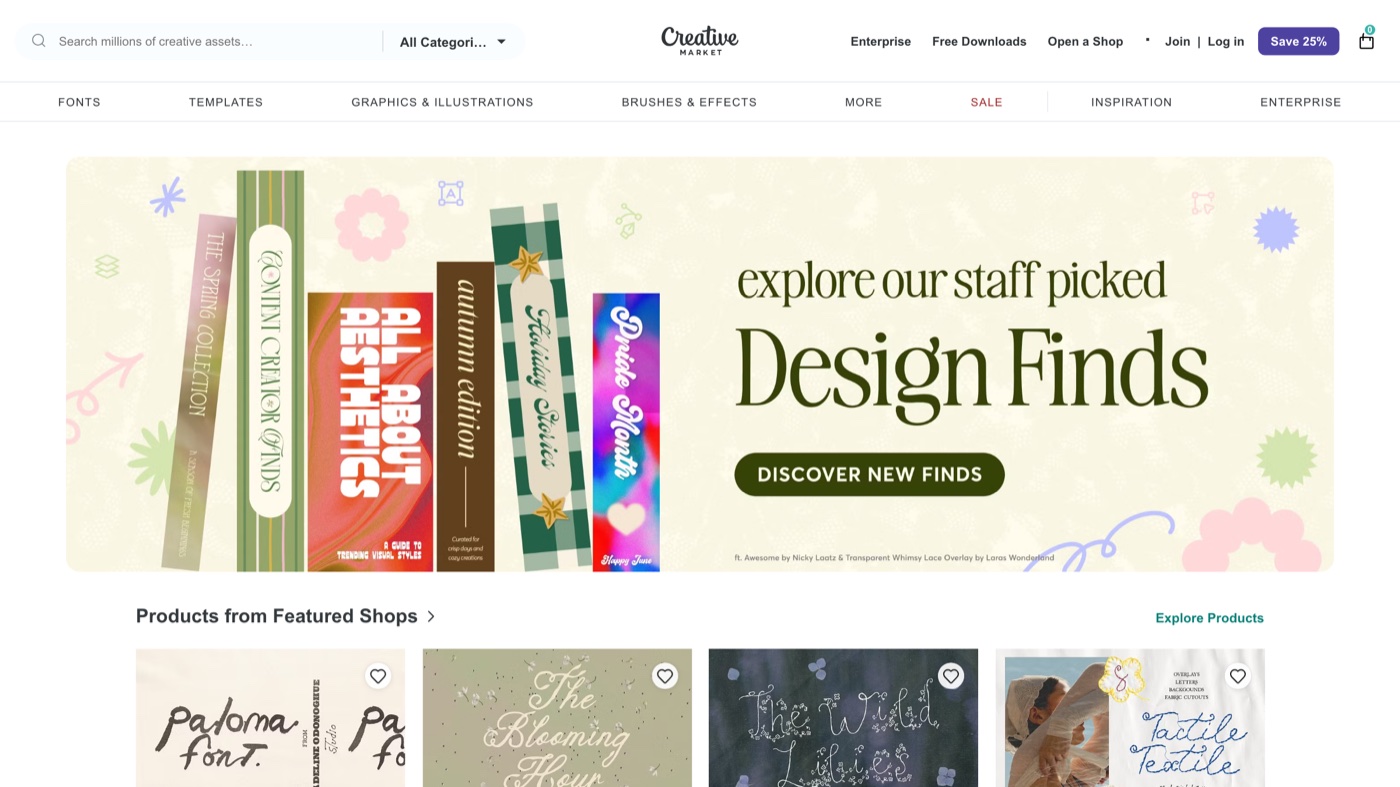
Creative Market is the à la carte option I use when a project needs a specific, character-rich animation the big libraries do not carry: seasonal sets, unusual illustration styles, niche icon packs. The real value is that many sellers include the original After Effects file, so I can change timing, shapes, and motion paths rather than only swapping colors. You pay once per item, with no membership hanging over you, which suits infrequent or one-off needs. Because every listing comes from an independent creator, quality and included formats vary, so I always read the file details first. Think of it as a boutique next to the supermarkets.
7. MotionElements
More on MotionElements
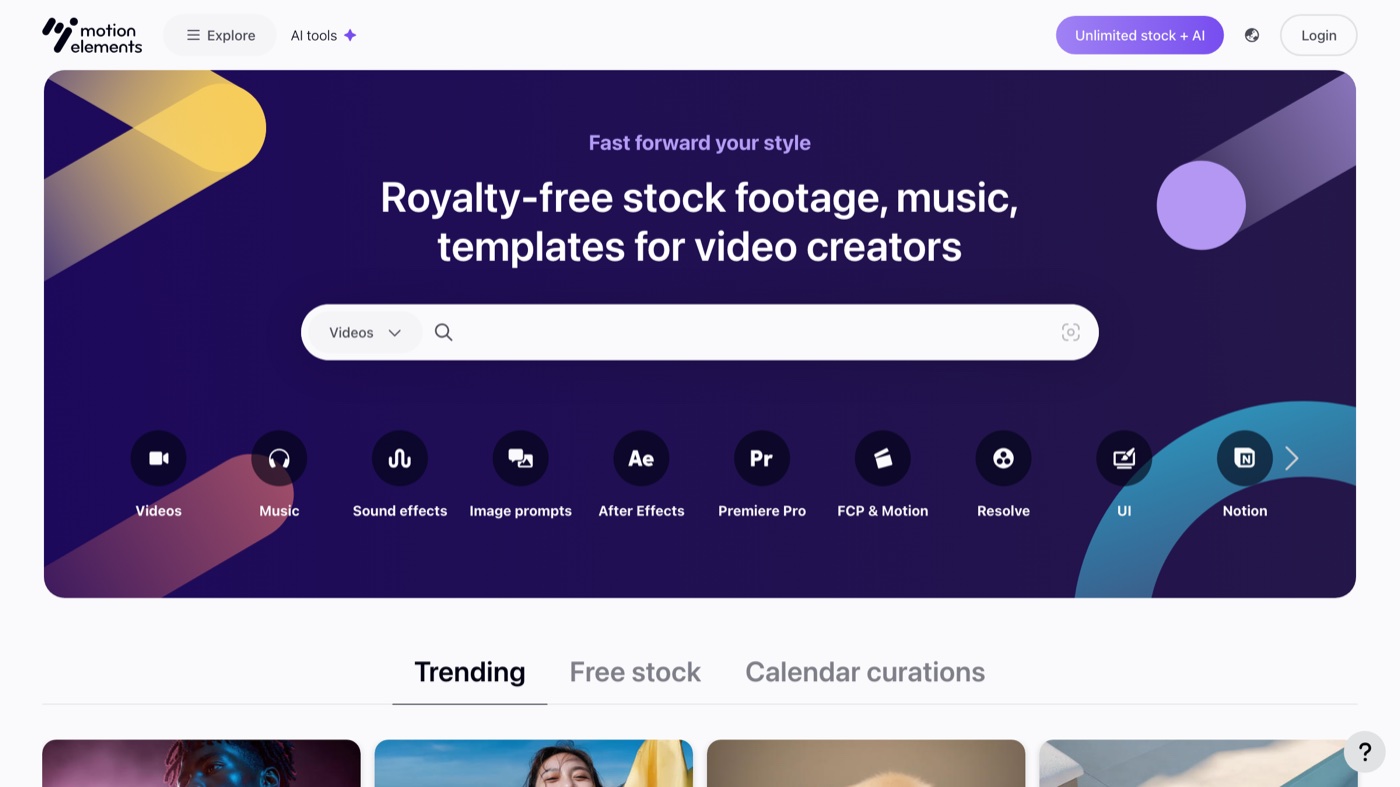
MotionElements is a cross-media stock marketplace, so its Lottie catalog sits next to stock video, music, and sound effects, all royalty-free. That makes it handy when a single project needs a loader and a background track and a transition from the same place, without juggling four logins. You can buy per item or take a membership if you download at volume, which is a fair bit of flexibility. The Lottie selection is thinner than the dedicated libraries, and like Envato there is no native Figma integration, so you import the file through another tool. I reach for it on projects that are motion plus everything else, not motion alone.
8. LottieLab
More on LottieLab
LottieLab is a browser-based editor built for designers rather than motion specialists, and it bridges the gap from a static Figma frame to a finished animation. You import the frame with the plugin, animate it on a timeline that is far gentler than After Effects, then export Lottie, GIF, or MP4, or host it on their CDN. The free tier is real (file uploads, Figma import, GIF and MP4 export), with Pro and Enterprise adding hosting and team collaboration. As a younger tool it does not match After Effects for expression-level control, so very complex work can outgrow it. For custom animation without the learning cliff, it is one of the smoothest options here.
9. SVGator
More on SVGator
SVGator is a no-code vector animation studio, and its standout trait for Lottie users is export control: the optimized JSON can shrink a file noticeably, which matters a lot when the animation ships on a real landing page. You animate SVGs on a timeline without writing code, then export standard or optimized Lottie. The free tier watermarks exports and exists mainly to test the workflow; Starter unlocks watermark-free files from 20 dollars a month billed yearly, with Pro and Team above it. Interactivity triggers like click and hover live on the paid tiers too. If file weight and performance are the priority, this is the tool I optimize with.
10. Jitter
More on Jitter
Jitter is the fastest way I know to turn a static Figma frame into simple UI motion, with a learning curve short enough for people who have never opened a motion tool. Import a frame, apply a preset or animate by hand, then export the same project as Lottie for developers, a GIF for a deck, and an MP4 for social. Worth flagging: Lottie export now sits on the free plan, where it used to be paid, so the barrier to trying it is basically gone. Paid Pro, Max, and Ultra tiers add more room and features. It trades depth for speed, so keep complex character or scene work in a heavier tool.
11. Aninix
More on Aninix
Aninix is the in-Figma answer to wanting to animate a design and get a Lottie out without leaving the plugin. It runs inside Figma, lets you add interactivity and animate elements, and exports Lottie, GIF, or MP4 in place, which keeps the animation next to its source design. The Personal tier is free with two active projects and 30 days of history; PRO lifts the project cap from 8 dollars a month billed yearly, and Team adds shared spaces. With 149k users it has real momentum, and it is the cleanest current replacement for older in-Figma animators that have gone quiet. The free cap on active projects is the main thing that pushes ongoing work onto PRO.
12. LottieFolder
More on LottieFolder
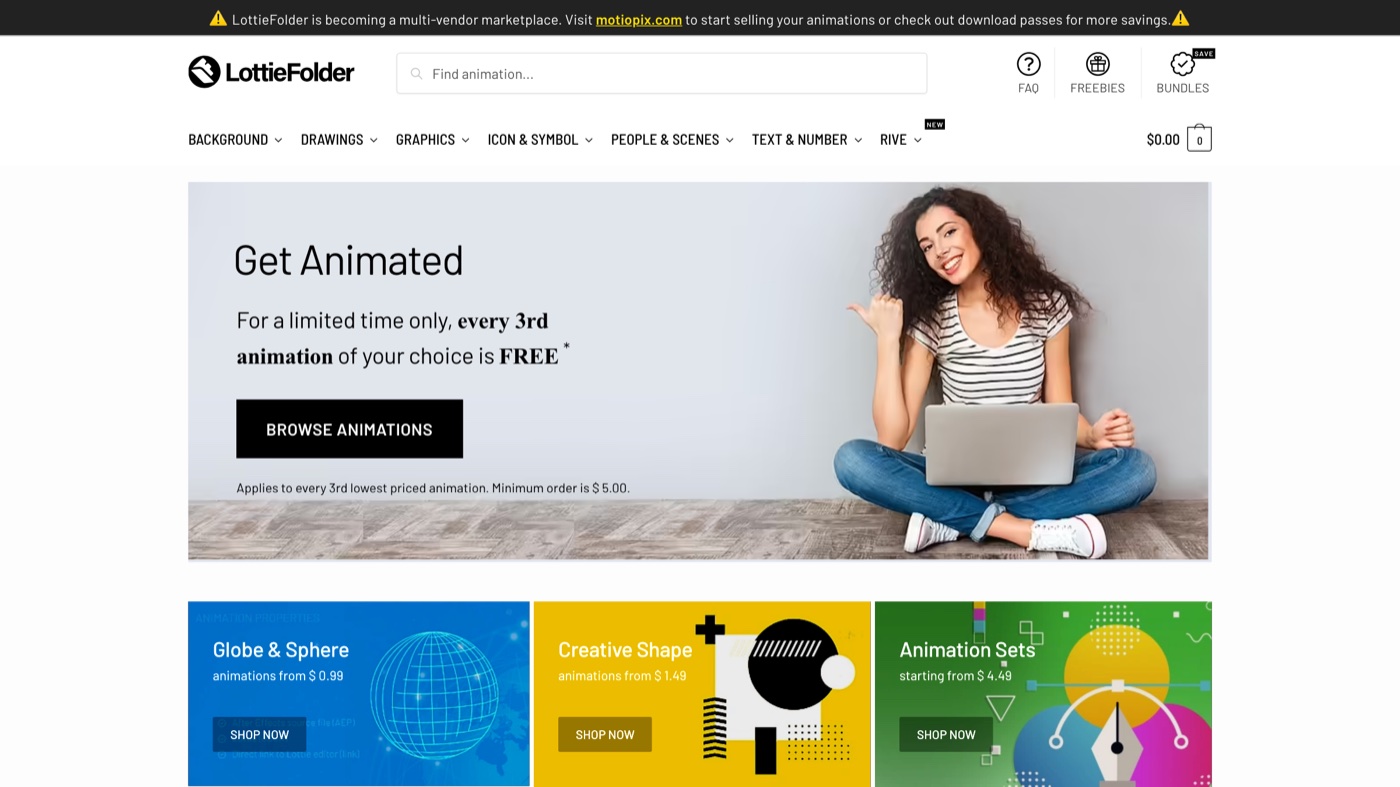
LottieFolder is the marketplace I open when I need exactly one thing: a single loader, a button state, a small themed set, without signing up for anything. Individual animations run roughly 0.99 to 3.49 dollars, bundles a little more, and there is a freebies section worth a look. It carries both Lottie and Rive, so it is useful whichever format your stack uses. The platform is shifting toward a multi-vendor model (it points sellers to Motiopix), so the catalog and roster are in transition, and it stays small next to the majors. For targeted, low-commitment sourcing, though, it is quick and to the point.
13. Gumroad
More on Gumroad
Gumroad is not a Lottie tool at all; it is where independent creators sell their own animation packs, and that is exactly why I check it for a distinctive look. Many packs include the original After Effects source, and you can often message the creator directly for a tweak or a custom request, which no large platform offers. Pricing is per item and set by each seller, so it ranges widely. In exchange, there is no central quality bar or standard license, so vetting and rights are on you. When I want something that does not look like everyone else's loader, this is where I dig.
| # | Tool | Best for | Pricing | Limitation |
|---|---|---|---|---|
| 1 | Mosso | One free place to find, edit and export Lottie files. | Free: the editor, every export, templates and the library. A free account allows up to 50 library downloads a day. | Newer tool; smaller library and no large marketplace yet. |
| 2 | LottieFiles | The default home base for finding, editing, hosting, and handing off Lottie files. | Free to start, with paid tiers for team hosting and premium assets. | The best premium assets and higher hosting limits are paid, and the library is large enough that you scroll past a lot of forgettable loaders. |
| 3 | IconScout | Teams that want a large, licensed Lottie library with a color editor built into the Figma plugin. | Free assets available; a paid all-access membership unlocks the full library. | Animations insert as GIFs for prototyping rather than live Lottie, and the deepest library sits behind the paid membership. |
| 4 | Lordicon | Polished animated icons with built-in hover, loop, and morph states. | Free for 9,100 icons (attribution required); PRO from $8/month billed yearly. | It is icons only, so illustrations and scene animation need another source, and the free tier asks for attribution. |
| 5 | Envato Elements | Studios and freelancers who pull a steady stream of Lottie files alongside video, music, and templates. | Membership from €14.50/month billed yearly; one login covers the whole catalog. | There is no Figma plugin, so you download the JSON and import it through another tool, and quality varies by contributor. |
| 6 | Creative Market | One-off, character-rich Lottie packs you buy à la carte, often with the After Effects source. | Pay per item, no membership. | Quality and included formats depend entirely on the seller, so read the listing before you buy. |
| 7 | MotionElements | Cross-media teams sourcing Lottie next to stock video, music, and sound effects. | Pay per item, or a membership if you download at volume. | The Lottie catalog is thinner than the dedicated libraries, and like Envato there is no native Figma integration. |
| 8 | LottieLab | Designers who want to build custom Lottie animations in the browser from Figma frames. | Free plan (upload, Figma import, GIF and MP4 export); paid Pro and Enterprise for hosting and teams. | As a younger editor it does not match After Effects for expression-level control, and team features sit on the paid tiers. |
| 9 | SVGator | No-code custom animation with tight control over the exported Lottie file size. | Free with watermark; paid from $20/month billed yearly. | Watermark-free and optimized exports need a paid tier, and interactivity triggers live there too. |
| 10 | Jitter | Fast UI motion and micro-interactions with a very short learning curve. | Free plan that already includes Lottie, GIF, and video export; paid Pro, Max, and Ultra tiers add more. | It favors speed over depth, so complex character or scene work still belongs in a heavier tool. |
| 11 | Aninix | Animating Figma designs and exporting straight to Lottie without leaving the plugin. | Free Personal tier (2 active projects); PRO from $8/month billed yearly. | The free tier caps you at two active projects and 30 days of history, so ongoing work pushes you to PRO. |
| 12 | LottieFolder | Grabbing a single micro-interaction or small themed set without a membership. | Pay per item, about $0.99 to $3.49 each; bundles a little more. | It is shifting toward a multi-vendor marketplace (Motiopix), so the catalog is in transition, and it stays small next to the majors. |
| 13 | Gumroad | Boutique, one-of-a-kind Lottie packs sold directly by the artists who made them. | Pay per item, price set by each creator. | There is no central quality bar or standard license, so vetting and rights are on you, and support depends on the seller. |
When it makes more sense to hand it off
Every tool above solves a sourcing or production problem. None of them solve the harder one: knowing which motion belongs on the page, keeping it consistent across forty deliverables, and making sure none of it looks like a template someone downloaded. That is judgment, and it does not come in a plugin. If that is the piece you are short on, a dedicated creative team like Moonb produces the motion, design, and animation with a Creative Director who already knows your brand, so you are not the one wiring six tools together at 11pm. And if you would rather keep building it yourself, the list above is where I would start.
For static icon sets, our icon libraries roundup goes deeper, and if you have never touched an animation timeline, animation tools for non-designers is a gentler on-ramp. To check or adjust a file before it ships, our free Lottie viewer, Lottie editor, Lottie to MP4 and GIF and SVG to Lottie tools all run in your browser.
See it in action
If you have never taken a design from a Figma frame to a live developer handoff, this walkthrough from the LottieFiles team covers the loop end to end.
Frequently asked questions
No. After Effects with the Bodymovin exporter is still the deepest route, but browser editors like LottieLab, SVGator, and Jitter, plus the Aninix plugin, let you build and export Lottie files without ever opening it. For a first project, start in one of those and move to After Effects only when you hit its ceiling.
Many are. LottieFiles, IconScout, and Lordicon all have free tiers with thousands of animations between them. Check the license before you ship, though, because free often means personal use or attribution required, and full commercial rights usually sit on a paid tier.
LottieFiles, for now. Its Dev Mode plugin gives developers a hosted .lottie link, an embed snippet, and optimized files straight from the design, which removes most of the back and forth. LottieLab and SVGator also export clean, size-optimized JSON if you built the animation yourself and just need the file.