Animate Text Online: 13 Best Tools I Use in 2026
I tested 13 browser tools for animating text, from Jitter and Canva to CapCut and VEED. Here is what each does best, what it costs in 2026, and who it fits.

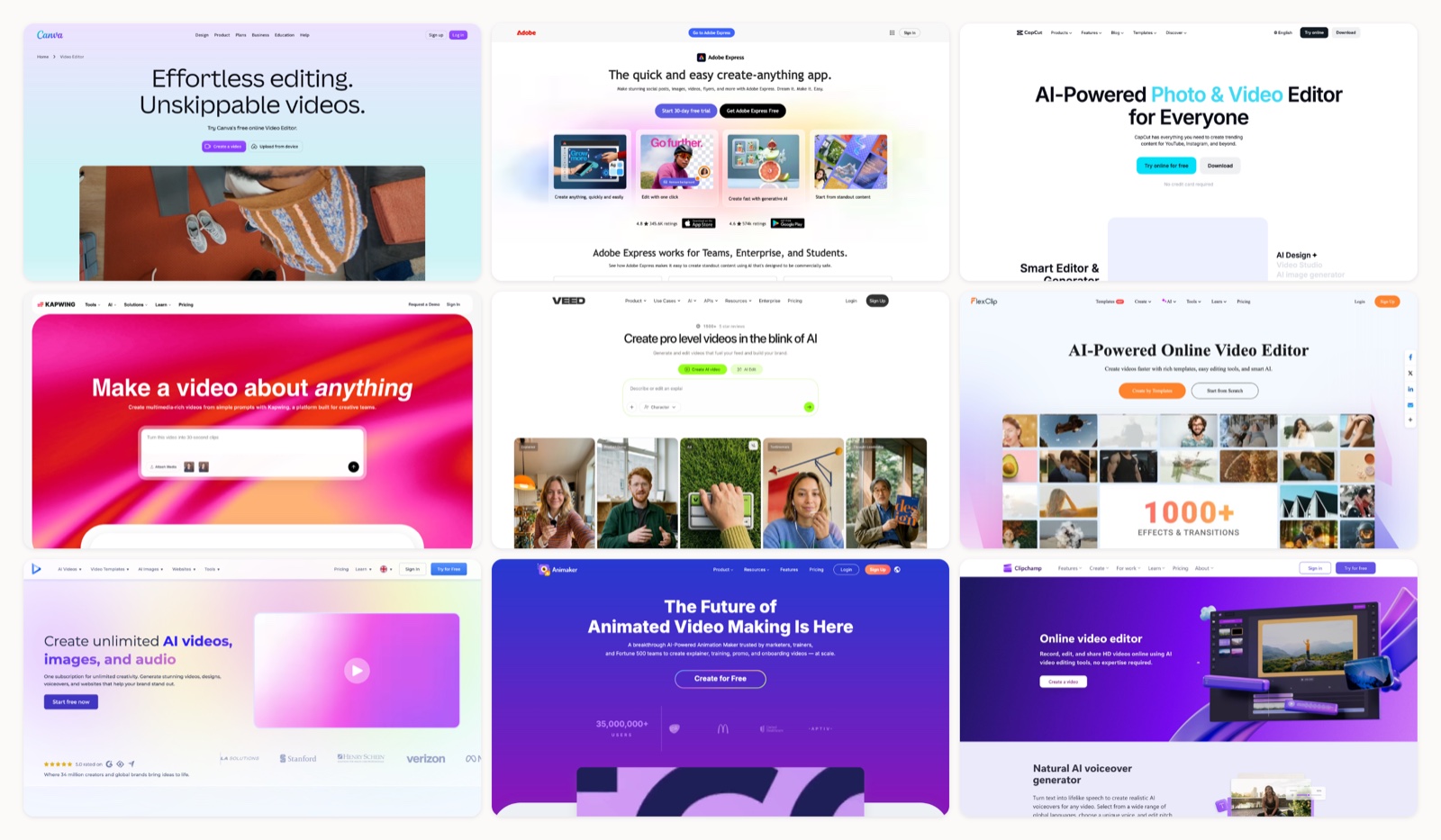
I animate text more than I animate anything else. A line that scales up on beat, a caption that snaps in over a talking head. None of it needs After Effects in 2026, and most of it does not need a desktop app at all.
So I ran the same few phrases through every browser tool I could get my hands on, watching how each handled timing, easing, letter-by-letter reveals, and export quality. Some are built for motion designers. Others are built for a social manager with ninety seconds to spare.
Below are the thirteen I would actually reopen, ranked by how well they animate type specifically rather than video in general. Each entry has what it is best for, what it costs this year, why I keep it around, and the part that annoyed me. For the wider picture of where animated type sits, my guide to types of motion graphics sets the context.
1. Mosso
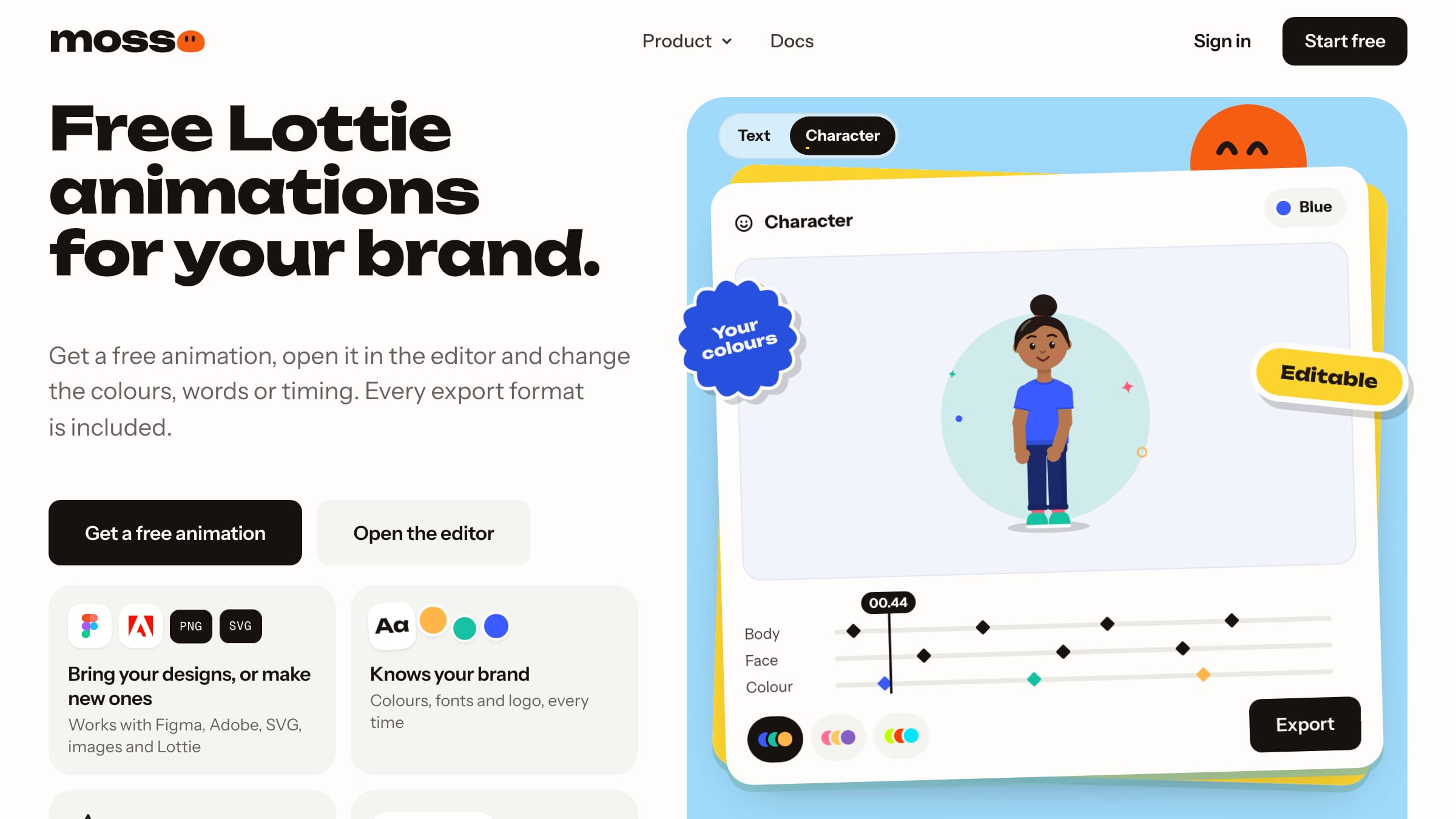
Hands down the best way to animate text online. Type your words, pick a style, and Mosso gives you a clean animation in your brand fonts, free, in any format.
More on Mosso
This is the quickest route I know from "I need this headline to move" to a file. Pick a text animation, type your words, choose a look, and either download it or open it in the editor for finer timing, where the full keyframe timeline is one click away. Because your brand kit sets the fonts and colours, the result matches the rest of your site instead of looking like a stock preset. Transparent video export is free, which matters when the text has to sit over footage in a video editor.
2. Jitter
More on Jitter
Jitter is a browser-based motion design tool that product and social teams reach for when a template will not do. For text specifically, you choose the unit the animation applies to (letter, word, line, or the whole layer), then control order, delay, and easing, which is the exact granularity most one-click makers hide. It exports MP4, GIF, and Lottie, so one animated headline can ship as a video or as lightweight code for a site or app. I would hand it to anyone comfortable with layers who has outgrown Canva's presets, and I would steer a total beginner elsewhere. Pro at $16/month clears the watermark and opens higher-resolution export plus the AI helpers.
3. Canva
More on Canva
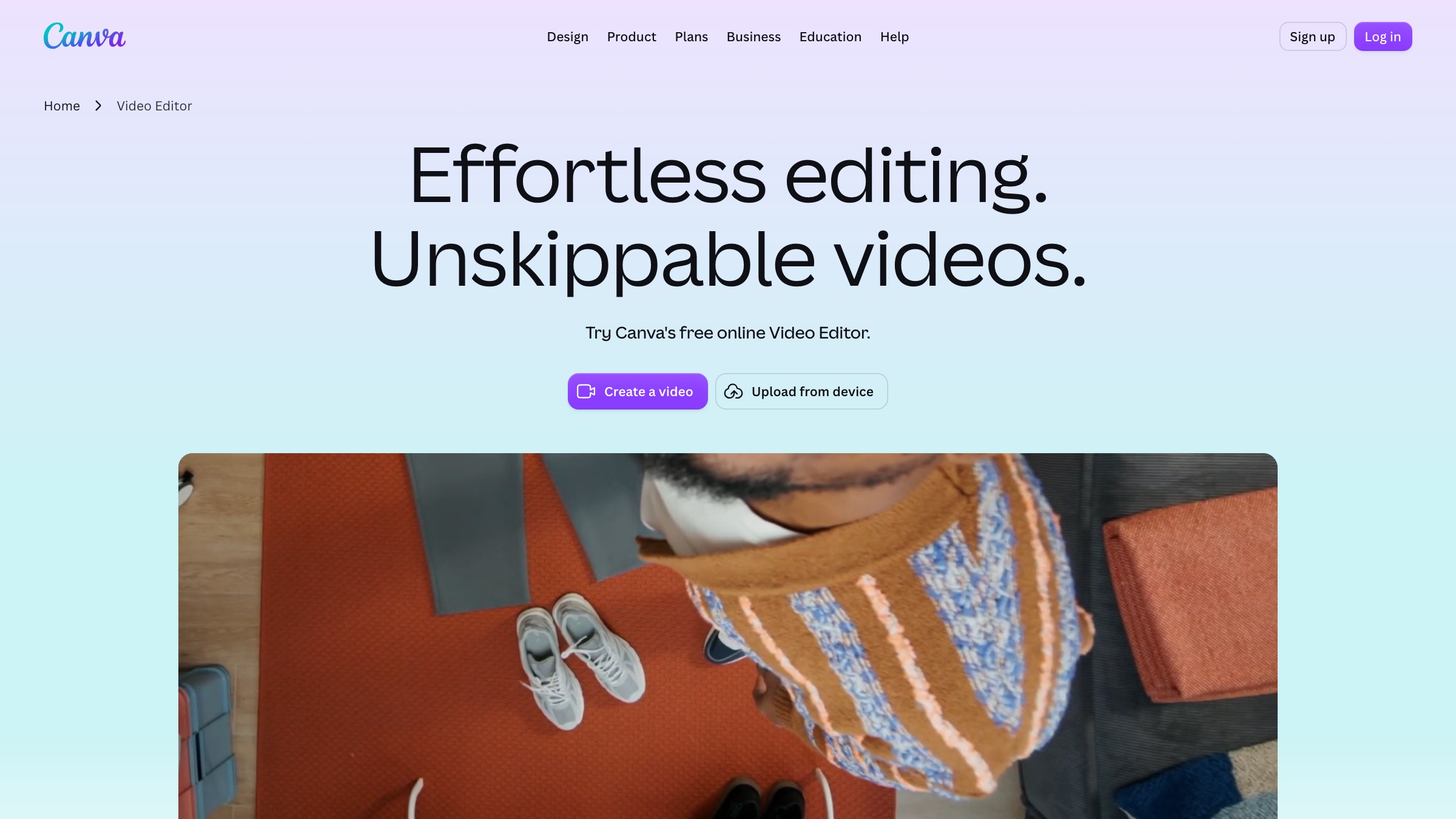
Canva earned its spot because the animated-text feature is usable by someone who has never opened a video editor. You get roughly twenty text effects, a large font and template library, and real-time collaboration in the same place your team already builds decks and posts. The trade-off is depth: you can time a preset and layer a few, but you cannot sculpt individual character motion the way a dedicated motion tool allows. Pro at $15/month unlocks the better animations, brand kits, and the resize tool that reflows a design across formats. If your text work leans toward static overlays, it covers that too, though a specialist tool does it better.
4. Adobe Express
More on Adobe Express
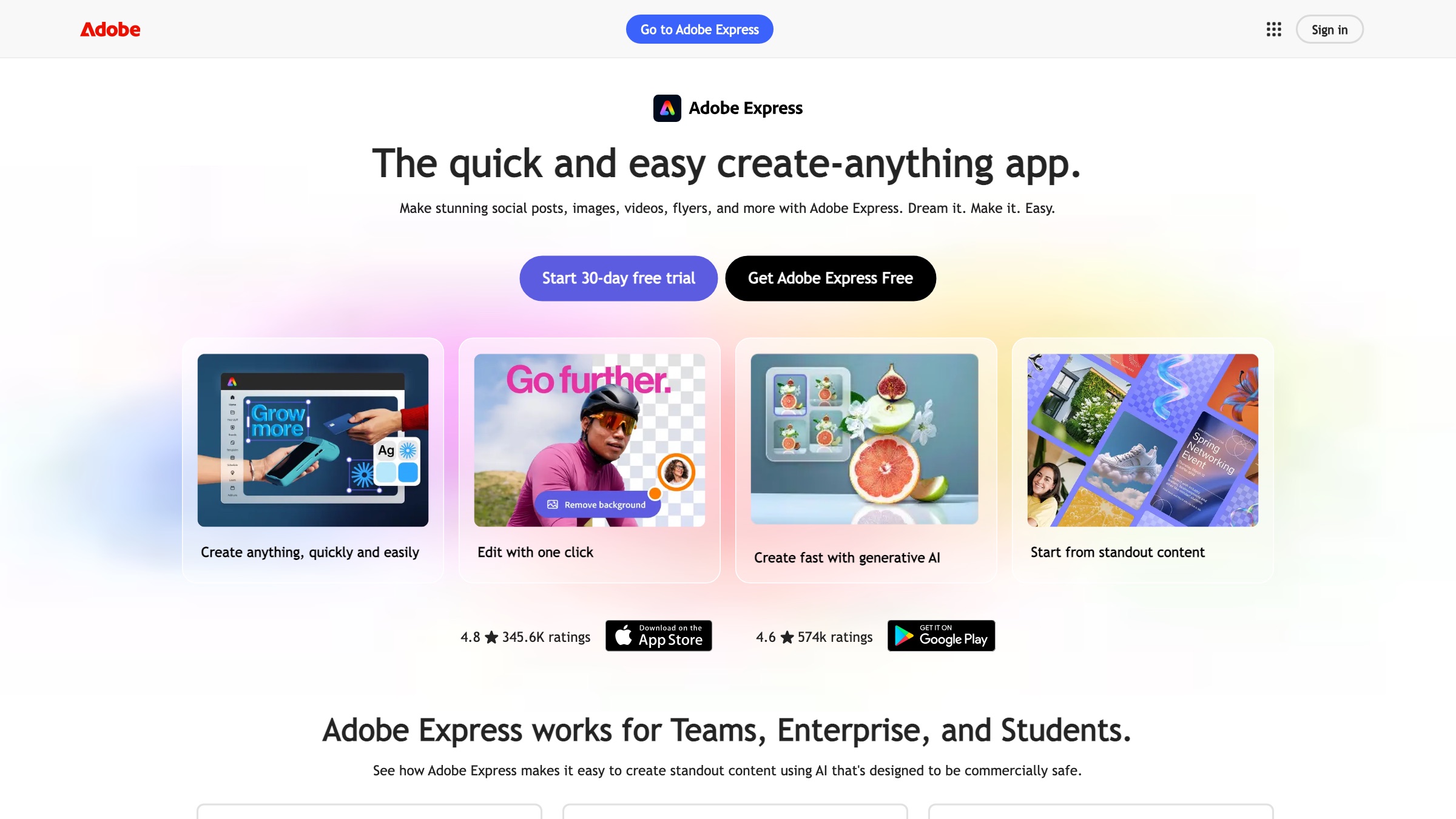
Adobe Express is the approachable front door to Adobe's ecosystem, built for stories, intros, and promo GIFs rather than heavy timelines. Its animation presets snap onto text in a click, and because it shares Adobe Fonts and opens PSD and AI files, brand-consistent type is straightforward if your design team already lives in Creative Cloud. The Firefly credits are a useful extra for generating backgrounds and fills. Premium at $9.99/month adds 4K where supported, brand kits, and the larger stock and font libraries. I reach for it when I want Adobe polish without booting a desktop app, and skip it when a project needs real layer-by-layer motion.
5. CapCut
More on CapCut
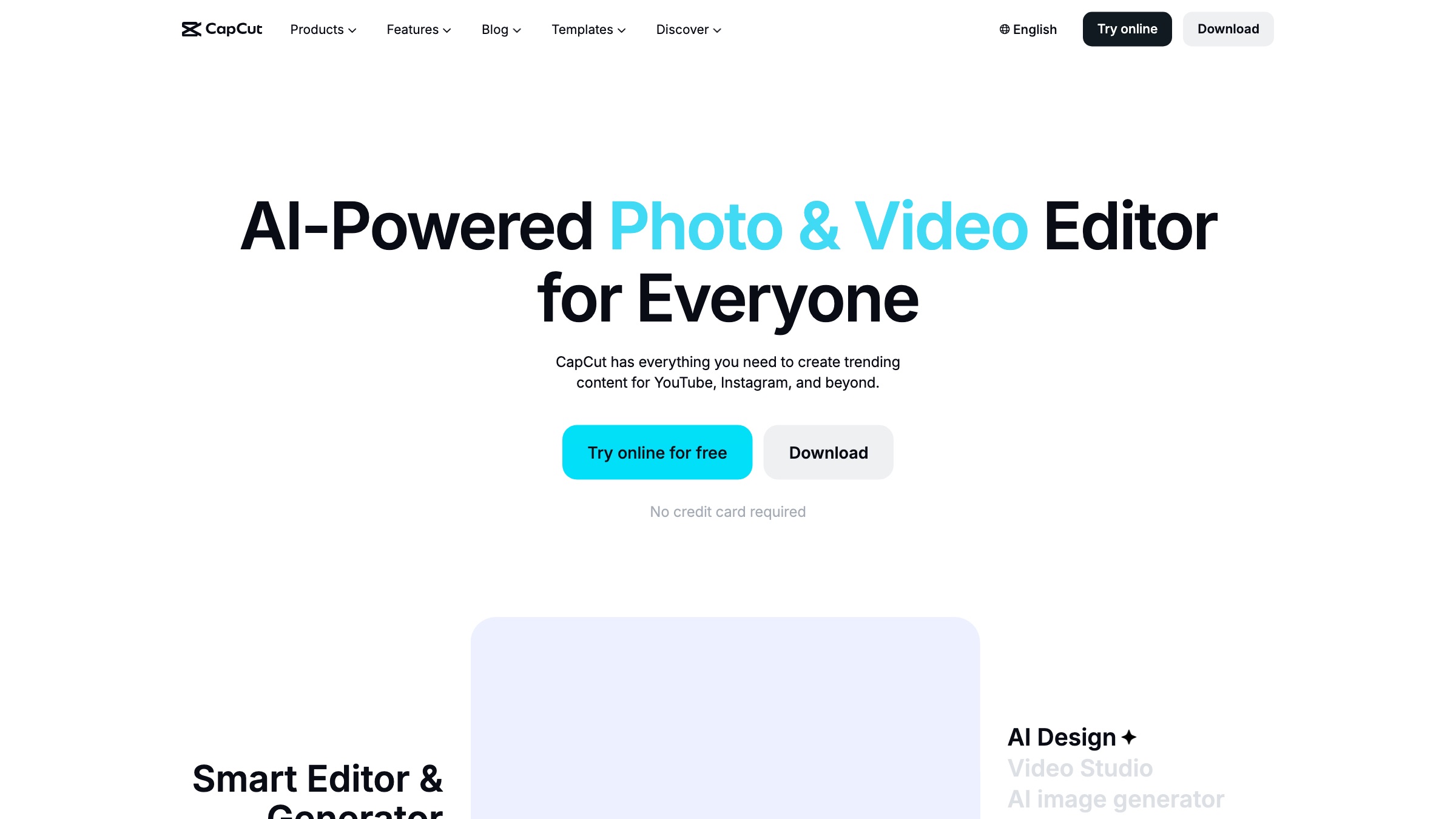
CapCut is the default for a reason: the core editor is powerful and the free tier does far more than most rivals, including keyframe animation and auto-captions you can style and animate. The web version at capcut.com needs only a login, and the animated-text presets are built for the exact vertical formats social creators ship every day. In 2026 the plans restructured, with Standard at $9.99/month unlocking watermark-free exports and premium text styles, and Pro at $19.99/month adding 4K and the full AI toolkit. The real consideration is ownership: CapCut belongs to ByteDance, so some brands set limits on what they route through it. For text-forward social clips on a tight clock, little else matches what it gives away.
6. Kapwing
More on Kapwing
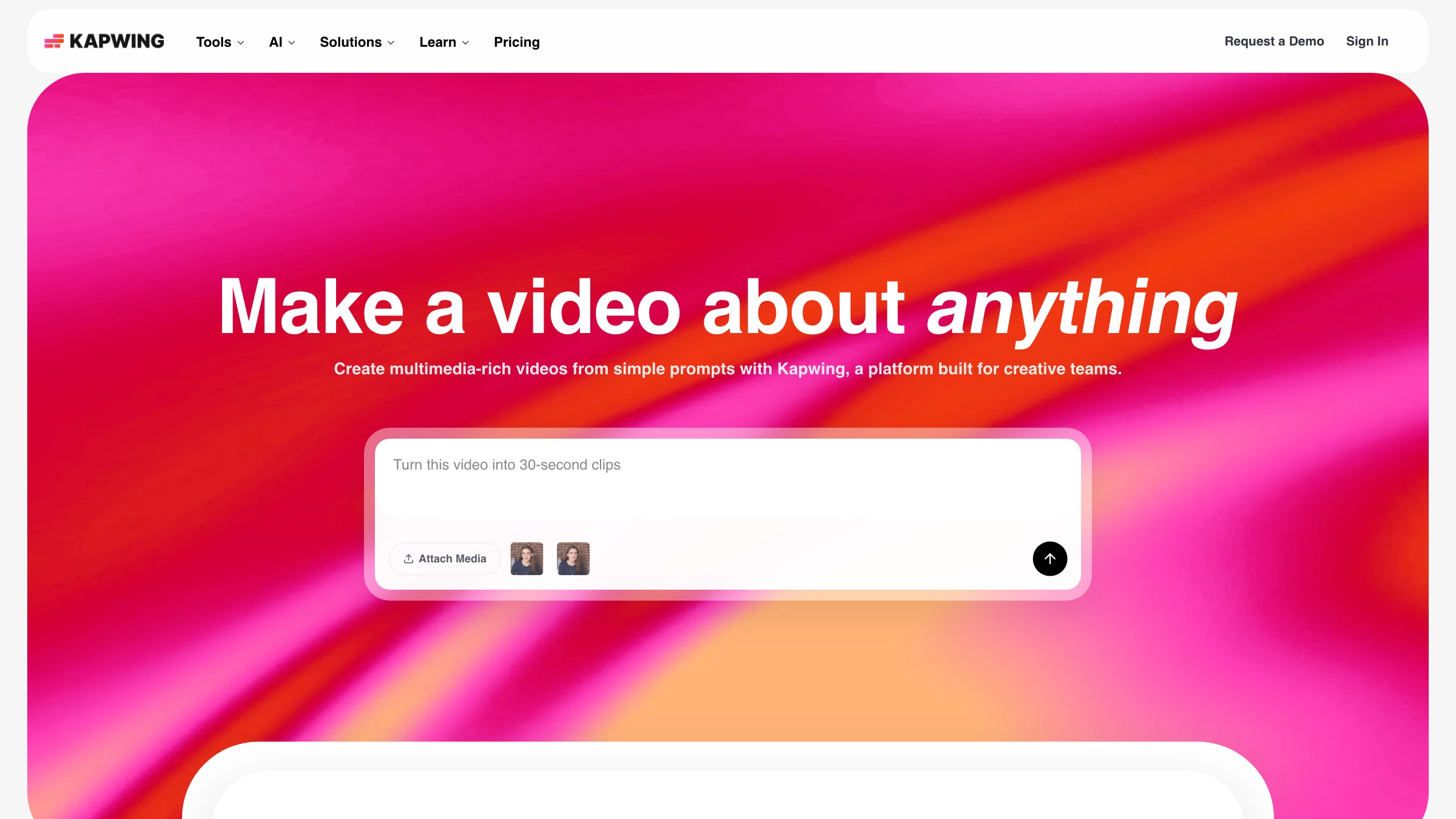
Kapwing is a collaborative web editor that leans into the caption-and-text-layer job rather than trying to be a full motion suite. Auto-subtitles, translation, and text-to-speech make it strong for creators whose animated type is mostly captions on talking-head clips. The timeline is clean and preset-driven, so animating a text layer is quick, though you trade the fine control a designer might want. Pro runs $16/month on an annual plan, or $24 paid monthly, and clears the watermark plus raises export limits. I like it for teams because the shared workspaces keep a caption-heavy pipeline behind one link.
7. VEED
More on VEED
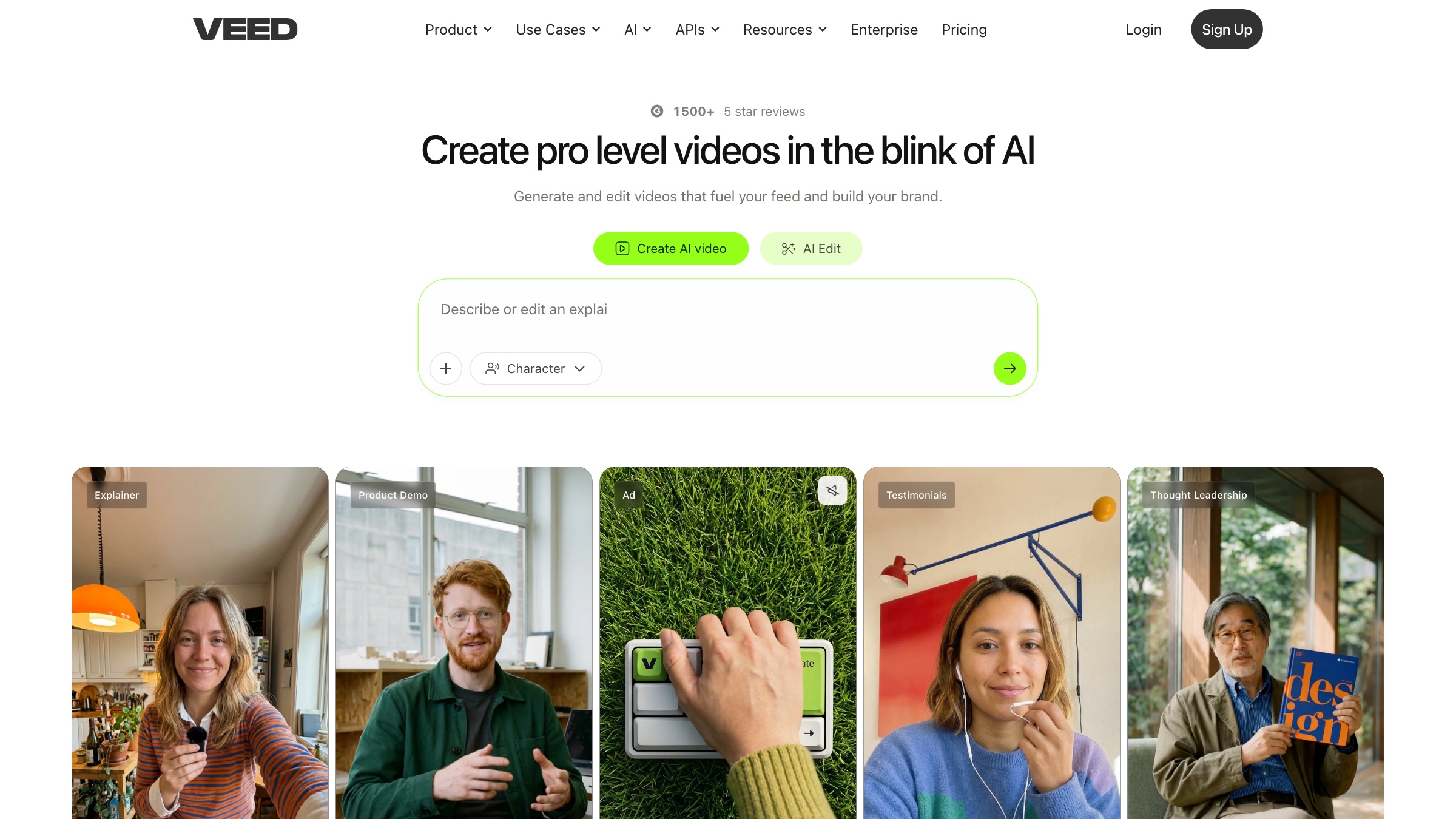
VEED is an all-in-one online editor that pairs quick text-animation presets with a solid AI layer for captions, translation, and voice. It shines on explainers, product walkthroughs, and social posts where accurate animated captions carry most of the message. The interface is friendly enough that a non-editor can add professional-looking kinetic type without a manual. Pricing is per seat, from around $12/month on an annual plan and closer to $21 month to month, which teams should model before rolling it out widely. It also bundles hosting and a player, so a finished clip can live somewhere without a second tool.
8. FlexClip
More on FlexClip
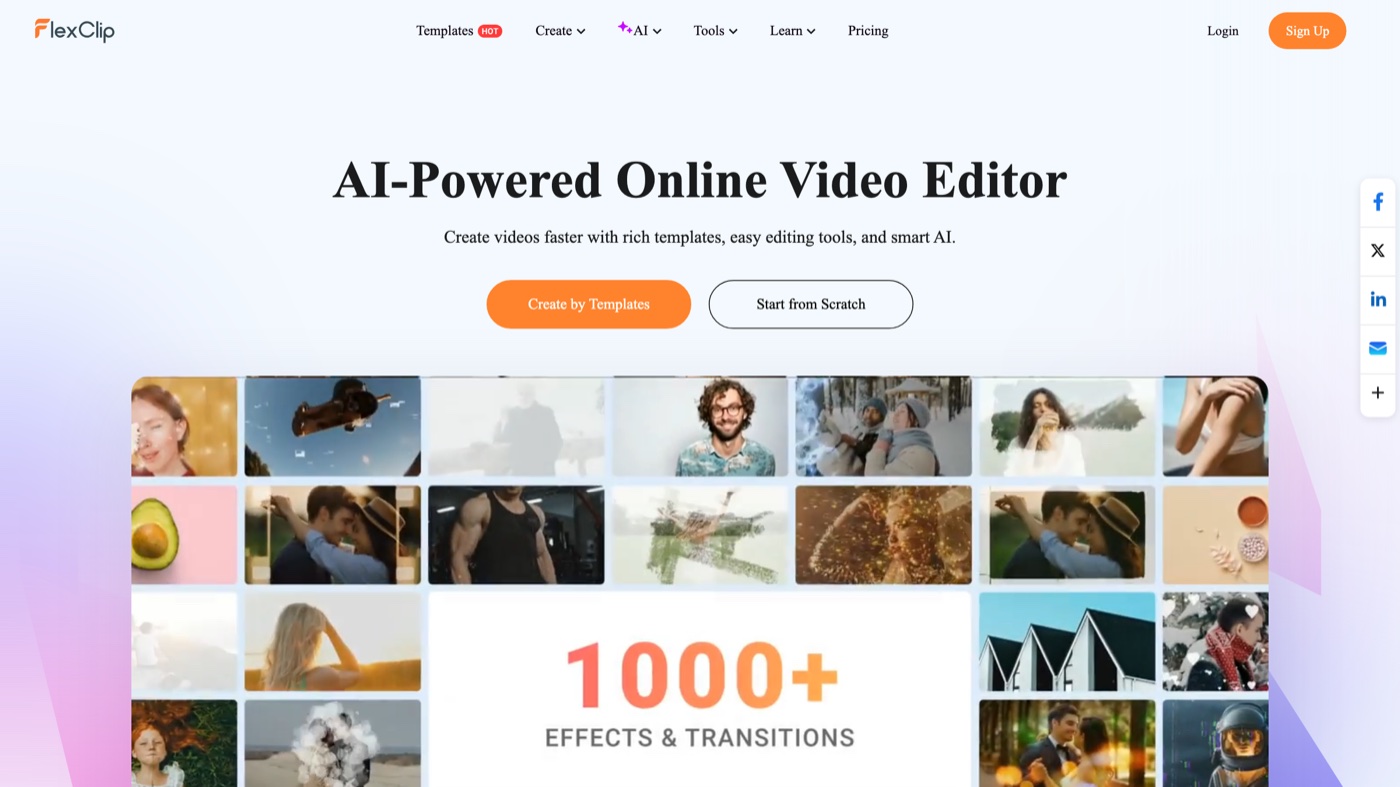
FlexClip is built around speed and simplicity, which makes it a comfortable pick for small teams and creators who want animated type without a ramp. Its headline feature is the sheer volume of text styles and preset effects, so finding a look and applying it takes seconds. The AI additions (text-to-video, an image generator, text-to-speech) widen what a single tool covers. Plus at $9.99/month lifts the watermark and raises limits, and the tiers are clearly drawn with monthly or annual billing. I would point a marketing generalist here before a motion designer, since the control is preset-level rather than keyframe-level.
9. Renderforest
More on Renderforest
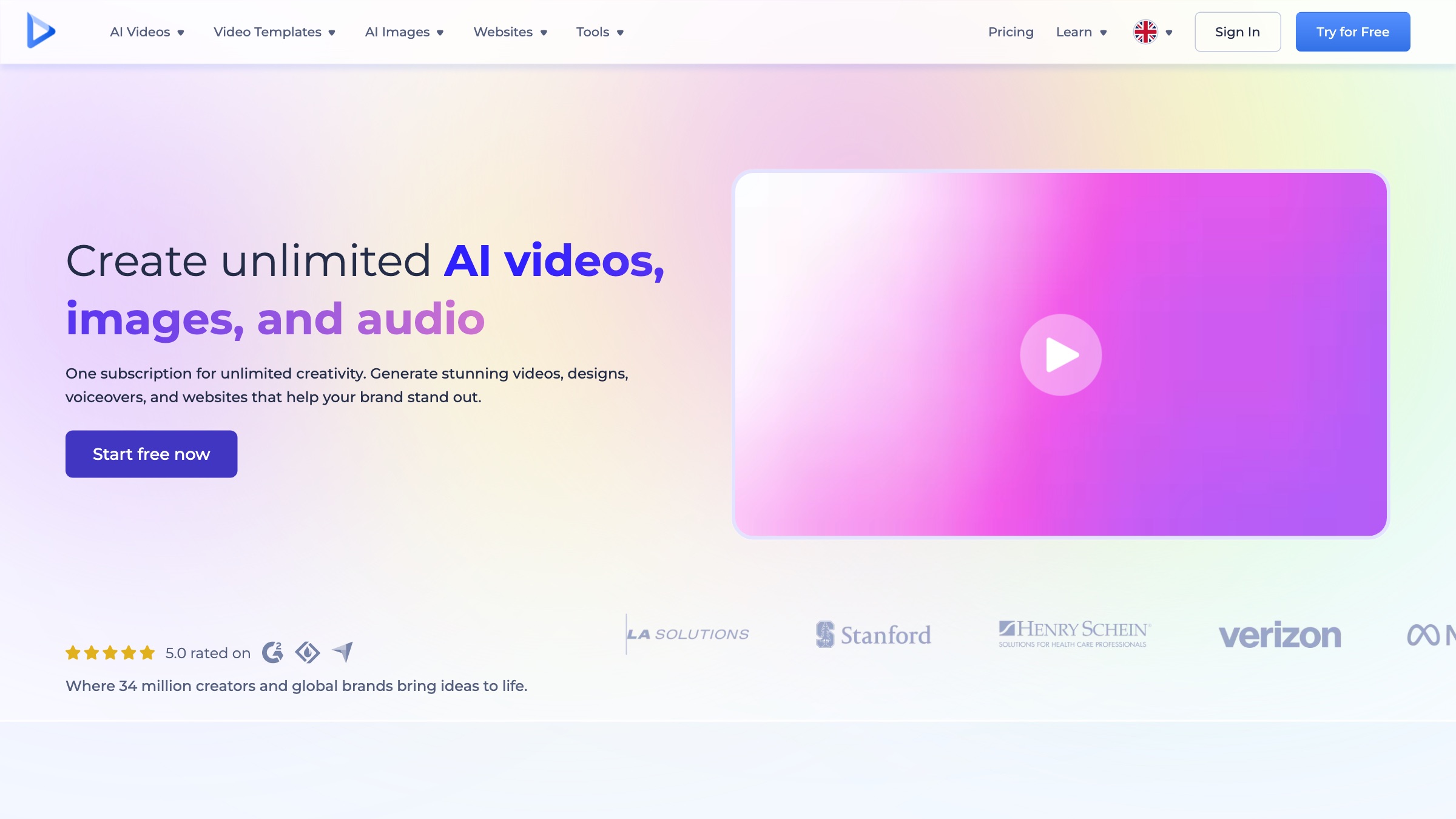
Renderforest is a template-first creative suite where animated type is one of its strongest categories, covering kinetic-typography scenes, logo reveals, and explainer intros. The workflow is deliberately simple: choose a scene, customize text and color, add audio, and render, which suits people who want a professional result without a timeline. Lite at $9/month clears watermarks and unlocks premium templates, while Pro at $19/month adds 1080p and commercial rights. The limitation is control, since you shape a template rather than a blank canvas, so ideas outside the preset structure hit a wall. For quick, on-brand title sequences, the library does most of the work.
10. Animaker
More on Animaker
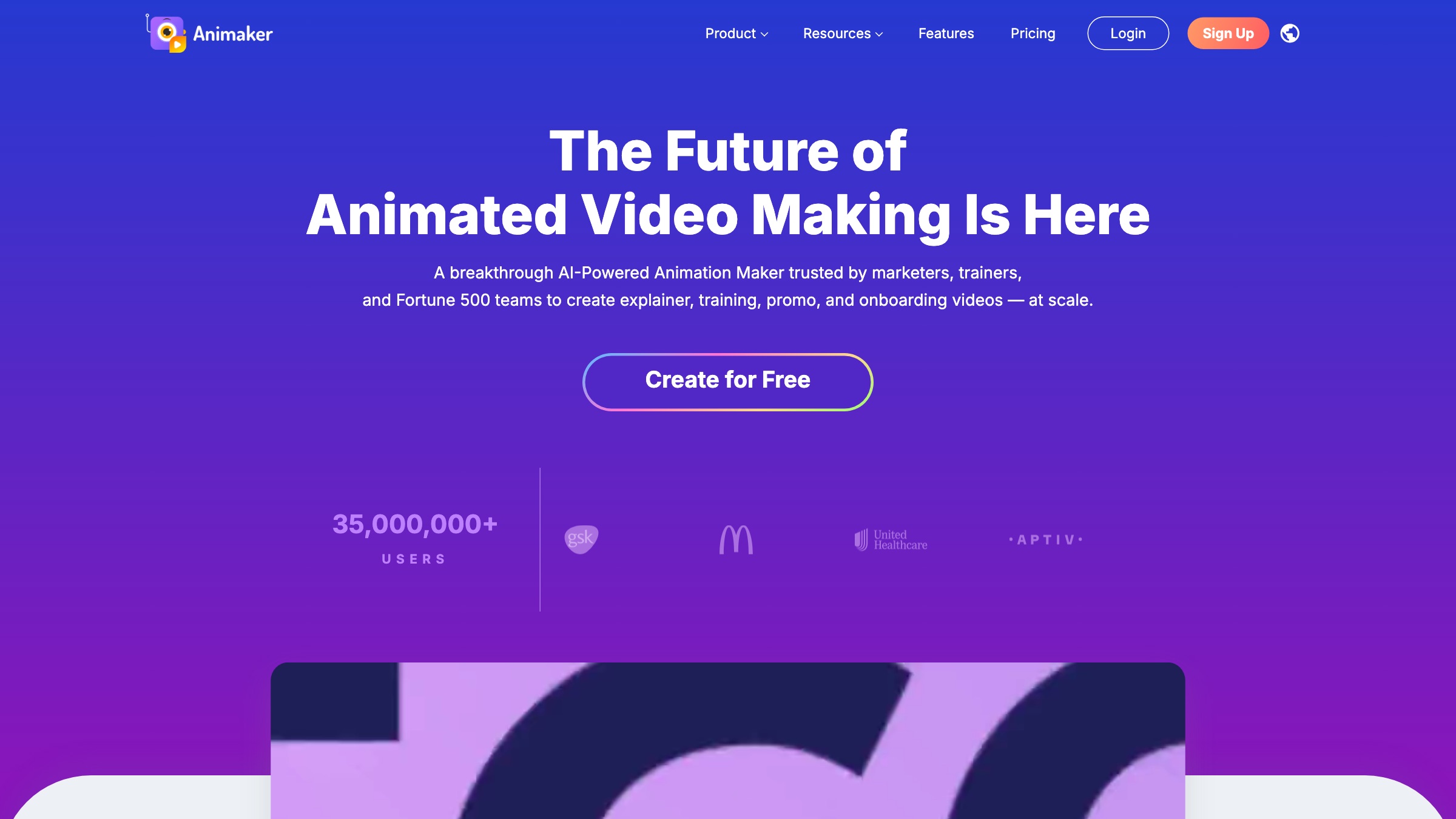
Animaker is a full browser animation suite rather than a quick overlay tool, which is the point: it handles kinetic typography inside larger scenes with characters, voice, and a big asset library. That makes it a fit for text-led explainers and social content where the type is one part of a built sequence. The upside is scope; the downside is that the interface feels dense until you learn where things live. Paid plans start around $10/month on annual billing, with monthly rates notably higher and upper tiers adding 2K quality and custom fonts. I would choose it when the animated text needs a whole scene around it, not just a caption on a clip.
11. Microsoft Clipchamp
More on Microsoft Clipchamp
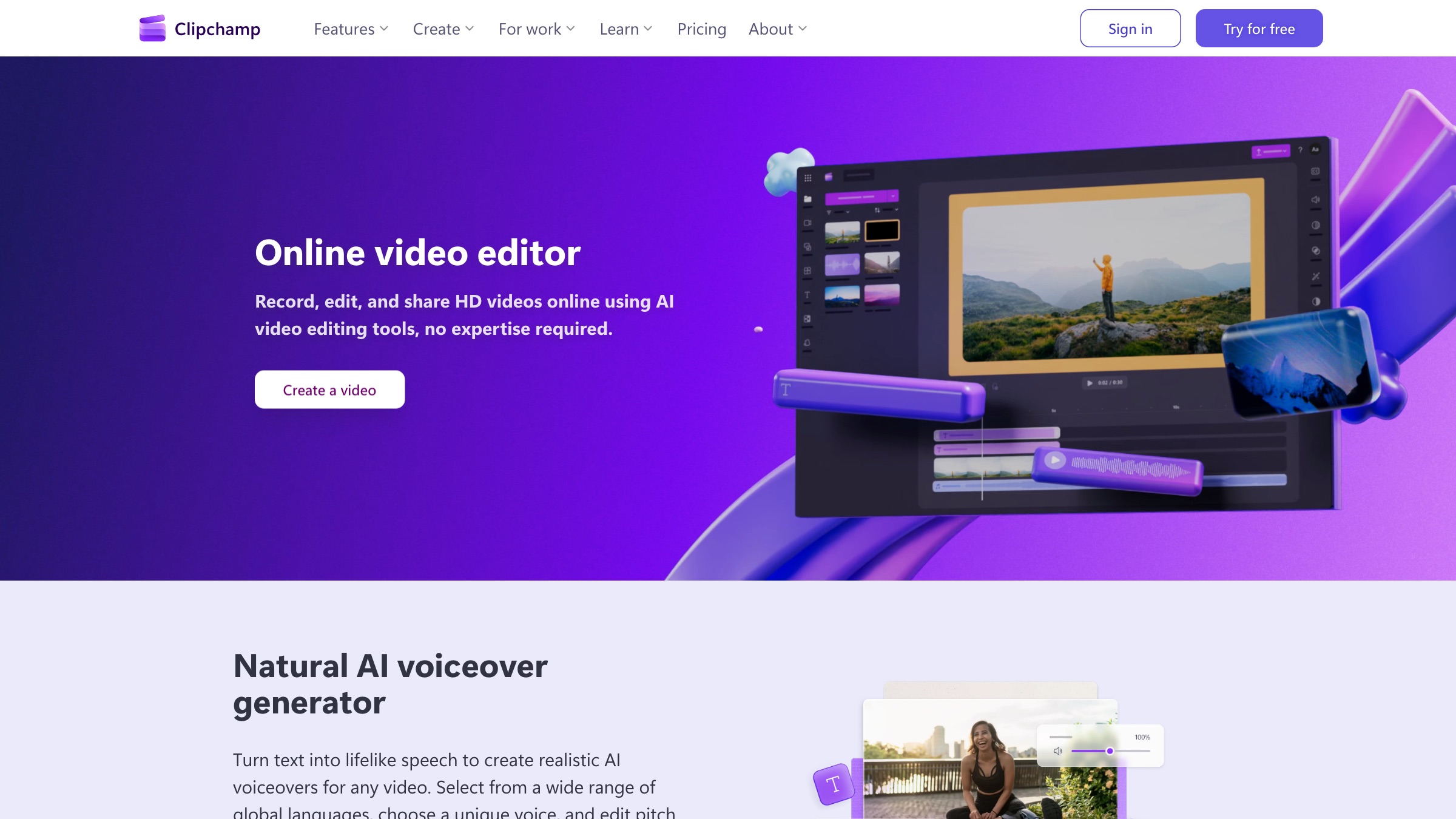
Clipchamp is Microsoft's browser-based editor and a strong free option, especially for anyone already inside the Microsoft ecosystem. It gives you a proper timeline rather than just a template, a decent bank of text-animation presets, transitions, and effects, and 1080p exports with no watermark on the free tier. OneDrive and Microsoft 365 integration make it a natural pick for corporate video, presentations, and internal comms. Premium features such as 4K, a brand kit, and some stock come through Microsoft 365 Personal at $9.99/month, which many teams already hold. The animation depth is modest next to a motion-first tool, but for clean title and caption work it holds up.
12. Placeit
More on Placeit
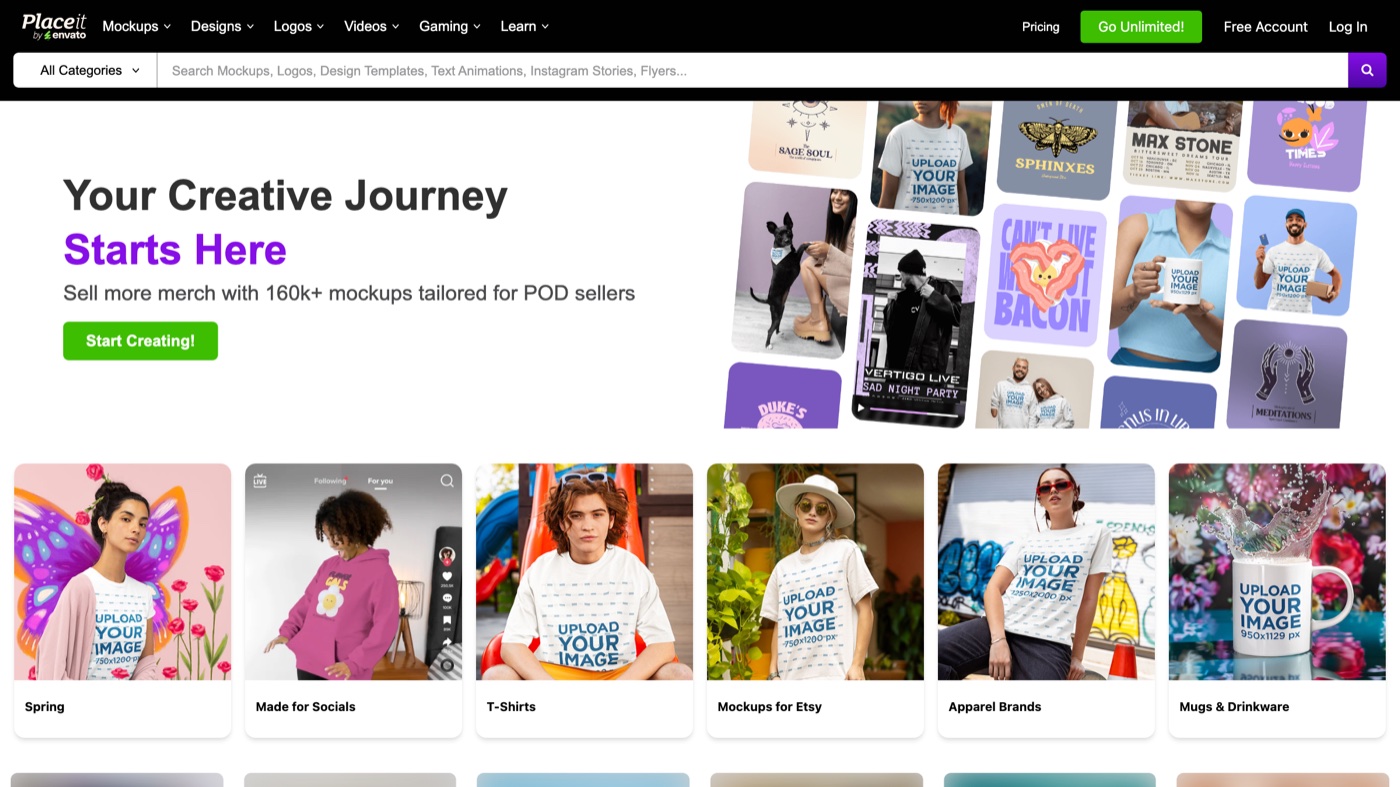
Placeit, part of Envato, is less a blank-canvas animator and more a 'pick a template, swap the text' engine, and it is very good at that narrow job. For animated logos, title stings, and social ad intros, it turns a finished, commercially licensed asset around in minutes with no motion background required. The library is large and the workflow is guided end to end, which is the whole appeal. The cost of that speed is control: timing and effects stay inside the template you chose, so custom ideas do not fit. Full access starts at $7.47/month on an annual plan, or $14.95 month to month, and a set of free templates lets you try before you commit.
13. VistaCreate
More on VistaCreate
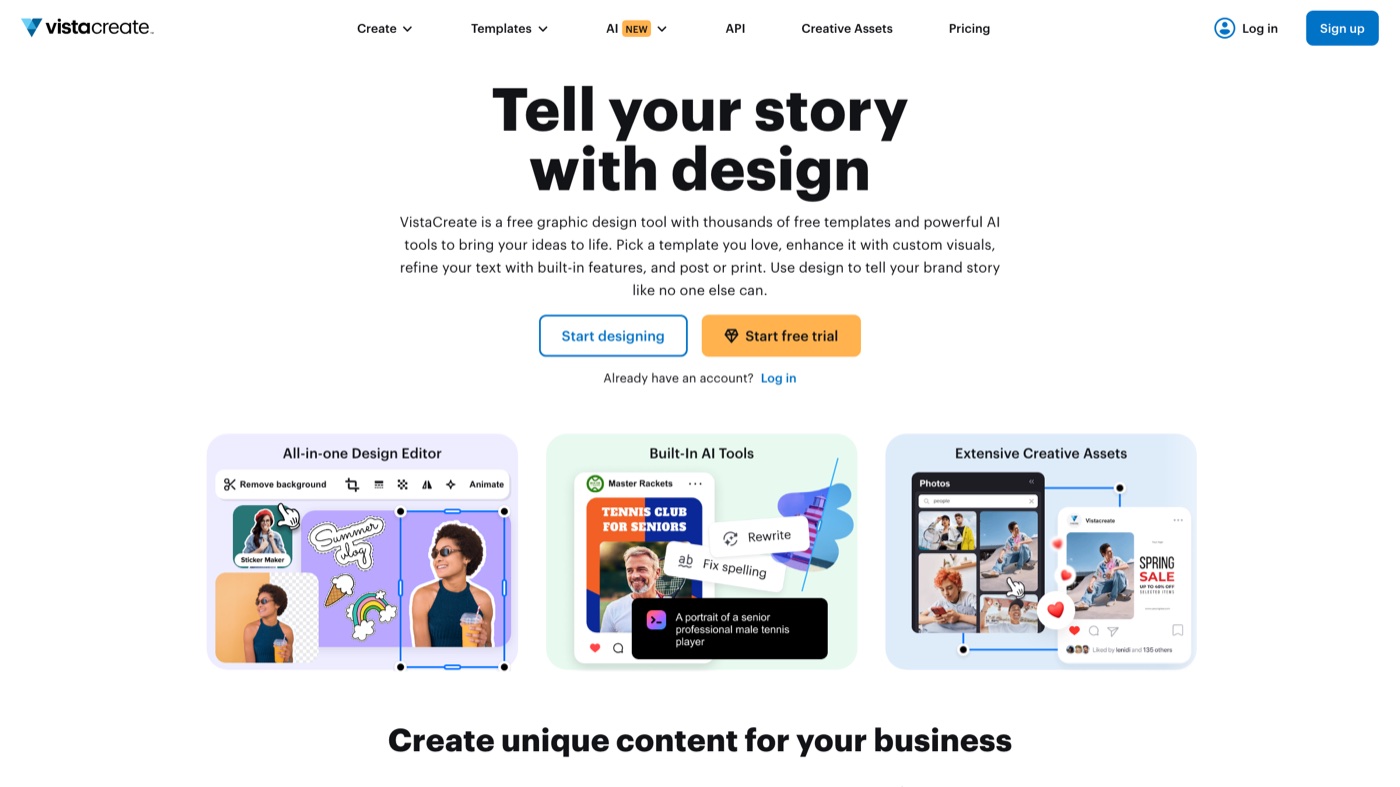
VistaCreate (formerly Crello) is a design platform built for quick social content, and it puts real weight on animated objects and text-motion templates. It works much like Canva, so a non-designer can drop in elements, apply a preset text animation, and export a polished story or ad in minutes. The free Starter plan is generous, covering animated templates, a large royalty-free library, and a basic brand kit. Pro at $10/month on annual billing, or $13 month to month, opens the full template library, premium media, and team features for up to ten people. The ceiling is low on advanced motion, so it suits speed-first social work more than bespoke sequences.
| # | Tool | Best for | Pricing | Limitation |
|---|---|---|---|---|
| 1 | Mosso | Free text animations you can retype, restyle and export in any format. | Free: the editor, every export, templates and the library. A free account allows up to 50 library downloads a day. | Made for short titles, not long captions; newer than Jitter or Canva. |
| 2 | Jitter | Designers who want keyframe-level control over how each letter, word, or line moves. | Free plan available; Pro starts at $16/month. | The free plan watermarks and caps exports, and there is a short ramp if you have never used a timeline. |
| 3 | Canva | Marketers and non-designers who want animated type on a post, story, or short video in a couple of clicks. | Free plan; Pro runs $15/month. | The nicest presets and stock sit behind Pro, and per-letter control is shallow next to Jitter. |
| 4 | Adobe Express | Teams inside the Adobe world who want quick animated type with clean presets and Firefly assets. | Free plan; Premium is $9.99/month. | It is preset-led, so multi-track editing is not its strength, and the better assets need Premium. |
| 5 | CapCut | Social and short-form creators who want animated captions and text styles with no watermark on export. | Free plan; Standard $9.99/month, Pro $19.99/month. | It belongs to ByteDance, so weigh where your footage goes, and the strongest AI text features sit on paid tiers. |
| 6 | Kapwing | Teams making subtitled, text-heavy social clips who want animation and captioning in one place. | Free plan (watermarked); Pro from $16/month billed annually, $24 month to month. | The free tier watermarks and limits exports, and the browser editor slows on heavier projects. |
| 7 | VEED | Marketing teams producing polished, caption-heavy explainers and walkthroughs. | Free plan (watermarked); paid seats from about $12/month billed annually, nearer $21 month to month. | Billing is per seat, so it adds up across a team, and the better AI features live on higher tiers. |
| 8 | FlexClip | Non-designers who want a large library of ready text styles with a gentle learning curve. | Free plan; Plus starts at $9.99/month. | The free tier watermarks and limits stock use, and heavy AI or stock users get pushed to the pricier tier. |
| 9 | Renderforest | Founders and marketers who need kinetic-typography intros, logo reveals, and templated explainers fast. | Free plan; Lite $9/month, Pro $19/month. | The free tier is 360p and watermarked, and you are shaping a template rather than a blank canvas. |
| 10 | Animaker | Creators building text-led explainer videos with characters and voiceover in one place. | Free plan (watermarked); paid plans from about $10/month billed annually. | The interface is dense for a first-timer, and export limits and video length vary by tier. |
| 11 | Microsoft Clipchamp | Windows and Microsoft 365 users who want a real timeline with text presets and no export watermark. | Free plan; Premium via Microsoft 365 Personal at $9.99/month. | 4K, stock, and the brand kit need Premium, and the animation controls are less granular than a motion-first tool. |
| 12 | Placeit | Founders and marketers who want animated logos, title cards, and social ad intros with no animation skill. | Free templates (watermarked); full access from $7.47/month billed annually, $14.95 month to month. | Control over timing and effects is tight, since you work inside a template, and there is no open free run. |
| 13 | VistaCreate | Social managers and small teams who want fast, template-based animated posts and stories. | Free Starter plan; Pro is $10/month billed annually, $13 month to month. | Advanced motion control is minimal, and it has fewer third-party integrations than the larger names. |
When a tool is not the answer
Every option here is good at its job, and for a caption, a title card, or a one-off intro, a browser tool is the right call. The strain shows up later, when animated type becomes a standing demand: dozens of variants a month, all of them holding one look across a launch. Presets start to look like presets, and your team’s hours become the real cost.
That is where people beat a template. Moonb works as an embedded creative team, with a dedicated Creative Director who learns your brand and produces motion, video, and design as an ongoing partnership, so the animated type on your next launch looks made for you rather than pulled from a menu. If you still ship one video a month, stay with the tools above. If motion has become part of how you talk to customers every week, that is worth a conversation.
See it in action
Frequently asked questions
Yes, and for most jobs you should. Every tool in this guide runs in a browser and covers the common needs: captions that animate over a clip, a headline that scales in on beat, a logo lockup that draws itself. After Effects still wins for complex, bespoke motion, but for social posts, intros, and explainer text, a browser tool is faster and the results hold up.
It depends on the job. For social clips with animated captions, CapCut gives away the most, including keyframe animation and watermark-free exports on paid tiers. For quick branded posts, Canva's free plan is the friendliest. If you want a real motion editor, Jitter's free plan lets you build proper letter-by-letter animation, though it watermarks exports until you upgrade.
Some can. Jitter exports to Lottie, a lightweight vector format that runs as code on a site or in an app, which is ideal for animated headings and loaders. Most of the others export MP4 or GIF, which you can drop into a page but which weigh more than Lottie. If web performance matters, animate in a tool with Lottie output.