Pitch deck template.
Twelve slides in the order investors and buyers ask their questions, with a short tip on each. PowerPoint, Keynote and Google Slides.
Free, no sign-up, no email.
- Slide 1
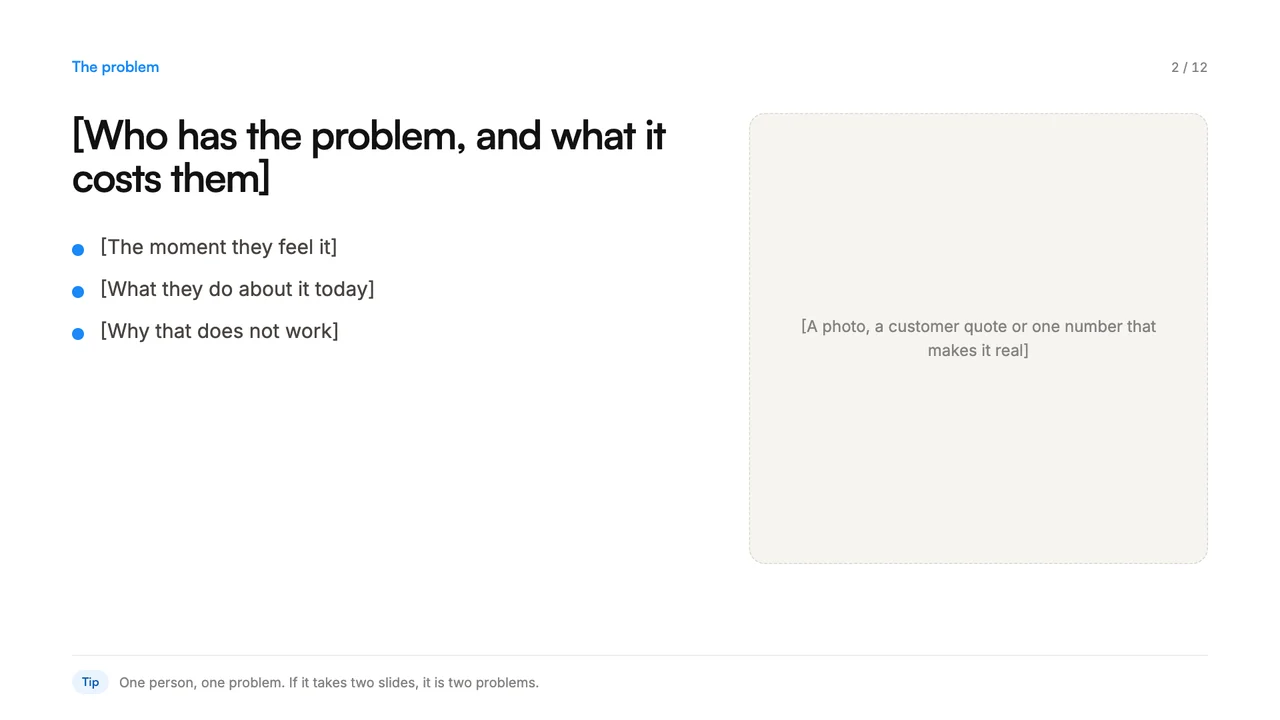 Slide 2
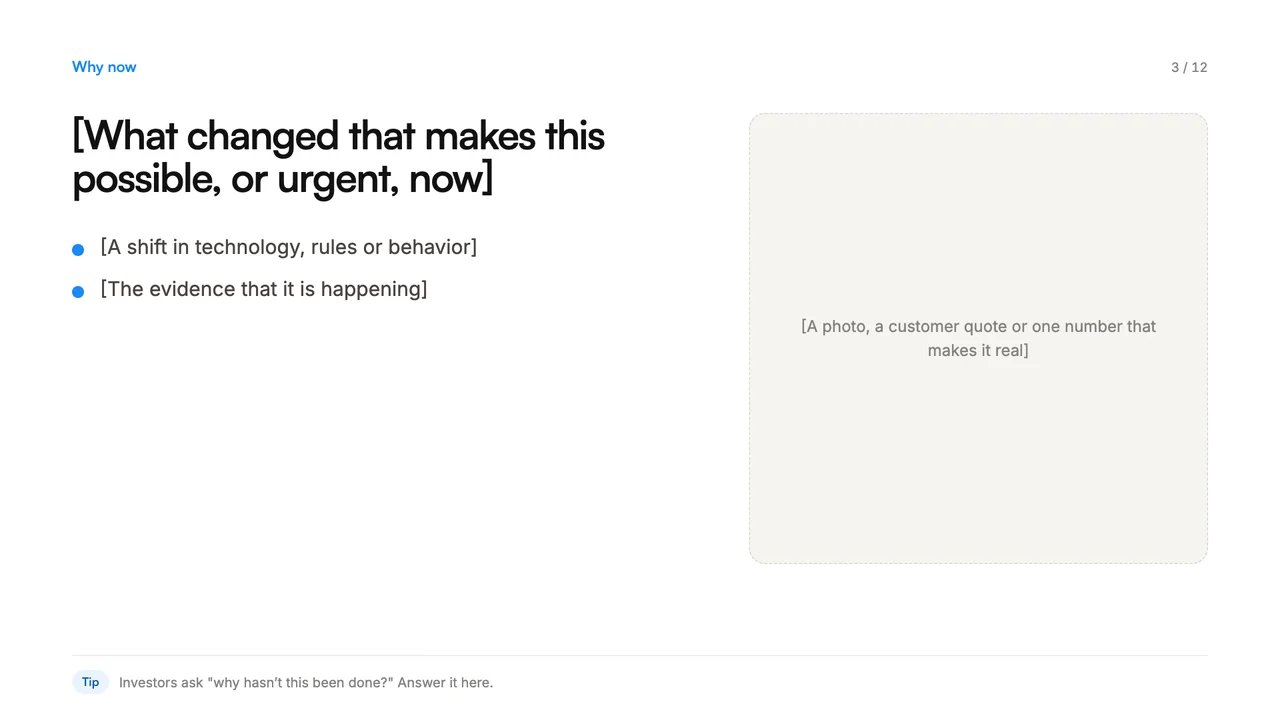 Slide 3
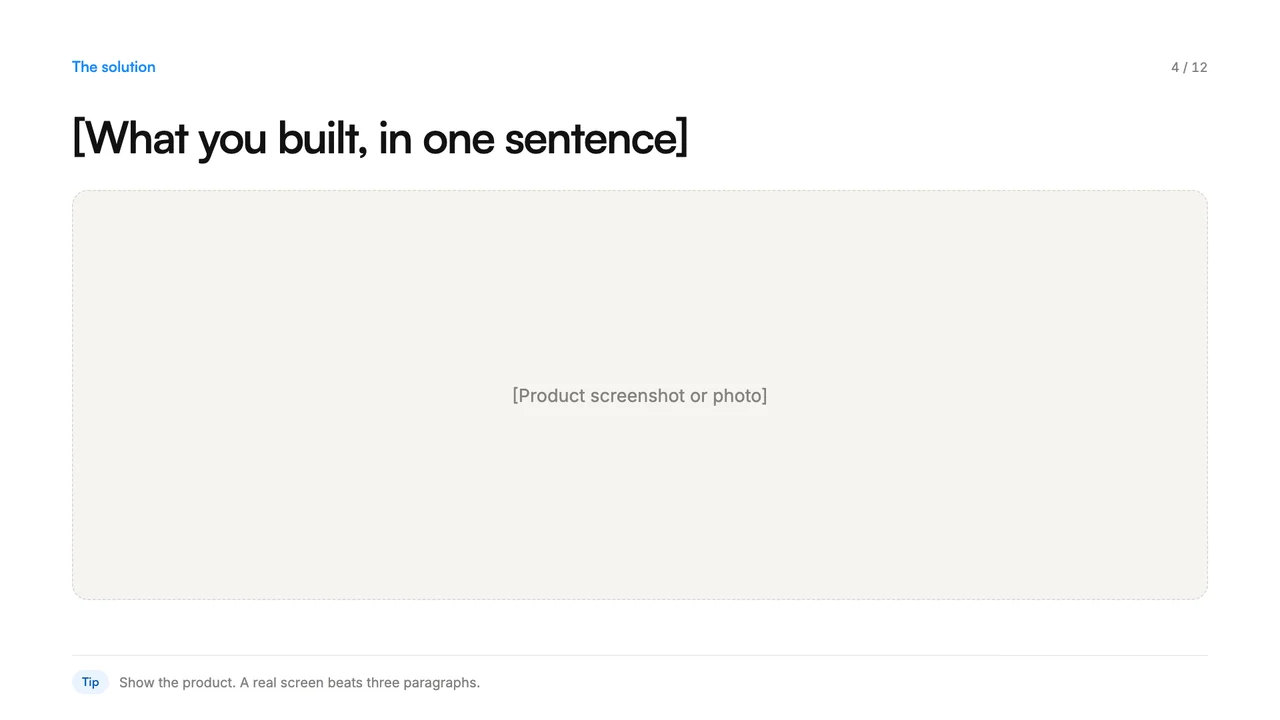 Slide 4
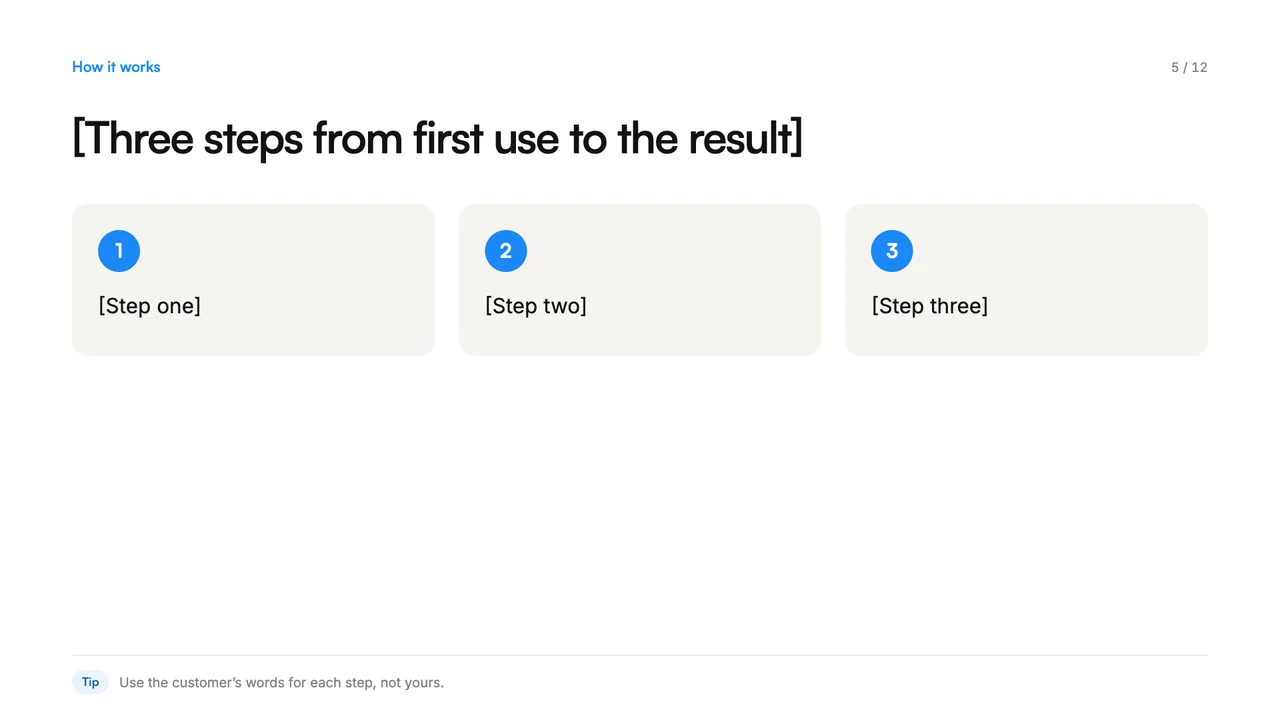 Slide 5
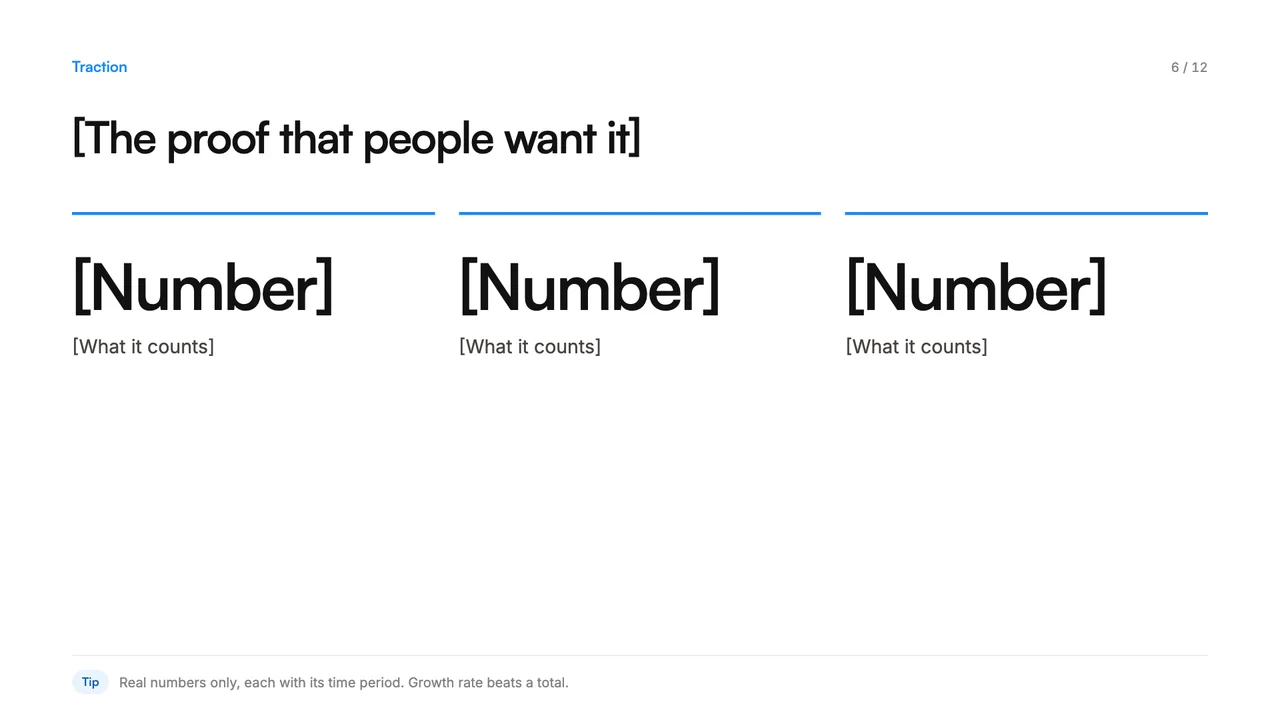 Slide 6
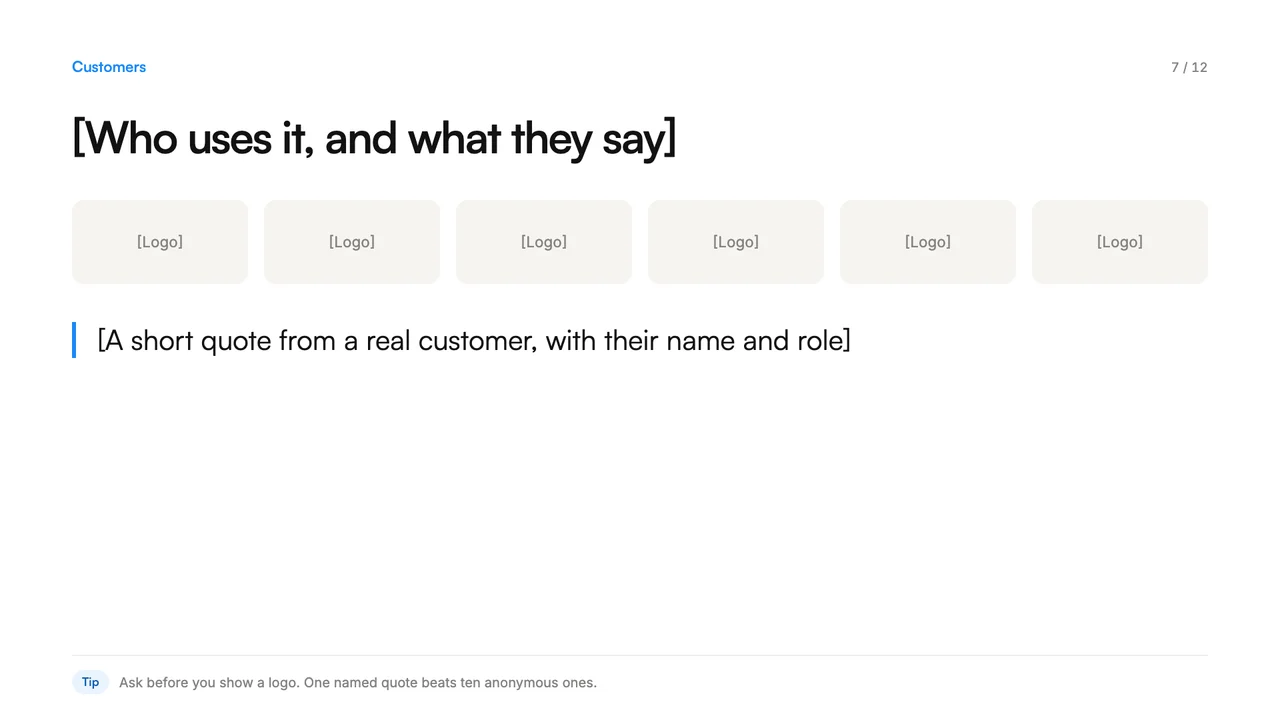 Slide 7
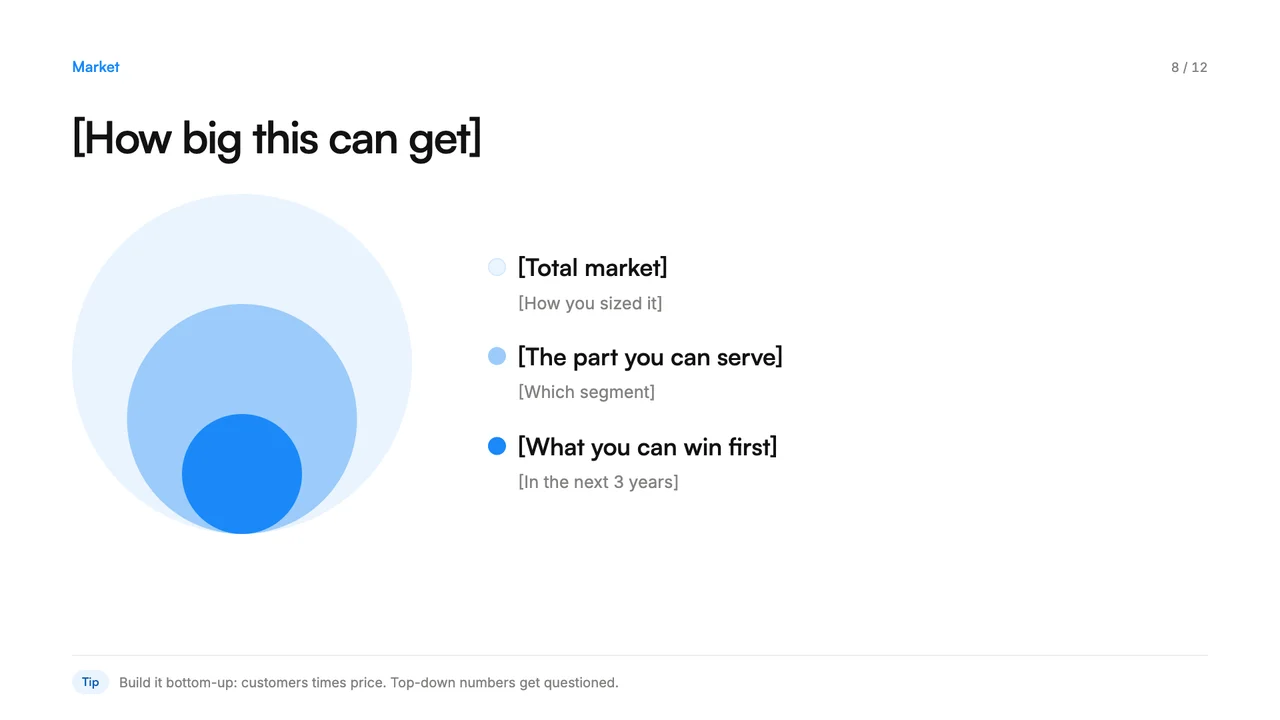 Slide 8
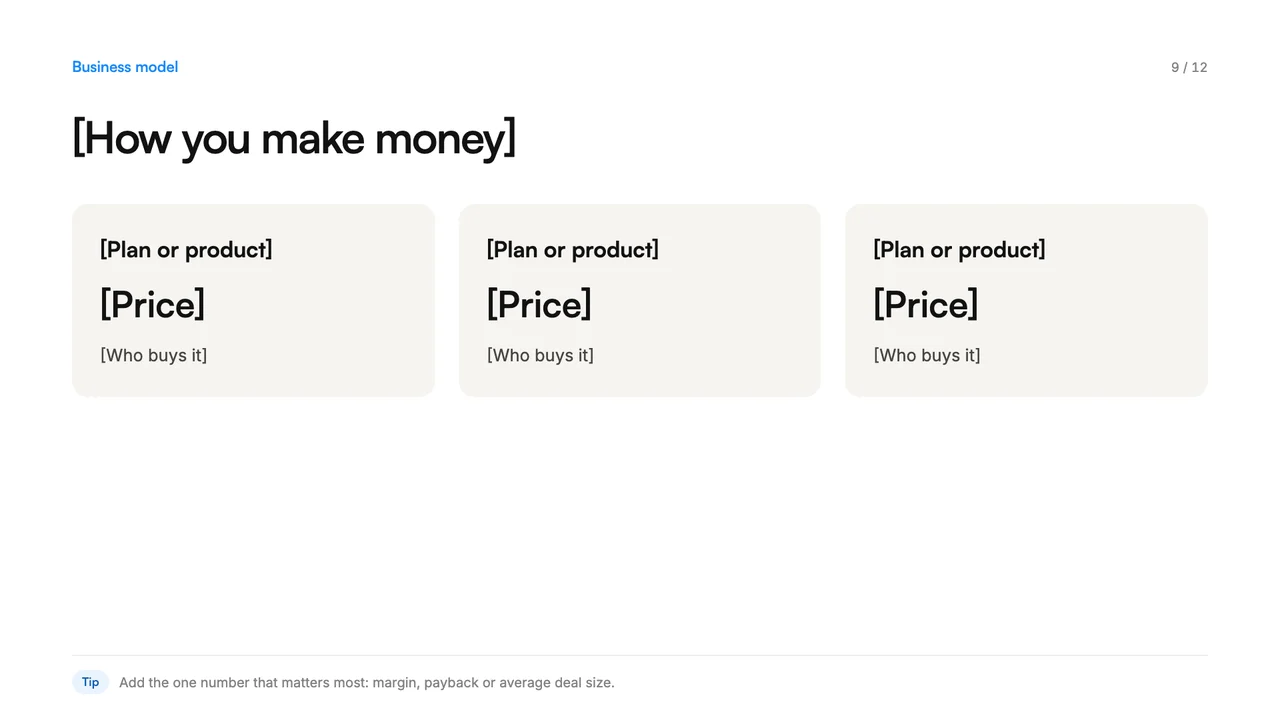 Slide 9
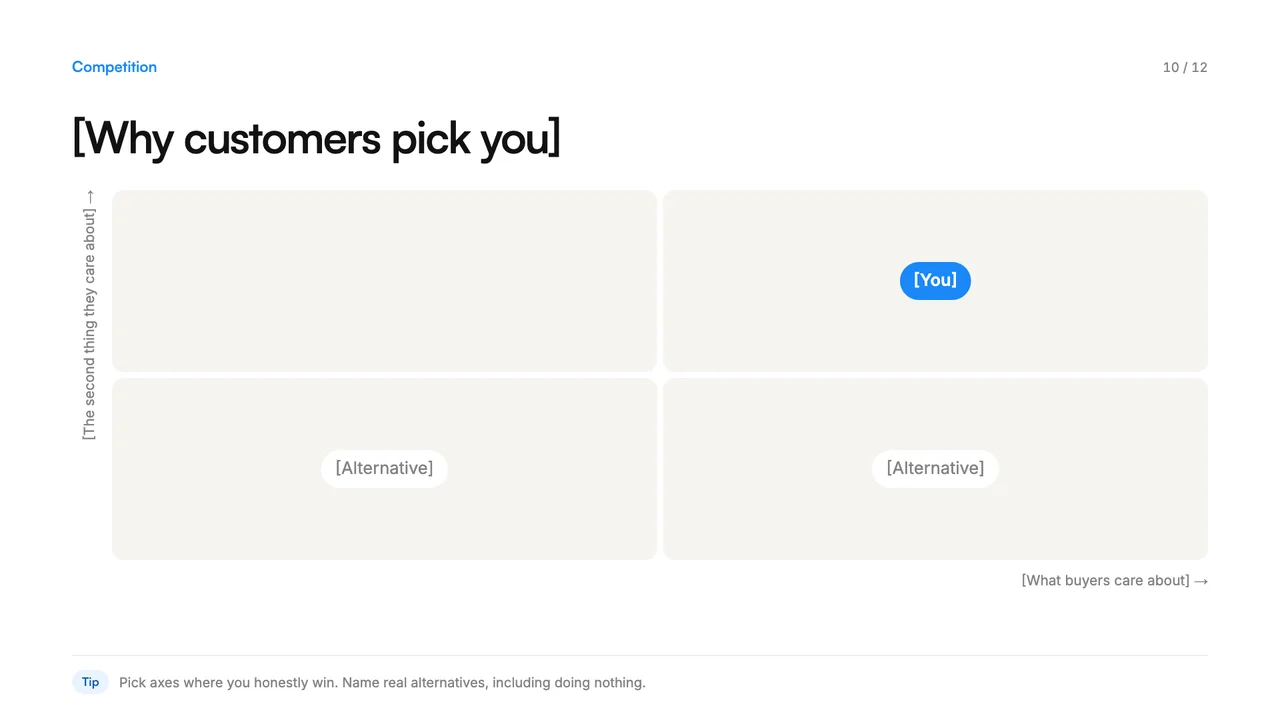 Slide 10
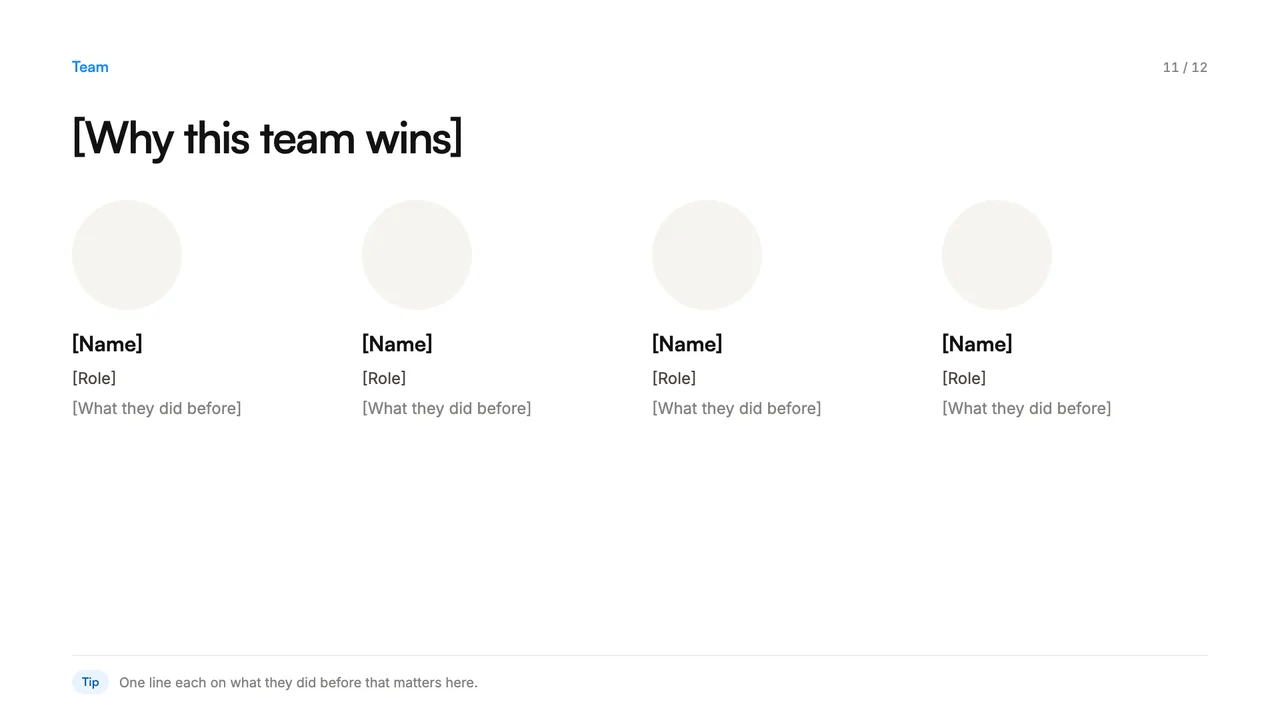 Slide 11
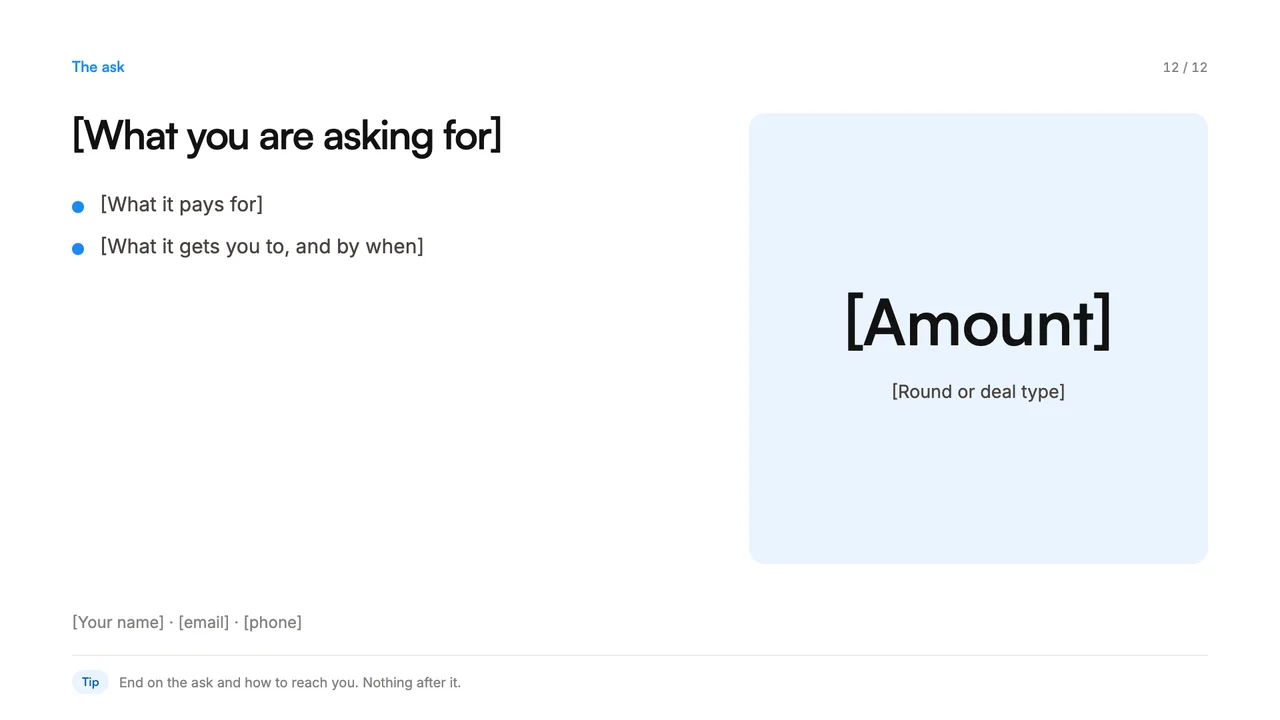 Slide 12
A pitch deck is the short set of slides you use to explain a company to an investor or a big buyer. This template has twelve slides in the order people tend to ask their questions, with placeholder text and a one-line tip at the bottom of each slide.
It comes as a PowerPoint file that opens in Keynote and Google Slides, and as a PDF to read through first. There are no made-up numbers in it, only brackets where your real ones go.
What is in it
| Slide | What goes on it |
|---|---|
| 1. Cover | Your name, what you do in one line, contact |
| 2. The problem | Who has it and what it costs them |
| 3. Why now | What changed that makes this possible or urgent |
| 4. The solution | What you built, with a real screen |
| 5. How it works | Three steps from first use to the result |
| 6. Traction | Three real numbers, each with its time period |
| 7. Customers | Logos you have permission to show, and one named quote |
| 8. Market | How big it can get, sized from the bottom up |
| 9. Business model | How you make money |
| 10. Competition | Why customers pick you over the alternatives |
| 11. Team | Why these people win |
| 12. The ask | What you want, what it pays for, how to reach you |
How to use it
- Write the story before the slides. If you can’t tell it out loud in two minutes, no design will fix it.
- One idea per slide. If a slide needs two headlines, it is two slides.
- Show, don’t describe. A product screen, a customer quote and a real chart do more than bullet points.
- Real numbers only. Each with its time period. Leave a bracket empty rather than guess.
- End on the ask. Then your contact details. Nothing after it.
For the design part
Our pitch deck examples show how strong decks handle each of these slides, and our notes on building a presentation deck cover layout and pacing. When the story is right and you want the deck to look as good as the company, that is what our presentation design team does.
Frequently Asked Questions
Around ten to fifteen for a first meeting. Twelve covers what most investors and buyers ask, and anything extra can go in an appendix you send afterwards.
Yes. Open the PowerPoint file in Google Slides or Keynote and it keeps the layout. The fonts fall back to whatever you have installed, so set your brand font once on the master slides.
Usually not. The presented version can be lighter because you are in the room. The sent version needs enough words on each slide to make sense without you.
More free templates
Briefs, plans and production sheets, built the way we use them.
- PDF + WordBrand guidelines templateLogo, colors, type, voice and imagery rules, in one fillable document.
- PDF + WordCase study templateChallenge, approach, results and a quote, ready to send for approval.
- PDF + WordCreative brief templateEight fields that turn a vague request into work you can sign off.
The templates are free. The team isn't.
Need the video, design or motion actually made? Tell us what you're working on.