Product explainer video: 5 formats and a real example of each
How to scope a first product explainer video: five formats with a real example of each from Sunsama, Snowflake, Ooni, Eight Sleep and MyHeritage, physical versus software, a 60-second script outline and where the video runs.

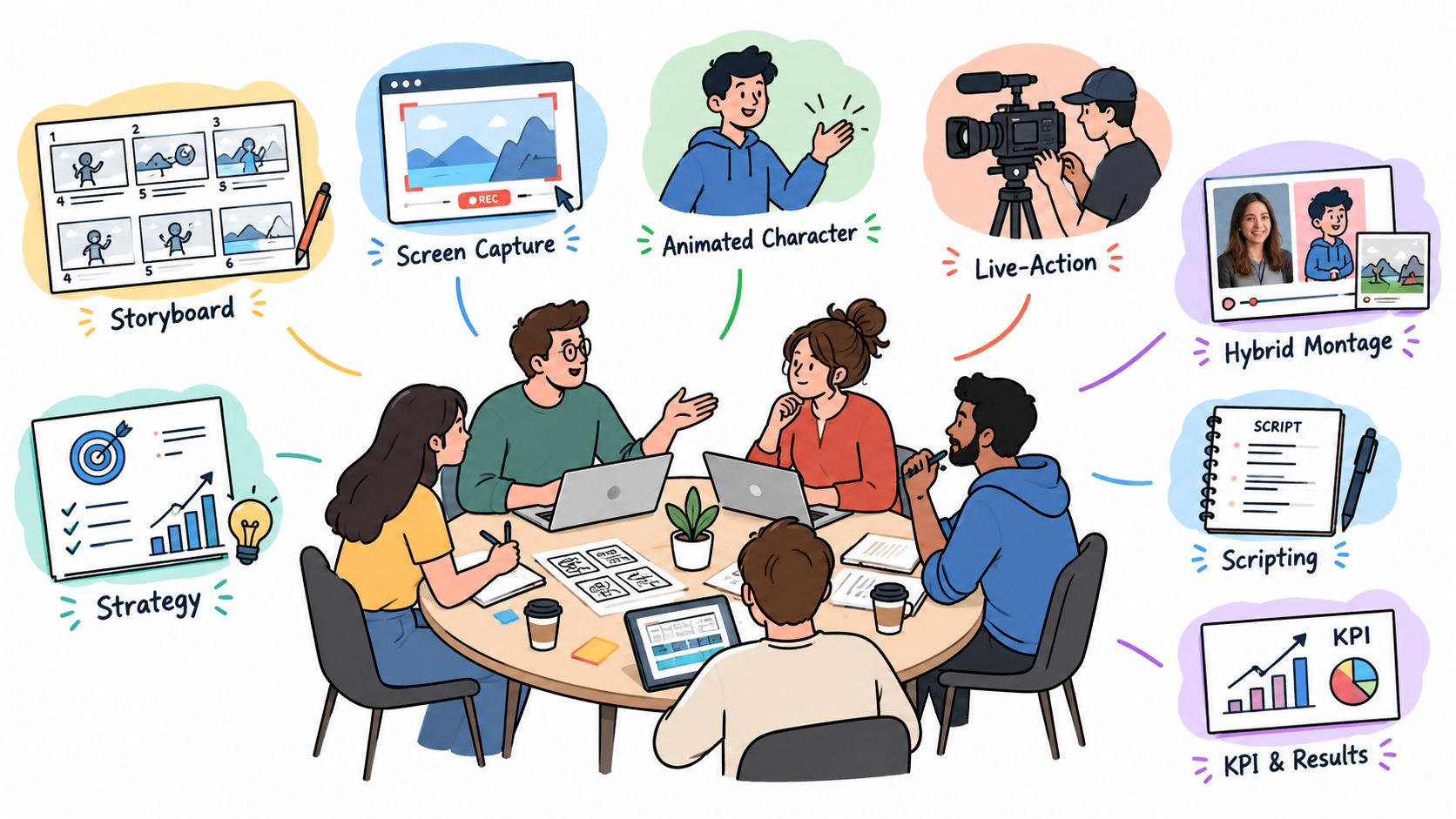
A product explainer video usually has a minute, maybe a minute and a half, to show a likely buyer what changes for them and how your product makes it happen, before it asks for one next step. Most first ones end up in one of five shapes. Software tends to get screen capture with motion graphics, and a mechanism you can’t film gets an animated concept. Something you hold wants live action, or a hybrid if it comes with an app. The fifth is the before-and-after, for when the change itself is the pitch.
I’d decide who’s watching first, and what they should be able to say about the product ten seconds in (I’ve rarely seen a video win people back after fumbling those seconds), then pick whichever format proves that with the least production. Nearly every first-video brief sent to Moonb, the creative studio I run, is written the other way around, with the style up top and the audience a paragraph later, if at all.
The demo is a different film. It comes later and goes deeper, for people who already care, so it has its own product demo video guide. And if your explainer has no product in it at all, the styles in explainer video types will suit it better than anything here.
The five formats side by side
| Format | Suits | Example from the brand’s own channel | Production effort | What stretches the schedule |
|---|---|---|---|---|
| Screen capture with motion | Software where the interface is the proof | Sunsama, “What your day looks like in Sunsama” (2022) | Lowest of the five while the build stays stable | UI changes mid-project, cleaning sample data, extra workflows |
| Animated concept | Value that happens out of sight: data, security, payments, internals | Snowflake, “Streaming Pipelines With Snowflake Explained In 2 Minutes” (2023) | High for a custom style, since every scene is designed and then animated | Script changes after the animatic, scene count, custom illustration |
| Live action with the product | Physical products where size, finish and use sell it | Ooni, “Introducing the Koda 2 Max” (2024) | Medium to high: crew, location, talent, product prep | Locations, weather, talent schedules, product samples |
| Hybrid | Connected hardware, wearables, anything physical with an app | Eight Sleep, “Introducing Pod 5” (2025) | High, with two kinds of capture to plan and match | Matching footage to interface, transitions, renders |
| Before-and-after | Products whose effect shows within seconds | MyHeritage, “Introducing Photo Repair by MyHeritage” (2021) | Follows whichever medium you build it in | Staging a “before” that buyers recognize |
1. Screen capture with motion, for software
For software, the strongest proof you have is usually the screen. A clean capture with zooms, highlights and a few short labels tells the buyer that the thing they’ll log into looks exactly like this.
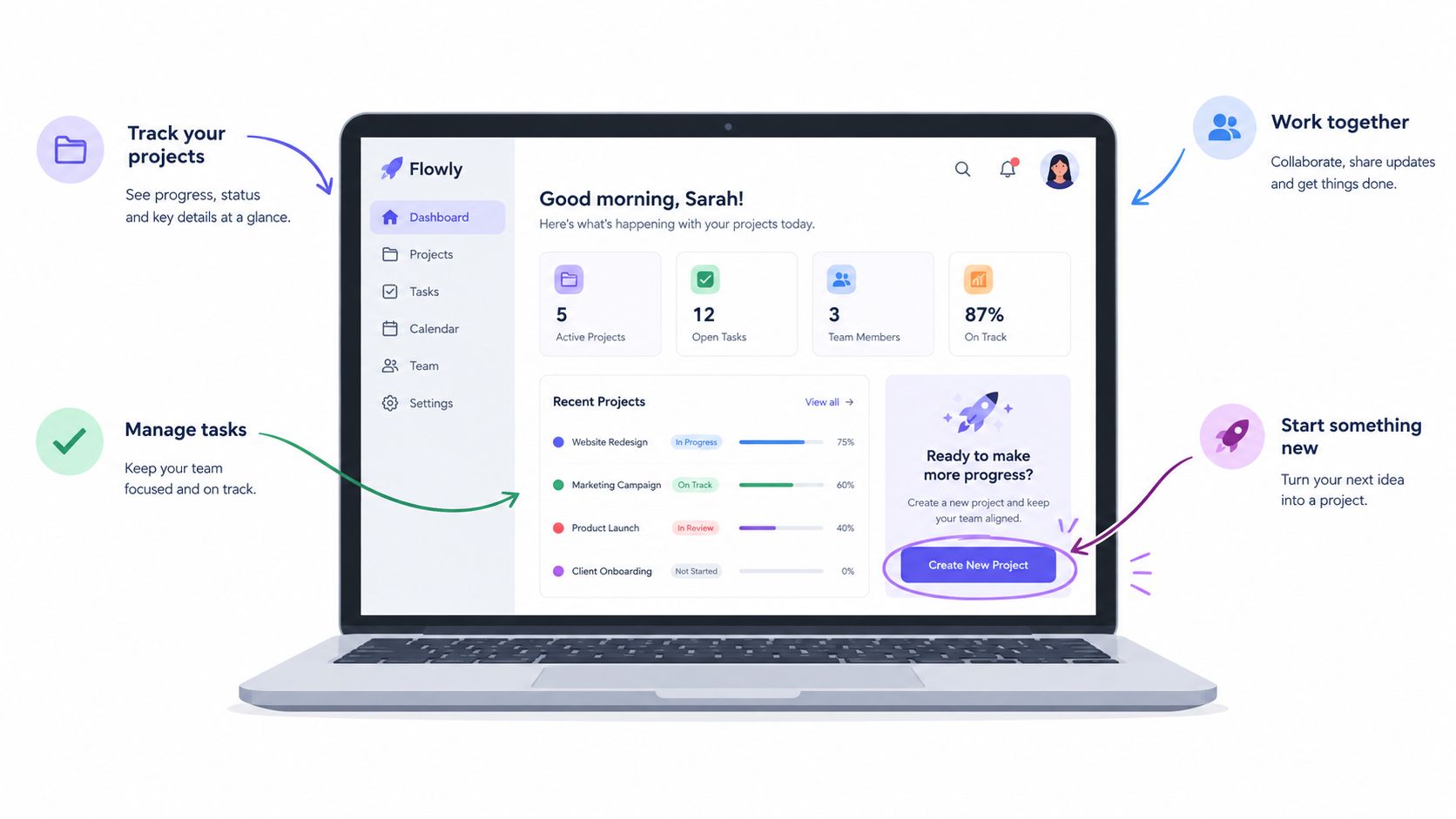
Write down the outcome before anyone records a click, then capture only the path that proves it, usually one workflow from start to finish. Clean up the demo account (believable sample data, notifications off) and plan the cursor path. Most cursors in product videos move like someone hunting for a button. Motion graphics should point only at what the viewer would otherwise miss, and check every label at phone size before approving.
Keep the raw capture and the editable motion layers. Your UI will change, and patching two shots is only possible if those layers still exist. If someone on your team wants to rough out a capture before you pay for a polished cut, I’d hand them the SubmitMySaas walkthrough on creating a product demo video. It’s practical about picking screen recording tools and getting clean audio, which is where most rough captures go wrong.
Sunsama, “What your day looks like in Sunsama” (2022)
This one is long. Sunsama, a daily planner, posted the 3:23 walkthrough on its own channel in July 2022, and at that length I wouldn’t put it on a homepage. It belongs in a help center or a follow-up email to people who already signed up. For the homepage I’d cut the same capture down to about a minute.
Everything else about it I like. Sunsama sells itself on pulling “your tasks, calendars, email, and project management tools in one view,” and the video shows you that view. There’s a Monday task list beside a color-blocked calendar, then Today and Tomorrow columns with the prompt “Drag over tasks that can wait,” and later the same screen zoomed out.
2. Animated concept, when the mechanism is invisible
Pay for animation when the part that matters can’t be filmed or screen-recorded. Think data moving between systems, encryption, a payment clearing, the inside of a sealed device. It can also jump from an inbox straight to a dashboard in one move, which saves a lot of clicking.

The failure I see most is the boxes-and-arrows tour, where data hops from shape to shape and the viewer has no idea why they should care. Tie every movement to something the customer gets, like a report that’s current when the meeting starts or a fraud attempt stopped before it clears. Pick metaphors people read instantly (a pipe for flow, a lock for protection), and write narration that still works for someone who misses them.
Lock the script and storyboard before production starts. In animation, a line changed after the animatic ripples through the timing and sound of every later scene. The look is a separate choice, and flat 2D like the Snowflake example below is only one option; our animated explainer video guide has 3D, whiteboard and kinetic type examples too.
Snowflake, “Streaming Pipelines With Snowflake Explained In 2 Minutes” (2023)
Streaming data “has been historically complex and costly to work with,” Snowflake says, and this September 2023 explainer pitches two features, Snowpipe Streaming and Dynamic Tables, that together “break the barrier between batch and streaming systems.” It even beats the two minutes in its own title, at 1:45.
Clouds full of binary digits drip into database cylinders, and later a server stack with gears sits next to two illustrated people, one of them at a laptop. Snowflake’s product is mostly a process, so I’d have drawn it too, and I’d make the same call for most infrastructure and security products. Leave extra room for review, though, because engineers read these diagrams literally and will send back any arrow that points the wrong way.
3. Live action with the product, for physical goods
People buying a physical thing want to see how big it is in a hand and how it behaves where it’ll be used.

Unless stillness is the brand, skip the product-on-a-table start and show someone doing what they bought it for. Shoot wide and close so the edit has options, and take sound seriously; bad room audio makes a live demo look amateur faster than anything else I know.
Ooni, “Introducing the Koda 2 Max” (2024)
Ooni handed this May 2024 film to its co-founder and co-CEO, Kristian Tapaninaho. In the company’s words, he “gives you a sneak peek at the gas-powered Koda 2 Max, Ooni’s biggest and most powerful oven yet.” He talks to camera in a garden, and later stands beside the lit oven, set up on an outdoor table. Good call. People think hard before they put a big oven in the backyard, and it helps that the man standing next to this one started the company.
4. Hybrid, when the product is physical and digital
Some products live in a hand and on a phone at once, a wearable and its app, say. If the video shows only one half, the viewer has to guess at the other, so a hybrid cuts between them, often with 3D renders of the parts nobody can see.
I’d save split screen and picture-in-picture for the few shots that need both views at once. Otherwise the person does the thing, you cut to the screen that records or controls it, then back to the person for the result. Match the color temperature of footage and interface, and check the cut on a phone, where interface text that reads fine on a monitor turns to mush.
Eight Sleep, “Introducing Pod 5” (2025)
Eight Sleep had a lot of system to explain with Pod 5. The company lists the parts (Hub, Cover, Blanket and Base) and says “the entire experience is guided from the Eight Sleep app and controlled automatically by the intelligent algorithm Autopilot.” Its launch film, posted in May 2025, moves from a 3D render of the blanket with “Hydro-powered” written across it to floating interface cards with a playback bar, then out to live-action athletes on a ski slope and a tennis court.
It gets through the lot in 2:06, which I wouldn’t have bet on from that parts list. Ooni took 1:58 for one oven. I’d watch it once with a stopwatch and note how long each kind of footage stays up before the film cuts away.
5. Before-and-after, when the change is the pitch
Before-and-after is a structure you can build from screen capture, live action or animation. You show the problem, then the same situation with the product switched on.
Keep the before believable. Experienced buyers know what the problem really looks like, and if you overplay it they stop trusting everything that follows. Hold the framing constant (same person, same desk) so only the product’s effect changes. Any number you put on the change needs a source you’re allowed to cite, like product logs or a customer’s own measurement. If you don’t have one, describe the change plainly.
MyHeritage, “Introducing Photo Repair by MyHeritage” (2021)
MyHeritage premiered this 46-second film on its own channel in May 2021 to launch the newest tool in what it calls its photo toolbox. Photo Repair, in the company’s words, “automatically fixes scratches, tears, holes, stains and other damage on historical photos.” You upload an old photo, a Repair button shows up if the site detects damage, and one click is meant to make the damage “disappear like magic.”
About halfway through, a portrait of a seated woman and a standing man sits on the right of the screen with a tear running across both of them. Later the same portrait appears twice, side by side under the words Before and After, and the tear is gone from the After copy. Anyone who has inherited a box of old family prints has seen that before, so nobody needs convincing that the problem is real.
My one quibble is that the After copy is in color as well, which means two things change at once. I’d have kept that shot black and white and shown the color somewhere else. The pitch is written on screen (“Scratched and damaged photos are a thing of the past” is one caption), so I’d expect it to hold up muted on a product page or in a feed.
Physical product or software
Most products fall into one of the five without a meeting. The awkward case is software whose value sits behind the interface, sync or encryption, say. I’d animate the mechanism and keep the last few seconds for a real capture, so the buyer sees the actual product before the call to action. How much to draw and how much to record is really a dial, and the ten SaaS explainer videos we picked apart in another post sit all along it, from a plain walkthrough of the real product to a motion-graphics metaphor.
On the hardware side I’d still shoot live action and render only the beat that happens inside something sealed, a motor or a filter. Once an app changes what the hardware does, you’re making a hybrid, and most of the arguing in that edit is about how little of each world you can get away with.
When a team still can’t agree, I ask what will date the video first. A screen capture ages with every UI redesign and a product film with every new model, so plan the source files around whichever comes sooner.
Problem, mechanism, proof, next step
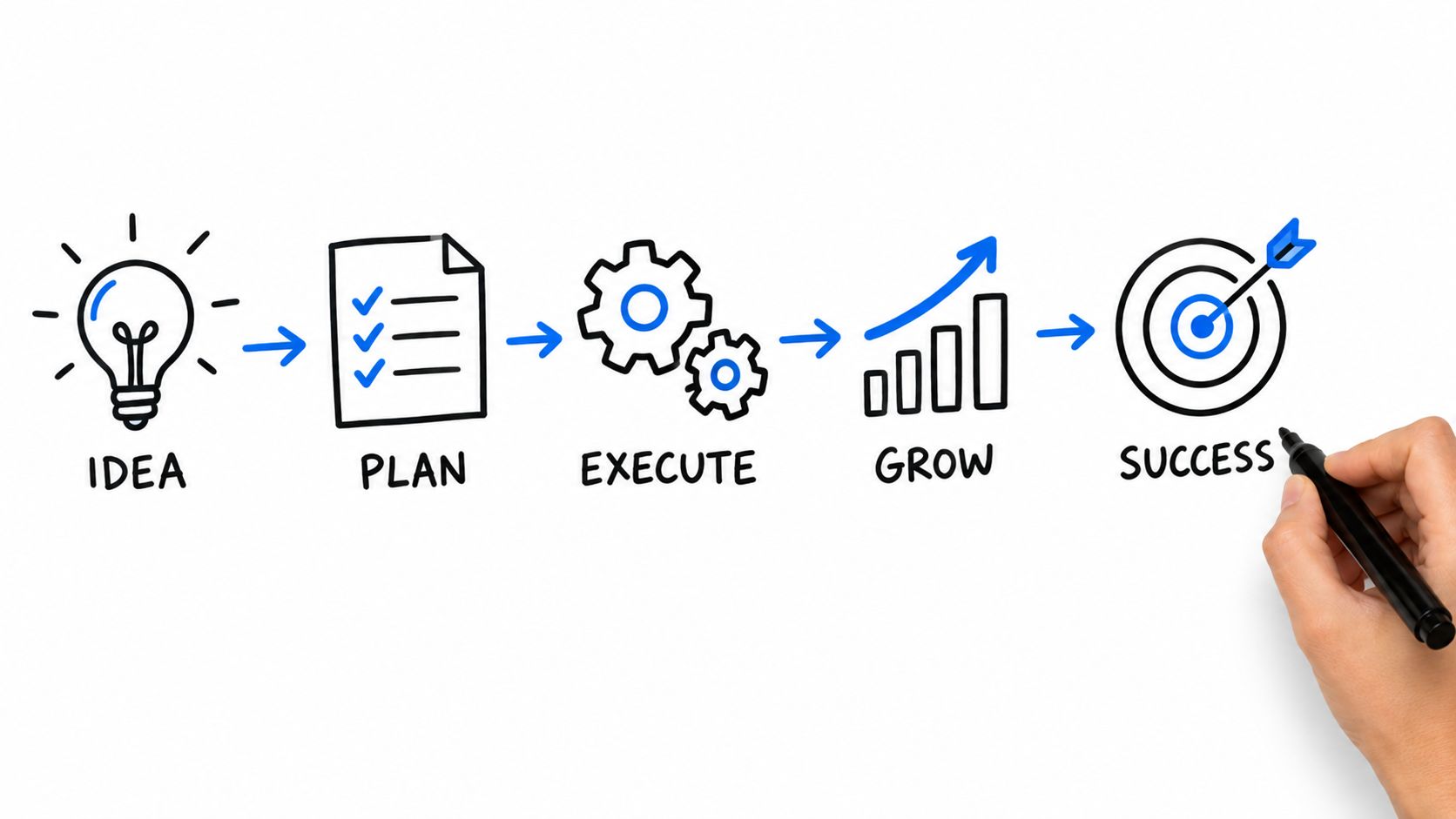
Whatever the format, I write to four beats. The problem comes first, in the viewer’s own words, then the mechanism (show it once and move on). Proof comes third. A customer line counts if you have permission to use it, and so does the product visibly doing the thing. Last, one next step that fits where the video runs.
My own working number is about 150 words a minute of voiceover, so a sixty-second script comes in a little under that once you leave room for music and pauses. If you’d rather not start from a blank page, our explainer video script guide has a template.
Somebody always wants one more feature in. Each one costs seconds before the buyer has decided to care, and I push back on any second minute the buyer doesn’t need. If my word isn’t enough, I send over our explainer length guide.
A worked 60-second outline
Say the product is a request-tracking tool for operations leads (made up for this), explained with screen capture. The beats would hold for live action or a hybrid too.
| Time | Beat | On screen | Sample voiceover |
|---|---|---|---|
| 0:00 to 0:10 | Problem | One request scattered across a chat thread and an old spreadsheet tab | “If you run operations, you’ve chased one request through chat threads and a spreadsheet nobody updates.” |
| 0:10 to 0:20 | Promise | The same request, now a single card in one queue with an owner and a due date | “[Product] puts every request in one queue, with an owner and a date.” |
| 0:20 to 0:40 | Mechanism | Screen capture: a request arrives from email, gets assigned, moves to done; zooms on each step | “Requests come in from wherever people send them. [Product] routes each one to the right person and shows you where it’s stuck.” |
| 0:40 to 0:52 | Proof | An approved customer quote on screen, or the real overdue view emptying at the end of a week | “[Approved customer line, word for word, with name and role]” |
| 0:52 to 1:00 | Next step | Product name, one button, one URL | “See your own requests in [Product]. Start at [URL].” |
The proof row stays a placeholder until legal approves the exact words. Never write a stand-in quote and hope to swap it later; stand-ins have a habit of shipping. On a homepage the next step is a trial or a demo booking; during onboarding it’s the first action inside the product.
Where the video runs
One master rarely suits every placement, so plan the versions before the edit is locked. A product launch video is a bigger job again, a hero film with cutdowns on a schedule counted back from launch day. For an evergreen explainer, this is roughly how I’d split the versions:
| Where it runs | The cut I’d make | What to measure |
|---|---|---|
| Homepage or product page | About a minute, click-to-play, captions on | Play rate, then clicks on the button next to the video |
| Sales follow-up | The full cut, plus a version that starts with the buyer’s problem | Replies and meetings booked from the email |
| Onboarding and help center | Longer, screen-led, split by task | Completion and whether viewers take the first action |
| Launch and paid social | Vertical cutdowns built for sound-off viewing | Watch-through on the cutdown, then clicks to the page |
Video teams rate product explainers highly, for what that’s worth. In Dropbox’s December 2025 survey of 500 full-time video marketing and creative professionals in North America, 40% of video creatives said product demos and explainers were their most effective video type, ahead of employee spotlights (36%) and thought leadership videos (32%) (Dropbox, 2026 video marketing trends).
The report’s action plan has two lines I’d have written myself: “Design video for mobile and sound-off viewing, with readable captions and accessible visual storytelling,” and “Build a reuse plan for top performers, including cutdowns, recaps, and refreshed intros, so your strongest stories keep working over time.”
Pick one metric per placement and judge the video on that alone. For the explanation itself, watch-through is the number I check. Where viewers drop off, read the script at that exact second, and more often than not a single line is to blame.
What moves time and cost
The effort column in the first table only ranks the five formats against each other. Custom animation usually eats the most design time per second of screen, while live action and hybrids spend their money on shoot days. I’d rather not put dollar figures in a post about formats; the ranges are in what an explainer video costs and video production cost.
Schedules stretch for boring reasons: scene count, review rounds, voiceover re-records, late script changes, legal approval of claims and the number of versions you need at the end. Whoever you brief, ask for a scope that splits out scripting, production, editing and future updates, with a turnaround you’d believe, and settle these first:
- Which product version, interface or model the video shows, and who confirms it is current
- The primary placement, since that decides runtime, aspect ratio and the call to action
- The proof you can approve: customer lines, product states, results, permissions
- Captions, readable type at phone size and a version that works without sound
- Deliverables: aspect ratios, cutdowns, thumbnails, caption files and source files
- Who reviews (product, marketing, brand, legal) and how many rounds each gets
- Whether this is a launch asset or a long-life explainer you’ll keep patching
Frequently asked questions
About 60 to 90 seconds for the homepage or launch version, with separate cuts for other placements so one master never has to stretch. Onboarding and help-center versions can run longer, since the viewer has already chosen to learn. A paid social cutdown has to make its point in the first few seconds, with the sound off. Script for the shortest placement first and add detail for the longer ones.
A physical product whose size, finish or use is what sells it should be filmed in live action, while animation is for value that happens where a camera can't go, like data processing or the inside of a sealed device. Software usually starts with a screen capture of the real interface. For a device with an app, plan a hybrid from day one, because interface shots added to a finished live-action edit rarely match.
Whenever a buyer would notice a gap between the video and the product, such as a redesigned interface, a renamed feature, a new hardware model or a changed call to action. Ask for the source files and editable motion layers at delivery; then most updates are a re-recorded screen or a swapped shot, and the edit survives. Check the video against the live product at every major release.



