7 Best AI Image Upscaler Tools for Marketing Teams in 2026
The 7 AI image upscalers I actually reach for, compared on quality, speed, and cost for e-commerce, ads, and social.

If you run marketing creative at any volume, you already know the moment: a client hands over the one hero shot they love, it is 900 pixels wide, and it has to run full-bleed across a landing page and a billboard. A reshoot is not on the table. For years the only move was to crop, compromise, or beg. Now an AI image upscaler can enlarge that file and rebuild believable detail while it does, which is why I keep a few of them within reach on almost every project.
The best fix is always a sharp original, so if you want to improve your own product and studio photography, a free online photography course is a solid place to start. When a reshoot is off the table, though, a good upscaler is the next best thing.
I have pushed a lot of images through these tools, both the desktop heavyweights and the browser ones my team uses between meetings. Below are the seven I actually reach for, sorted by what each one does best rather than by marketing claims. I use our free image tools for quick resizing and compression, but upscaling is its own job and it needs dedicated software.
A quick note on what I mean by “good.” I care about how the tool handles skin and text and product edges, how fast it is on a batch, and whether the pricing makes sense for a team that does this weekly rather than once. Prices below are what I saw in mid-2026; check each site before you commit, because these move.
1. Topaz Gigapixel
Topaz Gigapixel is the one I open when quality is the whole point. It is a desktop application, so it runs on your own machine and leans on your GPU instead of shuffling files up to a server and back. That local approach is why photographers, print designers, and e-commerce managers have trusted it for so long, and it is the tool I default to when I am prepping something for a physical print run.
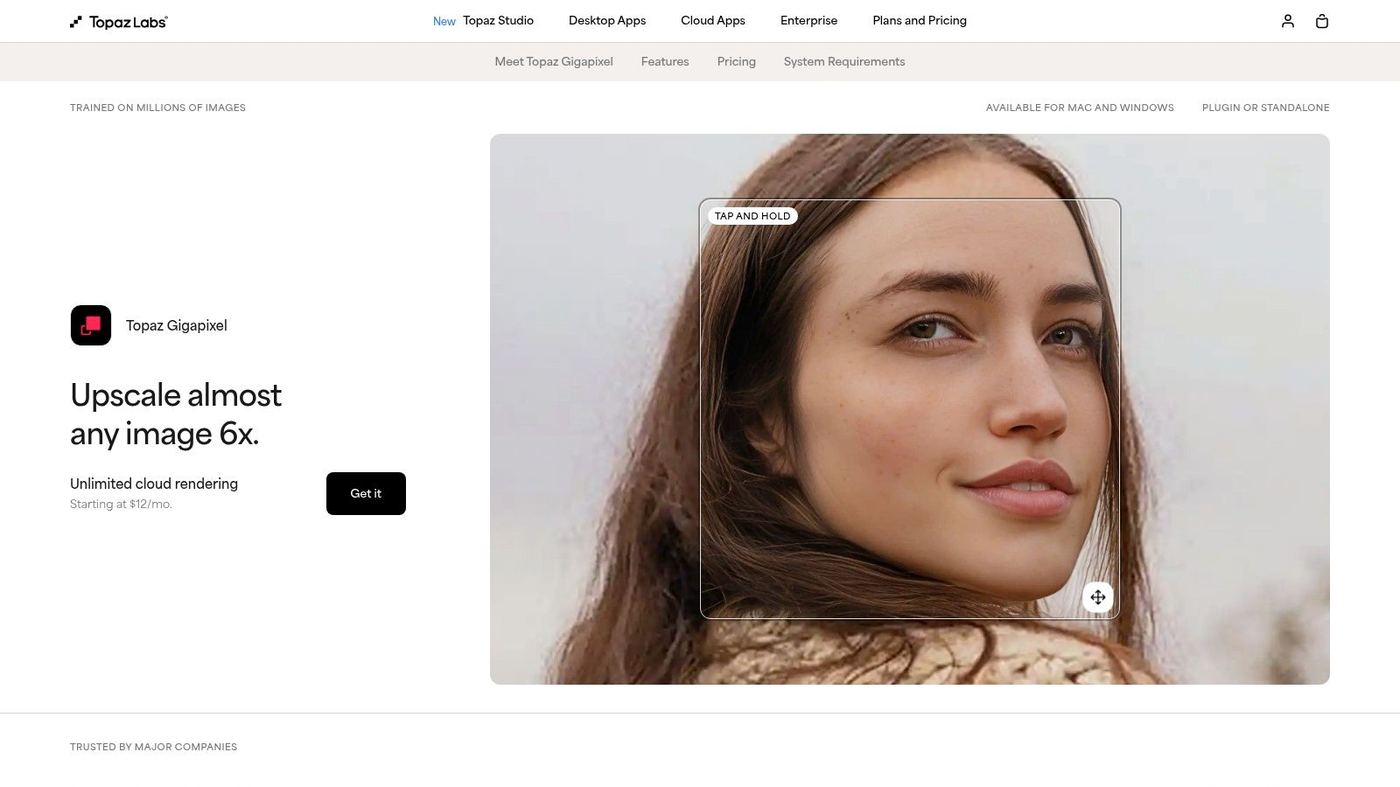
What sets it apart is that you are not stuck with one all-purpose model. You pick the model that matches the source, so a compressed old graphic and a clean product photo get treated differently. That control is the reason it stays on my machine.
- Model choice: Standard, High Fidelity, Art & CG, and Text & Shapes, each tuned to a different kind of source.
- Face Recovery: a dedicated model that rebuilds and sharpens faces in low-resolution photos, which has saved me on event and archive work.
- Runs locally: all the processing happens on your computer, with no per-image fee and nothing uploaded.
- Batch mode: point it at a whole folder and it applies the same settings across a full catalog or shoot.
| Use case | Why Gigapixel works here |
|---|---|
| E-commerce product shots | Recovers fabric texture and fine detail in electronics so listings stay crisp |
| Print and advertising | Enlarges heavily without the softness that usually shows up at billboard and magazine size |
| Restoring old photos | Pairs upscaling with noise reduction and face recovery to clean up archival images |
| Real estate photography | Sharpens architectural and landscape detail for higher-impact property listings |
Pricing: Topaz now sells Gigapixel inside its Photo AI bundle at $199 for the first year, which includes a year of updates. After that you keep the last version you downloaded and pay again only when you want the newer models. I think that is fair for something you run locally forever.
2. Adobe Super Resolution
If your team already lives in Lightroom and Photoshop, Super Resolution is the least disruptive way to upscale, because it is built into the apps you already have open. It doubles the linear resolution of an image, which quadruples the pixel count, and it does it without you exporting anything to a separate tool. For a workflow that hates context-switching, that matters more than it sounds.
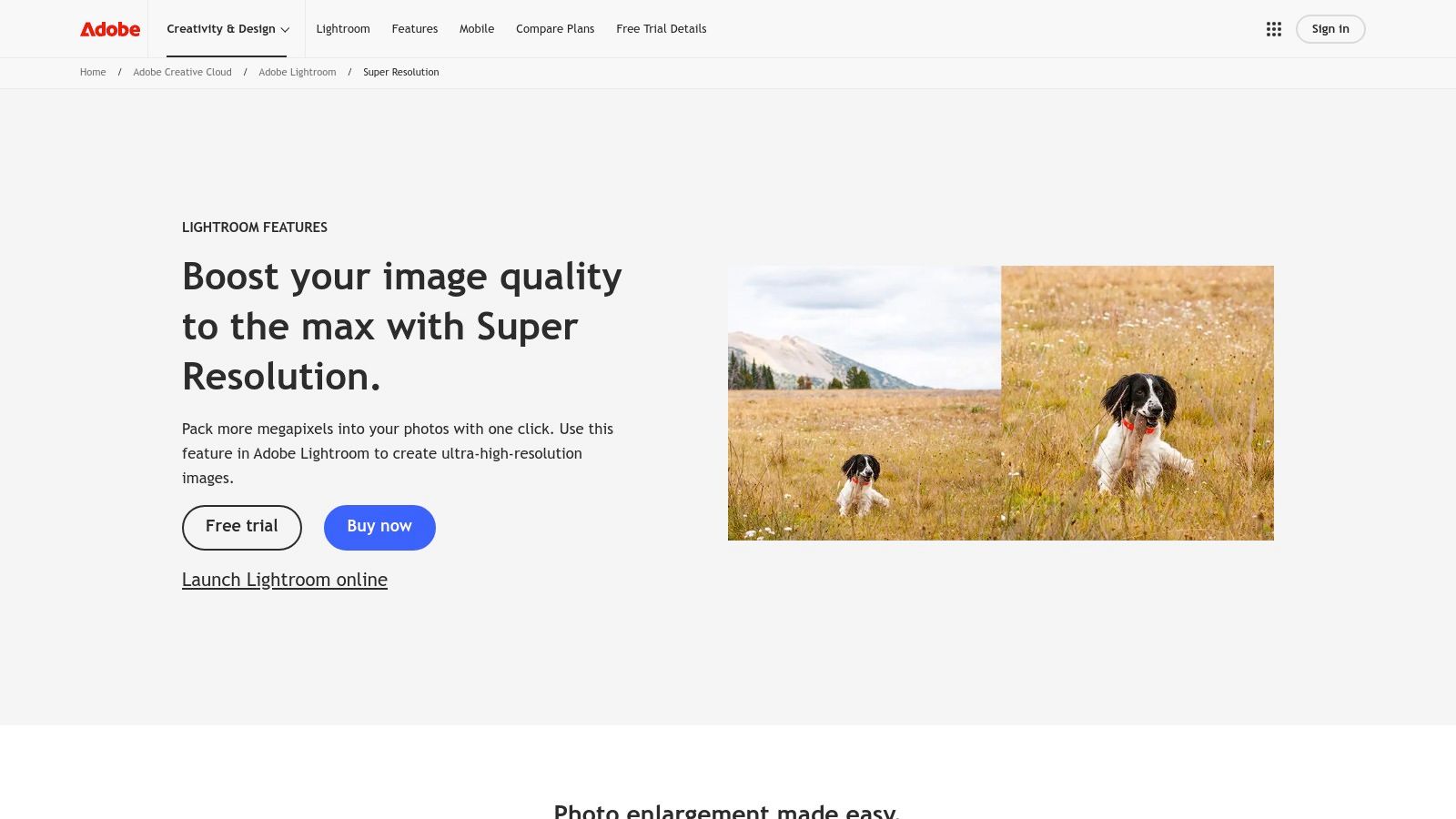
The part I appreciate is that it is non-destructive on RAW files. It writes a new high-resolution DNG and leaves the original untouched, so the upscaled version still carries all its editing latitude through Adobe Camera Raw. Nothing gets baked in that you cannot walk back.
- Built in: one click inside Lightroom (Classic and Cloud) and Photoshop via the Camera Raw filter.
- Non-destructive: it generates a new enhanced DNG and leaves your original photo alone.
- No round-trip: you never export and re-import, which adds up fast on a high-volume day.
- Predictable licensing: it comes with the Creative Cloud Photography, All Apps, and enterprise plans, so there is nothing extra to buy or deploy.
| Use case | Why Super Resolution works here |
|---|---|
| Social and web content | Quickly enlarges cropped images for high-resolution carousels and hero banners |
| Event photography | Rescues heavily cropped shots by adding back resolution for a better composition |
| Campaign assets | Upscales photos to hit the resolution specs for digital ads and email |
| Print-ready conversions | Adds the headroom to turn a digital-first photo into a small or medium print |
Pricing: Super Resolution is not sold on its own. You get it with an Adobe Creative Cloud plan, and the Photography Plan starts at $9.99/month with Lightroom and Photoshop included. Team pricing depends on the specific plan.
Before we get into the web-based options, it is worth understanding what is actually happening when one of these tools “adds” detail that was never in the file. Leo Isikdogan, an imaging engineer, walks through the mechanics of super-resolution clearly, and it changed how I read upscaler output.
3. Let’s Enhance
Let’s Enhance is my pick when the work is high-volume and browser-based. It processes in the cloud, so the whole team can use it without installing anything, and it fits neatly into e-commerce, real estate, and marketing pipelines through its API. When I need to run a few hundred product photos to the same spec, this is where I go.
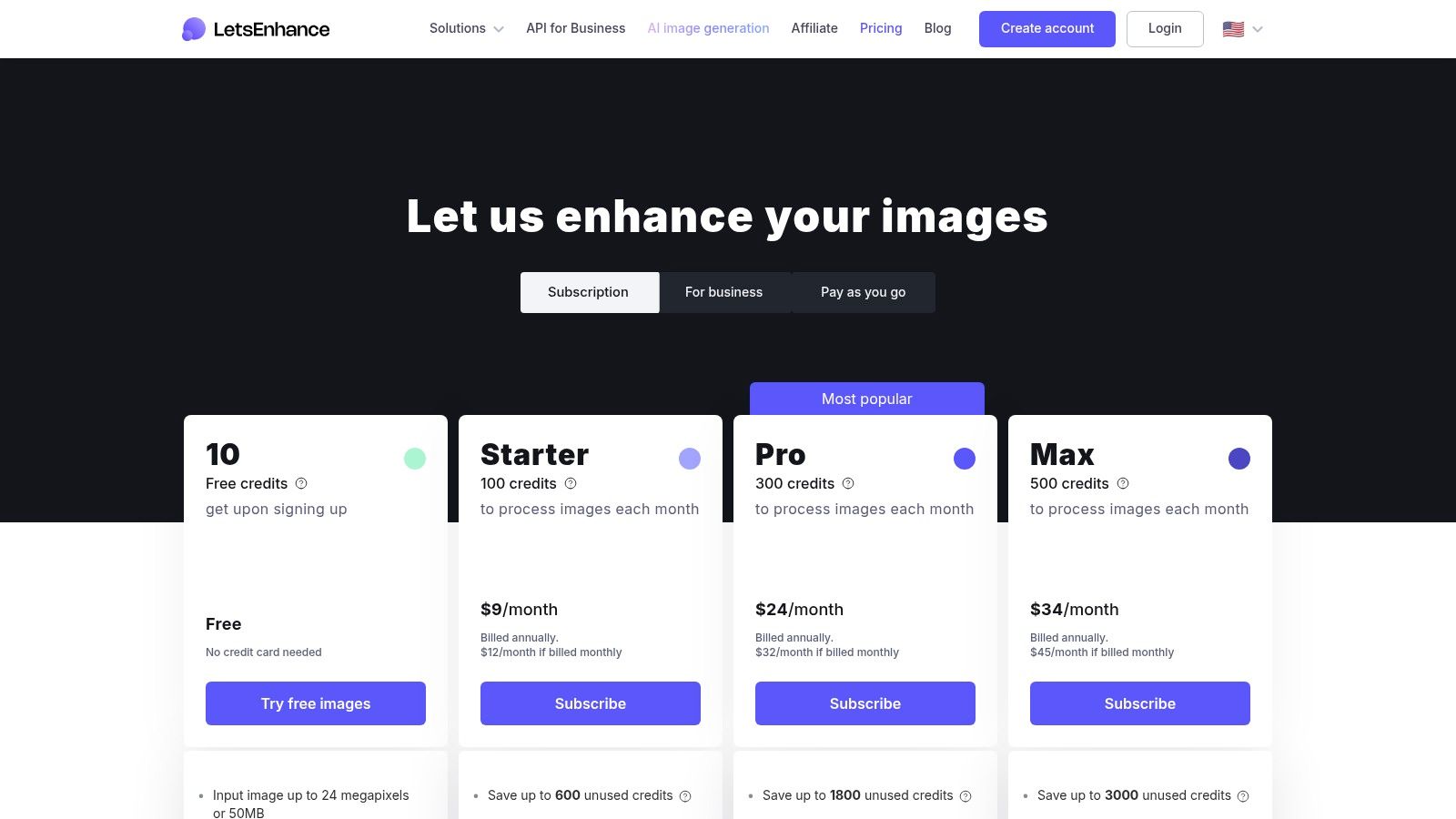
It uses a simple credit system where one credit handles one image, which keeps the cost of any given project easy to predict. The reason it stays on my shortlist is the combination of very large output sizes and real automation.
- Large output: up to 256MP on personal plans and 500MP on business tiers, which is enough for large-format print.
- Batch presets: upload many images at once with saved presets, so a whole catalog comes out consistent.
- Developer API: integrate upscaling straight into your own app or content system.
- Saved settings: store upscaling factor, tone, and color as a preset to hold brand consistency across assets.
| Use case | Why Let's Enhance works here |
|---|---|
| E-commerce and marketplaces | Batch process hundreds of product photos to one preset to meet marketplace specs |
| Real estate marketing | Upscale property photos to very large sizes for print brochures and listings |
| Print on demand | Prepare user artwork for merch printing by adding resolution and clarity |
| Automated workflows | Use the API to enhance user-generated content or imagery pulled from a database |
Pricing: Let’s Enhance runs on credits. Paid plans start at $9/month billed annually for 100 credits, and personal plans roll unused credits over up to five times the monthly amount. Business plans carry more credits and features but do not roll credits over.
4. Icons8 Smart Upscaler
Icons8 Smart Upscaler is the one I recommend to smaller teams and studios that want something quick and developer-friendly without committing to desktop software. It runs in the browser, the pricing bends to how much you actually use it, and there is an API if you want to automate. You will not get the granular, model-by-model control of a desktop app here, but for social assets and web graphics it does the job cleanly.
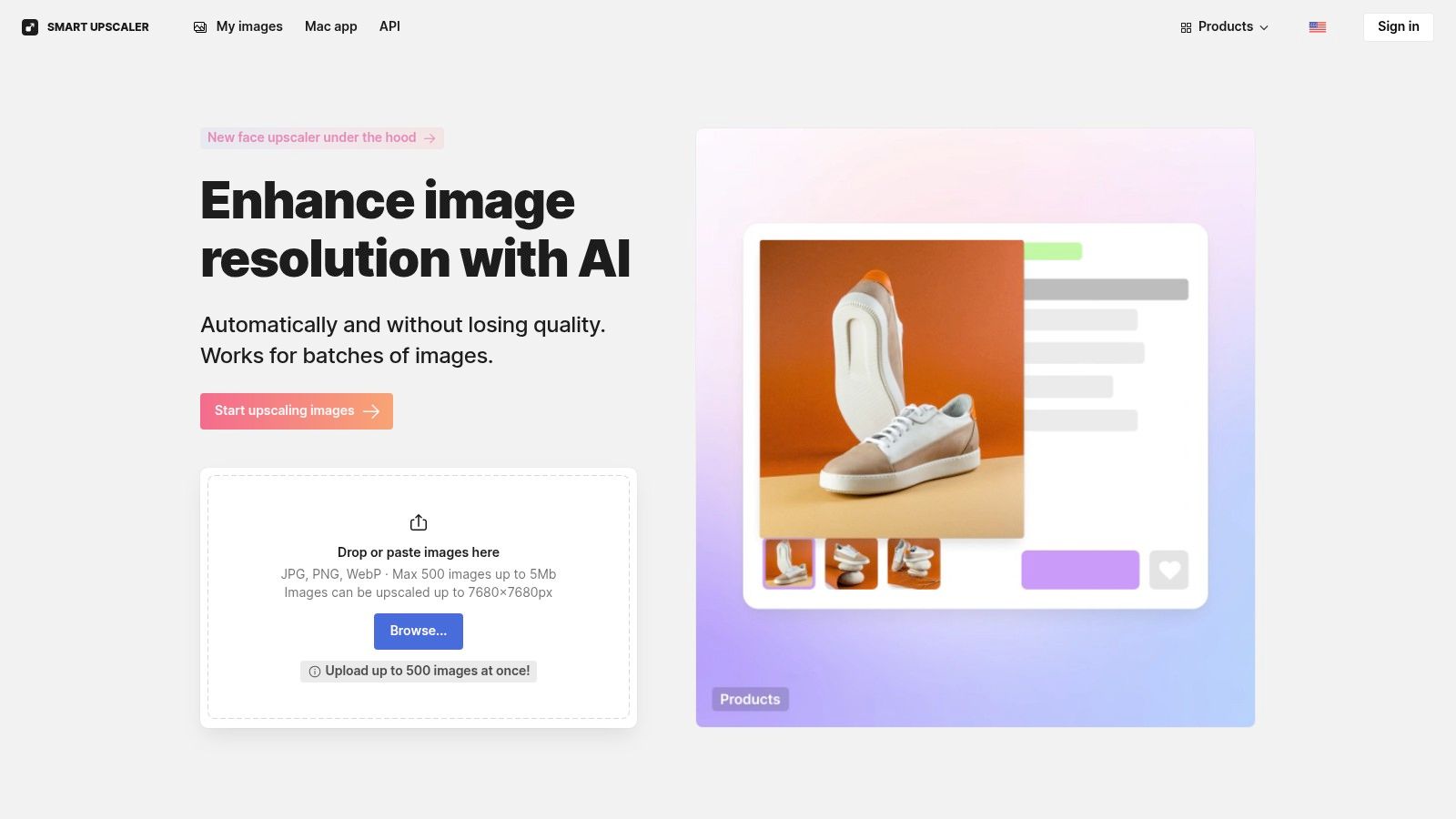
One detail I like for client work: Icons8 states plainly that it does not use your images to train its models, which is a real concern when you are handling someone else’s intellectual property.
- Flexible pricing: prepaid packs (50 images for $10), monthly plans, or a no-cap plan for high demand.
- Developer API: well-documented, so it drops into apps, content systems, and automated pipelines.
- Batch mode: upload and process many images at once, which is the real time-saver for stores and campaigns.
- Nothing to install: it all runs online, so anyone on the team can use it from any device.
| Use case | Why Icons8 works here |
|---|---|
| Social media marketing | Quickly upscales user content or stock photos to hit platform resolution specs |
| Web content and blogs | Sharpens illustrations, icons, and blog images for high-resolution screens |
| API-driven workflows | Automates enhancement inside web apps, e-commerce platforms, and internal tools |
| Agency project bursts | Uses prepaid packs to clear a client batch without a monthly commitment |
Pricing: Icons8 is flexible. You can buy prepaid packs starting at $10 for 50 images, take a monthly plan, or move to a no-cap plan at around $99/month for heavy use. There is a small free tier to test it first.
5. VanceAI Image Upscaler
VanceAI is the all-in-one option, and I keep it around for the days that need more than a plain enlargement. It gives you a browser tool for fast work and a downloadable PC app for the heavy batches, so it covers both the quick social asset and the full catalog run. If a team wants one platform that also sharpens, denoises, restores, and removes backgrounds, this is a reasonable place to land.
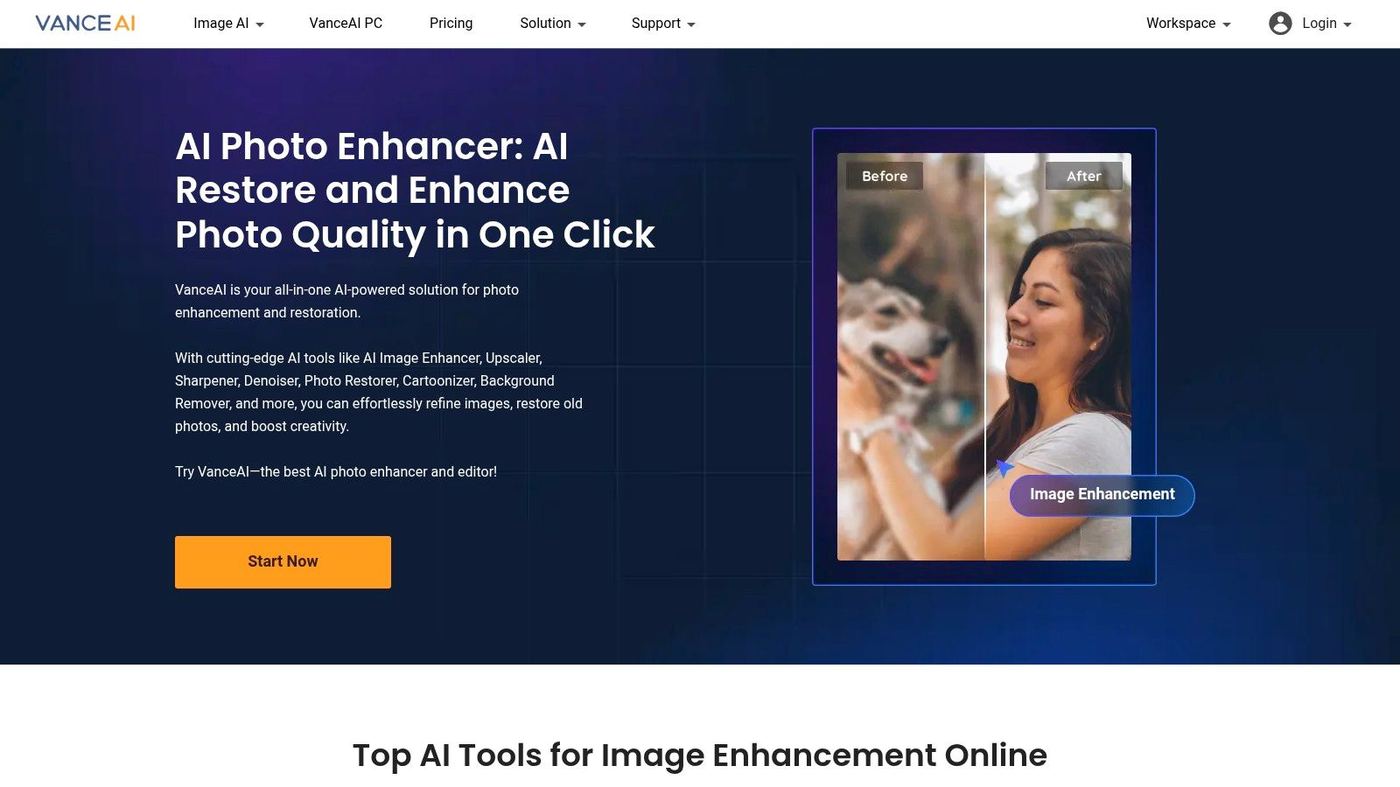
The toolbox breadth is the whole pitch. Beyond enlargement you get AI Denoise, AI Sharpen, a photo restorer, and a background remover in the same place, which can replace a couple of single-purpose apps. The online tool runs on credits while the desktop app processes locally.
- Online and offline: use the web upscaler for quick jobs or the PC app for private, faster local processing with no credit meter.
- Full suite: Denoise, Sharpen, a Photo Restorer, and a background remover all live in one ecosystem.
- Credit options: the online platform bills by credit, bought as a monthly plan with rollover or as pay-as-you-go bundles.
- Desktop batch: the PC app is built for running whole folders through upscale, sharpen, or denoise.
| Use case | Why VanceAI works here |
|---|---|
| Multi-channel marketing | Upscale one image for a blog online, then batch variations for social in the desktop app |
| E-commerce cleanup | Combine upscaling with sharpening and background removal for consistent product imagery |
| Content repurposing | Restore older marketing or event photos to reuse them in new campaigns |
| Small studio workflows | One plan covers a broad toolkit, so a studio avoids stacking several licenses |
Pricing: VanceAI has a few paths. The online tool gives you a handful of free credits to test, and paid plans run monthly (for example, $4.95 for 100 credits a month) or as pay-as-you-go packs. The desktop software sells separately as a $99.90 lifetime license with a year of updates and local processing that does not spend online credits. One caution from experience: some users report billing and support issues, so vet it before you sign up a whole team.
6. Stockphotos.com AI Image Upscaler
The Stockphotos.com upscaler is the one I point people to when they want to pay only for what they use. It is browser-based, the credits do not expire for a year, and there is nothing recurring to cancel, which suits teams that upscale in bursts rather than every week. You upload, pick 2x, 4x, or 8x, and it handles the rest.
The appeal here is a predictable cost with no learning curve. You give up granular control, but the output holds up for website banners and social content.
- Pay as you go: buy credit packs instead of a plan, and credits stay valid for up to 12 months.
- Specialized modes: a FacePro mode for portraits and a DetailPro mode for general enlargements.
- High-res output: paid plans reach up to 8000 x 8000 pixels and export PNG, WebP, and BMP.
- Batch upload: load several images at once to move through a campaign’s assets faster.
| Use case | Why Stockphotos.com works here |
|---|---|
| Social campaigns | Quickly upscales assets for Instagram, Facebook, and LinkedIn |
| Blog and website content | Sharpens hero images and in-article graphics for a more professional look |
| Occasional needs | Fits teams that only upscale for specific projects or quarterly campaigns |
| E-commerce quick fixes | A simple way to enlarge supplier photos that are too small for a store |
Pricing: Everything is prepaid. The free tier includes 3 upscales with limits, and paid packs are priced like 100 upscales for $9.90 or 300 upscales for $19.90, though promotional pricing shifts. Nothing renews automatically, so the cost stays predictable.
7. Cloudinary Image Upscale
Cloudinary is not really an upscaler, and that is the point. It is a media management platform where AI upscaling is one feature inside a much larger system, built for teams that want to bake image transformations straight into their websites and apps. When manual, one-at-a-time processing is off the table, this is the option I bring up.
Its strength is automation. There is a browser upscaler for quick tasks, but the real power comes through the API and SDKs, which let developers upscale a whole product feed or generate image variants in real time. For scale, that beats any manual tool.
- Programmatic: APIs and SDKs automate upscaling on demand as part of your app’s logic or CMS.
- CDN and DAM together: store, manage, and deliver optimized images from one platform for fast load times.
- One credit model: a single credit system covers storage, bandwidth, and transformations.
- Enterprise features: role-based access, detailed analytics, and enterprise SLAs for critical applications.
| Use case | Why Cloudinary works here |
|---|---|
| Automated catalogs | Programmatically upscales entire supplier product feeds for consistent imagery |
| User-generated content | Enhances user uploads in real time to meet platform quality standards |
| Dynamic web apps | Serves correctly sized, upscaled images on the fly by device and screen |
| Headless CMS workflows | Integrates with modern content stacks to transform images as content publishes |
Pricing: Cloudinary uses a credit model that scales from a free tier to enterprise plans. The free plan includes a monthly credit allotment that covers storage and delivery, and paid plans start at $99/month for more credits and features. Cost per image varies, since credits get consumed by both transformations and delivery.
All seven upscalers in one table
Here is how they line up when I put them side by side. I weigh setup effort, what hardware or account you need, and the kind of output each one is built for.
| Product | Setup | What you need | Best output for | Ideal use |
|---|---|---|---|---|
| Topaz Gigapixel | Desktop app, easy install, some model tuning | A capable local GPU for speed; fully offline | Print-quality enlargements with strong face and text preservation | Print, e-commerce, photography, single high-quality images |
| Adobe Super Resolution | One click inside Lightroom or Camera Raw | A Creative Cloud plan; runs locally in the apps | Predictable 2x and 4x upscales in a non-destructive RAW pipeline | Photographers and teams already on Adobe |
| Let's Enhance | Web app and API, batch and presets | Credits; browser access, no local GPU | Very large outputs up to 256 to 500MP with preset control | Marketing, real estate, and product imagery at volume |
| Icons8 Smart Upscaler | Web tool with a simple UI and API | Pay as you go or monthly; no local GPU | Fast, clean upscales for small to medium images | Agencies and small teams needing quick, low-cost upscaling |
| VanceAI | Web platform plus optional desktop app | Credits online; local processing on the desktop app | Upscaling plus denoise, sharpen, and restore | Teams wanting mixed online and offline workflows |
| Stockphotos.com | Pay-as-you-go web service | Prepaid credits, no plan; browser-based | 2x, 4x, and 8x upscales with high output limits | Occasional campaigns and predictable one-off needs |
| Cloudinary | Developer integration, moderate to high effort | Credits covering storage, bandwidth, transformations | Programmatic on-demand upscaling with CDN and DAM delivery | Websites, apps, and automated enterprise media pipelines |
How I would choose
There is no single best AI image upscaler, and anyone who tells you otherwise is selling one. The right pick tracks how your team actually works. A few things I weigh on every job:
- Where it fits. A standalone app can win on quality, but a plugin or API like Adobe’s or Cloudinary’s saves real time by never leaving your pipeline. On a busy week, that friction is the deciding factor for me.
- Quality against speed. A product thumbnail does not need the detail a campaign hero does. I match the tool to the stakes rather than always reaching for the most powerful one.
- How the cost scales. A prepaid pack, a monthly plan, and a one-time license each suit a different usage pattern. Map it to how often you really upscale, not the best case.
- Who is driving. A browser tool like Icons8 lets anyone on the team enhance an image; the desktop heavyweights want someone who will learn them.
If you want to go deeper on the underlying method, this technical guide to image upscaling is a decent primer, and our roundup of AI tools for social media covers the wider kit these fit into.
An upscaler fixes a file. It cannot concept a campaign, design a brand asset from scratch, or keep every visual on strategy, and that is where I see teams hit the ceiling of the do-it-yourself approach. Managing freelancers and holding brand consistency across a high volume of assets pulls a marketing lead away from the strategy work only they can do. When the need grows past enhancing what you already have, an embedded creative team like Moonb gives you the people and the oversight to produce the work without building a department for it. The question of whether AI will replace designers misses the point; the tools are strongest in the hands of people who know when to trust them and when not to.
Frequently asked questions
It invents it, in a useful way. The model predicts what plausible detail would sit between your pixels based on everything it trained on, so it is guessing, not recovering data that was lost. That guess is excellent on clean photos and skin at moderate enlargement, and it gets risky on text, logos, and fine product features, where the invented detail can look convincing and still be wrong. I zoom to 100 percent and check those areas every time before anything goes to a client.
Two times the original is my comfortable ceiling for most work, and four times is fine when the source is clean and the output lives on the web. Past that, artifacts creep into edges and textures, and faces start to look waxy. For print I aim for roughly 300 PPI at the final printed size and no more, since upscaling beyond what the paper can show only adds processing time and risk. When a file is too small to hit the size I need at that quality, I would rather reshoot or reframe than push the tool to eight times and hope.
If the logo started as a vector, do not upscale the raster at all; ask for the original SVG or AI file and export it at any size you want, cleanly. Raster upscalers can smear small type and soften a mark's crisp corners, which is the fastest way to make a brand look sloppy. When you are stuck with only a raster logo, Topaz Gigapixel's Text and Shapes model handles it best of the tools here, but I still treat the result as a stopgap and get the vector rebuilt.