Customer service training videos: 11 real examples by format
Eleven real customer service training videos from hospitals, help desks and software companies, sorted by format, with runtime, year and what each one teaches.

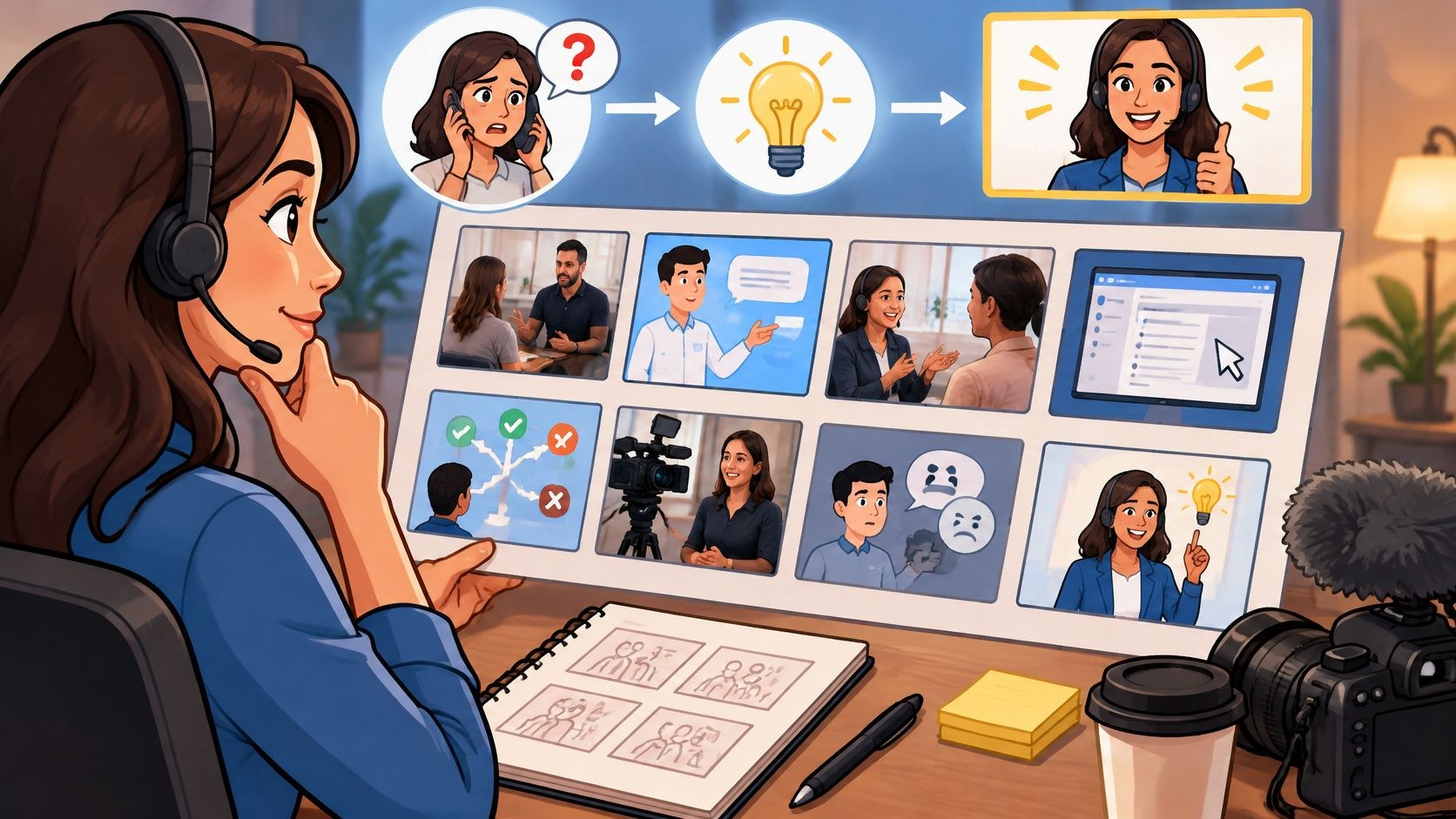
Customer service training videos are short films that teach front-line staff one skill. Sometimes that skill is a conversation, like apologizing to someone who waited too long; sometimes it is a tool task, like issuing a refund, and the two need very different videos.
A fair share of what we make at Moonb never faces a customer at all: onboarding films and process explainers, mostly, plus the odd refresher after a bad month of quality scores. What support leads ask me most is which format to make, so every example below is public, posted on the YouTube channel of the organization that made it.
I grouped them by format. Expect a lot of healthcare: hospitals and clinics put their service training on YouTube far more openly than retailers do.
Role play and acted scenarios
Acted scenarios are for judgment and tone. The viewer watches one person handle another, and the lesson sits in what the agent says and how they say it. If your quality notes keep using words like “rushed” or “never said who they were”, start here.
1. Brant Community Healthcare System, AIDET over the phone
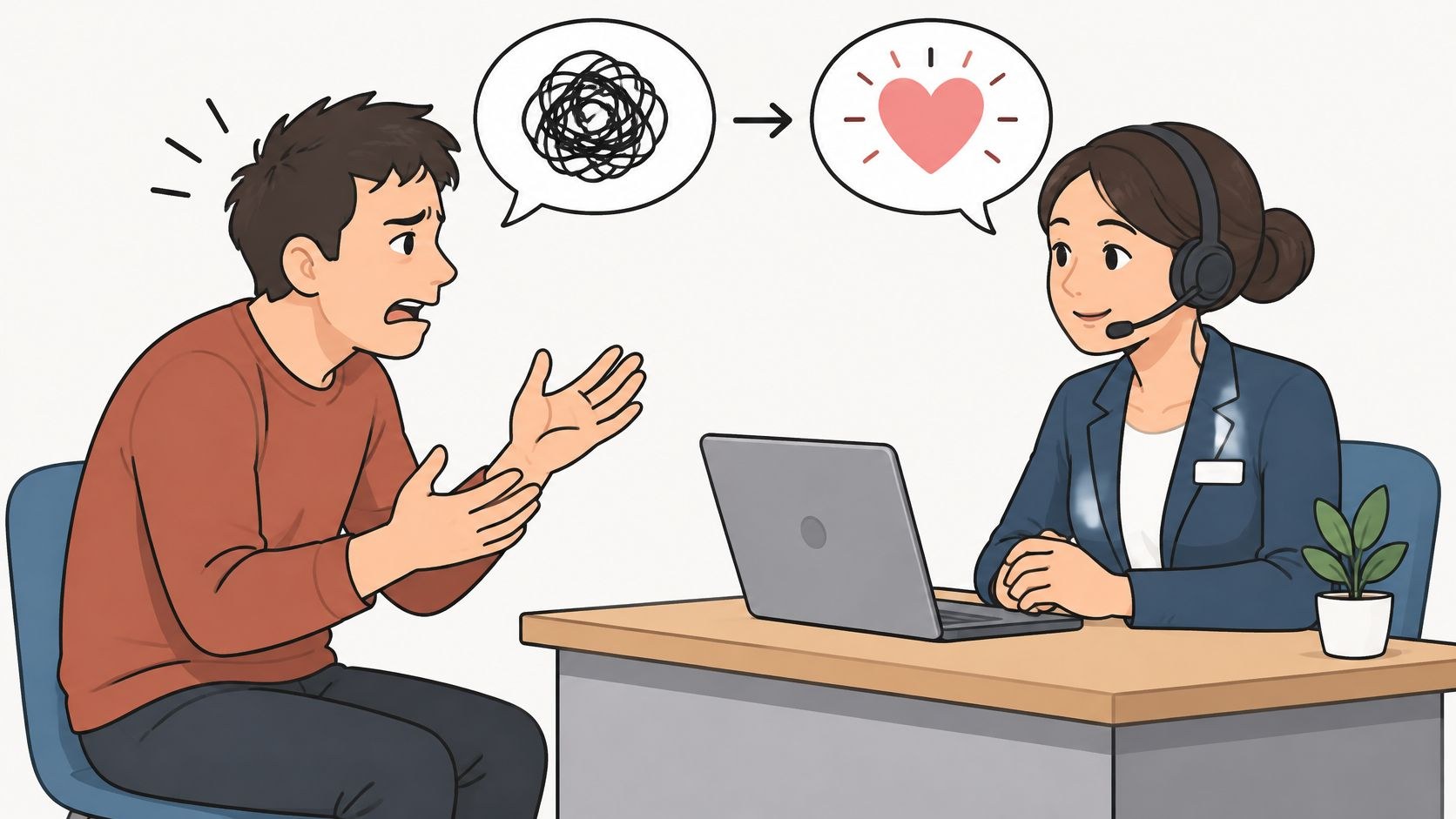
AIDET is a five-step communication format from healthcare: acknowledge, introduce, duration, explain, thank. Brant Community Healthcare System, the acute care provider for Brantford-Brant, turned it into a short series called “SAY IT with AIDET”, and this is the phone episode. Two staff members act out a call in split screen, each on a corded phone, and speech-bubble labels such as “Introduce” and “Thank you” name the step being spoken.
I’d point a support lead at the whole series. The same health system cut separate episodes for clinical staff and for physicians (“Clinical to Patient” and “Physician to Patient”), so each audience sees the script in its own setting. A contact center could keep one framework and cut it separately for phone, chat and email.
2. Esperanza Health Centers, the wrong way on purpose
If a support lead gave me time for one video from this list, I’d play this one. Esperanza Health Centers, on Chicago’s Southwest Side, filmed AIDET twice, and I think the bad take is the better film. The uploader calls “AIDET: The Bad” “a very ineffective way to execute AIDET”. A receptionist sits behind the front desk looking at her phone, three check-in kiosks stand unattended, and a woman walks through the waiting area.
A companion film, “AIDET: The Good”, runs 1 minute 15 seconds and shows the effective way. I’d play the bad one first and let the room wince for a bit before the good one starts. Both stay under two minutes, so the pair fits in a team huddle.
Micro lessons
One question, answered in a minute or two. A micro lesson is for the agent who passed onboarding and still blanks on a step between tickets, so name it after the question they would type into search and link it from the screen where they get stuck.
3. Gaylord Specialty Healthcare, Message in a Minute
A long-term acute care hospital in Wallingford, Connecticut, Gaylord makes a series called “Message in a Minute”, billed as “brief videos to help staff review some of these skills”. The AIDET episode is basically a role play shrunk to micro length: a staff member in a patient room, an older patient in bed, and a text card for the “Thank” step that reads “Thank patients for waiting, providing information, choosing Gaylord, etc.” I like that card a lot. It takes a vague value and turns it into lines an employee can say tomorrow, and it is short enough for a lower third.
4. Shopify, refunding an order
Seventy seconds on one task, from the Shopify Help Center label on the Shopify Academy channel. Its whole promise is “In this tutorial, you’ll learn how to refund a customer’s order on Shopify.” A presenter talks to camera at a desk, and underneath sit links to the help center, the community forum and the matching help doc on returns and refunds. I’d set up any refund training the same way, with the short clip for an agent who is unsure mid-ticket and the written article for edge cases.
5. Intercom, macros in the inbox
Intercom’s official channel (it now goes by Fin) posted this one. Intercom pitches macros as a way to “speed up repetitive actions and ensure the consistency of their responses”. On screen are the macro editor, a macro named “Pass to Billing” with its canned reply, and a conversation view with a support reply in the thread. The macro editor sits on a workspace labeled Test Account, which keeps live customer data out of that view and leaves nothing to blur later.
Keep in mind that a macro holds policy wording. If your refund line changes, you edit the macro and then re-record this kind of clip too.
6. Freshworks, sorting the Freshdesk inbox
Freshworks’ clip on managing inquiries in the Freshdesk ticketing inbox, from 2024, is 31 seconds long. It promises to show how agents can “prioritize tickets by sentiment, dates, SLAs, and more”, and the clip shows the inbox with a filter panel open, sentiment among the options.
My first reaction was that half a minute is too short. Then I pictured it inside the tool, one click from the filter button, answering “how do I see the angry tickets first”, and changed my mind.
Screen walkthroughs
A screen walkthrough teaches a process on the real interface, in the order the agent will click through it. Expect to reshoot it whenever the product team moves a button. If you are setting one up from scratch, our roundup of free screen recording tools covers the capture side.
7. Zendesk, Zendesk 101
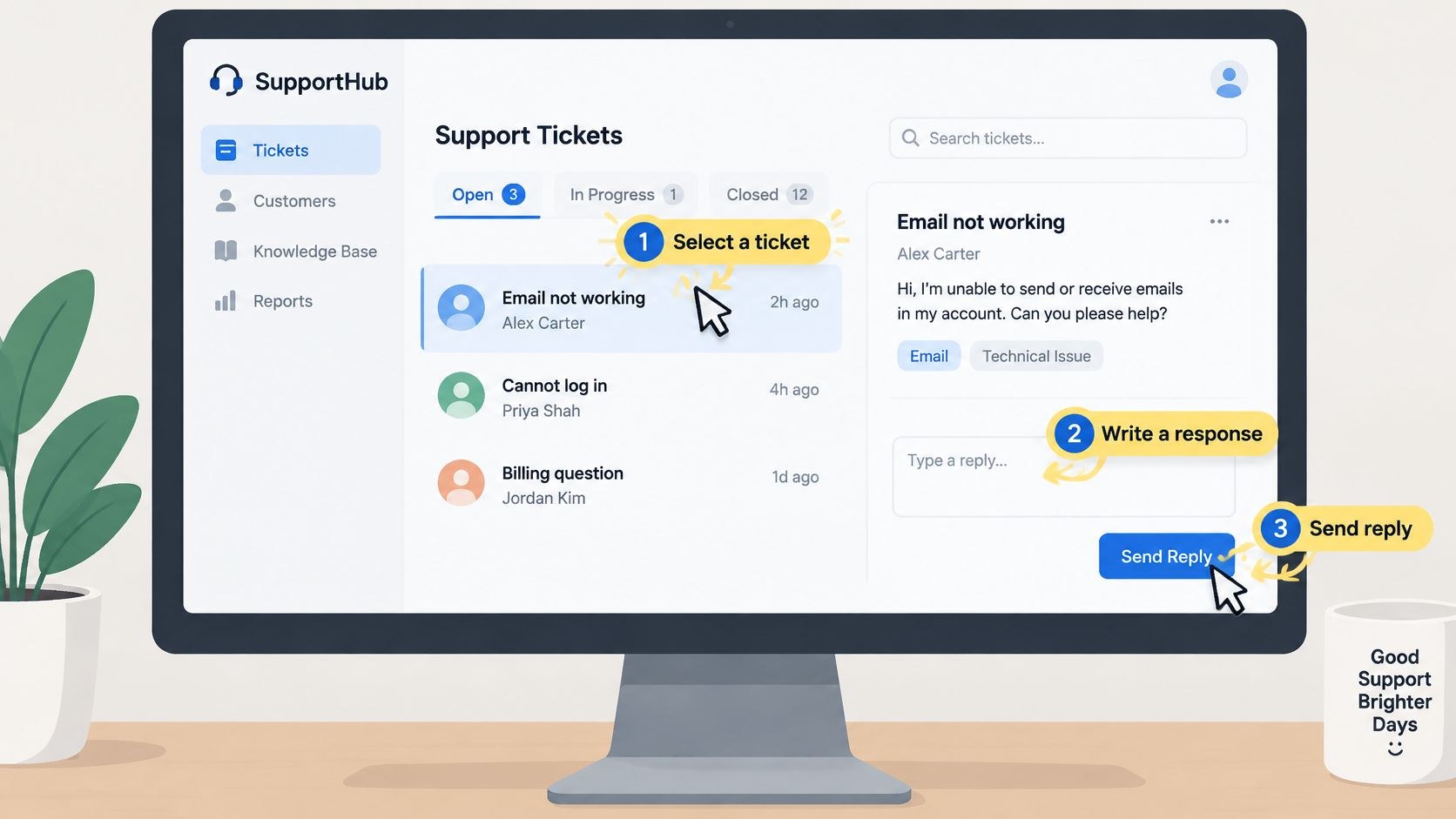
The long one. “Zendesk 101: How to use Zendesk for customer support” runs 16 minutes 13 seconds, went up in 2025, and sits at the top of a funnel: viewers get sent on to Zendesk Academy’s foundational support learning path and a ticketing basics course.
Sixteen minutes is fine for orientation, a tour of the whole workspace (the product switcher shows Support, Guide, Gather, Chat and Talk) before anyone touches a real ticket. I would use a video like this exactly once, at onboarding, and cut the daily tasks into short clips like the Intercom and Freshworks ones.
8. Gorgias, a helpdesk tour in under two minutes
Gorgias, which bills itself as a conversational AI platform for ecommerce, covers the same ground as Zendesk 101 in an eighth of the time. The walkthrough runs 1 minute 56 seconds and was uploaded in 2026, the newest video here. The stops, in Gorgias’s own list: the inbox, the ticket sidebar and customer timeline, order details through the Shopify widget, and replying with the message composer.
On screen there is a ticket list beside an open conversation with an AI agent reply in the thread, and a Gorgias certification page. A short tour like this suits a team that already knows what a helpdesk is and only needs to find things in this one. I would not show it to someone in their first support job; for them, the 16-minute Zendesk tour is the better start.
Presenter-led lessons for hard conversations
Some service skills are too uncomfortable to act out convincingly on a training budget, de-escalation above all. A credible presenter with on-screen text can carry them, as long as the text is specific enough to act on.
9. Texas Medical Liability Trust, de-escalating disruptive patients
Texas Medical Liability Trust, a medical liability insurer for physicians, published a three-part de-escalation series in 2022. Part two, a presenter lesson of 8 minutes 35 seconds, covers non-verbal and verbal techniques for de-escalating disruptive patients.
A presenter talks to camera, and one stretch puts up an on-screen list under “Adopt non-threatening body language”: relax your body and keep your hands visible and not clenched, avoid facing the patient directly, stand at a slight angle to the patient, align yourself with the patient. Those four are physical and short enough to remember with someone shouting at you.
I also find the publisher telling: a liability insurer has a direct financial reason to want these conversations to go well.
10. Salesforce, what customer service is
This episode of Salesforce’s “Salesforce Explained” series (a presenter explainer, 7 minutes 21 seconds, 2022) defines customer service and then runs through four chaptered tips: serve customers on the channel they prefer, connect service to the broader organization, strike a balance between quality and speed, and act as a team.
A presenter speaks to camera next to a graphic listing channels (phone, email, self-service, text messaging, social media, video). Because the tips are chaptered, a lead can assign the 2-minute stretch on channels and skip the rest.
Salesforce’s page on customer service skills also has a number I would tell every new hire. Citing Salesforce’s State of Service research, it says 66% of customers often have to repeat or re-explain information to different representatives. Play it right before the “act as a team” chapter.
Animated scenarios
Animation is worth the cost when the scene would be hard to film, like a care home at night or an aggressive customer. It also ages slower than footage of a specific uniform or office.
11. SafeCare BC, a de-escalation Safety Minute
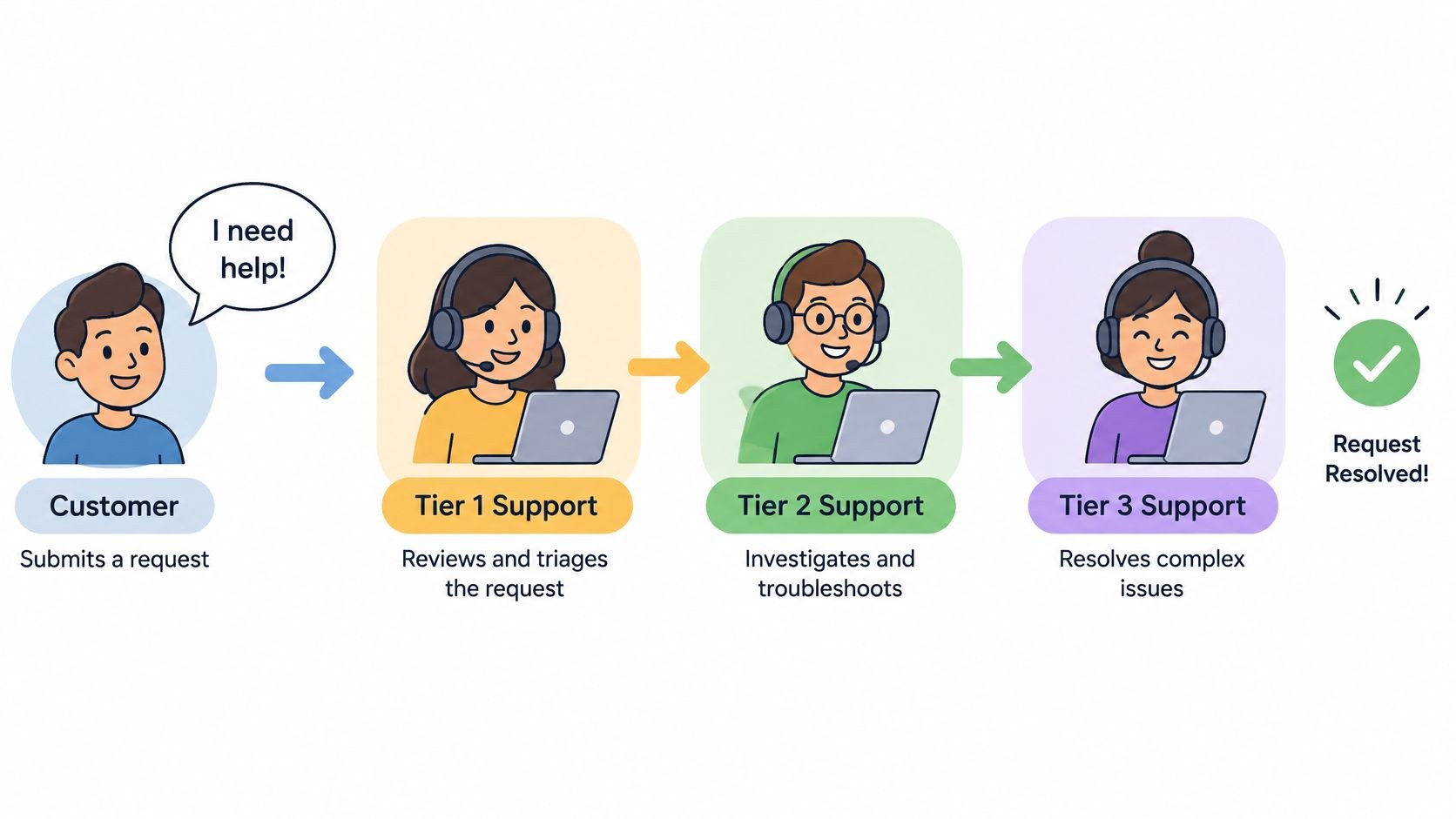
SafeCare BC’s channel posts health and safety videos, and this 2-minute “Safety Minute” from 2025, aimed at people working in healthcare, covers de-escalation. It covers three things: understanding the reasons behind escalated behavior, communication strategies such as “providing options and validating concerns,” and tips for staying calm.
Strictly speaking it mixes animation with live action: a woman filmed outdoors, then flat 2D animation of a caregiver beside a patient in bed with a speech bubble, and two figures standing by a bed. Drawing the tense part spares anyone from staging it with actors, which I suspect was the point.
The video description also links a “Safety Huddle” on SafeCare BC’s site, a guide for a short group discussion where staff work through a scenario in pairs. I rarely see a support library add that step.
To rough out an animated scene before paying for illustration, ClipNova’s AI cartoon video generator turns a written paragraph into a multi-scene cartoon with voiceover and music. Treat what comes out as a rough draft. A cartoon that states the wrong refund threshold will train the error in, so have the person responsible for that policy read every line first. For the finished version, our guide to the animated explainer video covers length and storyboarding.
Every video by format and runtime
| # | Company | Format | Runtime | Year | What it trains |
|---|---|---|---|---|---|
| 1 | Brant Community Healthcare System | Role play | 2:24 | 2022 | AIDET script on phone calls |
| 2 | Esperanza Health Centers | Acted scenario (bad example) | 1:30 | 2020 | AIDET at the front desk, done wrong on purpose |
| 3 | Gaylord Specialty Healthcare | Acted micro lesson | 2:04 | 2019 | AIDET at the bedside, with text cards |
| 4 | Shopify | Presenter micro lesson | 1:10 | 2023 | Refunding an order |
| 5 | Intercom | Screen micro lesson | 2:02 | 2023 | Creating macros for consistent replies |
| 6 | Freshworks | Screen micro lesson | 0:31 | 2024 | Prioritizing the ticket inbox |
| 7 | Zendesk | Screen walkthrough | 16:13 | 2025 | Full workspace orientation |
| 8 | Gorgias | Screen walkthrough | 1:56 | 2026 | Helpdesk tour for tool switchers |
| 9 | Texas Medical Liability Trust | Presenter lesson | 8:35 | 2022 | Verbal and non-verbal de-escalation |
| 10 | Salesforce | Presenter explainer | 7:21 | 2022 | What service is, four chaptered tips |
| 11 | SafeCare BC | Animated scenario | 2:00 | 2025 | De-escalation in care settings |
Almost every video here that teaches a conversation came from healthcare. The tool videos all came from software companies teaching their own product. For workplace examples outside customer service, see our list of corporate training videos.
Start from your QA notes before picking a format
I start with the quality notes. Read the last 30 days of them and sort them into two piles. Notes like “tone”, “didn’t listen” or “promised the wrong outcome” go in the behavior pile; notes like “wrong status”, “missed field” or “couldn’t find the article” go in the process pile. The bigger pile decides the next video.
| What your QA notes say | Make this first | Typical length | Closest example above |
|---|---|---|---|
| Rude, rushed or never introduced themselves | Role play with labeled steps | 2 to 3 minutes | Brant, Gaylord |
| Staff do not see what is wrong with their own behavior | Bad version, then good version | Under 2 minutes each | Esperanza |
| Calls escalate into shouting | Presenter lesson or animated scenario | 2 to 9 minutes | Texas Medical Liability Trust, SafeCare BC |
| New hires lost in the tool | One long walkthrough at onboarding | 10 to 20 minutes | Zendesk |
| Experienced agents forget one task | Micro lesson linked from the tool | Under 2 minutes | Shopify, Intercom, Freshworks |
| Team just switched helpdesks | Short tour of where things live | About 2 minutes | Gorgias |
When both piles are full, order matters. If the tool is mid-release, record the screen after the release ships, then write the acted scene so its lines match buttons that actually exist, or the scene ends up sending agents to a menu that moved.
Live action versus animation is a separate decision, mostly about reuse and how hard the scene is to stage, and our comparison of animation vs live action covers it. For the production steps behind either, the guide to making training videos for employees walks through scripting, length and gear, and the piece on producing corporate training videos covers what drives the cost.
Keeping a library current as scripts change
Most libraries go stale because a policy or a macro changes and last quarter’s video keeps teaching the old line.
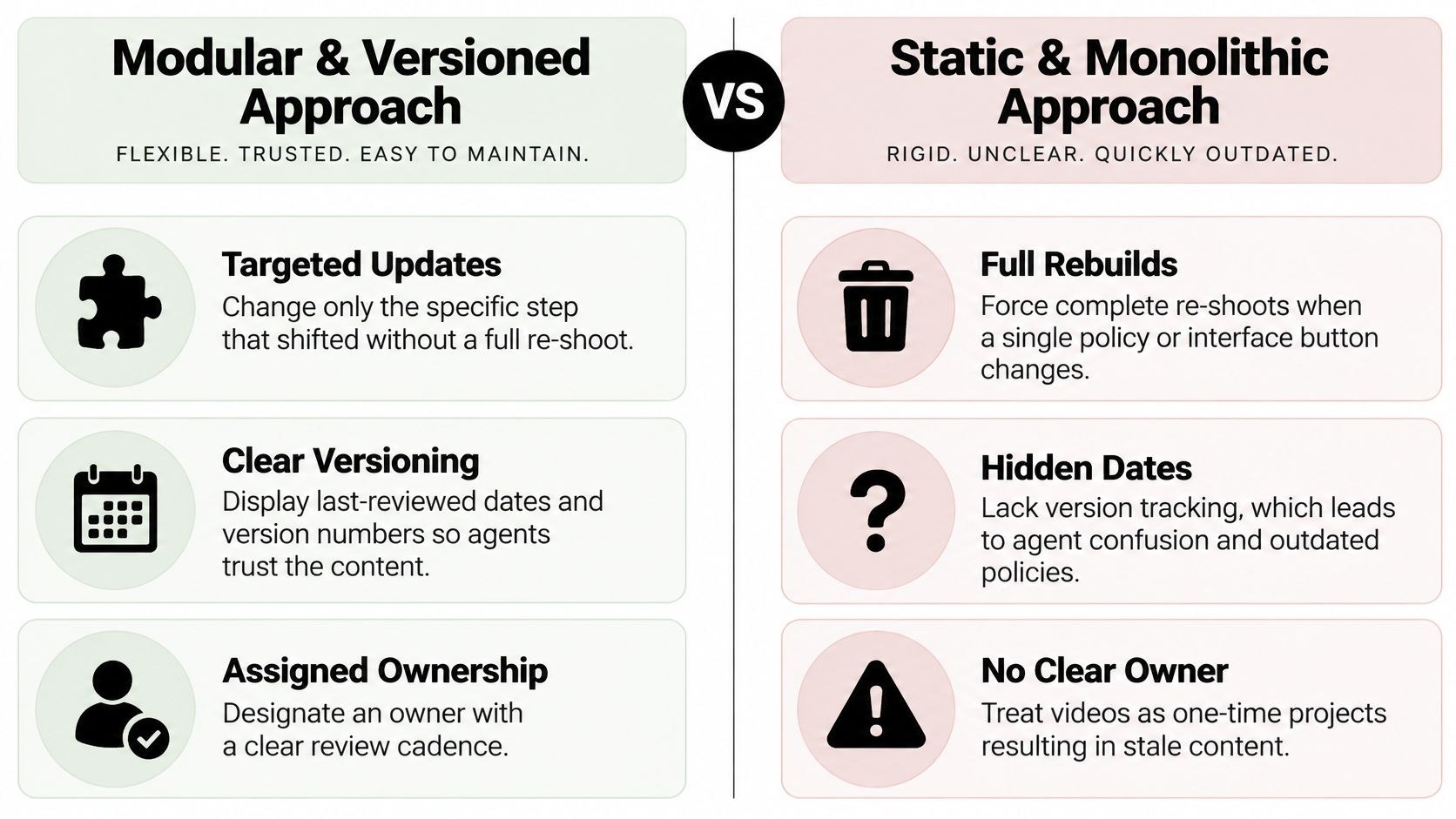
A few of the examples above are already built in parts, so one change does not mean a full reshoot. Brant split AIDET into separate episodes by setting, so a change to phone etiquette means reshooting one 2-minute film. Intercom and Freshworks cut each tool task into its own clip, so a moved button costs one short re-record. Gaylord puts its wording on text cards, which can be swapped in the edit without a reshoot.
If I were setting up a support library, every video would get an owner and a review date, written in the file name or on the library page. Policy and wording videos get reviewed every quarter, tool walkthroughs on every product release. Beyond that:
- Keep the script and the project file next to the export, so an edit does not start from a flattened file.
- Retired videos come out of the default path with dates on them. Old tickets still reference old processes, and someone will go looking.
- Before a new video goes live, note one number you already track, such as repeat contacts on that issue, and check it again after.
Orientation is usually where stale content does the most damage, because nobody re-watches it after week one. For the live part of onboarding around the videos, SnapDial, a business phone provider, has a practical customer care orientation guide for small and midsize businesses on its customer service training tag. Building the modules themselves is its own job; how to create training modules keeps each one to a single outcome, and the roundup of training video production companies covers outside help when the backlog outgrows the team.
Frequently asked questions
One to two minutes for a single tool task or script step, and as little as 30 seconds if the clip is linked from the screen where agents get stuck. A full tool orientation for new hires can run 10 to 20 minutes, since people watch it once. When one video covers several skills, split it, so each file can be updated on its own.
Real staff, usually. Colleagues believe them and the setting matches the job, which matters most in role plays. Actors or animation make sense when a scene is hard to stage with employees, like an aggressive customer or a sensitive complaint. Either way, get the script signed off by whoever sets the policy before anyone films.
Pick one number you already track that the video should move, such as repeat contacts on that issue or handle time on that task, and record it before the video goes live. Check it again a few weeks later for the teams that watched.