How to Make Training Videos Employees Finish
A practitioner's guide to employee training videos: why structure beats polish, the six-minute rule, and how to build clips people actually finish and act on.

I have watched teams spend a week on lighting rigs and a slick animated intro, then find out nobody finished the video and nobody remembered it the next morning. It is a strange kind of failure, because on paper the work looked great. The footage was clean. The audio was crisp. And it still did not teach anyone anything.
After making a lot of these, I have a blunt take on why. The problem is almost never production quality. It is structure. Most companies build one long, passive video when everything we know about how people learn points the other way, toward short clips that do one job and ask the viewer to do something. So this is a real how-to, step by step, but read it through that lens the whole way. You are building things people finish and act on, not a polished object they abandon at minute nine.
The real reason training videos get ignored (it isn’t the lighting)
Here is the pattern I see over and over. Someone is told to “make a training video,” so they cram an entire process, or a whole policy, or the full onboarding week, into a single thirty-minute recording. It goes into the LMS. The completion numbers come back sad. And the conclusion everyone reaches is that they need better gear or a more engaging host.
That is the wrong diagnosis. The video failed because it asked too much of one sitting and gave the viewer nothing to do except sit there. Attention is a design problem, not a production problem you can light your way out of. When a training video gets ignored, nine times out of ten it runs too long, tries to cover too much at once, and never turns the viewer from a watcher into a participant.
Fix those, and mediocre footage will out-teach a beautiful film every time.
What the research actually says about learning from video
I try not to trust my own instincts here, because the whole industry runs on recycled statistics that nobody can source. So let me give you the numbers that actually hold up.
The single most useful study is an MIT and edX analysis of 6.9 million video-watching sessions. They found the sweet spot for holding engagement was about six minutes. Past that, attention fell off a cliff. For videos longer than twelve minutes, median engagement dropped to roughly three minutes, meaning people watched under a quarter of what you made. Same study, second finding that surprises people: videos shot in an informal office or studio setting, with the presenter visible, were more engaging than polished lecture-hall recordings. Authenticity beat gloss. That is your permission slip to stop obsessing over production value.
Then there is retention, which is the whole point. A 2015 replication of the Ebbinghaus forgetting curve found people forget roughly half of new information within an hour and about 70% within a day unless something reinforces it. One long watch does not reinforce anything. Single-topic clips paired with a reusable job aid do.
And the lever that moves retention most is participation. A 2025 meta-analysis of 54 studies found that adding active-learning elements to video (questions, tasks, prompts) meaningfully improved both retention and comprehension over passively watching the identical video. Not a rounding error. A real, measured gap between “watch this” and “watch this, then do this.”
One more piece of context that should shape every decision you make. Employees are not swimming in training time. The ATD 2025 State of the Industry report put average formal learning at just 13.7 hours per person in 2024, down from 17.4 the year before, at around $1,254 spent per employee. And LinkedIn’s 2025 Workplace Learning Report found the average corporate learner watches about 52 minutes of learning content a week, with 35% of it on mobile. Training time is scarce and increasingly consumed on a phone. Every video has to earn its minutes.
Match the video to the moment: the five types worth making
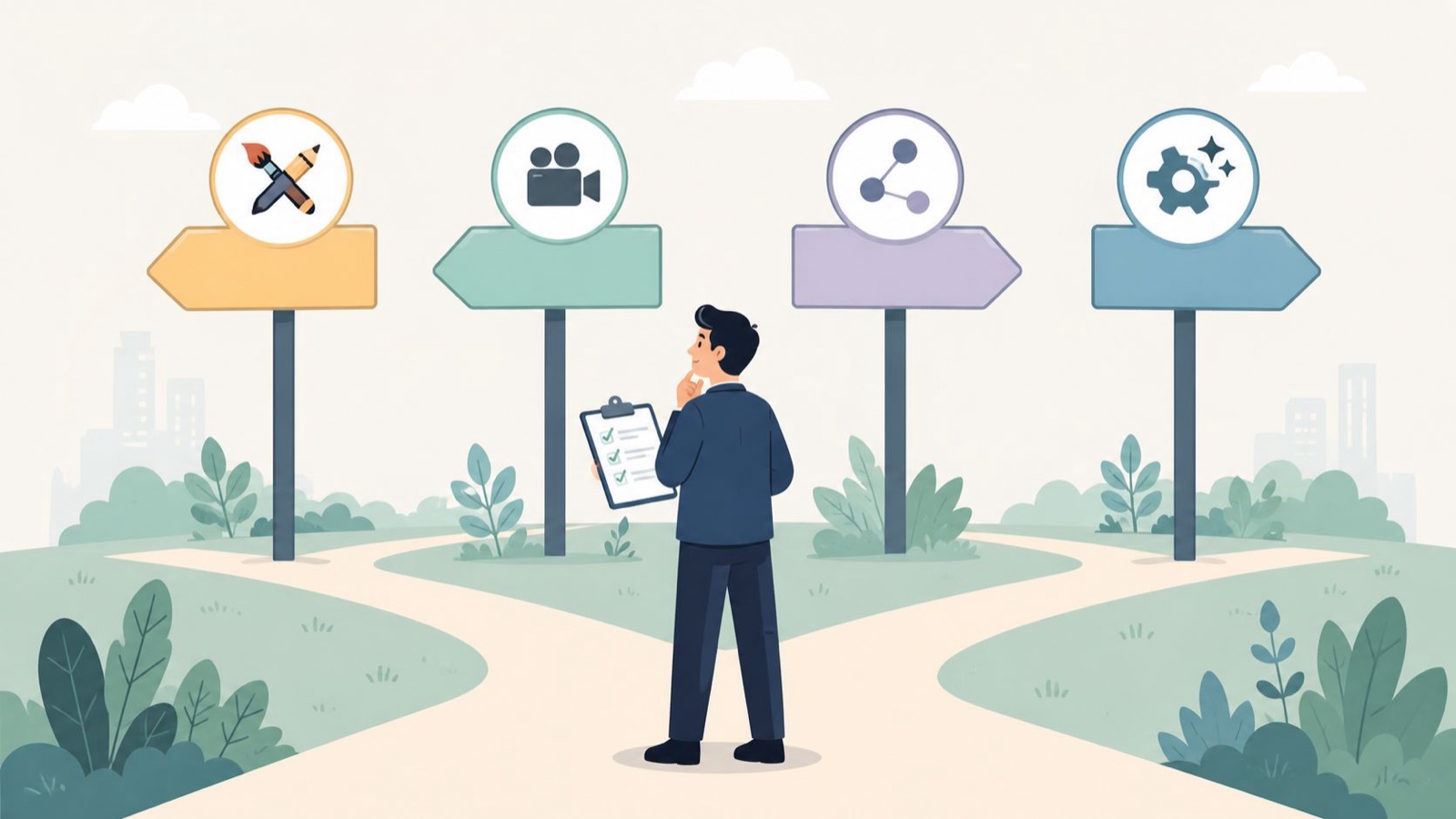
Not every training need wants the same video. The mistake is defaulting to a talking head for everything. Before you script a word, decide which of these five you are actually making, because the type dictates the format, the length, and the one thing you will ask the viewer to do.
| Video type | Format that fits | Ideal length | The one active element |
|---|---|---|---|
| Onboarding / welcome | Talking head plus b-roll | 3 to 5 min | Reply with one thing you are excited to work on |
| Compliance / policy | Animated or short scenario | Under 5 min per policy | A quick scenario or an acknowledgment click |
| Department overview | Talking head plus screenshare | 4 to 6 min | Go find your team's channel and post hello |
| Software / screencast | Screen recording plus voiceover | 2 to 4 min per task | Now do the same step in your own account |
| Scenario / role-play | Live action | Under 2 min | What would you say next? |
Notice that none of these is thirty minutes and every one of them ends with a prompt. The prompt is the design, not decoration.
How to make an employee training video, step by step
Here is the process I actually follow. It works for a two-person team and a phone, and it works for a full crew. The order matters more than the tools.
1. Set one measurable goal. Not “explain the CRM.” Something you can check later: “new reps can log a deal without asking for help.” Write the KPI down before you script. If you cannot name the behavior that should change, you are not ready to shoot.
2. Pick the format from the table above. Match it to the moment, not to habit. A software task wants a screencast, not your face.
3. Script it, then storyboard lightly. A script keeps you from rambling, which is the number one cause of bloat. You do not need a full storyboard, just a rough shot list so you know what you are capturing.
4. Involve a subject-matter expert early. The person who actually does the job should sanity-check the content before you record, not after. Re-shoots are expensive. A five-minute review is not.
5. Get audio and lighting to “good enough,” then stop. Clear sound matters more than a cinematic look (remember, the research says informal beats polished). A basic lav mic and a window are plenty.
6. Review the raw footage the same day. Watch it cold. If you are bored, your audience left two minutes ago. Cut hard.
7. Add captions and on-screen annotations. A third of learning happens on mobile, often muted. Captions are not an accessibility afterthought. They are how the video gets watched at all.
8. Pair the video with a job aid. A one-page checklist or reference doc. This is the piece that fights the forgetting curve, because nobody re-watches a video to remember step four, but they will glance at a PDF.
If you want a deeper walkthrough of scripting and structuring the content itself, I go further on that in how to create training materials.
The six-minute rule, and how to split what won’t fit
Come back to that MIT number, because it is the most actionable thing in this whole piece. About six minutes is where engagement holds. Past twelve, most of your audience is gone. So the rule I give every team is simple: one topic per video, and if it runs long, it is not one topic.
This trips people up because they think in terms of “the onboarding video” or “the compliance video,” a single monument that covers everything. Stop. Break it apart. Your onboarding is not one video. It is a welcome clip, a tools-setup screencast, a here-is-your-team overview, and a first-week checklist. Each stands alone, each runs a few minutes, each gets finished.
The test for whether you have chunked correctly: can you write a one-sentence goal for the clip that does not use the word “and”? “Learn the CRM and expense system and the PTO policy” is three videos wearing a trench coat. “Log your first deal in the CRM” is one video. When something will not fit under six minutes, that is the signal to split, not to talk faster.

Short clips also age better. When the expense tool changes, you re-record the ninety-second expense screencast, not the thirty-minute onboarding epic. Modularity is the difference between updating training in an afternoon and dreading it for a quarter.
Give every video one thing to do, not just watch
This is the part most guides skip, and it is the whole game. A video that ends is a video that gets forgotten. A video that ends with a task gets practiced, and practice is what sticks.
The meta-analysis I mentioned is clear on this. The same content, taught the same way, retains and transfers better when you build in active moments. So build them in. It costs you nothing and it is the highest-leverage edit you can make.
Concretely, that means ending each clip with a small, specific ask tied to the goal:
- After a software screencast: “pause, and do that exact step in your own account now.”
- After a policy clip: a two-question scenario, or a single acknowledgment they have to click.
- After a role-play: freeze on the tension and ask, “what would you say next?” before revealing the answer.
- After an onboarding welcome: “reply to this with one thing you want to learn in month one.”
None of these need fancy interactive-video software (though it helps if you have it). A prompt on screen and a place to respond is enough. The point is to change the verb from “watched” to “did.” That is where the learning lives.
Gear and software: what you actually need (and what you don’t)
Since the research says authenticity beats polish, your equipment list is refreshingly short.
For a screencast, Loom or Camtasia will handle recording, voiceover, and light editing in one place. That covers most software training a company will ever need. For a talking-head clip, a recent phone, a clip-on lav mic, and a window for light will get you to “good enough.” Add captions with whatever your editor supports, or a standalone captioning tool, and you are done.
What you do not need: a studio, a teleprompter, a three-point lighting kit, or a videographer for internal how-tos. Spending on those is often a way of avoiding the harder work, which is structure and scripting. I would rather see a slightly rough two-minute clip that is tightly focused and ends with a task than a gorgeous ten-minute one nobody finishes. Buy the mic. Skip the rest until a video actually calls for it. A company-wide culture piece or an external-facing brand story is a different animal, and that is where a real crew earns its keep.
Five employee training videos worth studying
A few real ones I point people to, because they show these principles working rather than just described. Search them out and watch with an eye for length and structure, not gloss.
- Gong has strong objection-handling training clips that are short and single-purpose: one skill, demonstrated, done.
- Vyond uses animation well for a workplace mental-health topic, which is a good reminder that animated is often the right call for sensitive or abstract subjects where live action would feel awkward.
- PwC has leaned into storytelling for diversity and inclusion content, proving that narrative beats a bulleted policy read every time.
- Airtable publishes customer-research screencasts that are screencast training done right: tight, task-focused, easy to follow along.
- Xenium HR has a constructive-feedback role-play that nails the scenario format, dropping you into a real conversation instead of lecturing about one.
The common thread is not money. Each one is short, aimed at a single audience, and either active or story-driven. That is copyable regardless of what you can spend.
How to tell if it’s working: the metrics that matter
Views are a vanity number. A thousand plays on a video nobody finished tells you nothing. Measure the things that connect to the goal you wrote in step one.
The metrics I actually watch:
- Completion rate. 50 to 70% is a reasonable target. If people are dropping off heavily before the end, the video is too long or covers too much. That is a structure problem, and now you know how to fix it.
- Time to competency. How long until a new hire can do the task without help. This is the number your manager cares about.
- Reduction in repeat questions and support tickets. If the same question stops landing in the team channel after you ship a clip, the clip worked.
- Error rates. For process or compliance training, fewer mistakes downstream is the cleanest proof of all.
Completion rate is your early warning system and the others are your proof of value. Heavy mid-video drop-off almost always means the same thing, so treat it as feedback, not failure: split the topic, cut the runtime, add the task.
When to make it in-house vs bring in a team
Most training video should be made in-house, and I say that as someone who makes video for a living. Screencasts, quick policy clips, onboarding welcomes, the day-to-day stuff: your own team, close to the work, with a phone and a mic, will produce something more authentic and easier to keep current than any outside vendor. Own that layer. It is not worth outsourcing.
The line is quality and reuse. When a video needs to represent the company externally, or carry real production value (a culture film, a leadership message that will live for years, an animated series that has to look consistent), the in-house setup starts to strain, and that is usually where I get called. At Moonb, the creative studio I co-founded, we work as an embedded creative team for companies that need that higher tier of video regularly without standing up a full internal production department. If that is the gap you are facing, here is how we plug into in-house teams. For the rest, and it is most of it, make it yourself and keep it short. If you want the fuller picture on the higher-production end, there is more on that in corporate training video production.
Frequently asked questions
Aim for about six minutes or less, which is where an MIT and edX study of 6.9 million sessions found engagement holds steady. Past twelve minutes, most viewers watch under a quarter of the content. If a topic will not fit under six minutes, that is your signal to split it into separate single-purpose clips rather than talk faster.
Far less than people assume. For software walkthroughs, a screen recorder like Loom or Camtasia covers recording, voiceover, and light editing. For a talking-head clip, a recent phone, a clip-on lav mic, and a window for light are plenty, since the research shows informal settings beat polished ones. Add captions and skip the studio until a video truly calls for it.
Ignore view counts and watch completion rate, which should land around 50 to 70%. Then track the things tied to your goal: time to competency, fewer repeat questions in team channels, and lower error rates on the task. Heavy drop-off before the end almost always means the video is too long or covers too much, so treat it as a prompt to split and shorten.