Design brief template.
Eight fields for one design job, from the problem to the exact sizes. Type straight into the PDF, or use the Word file.
Free, no sign-up, no email.
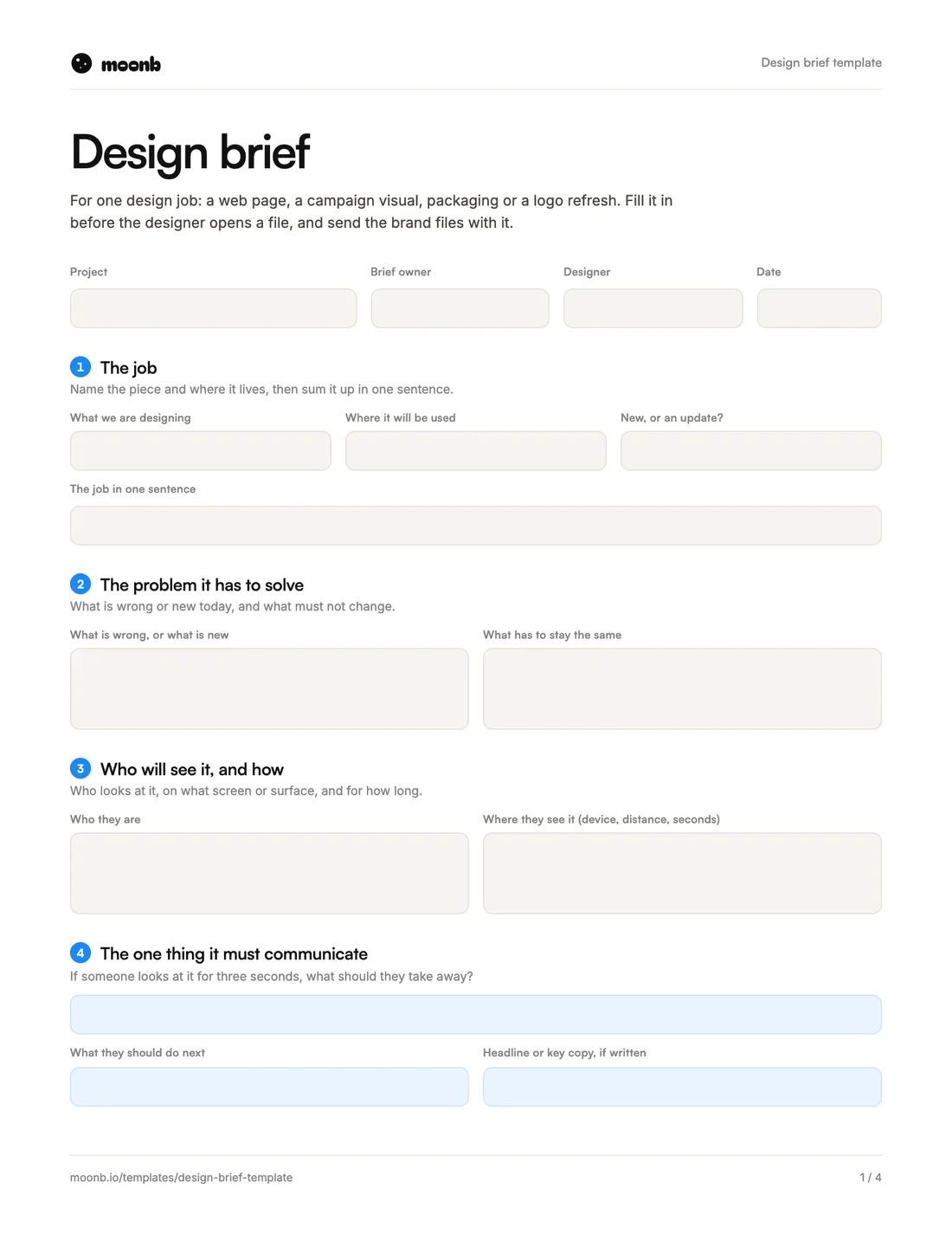
- Page 1
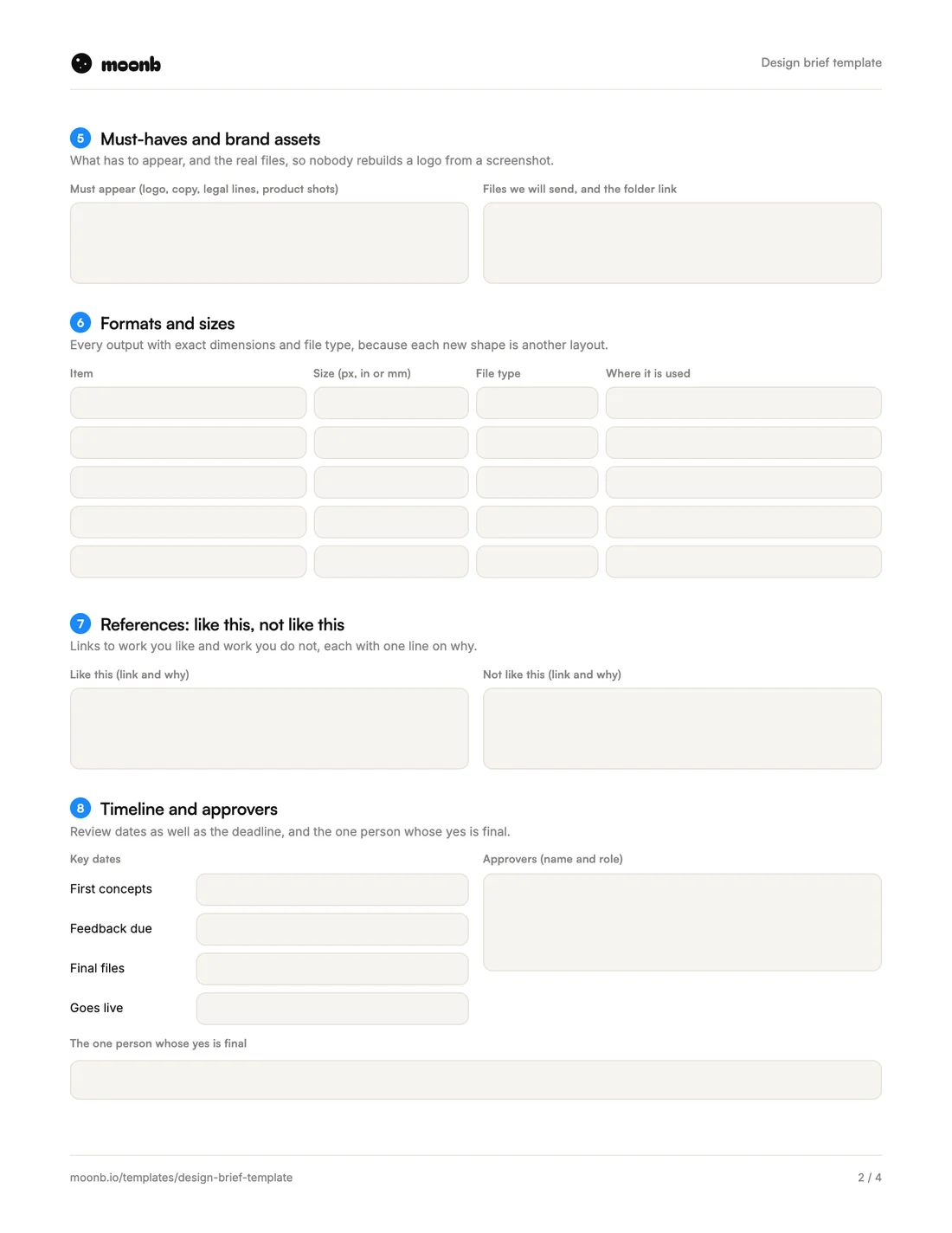 Page 2
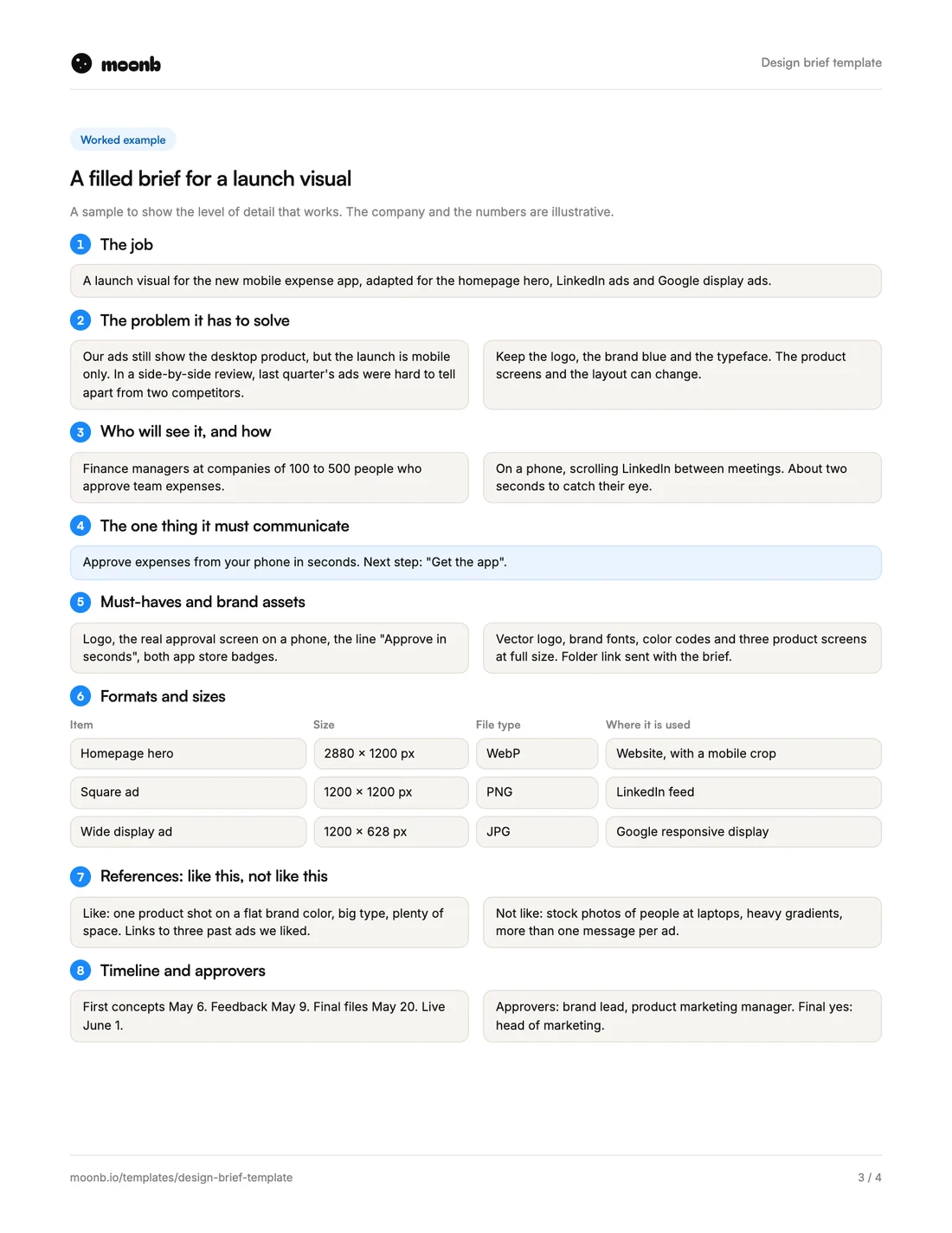 Page 3
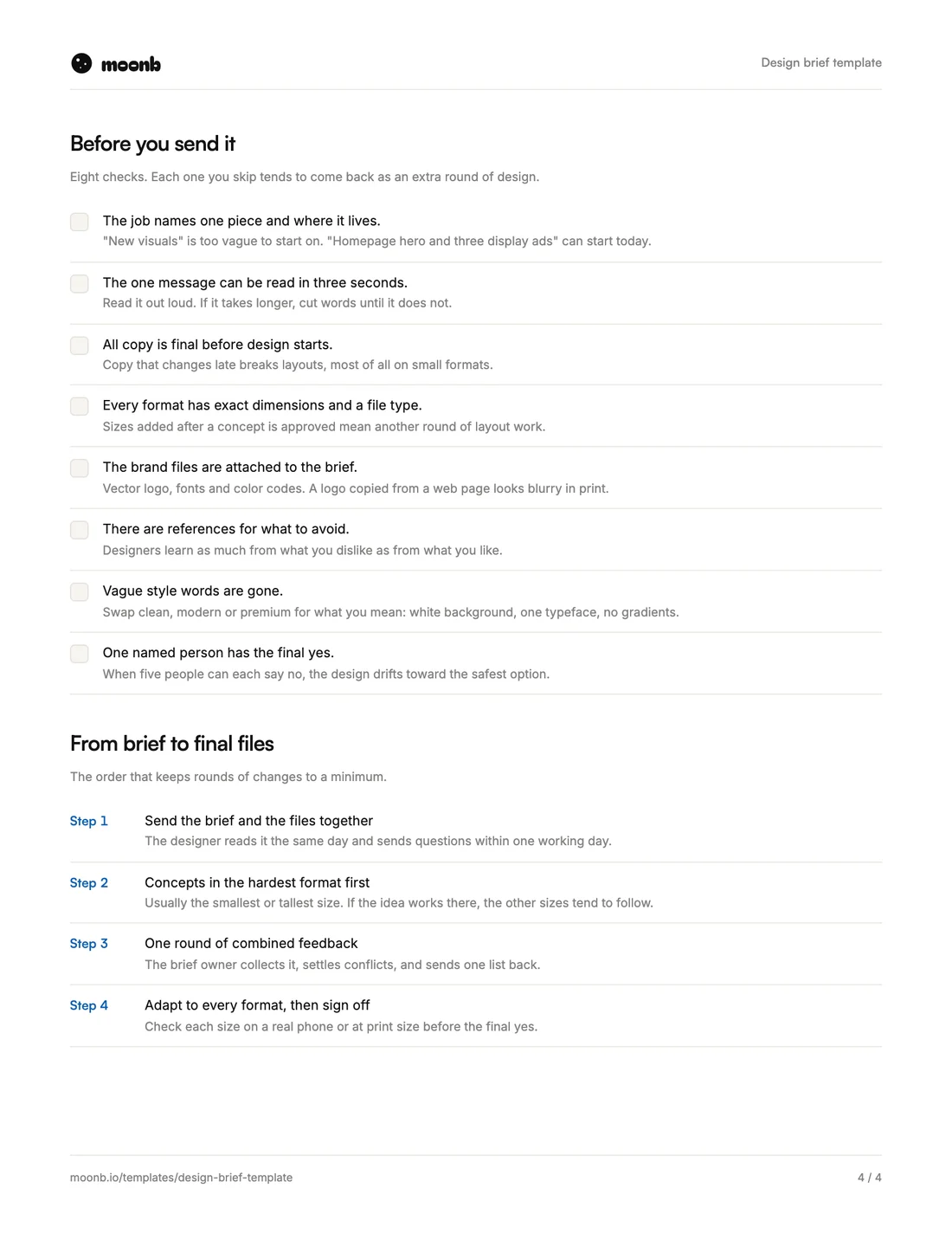 Page 4
A design brief is what you hand a designer before they open a file. It covers one piece of work, like a landing page, a campaign visual, packaging or a logo refresh. It says what that piece has to do, who will see it and the exact sizes it needs to come out in.
It sits one step below a creative brief. The creative brief sets the message for a whole campaign. The design brief turns it into one piece, with the brand files, formats and references the designer needs to get it right the first time. This template has eight fields, a filled-in example on page three and a checklist on page four.
What is in it
| Field | What goes in it | The usual mistake |
|---|---|---|
| 1. The job | The piece, where it lives, new or an update | “Some new visuals” |
| 2. The problem | What is wrong or new, and what has to stay | Forgetting to say what must not change |
| 3. Who will see it | The viewer, the screen or surface, the seconds they give it | Designing on a big monitor for a phone |
| 4. The one thing | The single takeaway and the next step | Three messages in one banner |
| 5. Must-haves and assets | What has to appear, and the real files | A logo copied from the website |
| 6. Formats and sizes | Every output with its dimensions and file type | Sizes added after a concept is approved |
| 7. References | Work to look like, and work to avoid | Only examples you like |
| 8. Timeline and approvers | Review dates and one final yes | A deadline with no owner |
How to fill it in
- The job. Name the piece and where it lives. “Pricing page hero” is one job. “Refresh the website” is several, so split it.
- The problem. Say what is broken or new. On a refresh, also say what has to stay, or you may get a new logo you never asked for.
- Who will see it. Picture the moment. A banner seen for two seconds on a phone needs bigger type and fewer words than a page someone reads at a desk.
- The one thing. One sentence. If it needs an “and”, one of the ideas belongs in another piece.
- Must-haves and assets. Send vector logos, font files and exact color codes with the brief. Chasing them later slows everything down.
- Formats and sizes. List every output before design starts. A new shape means another layout, so the designer needs all of them up front.
- References. Add work you dislike as well as work you like, with one line on why for each.
- Timeline and approvers. Put the feedback dates in, and name the one person whose yes is final.
Sizes are part of the design
Formats sound like admin, but they shape the work. Google’s guide to responsive display ads asks for images in three shapes: horizontal at 1.91:1 (1200 x 628 pixels recommended), square at 1:1 (1200 x 1200) and vertical at 9:16 (900 x 1600). A layout built for the wide banner rarely survives being squeezed into the tall one.
So fill in field 6 before the first concept, and ask to see each idea in the hardest format first. If it works small and tall, the other sizes tend to follow.
Next steps
Our walkthrough of the graphic design process covers what happens after the brief, step by step. Planning a bigger change? Read our guide to refreshing a brand before you brief the logo. And if you’d like a design team that already knows your brand to take it from here, that’s the work we do at Moonb.
Frequently Asked Questions
The person who owns the result, usually the marketing or brand manager asking for the work. The designer reads it before starting and sends questions within a day. Those questions show you where the brief is thin.
If the designer is outside your team, yes, at least as a range. It tells them if you expect one polished concept or three rough options. For in-house work, the deadline and the hours available usually do the same job.
Spend most of your time on field 2. List what people already recognize, like the color or the shape of the mark, and say which of those must stay. Then ask to see every concept at its smallest size first, such as a browser tab icon.
More free templates
Briefs, plans and production sheets, built the way we use them.
- PDF + WordCreative brief templateEight fields that turn a vague request into work you can sign off.
- PDF + WordContent brief templateSearch intent, what already ranks and the angle, before the first draft.
- PDF + WordCreative RFP templateHire a creative partner with proposals you can compare side by side.
The templates are free. The team isn't.
Need the video, design or motion actually made? Tell us what you're working on.