10 Best Demo Video Creator Tools in 2026
The 10 best demo video creator tools in 2026, split into recorded-video and interactive-demo types, with real pricing and the honest trade-offs of each.

“Demo video creator” hides two very different products, and picking the wrong type is the most common way this search goes wrong. One kind is a recorder: you capture your screen, it polishes the result into a clean video with zooms and captions. The other kind is an interactive demo builder: it captures your product as a clickable, click-through walkthrough a prospect drives themselves, not a video at all. Both are useful, and they solve different jobs, so I have split the ten by type.
I verified every tool in July 2026 and used each one’s published pricing, quoted directly where the numbers are on the site. There is no single best pick here, only the right kind for what you are actually trying to show. At the end I will be honest about where a tool stops being enough.
Recorded-video demo tools
These turn a screen recording into a finished demo video. Best when you want a linear, narrated walkthrough you can post anywhere.
1. Loom
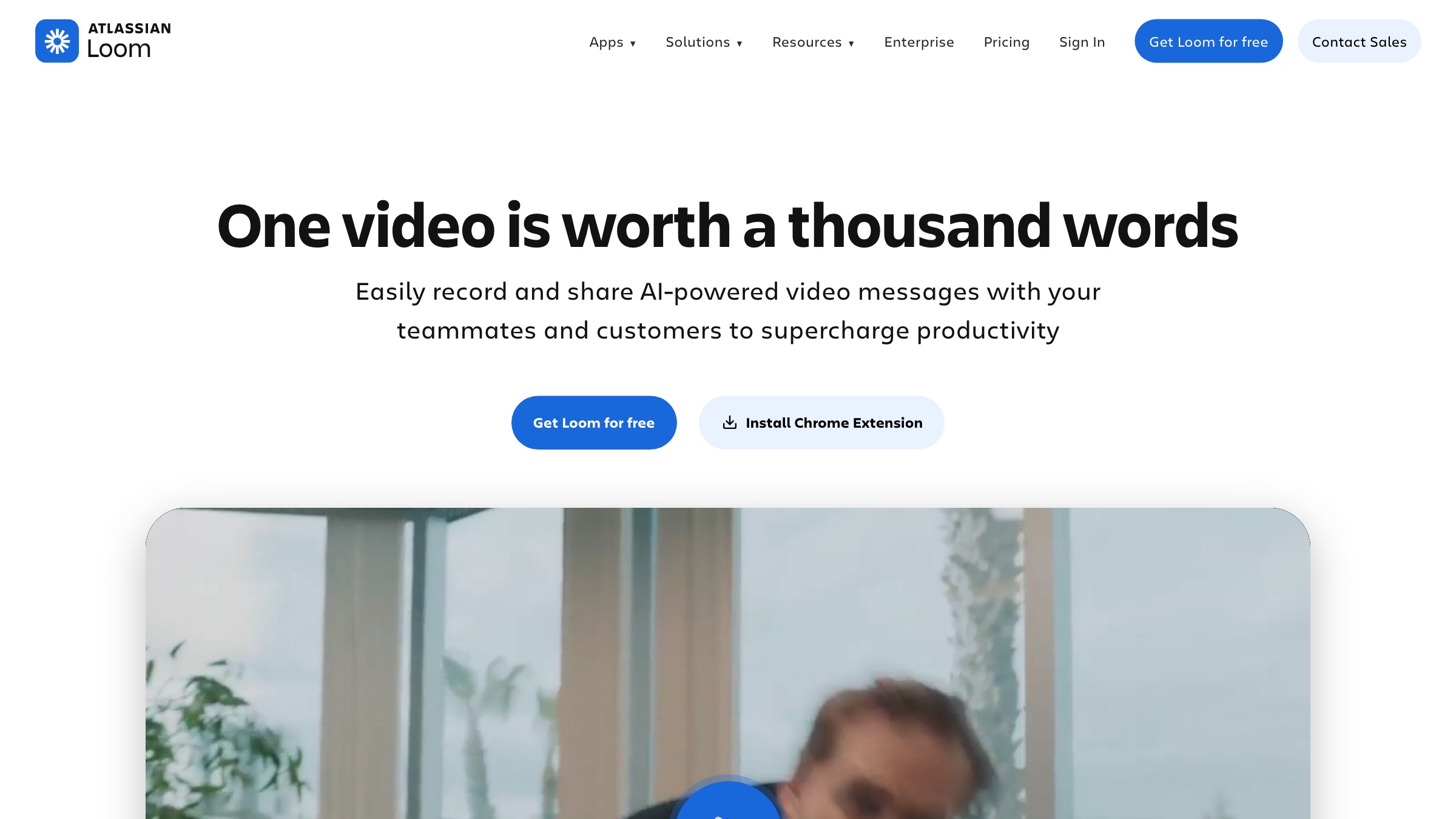
The default for fast, casual demo videos, Loom records your screen and camera and shares a link in seconds, now owned by Atlassian with tight Jira integration.
- Best for: quick, everyday demo and explainer videos shared as a link
- Platforms: web, macOS, Windows, iOS, Android
- Pricing: Free Starter; Business $18/user/mo; Business plus AI $24/user/mo; Enterprise on quote
- Worth knowing: it is a general screen-recording and video-messaging tool, not a purpose-built product-demo platform, so no clickable interactive demos
2. Screen Studio
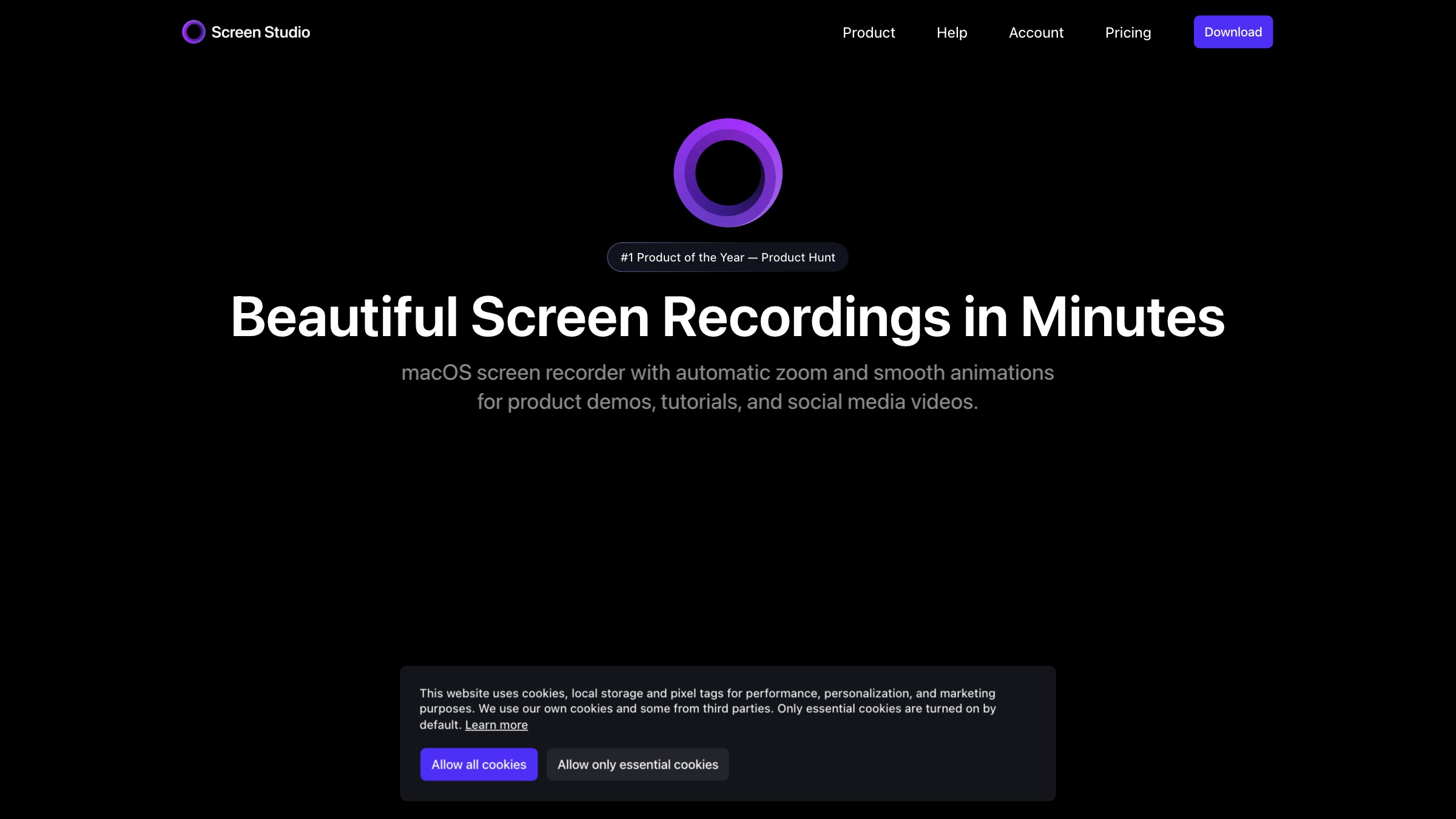
Screen Studio produces the polished, auto-zooming demo videos you see all over social, turning a raw macOS recording into something that looks professionally edited.
- Best for: best-in-class-looking demo videos for social and product launches
- Platforms: macOS only
- Pricing: about $20/mo monthly or $9/mo billed annually; a roughly $229 lifetime license is also cited
- Worth knowing: macOS-only and linear video only, with no interactive demos and no team collaboration workflow
3. Tella
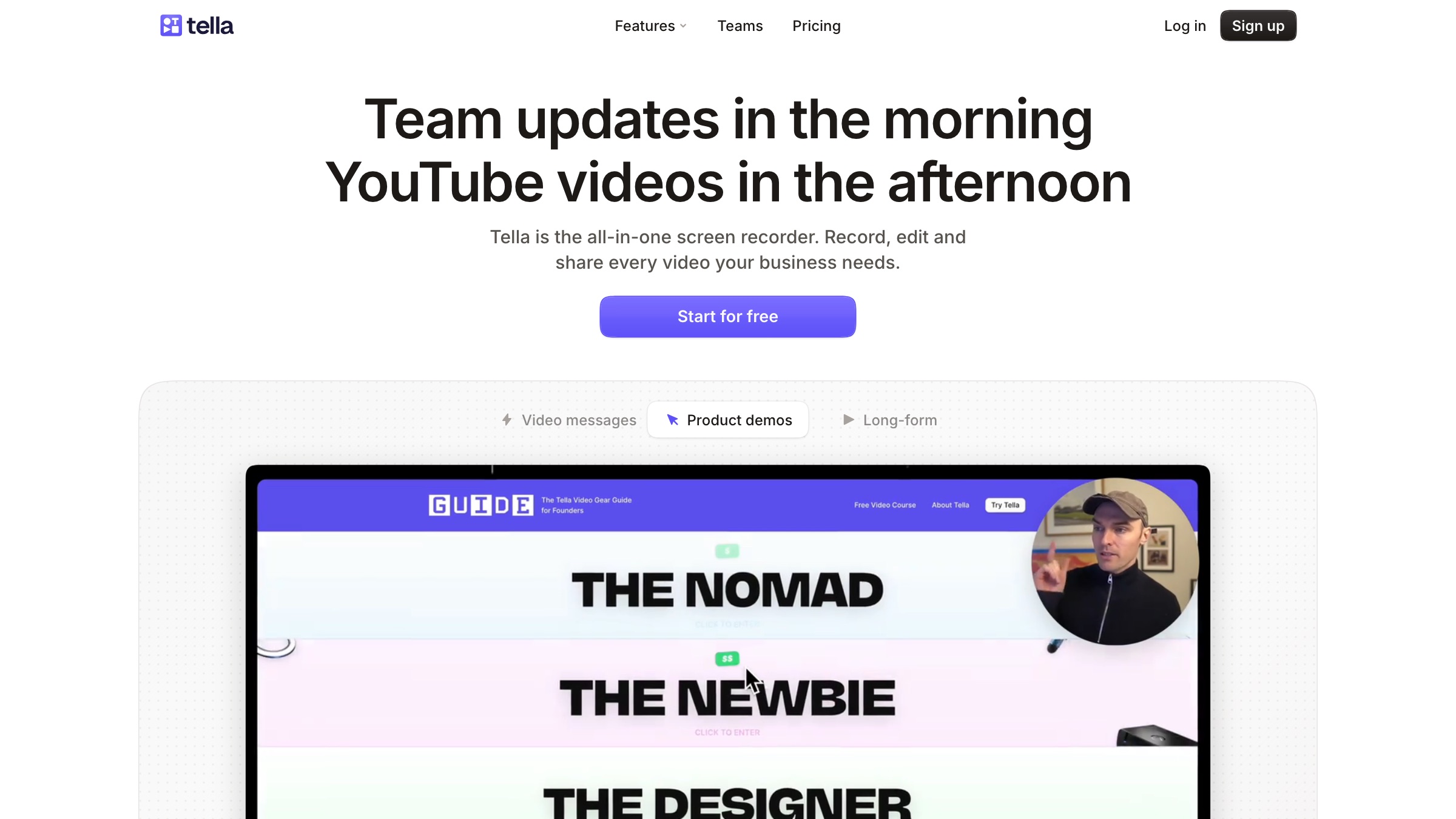
Tella is a browser-based screen and camera recorder with unusually strong built-in editing, layouts, backgrounds, and auto-zoom, so a solo person can make a slick demo without a separate editor.
- Best for: solo creators and small teams making polished demos in the browser
- Platforms: web
- Pricing: Pro $13/mo, Premium $19/mo, Enterprise on quote, with a 50 percent annual discount and a free trial
- Worth knowing: it is a recording and video tool, not an interactive click-through demo platform
4. Guidde

Guidde captures a workflow once and auto-generates a how-to video with a written script and AI voiceover, tuned for support docs and internal training more than marketing.
- Best for: fast how-to and documentation videos from a single capture
- Platforms: web (browser extension)
- Pricing: Free for 25 videos; Pro $19/creator/mo annual; Business $39/creator/mo annual; Enterprise on quote
- Worth knowing: output is utilitarian screen-capture documentation with synthetic voice, not polished marketing-grade demo video
Interactive demo builders
These capture your product as a guided, clickable experience the viewer drives. Best for websites, sales follow-ups, and letting a buyer try before they buy.
5. Arcade
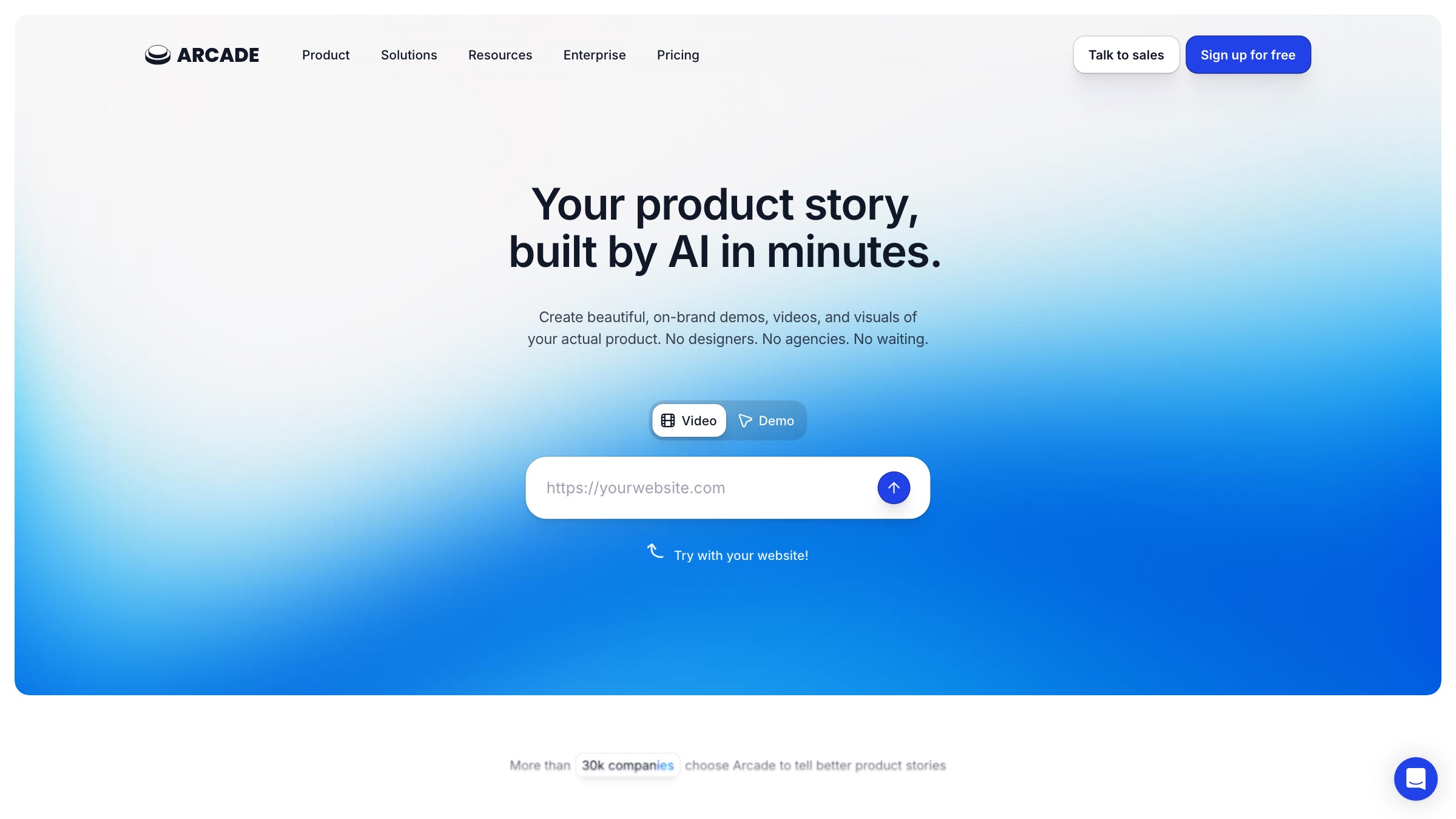
Arcade turns a screen recording into a polished interactive demo (and AI-generated demo video) fast, with a low-cost public-share model that made it popular for embedding on landing pages.
- Best for: self-serve interactive demos to embed on your site quickly
- Platforms: web (browser extension)
- Pricing: Free (1 demo); Growth $50/seat/mo ($42.50 annual); Enterprise on quote
- Worth knowing: output is limited to product-UI walkthroughs, so it cannot tell a broader brand story
6. Storylane
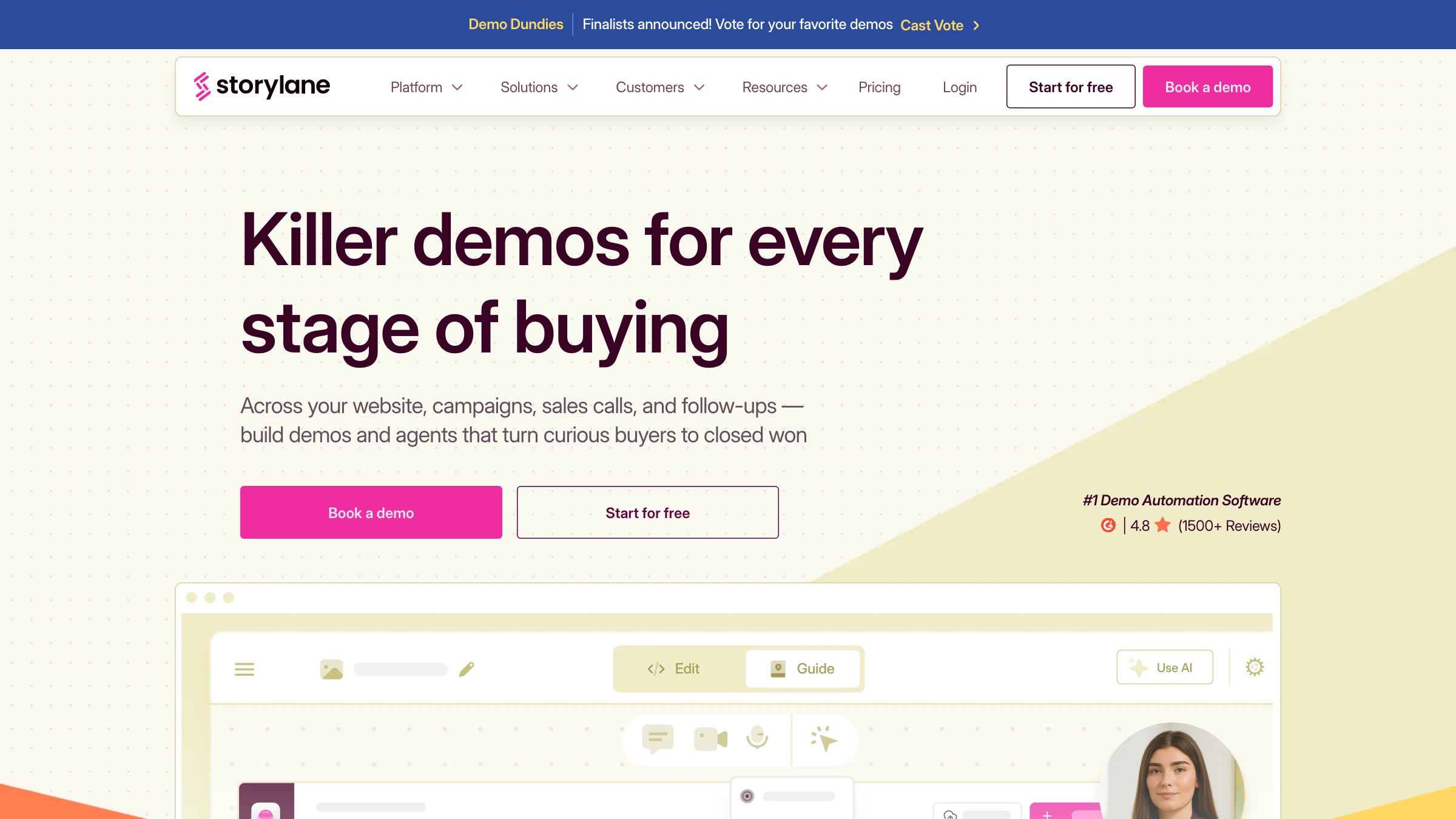
Storylane captures clickable product demos with no code and a properly usable free tier, with a strong review base among mid-market GTM teams.
- Best for: interactive demos across the buying journey, website to sales follow-up
- Platforms: web
- Pricing: Free $0; Starter around $40 to $50/mo; Growth $500 to $625/mo (5 seats); Premium $1,200 to $1,500/mo; Enterprise on quote
- Worth knowing: it builds click-through demos, not produced videos, so a polished narrative still needs a separate tool
7. Supademo
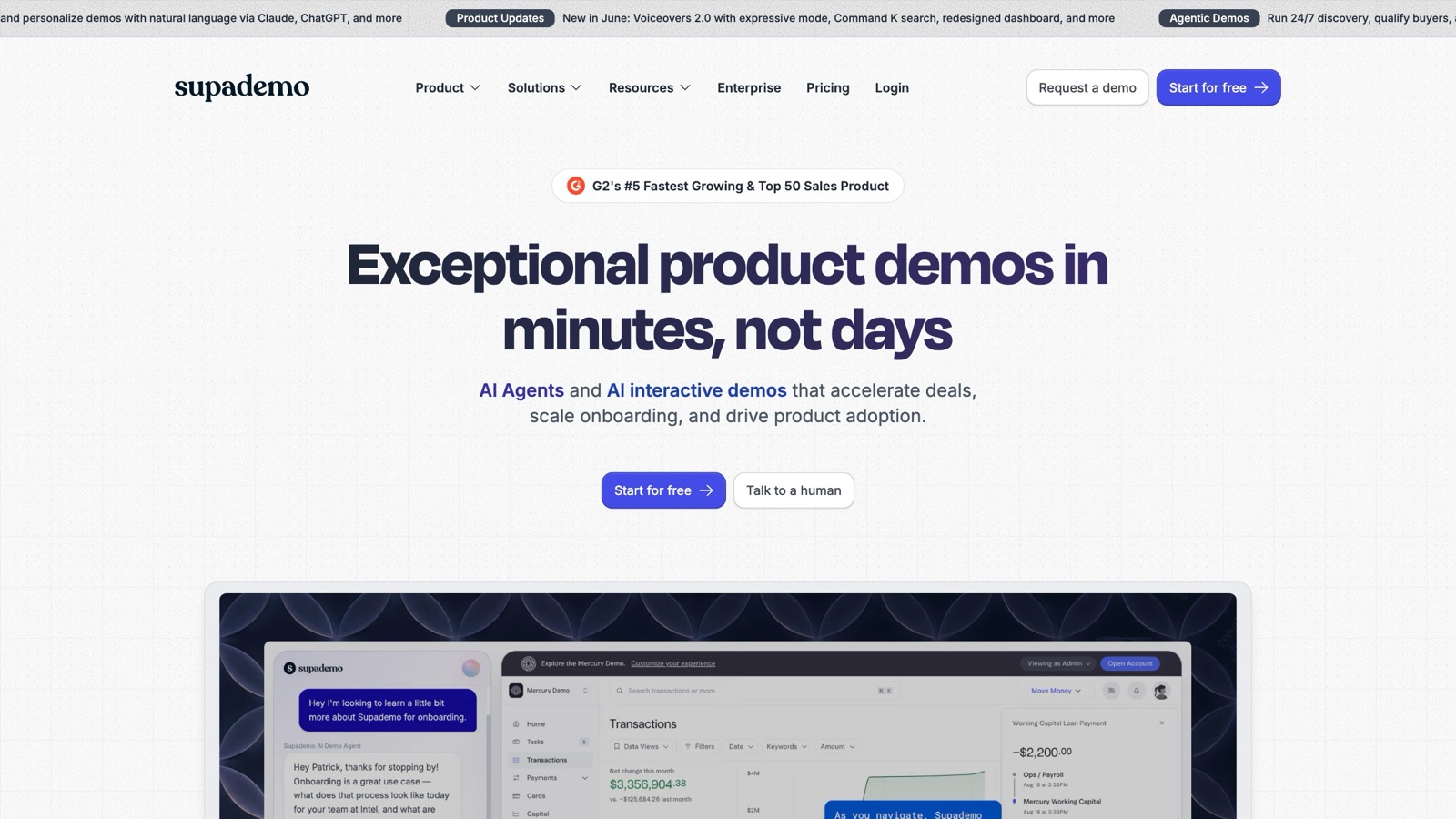
Supademo is a fast, low-cost AI-assisted interactive demo builder with no viewer cap on any plan and CRM integrations, popular with smaller teams.
- Best for: low-cost interactive demos with no viewer cap
- Platforms: web
- Pricing: Free $0; Scale $50/creator/mo ($38 annual); Growth $450/mo ($350 annual, 5 creators); Enterprise on quote
- Worth knowing: it is a self-serve click-through tool, so output quality depends entirely on how you build it
8. Navattic
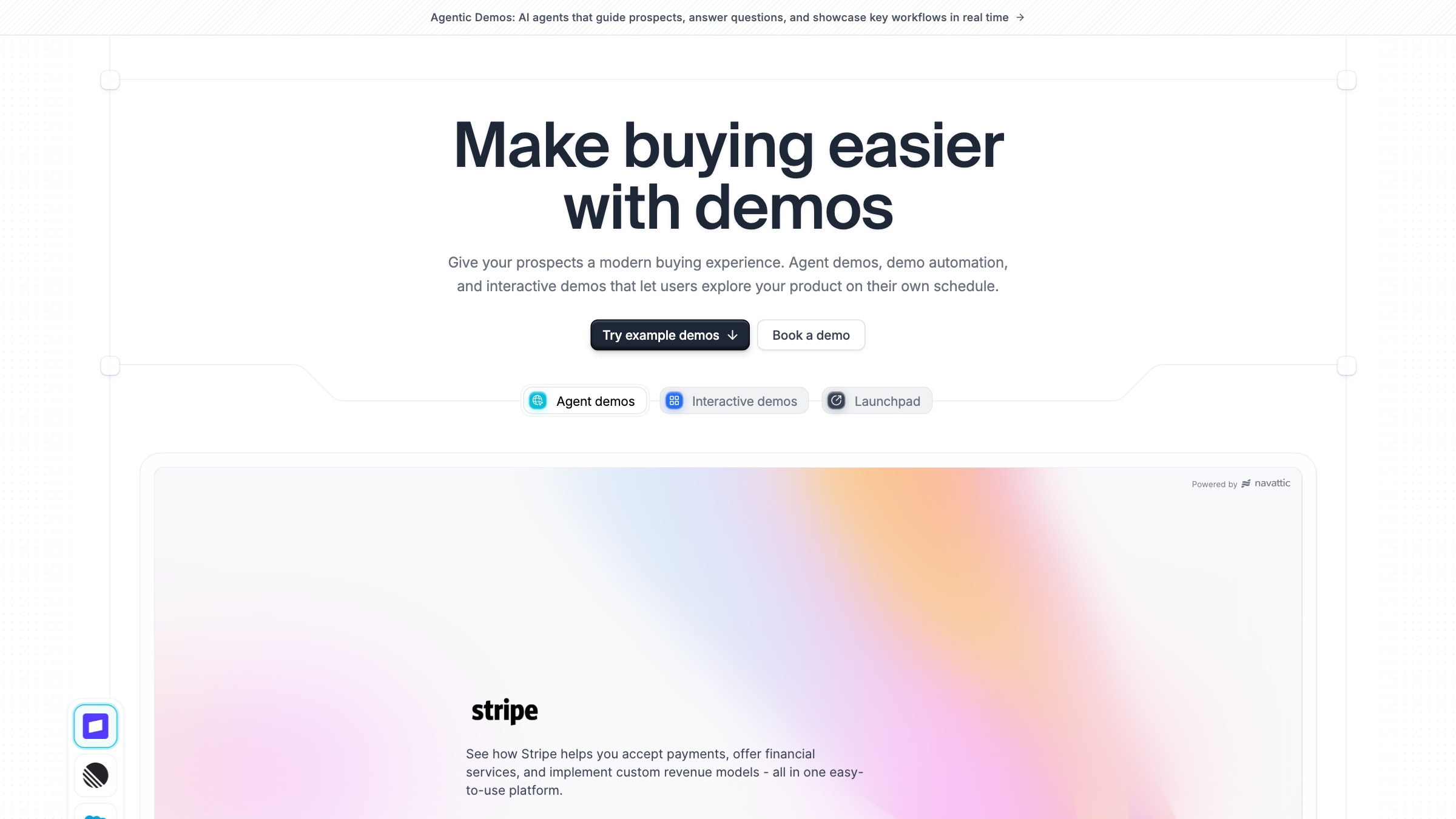
Navattic is a no-code interactive demo builder with strong go-to-market integrations, engagement tracking straight into your CRM and marketing tools, and a large installed base.
- Best for: demand-gen teams that want demos wired into CRM engagement data
- Platforms: web
- Pricing: Free Starter; paid Base, Growth, and Enterprise tiers are quote-only (no public dollar figures)
- Worth knowing: it builds click-through demos, not produced videos, and paid pricing is opaque
9. Walnut
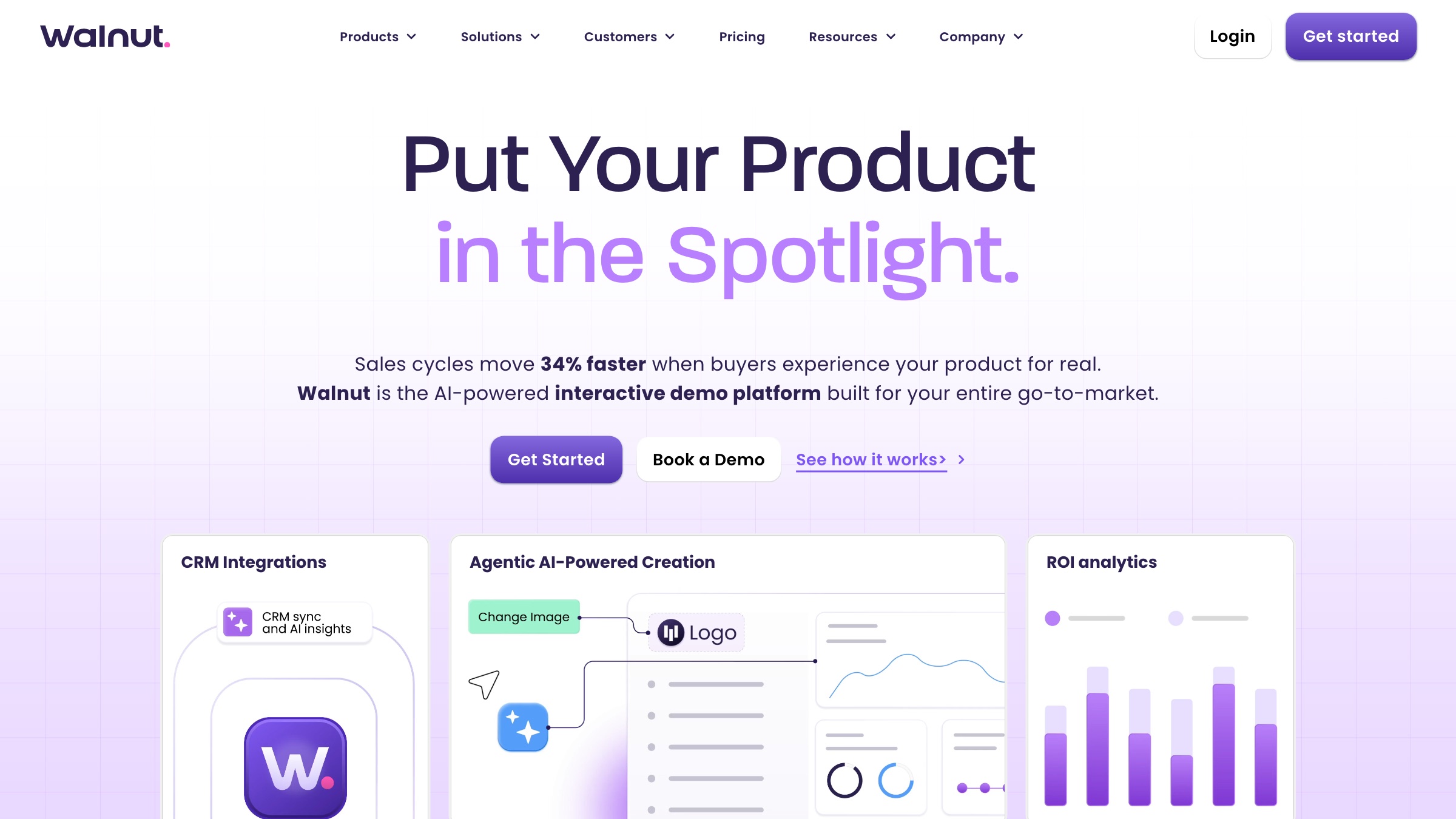
Walnut is an enterprise-grade interactive demo platform with strong logos, published ROI claims, and governance built for larger sales orgs.
- Best for: enterprise sales teams standardising demos across many reps
- Platforms: web
- Pricing: Ignite $575/mo (annual); Accelerate $1,550/mo (annual); Scale on quote
- Worth knowing: a DIY software platform, not a creative service, with a higher starting price than the lighter tools
10. Reprise
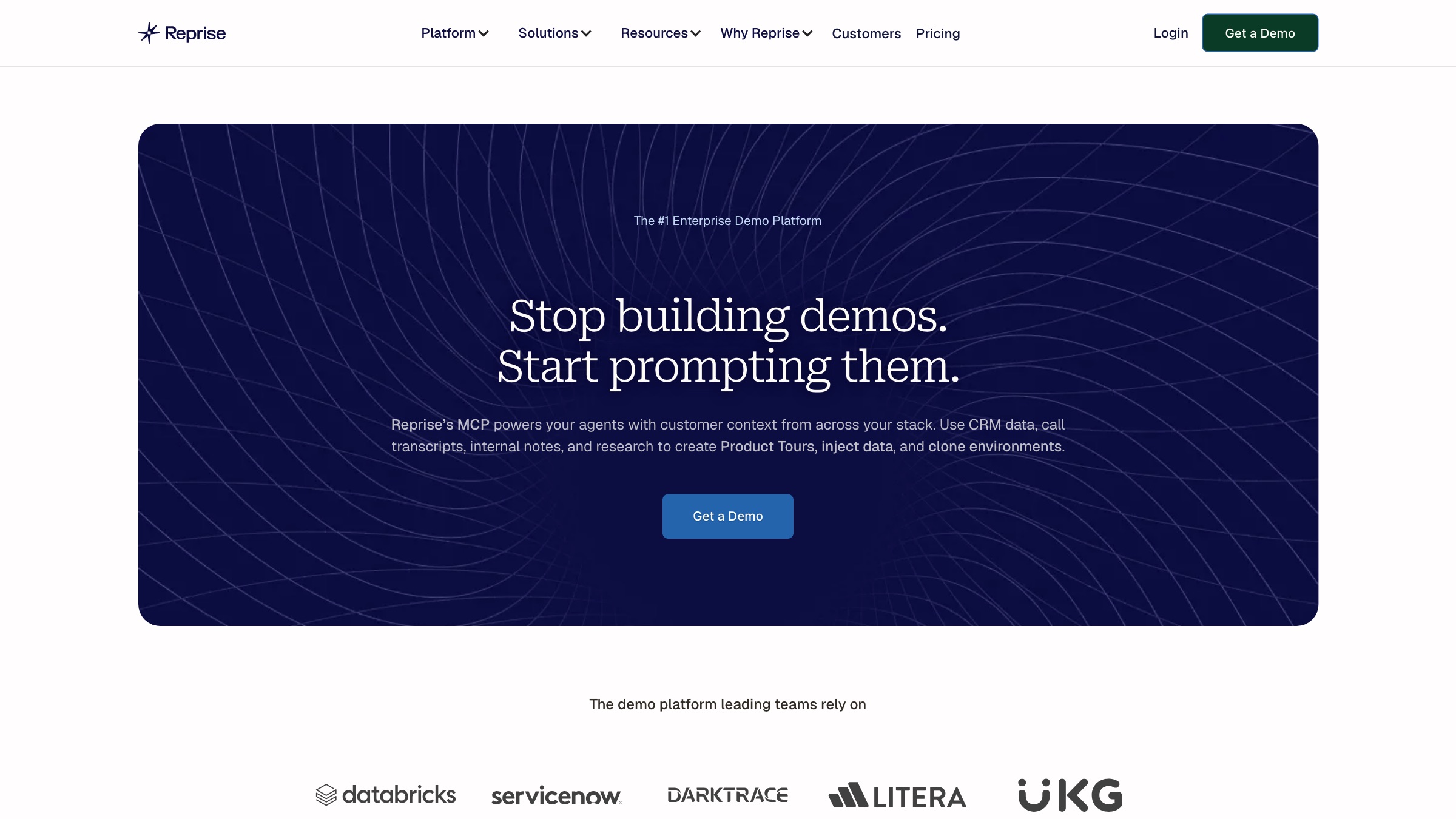
Reprise is the heaviest option: a full demo stack with cloned environments, data injection, and pixel-perfect tours, plus newer AI demo generation, built for enterprise governance.
- Best for: enterprises needing fully controlled, data-rich demo environments
- Platforms: web
- Pricing: undisclosed, an annual platform fee plus per-user licenses, quoted via sales
- Worth knowing: an enterprise sales motion with no public pricing, heavy and expensive for small teams
The tool is the easy part. The harder part is making a demo that actually lands, which is more about structure and story than software. This walkthrough from SaaS operator TK Kader is a useful primer on that before you settle on where to build it.
How to choose the right kind
The type matters far more than the individual name.
- If you want a narrated video to post, you are in recorder territory: Loom for speed, Screen Studio or Tella for polish, Guidde for documentation. Pick on platform (Screen Studio is macOS only) and how finished it needs to look.
- If you want a buyer to click through your product, you want an interactive builder: Arcade or Supademo at the value end, Storylane in the middle, Walnut or Reprise for enterprise governance. Compare published prices against your seat count, and watch for the quote-only tiers.
- Read the free tiers honestly. Most of these have one, but limits on demos, viewers, and watermarks vary a lot, so convert the free plan into your real usage before you commit.
- Match the tool to the stakes. A support how-to and a homepage hero demo are different jobs. A quick recorder is perfect for the first and underwhelming for the second.
When a tool is not enough
Here is the honest edge of this category, and it is worth saying plainly. Every tool above is excellent at capturing what your product already does and presenting it cleanly. What none of them does is decide what story your demo should tell: which feature to open on, what to cut, how to make a complex product feel simple and desirable rather than merely documented. That editorial judgment is the difference between a demo that gets skipped and one that closes.
For the everyday demo, a recorder or a builder is exactly right, and you should use one. For the flagship demo, the one on your homepage or in your biggest deals, that judgment is what a creative team is for. At Moonb we produce demo and product video with a senior Creative Director shaping the story, not just capturing the screen. If your demo needs to sell rather than simply show, see how Moonb works, and our roundup of product demo video companies covers the production route in full.



