12 Best Explainer Video Software for DIY Videos (2026)
The 12 best explainer video software tools for making DIY videos in 2026, compared by animation style, platform, and real pricing, plus when a human team beats the software.

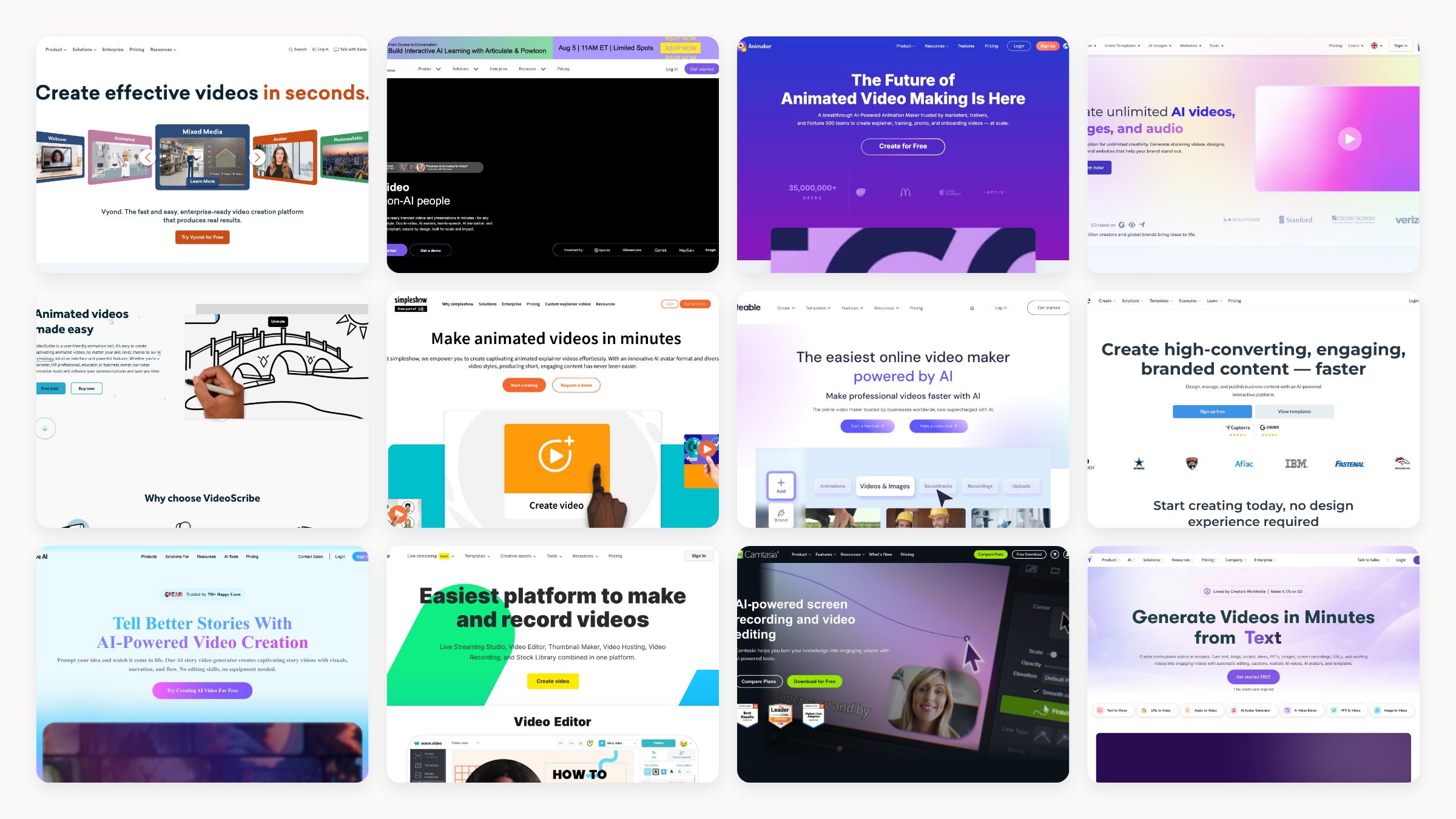
If you want to make an explainer video yourself, the software you pick mostly decides the style you can achieve. Some of these tools do character animation, some do whiteboard sketches, some assemble templates, and a few generate the whole thing from a script with AI. None of them will turn a weak script into a strong video, so the tool matters less than the story, but the right one removes the technical barrier so you can focus on the message.
I checked all twelve in July 2026, confirmed each is live, read the pricing on each site, and noted the animation style and platform for every one. A quick, honest heads-up before the list: I run a creative studio, so I have a view on where DIY software stops making sense, and I will get to that at the end rather than pretending these tools replace everything.
The 12 best explainer video software tools
1. Vyond
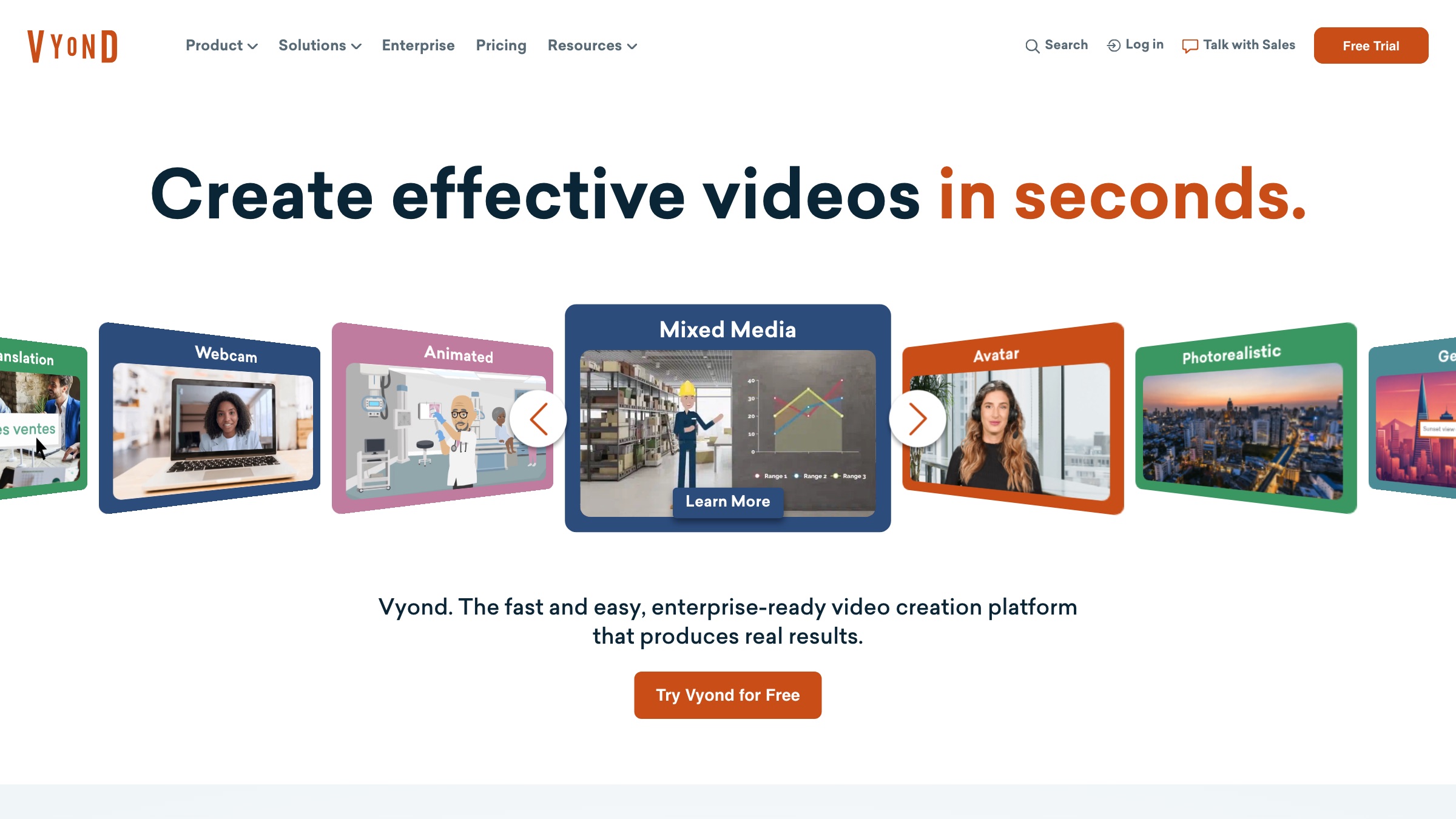
The most capable character-animation tool on the list, Vyond gives you a huge library of customisable characters, props, and lip-sync, plus AI script-to-video, so corporate and training teams can produce animated explainers without an animator.
Style: character animation · Platform: web · Price: from $58/user/mo annual · Best for: L&D and corporate explainers
2. Powtoon
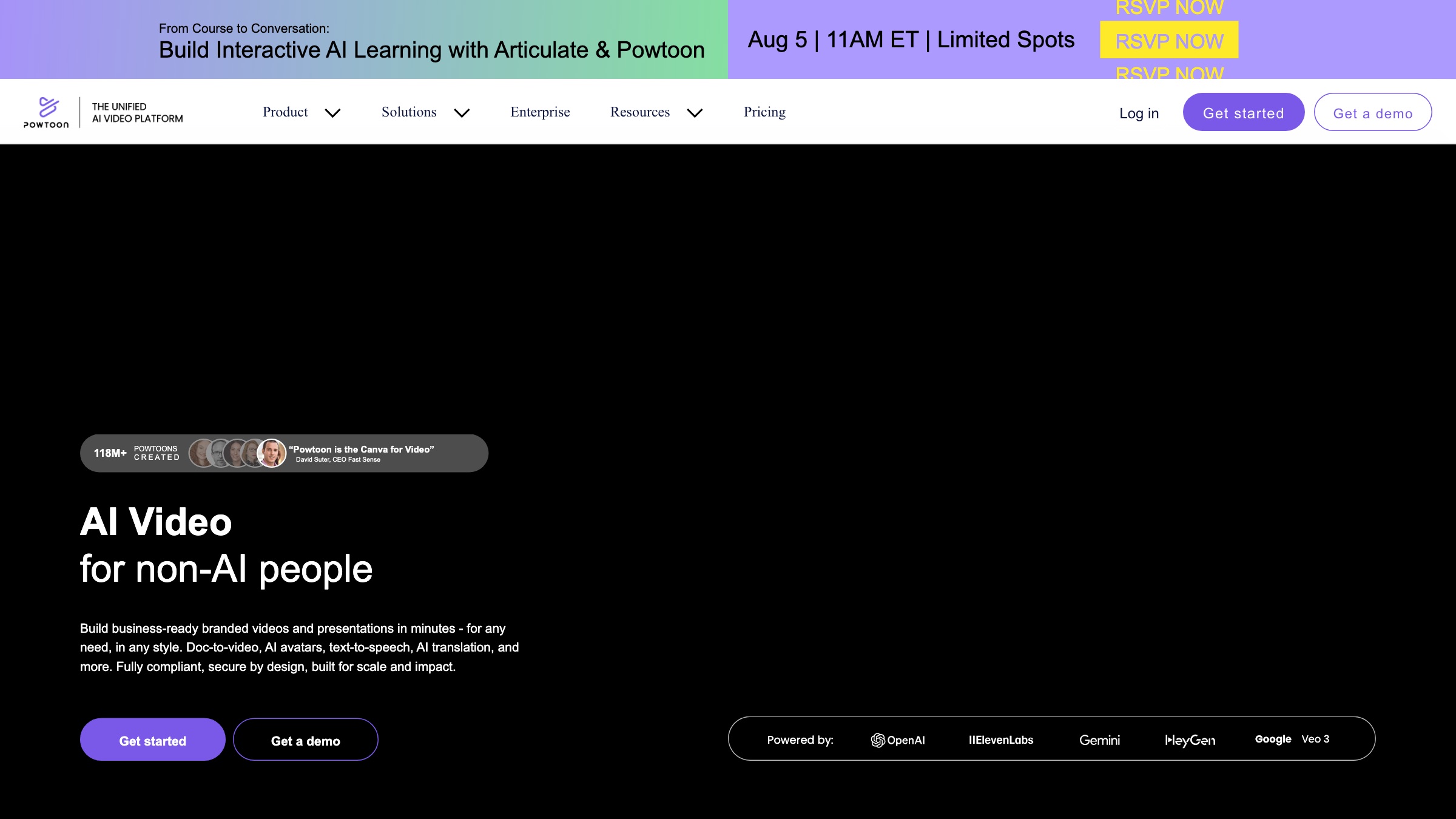
Powtoon is the classic template-driven explainer maker, fast for animated and whiteboard-style videos with no skill required, though its house look can read as recognisably “Powtoon” unless you push it.
Style: animated and whiteboard templates · Platform: web · Price: free tier, Lite from $15/mo annual · Best for: quick, low-cost explainers
3. Animaker
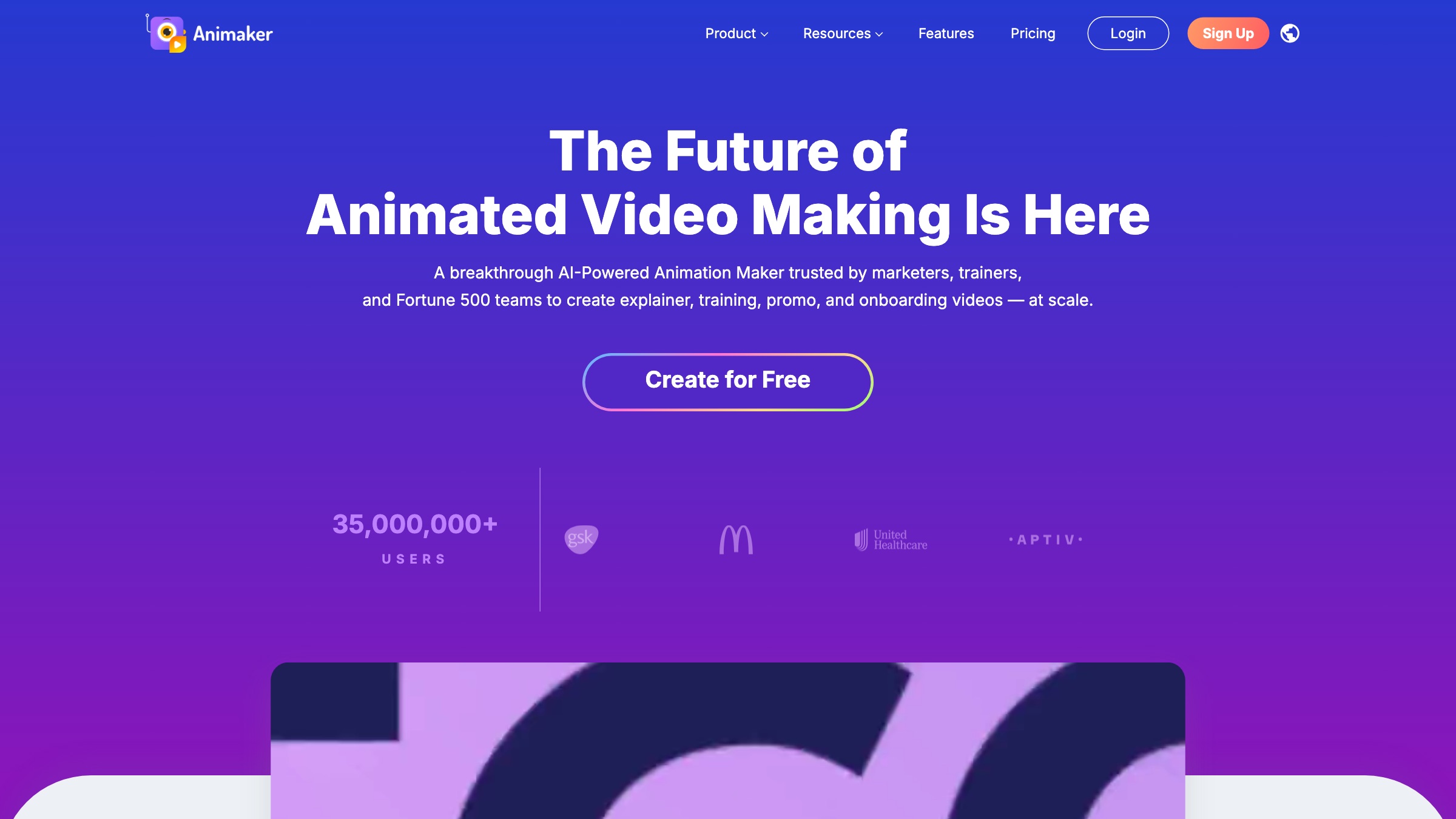
Animaker packs text-to-video, AI avatars, whiteboard animation, and voiceovers in 180-plus languages into one drag-and-drop tool, with a big asset library that makes cartoon-style explainers quick to build.
Style: animation and whiteboard · Platform: web, iOS, Android · Price: free tier, Basic ~$15/mo annual · Best for: non-designers making cartoons
4. Renderforest
An all-in-one template studio with over a thousand video templates plus logo, mockup, and website tools, now with current AI models for text-to-video, strong for a polished explainer or intro without editing skills.
Style: template animation · Platform: web, iOS, Android · Price: free tier, Lite $9.99/mo annual · Best for: template-first all-in-one value
5. VideoScribe
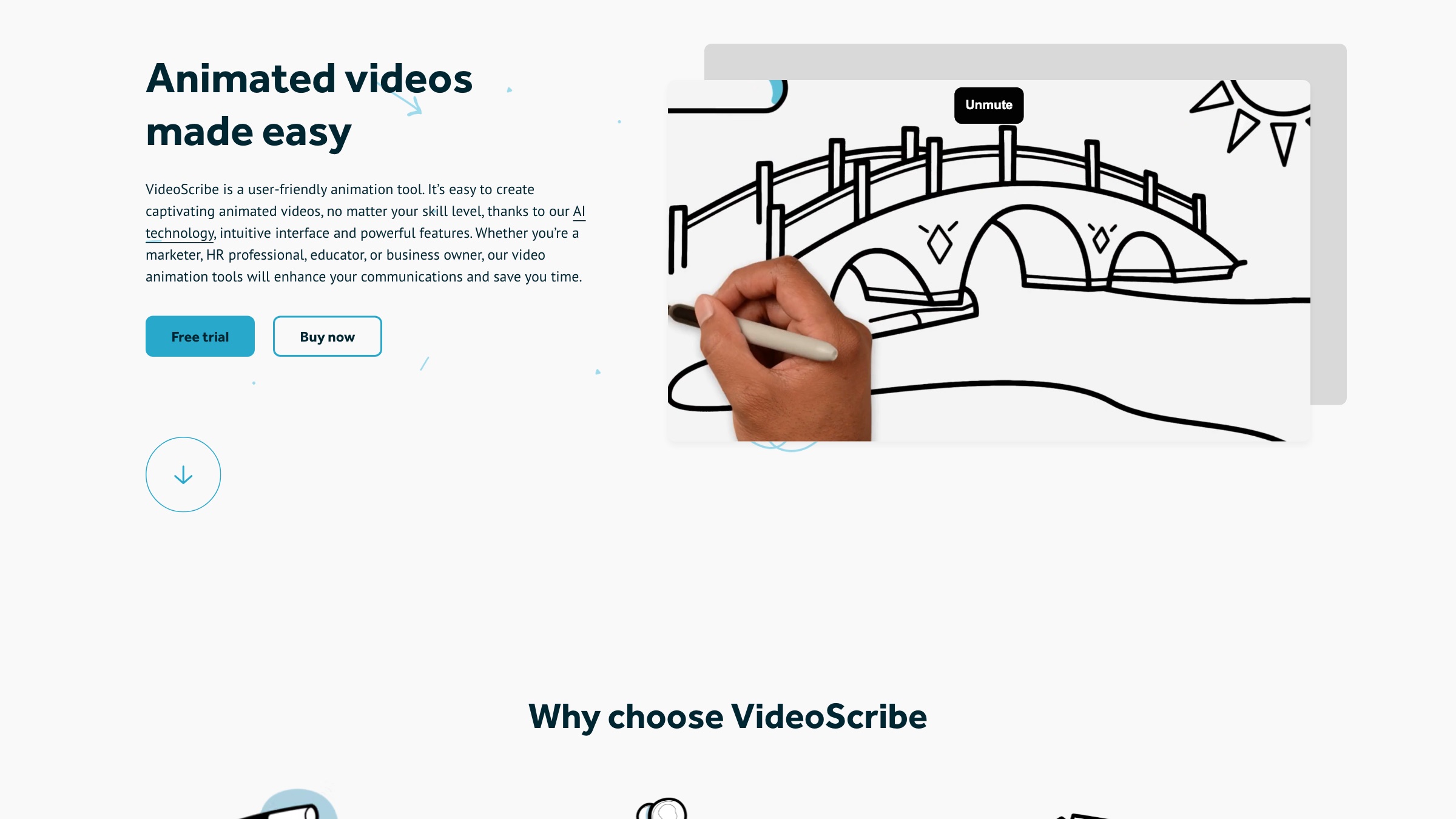
Purpose-built for whiteboard, hand-drawn animation, VideoScribe makes that one style far easier than a general editor would, with a large royalty-free image library and newer AI helpers.
Style: whiteboard animation · Platform: web, Mac, Windows · Price: trial, then from ~€13.75/mo · Best for: hand-drawn explainers
6. simpleshow video maker
Type a script and simpleshow turns it into a narrated whiteboard explainer automatically, picking the illustrations for you across 20-plus languages, which makes it the fastest path from words to a finished sketch video.
Style: whiteboard, script-to-video · Platform: web · Price: free tier, Business from ~$129/mo · Best for: turning scripts into simple explainers
7. Biteable
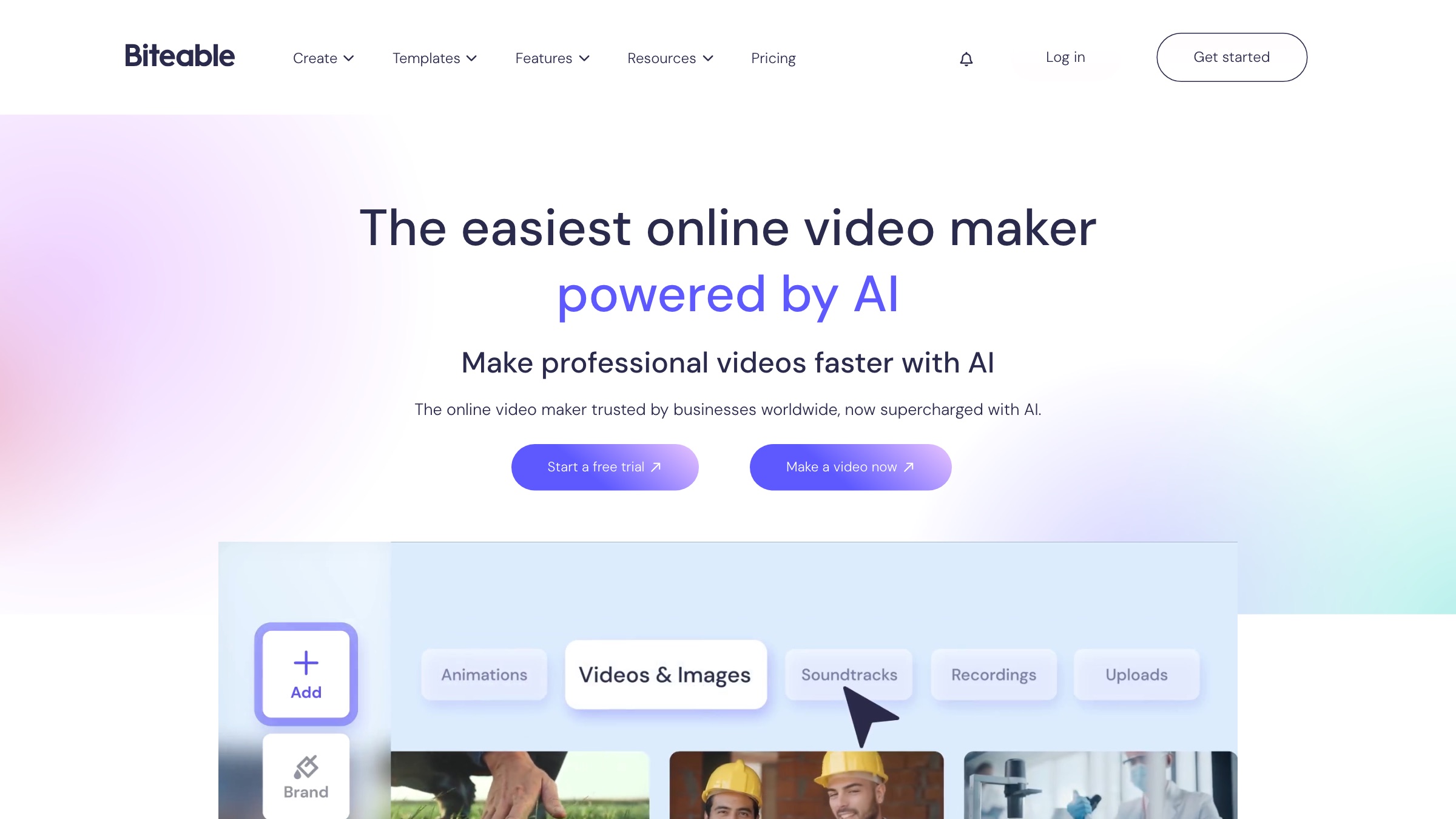
Biteable is a fast, template-driven maker with AI storyboards, avatars, and voiceover in 50-plus languages, aimed at business teams who need an on-brand promo or explainer without editing skills.
Style: template video · Platform: web · Price: 7-day trial, Pro $15/mo annual · Best for: quick on-brand business video
8. Visme
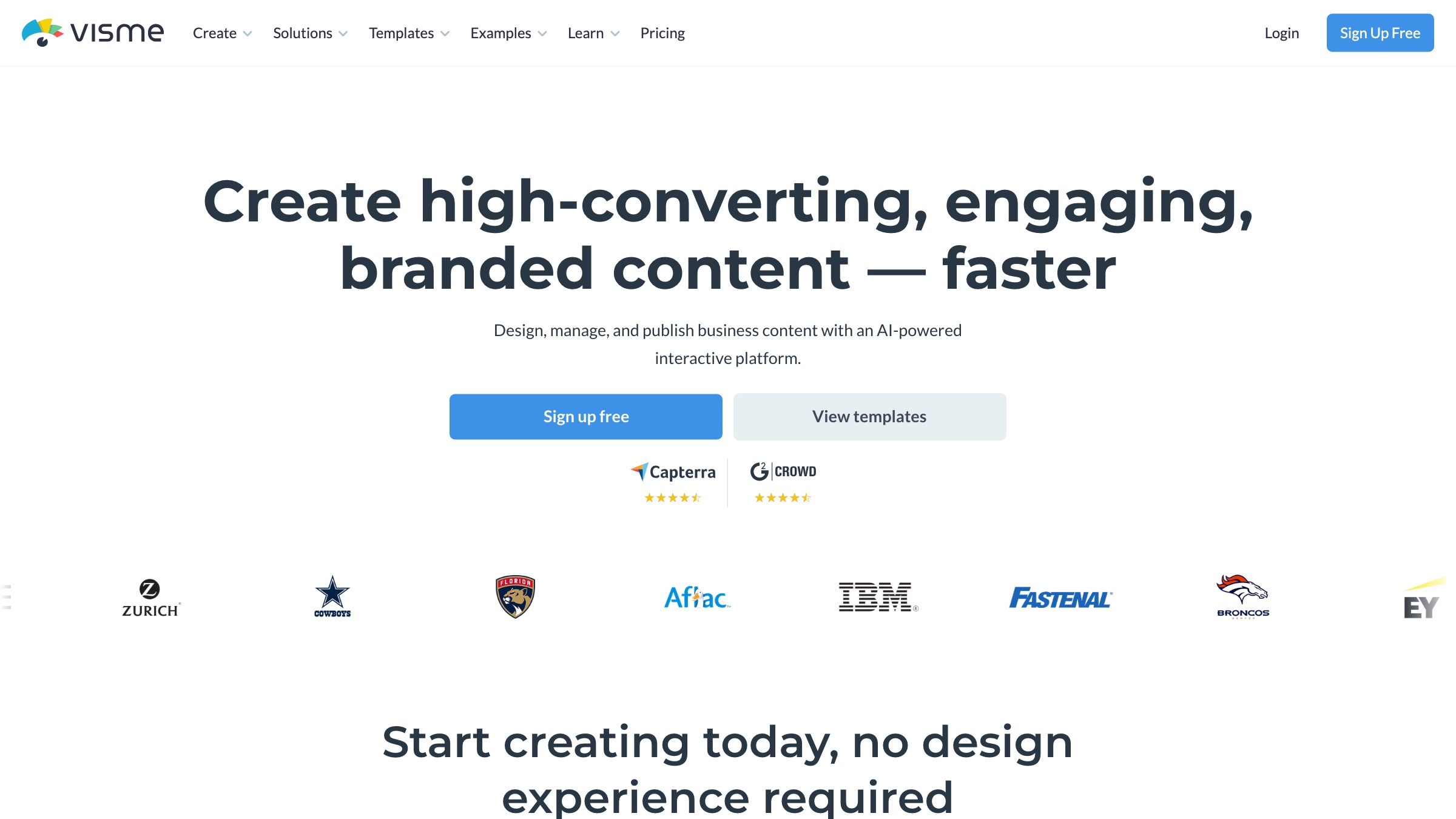
Visme is really a whole visual-content suite, presentations, infographics, and documents alongside animated video, which makes it a smart pick if your explainer is one of many branded assets you need in one place.
Style: animated content and presentations · Platform: web · Price: free tier, Starter $12.25/mo annual · Best for: broad branded visual content
9. Steve AI
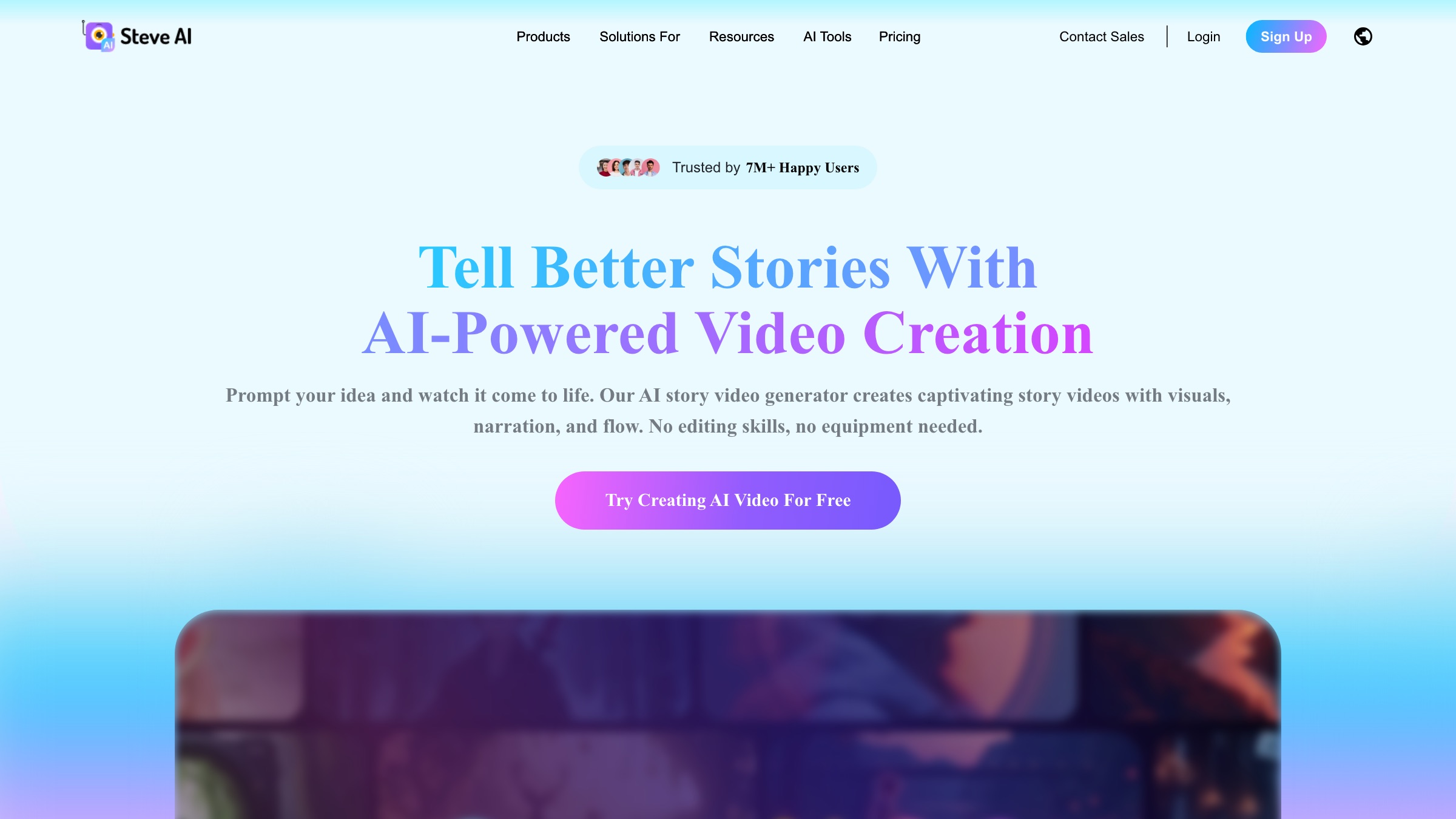
From the makers of Animaker, Steve AI generates video from a script or prompt across animation and live-action styles, with a big character library, so it is a fast way to a faceless explainer or social ad.
Style: AI-generated animation · Platform: web, iOS · Price: free tier, Basic $10/mo · Best for: quick AI-generated explainers
10. Wave.video
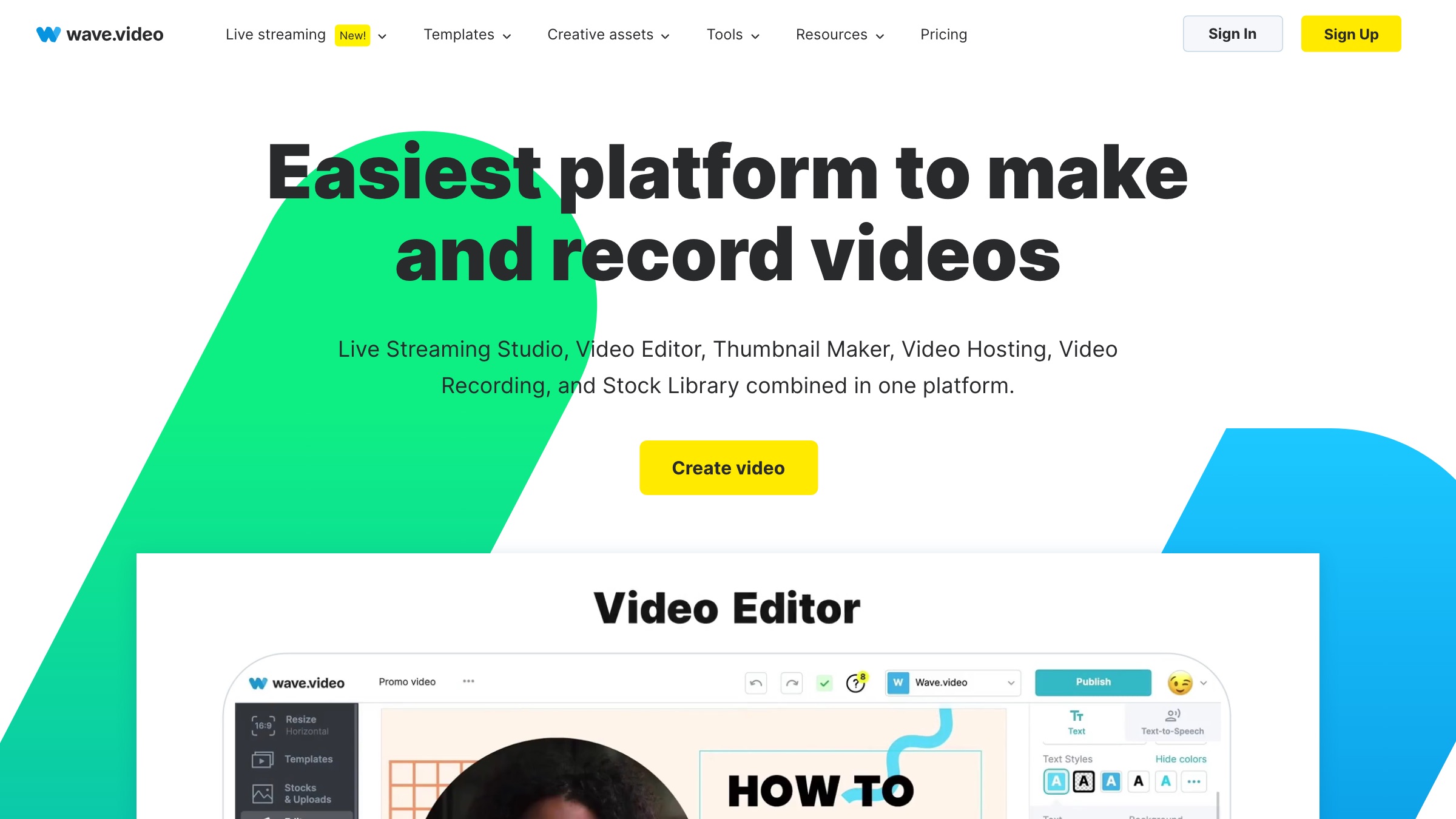
Wave.video bundles an editor, live-streaming studio, recorder, and hosting with a huge stock library, so it suits a small marketing team that wants to make explainers and everything around them for one monthly cost.
Style: editor plus stock templates · Platform: web, iOS, Android · Price: free tier, paid from ~$16/mo annual · Best for: all-in-one small-team video
11. Camtasia
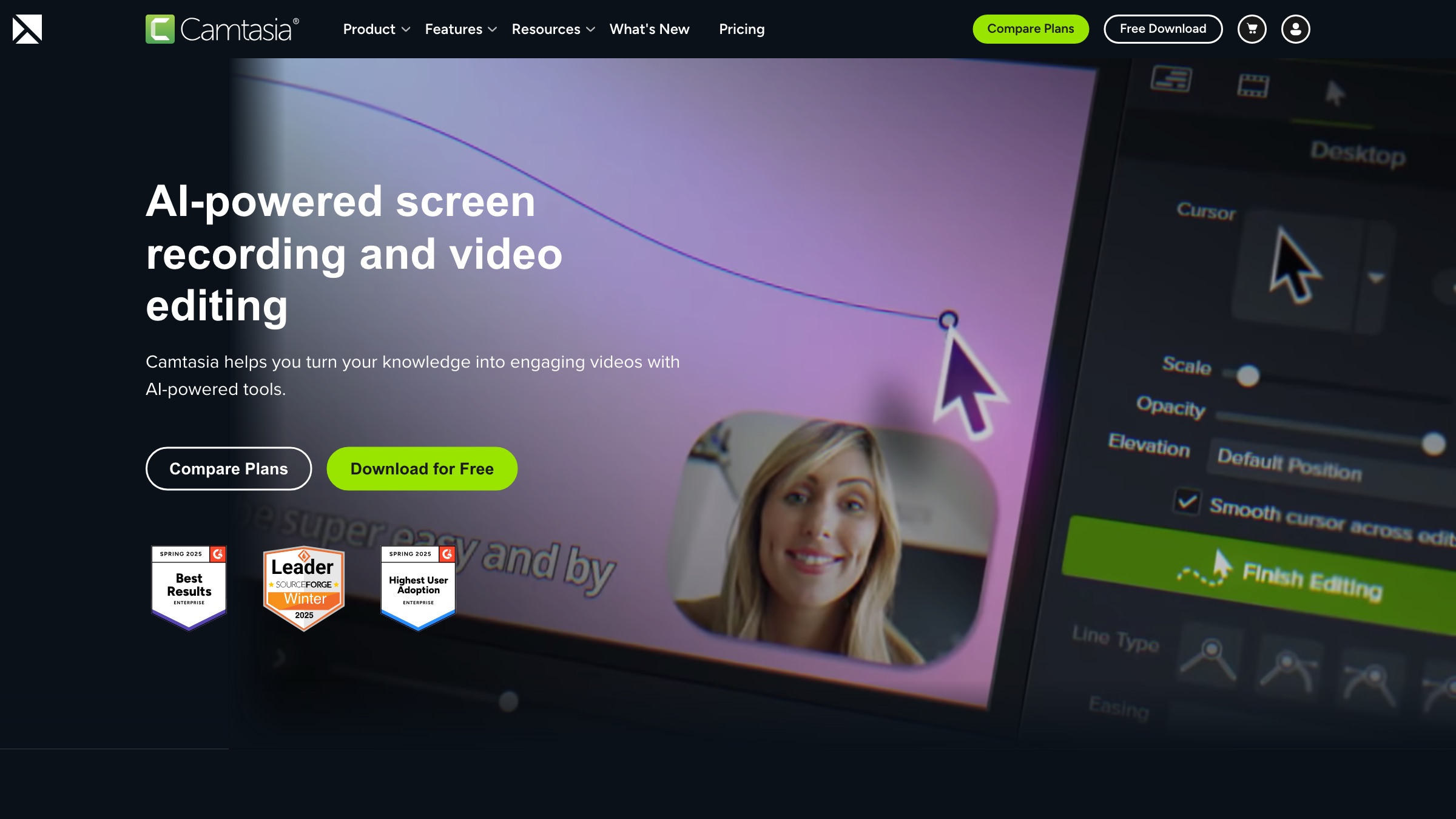
If your explainer is really a software walkthrough, Camtasia is the tool: best-in-class screen recording plus an approachable editor, with annotations and effects built for tutorials and demos.
Style: screen recording plus editing · Platform: Windows, Mac · Price: from $179.88/yr · Best for: software demos and tutorials
12. Pictory
Pictory turns a script or a blog post into a captioned explainer with AI voiceover and stock footage, editable by editing the transcript, which is handy for a text-led explainer built from content you already have.
Style: text-to-video with stock · Platform: web · Price: trial, then $25/mo annual · Best for: turning written content into video
All the software in one table
| # | Software | Style | Platform | Price |
|---|---|---|---|---|
| 1 | Vyond | Character animation | Web | From $58/user/mo |
| 2 | Powtoon | Animated and whiteboard templates | Web | Free / $15/mo |
| 3 | Animaker | Animation and whiteboard | Web, mobile | Free / ~$15/mo |
| 4 | Renderforest | Template animation | Web, mobile | Free / $9.99/mo |
| 5 | VideoScribe | Whiteboard animation | Web, Mac, Win | From ~€13.75/mo |
| 6 | simpleshow | Whiteboard, script-to-video | Web | Free / ~$129/mo |
| 7 | Biteable | Template video | Web | Trial / $15/mo |
| 8 | Visme | Animated content, presentations | Web | Free / $12.25/mo |
| 9 | Steve AI | AI-generated animation | Web, iOS | Free / $10/mo |
| 10 | Wave.video | Editor plus stock | Web, mobile | Free / ~$16/mo |
| 11 | Camtasia | Screen recording plus editing | Win, Mac | From $179.88/yr |
| 12 | Pictory | Text-to-video with stock | Web | Trial / $25/mo |
How I would choose
Pick by the style you actually want. If you need cartoon characters telling a story, Vyond, Animaker, or Powtoon are your shortlist. If you want the hand-drawn whiteboard look, VideoScribe or simpleshow do that one thing well. If your explainer is really a product walkthrough, Camtasia is built for it, and if you would rather generate the whole thing from a script, Steve AI or Pictory get you there fastest. Watch the export limits and credit caps on the free tiers, since most of them watermark output until you pay.
For proof of how far a simple style can carry a complicated idea, watch the RSA Animate of Dan Pink’s talk on motivation. It is the whiteboard explainer that launched the whole genre these tools now sell, and it remains the standard to aim at.



