
Video Ads on LinkedIn: A Practical Guide for B2B Growth


Video Ads on LinkedIn: A Practical Guide for B2B Growth
Video ads on LinkedIn are a seriously powerful tool for B2B marketers. They give you a direct line to capture the attention of a professional audience in an environment where they're already thinking about business. Unlike scrolling through cat videos on other platforms, LinkedIn users are in a work-first mindset, which makes them way more receptive to solutions that can solve their professional headaches.
This creates a golden opportunity for your videos to build trust and drive high-value actions.
Why LinkedIn Video Ads Are a B2B Game Changer
In B2B marketing, attention is everything. And LinkedIn is where your audience is actually paying attention. But it's a different kind of attention—they aren't just killing time. People are on the platform to sharpen their skills, get industry insights, and find business solutions.
This unique context makes video ads on LinkedIn more than just another passing trend. It's a fundamental shift in how businesses connect. A well-made video can build trust and explain complex ideas faster than any block of text ever could. You get to show prospects what you do instead of just telling them, creating a connection that sticks.
The Professional Mindset Advantage
Think about it: on other social media, users are in a "lean-back" entertainment mode. On LinkedIn, they're in a "lean-forward" professional mode. This means they're not just open to content that helps them solve a problem or advance their career—they're actively looking for it.
This mindset directly translates into higher engagement with relevant ads. B2B decision-makers are spending more and more time with video because it helps them get up to speed on complex ideas, fast. Your video ad isn't an interruption; it's a potential solution they've been hoping to find.
"Our brains are hardwired to love video. It creates memory in a way that text and static visuals just don’t." - Daniel Bromberg, Senior Account Director at LinkedIn
Driving Meaningful Business Outcomes
The power of video ads on LinkedIn goes way beyond just getting your name out there. The platform is built to guide people through every single stage of the B2B buyer's journey. When you pair compelling video creative with LinkedIn's slick targeting tools, the results speak for themselves.
Here’s what makes the combo so effective:
- Precise Targeting: You can get your video in front of decision-makers based on their job title, industry, company size, and even specific skills. No more wasting ad spend on the wrong audience.
- Enhanced Trust Building: Seeing real people, product demos, or customer testimonials in a video creates a human connection that a static image just can't match. It feels genuine.
- Higher Conversion Rates: Combining a great video with a native LinkedIn Lead Gen Form is a recipe for success. In fact, some studies have shown a 5x increase in conversions when these two are used together. If you want to generate leads with video, this is an absolute must.
Ultimately, video on this professional network lets you tell a much richer story. You can demonstrate your expertise, show off your company culture, and build a narrative that truly resonates, turning passive viewers into qualified leads.
Building Your LinkedIn Video Ad Strategy from the Ground Up
A brilliant video ad is never just a flash of creative genius. It's the end result of a smart, well-built strategy. Before you even start thinking about scripts or storyboards, you need a solid foundation. This groundwork is what separates a video that just looks good from one that actually drives business results.
At the heart of any successful LinkedIn video campaign is knowing how to create video ads that convert. This isn't about luck; it's a mix of sharp planning and creative execution. The entire process kicks off by answering one simple but crucial question: "What are we actually trying to achieve?" Your answer will steer everything that follows, from the message you craft to the metrics you track.
First Things First: Define Your Business Objective
Every campaign needs a North Star. Are you trying to flood your sales pipeline with qualified leads? Maybe your goal is to cement your brand as the go-to expert in your industry. Or perhaps you just need to drive high-intent traffic to a new product page.
Get specific. Vague goals like "increase engagement" are notoriously hard to measure and rarely lead to anything meaningful for the business.
Instead, frame your objectives around tangible outcomes:
- Lead Generation: Your goal is to capture contact info from potential buyers. You'll likely offer up a valuable piece of content like a whitepaper, webinar, or a direct demo signup.
- Brand Awareness: This is about introducing your solution to a new, highly relevant audience. The focus is on building familiarity and trust over time, not immediate sales.
- Website Traffic: The primary aim is to get professionals to click through to a specific landing page to learn more about a service or a key product feature.
- Consideration: You're nurturing prospects who already know who you are. This is the time to showcase customer testimonials, in-depth case studies, or detailed product walkthroughs.
Once you’ve locked in your primary objective, you can map it to the key performance indicators (KPIs) that will tell you if you're winning. For a lead generation campaign, your main KPI is almost always Cost Per Lead (CPL). But for an awareness play, you’d be looking closer at metrics like View-Through Rate (VTR) and overall reach. If you want to go deeper, check out our guide on structuring effective marketing campaigns.
Build Your Ideal Customer Profile on LinkedIn
LinkedIn's targeting is its superpower. You can go so much deeper than basic demographics and build a hyper-specific audience that mirrors your ideal customer perfectly. Don't just target "Marketing Managers"—get granular.
Think about the defining traits of your absolute best customers. You can build audiences based on:
- Job Function & Seniority: Focus on decision-makers, like targeting professionals at the "Director" level and above in the "Operations" function.
- Company Industry & Size: Zero in on professionals in the "Financial Services" industry working at companies with 50-200 employees.
- Specific Skills & Interests: Reach people who list skills like "SaaS" or "Data Analytics" on their profiles.
The real magic happens when you start layering these attributes. For example, you could create a target audience of VPs of Engineering at North American SaaS companies with over 500 employees who are also members of tech leadership groups. This kind of precision ensures your ad budget is spent talking to the people who actually matter to your business.
Setting a Realistic Budget and Bidding Strategy
Your budget should be a direct reflection of your campaign objective. For instance, if you want to generate 20 leads and your target CPL is $100, you know you'll need a minimum budget of $2,000. It's also vital to give the LinkedIn algorithm enough runway to learn and optimize. A daily budget of at least $25-$50 is a good starting point to gather meaningful data.
This strategic approach is more important than ever. LinkedIn's video ad reach is projected to explode, hitting an incredible 1.2 billion users in 2025—that's a leap of 300 million from 2023. This growth is being driven by a 36% surge in video uploads and a 100% year-over-year increase in video creation. It’s clear that video ads have become a B2B engagement powerhouse, boasting the platform's highest engagement rate at nearly 1.6%.
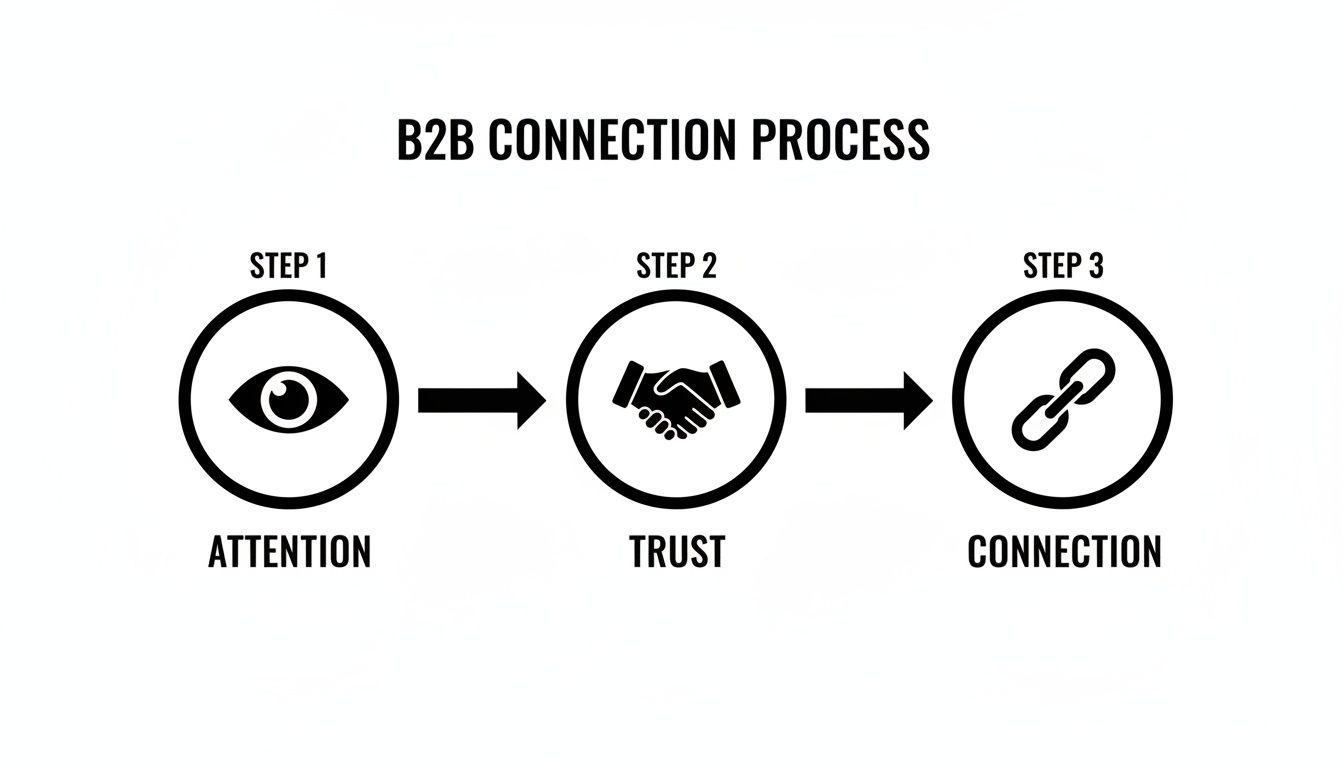
The process your strategy should follow is simple but powerful: grab their attention, earn their trust, and then create a connection.
This flow shows how a successful video ad first has to cut through the noise to capture attention. Then, it uses its message to build credibility and trust. And finally, it drives a valuable connection with a clear, compelling call to action. Each piece is a critical part of the journey.
Crafting High-Converting Video Creative for LinkedIn
This is where the magic really happens. A winning strategy and perfect targeting fall flat if your creative doesn't stop the scroll. On LinkedIn, you aren't just up against other ads; you're competing with industry news, expert insights, and career updates. Your video has to earn its place in the feed.
The most successful video ads on LinkedIn understand the platform’s unique environment. It’s less about flashy production and more about delivering a clear, compelling message that respects the viewer's time and professional mindset. Here's our playbook for turning a creative concept into a true conversion machine.
The First Three Seconds Are Everything
You have a tiny window to capture attention. If your video doesn't immediately signal value or spark curiosity in those first three seconds, your audience is gone. Forget long, cinematic intros or slow logo reveals—get straight to the point with a powerful hook.
This moment is critical because it sets the stage for everything that follows. A strong start dramatically increases the odds that someone will stick around for your full message. For a deep dive, check out our guide on crafting video hooks that stop scrolling in seconds.
So, what does a great hook look like in practice?
- Ask a Provocative Question: Start with something that makes your target audience nod in agreement or think, "Yes, that's me." A cybersecurity firm could ask, "Is your team still sharing passwords over Slack?"
- State a Surprising Statistic: Use a compelling data point to create immediate intrigue. A project management tool might open with, "Did you know 70% of projects fail due to poor communication?"
- Show the "After" State: Instead of explaining the problem, show the solution right away. A video for an automation tool could open with a shot of a clean, organized dashboard and a relaxed manager, instantly showcasing the ideal outcome.
Scripting for a Professional Audience
Writing a script for LinkedIn is a different beast. Your audience is smart, busy, and skeptical of fluff. Keep your language clear, concise, and focused on tangible business outcomes, not just features.
A solid script follows a simple arc: hook the viewer, present the problem, introduce your solution, and then deliver a clear call-to-action. Address their specific pain points head-on. Instead of saying, "Our software is efficient," try, "Cut your monthly reporting time by 10 hours." That kind of framing lands with a business professional who immediately gets the value.
The most effective video scripts on LinkedIn feel less like an advertisement and more like a piece of expert advice. Your goal is to educate and build trust, not just to sell.
The data backs this up. Video ads on LinkedIn drive 30% more engagement than non-video formats, and members spend almost 3x more time watching them compared to static Sponsored Content. For marketing directors aiming to cut through B2B noise, this is a game-changer. Plus, videos optimized for silent viewing are 70% more likely to be watched to completion, which means higher retention and more shares.
Designing for Sound-Off Viewing
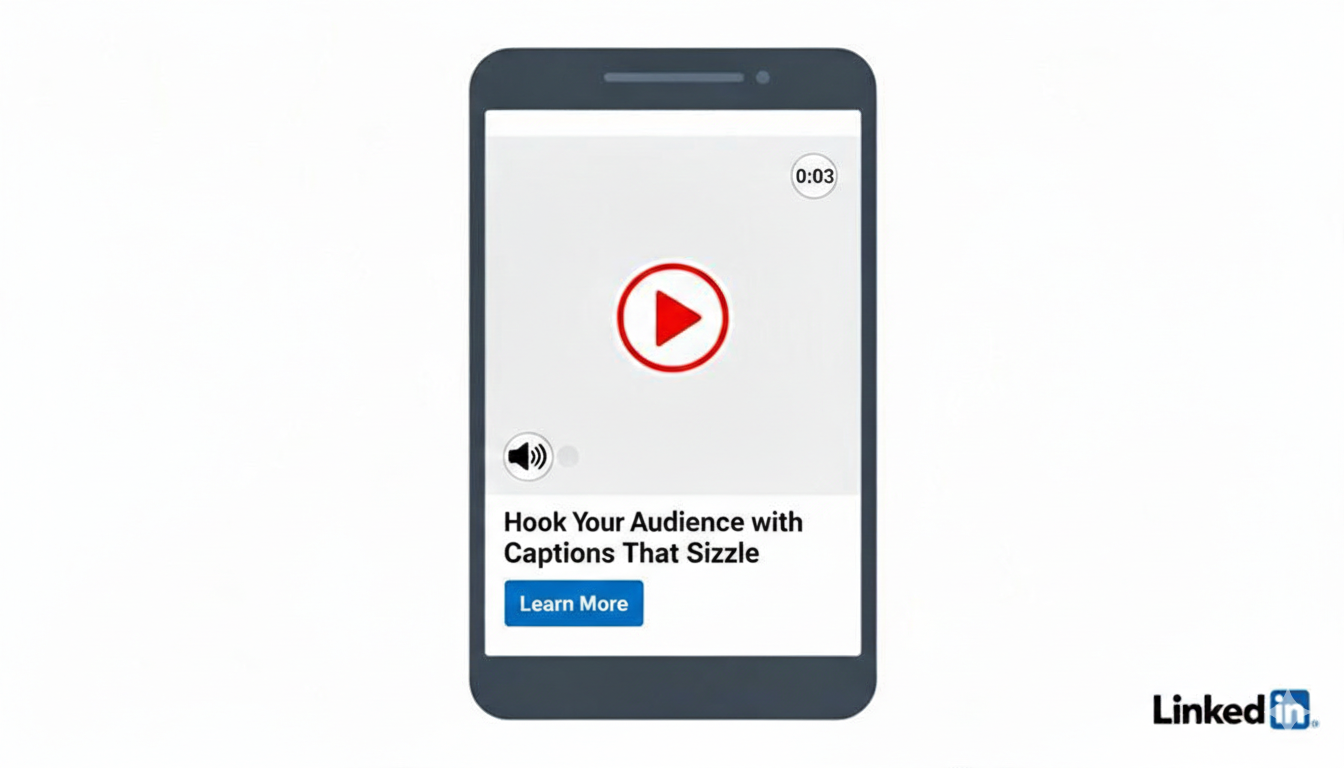
Let's be real: the vast majority of videos on LinkedIn are watched with the sound off. If your message hinges on a voiceover, most of your audience will miss it entirely. Your visuals need to do the heavy lifting.
This means adopting a "sound-off first" mentality from the get-go.
- Use On-Screen Text and Captions: Large, clear text overlays should highlight your key messages. Don't just transcribe your voiceover; use text to punch up the most important takeaways.
- Rely on Strong Visual Storytelling: Use animation, graphics, and footage that clearly demonstrate your point without audio. Show your product in action or use animated charts to illustrate data.
- Incorporate Clear Branding: Your logo should be visible but not obnoxious. Sticking it in a corner throughout the video is a solid best practice. Consistent brand colors and fonts also help build recognition.
To ensure your video looks professional on every device, always follow the official LinkedIn post specs. Nailing the technical requirements is crucial for optimal display and performance.
Nailing the Call-to-Action
Your video grabbed their attention and delivered a killer message. Now what? The final piece is a strong, unambiguous call-to-action (CTA) that tells the viewer exactly what to do next. A vague "Learn More" just doesn't cut it anymore.
Get specific and tie the CTA to the value you've just presented.
- Instead of: Learn More
- Try: "Get Your Free Marketing Template"
- Instead of: Contact Us
- Try: "Book a 15-Minute Demo"
- Instead of: Visit Our Website
- Try: "Read the Full Case Study"
This kind of specificity reduces friction and makes the decision to click that much easier. Your CTA should be visible on-screen in the final frames and reinforced in the ad copy. When you align your strategy, creative, and CTA, you create a cohesive experience that guides prospects from viewer to lead.
Getting Your Hands Dirty: A Practical Guide to LinkedIn Campaign Manager
Alright, this is where the rubber meets the road. All the strategy and creative work you've done leads directly to LinkedIn Campaign Manager. At first glance, it can feel a bit intimidating, but I promise it's more of a control panel than a maze. It’s the engine that powers your entire video ad operation.
Getting comfortable in Campaign Manager is non-negotiable if you're serious about getting results with LinkedIn video ads. This is where you translate your goals into concrete settings, telling the platform exactly how to deliver your video, who to show it to, and what you're willing to pay. Let’s break down the setup process step-by-step.
Choosing Your Campaign Objective
The first thing LinkedIn asks is, "What's your goal?" Don't just click something and move on. This choice is critical because it tells LinkedIn's algorithm what "success" means for your campaign, which directly influences who sees your ad and how your budget is spent.
Think of it this way: if you choose "Brand awareness," the algorithm will hunt for the cheapest eyeballs, prioritizing maximum reach. But if you select "Lead generation," it will optimize delivery to people who have a history of filling out Lead Gen Forms on the platform.
Here are the usual suspects for video campaigns:
- Brand awareness: Perfect for top-of-funnel videos meant to introduce your brand. Your main success metric here will likely be impressions.
- Video views: Use this when you need people to actually absorb the message in your video. LinkedIn will find users most likely to watch for at least two continuous seconds.
- Lead generation: This is your go-to for capturing leads directly within LinkedIn using their handy pre-filled forms. The name of the game is a low Cost Per Lead (CPL).
- Website conversions: When the goal is to drive a specific action on your website—like a demo request or a content download—this is the objective you need.
Configuring Your Targeting with Precision
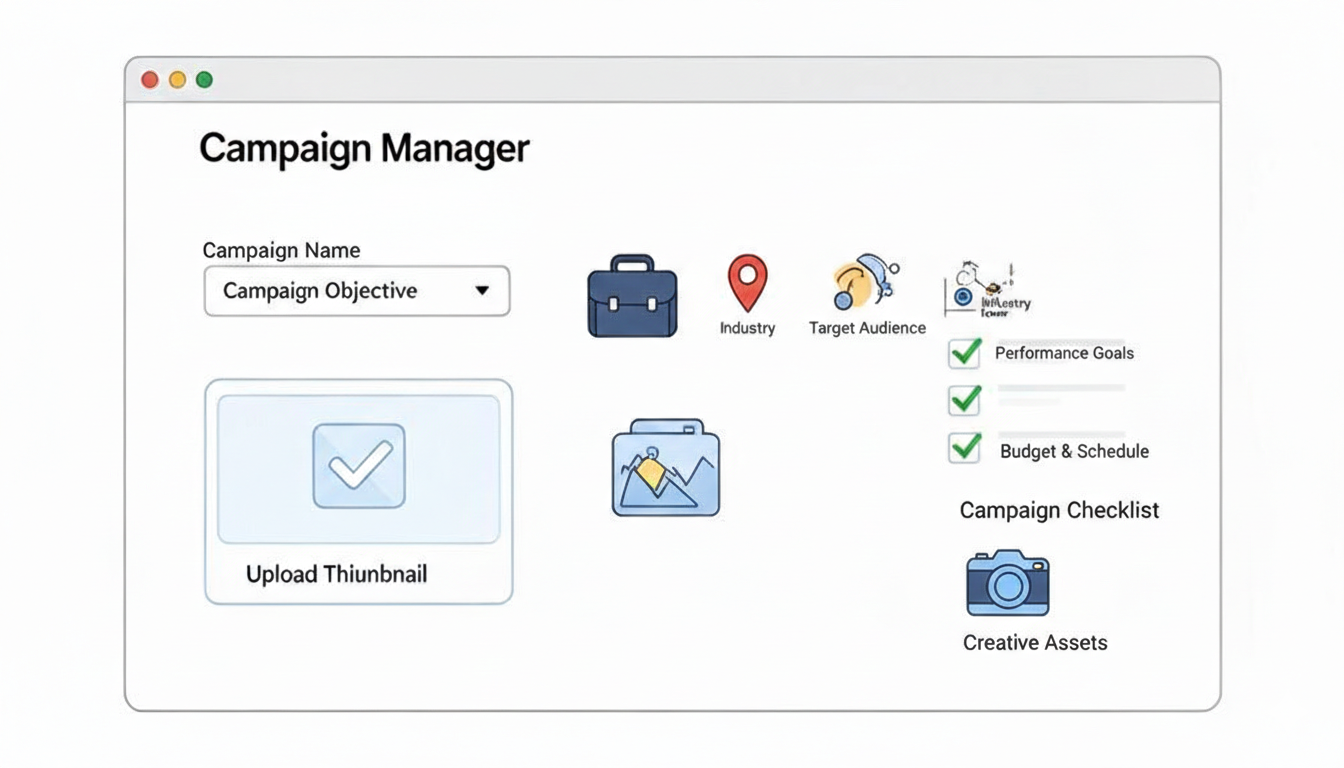
With your objective locked in, it’s time to build your audience. This is where LinkedIn's B2B data shines. Forget casting a wide net; you can get incredibly specific and target people based on the professional criteria that actually matter to your business.
For example, don't just target the generic "IT industry." Layer your criteria to get to the right people. You could target IT Decision-Makers with Manager seniority or higher, working at SaaS companies that have 100-500 employees, all located in the United States. That's the kind of surgical precision that makes sure your video lands in front of people with the authority and context to care.
A good targeting strategy is just your ideal customer profile brought to life inside Campaign Manager. Every filter you add should bring you one step closer to the person who will get the most value from your video. I always recommend creating a few different niche audiences to test against each other.
To take it a step further, start exploring Matched Audiences. You can upload a list of target companies (Account Targeting) or a contact list from your CRM. This lets you run hyper-focused campaigns that sync up perfectly with your sales team's ABM efforts. If you find your campaigns are falling flat, a deep dive into your targeting is often the first step in figuring out how to fix broken video campaigns.
Selecting Your Bidding Strategy and Budget
Next, you have to talk money. Tell LinkedIn how much you’re willing to spend and how you want to spend it. Your bidding strategy should always be tied to your campaign objective.
Starting with "Maximum delivery" (automated bidding) is a decent way to gather initial data, but I highly recommend switching to a manual bid once you have some performance benchmarks. It gives you far more control over your costs.
If your objective is "Website conversions," you might set a Target Cost Per Acquisition (CPA). This tells the algorithm to aim for conversions at or below a specific cost, which is great for maintaining profitability. For a "Video views" campaign, you'd likely set a Maximum Cost Per View (CPV) bid.
As for your daily budget, be realistic. I've found that a budget of $50 per day is a solid starting point for most new campaigns. It’s enough to give the algorithm sufficient data to learn and optimize without risking a huge amount of money upfront. Keep a close eye on performance for the first 72 hours and be ready to make adjustments.
Setting Up Your Ad Creative and Tracking
This is the final piece of the puzzle: uploading your video and ad copy. Don't let a simple technical issue derail your launch. Double-check that your video file meets all of LinkedIn's specs for size, length, and aspect ratio to avoid any frustrating upload errors. This is also where you'll write the headline and introductory text that hooks your audience and gives context to your video.
But here’s the most important part: make sure your tracking is set up correctly before you hit launch. This means installing the LinkedIn Insight Tag on your website. This tiny piece of code is absolutely crucial. It tracks conversions, lets you build powerful retargeting audiences from your website visitors, and gives you a true understanding of your campaign’s ROI. Launching without it is like flying blind.
Measuring Success and Optimizing for Better Performance
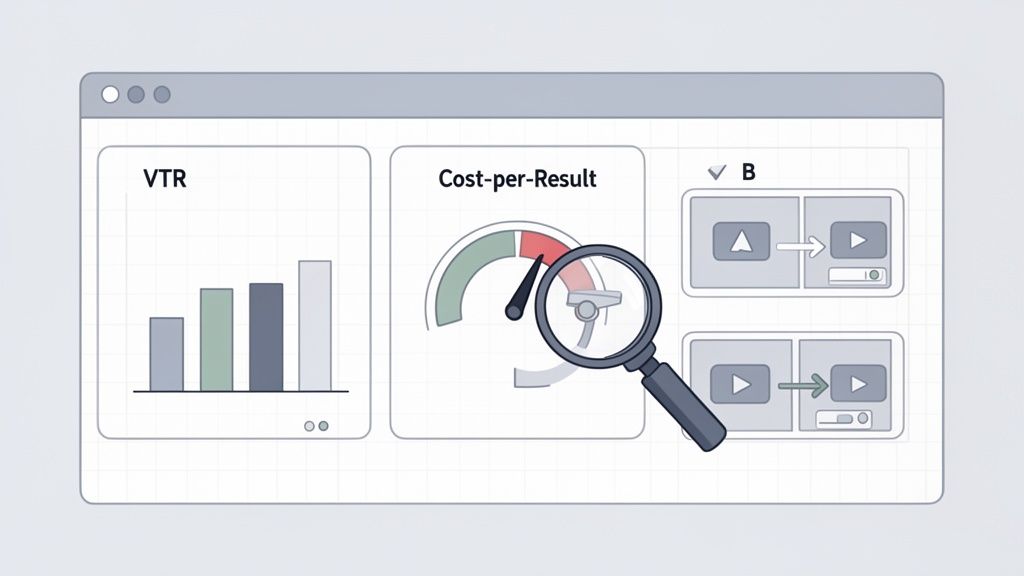
Launching your campaign isn’t the finish line; it’s the starting gun. The real work—and the real growth—begins the moment you start analyzing what’s working, ditching what isn’t, and pouring fuel on your winners. This is how good campaigns become profitable ones, turning raw data into a clear path forward.
First things first: let's move past the vanity metrics. Impressions and raw click-through rates (CTR) might look good in a report, but they don't tell the whole story. For video ads on LinkedIn, you need to zero in on the numbers that signal real engagement and business impact. That means rolling up your sleeves and digging into the analytics inside LinkedIn Campaign Manager to make smart, data-backed decisions.
Key Metrics That Truly Matter
If you want to know how you're really doing, you have to track the right KPIs. While every campaign has its own primary goal, a few video-specific metrics will give you a crystal-clear picture of how your creative is landing with your audience.
These are the numbers I personally watch like a hawk:
- View-Through Rate (VTR): This is the percentage of people who watched at least 25% of your video. A high VTR is gold—it’s a powerful sign that your hook is grabbing attention and your content is hitting the mark.
- Cost Per Result: Think of this as your North Star. It’s tied directly to your campaign objective, whether that’s Cost Per Lead (CPL) or Cost Per Conversion. This figure tells you exactly what you’re paying to hit your goal.
- Video Completion Rate: What percentage of viewers stuck around to watch the whole thing? For shorter ads, anything above a 15-20% completion rate is a fantastic sign of strong engagement.
By keeping a close eye on these metrics, you can quickly diagnose what’s going on. A low VTR usually means your first three seconds aren't cutting it. A high VTR but a low completion rate? Your video might be too long, or the middle section is losing steam.
Interpreting Data and Making Smart Decisions
Don't just stare at the numbers; learn to read the story they're telling. For instance, if you see a high CTR but your landing page conversions are low, you’ve likely got a disconnect. The promise in your ad isn’t matching the experience on your page.
The goal is to create a feedback loop. Use the data from Campaign Manager to inform your next creative iteration. Every metric is a clue telling you what your audience wants to see more of.
This iterative process is the key to scaling your success. Instead of making massive, risky overhauls, you make small, informed tweaks based on what the data tells you. To get even more granular, you can explore some of the best tools for analyzing video performance for deeper insights.
A Practical Approach to A/B Testing
A/B testing is how you turn optimization from a guessing game into a science. With video ads, you have several high-impact variables you can test to steadily improve your results. The secret is to test just one thing at a time so you know for sure what’s making the difference.
Kick things off with tests that are likely to have the biggest impact:
- Test Different Thumbnails: Your thumbnail is your video's first impression. Try pitting a person’s face against bold text or a product shot to see what earns the click.
- Experiment with Ad Copy: Test a question-based headline against one that leads with a compelling statistic. Even small tweaks to your intro text can dramatically change how people perceive the video.
- Vary Your Call-to-Action (CTA): Pit a direct CTA like "Book a Demo" against a softer one like "Download the Guide." The right CTA meets your audience where they are in their buying journey.
- Compare Video Lengths: Run a snappy 15-second version of your ad against a more detailed 45-second cut. You might discover that the shorter edit drives a much higher completion rate and a lower cost per result.
Let each test run long enough to get statistically significant data—I usually aim for at least a week or until a few hundred clicks roll in. Once you have a clear winner, pause the loser and bring in a new challenger. This endless cycle of testing and learning is the secret sauce to long-term campaign success.
Got Questions About LinkedIn Video Ads?
When you first start with video ads on LinkedIn, a few key questions always pop up. Answering them correctly can mean the difference between a campaign that sputters along and one that really takes off. I've seen it firsthand.
Let's break down the common ones with some practical, no-fluff answers. Getting these details right will give you a serious leg up.
How Long Should My LinkedIn Video Ad Be?
LinkedIn might let you upload a video up to 30 minutes long, but don't do it. The real sweet spot for performance is much, much shorter.
If you're running a brand awareness campaign, aim for under 30 seconds. We've seen this boost view-through rates by over 20%. People on LinkedIn are scrolling with purpose, so you have to be quick.
But what if you're explaining a more complex SaaS product or a detailed service? For those mid-funnel plays, you can stretch it to 60-90 seconds. That gives you just enough room to build a solid case without losing your audience's attention.
The golden rule? Land your core message and show your brand within the first 10 seconds, no matter what. And always, always A/B test a short version against a longer one. Let the data tell you what your audience actually wants to see.
What Is a Good Starting Budget for a Campaign?
There's no magic number here, but I usually recommend a starting daily budget of $25-$50 for small to medium-sized businesses. It’s enough to give LinkedIn’s algorithm the data it needs to start learning and optimizing, all without you having to drain your bank account on day one.
If your main goal is lead generation, think about it differently. Work backward from your target Cost Per Lead (CPL). Let's say your ideal CPL is $50. A daily budget of at least $100 gives the campaign a real shot at generating a couple of leads each day, which speeds up that crucial learning phase for the algorithm.
Keep a close eye on performance during that first week. Be ready to double down on what’s working.
Should I Use LinkedIn Lead Gen Forms with My Ads?
Yes. A thousand times, yes. Especially if you're after leads.
LinkedIn Lead Gen Forms are absolute gold because they pre-fill a user's information straight from their profile. This simple feature slashes the friction of signing up. I’ve seen it single-handedly transform conversion rates.
Think about it: someone clicks your CTA, and a form pops up right there in the app, already filled out. It’s seamless. This is almost always better than kicking busy professionals over to an external landing page where they have to start typing everything out manually.
Here’s a combo that just flat-out works:
- A killer video ad that hooks them by identifying a pain point and showing your solution.
- A high-value offer in exchange for their details—think a deep-dive whitepaper, an exclusive webinar, or a useful template.
- A LinkedIn Lead Gen Form to make saying "yes" ridiculously easy.
This pairing is one of the most reliable ways to generate high-quality B2B leads on LinkedIn, period.
At Moonb, we're all about creating high-quality, on-brand video ads that get results, minus the friction of a traditional agency. If you want to scale up your creative production and launch campaigns that actually convert, see how our on-demand creative infrastructure can make it happen. https://moonb.io