12 Best AI Tools for Social Media (2026)
Twelve AI tools for social media content in 2026 for copy, design, video, and scheduling, each with current pricing and one real limitation.

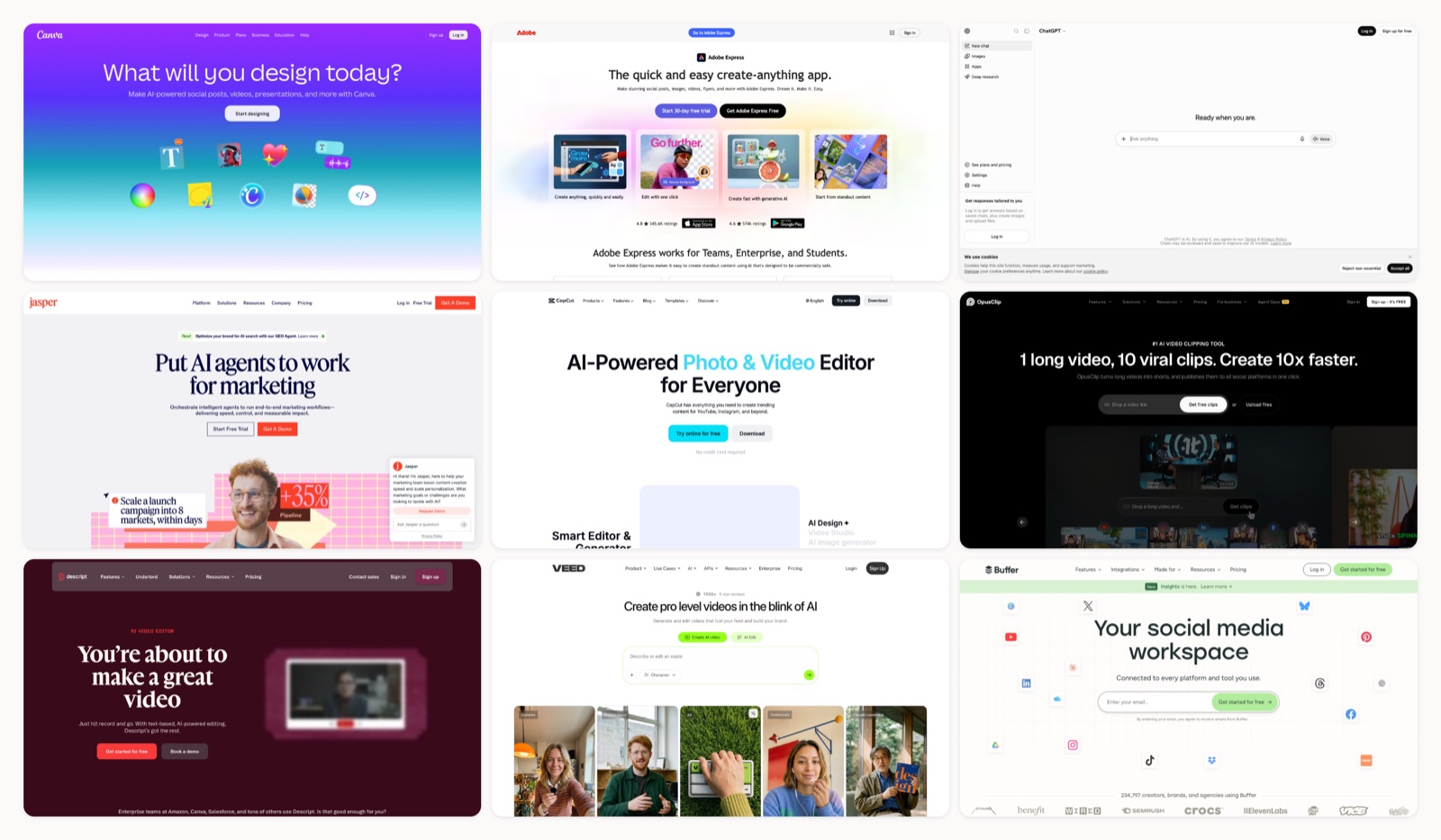
The hard part of social media in 2026 is rarely the idea. It is the volume. I grouped these by the job they solve, and I flag the ones I would keep in a stack against the ones I would drop after a month. A posting calendar asks for more than any small team can make by hand, and the standard fix has been to keep adding apps until the stack sprawls. A cleaner way to choose is by job. Four jobs cover most of the work: writing the copy and hooks, designing the image, cutting the video, and scheduling everything out. One strong tool per job beats a drawer full of overlapping ones.
This list follows that logic. Every tool below is live in 2026, with current pricing and one real limitation, so you can match each pick to the gap you actually have. If you are still working out what to post, our roundup of social media content ideas pairs with any of them, and the free social media sizes reference keeps your dimensions right across platforms.
1. Canva (Magic Studio)
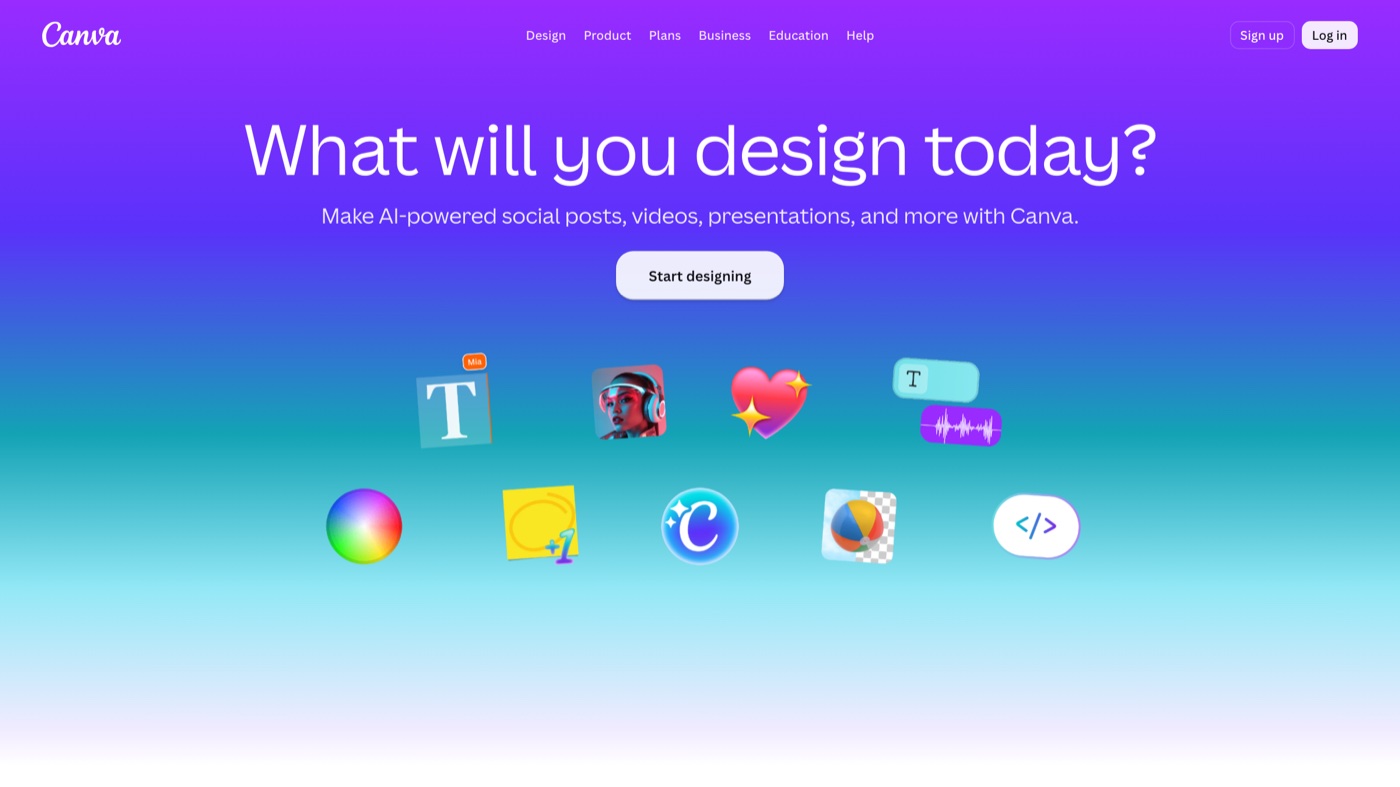
- Best for: Teams without a designer who need image posts, carousels, and story graphics fast.
- Pricing: Free tier covers the basics; Pro runs $15/month or $120 a year for one person.
- Why it stands out: Magic Studio folds text-to-image, caption drafting, and one-click resizing into the editor most social teams already know. Build one design and reformat it for a Reel cover, a story, and a LinkedIn post without starting over.
- Worth knowing: The AI features draw on a monthly credit allowance, so anyone generating heavily hits the ceiling on lower tiers.
2. Adobe Express
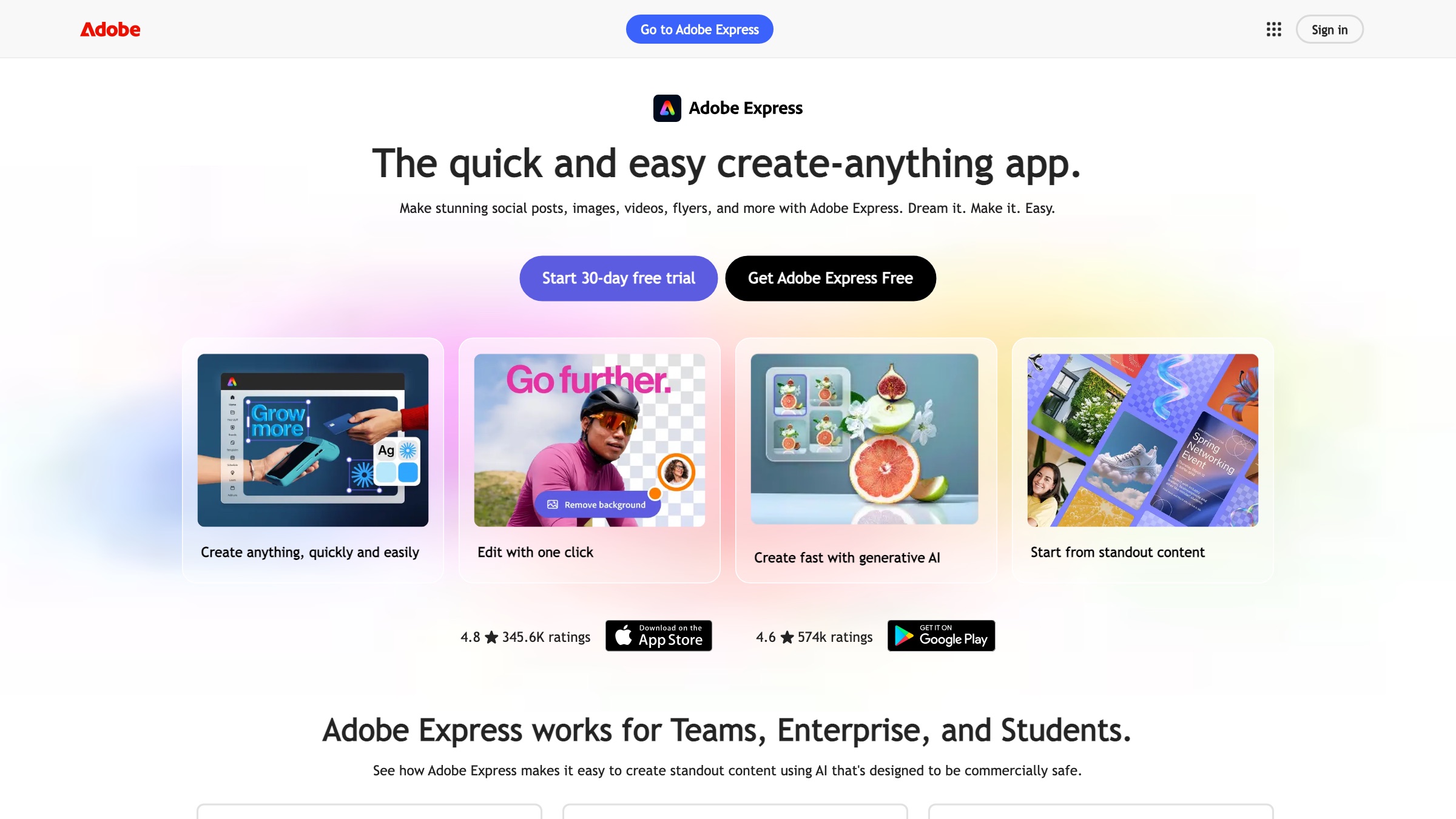
- Best for: Brand teams that need commercially-safe AI visuals and tight brand-kit control.
- Pricing: Free tier; Premium is $9.99/month ($99.99 a year).
- Why it stands out: Firefly is trained on licensed content, which matters once assets go into paid campaigns. Locked brand kits keep output on-guideline, and files move straight into Photoshop or Illustrator when a design needs more work.
- Worth knowing: The interface asks more of you than a pure drag-and-drop app, and the higher generation limits sit behind the paid tier.
3. ChatGPT
- Best for: Caption drafts, hooks, content angles, and reworking one post into ten platform variants.
- Pricing: Free tier; Plus is $20/month.
- Why it stands out: It is the quickest way from a blank page to twenty caption options or a month of post angles. Feed it your past captions and audience notes and it holds a rough voice across a batch.
- Worth knowing: Output reads generic until you give it real brand context, so edit the first draft hard before anything ships.
4. Jasper
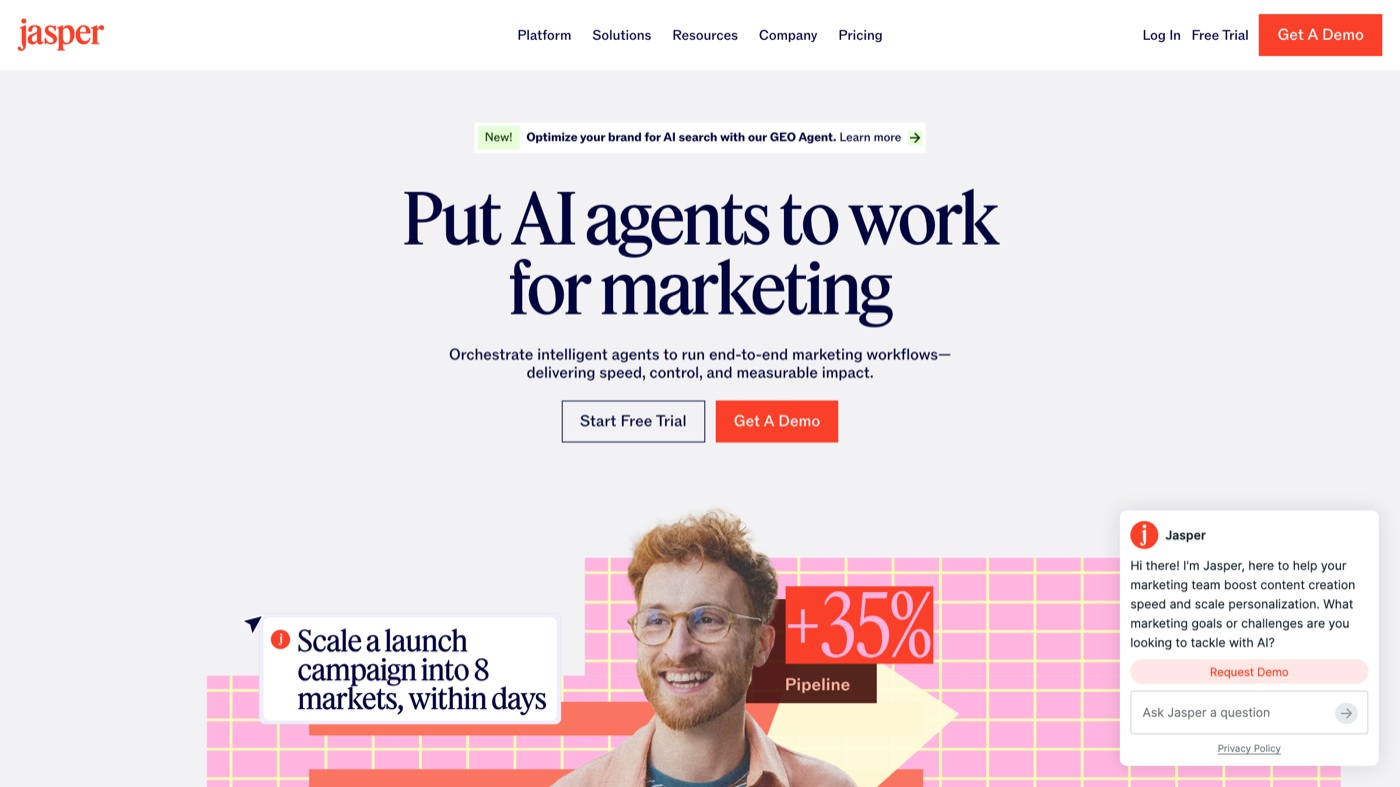
- Best for: Marketing teams running multi-channel campaigns that need copy in one steady brand voice.
- Pricing: Pro starts at $59/month billed yearly ($69 month to month).
- Why it stands out: Jasper learns your style guide and past content, then produces a full set of assets (ad copy, social posts, and email) from a single brief. In 2026 it added Jasper Agents that research a topic and draft to your calendar, part of a wider move toward agentic tools across the category.
- Worth knowing: It costs more than a general chatbot, and the older Creator tier is no longer offered to new users.
5. CapCut
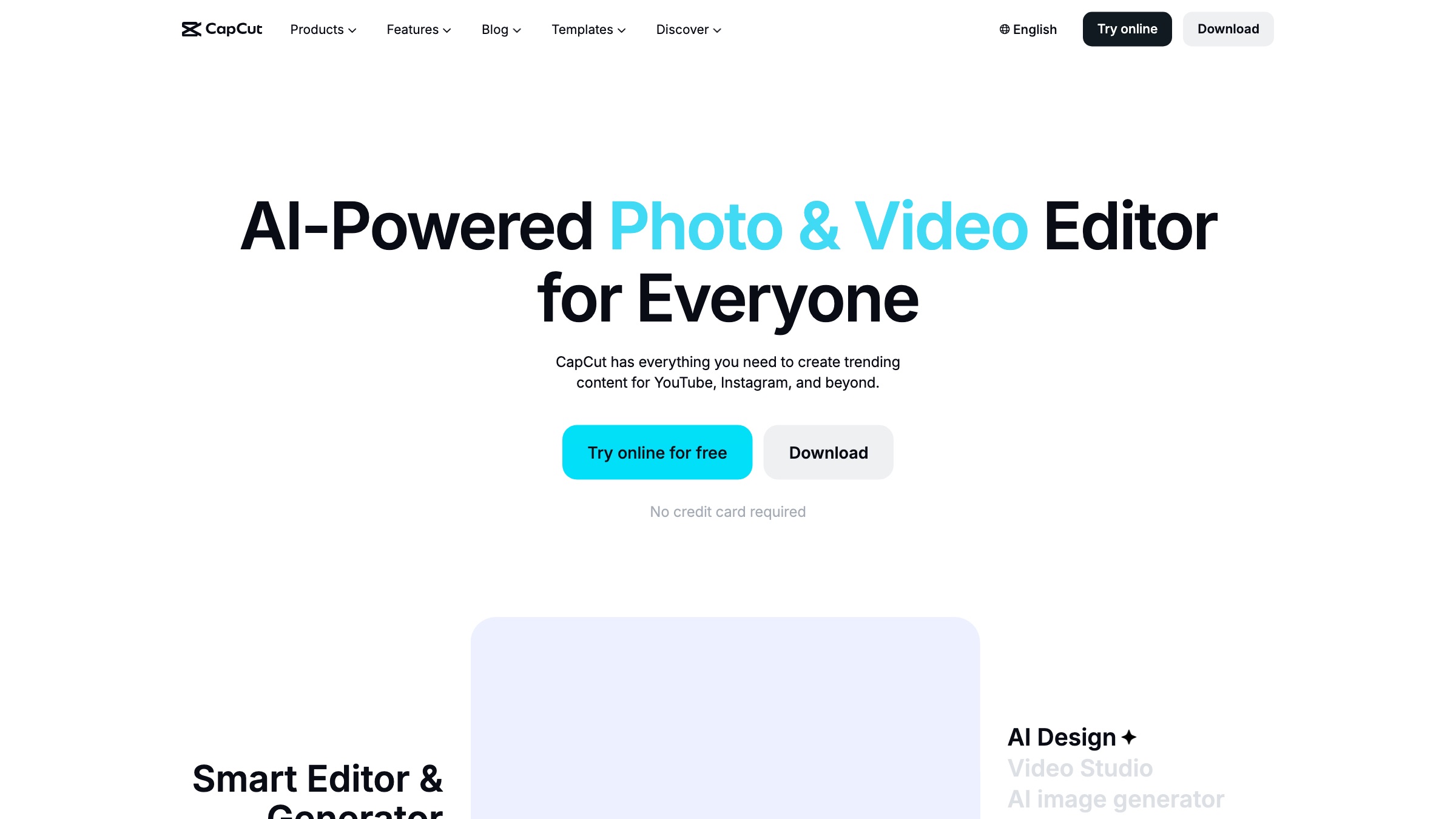
- Best for: Short-form vertical video for Reels, TikTok, and Shorts.
- Pricing: Free tier; Standard $9.99/month, Pro $19.99/month on the web.
- Why it stands out: Auto-captions, background removal, noise cleanup, and a deep template library make it the shortest path from raw phone footage to a posted clip. Read our short-form video guide for how it fits a wider plan.
- Worth knowing: Pro roughly doubled in price during the late-2025 restructure, and a 2025 privacy lawsuit over its data collection keeps some brands cautious about corporate use.
6. OpusClip
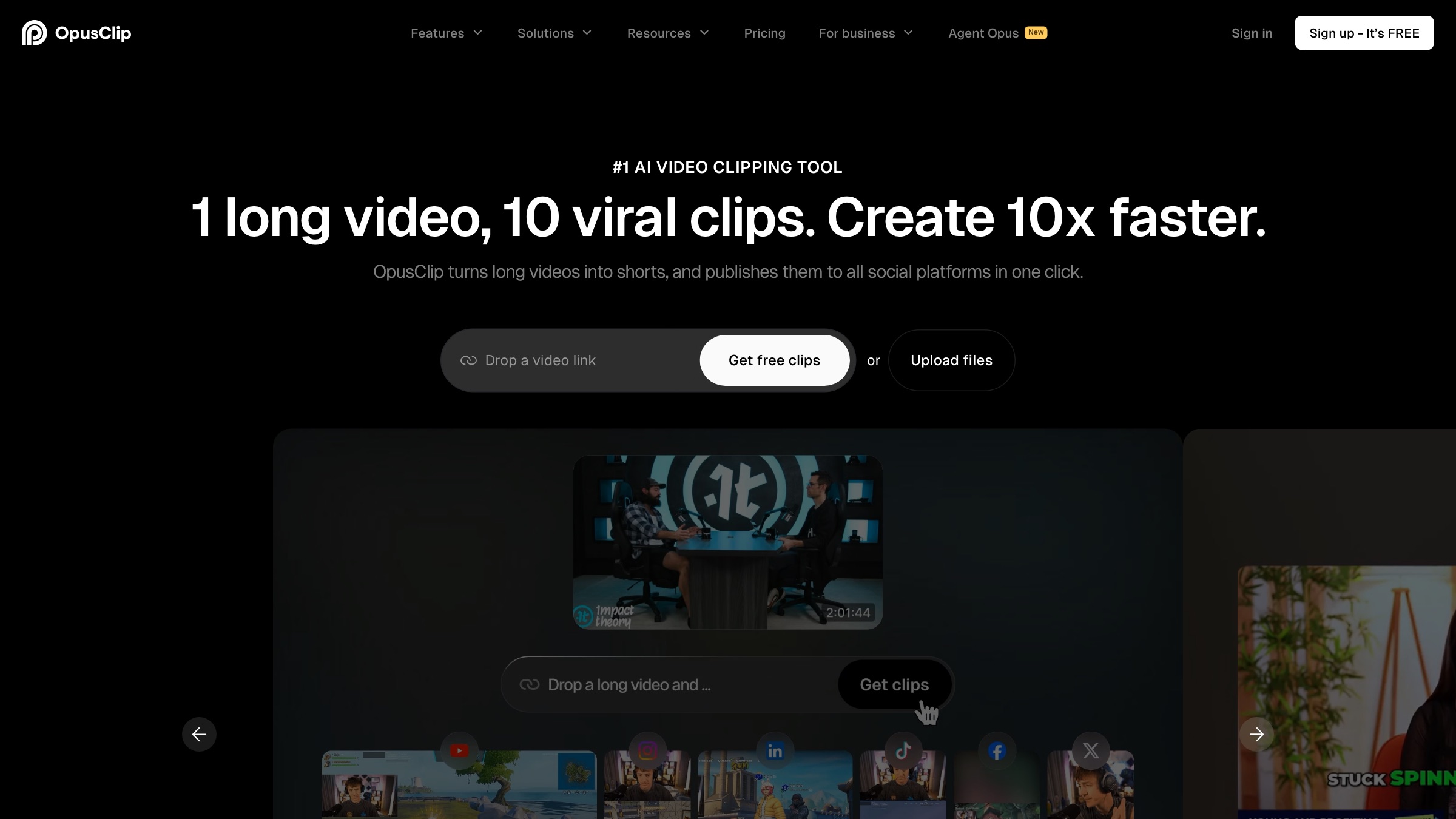
- Best for: Turning one long video (a podcast, webinar, or livestream) into a batch of ranked short clips.
- Pricing: Free tier with 60 watermarked minutes; Starter $15/month, Pro $29/month.
- Why it stands out: It scores each moment of a recording for clip potential, then cuts, reframes to vertical, and captions the strongest segments. For teams sitting on hours of footage, it works like a clip factory.
- Worth knowing: The scoring is a starting point; the best clips still need a person to trim and re-title, and monthly processing minutes cap your volume.
7. Descript
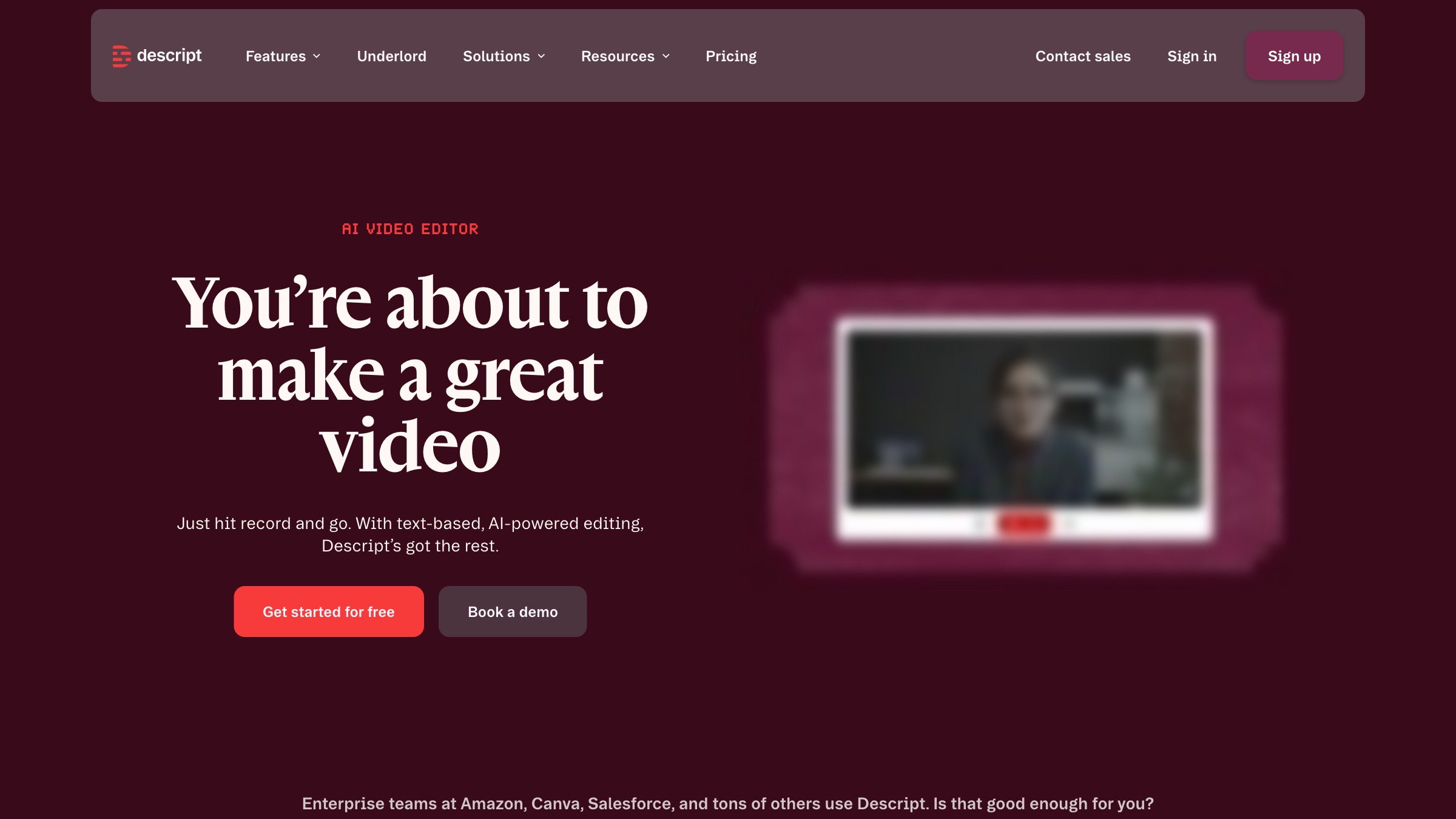
- Best for: Editing video and audio by editing a transcript, then lifting social clips out of it.
- Pricing: Free tier; Hobbyist $16/month, Creator $24, Business $50 (per user, billed yearly).
- Why it stands out: Delete a sentence in the transcript and the matching footage disappears. The Underlord assistant finds highlights and strips filler words, and the studio-quality audio cleanup rescues rough recordings. It pairs well with a fuller AI video editor roundup.
- Worth knowing: Lower tiers cap transcription hours, and there is a short learning curve for anyone new to editing.
8. VEED
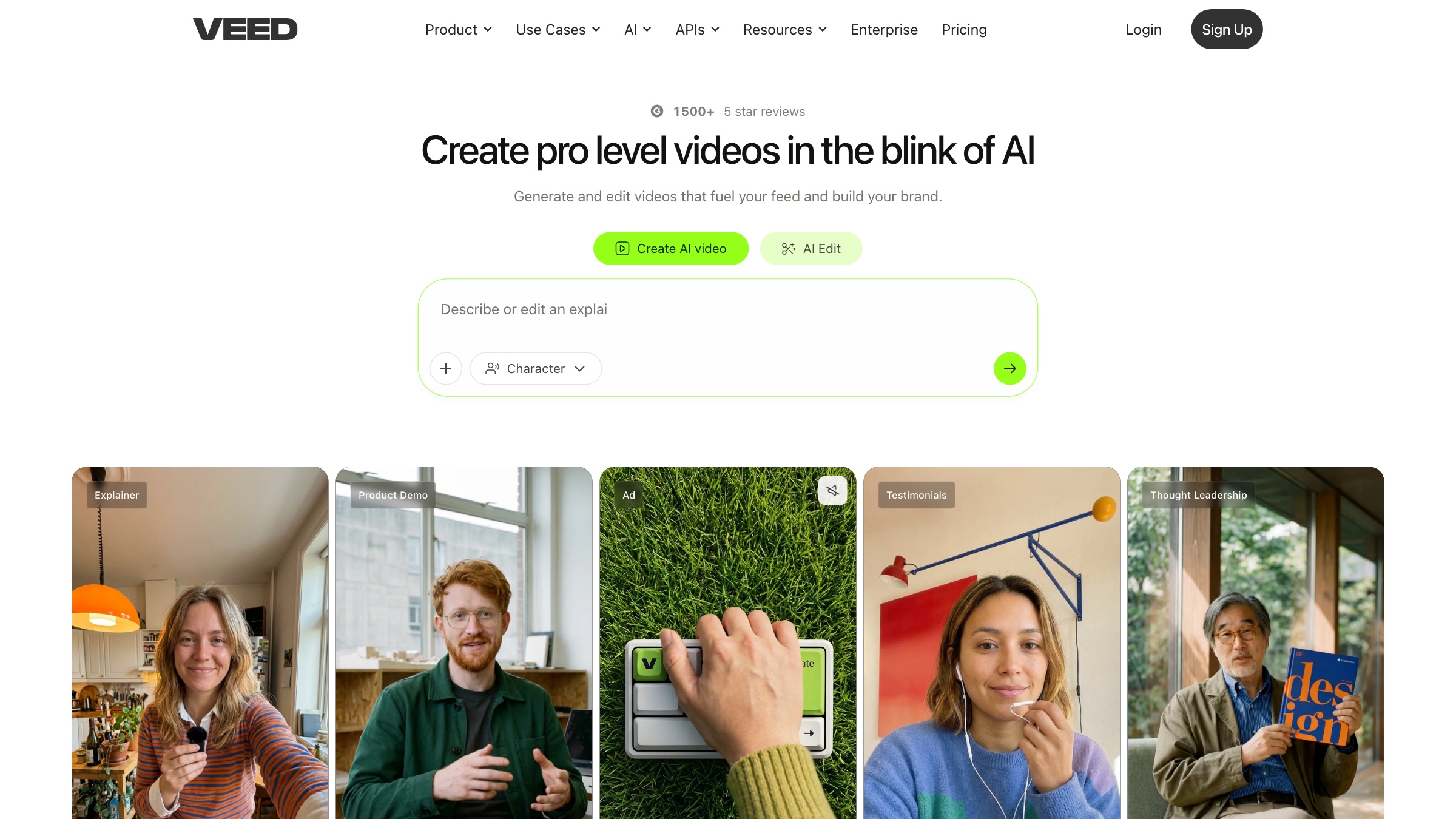
- Best for: Browser-based video editing with automatic subtitles and translation into dozens of languages.
- Pricing: Free tier with a watermark; paid tiers run from about $20/month to $70/month.
- Why it stands out: Upload a clip and VEED transcribes, captions, and translates it, then resizes for each platform in a click. The subtitle accuracy is strong, which widens reach without a separate captioning pass.
- Worth knowing: AI transcription and translation carry usage limits, and team features live on the higher tiers.
9. Buffer
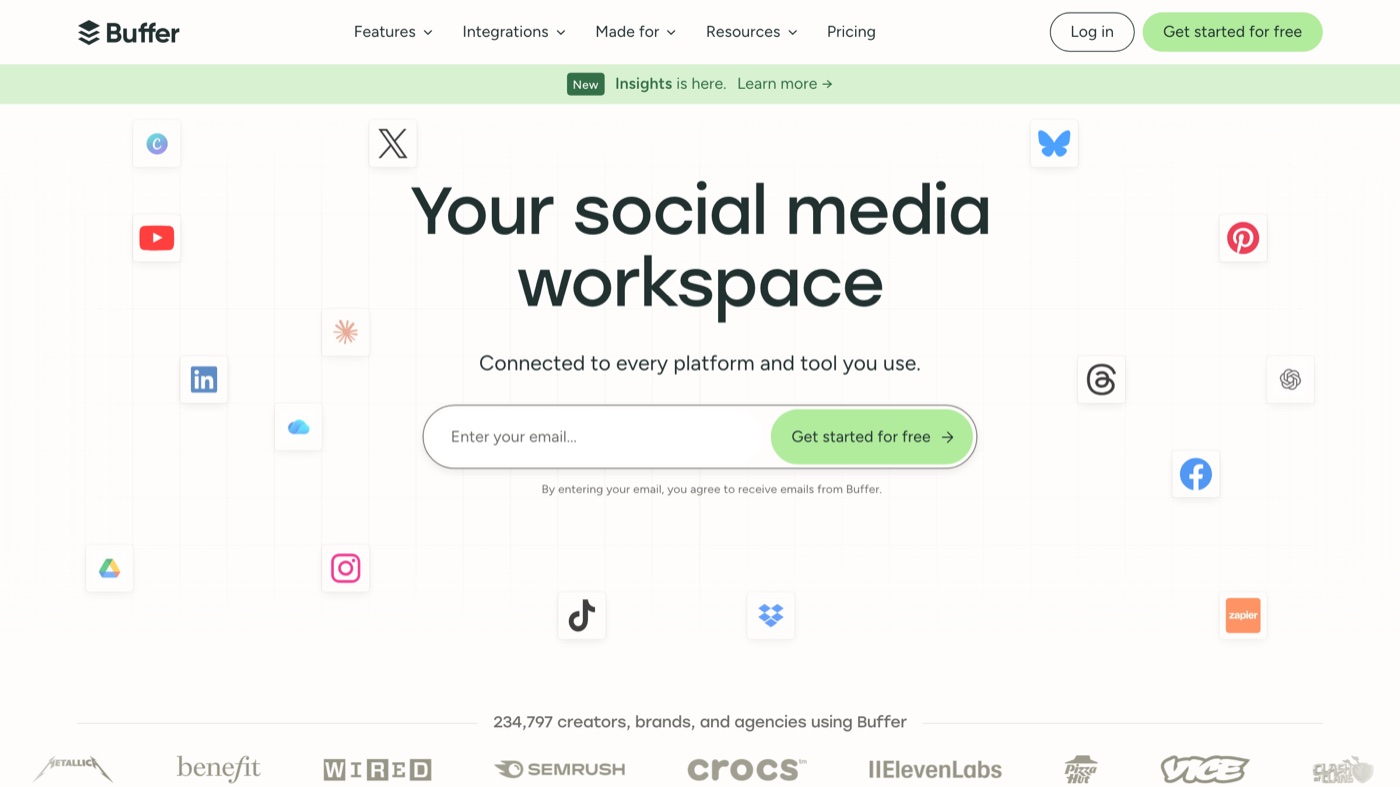
- Best for: Small teams and solo creators who want simple multi-platform scheduling with caption help built in.
- Pricing: Free plan for 3 channels with the AI Assistant included; Essentials is $5 per channel per month on annual billing.
- Why it stands out: The AI Assistant lives inside the composer, so you draft, repurpose a link into captions, and schedule in one pass. Its timing suggestions help you land the best times to post.
- Worth knowing: The per-channel price climbs as you connect more accounts, and the AI is lighter than a dedicated copy tool.
10. Later
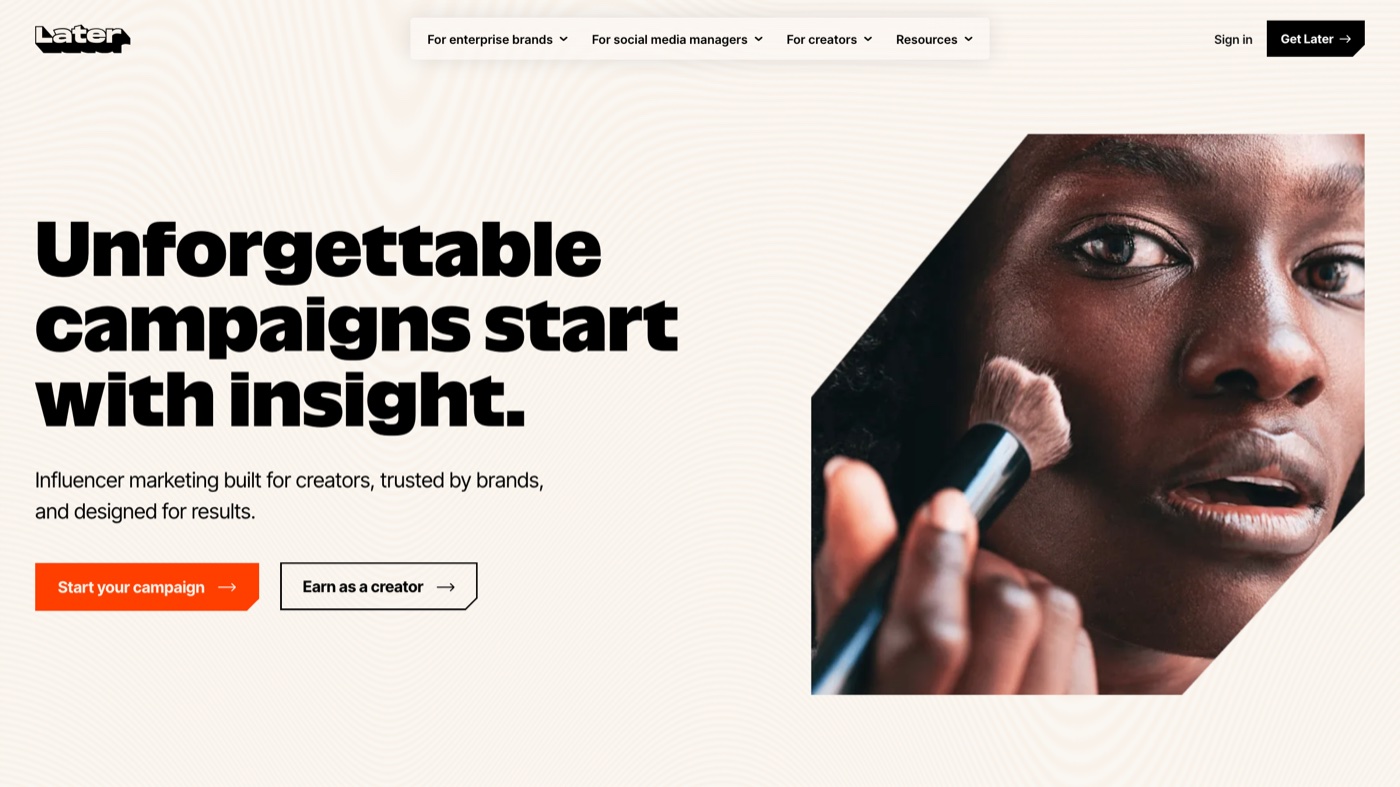
- Best for: Visual planning for Instagram and TikTok, plus a link-in-bio page.
- Pricing: Free tier; Starter is $25/month ($18.75 on annual billing).
- Why it stands out: The drag-and-drop grid lets you see the feed before it posts, and the AI drafts captions and post ideas from a topic. Best-time suggestions and a shared content inbox close the loop.
- Worth knowing: Its AI runs on a monthly credit count and focuses on text, not visual generation.
11. Hootsuite
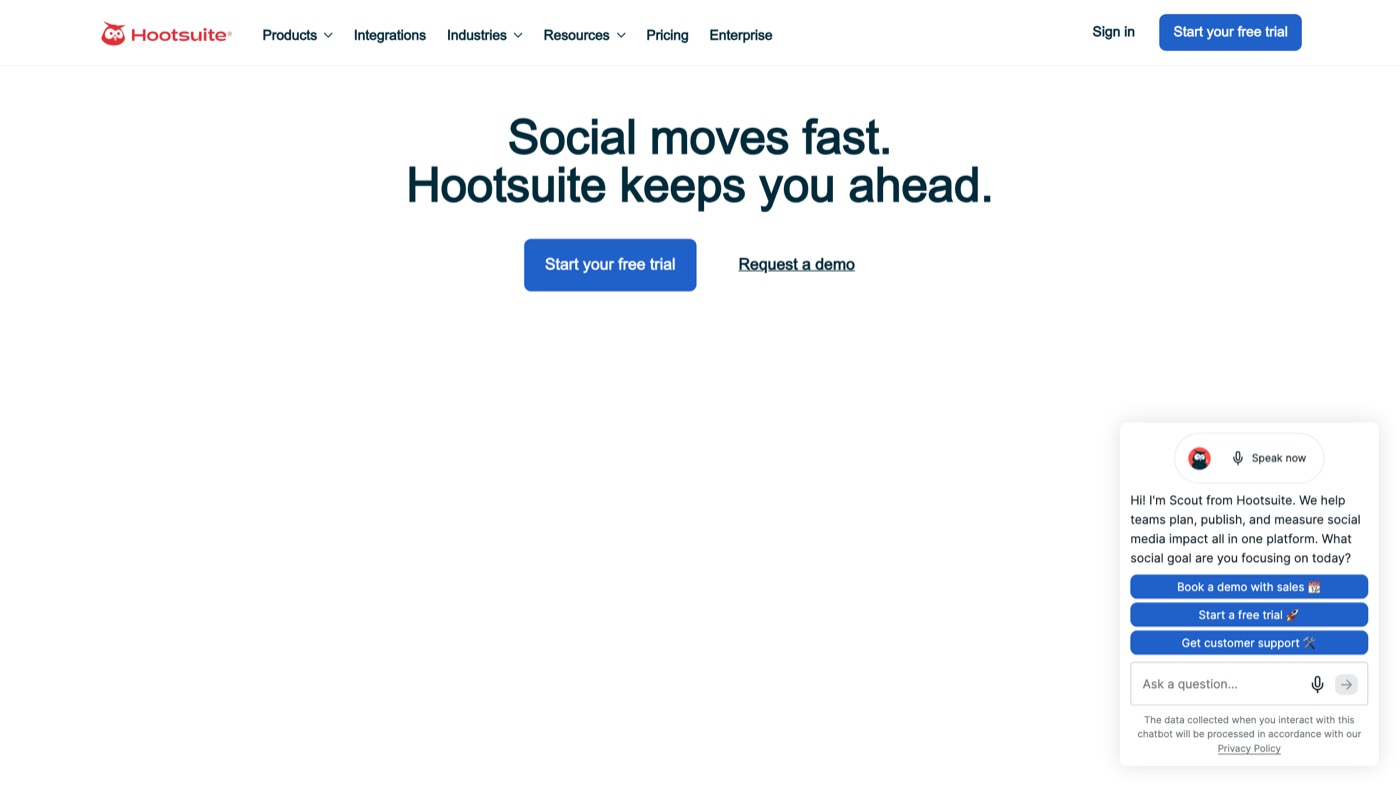
- Best for: Larger teams managing many accounts that need approvals, listening, and agentic drafting in one place.
- Pricing: Standard is $99/month per seat; Advanced runs $249/month.
- Why it stands out: OwlyWriter drafts captions and hashtags inside the dashboard, and OwlyGPT can research a topic and queue posts to your calendar. The approval workflows and social listening suit teams that watch brand safety closely.
- Worth knowing: It is the most expensive option here, and listening tools sit on the higher tiers.
12. Predis.ai
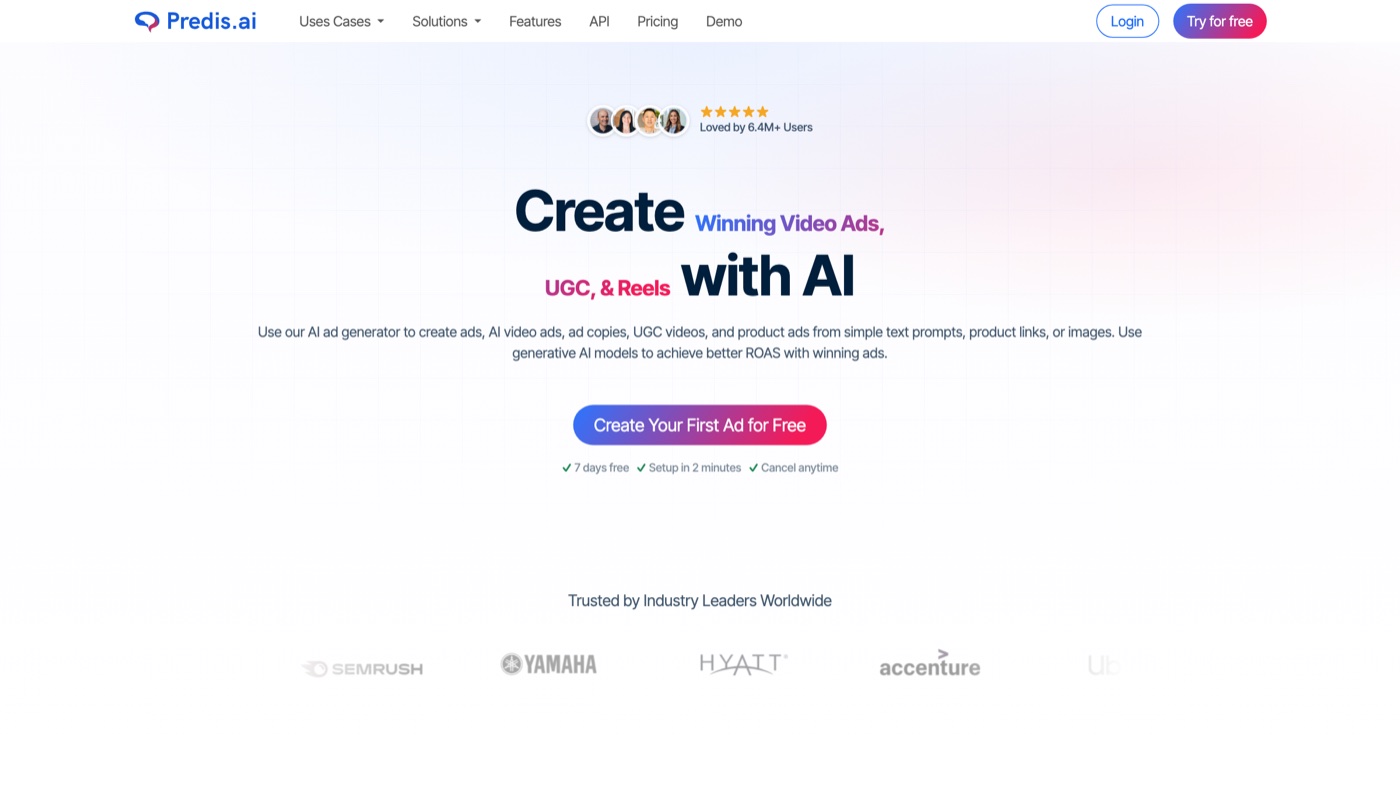
- Best for: Generating finished social posts (carousels, single images, short video) from a text prompt.
- Pricing: Free tier with 15 posts a month; Core is $32/month, Rise $79/month.
- Why it stands out: Predis builds the visual, the caption, and the hashtags together, then schedules them. Its competitor analysis surfaces what similar accounts are posting, which helps fill a thin calendar quickly.
- Worth knowing: The auto-generated designs usually need brand polishing before they go live, and extra seats cost more.
| # | Tool | Best for | Pricing | Limitation |
|---|---|---|---|---|
| 1 | Canva (Magic Studio) | Non-designers making image posts and carousels | Free; Pro $15/mo or $120/yr | AI features run on a monthly credit cap |
| 2 | Adobe Express | Commercially-safe visuals with brand control | Free; Premium $9.99/mo | Heavier interface; top generation limits are paid-only |
| 3 | ChatGPT | Captions, hooks, and content angles | Free; Plus $20/mo | Output is generic without real brand context |
| 4 | Jasper | Multi-channel campaign copy in one brand voice | Pro from $59/mo (billed yearly) | Pricier than a general chatbot; Creator tier retired |
| 5 | CapCut | Short-form vertical video editing | Free; Standard $9.99/mo, Pro $19.99/mo | Price hike in 2026 and data-privacy questions |
| 6 | OpusClip | Clipping long video into ranked shorts | Free; Starter $15/mo, Pro $29/mo | Clip picks need human trimming; monthly minute caps |
| 7 | Descript | Transcript-based video and audio editing | Free; Hobbyist $16/mo, Creator $24, Business $50 | Transcription hours capped on lower tiers |
| 8 | VEED | Browser video editing with auto-subtitles | Free; paid tiers $20 to $70/mo | AI usage limits; team tools cost more |
| 9 | Buffer | Simple scheduling for small teams | Free (3 channels); Essentials $5/channel/mo | Per-channel cost adds up; AI is light |
| 10 | Later | Visual Instagram and TikTok planning | Free; Starter $25/mo | Text-only AI on a monthly credit count |
| 11 | Hootsuite | Enterprise multi-account management | Standard $99/mo, Advanced $249/mo | Most expensive here; listening is tier-locked |
| 12 | Predis.ai | AI-generated posts from a text prompt | Free; Core $32/mo, Rise $79/mo | Designs need polishing; per-seat add-ons |
When a tool is not the answer
Every tool here speeds up making and posting. What none of them supply is judgment. Whether a video earns its first three seconds, or whether a month of posts still reads as one brand rather than fifty templates, those calls come from people. HubSpot’s own guidance on AI social posts lands in the same place: the drafting can be automated, the strategy and brand voice cannot.
When your calendar needs that quality every week, the real decision is between hiring people and bringing in a team that already works this way. Our guide on building an in-house creative team breaks down what that path actually costs. Moonb sits on the other side of it: an embedded creative team covering video, design, motion, and animation, led by a dedicated Creative Director who works inside your marketing team rather than being one more app you operate. For everything else on this list, start with one tool per job and add another only when a real bottleneck shows up.
Frequently asked questions
There is no single best pick; it depends on the job. Canva leads for image design, CapCut for short video, ChatGPT and Jasper for copy, and Buffer or Hootsuite for scheduling. Most teams run two or three of these together, one per bottleneck, rather than one do-everything app.
It can draft captions, generate images, cut clips, and schedule them, which removes most of the manual work. It still needs a person to set the strategy, check the brand voice, and make the final edit. Treat the output as a strong first draft, not a finished post.
Yes. Canva, CapCut, Buffer, ChatGPT, Descript, and Later all have free tiers that cover a real amount of work. The paid tiers mostly add higher usage limits, watermark removal, and team features, so many creators start free and upgrade only when a limit gets in the way.



