Video Content Creation: 10 Types and When to Use Them
A working guide to 10 video content formats, with 2026 engagement data and how I choose the right one for the goal and the platform.

Pick the format before you pick the camera. That single call does more to decide whether a video earns its keep than lighting or lens choice ever will. I have watched a beautifully shot brand film fall flat because the moment called for a quick product demo, and I have seen a phone clip shot in an afternoon outperform a five-figure edit because it fit where people were actually watching.
So here is a working guide to ten video content formats. For each one I cover what it does well and where it tends to fail, plus the one habit that lifts a mediocre version into a good one. Two numbers are worth holding onto before we start. Short-form video is the format the most marketers name as their highest-return content, according to HubSpot’s 2025 data. And attention falls off as videos run longer: Vidyard’s benchmarks put completion near 65 percent for business videos under a minute and around 20 percent once you pass twenty, a decline Wistia’s 2026 State of Video report traced again across more than 13 million videos. Length is a cost you pay in attention, so spend it on purpose.
1. Talking-head and presenter videos
A talking-head video is one person speaking to camera, and it is the fastest way to put a human face on a message. I reach for it when the goal is trust: a founder explaining a decision, or an expert answering a question people actually ask. The format lives or dies on sound and eyeline. The camera barely matters. People forgive a soft image long before they forgive an echoey room, so a lapel or shotgun mic pays for itself on the first take, and if the presenter looks into the lens instead of the flip-out screen, the viewer feels spoken to. Keep the background plain so nothing competes with the face.
2. Screen recordings and tutorials
A screen recording captures a real screen to show how something is done, which makes it the workhorse of support and onboarding. When someone is stuck, showing beats telling, and a two-minute walkthrough can deflect the same question a hundred times. I map the exact click path before recording and close every stray tab and notification, then narrate at a pace that leaves room to follow along. Cursor highlights and a zoom on the panel that matters do more for comprehension than any transition. For a software walkthrough it is the format I trust to actually teach rather than impress.
3. Animation and motion graphics
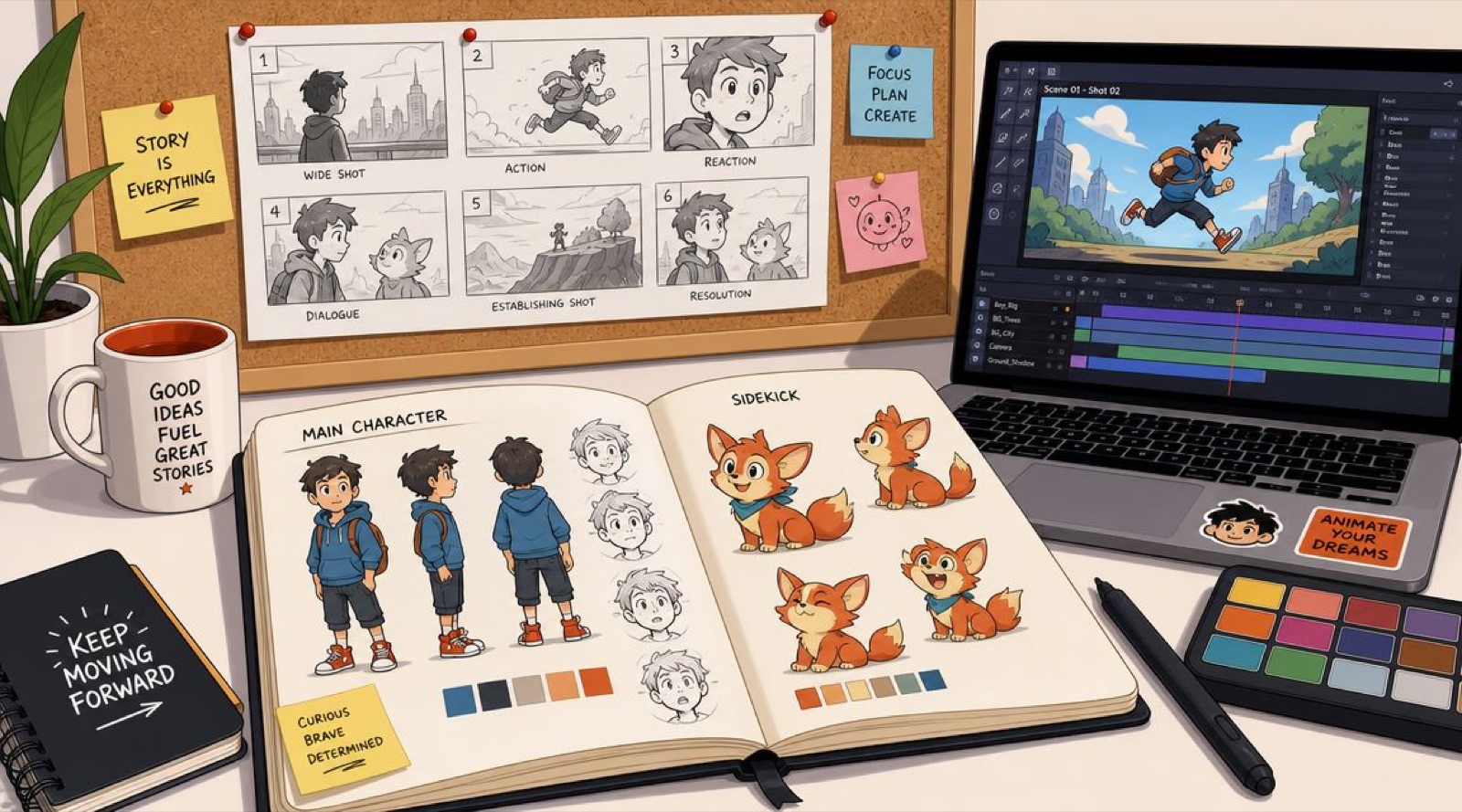
Animation earns its place when the thing you are explaining cannot be filmed: an abstract idea, or a product that lives inside a screen. It hands you total control of the visual world, which is why explainer videos lean on it so heavily. The trade is time and cost, so I storyboard first and cut any movement that is not carrying meaning. If you are weighing this against a shoot, our breakdown of animation versus live action walks through the real decision, and a run through these explainer video examples shows what tight motion work looks like when it is doing a job instead of showing off.
4. Live streaming
Live streaming trades polish for presence. Nothing else creates the same sense that the audience is in the room, which is why it fits launches and live Q and As, or a workshop where the interaction is the whole point. Run a full tech rehearsal, because the fastest way to kill a stream is a connection you never tested, and keep a second network on standby. Have someone moderating chat so you can answer real questions by name. A loose plan beats a rigid script here, since the unscripted moments are the reason people showed up live instead of waiting for the recording.
5. Documentary and brand-story films
A documentary-style film uses real people and a narrative arc to build belief in a way a straight ad cannot. I use it when a brand has a story worth thirty minutes of a viewer’s trust: a customer whose life changed, or a process most people never get to see. It rewards research and a clear arc that turns in the middle and reaches a real resolution, and it punishes padding faster than any other format. A scene that is not moving the story forward is costing you the viewer.
6. Product demos and reviews
A product demo turns interest into a decision by showing the thing working on a real problem. The mistake I see most is the feature tour, which lists what the product has instead of showing what it removes from someone’s day. Lead with the problem, then let the product solve it on screen. Naming a real limitation helps more than hiding it, because a demo that admits where the tool is not a fit reads as trustworthy. If you are building one, our guide to making a product demo video covers the structure I use.
7. Behind-the-scenes
Behind-the-scenes content shows the people and the process behind a finished piece, and it earns trust without a big production. A brainstorm, or a shipping day when everything nearly goes wrong, humanizes a brand better than any polished statement. The trick is to shape it into a small story rather than raw documentation, so pick a moment with a little tension and let personalities show. Keep the audio clean and the footage steady, but do not sand off the texture that makes it feel real.
8. Interviews and podcast video
Interview and podcast video borrows credibility from a guest and hands your audience real substance. Your job as host is to draw the guest out, not to perform, so research them properly and ask open questions that invite a story rather than a yes or no. Give every speaker their own microphone, since nothing sinks a conversation faster than one voice sounding like it is coming from inside a tunnel. A few minutes of relaxed chat before you roll gets you far warmer answers once the record light is on.
9. User-generated content
User-generated content is video your customers make, and it carries a kind of proof no in-house edit can fake. When a real person shows your product working in their own life, it validates a purchase in a way advertising cannot. Make participation easy with a clear prompt and a branded hashtag. Recognize the creators you feature, and always get explicit permission before you reuse a clip in a campaign. Treated well, this becomes a pipeline that compounds, because every feature encourages the next submission.
10. Short-form vertical video
Short-form vertical video is built for how people actually hold their phones, and it is where the most reach lives right now. Shot at 9:16 for TikTok, Instagram Reels, and YouTube Shorts, it wins on a strong first frame and a single fast idea. You have about three seconds to earn the next thirty, which is why I obsess over the opening. Our notes on video hooks go deep on that first beat, and the same discipline carries into every short-form reel we cut. Vimeo has a short walkthrough of the tools that turn raw footage into video content that tells a story, and it is worth watching before you plan a batch.
Where your audience actually watches
Format is only half the decision. The other half is matching it to where the audience already spends time, because the same clip performs differently on each platform. Short-form video is the content social users say they most want to interact with, but the strength of that preference swings a lot by platform, according to Sprout Social’s 2026 data.
Percentage of users who name short-form video (under 60 seconds) as the format they most interact with on each platform.
The read is simple. TikTok and Instagram reward short vertical clips hardest, while a longer talking-head or interview can earn more patient attention on YouTube or LinkedIn. I let those numbers push the format choice, rather than deciding on a format first and forcing it onto the wrong feed.
The ten formats side by side
| Format | Best for | Effort to produce | Watch out for |
|---|---|---|---|
| Talking-head | Trust, thought leadership | Low | Weak audio |
| Screen recording | Support, onboarding | Low | A rambling pace |
| Animation / motion graphics | Abstract ideas, on-screen products | High | Motion with no meaning |
| Live streaming | Launches, live Q and As | Medium | An untested connection |
| Documentary / brand story | Deep trust, emotion | High | Padding |
| Product demo | Buying decisions | Medium | Feature dumps |
| Behind-the-scenes | Humanizing a brand | Low | Feeling staged |
| Interview / podcast | Authority, reach | Medium | Bad microphones |
| User-generated content | Social proof | Low | Skipping permissions |
| Short-form vertical | Reach, awareness | Low to medium | A slow first frame |
How I decide which format to make
When a project lands on my desk I start with one question: what does this video need to change? Is it awareness, a sale, a signup, or a support call that never has to happen? The goal names the format long before the shoot date. A launch that needs reach wants short vertical cuts. A stalled deal usually wants a sharp product demo instead, and a cold audience that has to feel something first wants a story. If you want a structured way to pair a goal with a format, our guide to video formats lays that matching out in more detail.
The other thing I have learned across hundreds of these is that one format is rarely enough on its own. A single idea can become a two-minute film and a set of short vertical cuts, each doing a different job on a different platform from one shoot. That is where an embedded creative team pays off, since the same people who already know your brand can carry one idea across every format without starting from scratch each time. At Moonb that is the model we run, though the principle holds whoever makes the work: plan the formats before you roll, not after the footage is already in the can.
Frequently asked questions
Start with one that maps to your top goal, prove it works, then add a second. I would rather see two formats made consistently than eight made once. A talking-head paired with short vertical cuts is a strong starting combination for most brands, because one builds trust while the other builds reach.
About three seconds. That first frame has to signal the payoff or state the hook outright. Open on motion or a concrete promise, keep any critical text in the center of the frame away from the platform buttons, and never spend the opening on a logo sting.
Yes, and it is the most efficient way to work. From a single interview you can pull a long-form cut, a batch of short vertical clips, quote cards, and behind-the-scenes footage. Plan those outputs before the shoot so you capture the right framing and B-roll for each, rather than discovering the gaps once you are already in the edit.