12 Most Realistic AI Voice Generators (2026)
The most realistic AI voice generators of 2026, ranked from one hands-on test. Pricing, best-fit use cases, and the limit each tool keeps out of its demo.

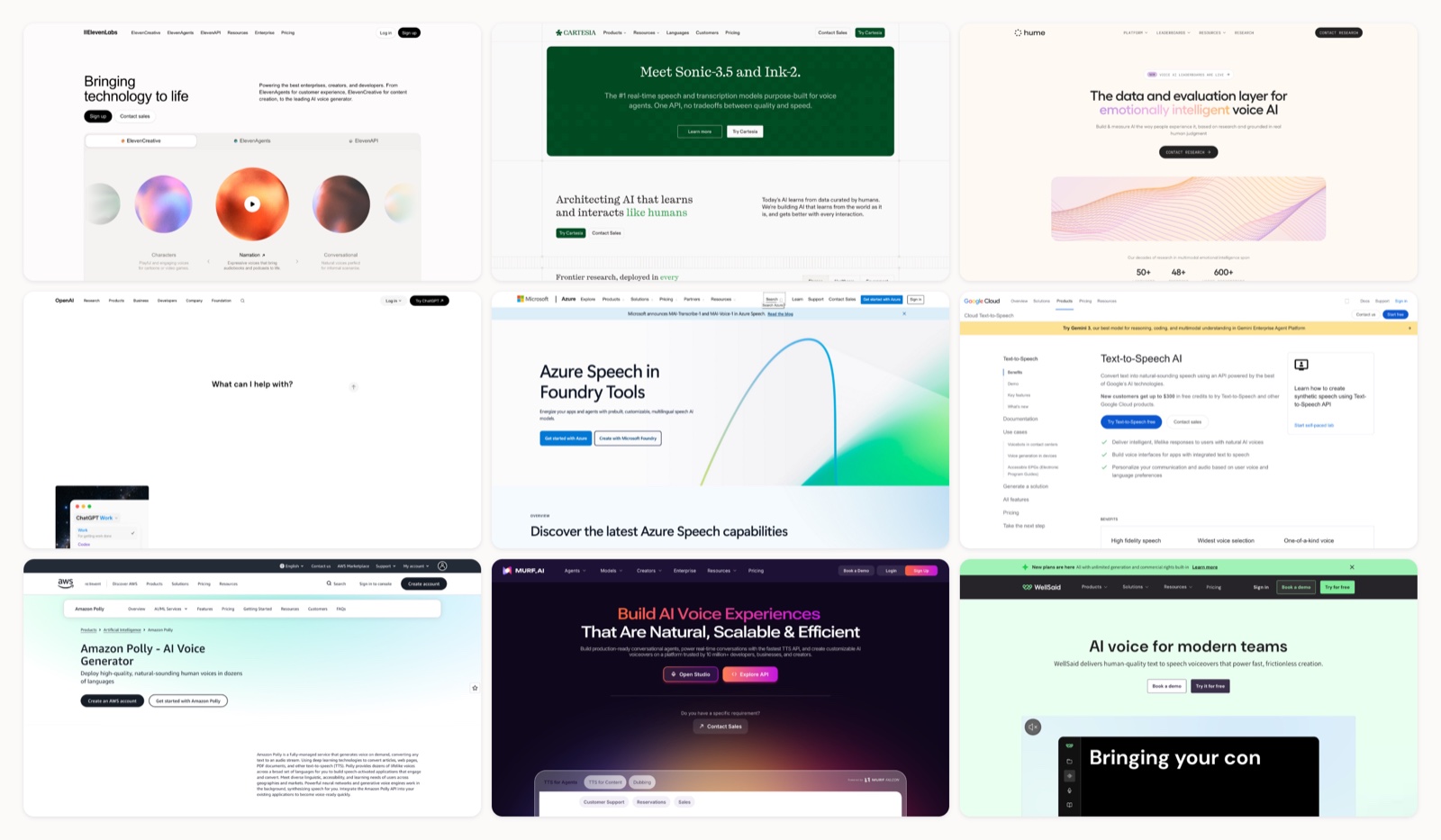
Voiceover used to be the slow part. Book the talent, book the booth, and pay a re-record fee every time a client rewrote a line the night before. AI voice tools took that friction out, then handed me a new problem: there are dozens of them, every demo sounds incredible, and most of those demos are the one take out of forty that landed.
I produce video for a living, so I actually needed to know which of these hold up. I took a single 90-second script (a product narration, a warm brand read, and a quick conversational line) and ran it through every serious voice generator I could sign into. Then I ranked them on the one thing a viewer notices in the first two seconds: does this sound like a person, or does it sound like software reading?
Two things before the list. Realism is not a single score. A model that nails a calm read can crack on an excited one, and a voice built for live phone agents behaves nothing like one built for a polished explainer, so I have marked where each tool is actually strong. And this page looks different from a year ago: one former favorite (PlayHT) has shut down, and a few tools that did not exist then now sit near the top. Here is where things stand for planning your video content in 2026.
The most realistic AI voice generators, ranked
1. ElevenLabs
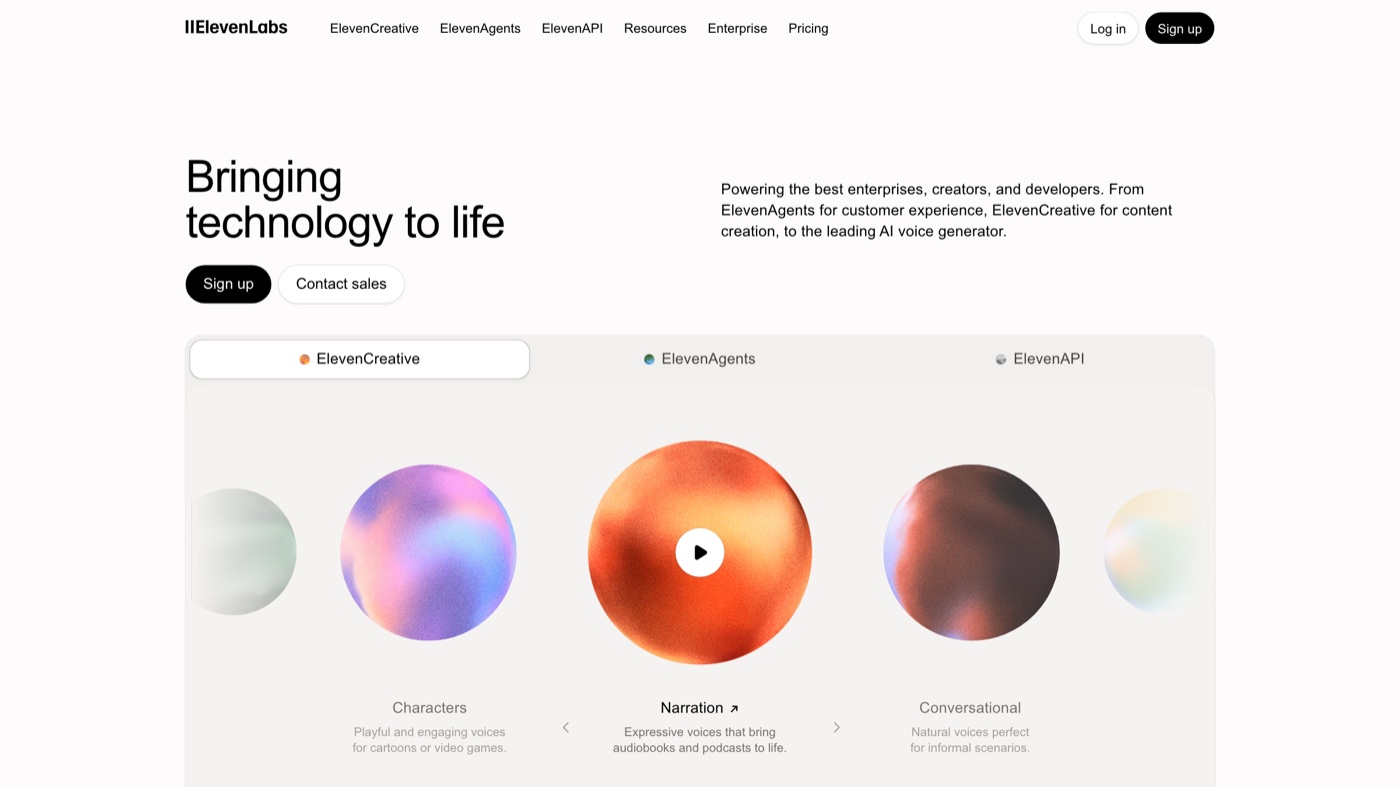 This is the one that made me stop booking a booth for English narration.
More on ElevenLabs
ElevenLabs is the tool I reach for first when the voice carries the piece. The v3 model reads inline audio tags, so I can push a line toward excited, somber, or confident without re-recording, and it holds character across long scripts better than anything else I tested. Instant cloning from a short sample is startlingly close, and Professional cloning gets closer still. Pricing starts free, with the $6/mo Starter tier adding commercial rights and cloning; the one thing to manage is the credit meter, since the best voices consume credits faster than you expect. For English narration and audiobooks, it is still the one to beat.
2. Cartesia
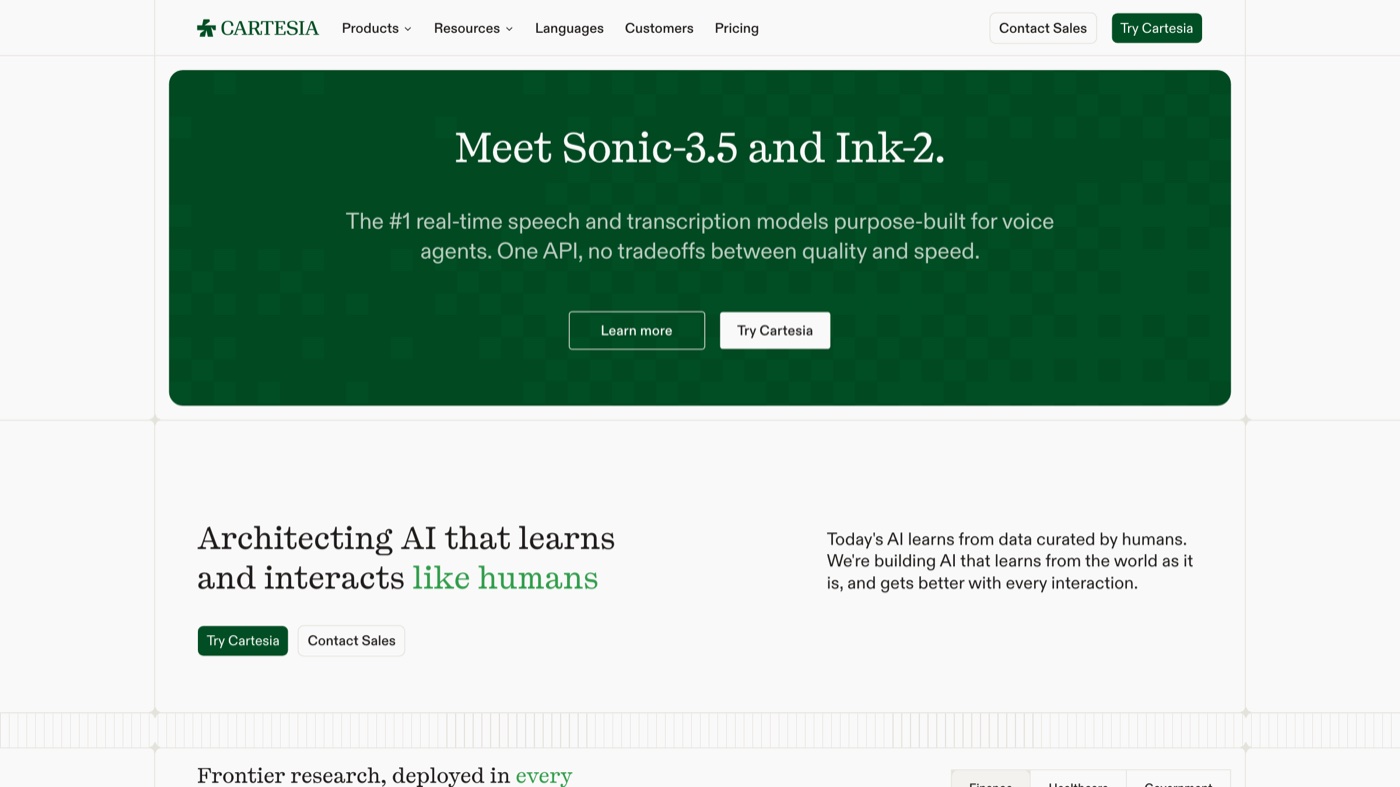 The first tool I tried where a live, back-and-forth voice did not feel like waiting on hold.
More on Cartesia
Cartesia is built around Sonic, a model tuned for speed as much as quality, and it returns near-human audio in roughly 90 milliseconds (Sonic Turbo is faster still). That latency is the whole reason to pick it: if you are building a live voice agent, a phone bot, or anything where a person is waiting for a reply, the response time is what makes it feel real. It is API-first and aimed at developers, so it is less of a click-around studio than ElevenLabs. The free tier gives you 20,000 credits to test, Pro runs about $5/mo, and Scale reaches $299/mo for high volume. For conversation, not narration, it is my top pick.
3. Hume AI
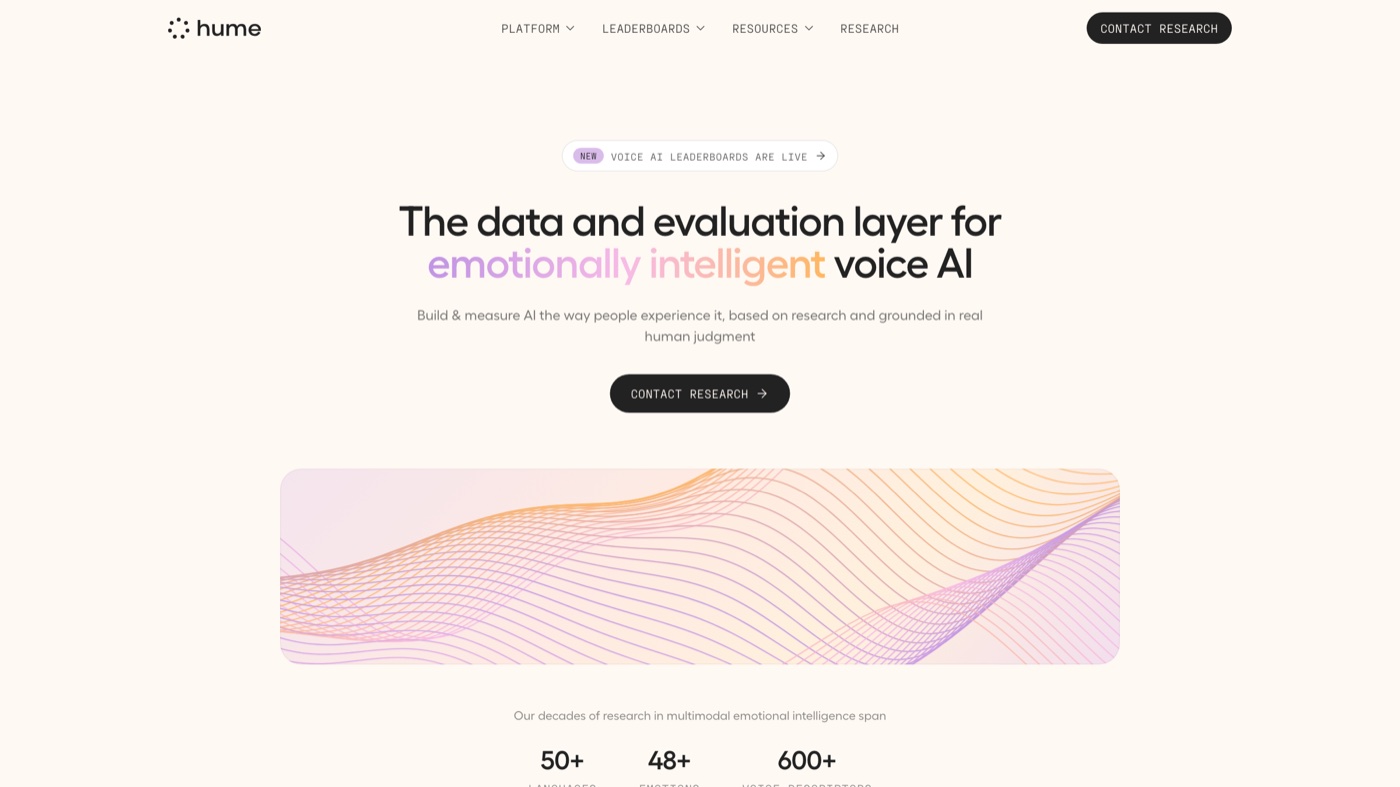 When a line has to sound like it means something, this is where I go.
More on Hume AI
Hume's Octave model treats emotion as the main event. Instead of fiddling with technical sliders, I type a plain-English direction like 'sound reassuring here,' and Octave 2 also reads emotional context straight from the script. That makes it strong for character work, empathetic support lines, and any read that has to make someone feel something. Commercial use starts at the $14/mo Creator tier, with Pro at $70/mo. The trade is that on flat, neutral narration its pronunciation accuracy sits a step behind ElevenLabs, so I use it when feeling matters more than a clinical read.
4. OpenAI
 The developer’s option, and the one that lets you direct the read in a sentence.
More on OpenAI
OpenAI's audio models are the developer's choice when you want to instruct delivery in words. You can tell the model to 'speak like a warm customer-support agent' and it follows that direction, which is useful for voice agents and expressive narration alike. The newer models improved at following complex instructions and produce natural, expressive speech across a set of built-in voices. Pricing is usage-based through the API, billed per use, with no creator studio to log into. If you have a developer on hand or a wrapper tool, it is one of the most flexible options here; if you want a point-and-click interface, look elsewhere on this list.
5. Microsoft Azure AI Speech
 Less exciting, extremely dependable, built for teams with compliance to answer to.
More on Microsoft Azure AI Speech
Microsoft Azure AI Speech is the enterprise workhorse. Its neural voices are clean and reliable, and the reasons to choose it are usually operational: hundreds of voices, custom brand voice training, on-premise containers for strict data rules, and deep SSML control over pronunciation and prosody. It is priced pay-as-you-go with a free tier, though forecasting the bill takes real attention. The interface is developer-centric rather than creator-friendly. If you are embedding voice into a regulated product or a large customer-service system, this is a safe, scalable pick.
6. Google Cloud Text-to-Speech
 If you need a lot of languages and a lot of scale, start here.
More on Google Cloud Text-to-Speech
Google Cloud Text-to-Speech wins on breadth. It carries one of the largest voice and language catalogs available, built on WaveNet and Neural2 voices, which makes it a strong choice if you need global reach across many locales. Control is precise through SSML, so developers can dial pitch, rate, and pauses exactly. It runs on a free monthly character tier and then pay-as-you-go. Like the other cloud APIs, it is not a friendly studio, and character-based billing adds up on long-form content, but for scale and language coverage it is hard to beat.
7. Amazon Polly
 The obvious choice if your product already runs on AWS.
More on Amazon Polly
Amazon Polly is the natural pick if your stack already lives on AWS. It offers Standard, Neural, Long-Form, and newer Generative voice tiers across 40-plus languages, and it plugs straight into services like S3 and Lambda. Pricing is pay-as-you-go, with a 12-month free tier for new AWS accounts. The Generative voices are the most conversational and cost more than Standard. It is aimed at developers building voice into products more than creatives producing a one-off narration, but for reliability at scale it is dependable.
8. Murf AI
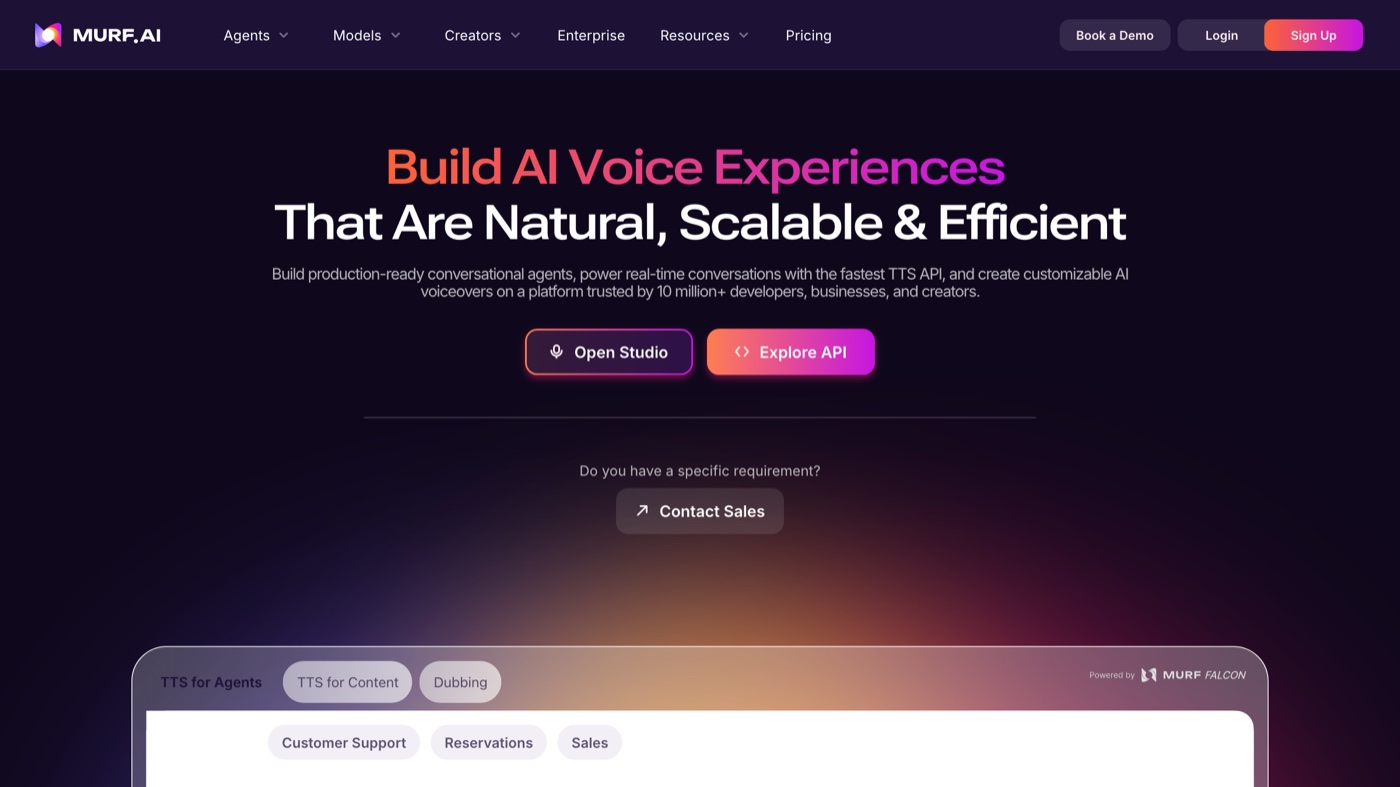 The friendly studio I would hand a marketing team that never wants to see an API key.
More on Murf AI
Murf is the studio I would hand to a marketing or L&D team that does not want to touch an API. It has 200-plus voices with a range of English accents, a workflow that plays well with video, and integrations for Canva and Google Slides. As of 2026 it also carries ISO 42001 certification for AI management, which some enterprise buyers care about. The free tier gives you 10 minutes to try; the Creator tier at $29/mo unlocks downloads and commercial rights. Voice naturalness is strong for the price, though on heavily emotional reads it sits a notch below ElevenLabs, and monthly generation caps mean you pick a tier around your volume.
9. WellSaid Labs
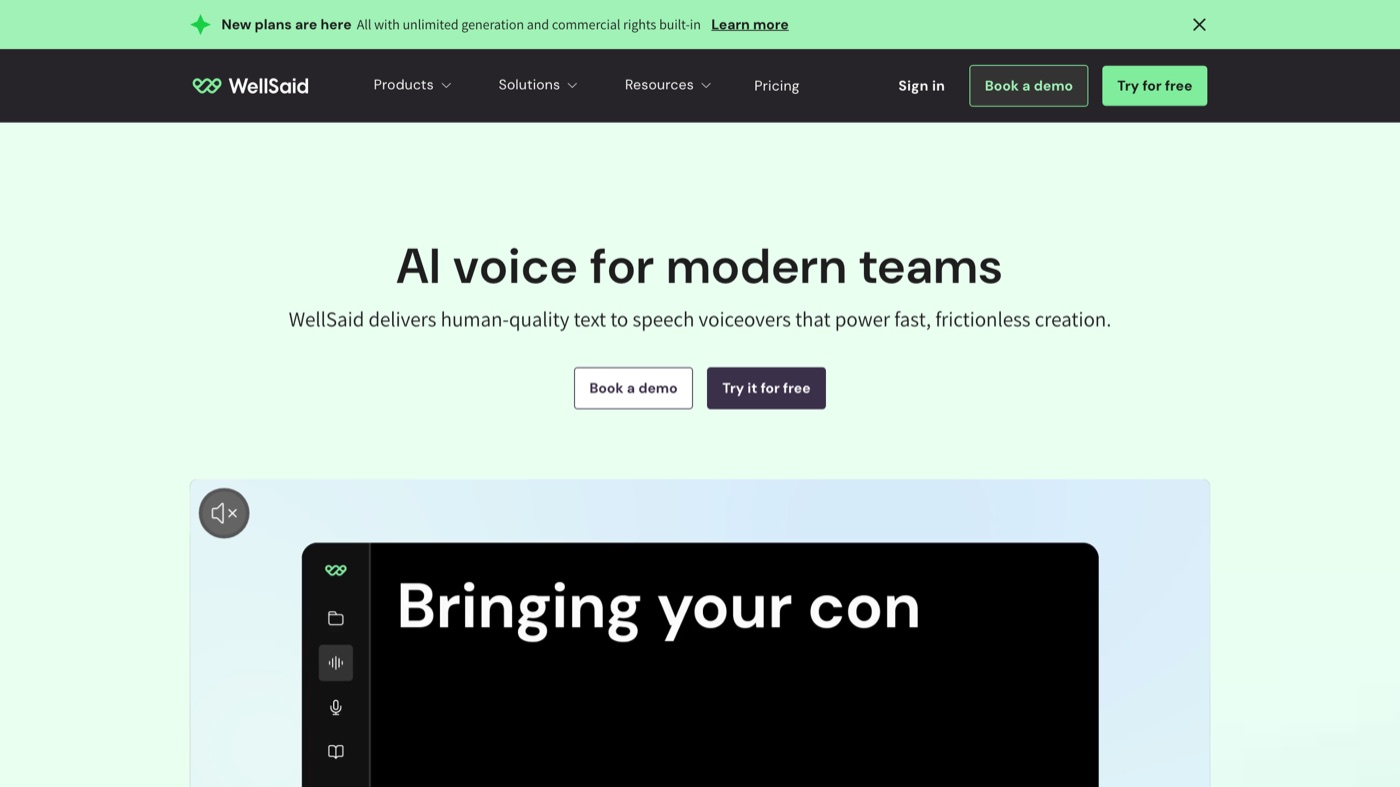 Purpose-built for training and e-learning, where consistency beats theatrics.
More on WellSaid Labs
WellSaid Labs aims squarely at corporate narration, and it is very good at it. The English voice avatars are studio-clean and, more importantly, consistent from session to session, which matters when you are producing a 40-module training course over months. Commercial licensing is clearly spelled out and it holds SOC 2, so procurement teams tend to be comfortable with it. Paid access starts around $49/mo billed annually, with seat-based enterprise options. It is English-focused and deliberately less theatrical than the top creative tools, so choose it when reliability and clarity beat emotional range.
10. Resemble AI
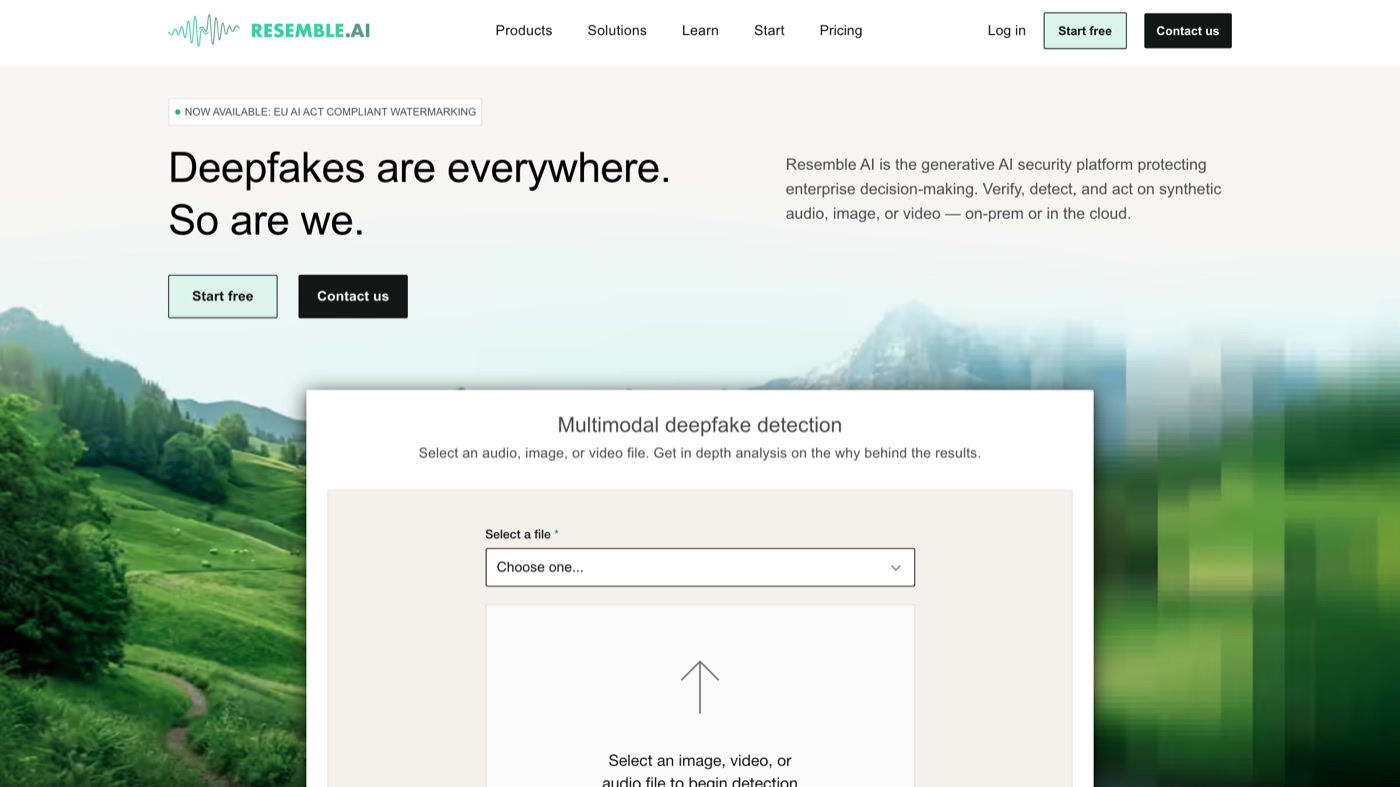 The one I open when the job is cloning a voice, not inventing one.
More on Resemble AI
Resemble AI is the specialist for cloning and voice conversion. Its real-time cloning, speech-to-speech (which keeps your original emotion while swapping the voice), and 100-plus language localization from a single clone make it powerful for advertising, call centers, and dubbing. It also leans into safety with audio watermarking and deepfake detection, plus private or on-premise deployment for regulated work. Pricing is pay-as-you-go on the basic level with custom enterprise tiers. The interface is more technical than a creator studio, and the strongest features sit behind higher tiers, so it rewards teams that know exactly what they need.
11. Speechify Studio
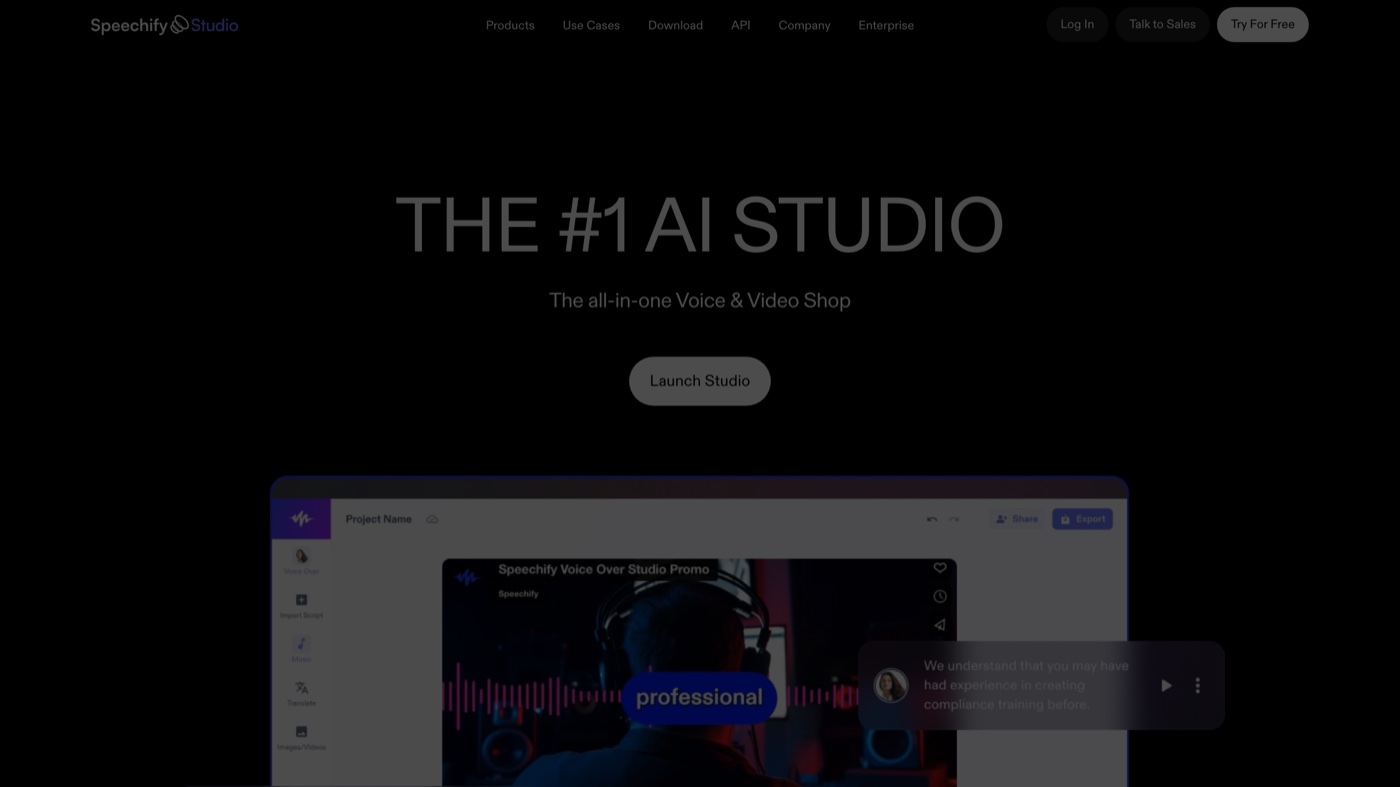 Voice, dubbing, and simple video in one window, made for people in a hurry.
More on Speechify Studio
Speechify Studio is the all-in-one creator option: voice generation, video dubbing, stock music, and simple avatars in one project-based workspace. It is easy to learn, the voice library is large (1,000-plus), and it is built for people without an audio background. There is a free tier to start, and paid tiers add the commercial rights and better voices you need for published work. The credit system takes a little planning, and the free tier does not include commercial usage, so read the terms before you post anything client-facing. For fast social and educational content, it is a comfortable pick.
12. Descript
 Barely a voice generator; mostly the editor I use to fix narration by retyping it.
More on Descript
Descript is not really a voice generator; it is a full audio and video editor with voice cloning baked in. Its signature trick is editing audio by editing the transcript, and its cloning (Overdub, now folded into the Regenerate feature) lets you patch or extend a recording in your own voice so the fix matches the original take. That makes it invaluable for podcasters and video teams who fix narration constantly. There is a free tier, with paid access from about $16/mo billed annually. If you only need text-to-speech it is overkill, but if you edit spoken content all day it earns its place, and it shows up on my roundup of the best AI video editors for the same reason.
Every tool, side by side
| # | Tool | Best for | Pricing | Limitation |
|---|---|---|---|---|
| 1 | ElevenLabs | Narration, audiobooks, and character reads where the voice carries the piece | Free tier; paid from $6/mo (Starter, 30,000 credits, commercial rights) | The credit meter runs down fast on the highest-quality voices, so heavy projects need budgeting. |
| 2 | Cartesia | Real-time voice agents and live products where response speed decides the experience | Free 20,000 credits; Pro around $5/mo; Scale $299/mo | API-first and aimed at developers, so it is less of a point-and-click studio than ElevenLabs. |
| 3 | Hume AI | Emotional reads, character work, and empathetic support lines | Free tier; commercial use from the $14/mo Creator tier; Pro $70/mo | On flat, neutral narration its pronunciation accuracy trails ElevenLabs a step. |
| 4 | OpenAI | Developers building voice into apps and agents who want to instruct the delivery | Pay-as-you-go through the API, billed per use; no creator studio | It is an API, not an interface, so it needs a developer or a wrapper tool to use. |
| 5 | Microsoft Azure AI Speech | Enterprise apps, IVR, accessibility, and regulated-data environments | Pay-as-you-go with a free tier | Developer-centric interface, and the pay-as-you-go bill takes real effort to forecast. |
| 6 | Google Cloud Text-to-Speech | Global reach across many languages, IVR, and app or device voice at scale | Pay-as-you-go, with a free monthly character tier | An API rather than a friendly studio, and character-based billing climbs fast on long content. |
| 7 | Amazon Polly | Developers embedding voice into products, IVR, and accessibility on AWS | Pay-as-you-go, with a 12-month free tier for new AWS accounts | Built for developers more than creatives, and Generative voices cost more than Standard. |
| 8 | Murf AI | Marketing and L&D voiceovers in a clean, video-ready studio | Free 10 minutes; Creator from $29/mo (downloads plus commercial rights) | Monthly generation caps size your tier to your volume, and emotional reads sit below ElevenLabs. |
| 9 | WellSaid Labs | Corporate training, e-learning, and product explainers that value consistency | Paid from $49/mo (billed annually); custom enterprise seats | English-focused and deliberately less expressive, so it is the wrong pick for dramatic reads. |
| 10 | Resemble AI | Voice cloning, speech-to-speech, localization, and security-sensitive work | Pay-as-you-go basic; custom enterprise | The interface leans technical, and the strongest features sit behind higher tiers. |
| 11 | Speechify Studio | Creators and educators who want voice, dubbing, and light video in one place | Free tier; paid levels add commercial rights and better voices | The credit system takes planning, and the free tier excludes commercial usage rights. |
| 12 | Descript | Podcasters and video teams who correct or extend narration constantly | Free tier; paid from $16/mo (billed annually) | It is an editor first and a voice generator second, so it is overkill for plain text-to-speech. |
When the voice is the easy part
A realistic voice track is maybe ten percent of a finished piece. The script, the pacing, the visuals it sits under, the edit that makes a flat read land: that is the other ninety. Any tool above will hand you a clean voiceover in minutes. None of them will tell you whether the line should be there at all, or write you a better one, or turn that script into finished video that a person actually wants to watch.
That is the part I care about. Moonb is a creative studio that works as a dedicated team for companies producing video, motion, and design on an ongoing basis, so an AI voice becomes one ingredient in something a human directed, not the whole meal. If you just need narration for a quick internal clip, pick a tool from this list and go. If you need the finished asset and someone accountable for whether it is any good, that is a different kind of help. Either way, our walkthrough on how to add voiceover to your videos covers the workflow, and Descript shows up again on our roundup of the best AI video editors if editing is where you actually get stuck.
See it in action
If you would rather hear the top tools next to each other than read about them, this rundown lines them up:
Frequently asked questions
For most narration, yes. The top tools (ElevenLabs, Cartesia, Hume AI) produce reads that the majority of viewers will not clock as AI, especially in English. Where they still slip is heavy emotion, unusual names, and long unbroken paragraphs, so a human pass on the script and pacing still pays off before you ship anything client-facing.
Usually, but only on paid tiers, and the terms vary by tool. Free tiers often exclude commercial rights (Speechify and Murf both gate downloads and commercial use behind paid levels). Read the license before you publish, and never clone a real person's voice without their written permission.
PlayHT was acquired by Meta in 2025 and the service was shut down at the end of that year, with the domain no longer resolving. If you see 'playhtai.com,' that is an unrelated copycat, not the original company. Cartesia and ElevenLabs are the closest current replacements for its real-time and quality use cases.



