12 Best Mood Board Generators for Creatives
The 12 best mood board generators for creative teams, compared on features, pricing, and the right fit for branding, design, and marketing work.

Try it now: Pull a color palette from any reference image with Moonb’s free palette tool. No signup, nothing uploaded: moonb.io/tools/color-palette
A mood board is how I get everyone looking at the same thing before a single deliverable exists. It turns a vague brief ("premium but warm") into something you can point at and argue about. The hard part was never the idea; it was picking a tool that fits how the team actually works. I have lost whole afternoons to clunky software and platforms that fall apart the moment a second person needs to leave a comment.
So I ran the main options through real projects. Below are the best mood board generators I keep coming back to, with what each one is good at and where it gets in the way: the ideal use case, the real limitations, and the small workflow tips I wish someone had handed me on day one. If you want the fundamentals first, this walkthrough on how to create a moodboard for interior design lays out a framework that carries straight over to branding, UX, and marketing.
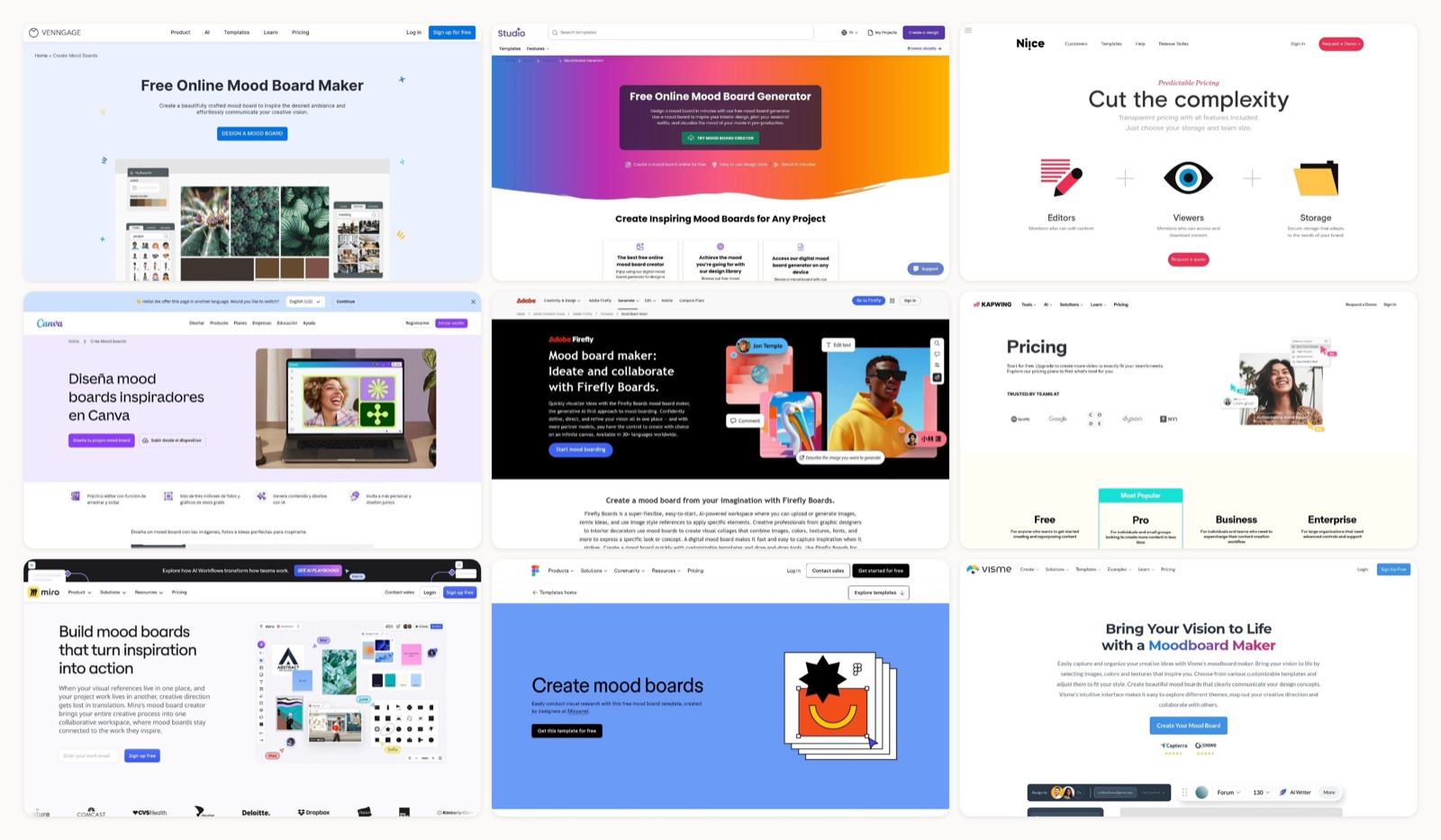
The lineup runs from Milanote's free-form canvas and Figma's collaborative templates to Adobe's AI features and Canva's template library. Each entry has direct links and a screenshot, so you can size up the fit fast.
1. Milanote
Milanote positions itself as a visual workspace for creative projects, and it is one of the best mood board generators for teams that need more than a static image grid. Its strength is the flexible, infinite canvas that lets you drag and drop images, videos, notes, and links into a free-form layout. That structure suits brand strategists and UX designers who want to add annotations, arrows, and text blocks to explain their thinking, not just pin pretty pictures.
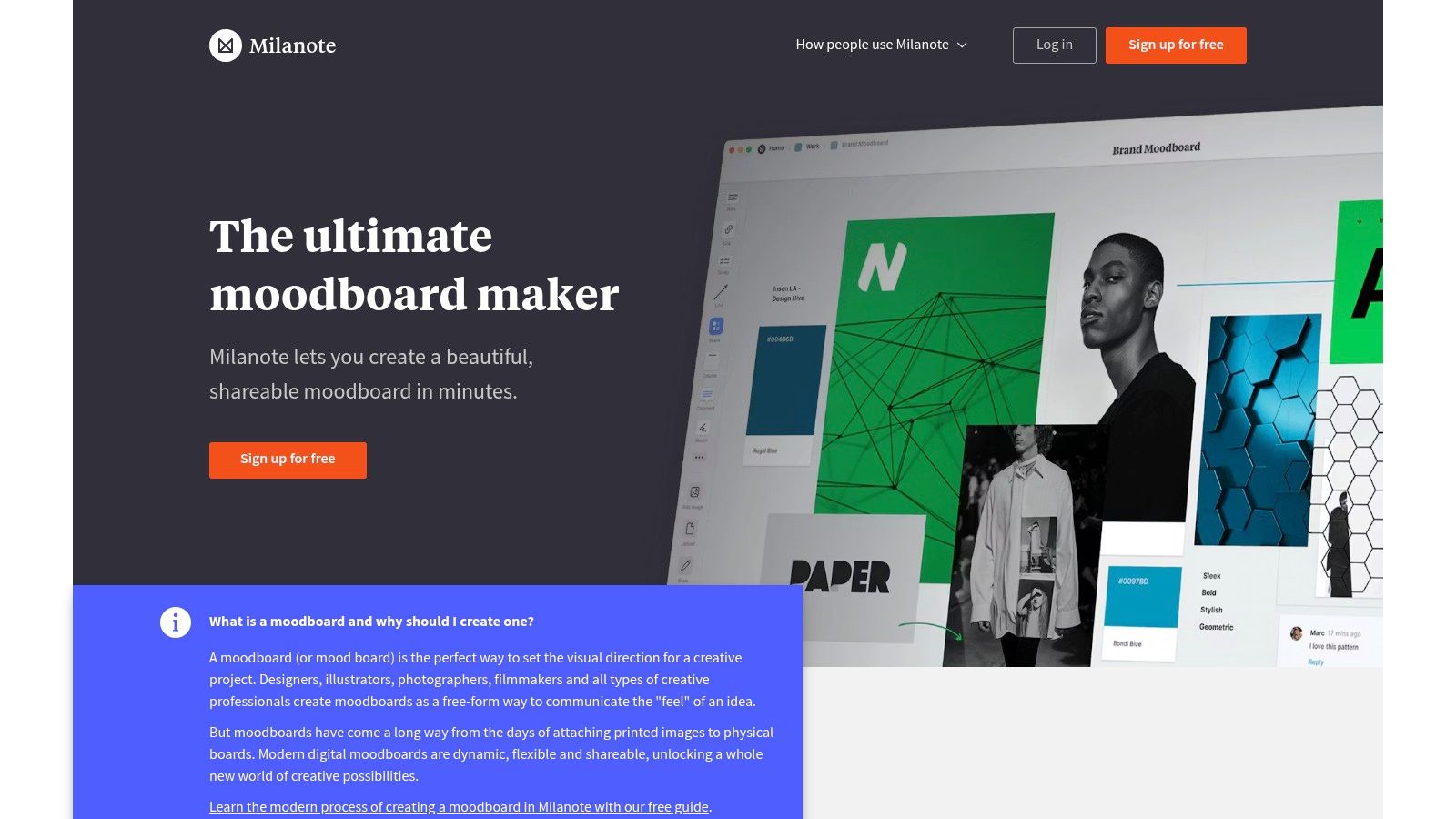
The platform is built for collaborative ideation. You can share a private link with stakeholders who view the board without an account, which cuts a lot of friction out of client feedback. For gathering inspiration, the web clipper browser extension is the piece I use most, saving images and text from anywhere on the web straight to a board.
Key Features & Use Cases
- Best For: Collaborative branding projects, UX/UI concept development, and client presentations.
- Standout Feature: The "Notes & To-do lists" feature lets you embed project management elements directly in your visual board, connecting creative direction to actual tasks.
- Practical Tip: Start from Milanote's templates ("Branding," "Interior Design"), then reshape the layout to fit your project's narrative. When you are defining a visual identity, a color palette generator is handy for pulling hex codes to drop in as swatches.
Pricing and Limitations
Milanote has a free plan capped at 100 notes, images, or links. The Personal Plan ($9.99/mo billed annually) and Team Plan ($49/mo for 10 users) remove those caps. It is excellent for ideation, but its asset management is basic, so it is not a stand-in for a full Digital Asset Management (DAM) system.
| Pros | Cons |
|---|---|
| Intuitive drag and drop interface. | Free plan has strict item and upload limits. |
| Easy read only sharing for client feedback. | Lacks advanced asset tagging or governance. |
| Clean PDF exports for presentations and decks. | Can feel slow when boards become very large. |
Website: https://milanote.com/product/moodboarding
2. Figma (FigJam Mood Board Templates)
If your team already lives in Figma, using FigJam for mood boards is the obvious move. It runs on Figma's real-time collaboration engine and folds mood boarding into the design workflow, which makes it one of the best mood board generators for product teams. Rather than a dedicated app, it uses templates inside an online whiteboard, so designers can move straight from inspiration to wireframing and prototyping in one place.
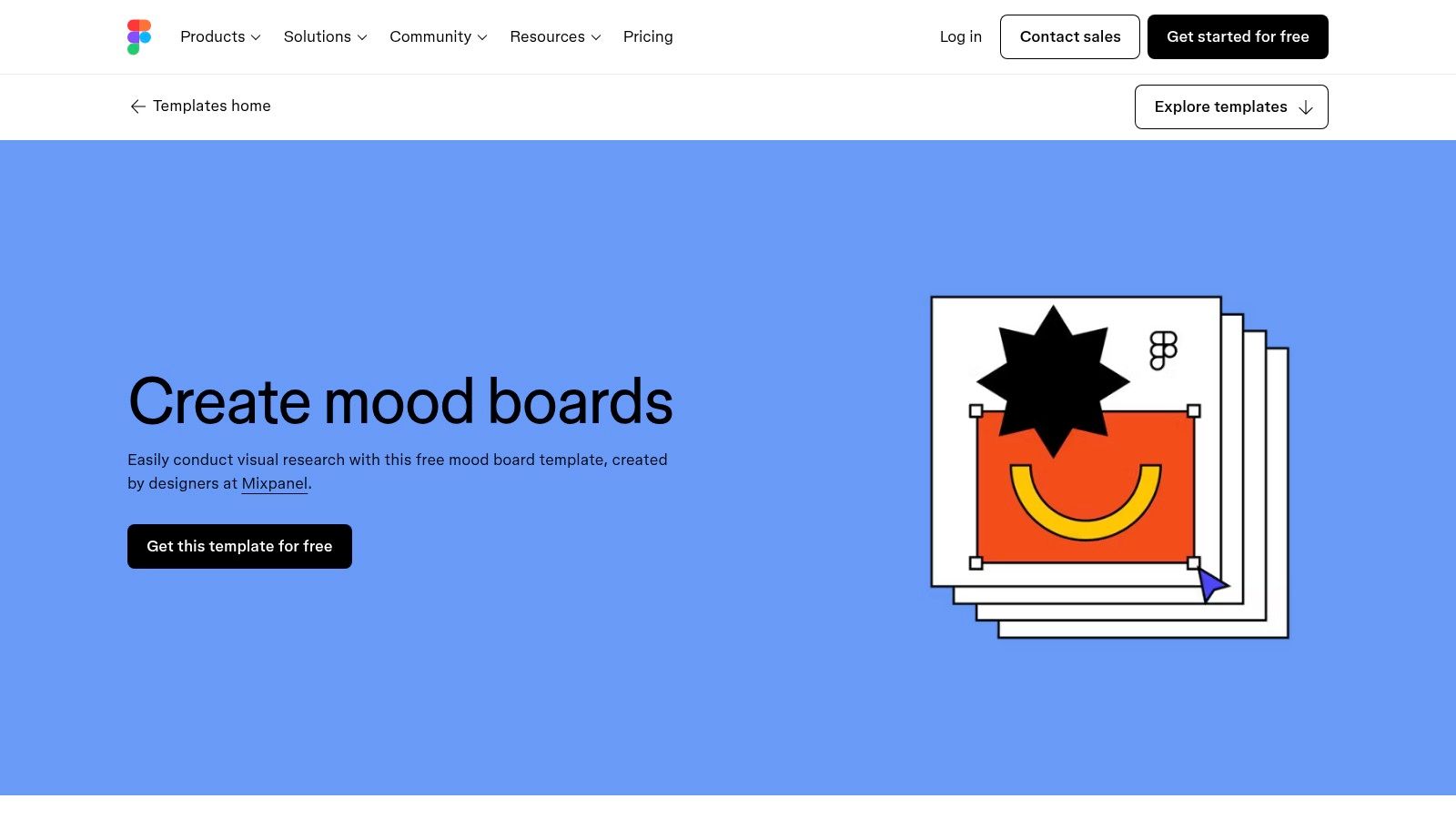
The platform shines at live, multiplayer editing, where a team drops in images, adds sticky notes, and draws connections at the same time. That is ideal for remote workshops and group brainstorms. Its real edge is connecting that early exploration straight to actionable design files, which smooths the whole handoff from concept to development.
Key Features & Use Cases
- Best For: Product design teams, UX/UI designers, and studios that use Figma for their primary design work.
- Standout Feature: The deep tie-in with Figma Design lets you copy and paste mood board elements straight into high-fidelity mockups, keeping the look consistent.
- Practical Tip: Use FigJam's voting and emoji stamp features during a team review to gather feedback fast on visual directions. It formalizes a key step in the design process in graphic design by making the call more democratic.
Pricing and Limitations
FigJam has a free "Starter" plan with three files. The Professional plan ($3 per editor/mo) and Organization plan ($5 per editor/mo) remove the file cap and add advanced features. The integration is the big draw, but FigJam can feel like overkill for a simple standalone mood board, since it is part of a much larger design tool.
| Pros | Cons |
|---|---|
| Slots into existing Figma workflows. | Can feel heavyweight for simple mood boards. |
| Excellent real time collaboration and commenting. | Advanced features require a paid plan. |
| Easy handoff from ideation to production design. | Interface may have a learning curve for non designers. |
Website: https://www.figma.com/templates/moodboard-maker/
3. Miro (Mood Board Creator)
Miro is an expansive collaborative whiteboard that works well as a mood board generator, especially for cross-functional teams running brand, product, and marketing workshops. Its infinite canvas is built for real-time ideation, with drag and drop for images, videos, and documents. The core strength is live, interactive review sessions where several stakeholders contribute at once.
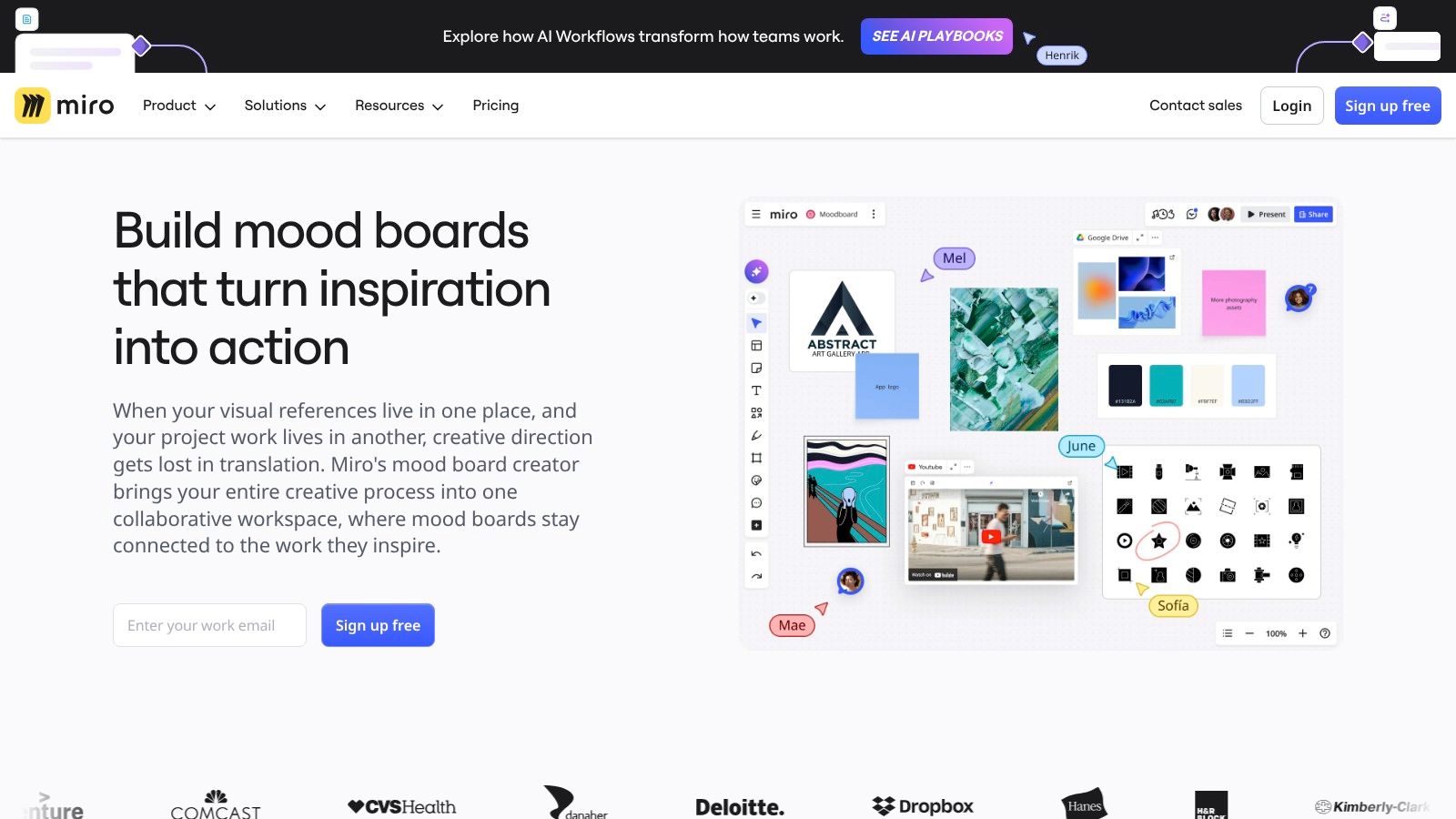
It is built for larger-team collaboration. With commenting, Talktrack for asynchronous video walkthroughs, and over 160 integrations with tools like Jira and Adobe Creative Cloud, it bridges creative exploration and project execution. Miro's template library, including the community-driven "Miroverse," has pre-built frameworks for mood boards, user personas, and customer journey maps, which speeds up setup.
Key Features & Use Cases
- Best For: Multi-team workshops, brand strategy sessions, and UX research synthesis.
- Standout Feature: The AI tools for summarizing sticky notes and clustering visual content help a team spot patterns and themes across a big pile of references.
- Practical Tip: Use the "voting" feature during a live session to let the team or client vote on favorite images or concepts. It de-personalizes the feedback and surfaces a clear direction quickly.
Pricing and Limitations
Miro has a free plan with three editable boards. The Starter Plan ($8/member/mo billed annually) and Business Plan ($16/member/mo billed annually) remove the board cap and add features like private board sharing and video chat. It is versatile, but because it is a whiteboard first, large asset-heavy boards can get visually dense and hard to navigate without discipline.
| Pros | Cons |
|---|---|
| Excellent for live multi team collaboration. | Free plan has a strict three board limit. |
| Public and guest sharing for client reviews. | Can become visually dense and hard to navigate. |
| Highly versatile beyond just mood boards. | The interface can be overwhelming for new users. |
Website: https://miro.com/moodboard/
4. Adobe Express + Firefly Boards
Adobe's take on AI-assisted ideation is Firefly Boards, part of the Adobe Express ecosystem. It is one of the best mood board generators for content teams already inside Adobe's suite. You get an infinite canvas where you can generate images with Firefly, pull assets from Adobe Stock, and build concepts with quick access to brand kits and templates.
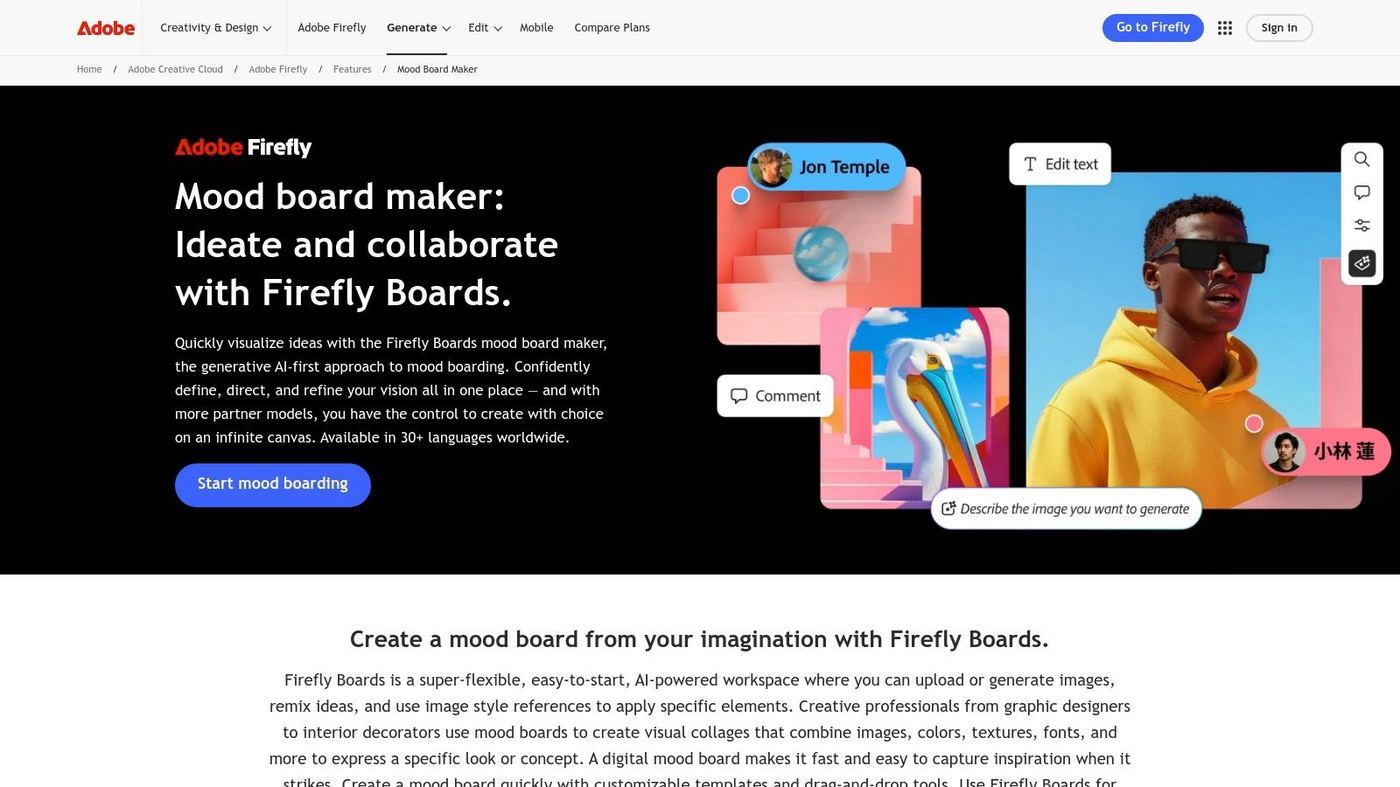
The real advantage is the integration. A board built in Firefly can act as a style reference for generating new images and text effects inside Adobe Express or Photoshop on the web. That keeps a workflow cohesive from concept to final production and holds brand consistency across outputs. Stakeholder feedback is built in too, which tidies up the review loop for marketing and creative teams.
Key Features & Use Cases
- Best For: Marketing teams on Adobe Creative Cloud, content creators who need AI-generated assets, and teams managing client brand kits.
- Standout Feature: The "Style Reference" capability lets you use your whole mood board as a prompt, generating on-brand assets with a consistent look based on the board's aesthetic.
- Practical Tip: Build a "master" board with your core brand elements, approved imagery, color palettes, and typography. Then use it to steer AI image generation so new content stays inside your guidelines for graphic design and branding.
Pricing and Limitations
Adobe Express has a free plan with core features and a monthly allocation of generative credits. The Premium Plan ($9.99/mo) adds more credits, premium templates, and the full Adobe Stock collection. Be warned that Adobe's plan structure and generative credit system can be fiddly to navigate.
| Pros | Cons |
|---|---|
| Commercially safe Firefly generative AI. | Full feature set is best accessed on paid tiers. |
| Tight ecosystem integration with Express and Photoshop. | Adobe plan structures and AI credit models can be complex. |
| Excellent for teams already invested in Adobe brand kits. | The platform is still evolving compared to more mature tools. |
Website: https://www.adobe.com/products/firefly/features/moodboard.html
5. Canva (Mood Board Maker)
Canva is a household name for accessible design, and its mood board maker is one of the fastest ways to get to a polished visual direction. It runs on templates, hundreds of pre-made layouts a non-designer can fill in minutes. Its real strength is the huge built-in library of stock photos, graphics, and fonts, so you are not sourcing assets from five different places.
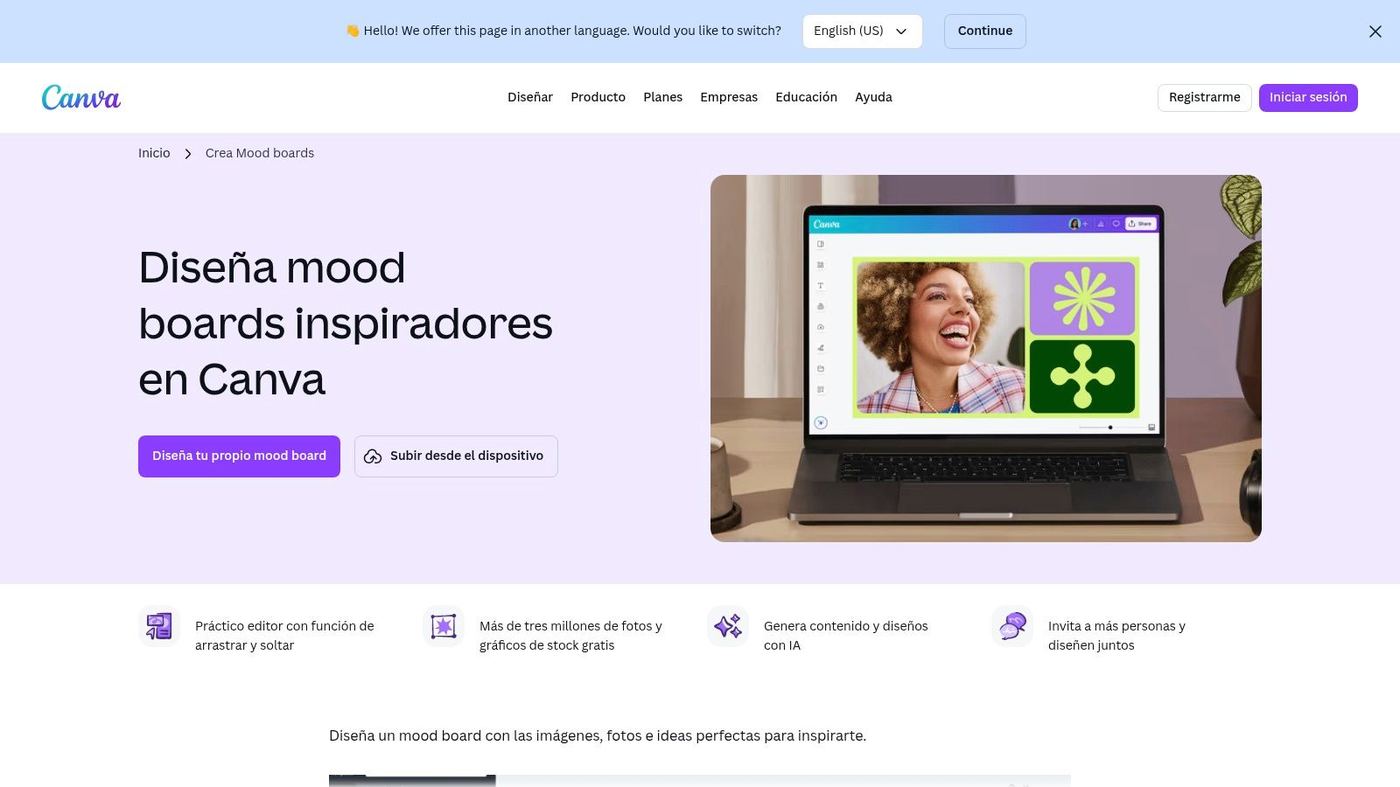
It is built for speed, with a simple drag-and-drop editor and grids and frames that auto-crop and align images. That makes it a good pick for social media managers, marketers, and founders who need to visualize a campaign's look or a new brand identity fast. Once a board is approved, the assets and styles carry straight over into other Canva designs like social posts or presentations.
Key Features & Use Cases
- Best For: Social media content planning, quick brand concept visualization, and teams without dedicated designers.
- Standout Feature: The vast Template & Asset Library gives you a real head start, a layout and high-quality visuals without leaving the platform.
- Practical Tip: Use the "Styles" feature to apply a brand kit's colors and fonts to any template instantly. To squeeze more out of it, learn to use Canva like a pro with keyboard shortcuts and the advanced features.
Pricing and Limitations
Canva has a solid free plan with plenty of templates and assets. The Canva Pro plan (starting at $119.99/year for one person) and Canva for Teams tier unlock premium stock content, brand kits, and collaboration tools. Just know that leaning too hard on popular templates can produce boards that feel generic if you do not customize enough.
| Pros | Cons |
|---|---|
| Extremely easy to learn and use even for non designers. | Heavy template use can lead to look alike designs. |
| Huge library of free and premium templates and assets. | Less free form and flexible than a blank canvas tool. |
| Easily transition from mood board to creating social media assets. | Professional designers may find the tools limiting. |
Website: https://www.canva.com/es_us/crear/mood-boards/
6. Pinterest (Collages for Mood Boards)
Best known as an inspiration engine, Pinterest has grown into one of the best mood board generators for fast, on-the-go ideation with its native Collages feature. Its advantage is the tight link to Pinterest's massive visual database: you can cut objects out of any Pin and assemble them into a new concept. That suits social media managers and e-commerce brands who want to test product pairings or aesthetic themes right on their phones.
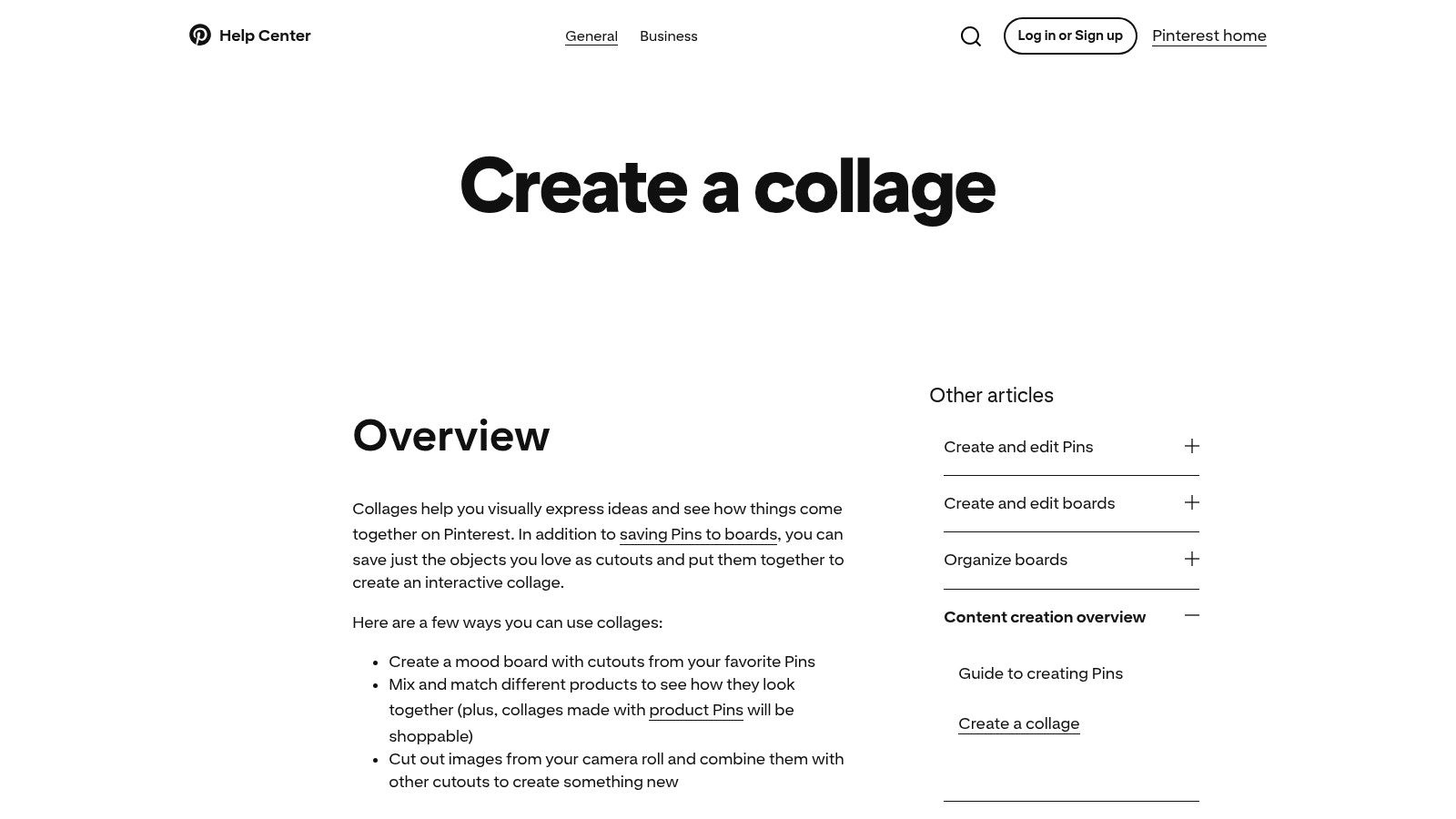
The "Remix" feature adds a collaborative, trend-spotting angle, letting you build on public collages while automatically crediting the original creator. And making collages shoppable by tagging products turns a simple board into an interactive asset, closing the gap between inspiration and purchase.
Key Features & Use Cases
- Best For: E-commerce product styling, social media content ideation, and rapid trend exploration on mobile.
- Standout Feature: The object cutout tool isolates specific elements from Pins or your camera roll, which gives more creative control than most quick-collage tools.
- Practical Tip: Use the video export to share a collage as a Reel or Short. For richer designs, supplement your boards with free icons and illustrations to add unique graphic elements.
Pricing and Limitations
Pinterest and its collage feature are completely free. The limits are technical, not financial. Layout controls are basic, and it is not a substitute for a professional design platform. Users also report the odd glitch, and feature availability can vary by account or region as Pinterest keeps experimenting.
| Pros | Cons |
|---|---|
| Free and fully integrated with Pinterest inspiration feed. | Limited layout and design controls. |
| Shoppable Pins turn mood boards into commercial tools. | Feature availability and stability can be inconsistent. |
| Remix feature encourages community collaboration. | Not suitable for detailed professional design projects. |
Website: https://help.pinterest.com/en/article/create-a-collage
7. Niice
Niice calls itself a "brand hub" that goes beyond simple image collection, which makes it one of the best mood board generators for teams building and maintaining consistent brand systems. It merges the creative freedom of a mood board with the structure of a Digital Asset Management (DAM) system, so a team can centralize inspiration, approved assets, and brand guidelines in one place. That suits in-house creative teams and agencies managing brand identity at scale.
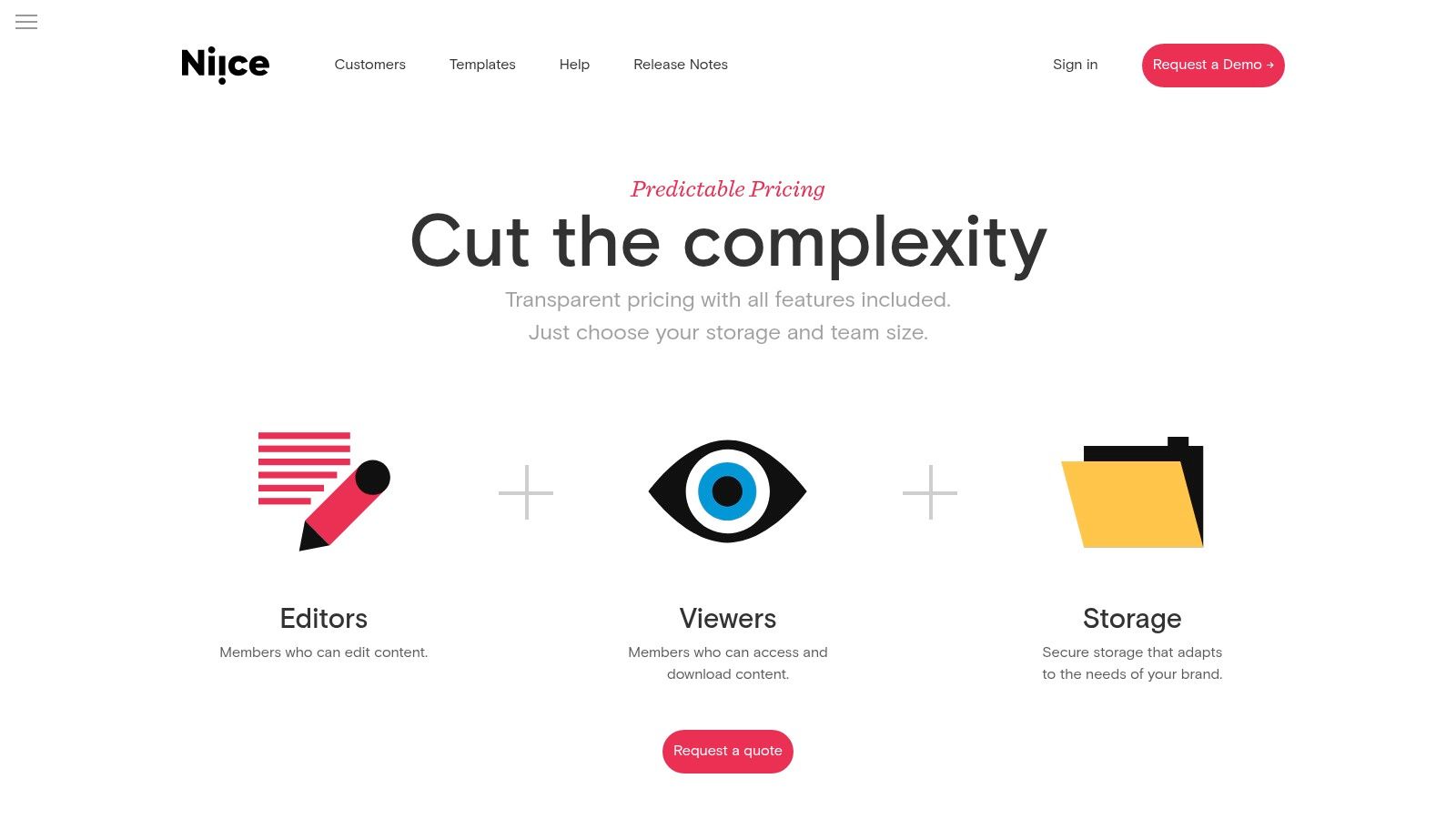
The structure is built for efficiency. A browser extension makes capture quick, while dedicated "Libraries" and "Guidelines" sections keep approved assets and rules within reach once a direction is set. That link between early ideation and final execution helps stop brand dilution as a project moves along.
Key Features & Use Cases
- Best For: In-house brand teams, larger creative agencies, and companies keeping brand consistency across departments.
- Standout Feature: The "Brand Guidelines" feature lets you build living style guides inside the platform, linking approved assets to usage rules so the whole team stays aligned.
- Practical Tip: Use the "Private feedback" feature to hash out a board internally before presenting it to external stakeholders, so your team agrees on one direction first.
Pricing and Limitations
Niice has a Pro plan at $83/mo (billed annually) for up to 10 members, with no board cap and 100GB of storage. The Business and Enterprise tiers add features like SSO and larger storage but require contacting sales for a quote. The focus on brand systems and the enterprise-leaning pricing can be more than a freelancer or small team needs for simple mood boarding.
| Pros | Cons |
|---|---|
| Purpose built for brand and creative teams at scale. | Pricing can be high especially for smaller teams. |
| Combines inspiration capture with asset governance. | May be more complex than needed for simple mood boarding tasks. |
| Strong features for collaboration and feedback. | Some pricing tiers are not transparent and require a sales call. |
8. Morpholio Board (iOS/Mac)
Morpholio Board is a professional-grade mood board generator built specifically for interior designers, architects, and home stagers. Its power is turning a mood board from a collage into a functional design tool. The app connects to curated product libraries from brands like Herman Miller and Design Within Reach, so you can drag real products into a layout while it auto-generates specification data.
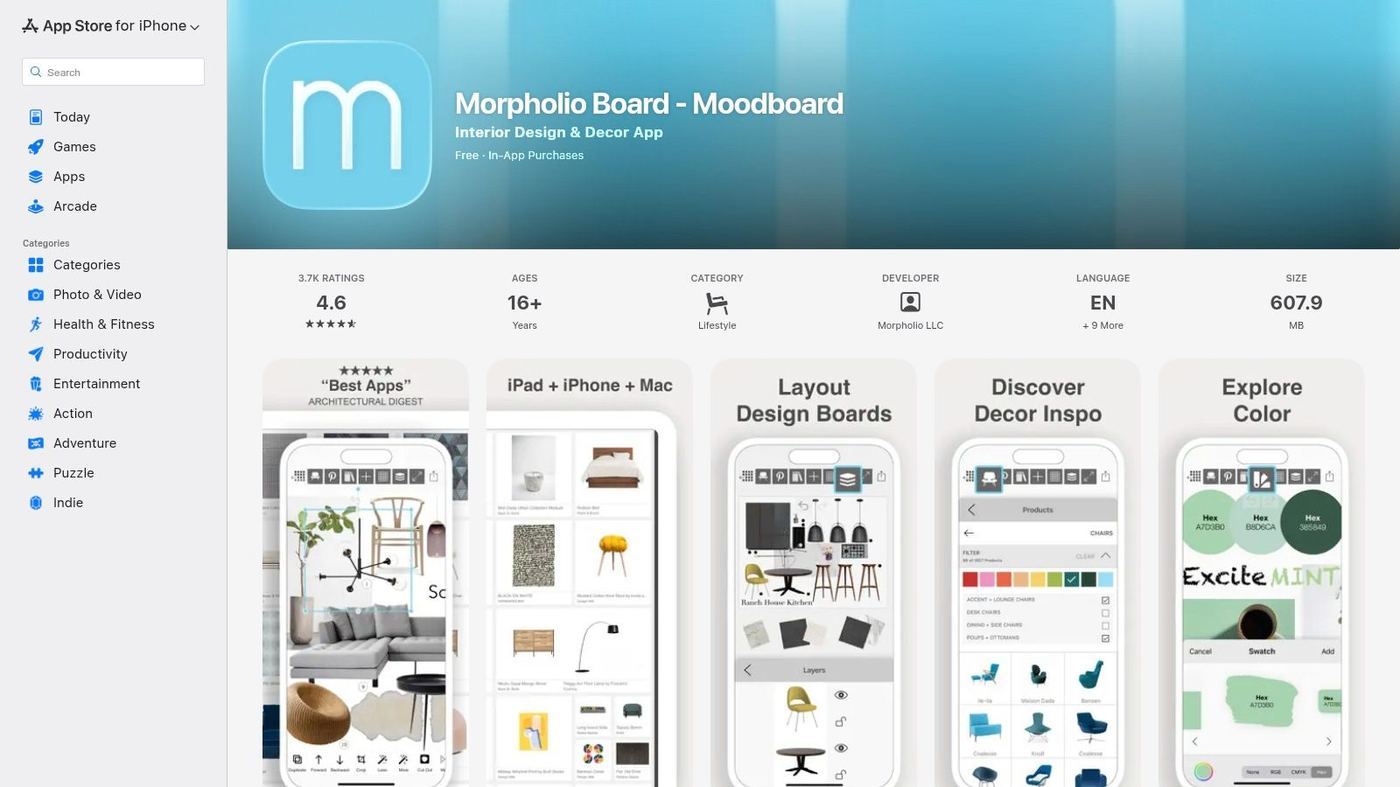
That focus on professional workflows sets it apart. Instead of an aesthetic alone, you are building a shoppable, specifiable design. The Pinterest Portal streamlines inspiration gathering, and the "Ava" tool auto-creates cut sheets and shopping lists, which saves a lot of manual data entry. Export options are polished, so client presentations look clean straight from your iPad or Mac.
Key Features & Use Cases
- Best For: Interior designers, architects, and home decor professionals who need client-ready presentations with real product specs.
- Standout Feature: The Augmented Reality (AR) viewer previews scaled furniture and decor in a client's space through your device camera, connecting concept to reality.
- Practical Tip: Use the automatic background removal on imported images. The "magic wand" makes it easy to layer products cleanly without editing them in a separate program first.
Pricing and Limitations
Morpholio Board is a free download with basic features. The Pro plan (starting at $11.99/mo) removes the board cap and adds advanced export options, AR features, and the full suite of automated tools. Its biggest limit is platform exclusivity: iOS, iPadOS, and macOS only, which leaves Android and Windows users out.
| Pros | Cons |
|---|---|
| Tailored specifically for professional interior design. | Only available on Apple platforms iOS and Mac. |
| Automatically generates cut sheets and shopping lists. | The best features are locked behind a paid plan. |
| AR feature for visualizing furniture in real spaces. | Steeper learning curve than simpler collage tools. |
Website: https://apps.apple.com/us/app/morpholio-board-moodboard/id761867957
9. Visme (Mood Board Maker)
Visme is more than a mood board tool; it is a full visual communication platform that turns concepts into presentable assets. Its mood board maker sits inside a larger suite, so it fits marketers and brand managers who want to build a board and then pivot straight into a presentation, infographic, or social graphic using the same visual direction. That link between ideation and execution is its core strength.
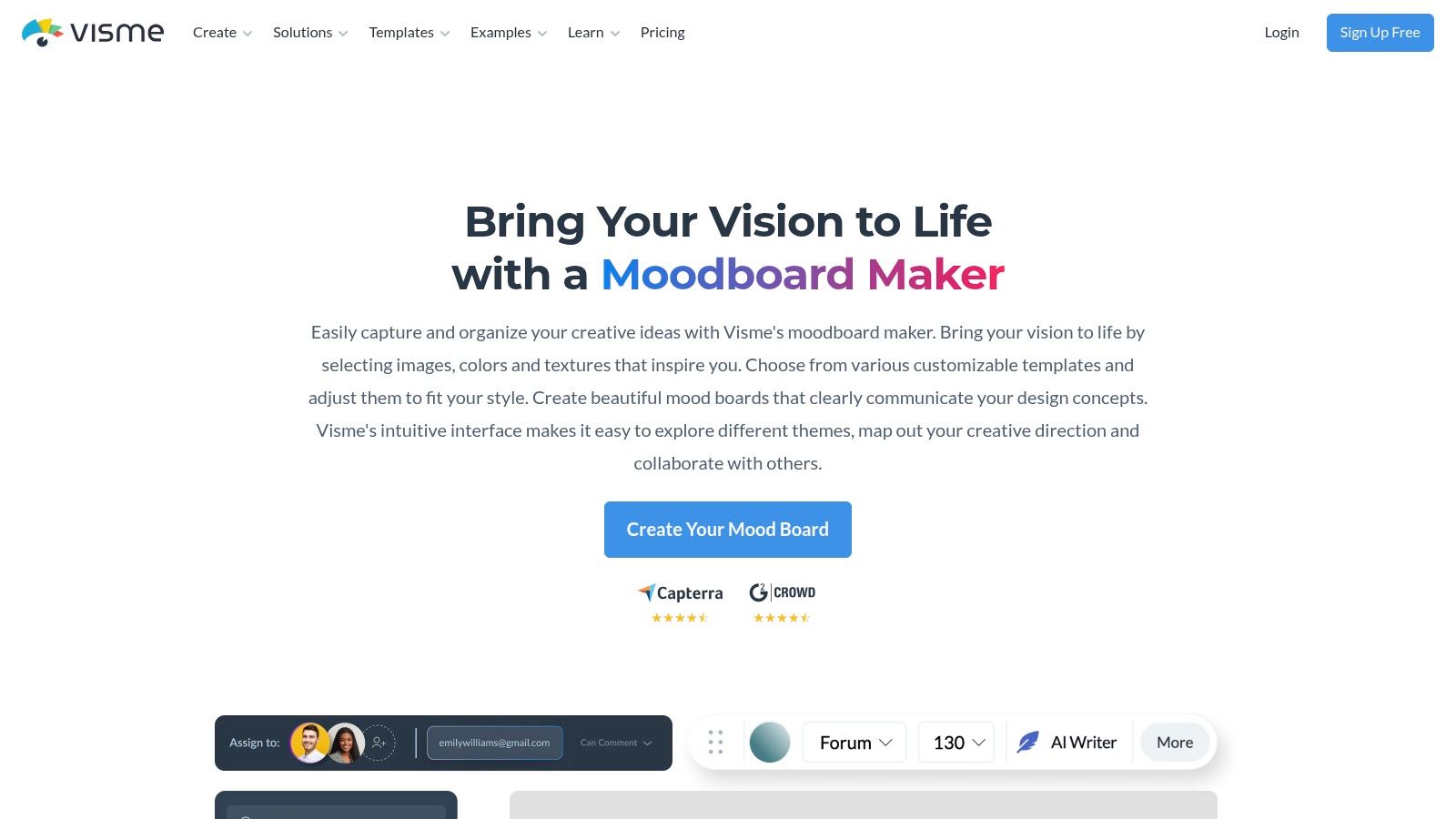
It is built for clarity and impact. You can start fast with the drag-and-drop editor and professional templates, but the real power is in presentation and sharing. Visme lets you create interactive shareable links and even track who viewed your board and for how long. That analytics angle offers a read on stakeholder engagement that is rare in other mood board tools.
Key Features & Use Cases
- Best For: Marketing teams, corporate presentations, and freelancers presenting creative direction with polished, trackable assets.
- Standout Feature: The "Brand Kit" pre-loads logos, fonts, and color palettes, so every board (and later design) stays on-brand.
- Practical Tip: Use "Presenter Mode" to walk clients or teammates through a board in a structured way. You can also embed boards into a website or landing page for a clean portfolio display.
Pricing and Limitations
Visme has a Free plan with limited storage and templates. The Starter Plan ($12.25/mo billed annually) removes Visme branding and unlocks more, while the Pro Plan ($24.75/mo) adds the full Brand Kit and analytics. A Teams plan is available too. It is powerful, but the presentation focus means it lacks the free-form infinite canvas feel of tools like Milanote.
| Pros | Cons |
|---|---|
| Scales beyond mood boards to reports and decks. | Some export options are gated behind paid tiers. |
| Strong presentation and communication focus. | Interface can feel more structured than creative. |
| Engagement analytics on shared links. | Pricing across tiers can add up quickly for teams. |
Website: https://www.visme.co/
10. Kapwing (Mood Board/Collage Maker)
Kapwing is a browser-based creative suite that stretches past static images into video, which makes it a strong pick for social media managers and content creators. Its strength is assembling mixed-media boards and collages fast, then exporting them as social-ready assets. The editor keeps combining images, GIFs, and video clips into one visual narrative simple.
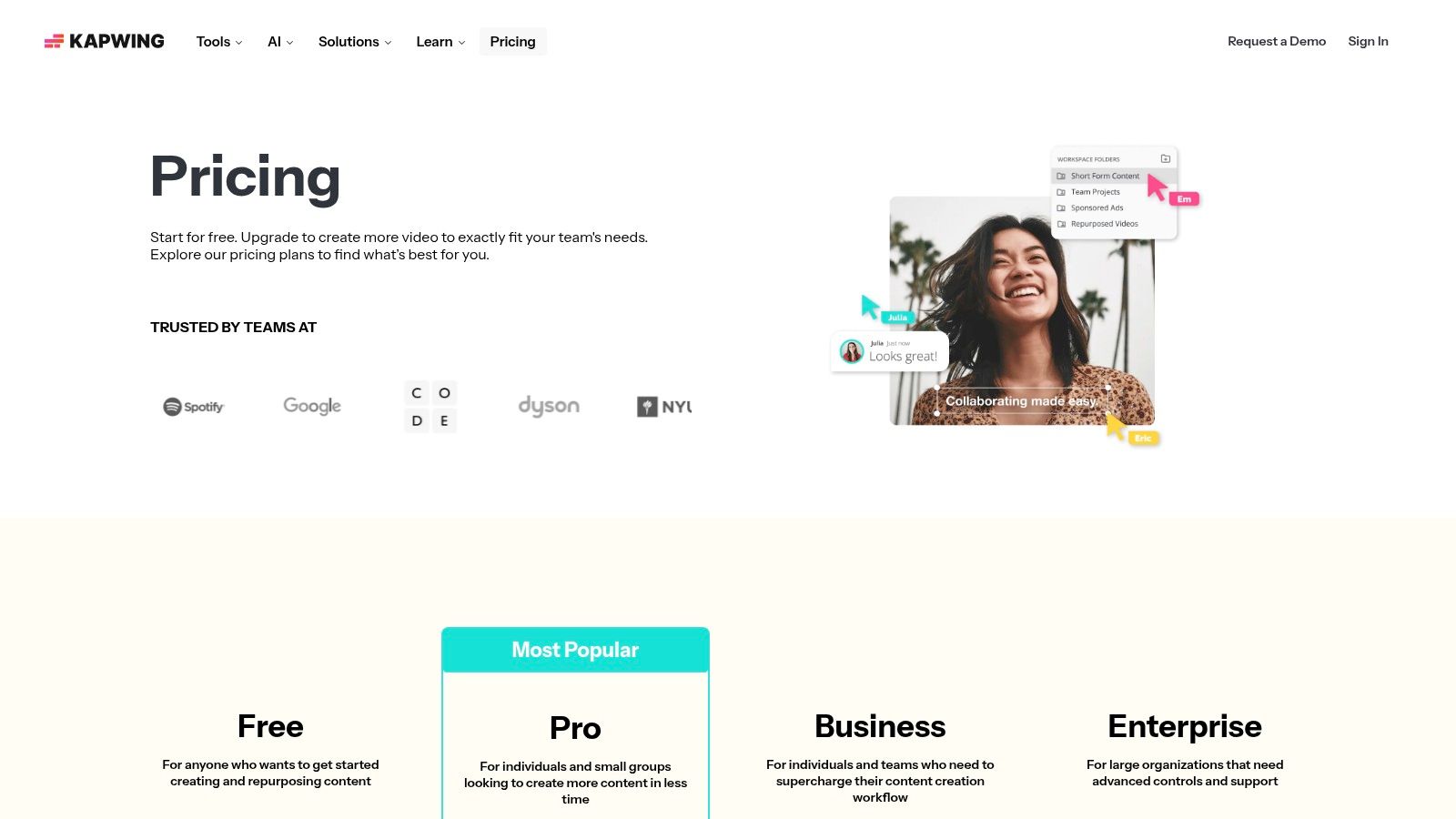
That multimedia focus makes it one of the best mood board generators for teams planning video-centric campaigns or dynamic social content. The editor has integrated stock libraries and collaborative workspaces, so you source assets and give feedback in one place. The Brand Kit on paid tiers keeps every board aligned with your guidelines.
Key Features & Use Cases
- Best For: Social media content teams, video creators, and marketers planning mixed-media campaigns.
- Standout Feature: The integrated video editor lets you build boards with animated elements or clips, which is handy for Instagram Stories or TikTok.
- Practical Tip: Start from a collage layout, drop in your core brand images, then add a short clip or GIF into one cell to preview how motion sits against your static aesthetic.
Pricing and Limitations
Kapwing has a free plan, but exports carry a watermark and there are file size limits. The Pro Plan ($16/mo billed annually) removes watermarks, adds 4K export, and unlocks premium features like Brand Kit and version history. The workflow is fast, but the AI features run on a credit system, which adds complexity and cost for heavy users.
| Pros | Cons |
|---|---|
| Fast no install browser based workflow. | Free tier exports include a watermark. |
| Excellent for mixed media image and video. | AI features use a credit system which adds costs. |
| Competitive Pro pricing for individual creators. | Less focused on pure ideation than other tools. |
Website: https://www.kapwing.com/pricing
11. Venngage (Mood Board Maker + Templates)
Venngage is a template-driven design platform that keeps the process simple, which makes it one of the best mood board generators for marketing and communications teams. Its strength is accessibility for non-designers: structured mood board templates you customize fast in a drag-and-drop editor. That suits teams that need consistent, brand-aligned assets without a steep learning curve.
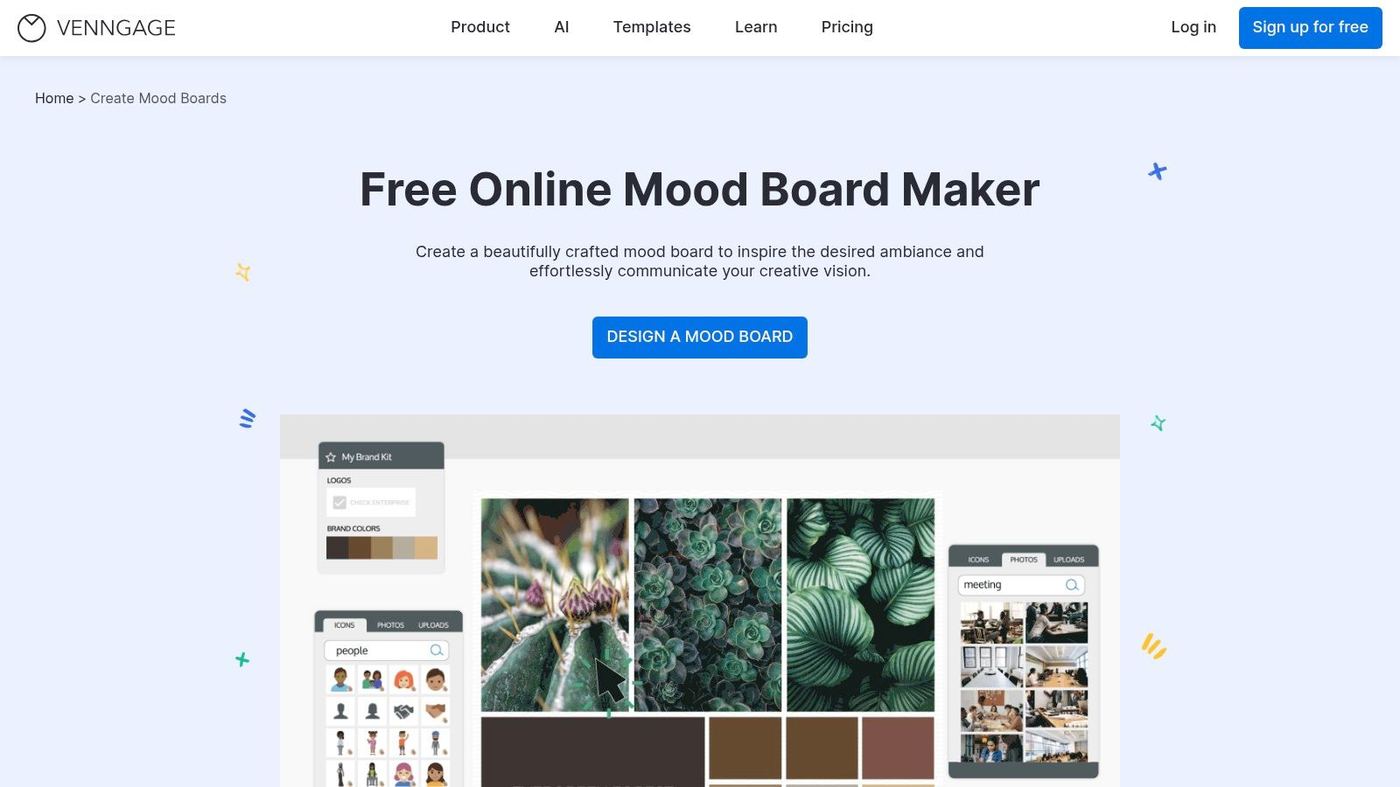
It is built for business collaboration, with Brand Kits to store logos, fonts, and color palettes, plus team folders and private sharing links for internal workflows and client approvals. It reads more like a general design tool than a specialized ideation canvas, but its ease of use makes it a reliable option for polished boards, presentations, social campaigns, and internal brand guidelines.
Key Features & Use Cases
- Best For: Marketing teams, social media managers, and small businesses needing a quick, template-based solution.
- Standout Feature: The Brand Kit centralizes brand assets so every board and later design stays consistent, which is a real time-saver for busy teams.
- Practical Tip: Start from a template that matches your intended layout. Before adding project images, apply your Brand Kit to instantly update it with your core colors and fonts.
Pricing and Limitations
Venngage has a free plan with limited designs and export options. Paid plans include the Premium Plan ($10/mo per user, billed annually) for individuals and the Business Plan ($24/mo per user, billed annually), which adds real-time collaboration, Brand Kits, and team features. The per-user pricing can climb for larger teams.
| Pros | Cons |
|---|---|
| Extremely approachable for non designers. | Free plan is quite limited in features. |
| Brand Kit feature promotes design consistency. | Per user pricing can be expensive for large teams. |
| Wide variety of professional templates. | Less free form and flexible than infinite canvases. |
Website: https://venngage.com/features/moodboard-maker
12. Creative Fabrica Studio (Mood Board Creator)
Creative Fabrica Studio is a browser-based design workspace with a free mood board creator, pitched as an all-in-one for creatives who want more than a bare canvas. Its main strength is the tie-in to Creative Fabrica's huge marketplace of fonts, graphics, and digital assets. That makes it one of the best mood board generators for anyone who wants to pull decorative elements and professional assets without leaving the platform.
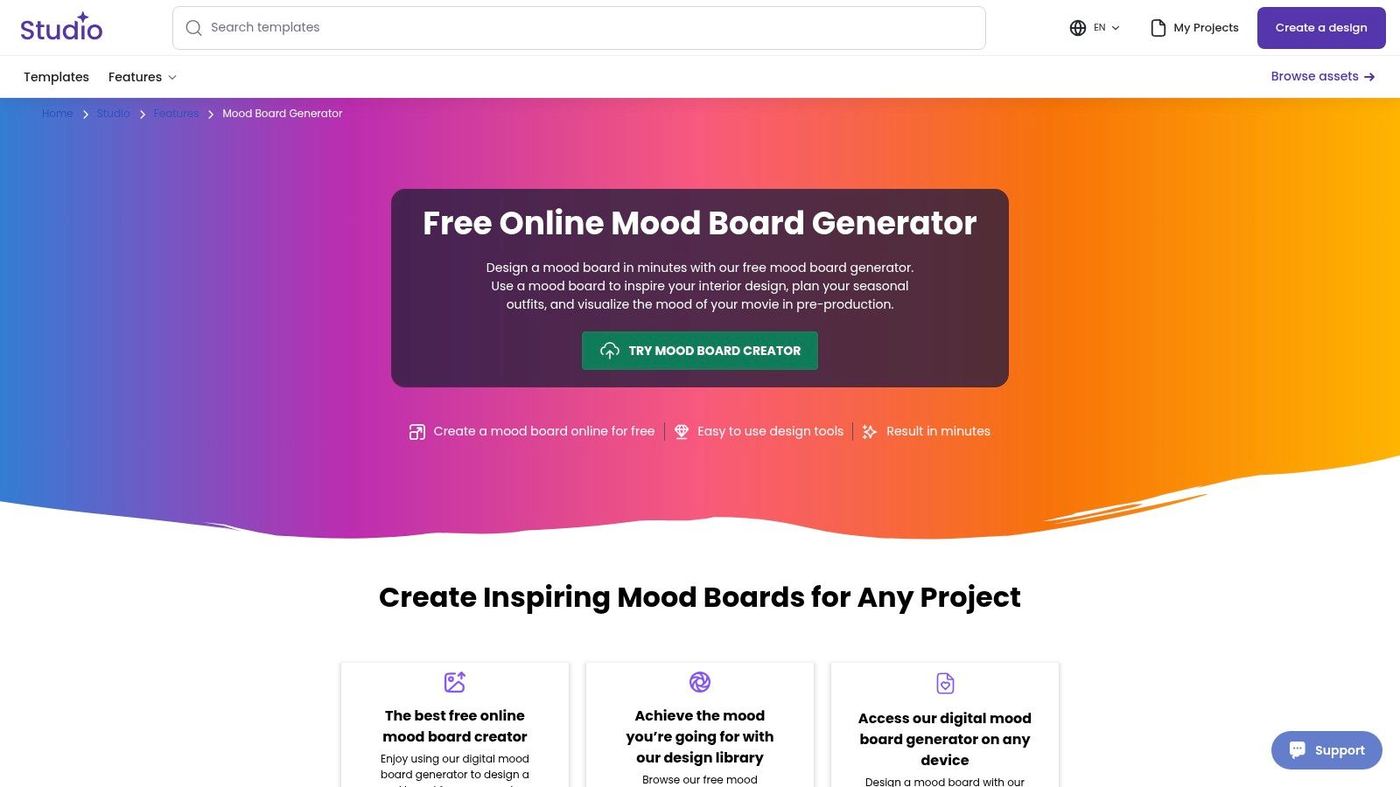
It is designed for rapid ideation and content creation. Beyond mood boards, it has Studio AI tools for image generation and background removal, so you can generate and refine concepts on the fly. That combination is useful for social media managers and solo creators who need to move from inspiration to finished assets quickly.
Key Features & Use Cases
- Best For: Social media content creators, crafters, and designers who want quick access to a vast asset library for concept development.
- Standout Feature: The direct link to the Creative Fabrica marketplace lets you use millions of fonts and graphics in your board, which streamlines the workflow.
- Practical Tip: Use the 30-day Studio trial to experiment with the AI credits (coins) for image generation. It is a good way to make custom, on-brand imagery to supplement stock photos.
Pricing and Limitations
The mood board creator is free to use. An All Access plan (starting at $4.99/mo billed annually) unlocks the full library of fonts and graphics. The toolkit is powerful, but some users report billing and support issues, so it is worth evaluating the trial carefully. The best assets sit behind the paid plan, and you must check licensing terms for commercial use.
| Pros | Cons |
|---|---|
| Easy to start with free mood board tools available. | Best features and assets are behind a paywall. |
| Massive library of design assets for fast composition. | Some users report issues with customer support and billing. |
| Combines mood boards with AI utilities for rapid ideation. | Commercial use licensing for assets requires careful review. |
Website: https://www.creativefabrica.com/studio/features/mood-board-creator/
Top 12 Mood Board Generators: Feature Comparison
| Tool | Key features | UX & collaboration | Value / USP | Best for | Price & notes |
|---|---|---|---|---|---|
| Milanote | Infinite canvas, mood board templates, Pexels, web clipper, PDF export | Low learning curve, mobile apps, read only share links | Structured yet flexible boards, client ready exports | Agencies, brand teams, non designers | Free plan caps uploads, paid removes limits |
| Figma (FigJam) | Curated templates, community plugins, integrates with Figma design flow | Live multiplayer, comments, versioning, presentation mode | Clean handoff from exploration to production design | Teams already on Figma, designers & prototypers | Free templates, advanced features need paid seats |
| Miro | Infinite whiteboard, templates, 160+ integrations, AI clustering | Excellent for workshops, commenting, guest sharing | Versatile cross team collaboration beyond mood boards | Cross functional teams, workshops, reviews | Free limits editable boards, large boards can get dense |
| Adobe Express + Firefly Boards | AI image gen, Adobe Stock, style refs, Express and Photoshop integration | Team feedback features, multi language support | Commercial safe Firefly AI plus deep Adobe ecosystem integration | Adobe invested content teams, brand driven workflows | Best features on paid tiers, complex plan and credit models |
| Canva | Drag and drop editor, large stock library, templates, resizing | Very fast to learn, collaborative editing, social ready exports | Quick output for social and brand assets, massive templates | Social teams, marketers, non designers | Free limited, teams pricing changed, verify current plans |
| Pinterest (Collages) | Object cutouts, Remix collages, shoppable Pins, video downloads | Mobile first, fast experimentation, remix with crediting | Inspiration graph plus product discovery to sourcing | Trend discovery, product sourcing, mobile workflows | Free, limited layout controls, features vary over time |
| Niice | Brand hub, libraries, guidelines, browser capture, SSO | Enterprise grade governance, scalable team features | Centralizes brand systems and asset governance | Large brand and creative teams, enterprises | Pricing leans enterprise, some tiers require sales contact |
| Morpholio Board | Brand catalogs, AR furniture previews, cutsheets, PSD and PDF export | Polished client ready outputs, optimized for Apple devices | Spec focused workflows and AR visualization for interiors | Interior designers, specification heavy projects | iOS and Mac only, paid in app plans for full features |
| Visme | Mood templates, brand kit, interactive elements, analytics | Presentation focused, shareable links with engagement metrics | Combines direction with stakeholder tracking and presentations | Marketers, communicators, presenters | Some exports gated to paid tiers, team costs can add up |
| Kapwing | Browser image and video editor, templates, brand kit, 4K export | No install web workflow, shared workspaces, version history | Strong for mixed media (video plus image) mood boards | Content teams and creators working with video | Free exports watermark, Pro pricing competitive, AI credits system |
| Venngage | Template led editor, Brand Kit, private links, team folders | Very approachable, business sharing and collaboration features | Template driven design with team controls | Marketing and comms teams, small businesses | Free limited, Business plan is per user pricing |
| Creative Fabrica Studio | Online mood board creator, large font and graphic marketplace, AI tools | Browser based, easy trial, Studio AI (image gen, bg remover) | Massive decorative asset library plus AI utilities | Creatives needing extensive assets and decorative elements | Free tools available, paid tiers for full asset access, check licensing |
If you would rather watch someone build one start to finish, this walkthrough covers the whole process, from pulling references to arranging them into a direction a client can sign off on.
Final Thoughts
After running all twelve through real work, the plain answer is that there is no single best tool, only the best one for how your team works, how big it is, and what you are trying to make. Milanote's open canvas, Figma and Miro's live collaboration, Canva's speed; each one wins for a different kind of team. The choice shapes how your team ideates, collaborates, and finally ships the work.
Making the Right Choice: A Practical Framework
Before you commit to a platform, a few questions save you from switching tools three weeks in:
- Collaboration is key: How does your team actually work? If you need real-time, multi-user editing and deep ties to tools like Figma or Miro, prioritize platforms built for live teamwork. For solo creators or small teams, simpler tools like Canva or Morpholio Board give you a more focused experience.
- Integration with your ecosystem: A mood board is rarely the final output; it is a stepping stone. Check how well a tool connects to the rest of your stack. Does it hook into Slack for notifications? Can you export assets to Adobe Creative Cloud or your project management software? A tool that fits your current workflow gets used; one that does not gets abandoned.
- Asset management and sourcing: Think about where inspiration comes from. If you lean on web content, a strong web clipper (Milanote, Pinterest) matters. If you work from a private library of brand assets, look at platforms like Niice with dedicated brand hubs and asset management.
- The AI-powered angle: Generative AI, as with Adobe Firefly, is now a real workflow accelerant. It can spin up concepts and fill gaps when stock imagery falls short. If you want to explore more AI-assisted options, this guide to the 12 Best AI Tools for Fashion Brands is worth a look.
Beyond the Board: Implementing Your Vision
Remember, the point of a mood board is not a pretty collage; it is alignment and a clear reference point for a project. The best mood board generators make the jump from inspiration to execution easier. Use your finished board as a constant guide through design, brand identity work, or content production, so every decision stays true to the agreed direction.
The most effective tool is the one that feels natural to your team and takes friction out of the process. Do not be shy about trialing a few; the time you spend finding the right fit pays off in cleaner branding, faster turnarounds, and a more aligned team.
One last thing I learned the hard way: a mood board is a promise, not a deliverable. The direction only matters if the execution holds from the first asset to the fortieth. That gap, taste that stays consistent at volume, is the part software cannot do for you; it is where a real creative team earns its keep. If that is the stage you are stuck at, that is what we do at Moonb.
Frequently asked questions
It depends on the kind of board you want. Pinterest Collages is fully free and great for quick, mobile ideation. Milanote's free plan (capped at 100 items) is the pick for structured, annotated boards. Canva's free plan wins if you want a template to fill in fast. Choose based on whether you prefer an open canvas or a ready-made layout.
A mood board explores a direction, so it is loose and exploratory. A style guide locks the decisions, so it is a fixed set of rules for color, type, and spacing. The mood board comes first and feeds the style guide. Tools like Niice and Visme sit between the two with brand hubs and brand kits that carry an approved direction into reusable rules.
No. The free tiers on Pinterest, Canva, Milanote, and FigJam are enough for most single boards. You start paying when you hit item caps, need real-time collaboration across a bigger team, or want brand-kit consistency and viewer analytics. For a one-off board, free is usually plenty.