Animation Techniques Explained (2D, 3D & More)
A working guide to every animation technique, from hand-drawn 2D and 3D to stop motion and motion graphics, plus how to choose the right one.


An animation technique is the method you use to create the illusion of movement, and the ones that matter for real work sort into five families: hand-drawn 2D, rigged digital 2D, 3D (CG), stop motion, and motion graphics. Under those families sit the mechanics an animator actually touches: drawing frame by frame, setting keyframes and letting software fill the in-betweens, rigging a digital puppet, tracing over live footage with rotoscoping, and recording an actor with motion capture.
I have directed pieces made with every one of these, and here is the part that trips people up. The technique is a downstream decision. You choose it once you know what the piece has to do. The first few times I let a client fall in love with a look before we had a script, we paid for it later, once with a 3D render bill on a thirty-second spot that a rigged 2D character would have carried for a fraction of the time.
So before the styles, learn the moves.
The animation techniques worth knowing
Every animated piece is built from a small set of underlying methods, and most finished work blends two or three of them.
- Frame by frame. You draw or pose every frame. It gives the most fluid, alive result and eats the most hours. Traditional hand-drawn animation is pure frame by frame.
- Keyframing and tweening. You set the important poses (the keyframes) and the software generates the frames between them (the tween, short for in-between). This is the backbone of nearly all digital 2D and 3D.
- Rigging. You build a digital skeleton with joints and controls, then move the character by its rig instead of redrawing it. One good rig saves weeks across a project.
- Rotoscoping. You trace animation on top of filmed footage to borrow real human motion. A Scanner Darkly is the famous feature-length example.
- Motion capture. You record a performer’s movement with sensors or cameras and map it onto a 3D model. Most game and VFX character motion starts here.
- Onion skinning. Not a look, a working aid: you see faint ghosts of the neighbouring frames so your motion stays smooth. Every 2D animator lives in it.
Hold these in your head as you read the style families below, because the families are really just different combinations of these moves. If you want the full production path from brief to final render, we broke that down in our guide to the animation process.
2D animation: from hand-drawn cels to rigged puppets
2D animation creates movement on a flat plane, using height and width only, and it splits into two working modes that could not be more different in cost or speed: traditional frame by frame, and digital.
Traditional 2D means drawing every frame by hand. Animators drew each pose on a clear sheet called a cel, layered it over a painted background, and shot the sequence one frame at a time. That is how Snow White and the classic Looney Tunes shorts moved. It produces a warmth that is hard to fake, and it is slow and costly enough that you rarely see it in marketing now. When a brand does commission it, the hand-drawn look is the whole point.
Digital 2D is where most commercial work lives. Vector animation builds art from mathematical curves instead of pixels, so it scales from a watch face to a billboard without going soft, which makes it a natural fit for logos and brand characters. Rigged animation is the real time-saver: an artist builds a puppet with a jointed rig, then animates by moving controls rather than redrawing. That is why a polished 2D explainer video can be produced in a few weeks on a sane timeline. When you want some of the depth of 3D without its cost, 2.5D sits in the middle, giving flat layers a sense of parallax and camera movement; we get into that in our note on 2.5D animation.
3D animation: building and lighting a virtual world
3D animation adds depth, so objects have volume and can be viewed from any angle, and it runs through a fixed pipeline: model, texture, rig, animate, then render. You sculpt the object once as a mesh, paint its surfaces, build a rig, pose keyframes and let the computer interpolate the motion, then render every frame out to final images. A single complex frame can take minutes or hours. It is the most resource-heavy family, and it earns its cost when realism or spatial understanding is the actual job, like showing the inside of a product, or flying a camera through a building that does not exist yet.
Demand backs this up. Grand View Research valued the global 3D animation market at 22.67 billion dollars in 2023 and projects 51.03 billion by 2030, a 12.3 percent compound annual growth rate driven largely by VFX and product content. If you are weighing it for a launch, our piece on 3D explainer videos walks through where the money actually goes.
Stop motion: moving real objects one frame at a time
Stop motion is animation you can touch: you move a physical object a hair, shoot a frame, move it again, and repeat a few thousand times. Nothing is rendered, everything is built and lit for real, and that is why it reads as handmade even to a viewer who could not name why. The trade-off is patience. Lighting has to stay identical across thousands of exposures, and one bumped puppet can cost a day of shooting.
It is more varied than the claymation most people picture. Puppet animation uses armatured figures, as in Coraline. Claymation reshapes clay between frames, as in Wallace and Gromit. Cutout animation moves flat paper shapes. Pixilation makes stop motion out of real people posed frame by frame, and object animation brings everyday things to life, which is why brands reach for it on social, where its slightly stepped motion stops a scroll that glides past everything smoother. For campaigns that pulled this off, see our roundup of stop motion animation examples.
Motion graphics: making design move
Motion graphics is design in motion: instead of animating characters, you animate graphic elements, so text, logos, icons, and charts. It answers what and how rather than who, and it is the workhorse behind title sequences, animated data, app UI, and social explainers. Because it starts from existing design assets, it is usually the fastest and least costly family to produce, and it is the one I reach for when a message has to land in fifteen seconds. Kinetic typography animates words for emphasis. Animated data turns a static chart into something a viewer can follow. There are more flavours than most people expect, and we mapped them in motion graphics explainer videos.
The 12 principles behind movement that reads as alive
Movement that feels believable is not an accident. It comes from twelve principles two Disney animators, Frank Thomas and Ollie Johnston, codified in their 1981 book The Illusion of Life. They apply no matter which technique you use, from hand-drawn cels to a rigged puppet to a 3D character, and they are why one animation feels weighty and premium while another feels stiff.
The ones I mention most on reviews: squash and stretch (weight and flex, a bouncing ball flattening on impact), anticipation (the wind-up before an action so the viewer can read it), timing and spacing (how many frames an action takes and how they are distributed, which sets the whole sense of speed), follow-through (hair and cloth that keep moving after the body stops), and slow in and slow out (things ease into and out of motion, they do not stop on a dime). Adobe keeps a clean rundown of all twelve principles if you want the full set. Learn these and your feedback to any animator gets far more useful, because you can name what is wrong instead of saying it feels off.
How I pick a technique for a real brief
I start with the job, not the look. One question sorts most of it: is the goal to explain something with total clarity, or to make someone feel something about the brand? Clarity points toward motion graphics or rigged 2D. Emotion and realism point toward 3D or the handmade texture of stop motion.
Then I pressure-test the real limits. On cost, hand-drawn 2D and full 3D are the heavyweights, while digital 2D and motion graphics run far lighter. On timeline, stop motion is slow by nature and rigged 2D moves fast because assets get reused. On fit, stop motion feels tactile and warm, 3D feels modern and precise, and 2D bends to almost any brand voice. A quick social cut and a launch film for a conference have opposite needs, so let the technique fall out of the answer to that. If the real question underneath is whether to animate at all, our comparison of animation versus live action is the better place to start.
| Technique | Relative Cost | Typical60s Timeline | Best For | Signature Trait |
|---|---|---|---|---|
| Hand-drawn 2D | High | 6 to 12 weeks | Character-led films, a distinct art style | Organic, made-by-hand feel |
| Digital 2D (vector + rigged) | Low to medium | 2 to 5 weeks | Explainers, social, product stories | Fast to revise, reusable assets |
| 3D / CG | High | 6 to 12 weeks | Product demos, realism, spatial detail | Volume and depth from any camera angle |
| Stop motion | Medium to high | 8 to 16 weeks | Tactile brand pieces, scroll-stoppers | Real texture, handmade charm |
| Motion graphics | Low to medium | 2 to 4 weeks | Data, kinetic type, UI, logos | Clarity and quick turnaround |
Ranges are typical for a polished 60-second piece; real timelines move with complexity and how many revision rounds a project runs.
The table above is how I sanity-check a first instinct, not a rulebook. Every project has an exception, and the best piece is the one that serves the story and the goal, even when it means more work than the schedule wanted.
Mixing techniques in one piece
Most polished work blends techniques instead of leaning on one. This is mixed media, and it is where the interesting results come from: 2D motion graphics laid over live action to flag a statistic, or a 3D character dropped into a real filmed set. I lean on it constantly, running 3D for a hero product shot and cutting to flat 2D for the explanation, because each family is strongest at a different job. The blend just has to feel deliberate.
Who should make this
The technique matters less than whether the person choosing it has made the wrong call a few times and remembers what it cost. A rigged 2D character can outperform an expensive 3D render, or it can sink a premium brand film that needed real depth, and knowing which is which comes from having shipped both. That judgment is also the piece AI is worst at right now, which I get into just below.
Most teams land somewhere on a spectrum: HubSpot’s research found 55 percent of marketers produce video in-house, 14 percent outsource it, and 31 percent do both. If you are weighing the outsourced route, our list of animated video production companies compares the studios worth a call. If you would rather not stand up a full animation team for work that arrives in waves, Moonb runs as an embedded creative team that handles the technique call and the production with a dedicated Creative Director on your side. Either way, decide what the piece has to do first. The technique is the easy part once that is clear.
Frequently asked questions
Technique is the method, or how the movement is made: frame by frame, rigged, stop motion, 3D. Style is the finished look: anime, flat vector, cutout, photoreal. One technique can produce many styles, and the same style can be reached by different techniques. Lock the technique for cost and timeline, and lock the style for brand fit.
Film and most screen animation run at 24 frames per second. Animators often work 'on twos', drawing a new image every second frame (12 drawings a second), which still reads as smooth and roughly halves the work; fast action moves to 'on ones' (24 drawings). Stop motion is frequently shot on twos, and game or real-time animation usually targets 30 or 60 fps.
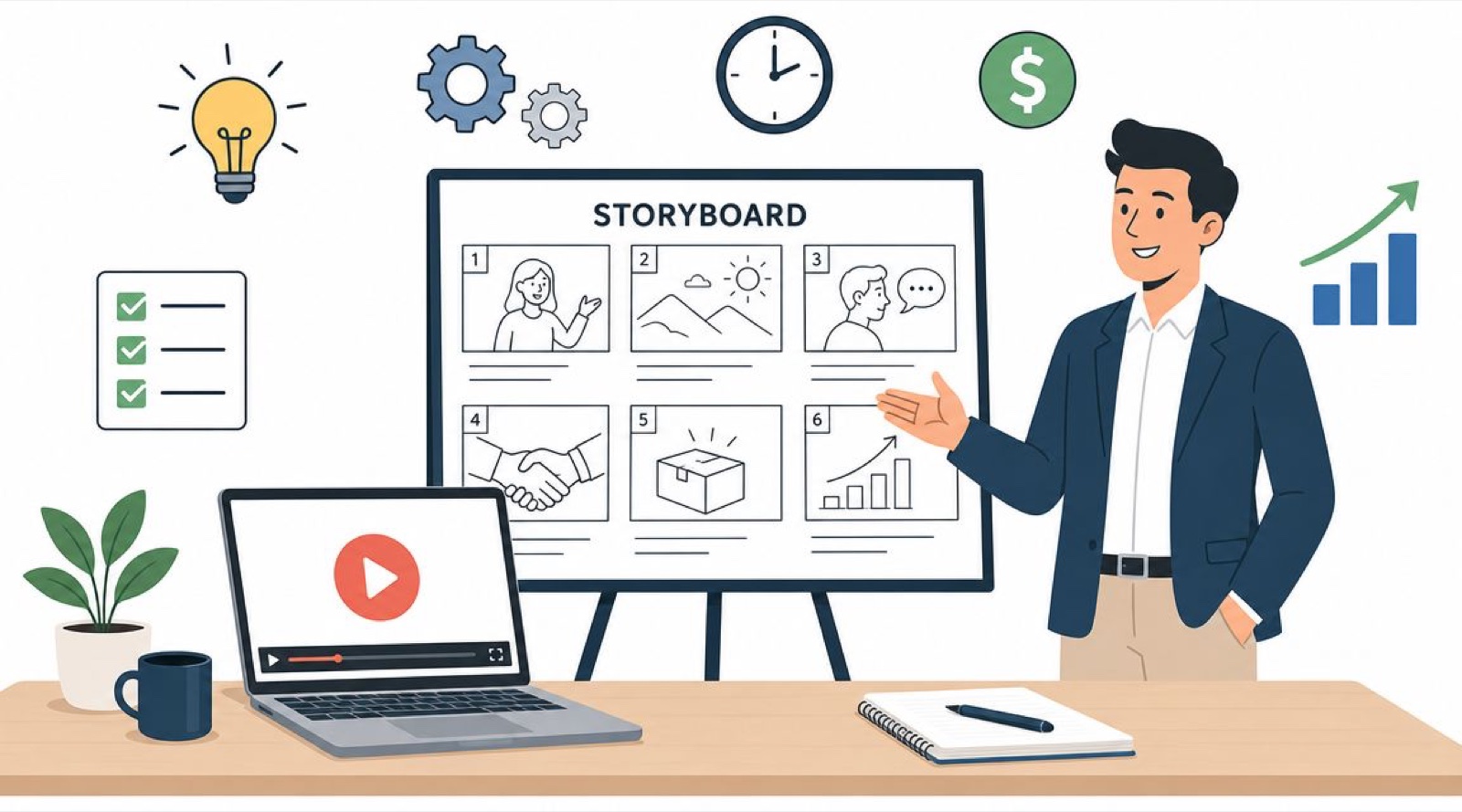
Yes. Board the idea and cut a rough animatic (still frames timed to the voiceover or music) before you commit to a technique. The animatic exposes whether the story needs character performance, spatial depth, or just clear graphics, and picking the technique before that step is the most common way animation projects overspend.