Royalty-Free Illustrations: 13 Sites I Trust
Thirteen sites for royalty-free illustrations, from free no-attribution libraries to premium hand-drawn packs, with pricing, licenses, and who each one fits best.

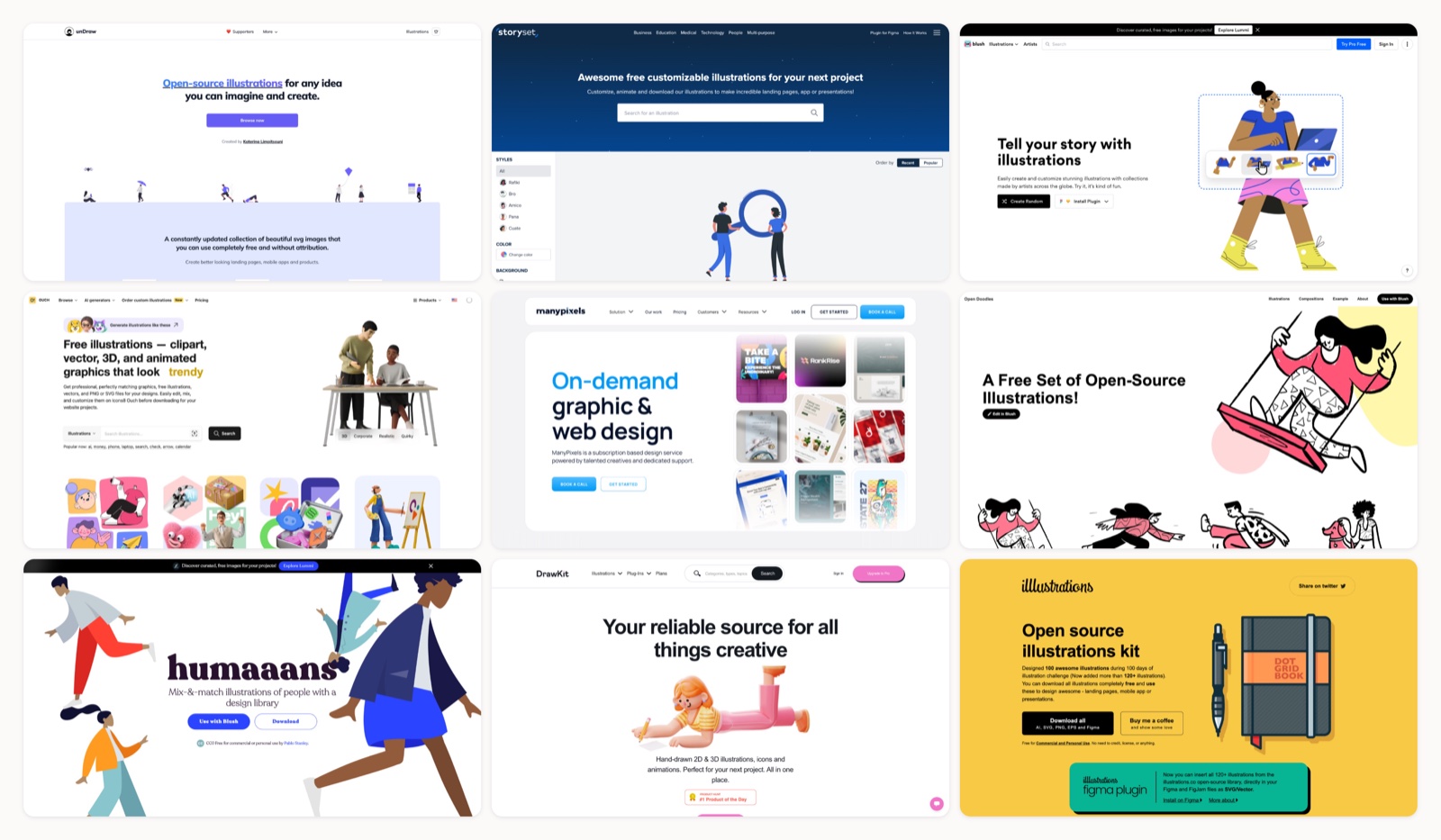
Open a dozen SaaS landing pages in a row and you start seeing the same purple character waving next to a laptop. Those defaults are fine, right up until every competitor leans on them too. I went looking for illustration sources that still feel fresh in 2026 and pulled together the ones I keep coming back to. A few are free with no credit line at all; others are paid libraries built for teams, with browser editors in between that let you recolor and remix on the spot. Every site below was live when I checked it, and I noted the license and price for each so you can pick fast.
One habit before you download anything: skim for the style that fits your brand first, then read the license second. “Free” can still mean “credit us” or “capped per project,” and the difference matters once real client work is on the line.
1. Mosso
More on Mosso
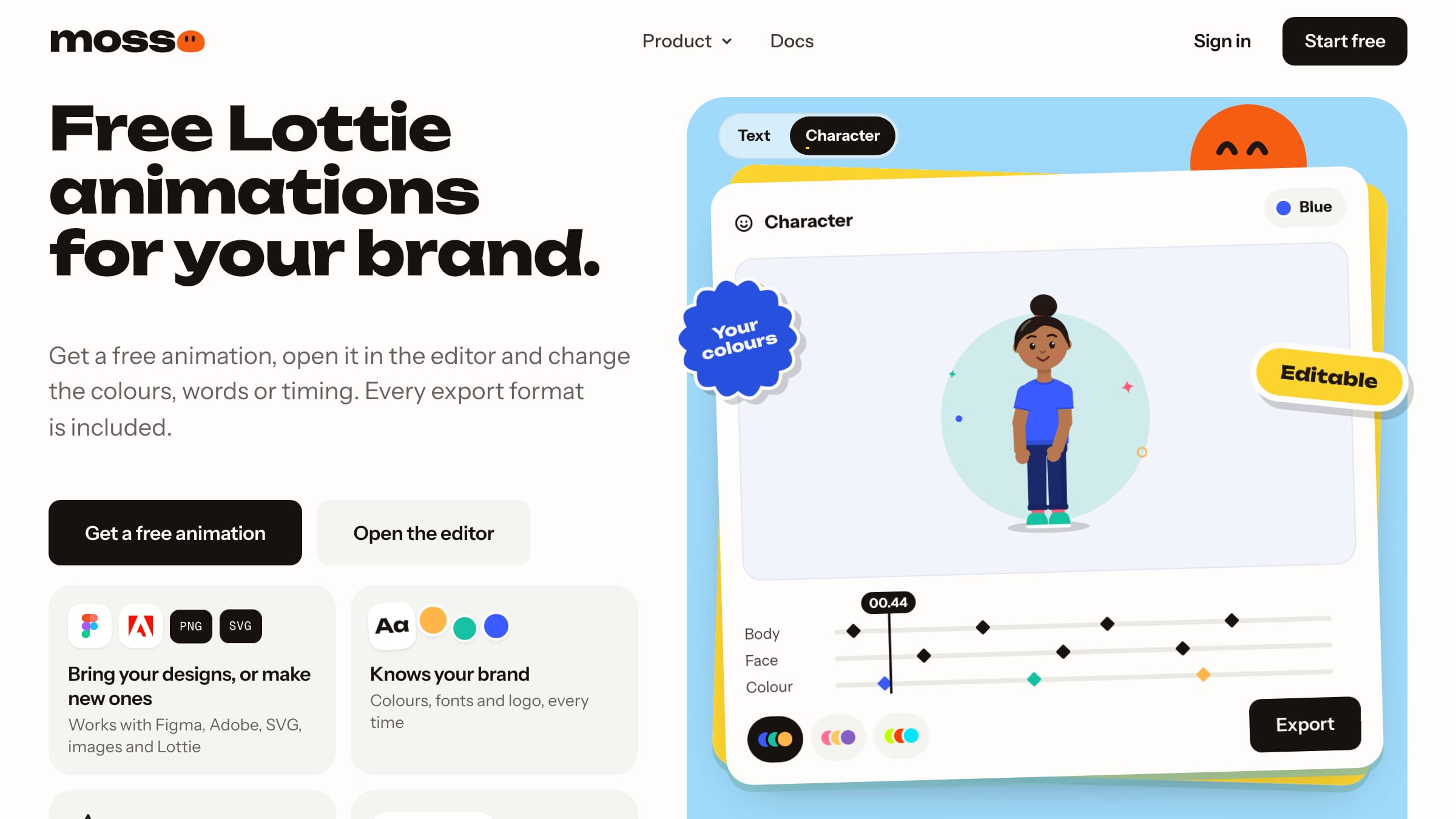
Most illustration libraries hand you a still SVG. Mosso's illustrated scenes, characters and stickers arrive moving, as small Lottie files, and the brand kit that sets your colours sets theirs too, so a set of scenes looks like it came from one hand. They are free for your own projects and client work, including commercial work, with no credit; you just cannot resell them as templates or stock. A free account allows up to 50 library downloads a day.
2. unDraw
More on unDraw
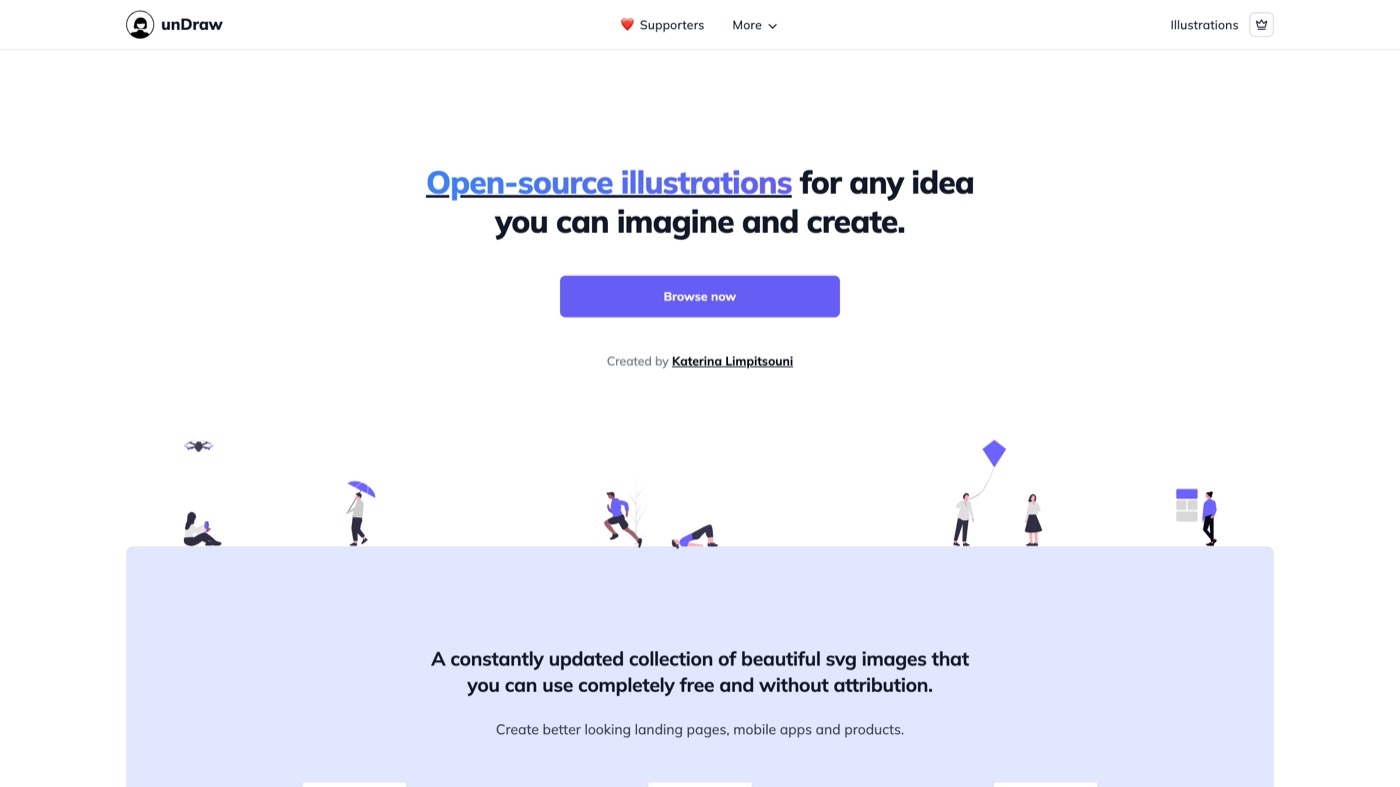
unDraw has been my default for years when I need a decent illustration in the next two minutes. You paste a single brand color into the box at the top and every SVG re-themes to it, which is why a page built entirely from unDraw still reads as coherent. The collection now runs to dozens of pages across business, tech, and lifestyle themes, and the newer Plus tier adds looping animated versions. The one real drawback is popularity: because it costs nothing and needs no credit, the flat blue-and-white look turns up on thousands of sites, so a custom accent color goes a long way.
3. Storyset
More on Storyset
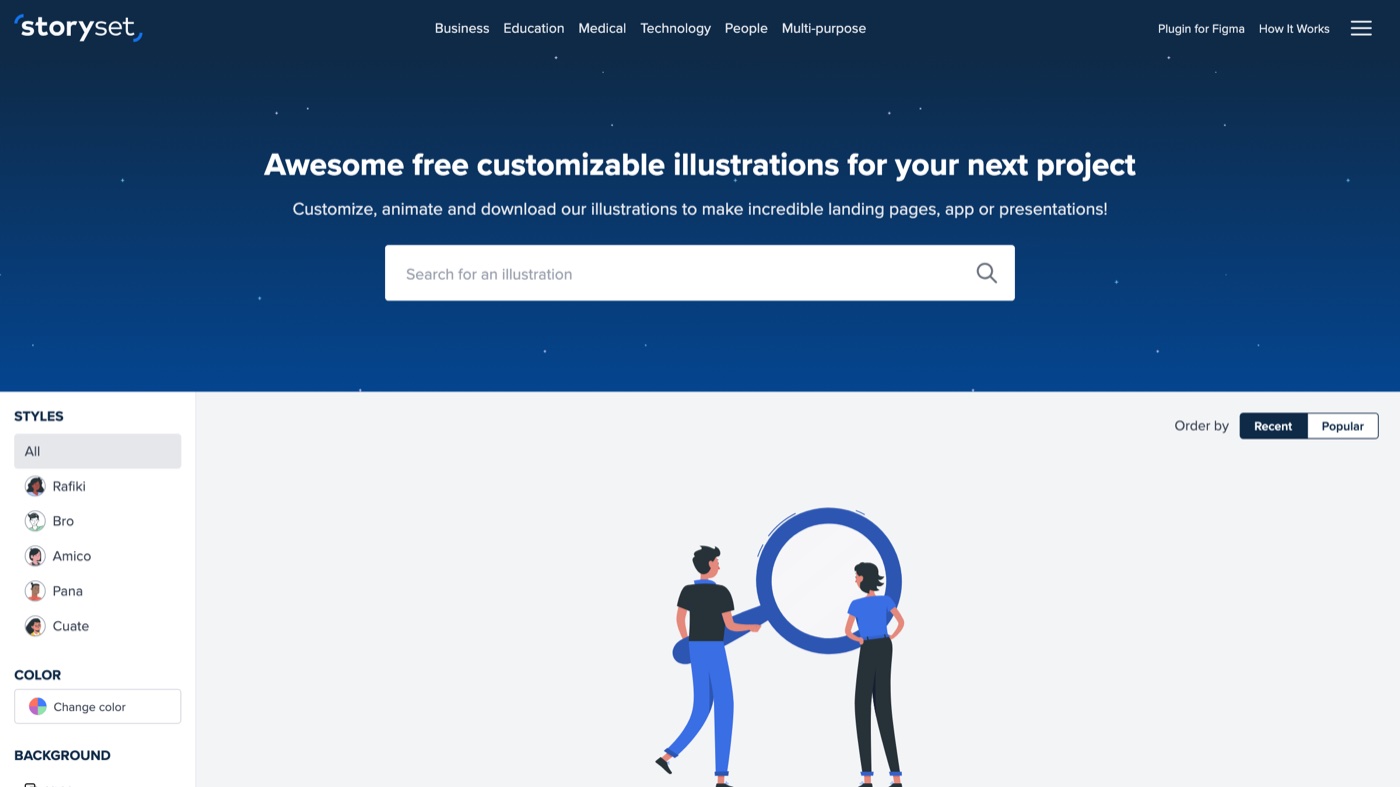
Storyset is the one I reach for when a slide or hero needs a bit of life. Each illustration opens in an editor where you change the accent color, toggle background shapes, and export either a still or a short animation. The art comes in several named styles, and sticking to one keeps a project from looking stitched together. It is run by Freepik, so the credit link is the cost of the free tier; a paid Freepik membership drops the attribution when a client build calls for it.
4. Blush
More on Blush
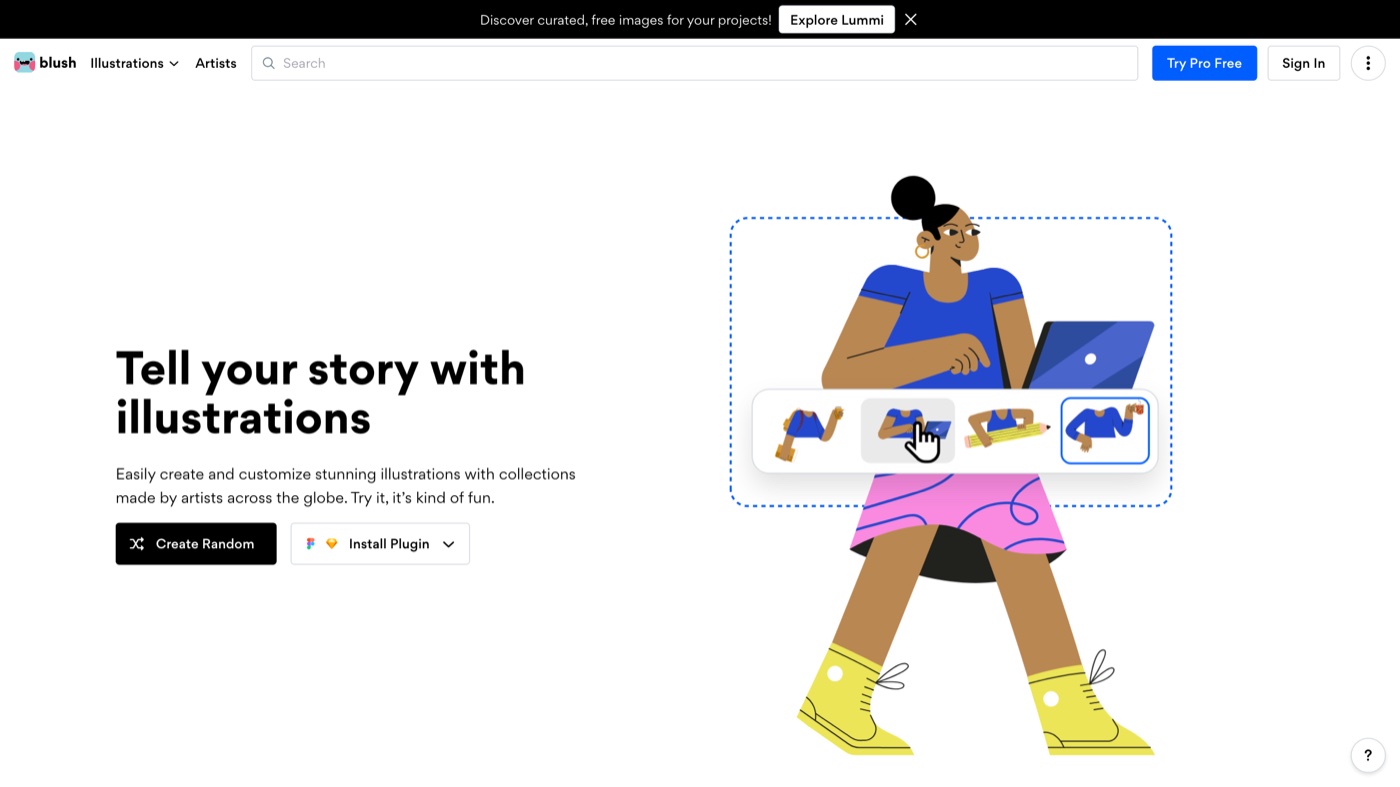
Blush turns individual artist collections into a mix-and-match toolkit. Instead of downloading a fixed image, you open a scene in the editor and change the character, the pose, the objects, and the palette until it reads as yours. That makes it a good fit for founders and marketers who want something warmer than the usual flat defaults but do not have a designer on hand. The free tier covers PNGs with a credit; the Pro tier is where you get clean SVGs and layered files for real production work.
5. Icons8 Ouch!
More on Icons8 Ouch!
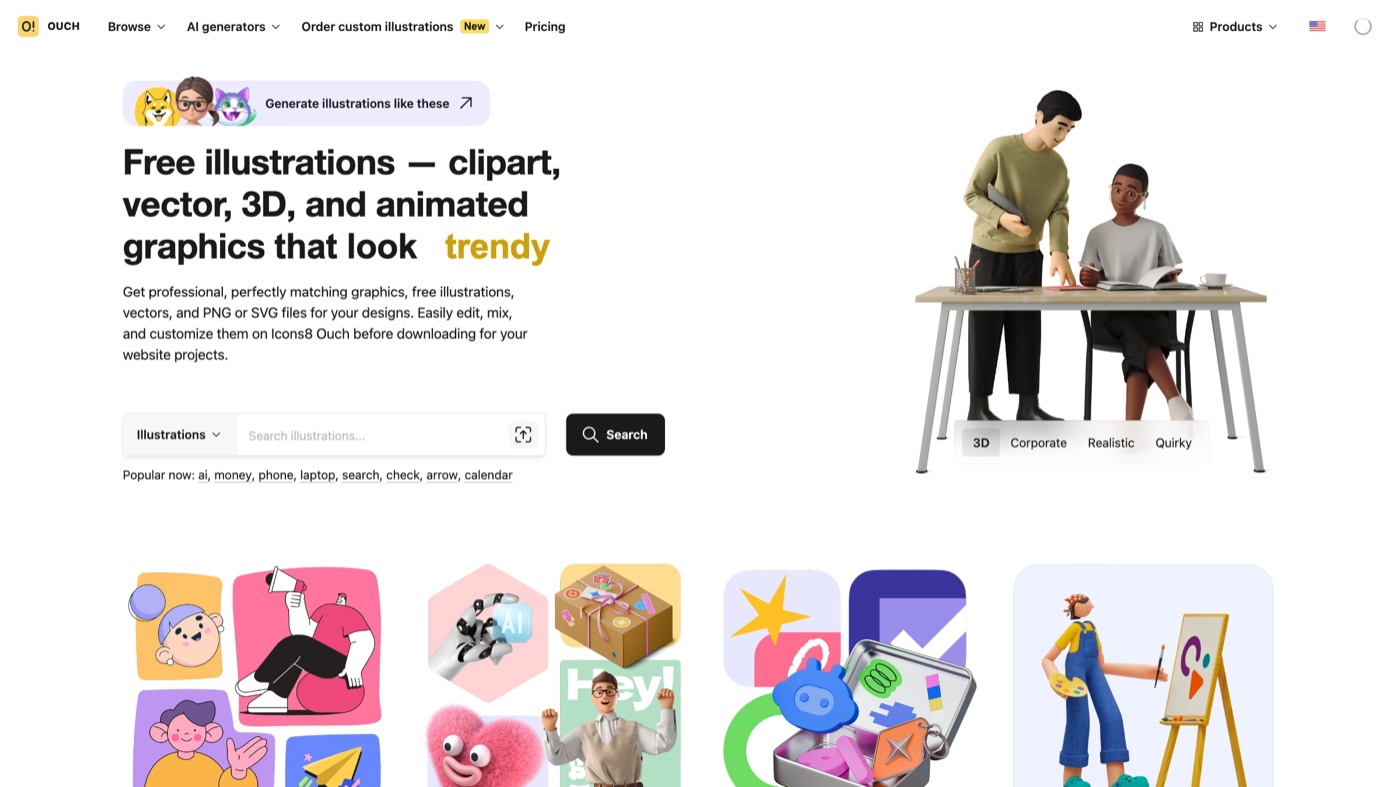
Ouch! is the illustration arm of Icons8, and its strength is range: 3D characters, hand-drawn line work, flat vectors, and animated sets all sit under one search. It plugs into the wider Icons8 world too, with a desktop app and design-tool plugins, so a team can pull assets without leaving their workflow. Free downloads are PNG with a credit; paid Icons8 access opens SVG, bigger sizes, and animation formats while dropping the attribution. Because it is so well known, the headline packs get reused a lot, so it pays to filter by a less obvious style.
6. ManyPixels
More on ManyPixels
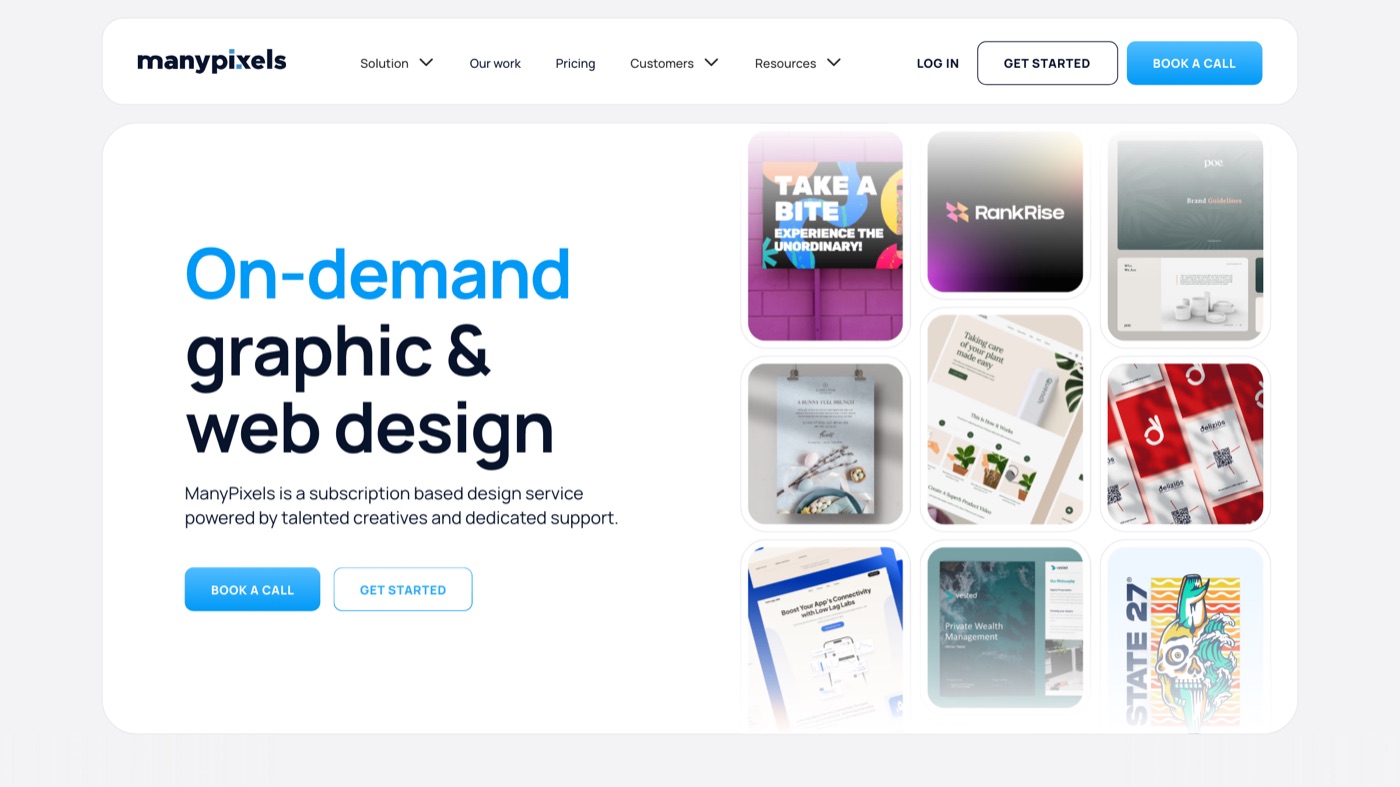
ManyPixels runs a design service, and its free gallery is the useful by-product for everyone else. There are more than 20,000 illustrations across five house styles, each recolorable before you download, and the license allows commercial use with no attribution. That mix of scale and freedom is rare among the no-credit options. The only real limit lives in the terms: you cannot redistribute the artwork as your own pack or build a rival gallery from it, which will not affect normal marketing or product use.
7. Open Doodles
More on Open Doodles
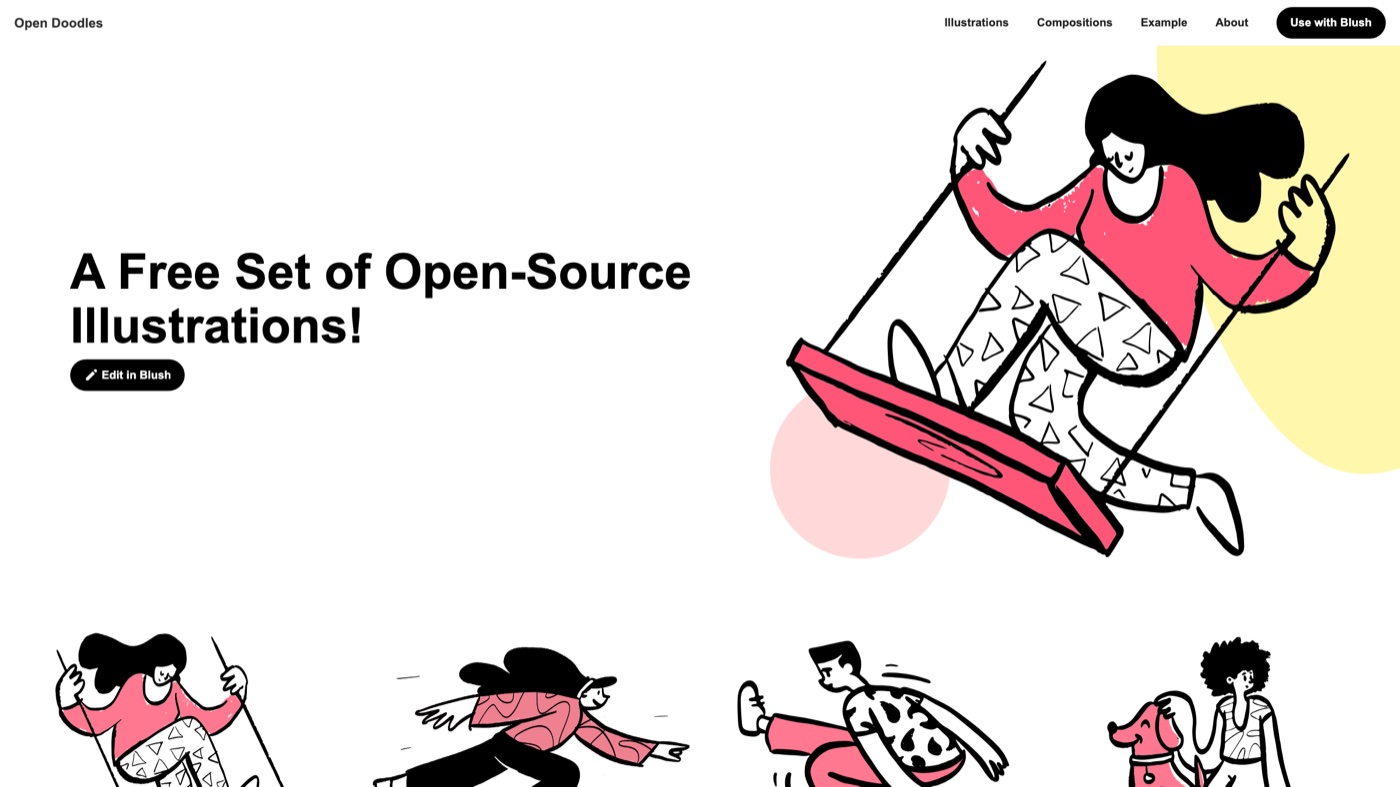
Open Doodles, from designer Pablo Stanley, is a small set of loose, hand-drawn characters released fully into the public domain under CC0. There is nothing to sign and no credit to give, and a built-in generator lets you spin up quick compositions from the pieces. The sketchy look reads as approachable and personal, which suits a startup blog, a class, or any brand that wants to feel less corporate. It is deliberately narrow, so treat it as a flavor rather than a full library.
Illustrations and icons usually need to sit together on a page. If you are also hunting for matching glyphs, my icon libraries roundup pairs well with everything here.
8. Humaaans
More on Humaaans
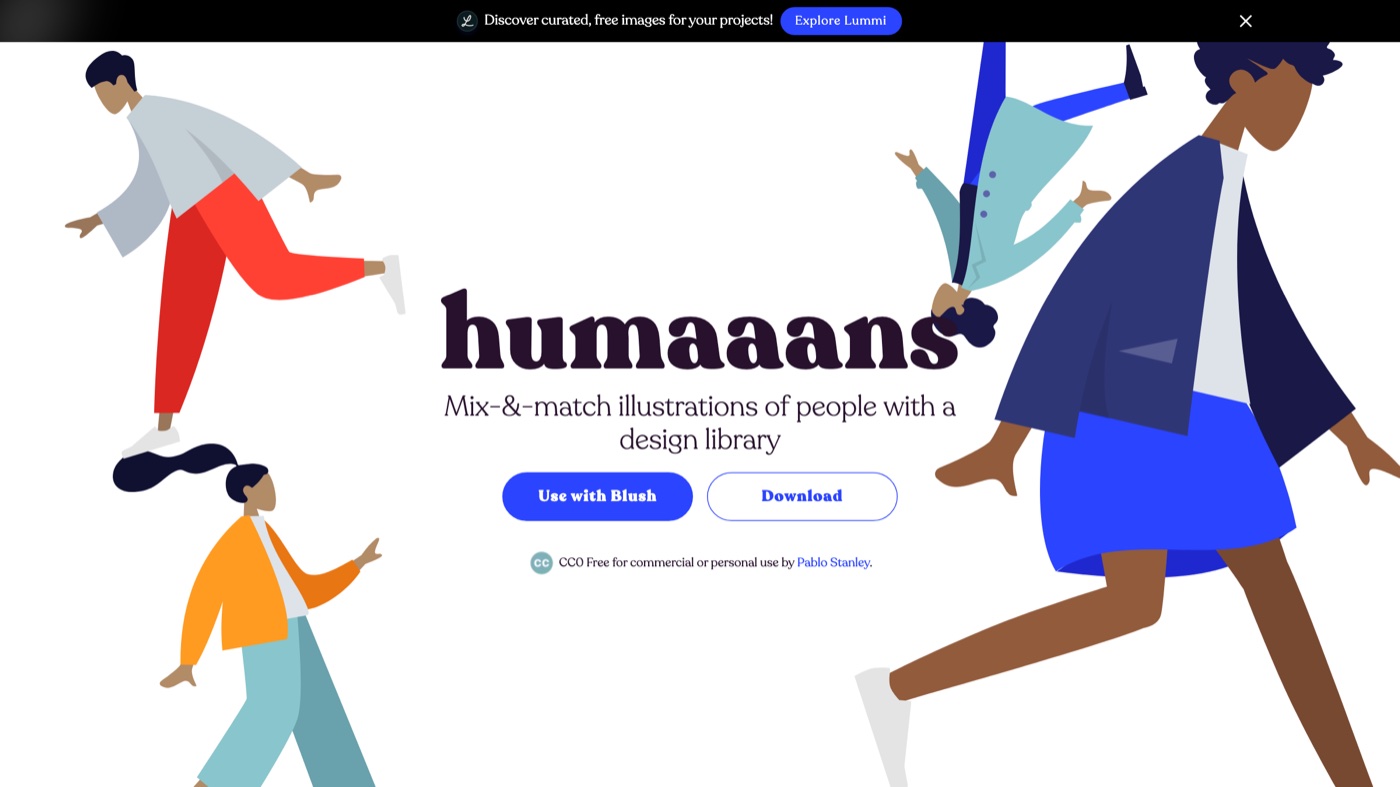
Humaaans, also from Pablo Stanley, is less a gallery and more a construction kit for human figures. You get interchangeable heads, bodies, and limbs that snap together, so you can build a diverse cast and recolor every part to fit a brand. That flexibility makes it a staple for onboarding flows, feature explainers, and slides that need real-looking people without a photoshoot. It now lives alongside Blush, but the original set stays free under CC0; the one trade-off is that it does a single thing, people, and the style is familiar enough that you should mix up poses.
9. DrawKit
More on DrawKit
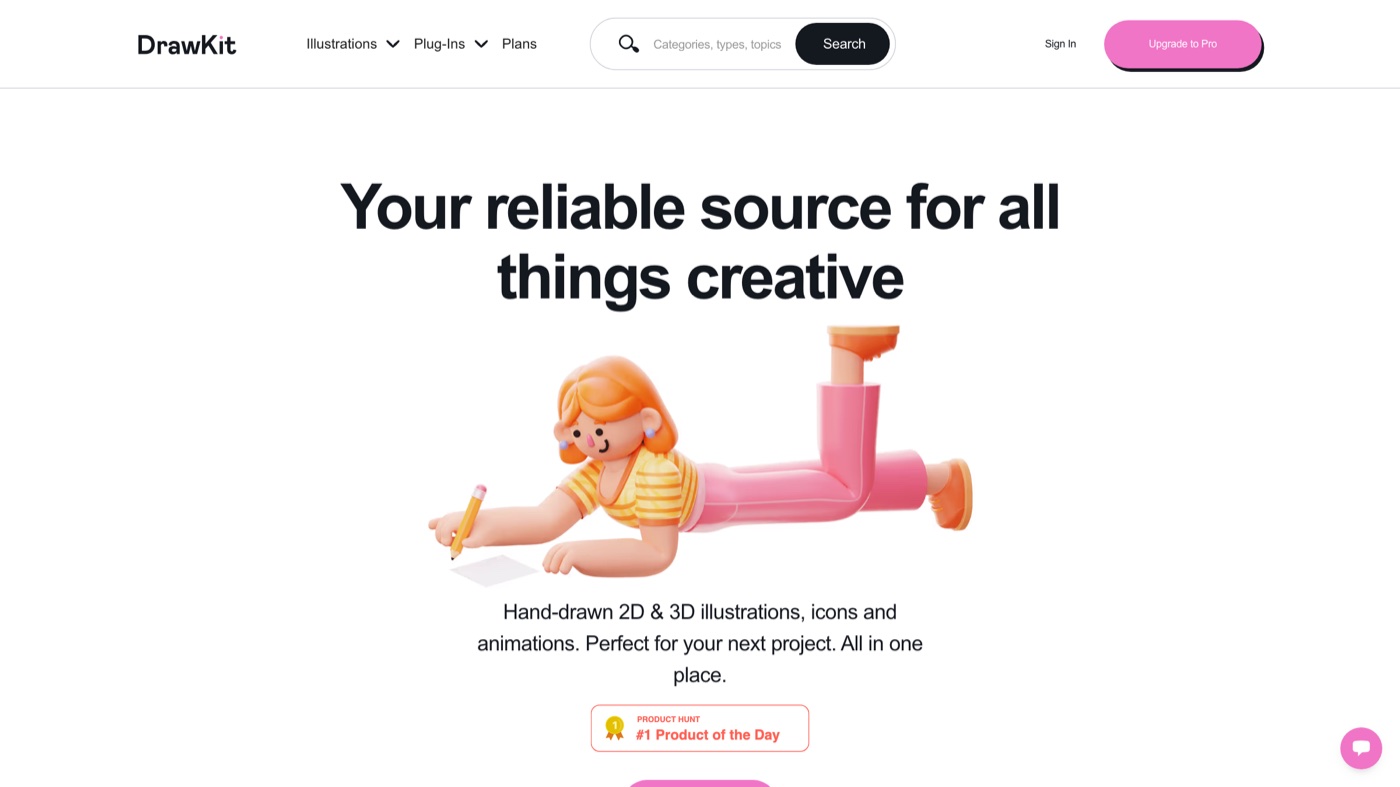
DrawKit built its name on a single recognizable hand-drawn style, and that consistency is the reason to use it. The library now covers 2D and 3D illustrations, icons, and animated assets, with exports for Figma, SVG, PNG, and Lottie. A handful of packs are free so you can test the look; the Pro tier opens the full catalog and the richer formats. It suits onboarding flows, help centers, and any site that wants one cohesive visual voice rather than a grab-bag of styles.
10. Illlustrations
More on Illlustrations
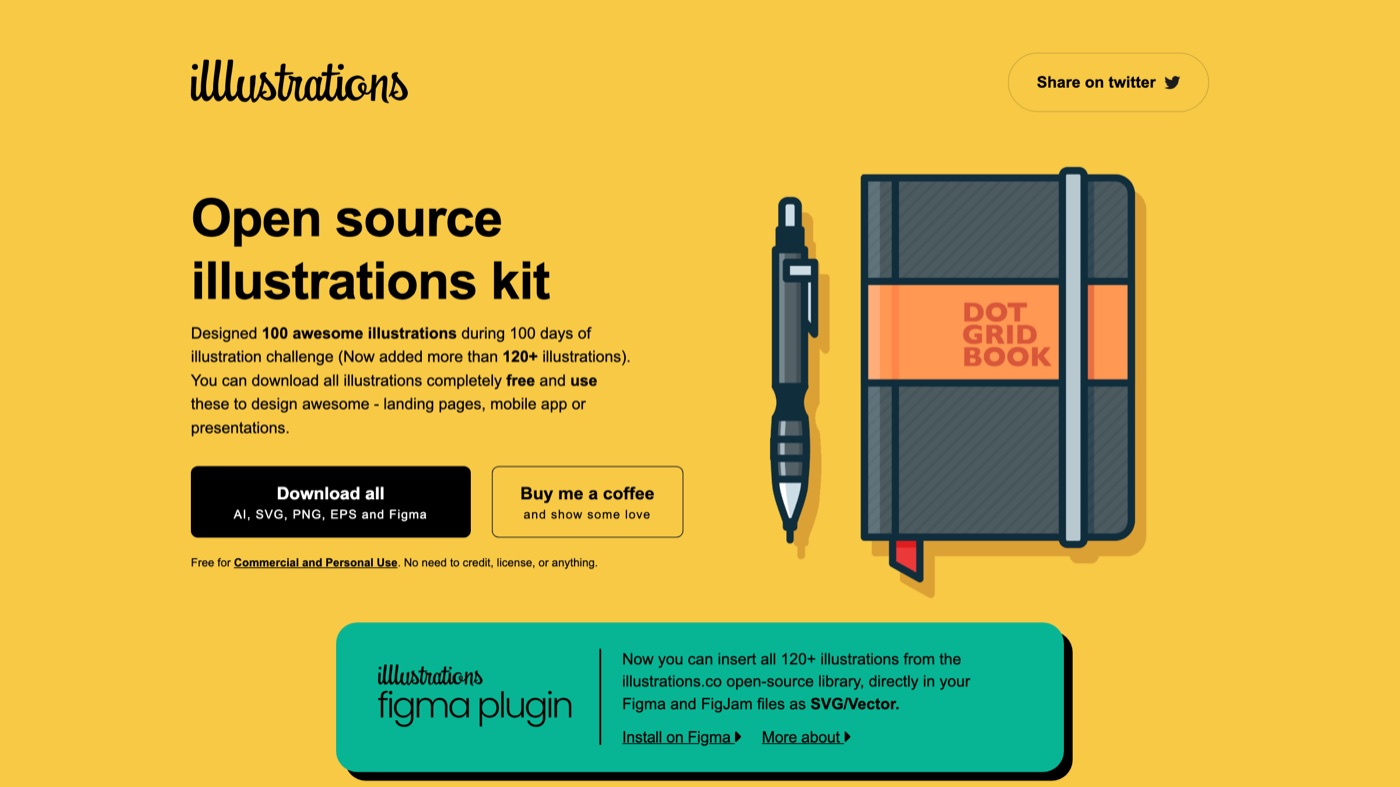
Illlustrations (yes, three l's) is a tidy open-source pack aimed at tech, work-from-home, and product themes. Every piece comes in SVG, PNG, AI, and EPS, and there is a Figma plugin for dropping art straight into a file, all with no attribution required. It is the kind of resource I keep bookmarked for when unDraw does not have quite the right scene. At around 120 illustrations it is small, so think of it as a second drawer rather than the whole cabinet.
11. Streamline
More on Streamline
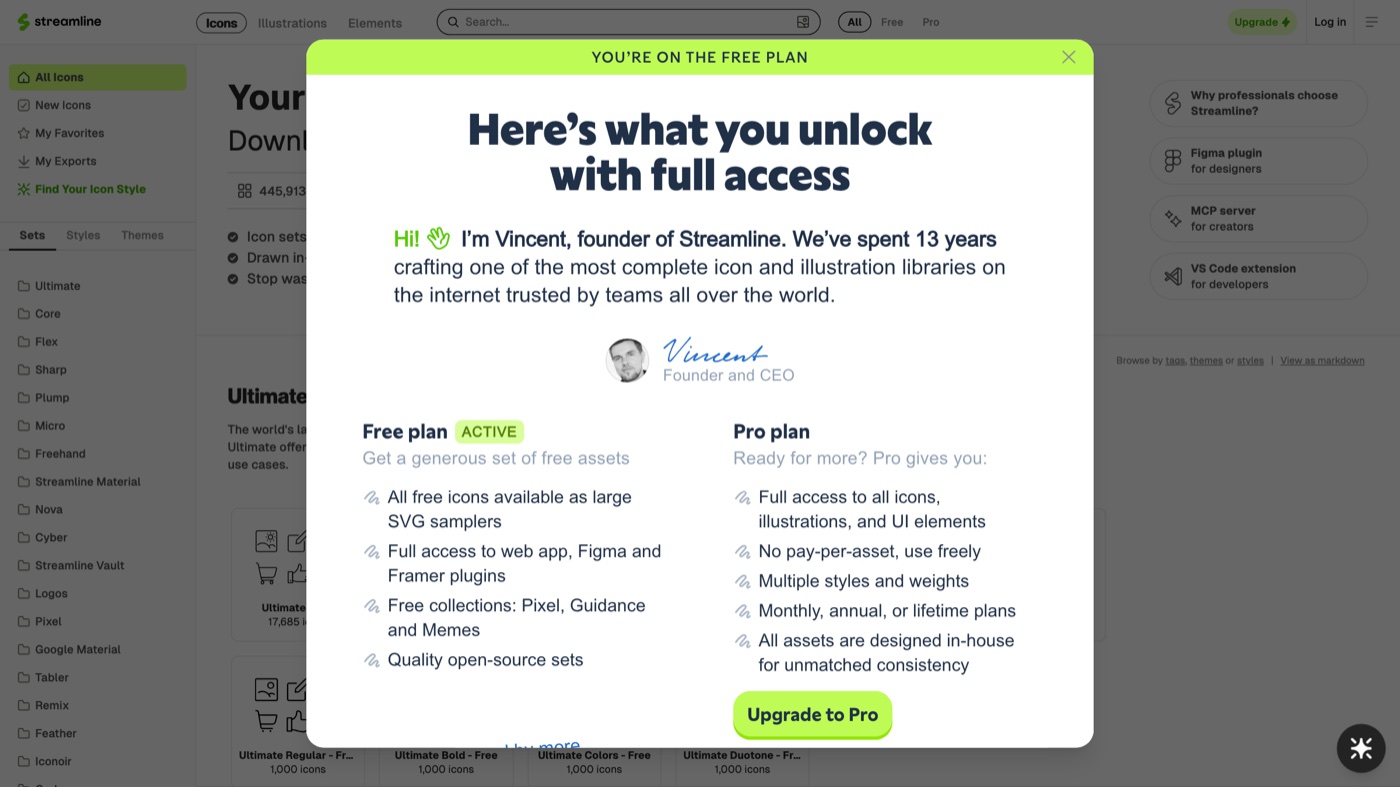
Streamline is the heavyweight here, a single ecosystem of illustrations and icons organized into families that share a look. The web app and native plugins for Figma, Sketch, and Adobe tools let you recolor in real time, which keeps a whole product interface visually in sync. That makes it a strong pick when brand consistency across dozens of screens matters more than any single hero image. The free tier lets you sample, but there is a per-project cap, so teams shipping at scale end up on paid Full Access.
12. Getillustrations
More on Getillustrations
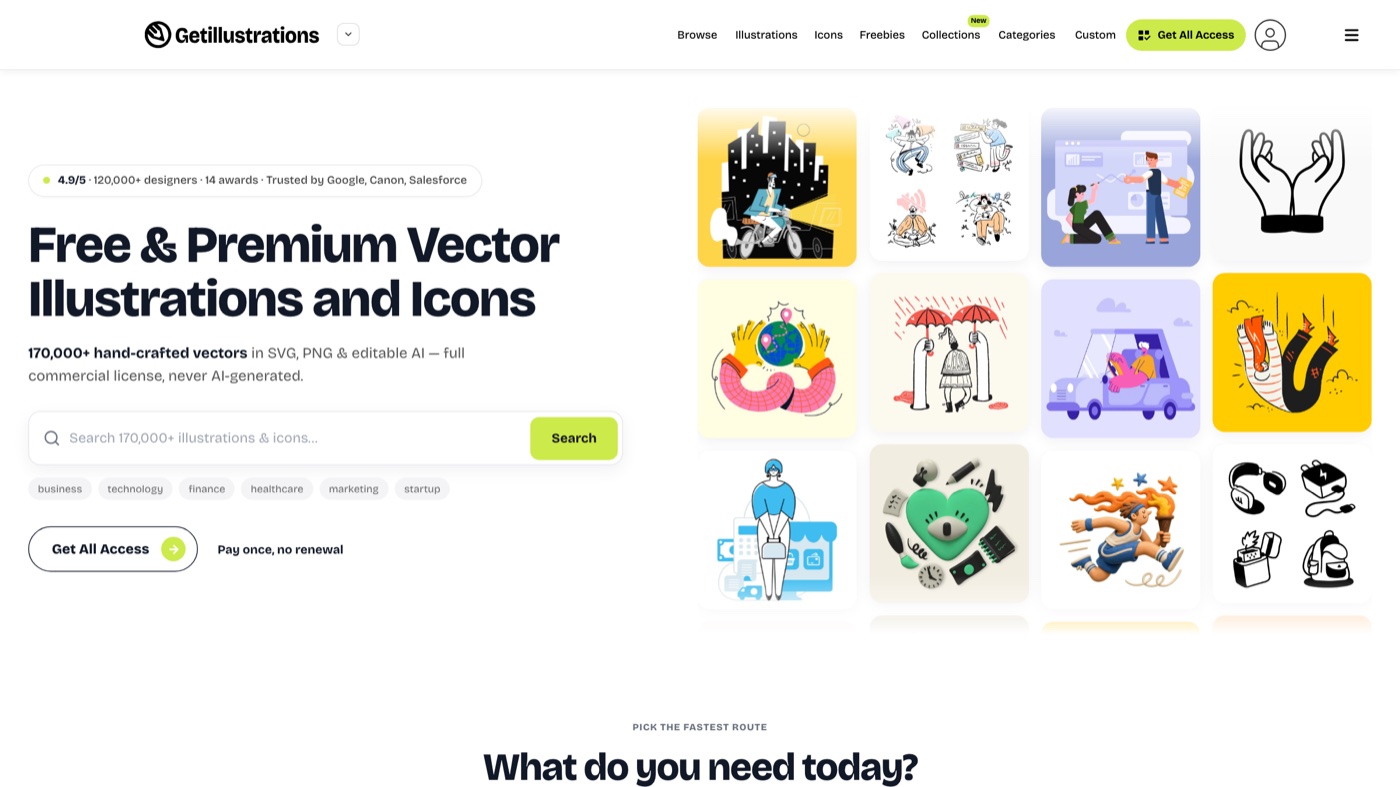
Getillustrations leans into hand-drawn, less-seen artwork and is vocal that every asset is drawn by a person on staff, not generated. The catalog runs into the hundreds of thousands of illustrations and icons across flat, 3D, outline, and sketch styles, all in SVG, PNG, and editable AI files. You can buy a single pack, take the yearly All Access route at $195, or grab a pay-once bundle for permanent ownership. The commercial license is clear and covers client work and products you sell; just note that yearly All Access stops delivering new files once the term ends, though anything you already downloaded is yours to keep.
13. Adobe Stock
More on Adobe Stock
Adobe Stock earns its place on depth and licensing rather than novelty. For teams already in Creative Cloud, assets drop straight into Photoshop, Illustrator, and InDesign, and the enterprise-grade rights hold up for large public campaigns. The trick to avoiding the obvious picks is to skip the first page of results and use the filters, new-contributor feeds, and premium collections where the higher-production work lives. Pricing runs on paid tiers billed monthly from around $30, with credit packs for premium or extended-license pieces.
Quick comparison
| # | Tool | Best for | Pricing | Limitation |
|---|---|---|---|---|
| 1 | Mosso | Free animated illustrations and characters, recoloured to your brand. | Free: the editor, every export, templates and the library. A free account allows up to 50 library downloads a day. | Small collection; built for motion rather than static print art. |
| 2 | unDraw | MVPs, product pages, and internal docs that need clean flat scenes fast | Free. Open source, no attribution; optional unDraw Plus for supporters | The style is so widely used that regular visitors may recognize it, so lean on the recolor to make it yours |
| 3 | Storyset | Landing pages and decks where you want a little motion, not just a static image | Free with a credit link; a paid Freepik membership removes the attribution | Styles are grouped by name (Rafiki, Bro, Amico), so pick one family and stay in it for a consistent look |
| 4 | Blush | Non-designers who want artist-drawn scenes they can customize without opening Illustrator | Free to start (PNG with a credit); a Pro tier unlocks SVG and layered files | Full creative control, meaning high-res SVG and editable layers, sits behind the paid tier |
| 5 | Icons8 Ouch! | Teams that want many distinct styles in one place, plus a plugin workflow | Free PNGs with a link back; paid Icons8 access removes the credit and adds SVG and larger sizes | A few of the top packs are popular enough that you will have seen them elsewhere, so dig past the first row |
| 6 | ManyPixels | Grabbing a large volume of free, no-attribution vectors in a consistent style | Free. Over 20,000 illustrations, no credit required | The license stops you from repackaging the art into a competing pack, which is fair but worth reading first |
| 7 | Open Doodles | Casual, human, hand-drawn character scenes | Free. CC0 public domain, no credit needed | The library is small and stylistically narrow, so it suits friendly brands more than formal ones |
| 8 | Humaaans | Building diverse, inclusive people scenes from modular parts | Free. CC0, mix the parts however you like | It only does people, and the look is recognizable, so vary the poses to avoid a stock feel |
| 9 | DrawKit | A friendly, consistent house style across product docs and marketing | Free packs; a Pro tier opens the full 2D, 3D, and animated library | The best collections and formats (Lottie, layered files) live in the paid tier |
| 10 | Illlustrations | A quick open-source set for tech and product themes | Free. Open source, no attribution | The collection is compact, around 120 pieces, so treat it as a supplement rather than a main library |
| 11 | Streamline | Product and UI teams that need one huge, consistent library with plugins | Free capped tier; paid Full Access opens the whole library and the plugins | The free license caps how many assets you can use per project, so heavy builds need Full Access |
| 12 | Getillustrations | Owning hand-drawn packs outright for branding and product work | $195/year All Access; single packs free to about $129; pay-once bundles | All Access runs on a yearly term; files you download stay yours, but new updates stop once the year lapses |
| 13 | Adobe Stock | Enterprise teams already inside Creative Cloud that need airtight licensing | Paid, from about $30/month for standard assets; credit packs for premium pieces | The most popular assets can feel generic, so use the filters and premium collections to reach fresher work |
Once a few packs pile up on your drive, a little creative asset management keeps them findable, so nobody re-downloads the same file next quarter.
When a library is not enough
Free and paid libraries cover most everyday needs, and for a blog header or a quick deck they are all you need. When a flagship launch or a rebrand calls for artwork nobody else can pull off the shelf, that is where custom illustration earns its cost. It is the difference between art built to your brand guidelines and art anyone else can download tomorrow. Commissioned work like that folds into a real design process, and it is what Moonb takes on: an embedded creative team that produces original illustration, design, and motion under one Creative Director who learns your brand. Use these libraries for the day-to-day and commission the pieces that carry real weight, and your visuals stay consistent without stretching your team too thin.
Frequently asked questions
Royalty-free means you pay once (or nothing) and can reuse the illustration many times without paying again per use. It does not always mean free of rules: some libraries still ask for a credit link, cap how many assets you can use per project, or bar reselling the art inside a template. Public-domain CC0 sets like Open Doodles and Humaaans are the most permissive, with nothing owed and no credit required.
Most sites here allow commercial use, including client projects, but the exact terms vary. Open-source and CC0 options like unDraw, ManyPixels, and Illlustrations are a clear yes across the board. Editor-based and premium sources usually allow commercial use once you are on a paid tier or have kept the required credit, so read each license before you hand work to a client.
Recolor everything to one brand palette so a mixed set reads as intentional, and favor sources with an editor (Storyset, Blush) or a single house style (DrawKit) over the most-downloaded defaults. When a page really needs to stand apart, that is the point to commission custom illustration rather than restyle a stock file.



