Animation Tools for Non-Designers 2026
Twelve animation tools non-designers can actually use in 2026, sorted by what each does best, with real pricing and the limitation to know first.

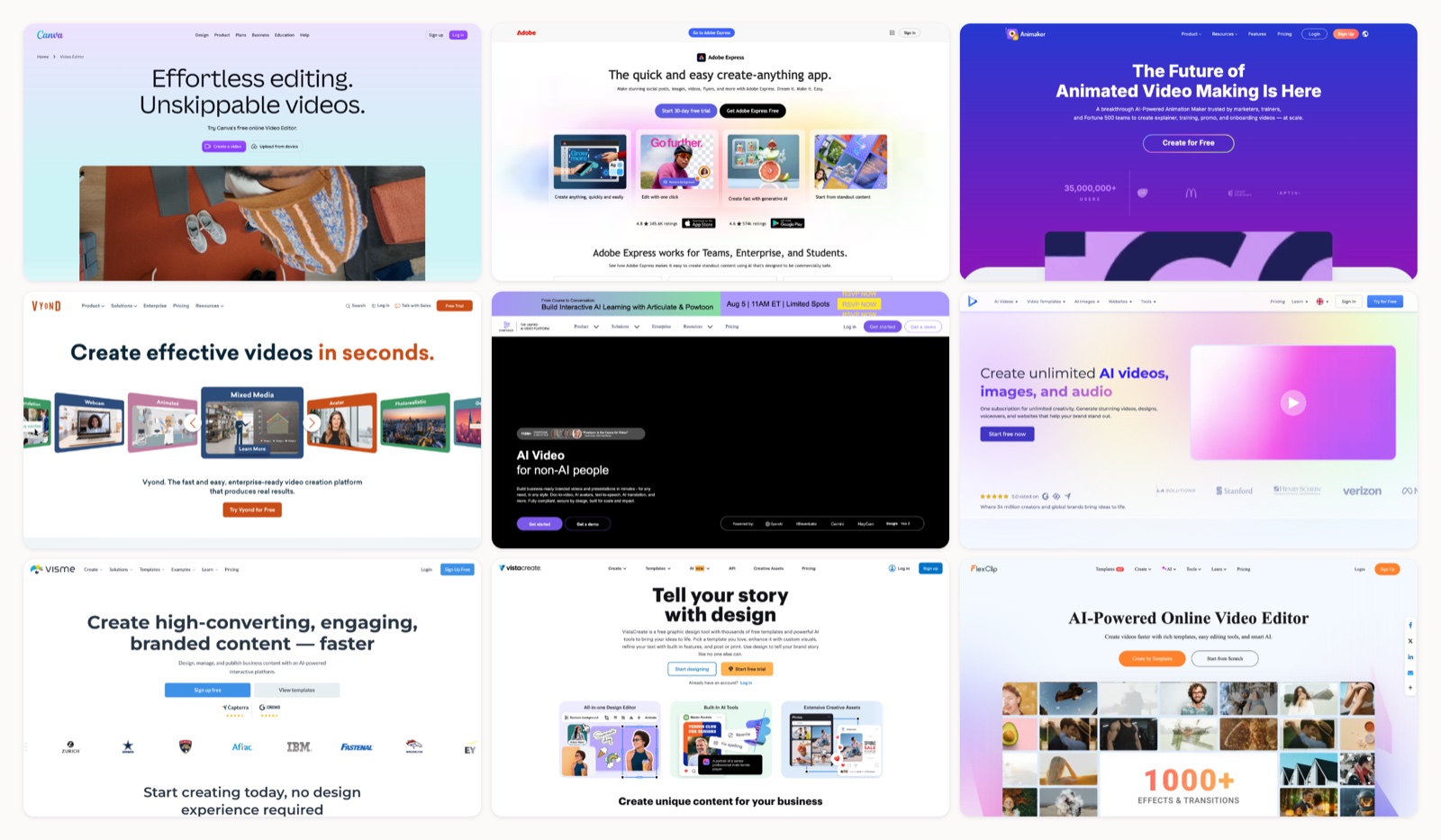
You do not need a motion designer on staff to put movement into a slide, a social post, or a product explainer. A handful of browser tools now handle the parts that used to require After Effects and a steep learning curve: rigging, timing, lip sync, rendering. I ran a real project through each one in July 2026, so this is the shortlist I would hand a marketer with no motion background. Pick the right one and you can go from a blank canvas to a finished animated clip in an afternoon.
The trap is choosing on features alone. A tool packed with options you will never touch slows you down more than it helps, so this list is organized around fit. Some of these are design suites that happen to animate. Some are built for character explainers. Two lean almost entirely on AI to turn a script into a rough cut. For each one I have noted what it is actually good at, what it costs in 2026, and the limitation that tends to surface once you are past the first project.
One thing worth settling before you start: motion should earn its place. The Nielsen Norman Group has argued for years that animation works when it guides attention and falls flat when it is decoration. Video is a standard part of the marketing mix now, going by Wyzowl’s annual State of Video Marketing report, so the bar for “good enough” keeps rising. If you want the groundwork first, our guide to the animation process covers how a clip comes together from script to final render.
1. Canva
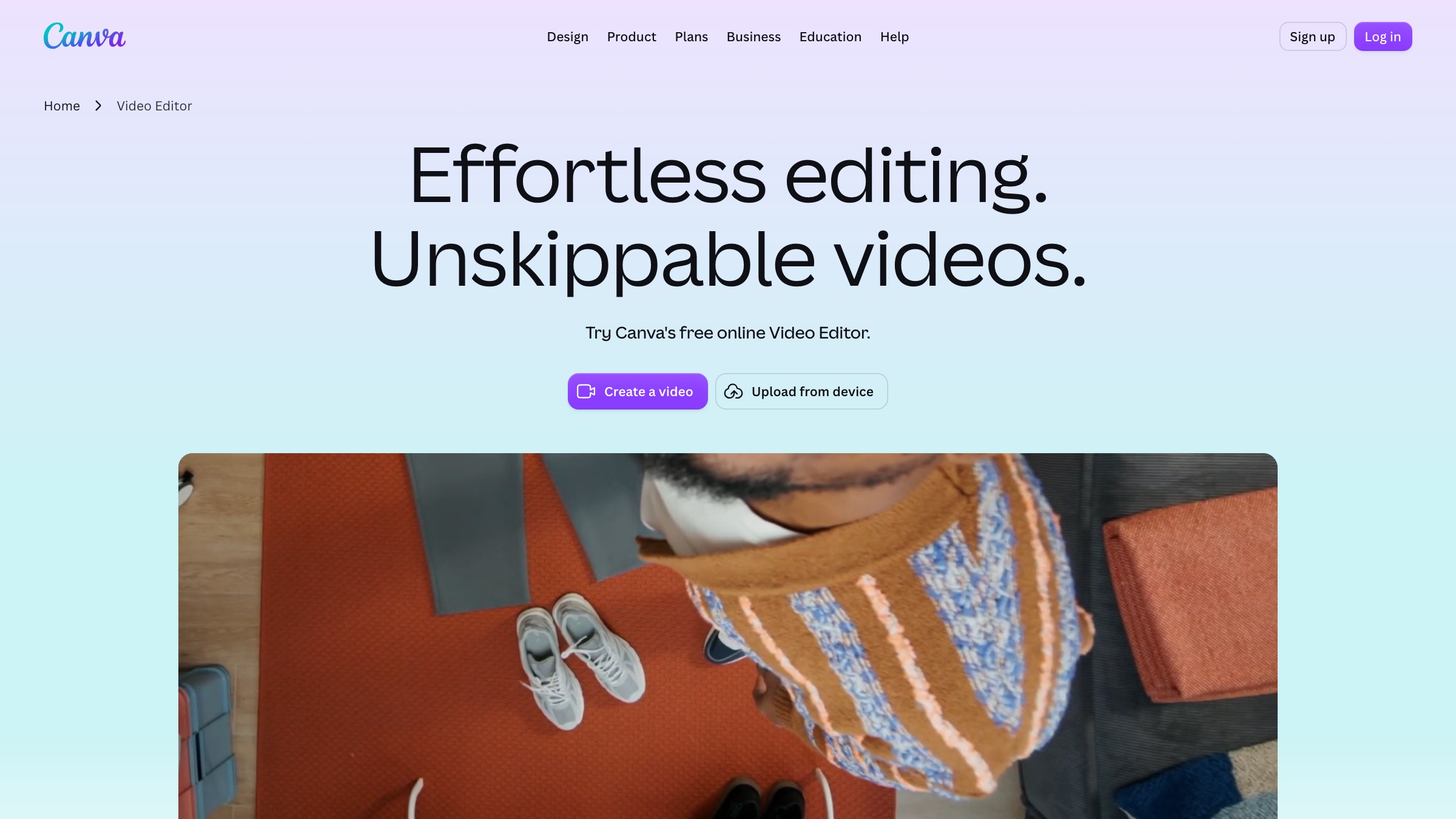
- Best for: Social posts, animated presentations, quick GIFs, and one-off marketing graphics.
- Pricing: A capable free tier; Canva Pro runs about $15/month billed monthly, closer to $10 a month on the yearly option.
- Why it stands out: The Animate button. Select any element or a whole page, pick a preset like Rise or Pan, and it moves. There is a Magic Studio layer for generating clips from a text prompt, but the reason Canva tops nearly every non-designer’s list is that the ramp to a decent result is measured in minutes. The template library is enormous.
- Worth knowing: You give up fine control. There is no real keyframe timeline, so the moment you want to choreograph several elements against each other with precise timing, you hit a wall.
2. Adobe Express
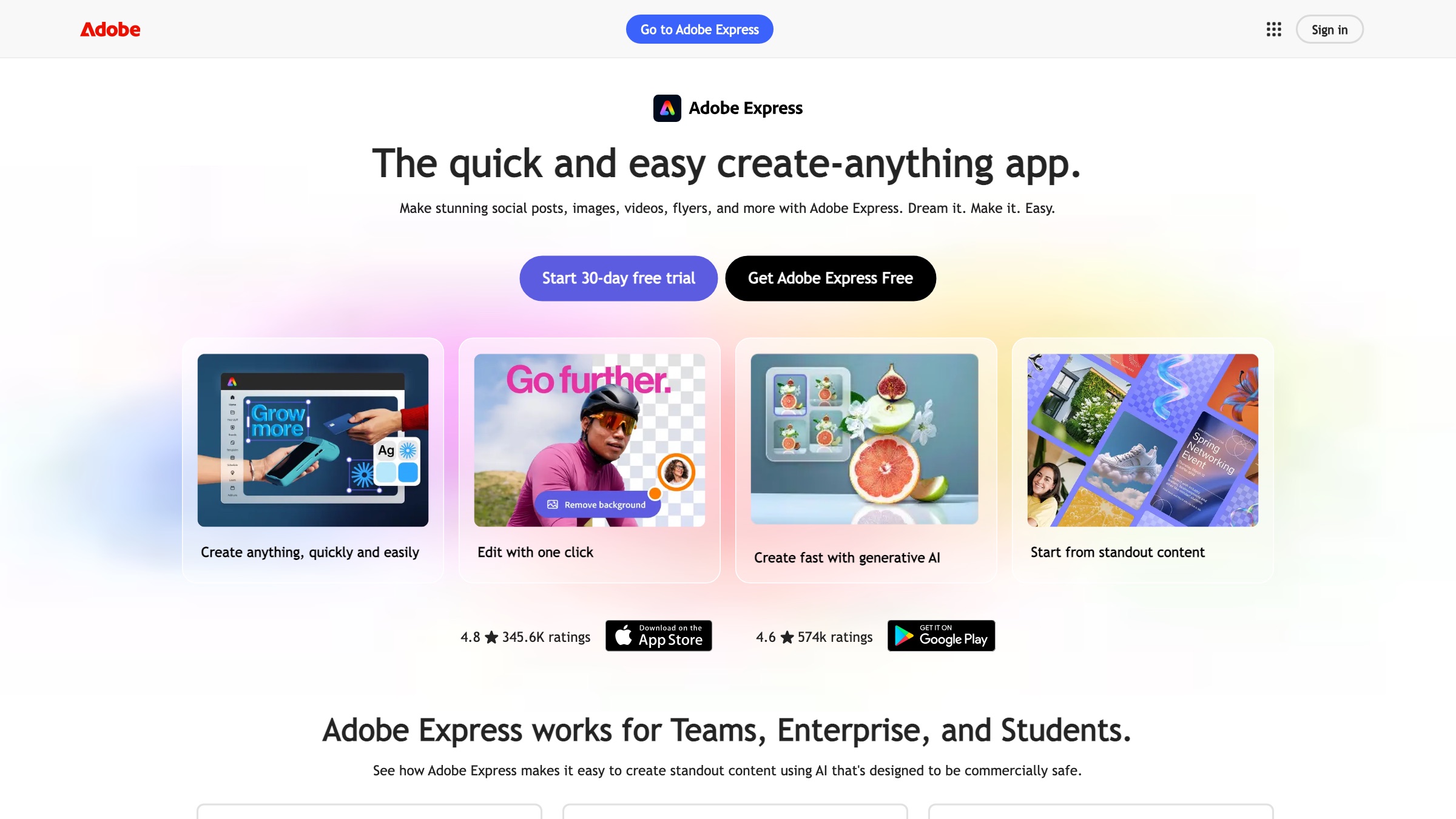
- Best for: Branded social animations and short motion graphics for teams that already live in Adobe files.
- Pricing: A free tier; Premium is $9.99/month.
- Why it stands out: It pulls from Adobe Stock and Firefly for text-to-image and text-to-video, and the Brand Kit keeps colors and fonts consistent across everything you export. If your designers work in Photoshop or Illustrator, assets move over without a fuss.
- Worth knowing: The web editor can feel heavy on an older machine, and the more interesting Firefly generation features draw down a monthly credit allowance that runs out faster than you would expect.
3. Animaker
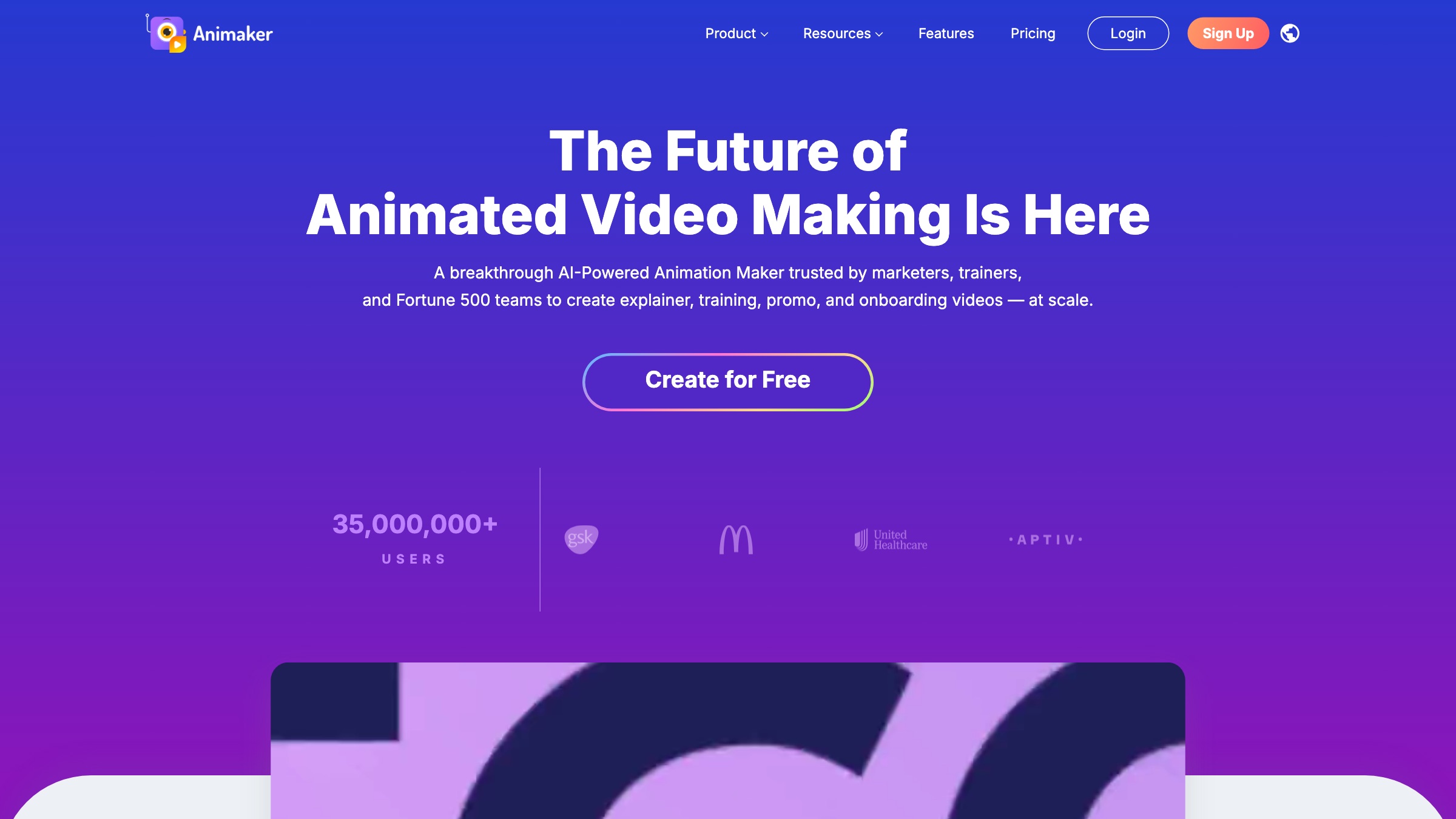
- Best for: Character-led explainer videos and infographic animation.
- Pricing: A free tier with watermarked exports; paid tiers start around $19/month billed annually.
- Why it stands out: The Character Builder. You assemble a custom character from a huge set of options, then hand it pre-built actions and expressions with a click, no rigging involved. Auto lip-sync and text-to-speech round it out, which makes it a fast path to a talking-head explainer without a camera.
- Worth knowing: Premium characters and assets sit behind a credit meter, and longer projects render slowly. Heavy users report the real monthly cost climbing well above the sticker price once overages are counted.
4. Vyond
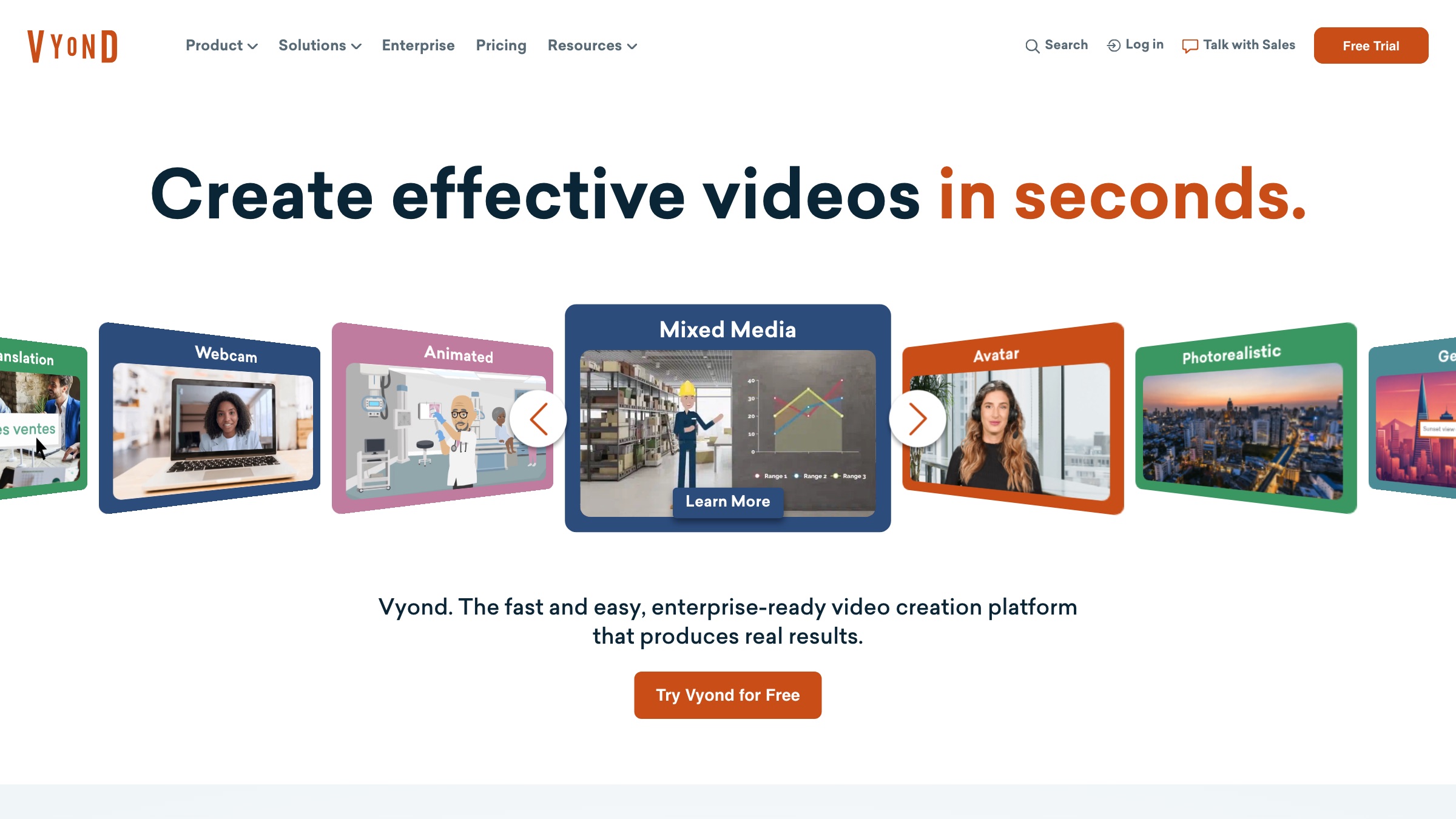
- Best for: Corporate training, HR and internal comms, and business explainers that need to look consistent across a team.
- Pricing: Built for teams; the Starter tier is about $99/month (billed at $699 a year).
- Why it stands out: Business-grade character animation with proper brand controls. Industry-specific props (office, healthcare, and more), automatic lip-sync, text-to-speech in many languages, and instant translation make it the pick for L&D departments producing a steady stream of modules.
- Worth knowing: The pricing puts it out of reach for individuals and small teams, and the AI credit system takes some managing. Videos built from stock characters can start to look alike across a library.
5. Powtoon
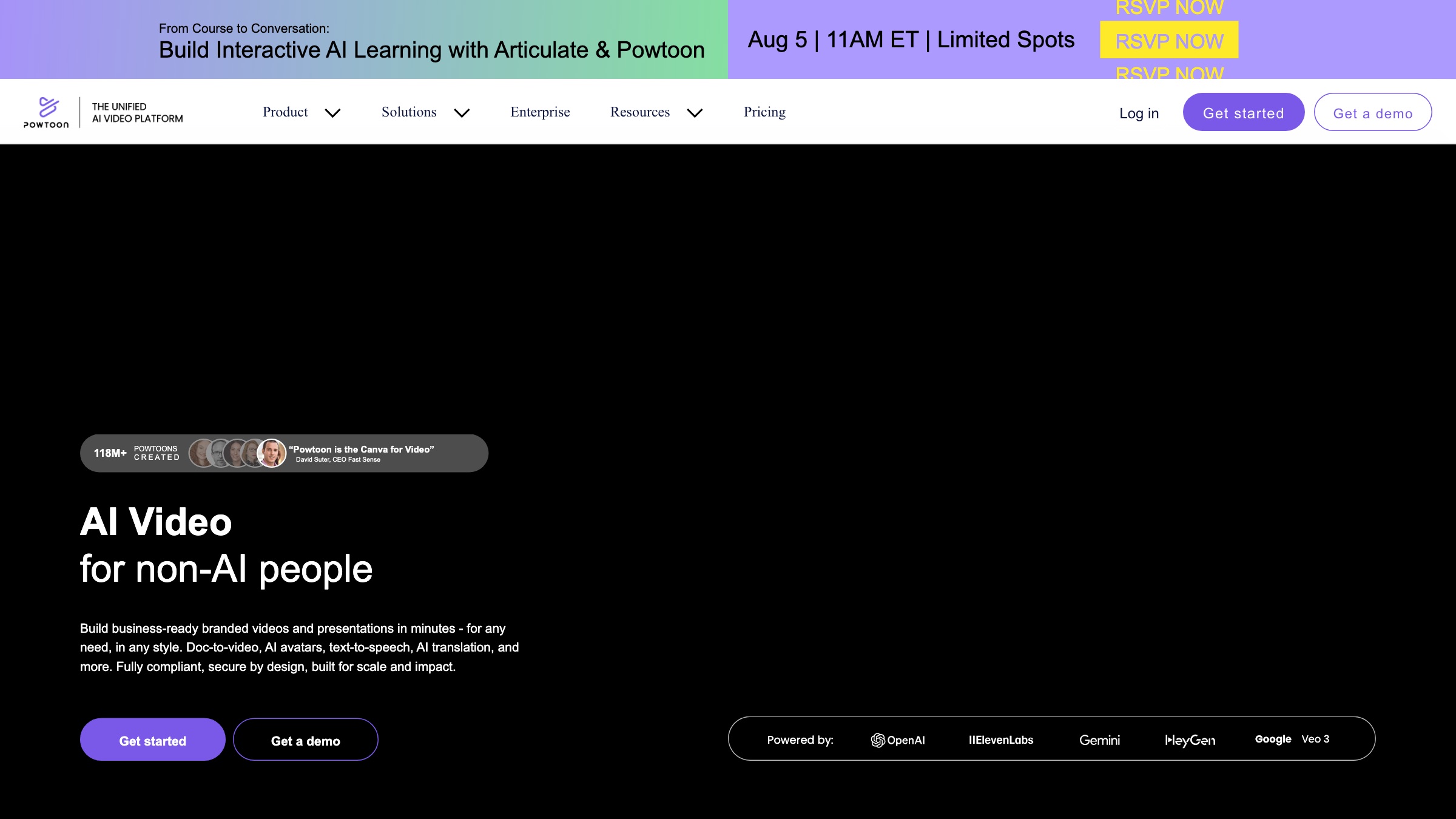
- Best for: Explainer videos, training material, and animated slide decks for education and corporate settings.
- Pricing: A free tier with Powtoon branding; paid tiers from about $15/month billed annually, plus an $8 tier for teachers and students.
- Why it stands out: A scene-by-scene builder that walks you through the whole thing, backed by a deep template library. It has added text-to-video and an AI voiceover generator, so a rough script becomes a first cut quickly. It remains one of the stronger explainer video tools for people who have never animated before.
- Worth knowing: The asset library and controls trail the more specialized suites, and the AI features run on credits that cap what you can generate each month.
6. Renderforest
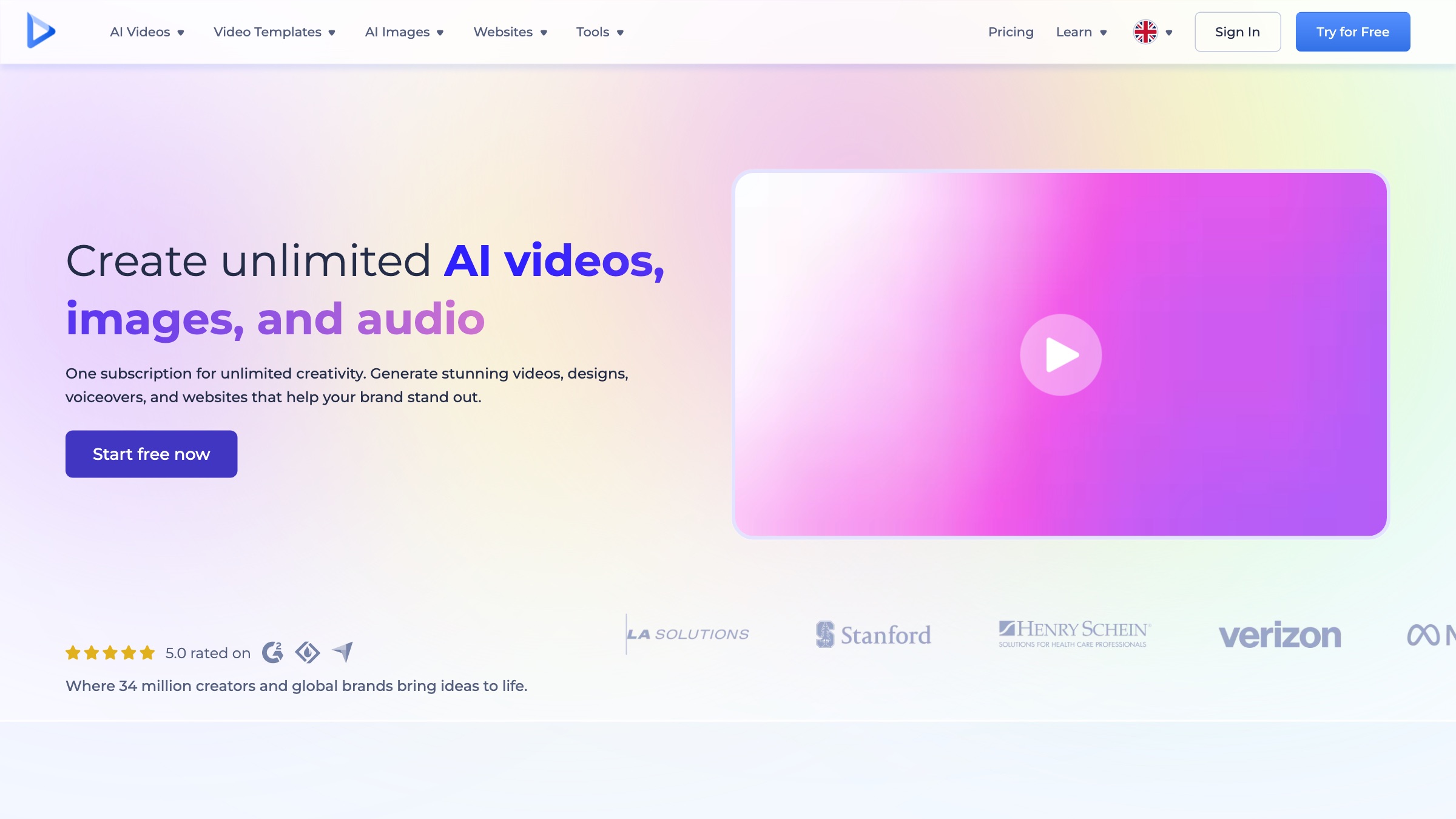
- Best for: Logo animations, product promos, and template-driven corporate videos.
- Pricing: A free tier (720p, watermarked); Lite is $9/month, Pro $19/month, Business $29/month.
- Why it stands out: A large library of scene-based video templates you fill with your own text and images, then render in minutes. It doubles as a branding suite, so logos, mockups, and simple websites come from the same place, which suits a startup that needs a bit of everything.
- Worth knowing: You are working inside templates, so creative freedom is limited. Anything that strays from the template structure is hard to pull off, and the tiers gate resolution and export rights carefully.
7. Visme
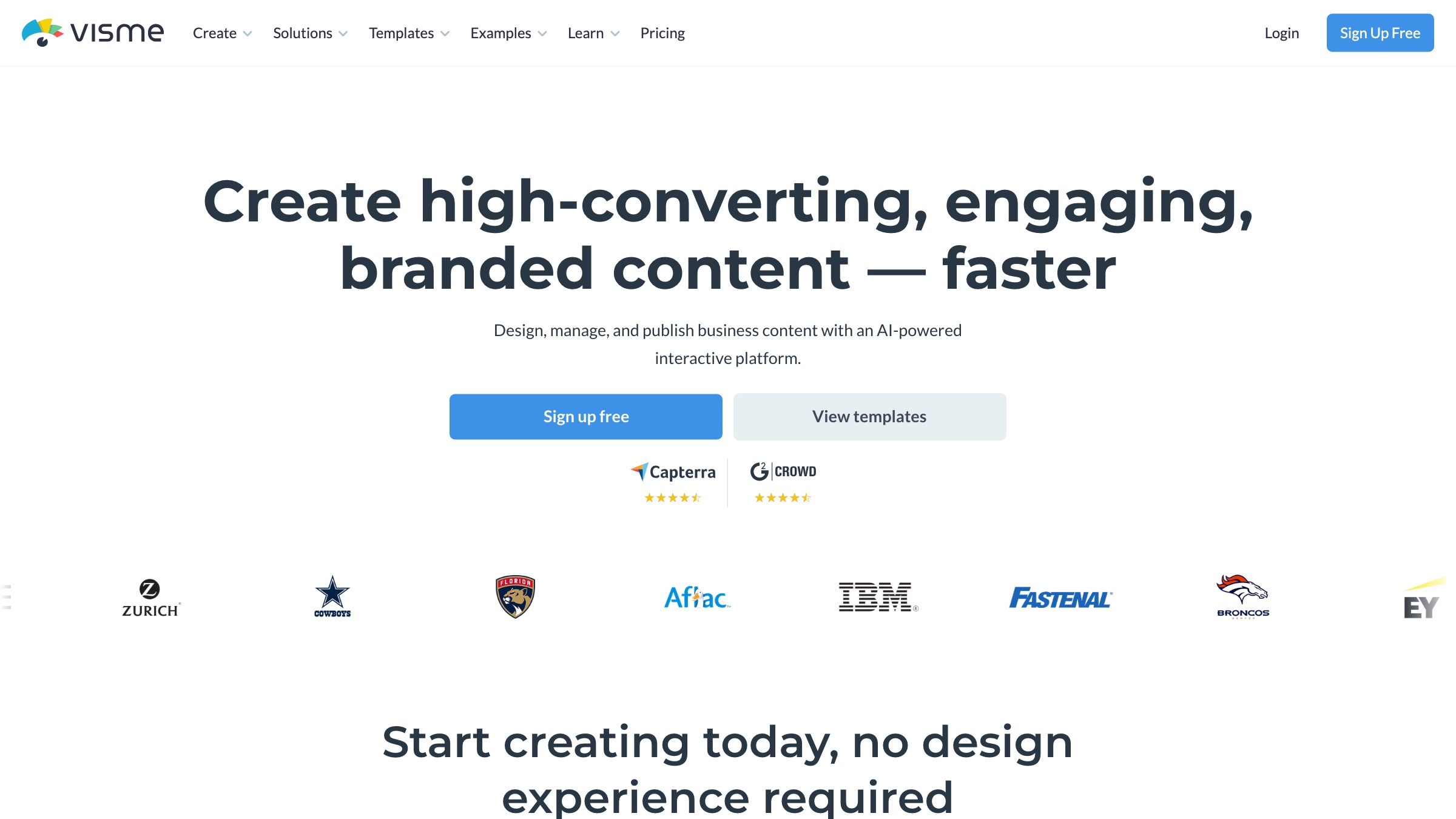
- Best for: Animated infographics, interactive presentations, and data-driven content.
- Pricing: A free tier; the Starter tier is about $12.25/month billed annually.
- Why it stands out: Visme leans into the stuff other tools treat as an afterthought: animated charts, clickable infographics, and reports that move. For a marketer who needs numbers to feel alive in a deck or on a landing page, it is hard to beat, and non-designers get there without touching a timeline.
- Worth knowing: It is a presentation and document tool first, so if your goal is a narrative video with characters and scenes, you will feel the ceiling quickly.
8. VistaCreate
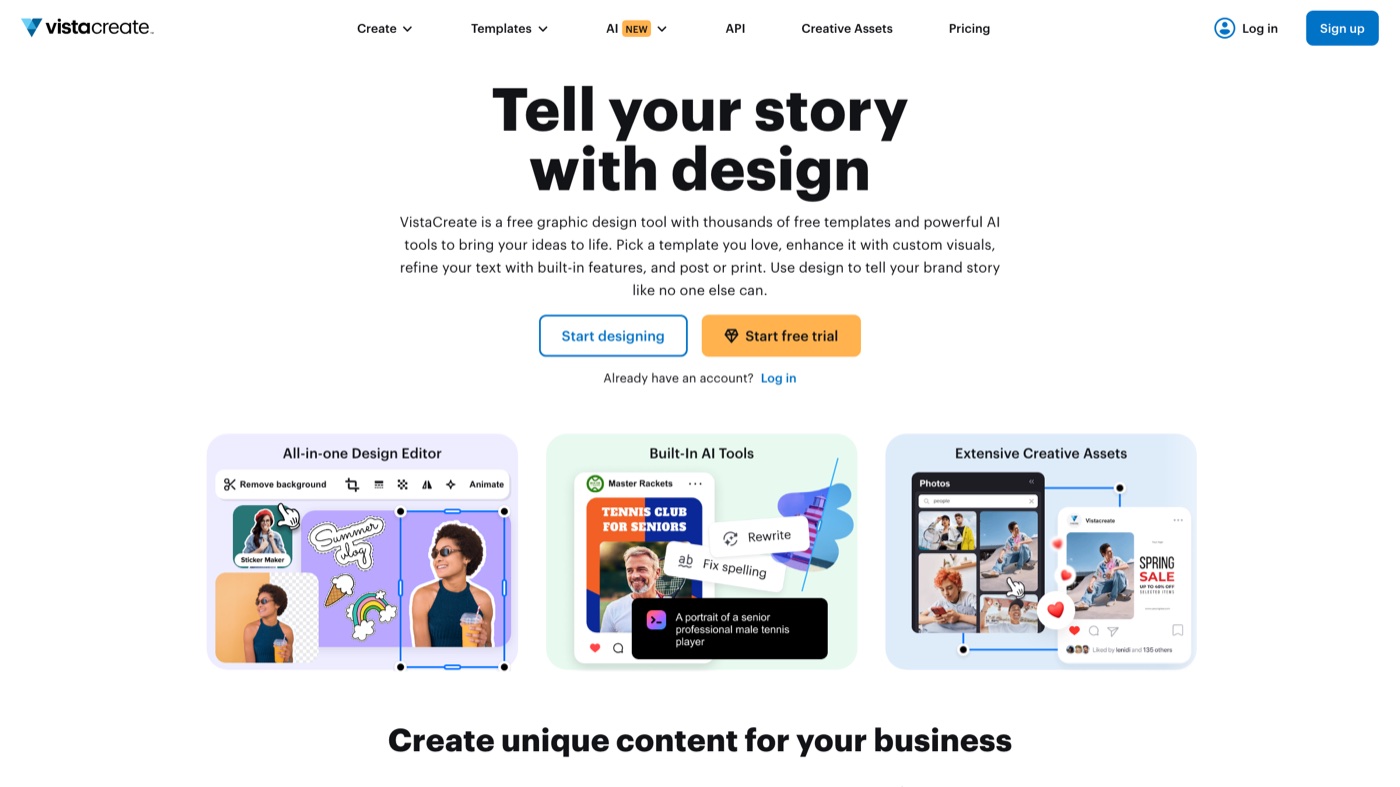
- Best for: Animated social posts, stories, and short promo clips at volume.
- Pricing: A free Starter tier; Pro is about $10/month billed annually (around $13 month to month).
- Why it stands out: Speed. Apply Move, Fade, or Zoom presets to any element and a static graphic becomes a story in seconds. The library of pre-animated objects is huge, and the mobile apps let you build a post from a phone, background removal included.
- Worth knowing: The animation controls are basic, with no timeline for fine timing, and asset access varies a little between the web app and mobile.
9. FlexClip
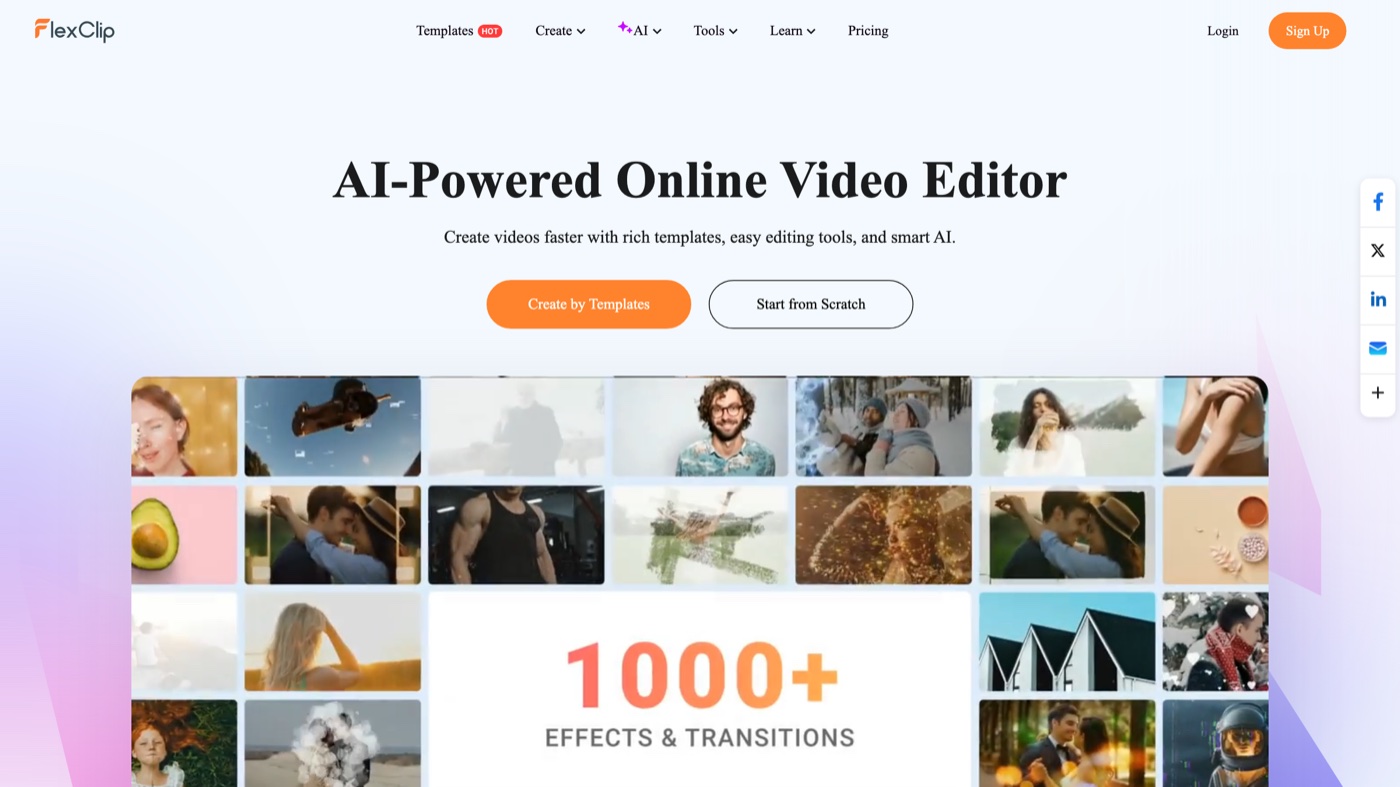
- Best for: Short explainer videos, social ads, and animated presentations built from templates.
- Pricing: A free tier (720p, watermarked); Plus is $9.99/month, Business $19.99/month.
- Why it stands out: A template-first video editor that adds motion titles, transitions, and dynamic text without fuss. The text-to-video and auto-subtitle tools speed up the whole thing, and watermark-free 1080p exports arrive at a reasonable price.
- Worth knowing: The free tier stamps a watermark and caps video length, and the timeline controls are lighter than a dedicated editor’s. See our rundown of AI video editors if editing, rather than animating, is the real job.
10. Steve.ai
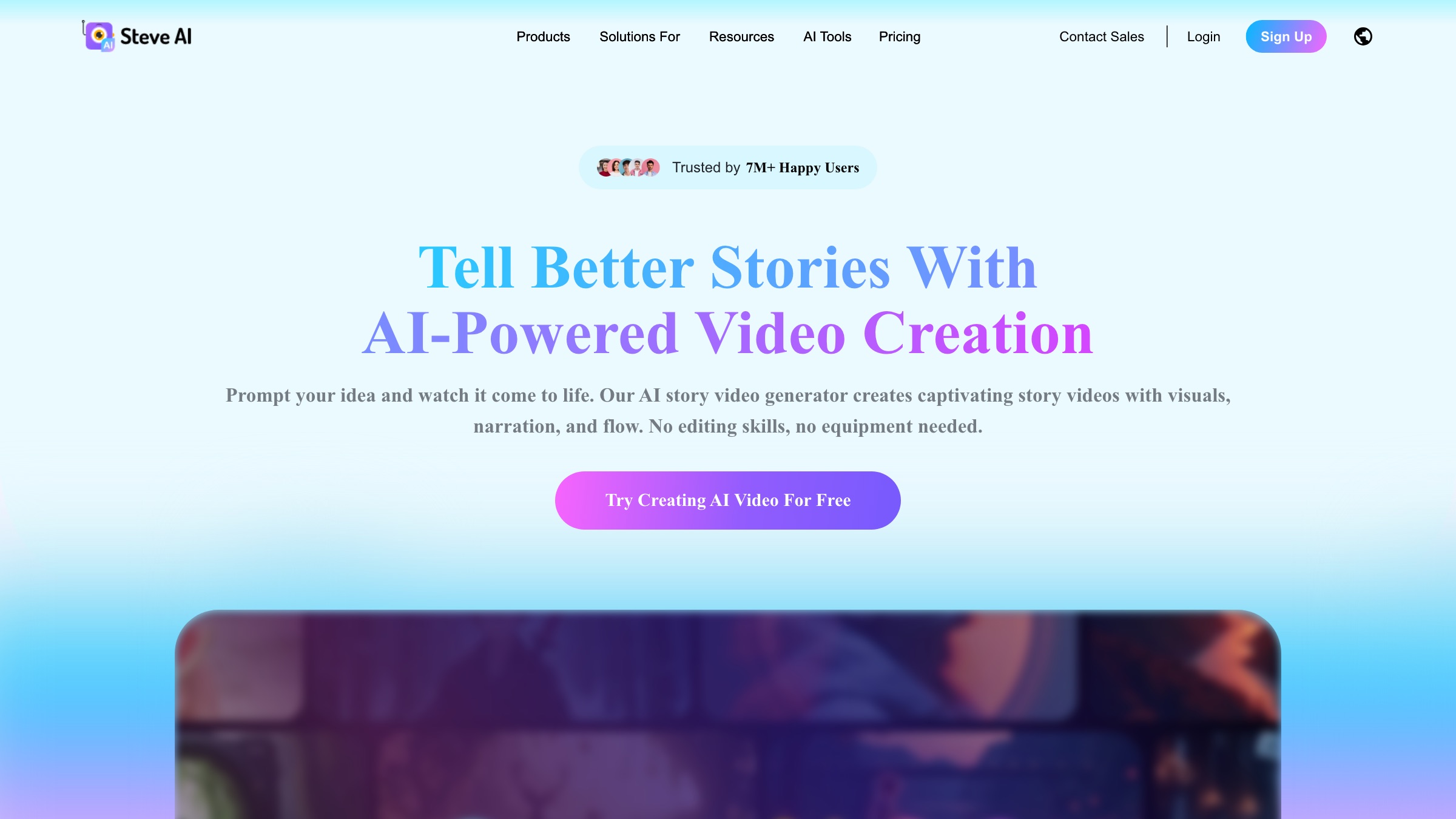
- Best for: Turning a script into an animated or live-action video with almost no manual editing.
- Pricing: A free tier with watermark; the Basic tier starts around $20/month billed annually.
- Why it stands out: From the team behind Animaker, Steve.ai reads your script, picks scenes and assets, and assembles a cartoon-style or footage-based draft. For a marketer who thinks in words rather than frames, it removes most of the production steps. It sits alongside the newer wave of AI animation software worth watching.
- Worth knowing: AI output needs a cleanup pass, and the useful volume lives on the higher tiers. Generation and premium stock draw from a credit pool that the entry tier depletes fast.
11. VideoScribe
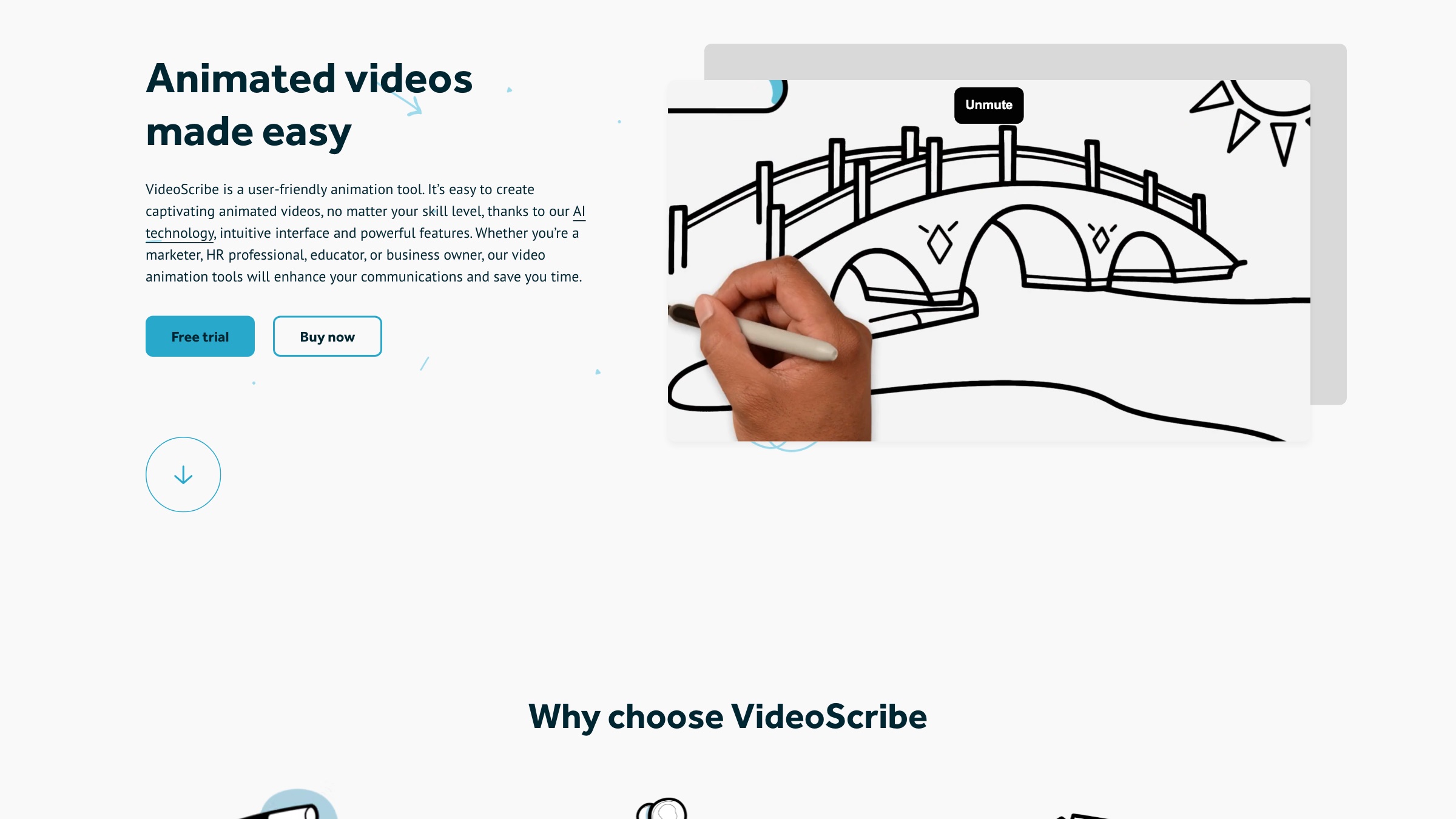
- Best for: Whiteboard and doodle-style explainers for education and training.
- Pricing: A short trial to start, then pricing from about $35/month (less on the yearly option).
- Why it stands out: One thing, done well. The hand-drawing effect, an unseen hand sketching your illustrations onto a whiteboard, is instantly recognizable and holds attention through a dense explanation. Sparkol has refined it since 2012, and the illustration library is large.
- Worth knowing: The style is the whole product. If you need anything beyond whiteboard animation, this is the wrong tool, and the look can feel dated for a modern brand.
12. InVideo AI
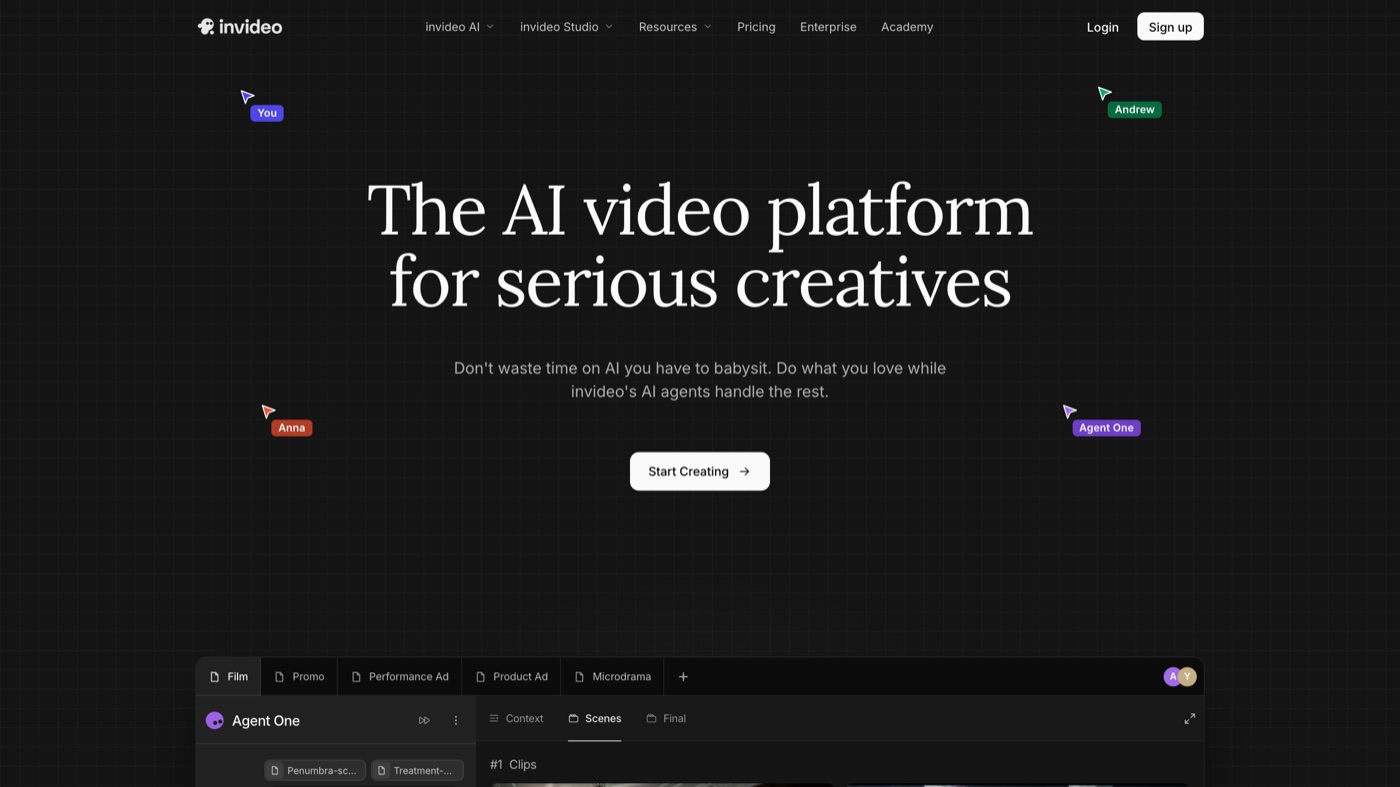
- Best for: Fast, AI-generated marketing videos and social content from a text prompt.
- Pricing: A free tier with watermark; Plus is $25/month, Max $60/month.
- Why it stands out: Type a prompt or paste a script and InVideo AI returns a full first draft: stock footage, animated text, and a generated voiceover, editable through plain-language commands. For teams scaling short-form output, the idea-to-video speed is the appeal.
- Worth knowing: It leans on stock footage and metered credits, so complex, multi-layer animation still needs a real editor. Longer or highly custom pieces are not its strength.
See it come together
Reading about presets only gets you so far. This walk-through builds an animated video from a template to a finished export, which shows how little of the process actually requires design skill.
Before you hit publish
One thing non-designers routinely skip: not everyone wants motion. Some viewers get motion sickness from heavy animation, and the W3C accessibility guidelines recommend respecting a viewer’s reduced-motion setting. Most of these tools export standard video, which sidesteps the problem, but keep it in mind for anything animated that lives directly on a web page.
The twelve, side by side
| # | Tool | Best for | Pricing | Limitation |
|---|---|---|---|---|
| 1 | Canva | Social posts, animated presentations, and quick GIFs | Free tier; Pro about $15/month, less billed yearly | No real keyframe timeline, so precise multi-element timing is not possible |
| 2 | Adobe Express | Branded social animations for Adobe-native teams | Free tier; Premium $9.99/month | Web editor is resource-heavy and Firefly features burn through monthly credits |
| 3 | Animaker | Character-led explainers and infographic animation | Free tier (watermarked); paid from about $19/month billed annually | Premium assets are metered by credits and real cost can climb above the sticker price |
| 4 | Vyond | Corporate training, HR comms, and business explainers | Starter about $99/month (billed at $699/year) | Priced for teams, not individuals, and stock characters can look samey |
| 5 | Powtoon | Explainer videos, training, and animated slide decks | Free tier; paid from about $15/month annually, $8 for education | Controls trail specialized suites and AI features run on capped credits |
| 6 | Renderforest | Logo animations, promos, and template corporate videos | Free tier; Lite $9/mo, Pro $19/mo, Business $29/mo | Template-bound, so anything off-template is hard, and tiers gate resolution |
| 7 | Visme | Animated infographics and interactive presentations | Free tier; Starter about $12.25/month billed annually | A presentation and document tool first, weak for narrative character video |
| 8 | VistaCreate | Animated social posts and stories at volume | Free Starter tier; Pro about $10/month billed annually | Basic controls, with no timeline for fine timing |
| 9 | FlexClip | Short explainer videos and social ads from templates | Free tier (watermarked); Plus $9.99/mo, Business $19.99/mo | Free tier watermarks and caps length; timeline is lighter than a full editor |
| 10 | Steve.ai | Script-to-video with minimal manual editing | Free tier (watermarked); Basic from about $20/month billed annually | AI output needs cleanup and useful volume sits on higher tiers |
| 11 | VideoScribe | Whiteboard and doodle-style explainers | Short trial to start, then from about $35/month | Whiteboard only, and the look can feel dated for modern brands |
| 12 | InVideo AI | AI-generated marketing videos from a prompt | Free tier (watermarked); Plus $25/mo, Max $60/mo | Leans on stock footage and credits; complex custom animation still needs an editor |
When a tool stops being enough
These tools are great until the work outgrows them. The tell is usually volume plus consistency: you are shipping animated content every week, it all has to feel like one brand, and the hours you spend learning software and wrangling templates are hours not spent on the campaign itself. Template-made videos also start to look like everyone else’s template-made videos.
At that point the question shifts from which tool to who. The options run from freelance animators for one-off pieces to bringing motion in-house. Moonb sits in the middle of that spectrum as an embedded creative team: a dedicated Creative Director plus animators, editors, and designers who learn your brand and produce to it, without you managing software or hiring for every skill. I reach for that middle option when a team is shipping motion every week and does not want to babysit software or hire for each separate skill. If you are weighing that route, our overview of video animation services lays out what to expect.
For most people reading this, though, a tool is the right answer. Start with the one that matches the work in front of you: Canva or VistaCreate for social, Animaker or Vyond for character explainers, VideoScribe for whiteboard, InVideo AI or Steve.ai when a script is all you have. You can make something good this week.
Frequently asked questions
Canva. The Animate button applies motion to any element or page in a click, the free tier is generous, and the template library means you rarely start from scratch. VistaCreate is a close second if your focus is animated social posts.
Yes, up to a point. Canva, Adobe Express, Powtoon, Renderforest, FlexClip, and others have free tiers. Expect watermarks, resolution caps, and limited exports. You upgrade mainly to remove the watermark and unlock 1080p or 4K output.
InVideo AI and Steve.ai both turn a prompt or script into a first cut with footage, animated text, and a voiceover. They save the most time up front, but each needs a cleanup pass and the useful volume lives on the paid tiers.