12 AI Tools to Turn Text Into Video (2026)
Twelve AI text-to-video tools compared for 2026, sorted by the job you need done, with current pricing and the real limits of each one.

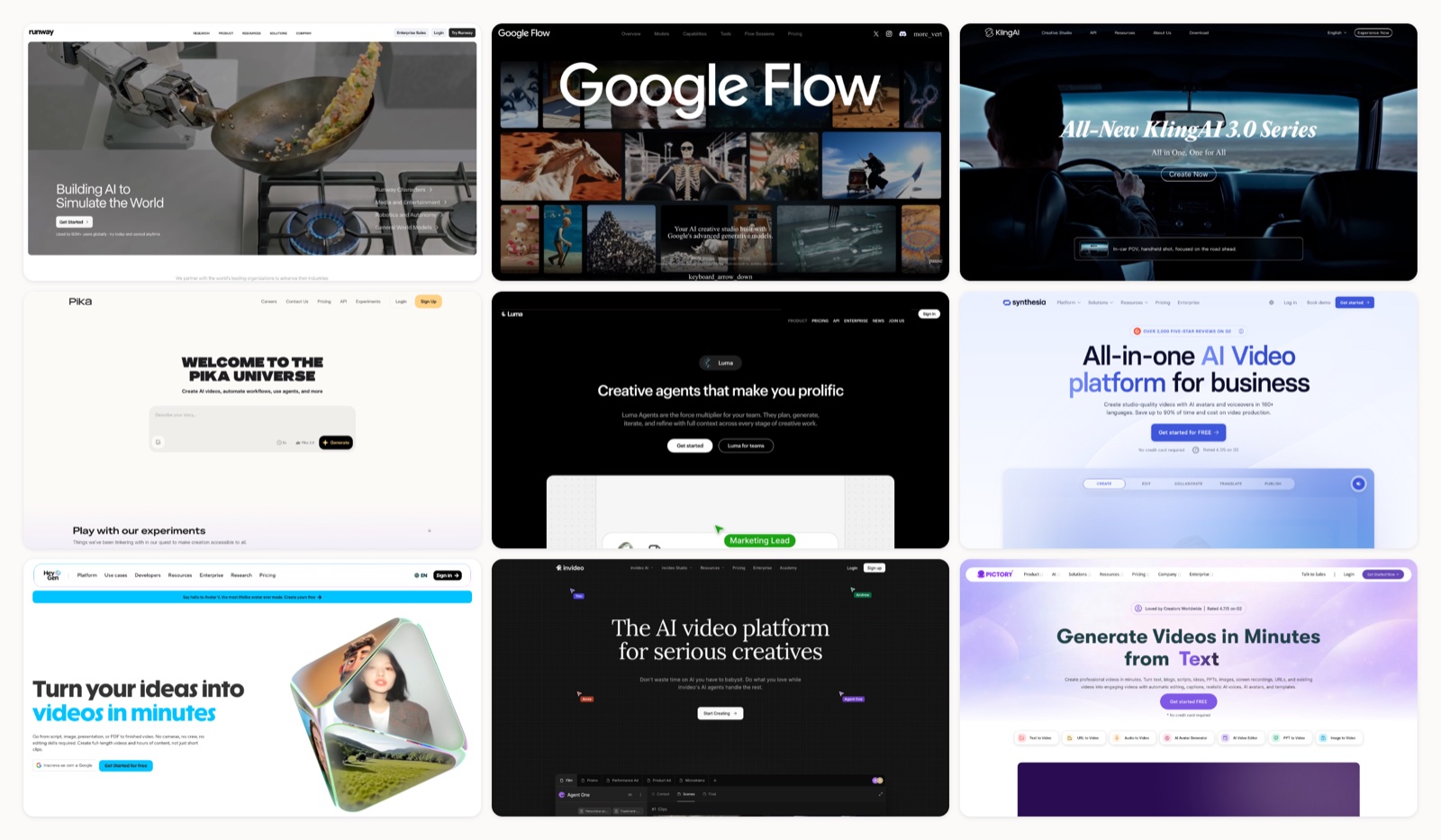
Type a sentence, get a video. That is the promise, and in 2026 about a dozen tools deliver on some version of it. The trouble is that “text into video” hides three different jobs. I split the tools by which of those jobs they do well, because I have watched teams buy the wrong one and write off the whole category. One tool spins a cinematic clip from a written prompt. Another puts a digital presenter on screen to read your script. A third takes a whole blog post and cuts it into a narrated montage with stock footage. Pick the wrong category and you fight the tool the whole way.
I run a creative team, so I have watched clients try to force a talking-head avatar tool to make an ad, then reach for a cinematic model to make a training module. Both went badly. This list sorts the field by what each tool is built to do, with current pricing and the limitation nobody puts on the sales page. I tested or shipped work alongside most of them.
We start with the cinematic generators, move to the script-and-avatar platforms most businesses actually reach for, and finish with two design suites that folded video into products you may already pay for.
The cinematic generators
1. Runway
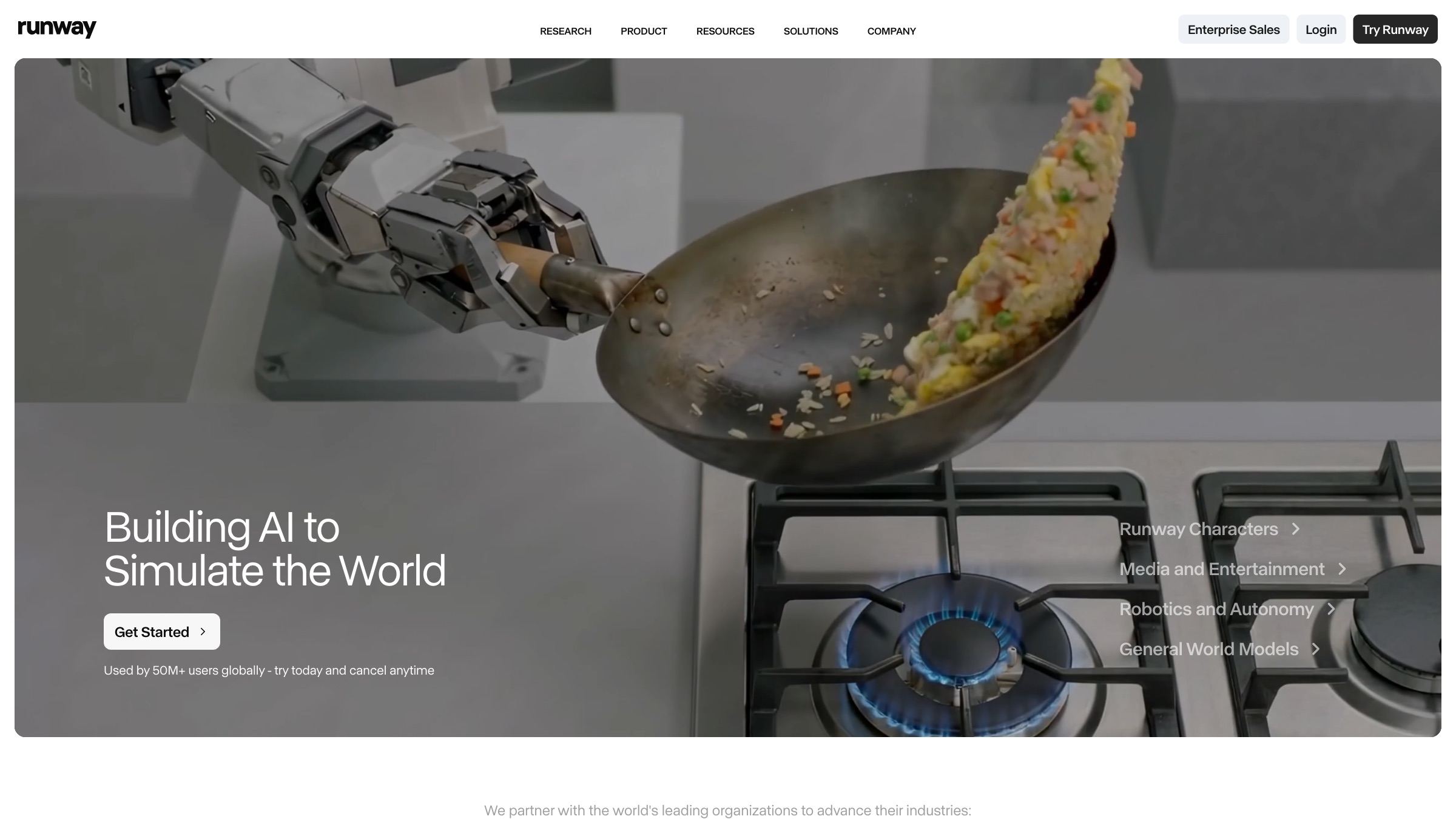
- Best for: Creative teams that want camera-level control over a generated shot.
- Pricing: $12 per user each month on the Standard plan billed yearly (around $15 month to month), which buys a pool of credits.
- Why it stands out: Runway treats generation as one step inside a real editing workflow. Gen-4.5 keeps a character or a set consistent across shots, the motion brush pushes movement exactly where you want it, and Turbo drafts let you test an idea before committing credits to a final render. Newer plans also pipe in outside models like Veo and Kling, so you are not stuck with one look.
- Worth knowing: Clips top out at five to ten seconds, and the credit math moves fast. On Standard, a few seconds of the flagship model can eat most of a month’s allowance, so it fits short pieces and B-roll better than long narrative.
2. Google Flow (Veo)
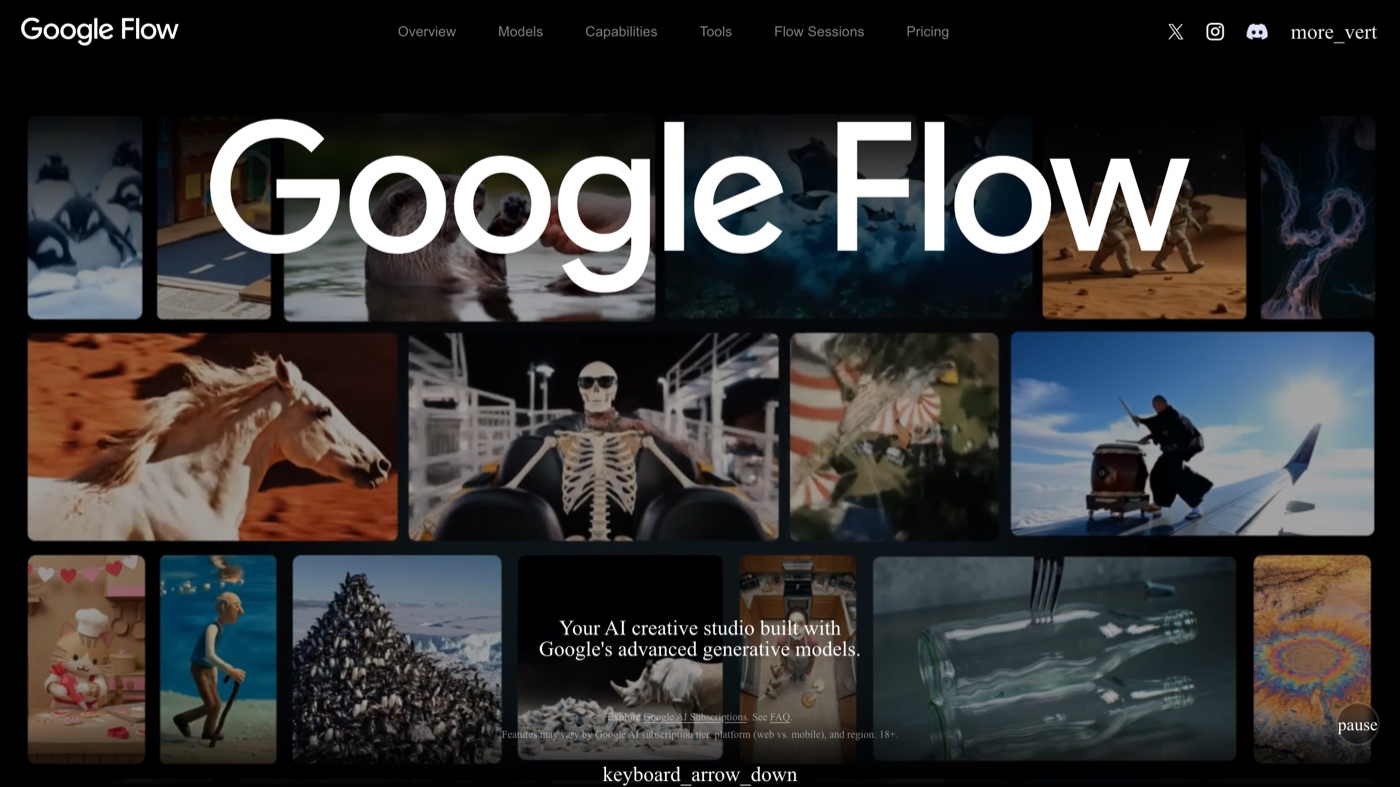
- Best for: Cinematic scenes where sound and picture need to arrive together.
- Pricing: Bundled with Google AI Pro at $19.99 per month, which includes Flow credits; the Ultra tiers add far more headroom.
- Why it stands out: Flow is Google’s front end for the Veo model, and Veo generates native audio with the footage, so a scene shows up with ambient sound or dialogue already in place. Prompt adherence and physical realism are the strongest I have seen from a mainstream tool. Early in 2026 Google merged its image and moodboard tools into Flow, so you can build reference frames and animate them without leaving the workspace.
- Worth knowing: It lives inside Google’s plans rather than as a standalone product, so access and credits ride on that account. Heavy use drains credits quickly, and the most cinematic output rewards careful prompting.
3. Kling AI
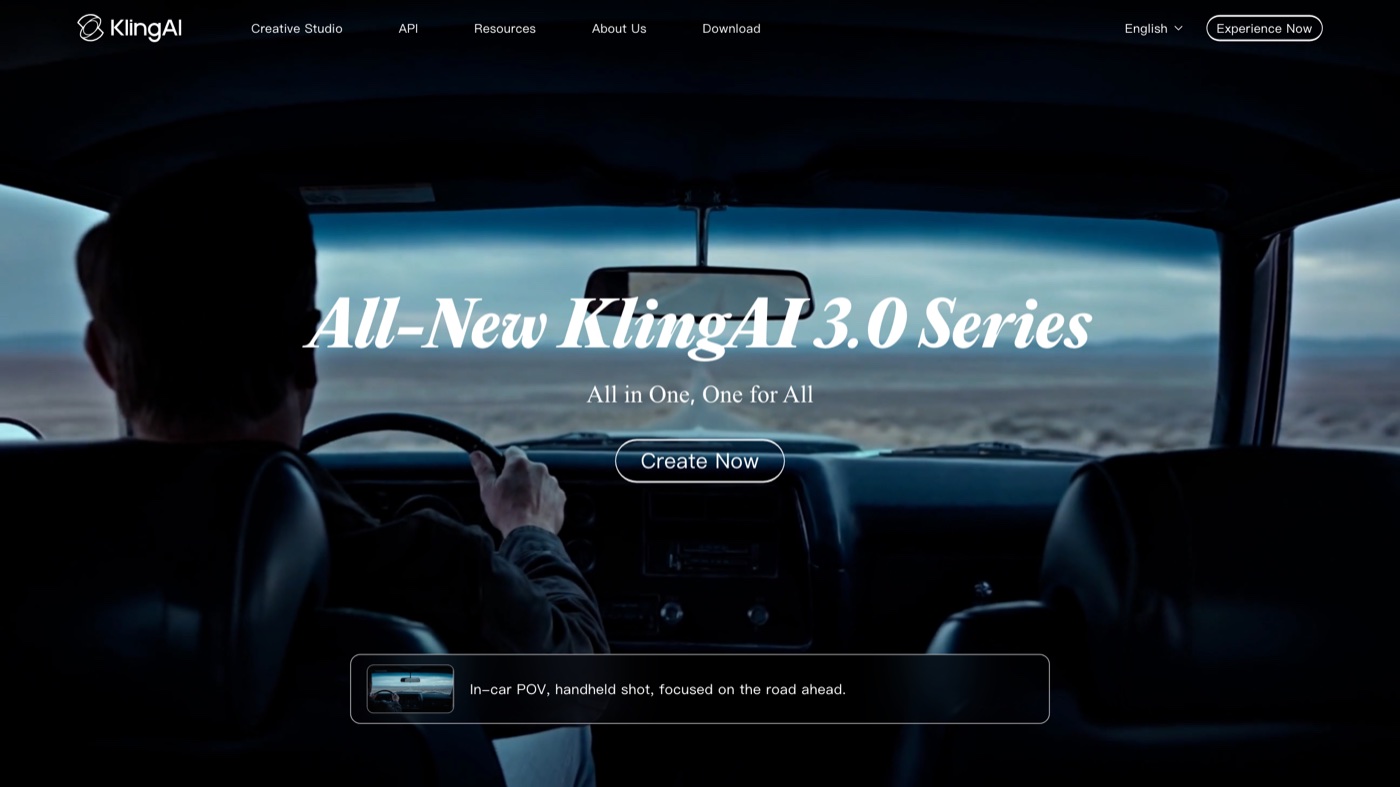
- Best for: Realistic human movement and body physics.
- Pricing: A free daily-credit tier, with paid plans starting near $6.99 per month.
- Why it stands out: Kling built its name on lifelike motion, the weight and follow-through that usually give away AI video. It added native 4K output in April 2026, camera-move controls, and an image-to-video path that helps when you want to animate a still you already like. For dancing, sports, or any shot where a body has to move convincingly, it is a strong pick.
- Worth knowing: Credits vanish at month’s end even on prepaid yearly plans, and prices shift by region and promotion. The interface leans toward hobbyists, so team features are thinner than the enterprise avatar tools.
4. Pika
- Best for: Punchy short clips built around a specific visual effect.
- Pricing: The Standard plan runs $8 per month billed yearly (roughly $10 month to month) for 700 video credits.
- Why it stands out: Pika is fast and playful. Its signature effects (Pikadditions to drop objects into a scene, Pikaswaps to replace them, Pikaffects for stylized transforms) let a social creator land a scroll-stopping moment without a timeline full of keyframes. Paid plans remove the watermark and clear commercial use. For the quick, shareable clip that does well on social platforms, it earns the spot.
- Worth knowing: Clips are short, and the credit accounting across its several models takes a while to learn. Output suits a five-second hook more than a full explainer.
5. Luma Dream Machine
- Best for: Quick cinematic ideation while you are still exploring a look.
- Pricing: The Lite plan is $9.99 per month on the web for 3,200 credits.
- Why it stands out: Dream Machine is one of the friendlier ways into cinematic AI video. The web and iOS apps are simple, generation is quick, and the Modify and Reframe tools nudge a clip or shift its aspect ratio without starting over. It makes a good sketchpad for a creative director testing directions early.
- Worth knowing: The Lite plan watermarks output and restricts it to non-commercial use, so anything client-facing needs a higher tier. Luma also launched a separate Agents product in 2026, which makes the plan lineup confusing to read.
Script and avatar platforms
6. Invideo
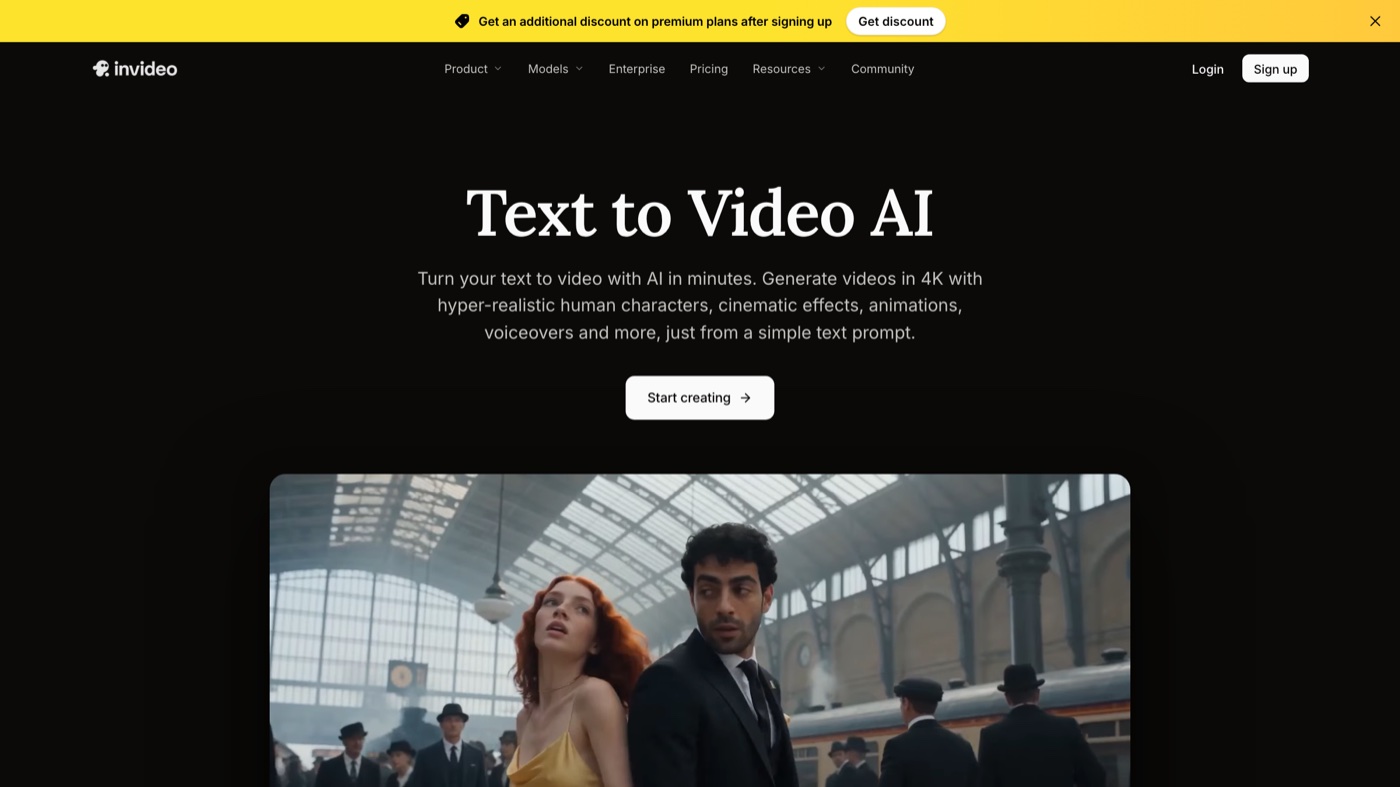
- Best for: Turning a prompt, a script, or a brief into a finished video, from cinematic shots to product ads and avatar-led explainers.
- Pricing: Paid plans start at $20 per seat per month (Starter, 400 credits), with Plus at $60 and Max at $150. A free plan includes the timeline editor.
- Why it stands out: Invideo’s text to video tool sends your prompt to current video models, including Seedance 2.5, Veo 3.1, Kling 3.0, MiniMax H3, and Gemini Omni Flash, and returns 8-second shots in 1K, 2K, or 4K with native audio. It goes past the single clip, too. Hand a script or brief to its AI agents and they generate the scenes, voiceover, and music, then lay everything out on an editable timeline you review and refine before export. Product ads, UGC-style videos, and AI avatars come out of the same workspace, so one tool covers both the cinematic job and the presenter-led one.
- Worth knowing: Each generated shot is short, so a longer video is stitched together from many clips and takes more time to build. Everything runs on credits, and unused credits do not roll over to the next month.
7. Synthesia
- Best for: Training and corporate video with a presenter on screen.
- Pricing: The Starter plan is $29 per month ($18 per month billed yearly) with 10 minutes of video.
- Why it stands out: Synthesia is the mature choice for avatar-led video. Paste a script, a PDF, or a slide deck, pick from a large avatar library, and choose a voice in one of well over 100 languages, which makes localizing video content far cheaper than reshooting. The slide-based editor feels like presentation software, SCORM export drops a lesson straight into a learning system, and the API lets bigger teams generate at volume. If you are weighing it against the field, we lined up the options in our Synthesia alternatives rundown.
- Worth knowing: The monthly minute caps are tight on lower tiers, and the format is a talking head by design. It will not make you a cinematic ad or an abstract motion piece.
8. HeyGen
- Best for: Marketing and localized video built around an avatar or a cloned voice.
- Pricing: The Creator plan is $29 per month ($24 per month billed yearly), with as many videos as you need plus a monthly credit pool.
- Why it stands out: HeyGen pushes hard on realism. Its recent avatars lock lips tightly to the audio, voice cloning keeps a steady brand voice, and translation into more than 175 languages with matching mouth movement makes it a workhorse for global campaigns. Teams share a workspace and collaborate inside one project.
- Worth knowing: The premium photorealistic avatars burn credits fast, so the top quality costs more than the headline price suggests. Some features, including parts of the mobile app, have been limited by region.
9. Pictory
- Best for: Repurposing long written content into short videos.
- Pricing: The Starter plan is $25 per month billed yearly (or $29 month to month) with 200 video minutes.
- Why it stands out: Pictory is built for the “I have a blog post, make it a video” job. It pulls from a large stock library, matches footage to your text, adds an AI voice, and returns a captioned short you can dress with your colors and logo. It is a fast way for a content team to get more out of writing they already own.
- Worth knowing: Each video is capped at 10 minutes on Starter, the voice quality trails dedicated tools, and results feel more templated than a hand-edited piece.
10. Colossyan
- Best for: Learning and development teams building structured training.
- Pricing: The Starter plan is $19 per month billed yearly ($27 month to month) for 15 minutes.
- Why it stands out: Colossyan is avatar video aimed squarely at instruction. Multi-avatar scenes play out a conversation, built-in quizzes turn a video into a lesson, auto-translation localizes a course in a few clicks, and SCORM export sends it to a learning system. For onboarding and compliance content, it is purpose-built.
- Worth knowing: That focus is both the strength and the ceiling. It is not for marketing or creative work, and features like minute top-ups and SCORM sit on higher tiers.
Video inside a design suite
11. Adobe Firefly
- Best for: Commercially cautious teams already inside Creative Cloud.
- Pricing: The Standard plan is $9.99 per month with 2,000 credits, enough for roughly twenty short clips.
- Why it stands out: Firefly’s pitch is legal comfort. Its video model is trained on licensed material, which matters for brands that need to sidestep rights questions. You can reach partner models from inside one interface, and the path into Premiere Pro and After Effects makes a generated shot easy to drop onto a real timeline. If your editors already live in video editing tools, the handoff is short.
- Worth knowing: Clips are short, five seconds in the current form, and higher resolutions eat credits faster than the base estimate. The video side keeps changing as Adobe ships updates.
12. Canva Magic Studio
- Best for: Non-designers who want a clip inside a design they are already making.
- Pricing: Canva Pro is $15 per month or $120 a year, which unlocks the Magic Studio features.
- Why it stands out: Canva put text-to-video where millions of people already work. Generate a clip with Magic Media, drop it into a social template, add branded text and a logo, and export, all without leaving the editor. The 2026 version routes video generation through Veo, so the raw clips look better than the old engine.
- Worth knowing: The AI allowance is shared across every Canva AI feature and runs down quickly, so real video use tops out around ten clips a month before you buy more. Motion is subtler than a dedicated generator produces.
| # | Tool | Best for | Pricing | Limitation |
|---|---|---|---|---|
| 1 | Runway | Camera-level control over generated shots | $12 per user/month (Standard, billed yearly) | Clips run five to ten seconds and credits deplete fast on the entry tier. |
| 2 | Google Flow (Veo) | Cinematic scenes with native audio | Included with Google AI Pro at $19.99/month | Access and credits are tied to a Google plan, not a standalone product, and heavy use drains credits. |
| 3 | Kling AI | Realistic human motion and physics | Free daily-credit tier; paid from about $6.99/month | Credits expire monthly even on yearly plans, prices shift by region, and team features are thin. |
| 4 | Pika | Short social clips built around an effect | $8/month (Standard, billed yearly) | Clips are short and the multi-model credit math takes time to learn. |
| 5 | Luma Dream Machine | Fast cinematic ideation | $9.99/month (Lite, web) | The Lite tier watermarks output and blocks commercial use; the Agents launch muddies the plan lineup. |
| 6 | Invideo | Script or brief into a finished video, cinematic or avatar-led | From $20 per seat/month | Generation runs on credits, and unused credits do not roll over. |
| 7 | Synthesia | Avatar-led training and corporate video | $29/month ($18/month billed yearly) | Tight minute caps on lower tiers and a talking-head format only. |
| 8 | HeyGen | Avatar and voice-clone marketing, localized | $29/month ($24/month billed yearly) | Premium photorealistic avatars burn credits quickly and some features are region-limited. |
| 9 | Pictory | Repurposing long written content into shorts | $25/month (Starter, billed yearly) | Ten-minute cap on Starter, weaker AI voices, and templated results. |
| 10 | Colossyan | L&D and structured training | $19/month (Starter, billed yearly) | Built for training, not marketing, and key features sit on higher tiers. |
| 11 | Adobe Firefly | Commercially cautious teams in Creative Cloud | $9.99/month (Standard, 2,000 credits) | Five-second clips and a video model that is still evolving fast. |
| 12 | Canva Magic Studio | Non-designers making a clip inside a design | $15/month or $120/year (Canva Pro) | A shared AI allowance limits real video use to roughly ten clips a month. |
When a tool is not the answer
Every tool here is fast, and most are fine. Fast and fine is exactly the problem when a video has to carry a brand. AI generators execute an instruction well. They do not decide what the instruction should be, notice that the third shot undercuts the message, or hold a look across forty deliverables so the fortieth still feels like you. That judgment is the part AI keeps missing, and a viewer feels its absence even when they cannot name it.
So the split is simple. If you need a quick clip, a rough draft, or a training module at volume, one of these tools will get you there today. If the video represents your company to the people you most want to reach, you want people making it. That is the case for hiring a creative team, whether in-house or a partner like Moonb, where a dedicated creative director owns the outcome and the tools above become part of the kit instead of the whole plan.
The setup I see working best in 2026 uses both: generators for speed and iteration, humans for the calls that decide whether anyone remembers the video at all.
Frequently asked questions
It depends on the job. For a cinematic clip from a written prompt, look at Runway, Google Flow (Veo), or Kling. For a presenter reading your script, Synthesia and HeyGen lead. For turning a blog post or long script into a narrated short, Pictory and Invideo are built for exactly that. Match the tool to the type of video before you compare prices.
Yes. Synthesia, HeyGen, and Colossyan generate a video of a digital avatar speaking your text, and recent avatars sync lips closely to the audio across many languages. The realism is strong for training and corporate content. It reads less naturally the more emotion or nuance a scene needs, which is where a filmed presenter still wins.
They are good for drafts, internal training, and social clips at volume. For a video that represents your brand to the audience you most want to reach, you want human creative direction deciding what to say and how it should feel. The strongest approach pairs these generators for speed with people who own the final result.