Top Free Tools to Remove Watermarks From Images and Videos - Legally
Discover the best free tools to remove watermarks from images and videos legally. Easy, safe, and effective methods in 2025. Try them now!


Finding the right tool to legally remove a watermark from an image or video you own can be a frustrating process. Whether you've lost the original file, need to repurpose old marketing assets, or are working with stock media you've licensed, a distracting watermark can disrupt your creative workflow. This guide cuts through the noise to provide a definitive list of the top free tools to remove watermarks from images and videos - legally.
This resource is designed for marketing directors, creative leads, and entrepreneurs who need reliable, no-cost solutions without compromising on quality or legal standing. We will explore a curated selection of powerful software and online platforms, from comprehensive image editors like GIMP and Photopea to specialized AI-driven tools like WatermarkRemover.io. Each entry provides a practical breakdown, focusing on key features, platform compatibility, and honest pros and cons.
You will find direct links and screenshots for every tool, allowing you to quickly assess which option best fits your specific project needs. We cover everything from simple, one-click removals for social media posts to more advanced, command-line-based options for technical video editors. As you explore these tools, many of which use sophisticated algorithms, a deeper understanding of AI generated content can inform your choices and help navigate the associated ethical considerations. This article serves as your direct path to cleaning up your creative assets efficiently and effectively.
1. Photopea
Photopea is a powerhouse among free online image editors, offering a comprehensive suite of tools that mirrors professional desktop software like Adobe Photoshop. Its strength lies in providing advanced, manual control over the watermark removal process, making it an excellent choice for users who need precision. Unlike simple, one-click solutions, Photopea equips you with tools that are standard in professional photo retouching.
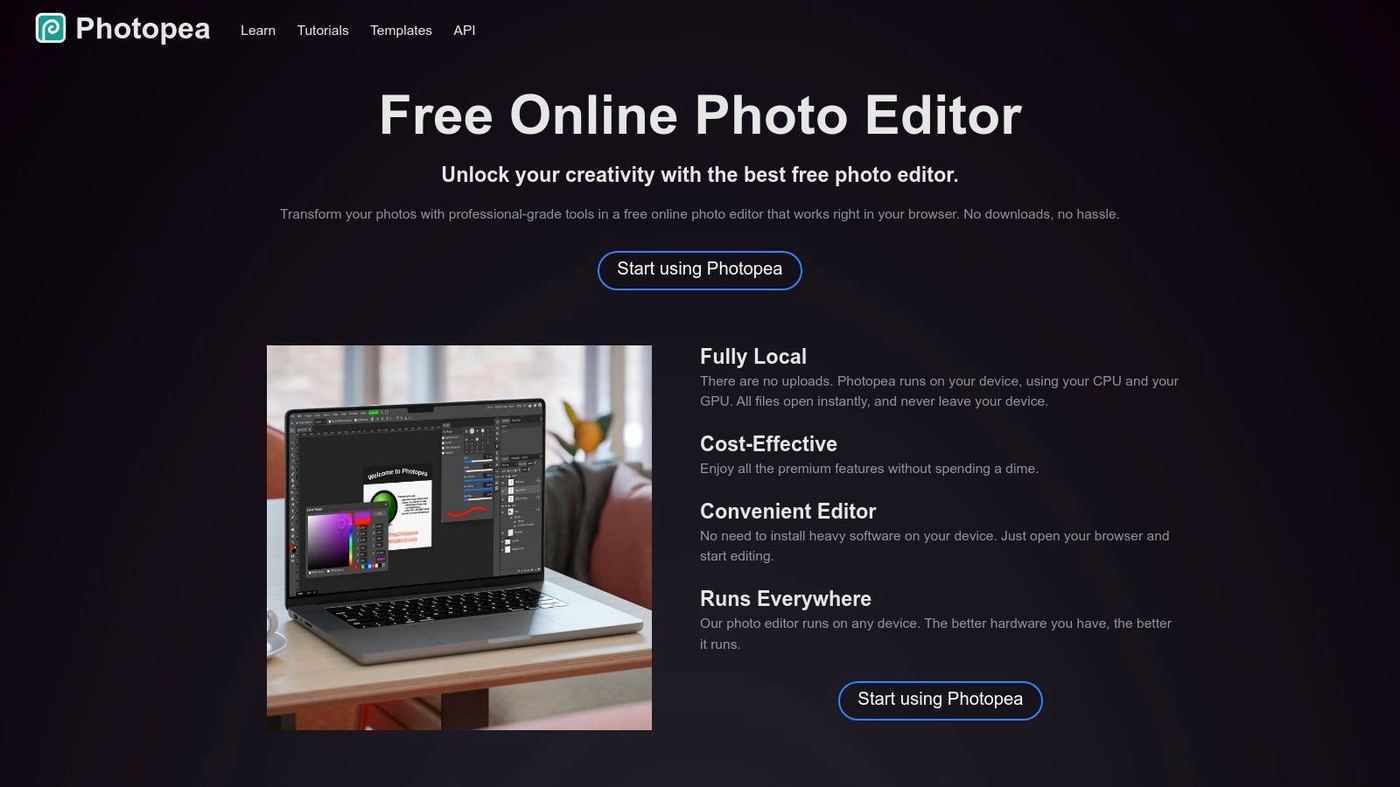
Because it runs entirely in your browser, it is accessible on almost any device, including Chromebooks and tablets, without requiring installation. This makes it one of the top free tools to remove watermarks from images legally, provided you have the rights to edit the photo. Its layer-based workflow and support for various file formats, including PSD, offer a non-destructive editing environment. While Photopea itself doesn't have a plugin system like desktop apps, you can explore the ecosystem of compatible tools; you can discover more about powerful browser-based extensions that can complement your creative workflow.
Key Features and Usage Tips
- Spot Healing & Healing Brush: These tools are perfect for removing small, isolated watermarks or blemishes. Simply click or brush over the unwanted element, and Photopea's content-aware algorithm will intelligently fill the space with matching textures and colors from the surrounding area.
- Clone Stamp & Patch Tool: For more complex watermarks over detailed backgrounds, these manual tools give you complete control. The Clone Stamp lets you sample a clean part of the image and paint it over the watermark, while the Patch Tool allows you to select the watermarked area and replace it with another selected region.
- User Experience: The interface is immediately familiar to anyone who has used professional photo editors. While this means there's a slight learning curve for absolute beginners, its well-organized layout and extensive documentation make it manageable.
| Feature | Best Use Case | Pros | Cons |
|---|---|---|---|
| Accessibility | Cross-device editing without installation | Works on any OS with a modern browser | Performance can lag with very large files |
| Editing Tools | Precise, manual watermark removal | Professional-grade control over the final result | Steeper learning curve than automated tools |
| Cost Structure | Free for full functionality | No feature paywalls; completely free | The user interface contains non-intrusive ads |
| File Support | Working with complex, layered files | Opens PSD, Sketch, and other professional formats | Exporting complex projects can be slow |
2. GIMP (GNU Image Manipulation Program)
GIMP is the quintessential free and open-source desktop image editor, standing as a powerful alternative to paid software like Adobe Photoshop. Its core strength for watermark removal lies in its robust suite of manual retouching tools, which provide granular control for cleaning up images you have the legal right to modify. Unlike automated online tools, GIMP offers a professional-grade, layer-based workflow ideal for complex tasks where precision is paramount.
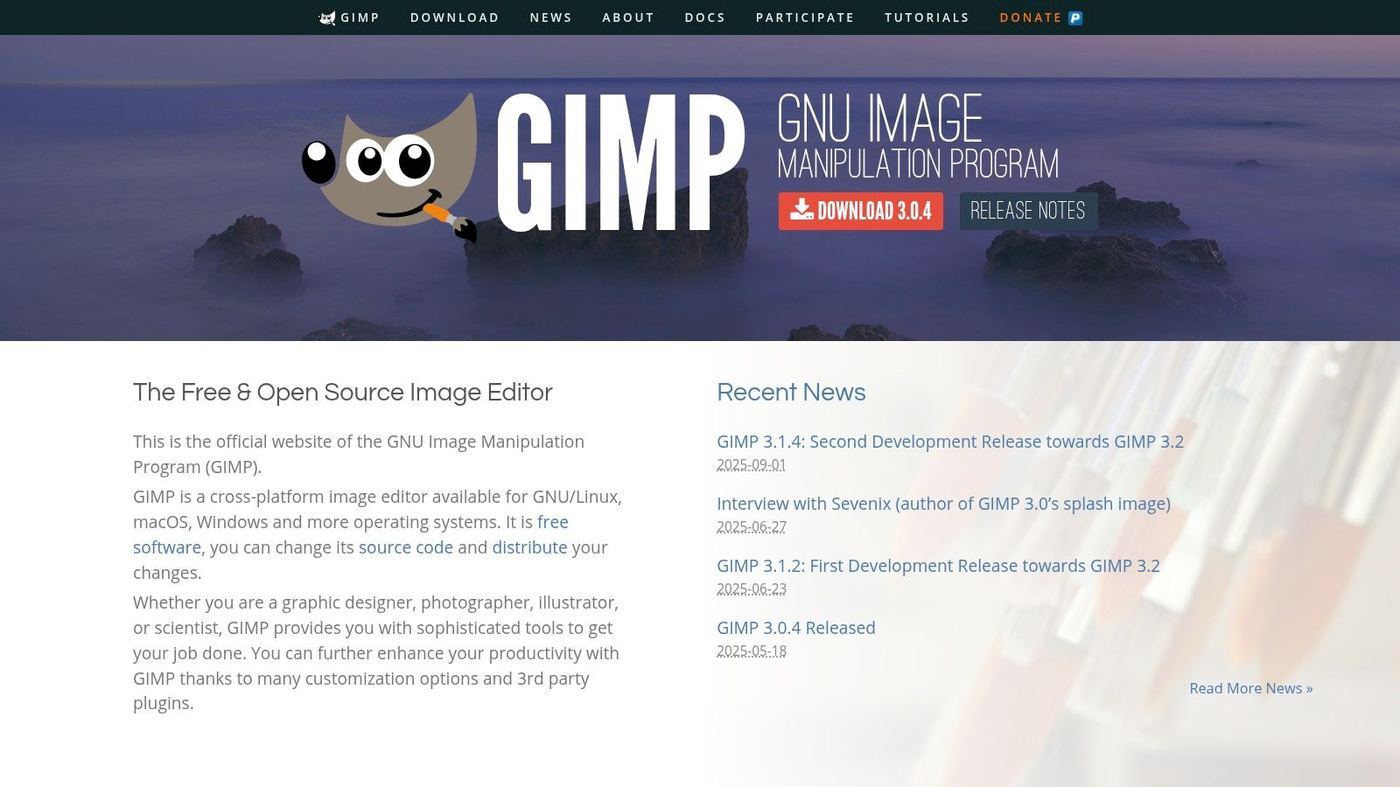
As a downloadable application available for Windows, macOS, and Linux, it operates offline, ensuring privacy and consistent performance regardless of your internet connection. GIMP's open-source nature means it is completely free, without ads or feature restrictions, and supported by a vast community. Its extensibility through third-party plug-ins makes it one of the top free tools to remove watermarks from images legally, offering a customizable and powerful editing environment.
Key Features and Usage Tips
- Heal Tool: Similar to content-aware fill, this tool is excellent for removing watermarks from textured or patterned backgrounds. You can brush over the unwanted object, and GIMP will intelligently sample the surrounding area to create a seamless patch.
- Clone Tool: For intricate areas where automated healing might fail, the Clone Tool provides precise manual control. It allows you to copy pixels from a clean source area and paint them directly over the watermark, which is perfect for reconstructing detailed parts of an image.
- User Experience: GIMP's interface is feature-rich and highly customizable, but it can be intimidating for beginners. However, its classic layout will feel familiar to those with experience in other advanced image editors, and extensive community-created tutorials are widely available online.
| Feature | Best Use Case | Pros | Cons |
|---|---|---|---|
| Accessibility | Offline, cross-platform desktop editing | Works on Windows, Mac, and Linux without an internet link | Requires installation and system resources |
| Editing Tools | Detailed manual retouching and cloning | Professional-level control for high-quality results | Steeper learning curve; no one-click solution |
| Cost Structure | Completely free and open-source | No ads, subscriptions, or hidden costs | Lacks dedicated commercial support |
| Extensibility | Customizing workflow with add-ons | Huge library of free, community-made plug-ins | Finding and installing plug-ins can be technical |
Pixlr stands out as a highly accessible, web-based photo editor that strikes a balance between user-friendliness and powerful features. It offers a streamlined experience ideal for quick edits, making it one of the top free tools to remove watermarks from images legally without the steep learning curve of professional software. Its main appeal lies in the Heal/Repair tool, which simplifies the process of erasing unwanted text or small objects from photos you own the rights to edit.
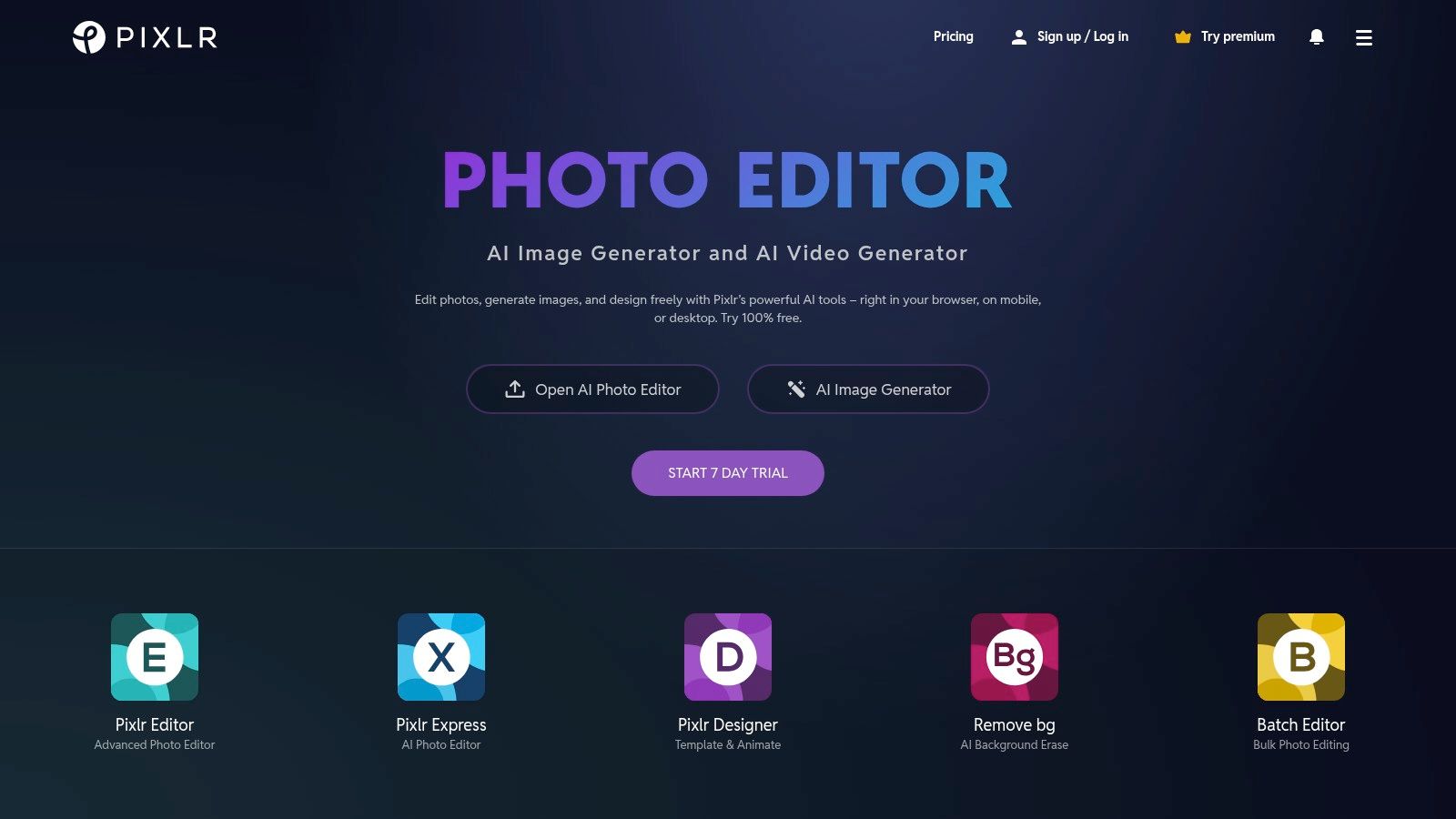
Available as both a web tool and a mobile app, Pixlr ensures you can perform basic cleaning tasks from almost any device. The free version is fully functional for watermark removal, though it is supported by ads and has some limitations on saves and advanced features. For users needing a fast, no-installation-required solution for straightforward removal jobs, Pixlr's intuitive interface and effective AI-driven tools make it a go-to choice.
Key Features and Usage Tips
- Heal/Repair Tool: This is your primary feature for watermark removal. It offers different modes, like Spot for tiny imperfections and Object for larger overlays. Simply brush over the watermark, and Pixlr's algorithm will analyze the surrounding pixels to blend it away seamlessly.
- Quick Export: Once your image is clean, Pixlr allows for fast exporting to common formats like JPG, PNG, and WebP. The process is straightforward, designed for users who need to get their final image quickly without navigating complex settings.
- User Experience: Pixlr's interface is clean, modern, and far less intimidating than advanced editors. Its tools are clearly labeled and easy to find, making it perfect for beginners or anyone needing a quick fix without getting bogged down in technical details.
| Feature | Best Use Case | Pros | Cons |
|---|---|---|---|
| Accessibility | Quick edits on web or mobile | No installation required; works on most devices | Free tier contains ads and has daily usage limits |
| Editing Tools | Simple, AI-assisted object removal | Very easy to use; effective for uncomplicated backgrounds | Lacks the precision of manual tools like Clone Stamp |
| Cost Structure | Free for basic tasks | Core removal tools are available without payment | Paid plans are needed for an ad-free experience and full features |
| Workflow | Fast and simple image cleaning | Streamlined interface for quick in-and-out edits | Not suitable for complex, layered editing projects |
4. Cleanup.pictures
Cleanup.pictures is a single-purpose, AI-powered tool designed for one thing: making unwanted objects, including watermarks, disappear from photos with astonishing ease. Its standout feature is its simplicity. Unlike comprehensive editors that require manual selection and cloning, this platform uses a simple brush interface. You just paint over the watermark, and its sophisticated inpainting algorithm intelligently reconstructs the background.
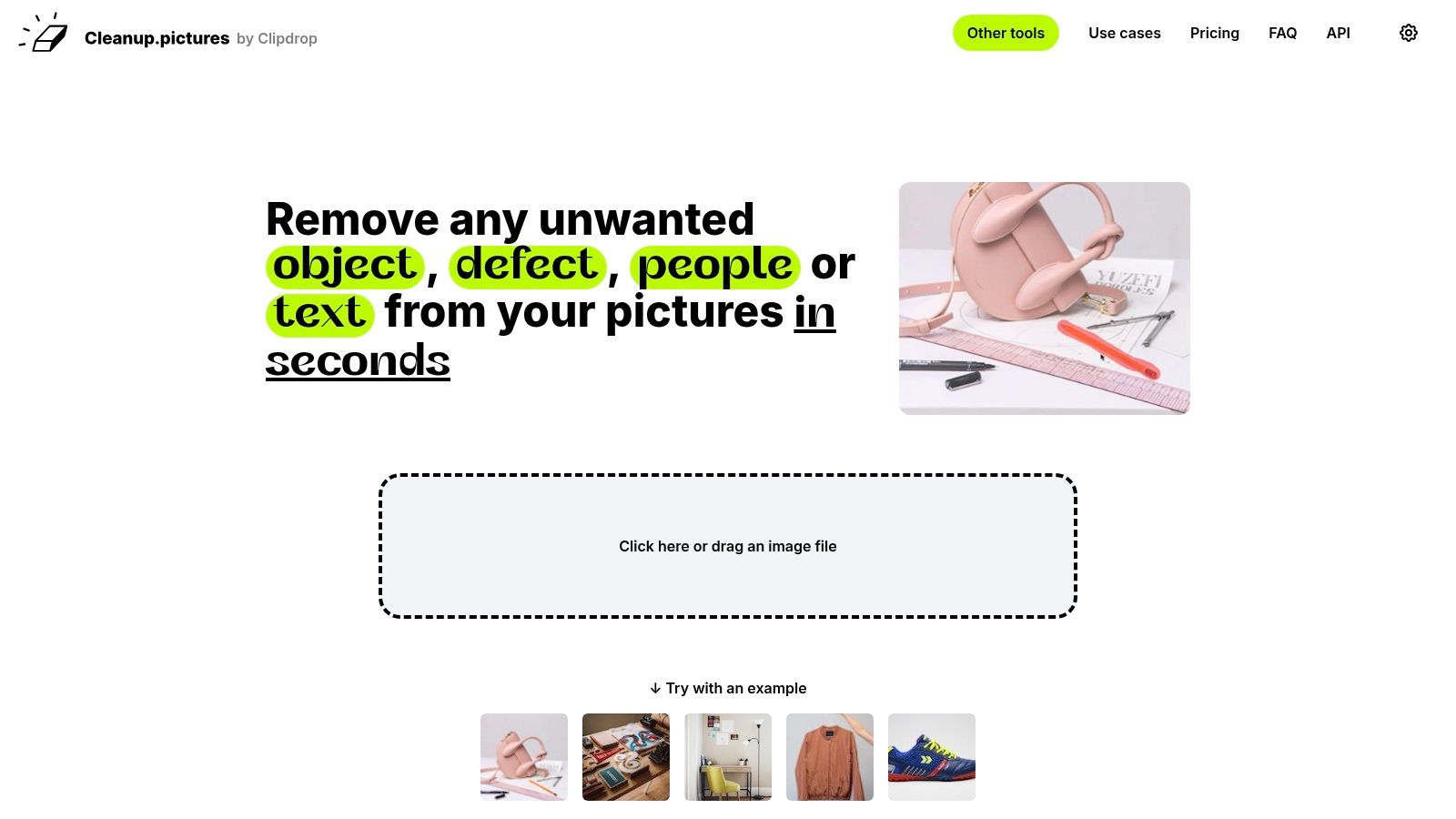
This web-based tool is incredibly fast and requires no installation, making it one of the best free tools to remove watermarks from images legally when you need a quick fix. The user experience is hyper-focused and intuitive, removing any learning curve. While the free version is fully functional, it limits exports to a resolution of 720p. For high-definition results or API access to integrate its technology into other workflows, a paid subscription is necessary. This makes it ideal for quick social media edits or drafts where maximum resolution isn't critical.
Key Features and Usage Tips
- AI Inpainting Brush: The core of the tool is its smart brush. For best results, adjust the brush size to be just slightly larger than the watermark element you are removing. This helps the AI get more accurate context from the surrounding pixels.
- Instantaneous Processing: The tool provides near-real-time results, allowing you to quickly assess the outcome and make adjustments. If the first attempt isn't perfect, you can undo and try again with a slightly different brush stroke.
- User Experience: The interface is minimalist and purpose-built. You upload an image and are immediately presented with the editing brush. There are no complex menus or settings, making it accessible to users of all skill levels.
| Feature | Best Use Case | Pros | Cons |
|---|---|---|---|
| Accessibility | Quick edits from any device | No installation needed; accessible via web browser | Requires an internet connection to function |
| Editing Tools | Fast, automated watermark removal | Extremely easy to use; excellent AI-driven results | Lacks manual control for complex backgrounds |
| Cost Structure | Free for standard-resolution edits | Free plan is perfect for testing and casual use | High-resolution exports are behind a paywall |
| Speed | When time is of the essence | Processes images in seconds | Can be less precise than manual methods |
5. WatermarkRemover.io by PixelBin
WatermarkRemover.io, powered by PixelBin, offers a specialized, AI-driven solution focused exclusively on removing watermarks from images. Its main strength is its sheer simplicity and speed, making it one of the top free tools to remove watermarks from images legally when you need a quick, automated result without manual editing. The platform operates on a straightforward drag-and-drop mechanism, where the AI automatically detects and erases the watermark, making it accessible to users of all skill levels.
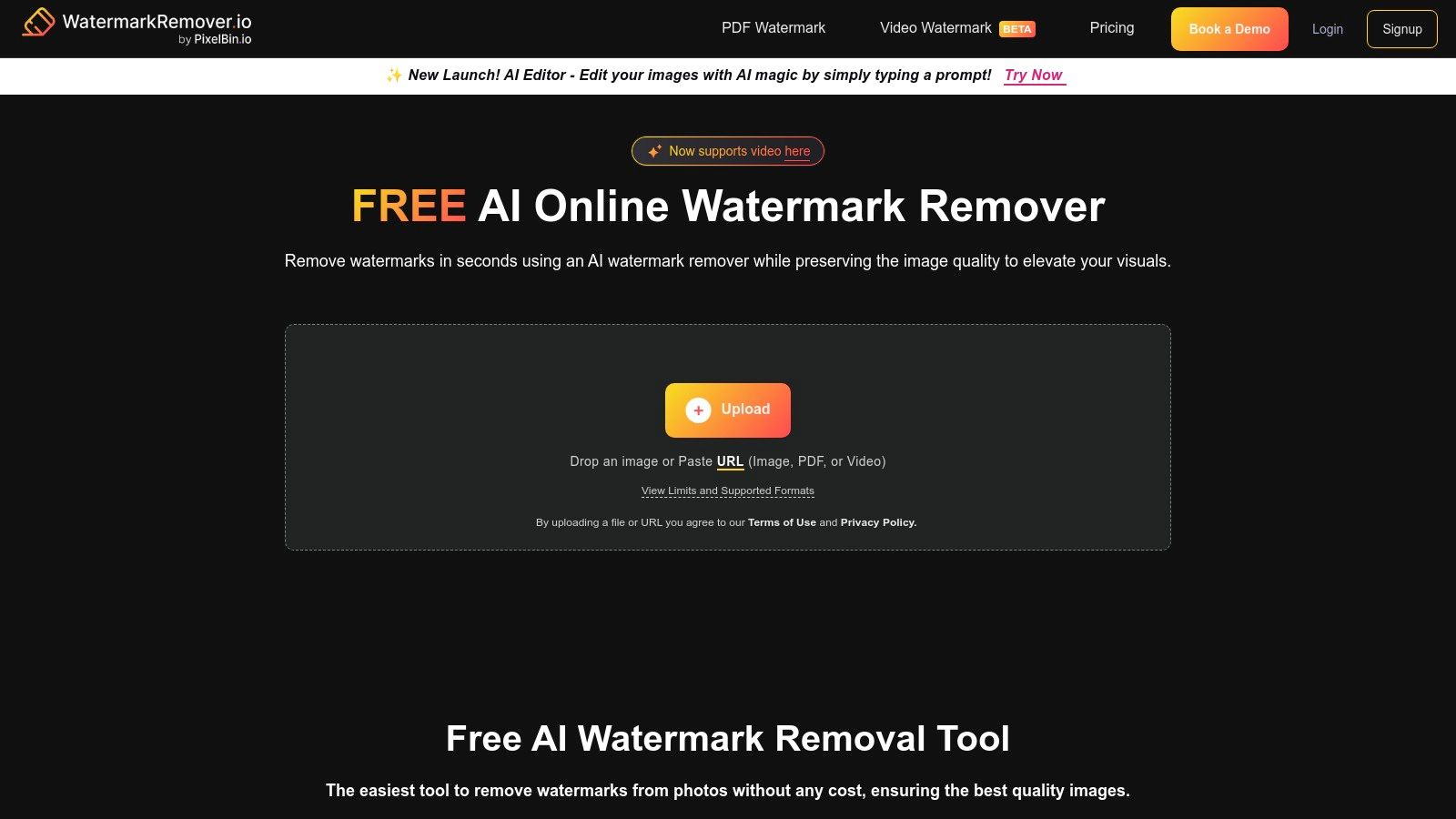
This tool is perfect for straightforward removal tasks on images where precision manual editing is unnecessary. While it offers a few free credits without requiring an account, more extensive use is integrated into the PixelBin ecosystem, which is designed for developers and businesses needing to process images at scale via API. For the average user, the initial free offering is generous enough for occasional needs, and the platform clearly states that users are responsible for ensuring they have the legal rights to modify the images they upload.
Key Features and Usage Tips
- Automatic AI Detection: The core of the tool is its AI algorithm that identifies various types of watermarks, from text to logos, and intelligently reconstructs the background. For best results, use images where the watermark doesn't cover extremely complex or unique details.
- Bulk Processing via PixelBin: While the web interface is for single images, the underlying PixelBin platform supports batch processing. This is ideal for businesses or creative teams needing to clean up large volumes of authorized images efficiently.
- User Experience: The interface is exceptionally clean and user-friendly. There are no complex menus or tools to learn; you simply upload an image and download the result. This makes it one of the fastest options available for a simple, one-off task.
| Feature | Best Use Case | Pros | Cons |
|---|---|---|---|
| Accessibility | Quick, one-off watermark removal tasks | Extremely simple drag-and-drop interface | Free usage is limited; requires an account for more |
| Editing Tools | Automated, AI-powered removal | No manual effort or editing skills needed | Lacks precision controls for complex backgrounds |
| Cost Structure | Free for limited use | Some free credits available without signing up | Only works for images; no video support |
| File Support | Standard image formats like JPG & PNG | Handles large images up to 5000×5000 pixels | No support for layered files like PSD |
6. Media.io (Wondershare) Online Watermark Remover
Media.io, developed by Wondershare, offers a highly accessible and versatile AI-powered solution for both image and video watermark removal directly in your browser. Its primary advantage is its simplicity and dual-functionality, eliminating the need to find separate tools for different media types. The platform is designed for users who need a quick, automated fix without the complexity of manual editing software, making it a strong contender among the top free tools to remove watermarks from images and videos legally.
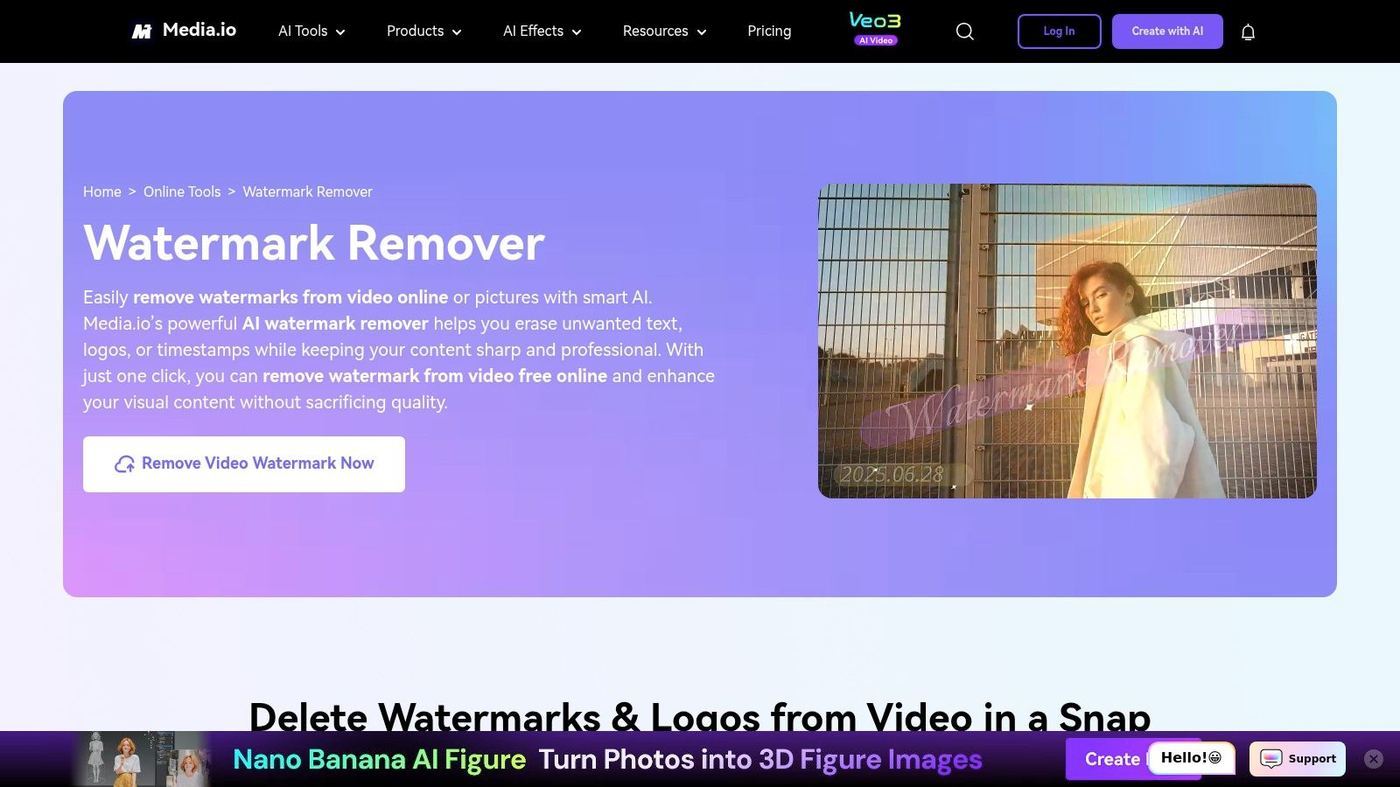
As a browser-based service, Media.io requires no installation, providing instant access on any operating system. Its streamlined three-step process (upload, select watermark, download) caters to individuals looking for efficiency. While the free tier is generous enough for small projects, it imposes limits on file size and video length, with paid plans available for those who require higher capacity and unrestricted access.
Key Features and Usage Tips
- AI-Powered Removal: The tool uses an AI algorithm to analyze the area behind the watermark and intelligently fill it in. For best results, this works most effectively on videos or images with less complex backgrounds, like skies or simple patterns.
- Multi-Format Video Support: Unlike many image-only removers, Media.io supports a wide range of video formats, including MP4, MOV, MKV, and AVI. This makes it exceptionally useful for quick edits on social media clips or B-roll footage.
- User Experience: The interface is clean, intuitive, and guides you through the process effortlessly. Its simplicity is its strength, making it ideal for beginners or professionals who need a fast turnaround without opening a full video editing suite.
| Feature | Best Use Case | Pros | Cons |
|---|---|---|---|
| Accessibility | Quick edits on any device without software | Fully browser-based; no installation needed | Requires a stable internet connection for upload |
| Editing Tools | Automated watermark removal for video/images | Simple select-and-go process; covers both media types | Less control compared to manual editing tools |
| Cost Structure | Free for small files and short videos | No-cost option for basic tasks and testing | File size/length limits on the free plan |
| File Support | Removing logos from common video formats | Supports MP4, MOV, MKV, AVI, and major image files | Larger files may require a premium subscription |
7. HitPaw Online Watermark Remover
HitPaw Online Watermark Remover is a specialized, browser-based tool designed for quick and easy video watermark removal. Its primary strength lies in its simplicity, making it ideal for users who need to process a video without installing software or navigating complex editing timelines. By allowing you to simply upload a video and "paint" over the unwanted logo or text, it automates the removal process, making it one of the most accessible free tools to remove watermarks from videos legally.
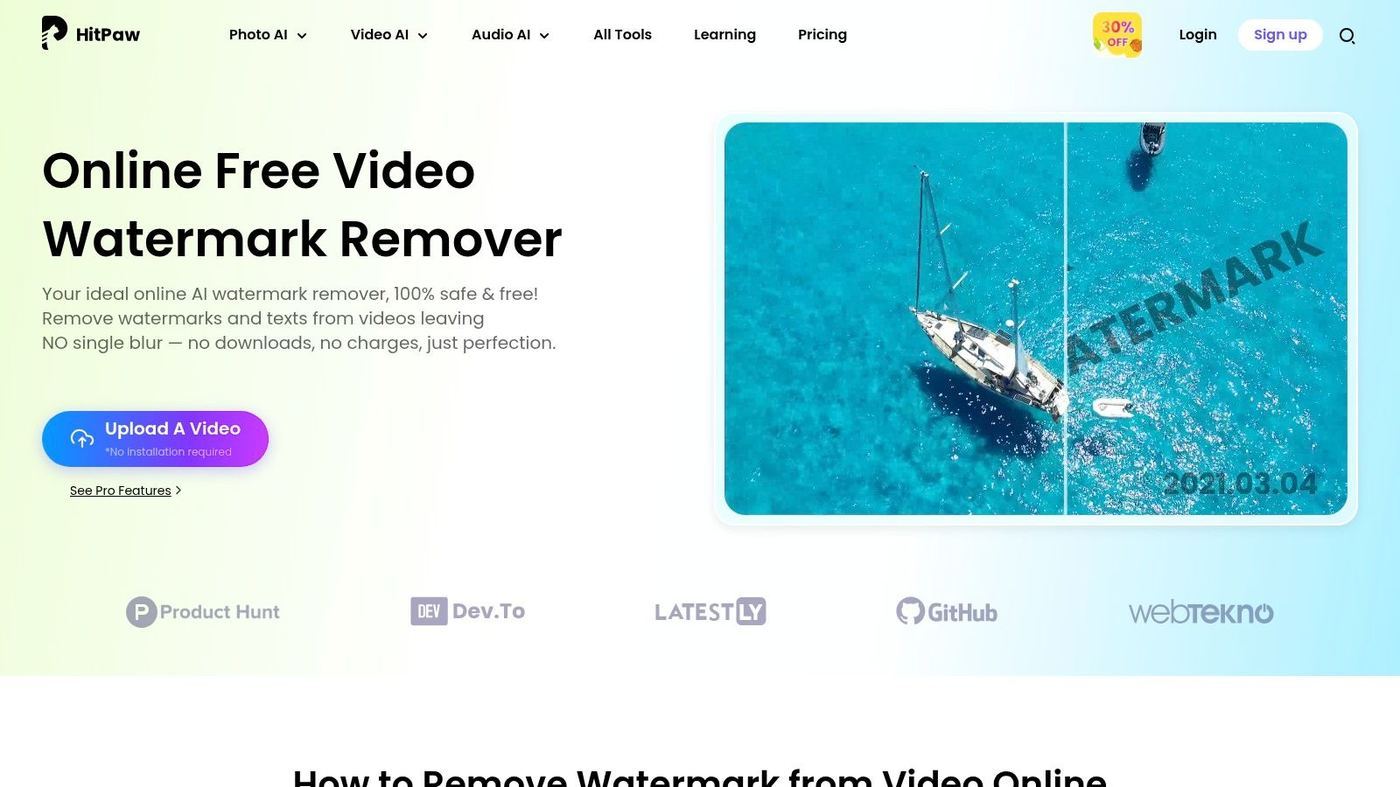
The platform is purpose-built for a single function, ensuring a clutter-free and straightforward user experience. It supports common video formats like MP4, MOV, and AVI, covering most use cases for social media clips or short presentations. While it excels at simple tasks, users seeking more advanced editing capabilities can explore a wider range of powerful video editing software that offers greater creative control beyond basic watermark removal.
Key Features and Usage Tips
- Brush-Based Selection: The core feature is its intuitive selection tool. Users simply drag a rectangle or brush over the watermark they wish to remove. The tool allows for adjusting the selection size to precisely cover the unwanted element.
- Multi-Watermark Removal: Unlike some basic online tools, HitPaw allows you to select and remove multiple watermarks in a single video. You can add several selection boxes to different areas of the frame before processing.
- User Experience: The interface is extremely minimalistic and guides the user through a simple three-step process: upload, select, and download. This makes it perfect for beginners or for one-off tasks where speed is a priority.
| Feature | Best Use Case | Pros | Cons |
|---|---|---|---|
| Accessibility | Quick, one-off video watermark removal | No installation required; works in any browser | Processing can be slow for large or high-resolution videos |
| Editing Tools | Removing static watermarks from videos | Extremely simple to use with a fast workflow | Struggles with moving or semi-transparent watermarks |
| Cost Structure | Free for basic online use | No cost for standard definition video processing | Exports may have limitations; pro version is a paid upgrade |
| File Support | Common consumer video formats | Supports MP4, MOV, AVI, and other popular types | Limited support for professional or obscure video codecs |
8. FFmpeg
FFmpeg is not a typical user-friendly application but an incredibly powerful, open-source command-line framework for video and audio processing. Its strength lies in its surgical precision and suitability for automated, scripted workflows, making it a go-to tool for developers and technical users. Rather than offering a graphical interface, FFmpeg uses specific filters like delogo and removelogo to erase static watermarks by defining the exact pixel coordinates and dimensions of the area to be treated.
This command-line approach makes it one of the top free tools to remove watermarks from videos legally, especially for batch processing large libraries of content where manual editing is impractical. It offers unparalleled control over the entire video encoding and editing process. Because of its complexity and power, it's a foundational technology in many other video tools; you can explore a comprehensive guide to video editing to see how such technologies fit into a broader production workflow.
Key Features and Usage Tips
- Delogo Filter: This filter is ideal for removing logos or watermarks located in a fixed rectangular area. You specify the x/y coordinates and the width/height of the watermark, and FFmpeg will interpolate the pixels within that box to blend it with the surrounding video content.
- Removelogo Filter: A more advanced option that removes a static logo based on a provided bitmap image of the logo. This allows for more precise removal of non-rectangular shapes, provided you can supply a clean image of the watermark itself.
- User Experience: The experience is entirely text-based via a command prompt or terminal. This is a significant barrier for non-technical users but a major advantage for those who need to automate tasks, ensuring perfect reproducibility across hundreds of files with a single script.
| Feature | Best Use Case | Pros | Cons |
|---|---|---|---|
| Accessibility | Automated batch processing of videos | Cross-platform (Windows, macOS, Linux); scriptable | Requires command-line proficiency; no GUI |
| Editing Tools | Removing static, fixed-position watermarks | High level of precision and reproducible results | Not effective for dynamic or moving watermarks |
| Cost Structure | Completely free for any use | No ads, no subscriptions; truly open-source | Requires time investment to learn the syntax |
| File Support | Universal video format compatibility | Supports virtually every video codec and container | Complex commands needed for specific formats |
9. Krita
Krita is a professional-grade, free, and open-source digital painting program that doubles as a powerful photo retouching tool. While primarily designed for artists, its sophisticated brush engines offer meticulous control for watermark removal, positioning it as an excellent desktop alternative to web-based editors for those who need precision. Unlike one-click removers, Krita provides manual tools that give users complete authority over the final image, ensuring high-quality, professional results on photos you have the legal right to modify.
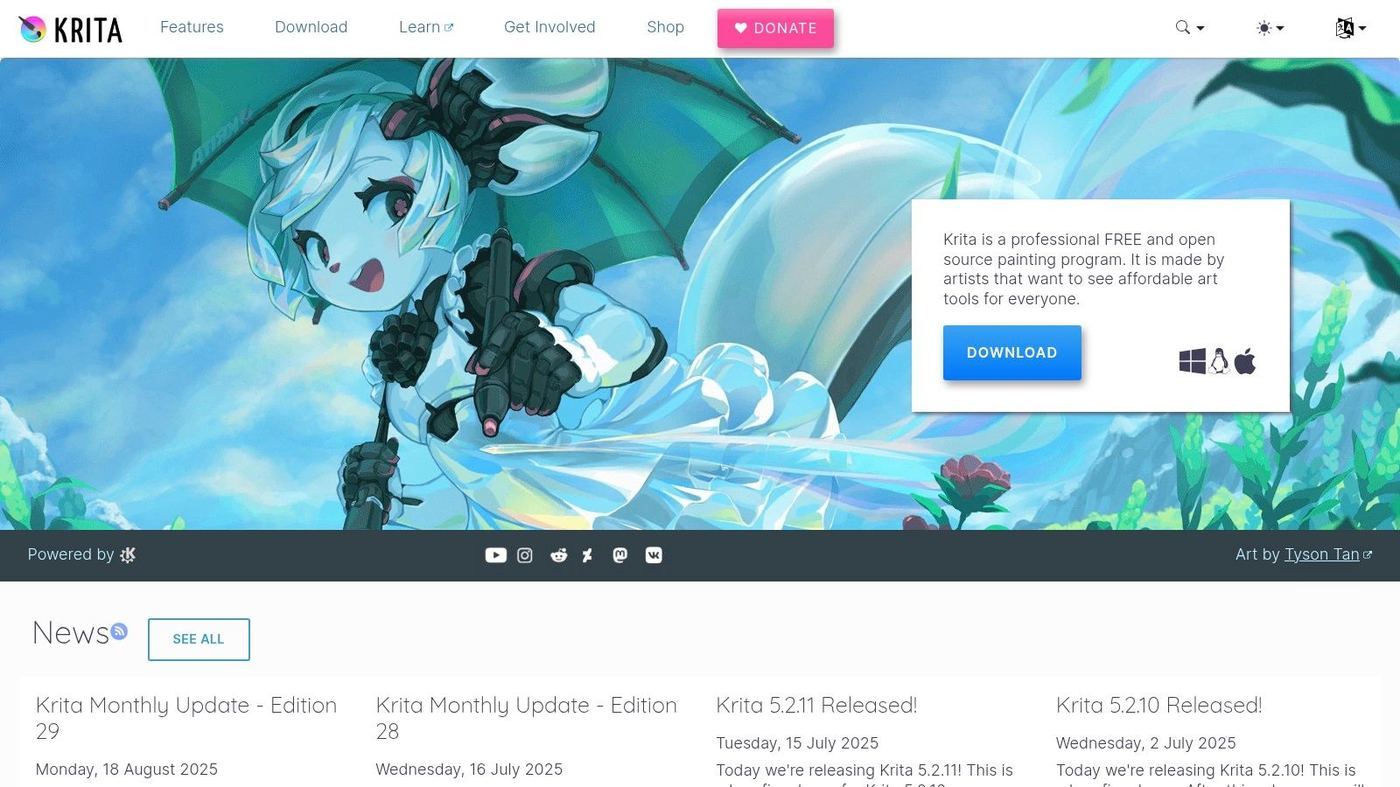
As a downloadable desktop application available for Windows, macOS, and Linux, Krita delivers consistent performance without relying on an internet connection. Its strength lies in its extensive brush customization and layer support, making it one of the top free tools to remove watermarks from images legally with an artist's touch. The software's focus on digital art means it excels in scenarios requiring detailed, non-destructive editing workflows, such as restoring old photographs or retouching complex backgrounds.
Key Features and Usage Tips
- Clone Brush with Healing Mode: Krita’s Clone Brush is a versatile tool for watermark removal. In its Healing mode, it intelligently blends the source pixels with the target area's texture and lighting, making it ideal for removing watermarks on varied backgrounds like fabric or skin.
- Layer and Mask Support: For complex removal tasks, you can work non-destructively. Create a new layer above your image, perform your cloning or healing on it, and use layer masks to precisely control where the edits are applied without altering the original photo.
- User Experience: Krita’s interface is designed for artists and is highly customizable, which can feel less intuitive for users accustomed to standard photo editors. However, its excellent tablet support and powerful brush system are unmatched in the free software space once the initial learning curve is overcome.
| Feature | Best Use Case | Pros | Cons |
|---|---|---|---|
| Accessibility | Offline desktop editing on any major OS | Runs natively on Windows, macOS, and Linux | Requires installation; not a quick web-based tool |
| Editing Tools | Artistic and precise manual retouching | Professional-grade brush engines offer complete control | Steeper learning curve for photo-editing workflows |
| Cost Structure | Completely free and open-source | No ads, no subscriptions; full functionality is free | Development relies on community donations |
| Hardware Support | Editing with a graphics tablet or stylus | Excellent pressure sensitivity and tablet integration | Can be resource-intensive on older computers |
10. Blender
Blender is an unexpected yet immensely powerful tool in this list, known primarily as a free and open-source 3D creation suite. However, its integrated video sequence editor and advanced compositing nodes make it one of the most versatile free tools to remove watermarks from videos legally, especially for complex cases involving moving or semi-transparent logos. Its strength is in its professional-grade masking, tracking, and layering capabilities, which allow for surgical precision in video editing.
As a comprehensive desktop application available for Windows, macOS, and Linux, Blender offers a level of control that browser-based tools cannot match. It is not a simple one-click solution; instead, it provides a full non-linear editing (NLE) and visual effects (VFX) workflow. This makes it ideal for creatives and professionals who need to remove a watermark that shifts, resizes, or is placed over a dynamic background, assuming they have the legal right to modify the footage.
Key Features and Usage Tips
- Animated Masks & Motion Tracking: For watermarks that move across the screen, you can create a mask around the logo and use Blender’s motion tracker to have the mask follow it automatically. This isolates the watermark, which can then be painted over or replaced frame by frame.
- Video Compositor & Sequence Editor: Blender’s node-based compositor allows you to layer clean patches of video or graphics over a watermark. You can create a patch from a different part of the frame, feather its edges, and composite it seamlessly for a clean final result.
- User Experience: Blender has a notoriously steep learning curve due to its vast feature set designed for 3D artists and VFX professionals. However, its video editing workspace is well-organized, and numerous community tutorials can guide users through specific tasks like logo removal.
| Feature | Best Use Case | Pros | Cons |
|---|---|---|---|
| Accessibility | Offline, high-performance video editing | Runs on Windows, macOS, and Linux; completely free | Requires installation and significant system resources |
| Editing Tools | Complex, moving watermarks in video | Unparalleled control with masking, tracking, and compositing | Overkill for simple tasks; extremely steep learning curve |
| Cost Structure | 100% Free and open-source | Entire professional suite available at no cost, with no ads | Community-based support rather than dedicated customer service |
| Workflow | Non-destructive, node-based editing | Full control over every aspect of the edit, from tracking to color grade | Demands significant time and technical expertise to master |
11. Shotcut
Shotcut is a powerful, open-source video editor that provides a robust, non-linear editing environment entirely for free. Instead of a simple "remove" button, it offers a suite of professional-grade tools that allow for manual and precise covering or obscuring of watermarks in videos you have the legal right to modify. Its strength is giving users complete creative control, making it one of the best free tools to remove watermarks from videos legally, without imposing its own watermark on your final export.
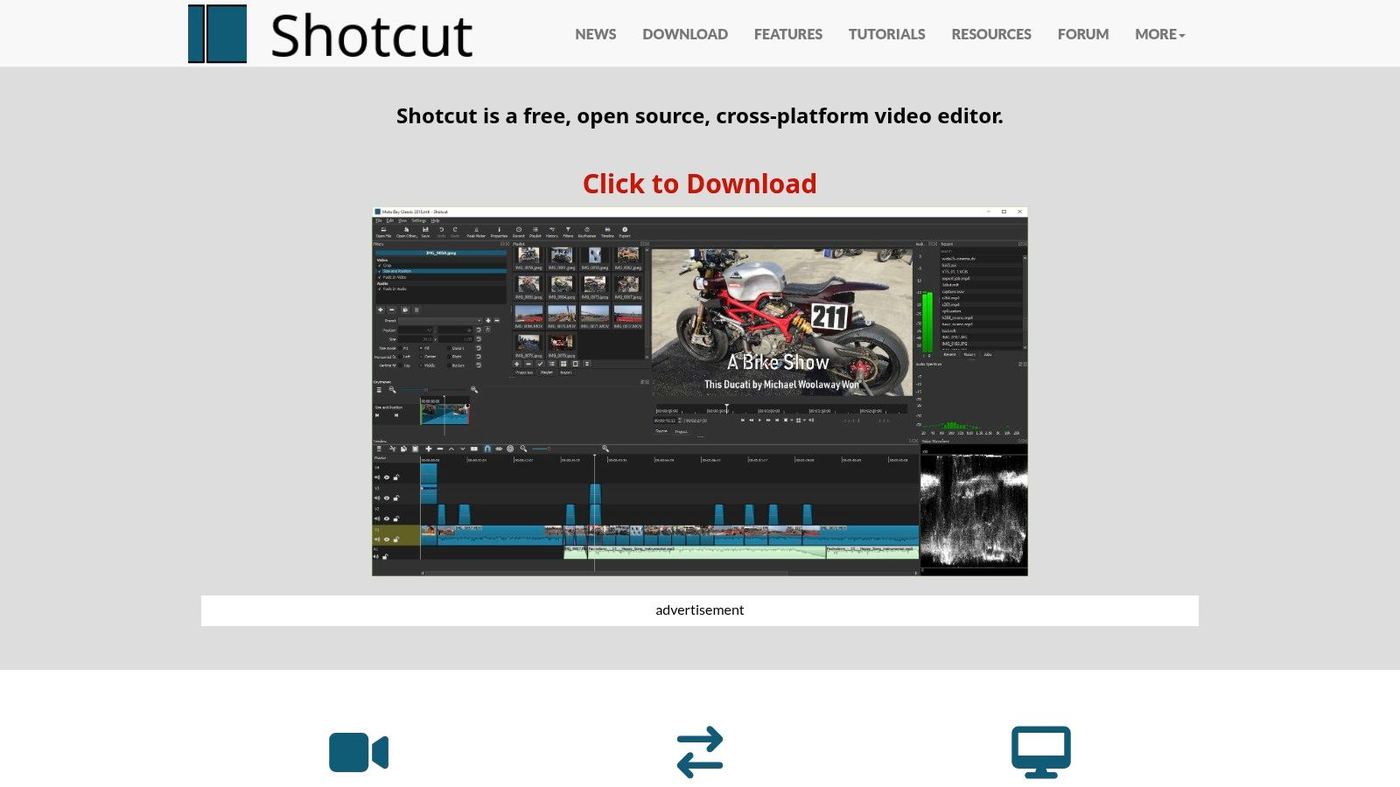
As a full-featured desktop application, Shotcut handles complex, multi-track projects with ease, which is essential when overlaying patches or blurring moving watermarks. Its comprehensive feature set also makes it an excellent choice for creating high-quality content from scratch. You can explore more about the best tools for creating educational videos to see how Shotcut fits into a broader production workflow.
Key Features and Usage Tips
- Mask & Filter Combination: Use the "Mask: Simple Shape" or "Mask: From File" filters to isolate the watermark area. You can then apply effects like "Blur: Box," "Mosaic," or "Spot Remover" specifically to that masked area, effectively hiding the watermark without affecting the rest of the frame.
- Motion Tracker: For watermarks that move or appear in dynamic scenes, the built-in Motion Tracker is invaluable. It allows you to track the watermark's position and apply your corrective mask or blur so that it follows the watermark throughout the clip, saving significant manual keyframing effort.
- User Experience: Shotcut has a clean, customizable interface that may feel less intimidating than other professional NLEs. While it requires some learning, particularly for masking and tracking, its active community forums and numerous online tutorials provide excellent support for new users.
| Feature | Best Use Case | Pros | Cons |
|---|---|---|---|
| Accessibility | Cross-platform desktop video editing | Works on Windows, macOS, and Linux | Requires installation; not a browser-based tool |
| Editing Tools | Covering static or dynamic video watermarks | Precise control with masks, filters, and keyframes | Manual process is time-consuming for complex videos |
| Cost Structure | Completely free, open-source software | No fees, subscriptions, or export watermarks | Lacks the polished support of paid commercial software |
| Project Complexity | Multi-track, non-linear video editing | Handles complex edits beyond simple watermark removal | Can be resource-intensive with high-resolution footage |
12. Inpaint (Teorex)
Inpaint by Teorex is a long-standing and highly specialized tool dedicated to object and watermark removal from images. Its primary strength is its simplicity and effectiveness, offering a focused workflow that uses content-aware algorithms to magically erase unwanted elements. Rather than a full-featured editor, Inpaint provides a direct, easy-to-use solution for users who need to quickly clean up a photo without a steep learning curve, making it one of the top free tools to remove watermarks from images legally.
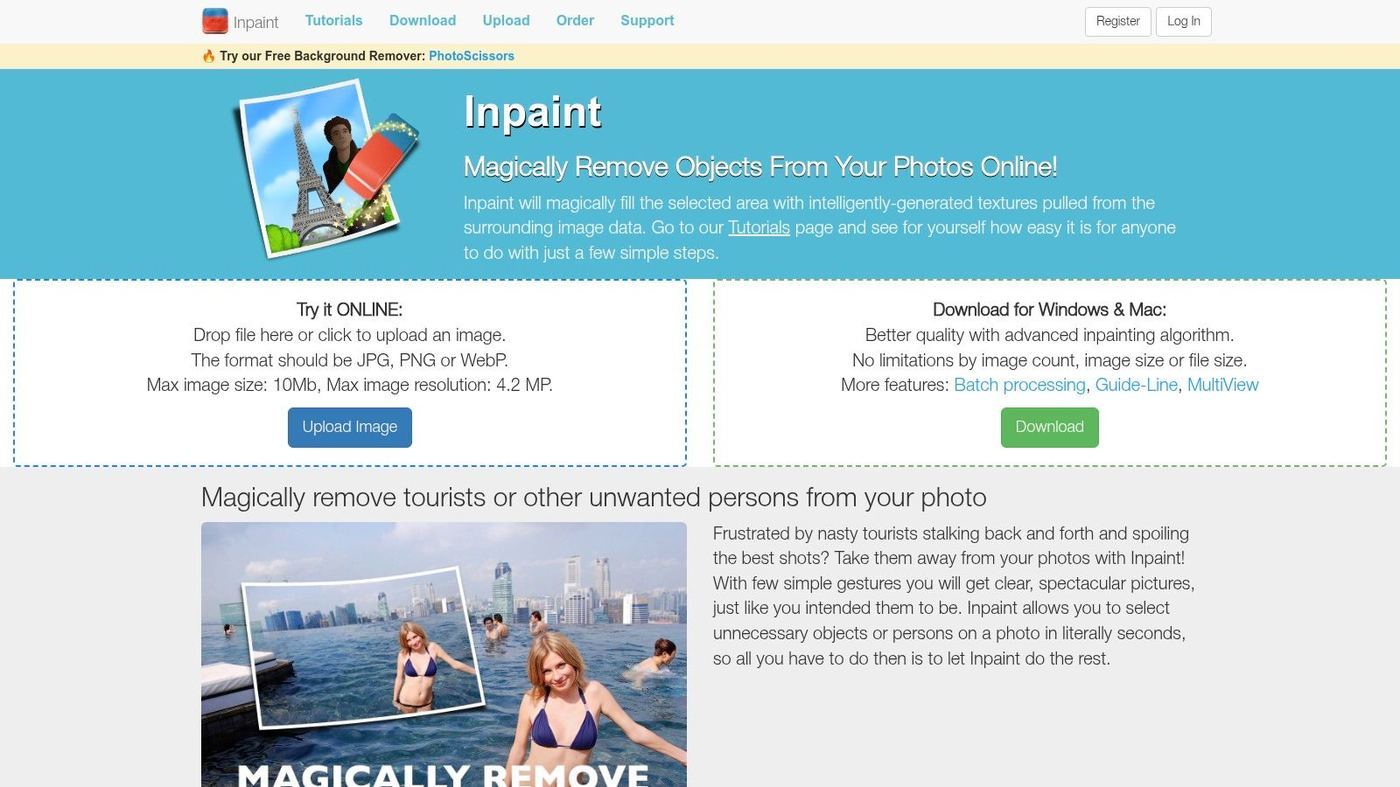
The platform operates on a freemium model through its web app, allowing free low-resolution previews and requiring purchased credits for high-quality downloads. This makes it ideal for testing its capability before committing. For more intensive work, its powerful desktop applications offer robust performance, which can be a valuable asset for teams working with various media formats; you can explore a list of top-tier video editing companies to see how such tools fit into professional pipelines.
Key Features and Usage Tips
- Magic Marker Tool: This is the core feature of Inpaint. Users simply brush over the watermark or object they wish to remove. The tool's algorithm then analyzes the surrounding pixels and intelligently reconstructs the area underneath the selection.
- Simple Interface: The user experience is incredibly straightforward. You upload an image, use the marker to highlight the watermark, and click the "Erase" button. This minimalist approach makes it accessible to users of all skill levels.
- Web & Desktop Versions: The online version is perfect for quick, occasional use, while the paid desktop apps for Mac and Windows provide more power and offline access for frequent users.
| Feature | Best Use Case | Pros | Cons |
|---|---|---|---|
| Accessibility | Quick, on-the-fly watermark removal | Simple web app requires no installation | Free version is limited to low-resolution downloads |
| Editing Tools | Removing watermarks with minimal user effort | Extremely easy to use; excellent for clear backgrounds | May struggle with very complex or detailed backgrounds |
| Cost Structure | Trying before buying for high-quality results | Pay-as-you-go credits for web app; one-time desktop fee | High-quality output is not free; desktop app is paid |
| Workflow | Users needing a single-purpose, fast solution | Focused workflow gets the job done quickly | Lacks advanced editing features like layers or adjustments |
Key Features Comparison of 12 Top Free Watermark Removal Tools
| Tool | Core Features / Capabilities | User Experience ★ | Value & Pricing 💰 | Target Audience 👥 | Unique Selling Points ✨ |
|---|---|---|---|---|---|
| Photopea | Browser-based Photoshop alternative with Spot Healing & Clone | ★★★★☆ | Free with ads; premium ad-free option | Casual to semi-pro designers | PSD & Smart Objects support; no install needed |
| GIMP | Open-source desktop editor with advanced Clone & Heal tools | ★★★★☆ | Completely free | Power users & hobbyists | Extensive plugin support; cross-platform |
| Pixlr | Simple Heal/Repair tools in web & mobile apps | ★★★☆☆ | Free with ads; paid plans available | Beginners & quick fixes | Mobile app + web; quick exports |
| Cleanup.pictures | AI-powered object removal online | ★★★★☆ | Free low-res; paid HD exports & API | Users needing quick AI fixes | Instant AI inpainting; no install |
| WatermarkRemover.io | Drag-drop automatic watermark removal online | ★★★☆☆ | Limited free use; paid PixelBin plans | Image-focused users | Bulk removal & large resolution support |
| Media.io (Wondershare) | AI watermark remover for images & videos | ★★★★☆ | Free limited; paid upgrades for size | Casual & semi-pro video editors | Video + image watermark support; easy workflow |
| HitPaw | Online video watermark remover with manual marking | ★★★☆☆ | Free limited | Occasional video editors | Multi-watermark removal; quick and simple |
| FFmpeg | Command line video filter suite with delogo/removelogo | ★★★★☆ | Free | Advanced users & batch processors | Scriptable, precise control; all formats |
| Krita | Digital painting app with Clone Brush & Healing mode | ★★★★☆ | Free | Artists & detailed retouchers | Tablet friendly; powerful brush engines |
| Blender | 3D & video editor with animated masks & rotoscoping | ★★★★☆ | Free | Advanced video artists | Complex moving object removal; versatile |
| Shotcut | Multitrack video editor with mask & spot remover filters | ★★★☆☆ | Free | Hobbyists & prosumers | Motion tracking for watermarks; no export watermark |
| Inpaint (Teorex) | Object/watermark remover with pay-as-you-go & desktop apps | ★★★★☆ | Free trial low-res; credits for paid downloads | Casual users & professionals | Simple workflow; desktop & web options |
Beyond Removal: A Proactive Approach to Clean Creatives
Navigating the world of digital media often means encountering watermarks. As we've explored, possessing the right tools to legally address them is crucial for maintaining a polished and professional brand image. Throughout this guide, we've dissected a powerful arsenal of the top free tools to remove watermarks from images and videos - legally. From the Photoshop-like prowess of GIMP and Photopea to the one-click simplicity of AI-driven web apps like Cleanup.pictures and WatermarkRemover.io, the options are as diverse as the creative challenges you face.
The key takeaway is that no single tool is a universal solution. Your ideal choice hinges entirely on the specific context of your project, your technical comfort level, and the complexity of the watermark itself. A simple, opaque logo on a plain background is a job for a quick AI tool, while a semi-transparent, repeating pattern across a complex video scene demands the precision of a node-based editor like Blender or a command-line utility like FFmpeg.
Choosing Your Champion: A Final Decision Framework
To make the best selection for your workflow, consider this final checklist. Reflect on your typical needs and match them to the strengths we've discussed.
- For Quick, Simple Image Fixes: If you need to quickly remove a small, isolated object or watermark from an image you own, AI-powered tools like Cleanup.pictures or WatermarkRemover.io offer unparalleled speed and ease of use. They are perfect for social media managers and marketers needing rapid results without a steep learning curve.
- For Advanced Image Control and Precision: When dealing with complex backgrounds or intricate watermarks, a full-featured editor is non-negotiable. GIMP and Photopea provide the layers, clone stamping, and healing brush tools necessary for professional-grade, seamless removal, giving you granular control over the final output.
- For Effortless Video Watermark Removal: For straightforward video tasks where a simple blur or crop will suffice, web-based tools like Media.io or Shotcut are excellent starting points. They are designed for accessibility and quick turnarounds, ideal for startup founders or marketing directors without dedicated video editors.
- For Complex Video Editing and Automation: When precision is paramount, or you need to process batches of videos, nothing beats the power of FFmpeg or Blender. These tools offer scriptable, frame-by-frame control, allowing for sophisticated techniques like object tracking and masking that are impossible with simpler apps.
Implementing a Proactive Content Strategy
Ultimately, the best watermark removal strategy is a proactive one. While these tools are invaluable for legitimate use cases, the ideal scenario is to begin with clean, unwatermarked source files whenever possible. This means prioritizing the acquisition of original assets, utilizing stock media sites that provide clean downloads, and establishing clear creative guidelines for your team.
A proactive approach also extends beyond the pixels and into the legal framework governing your content. As your company scales, understanding the full lifecycle of your digital assets becomes critical. This includes how media is stored, shared, and even recorded in internal communications. For instance, when thinking beyond simply removing watermarks, a proactive approach to clean creatives also encompasses understanding the broader legal landscape surrounding digital media, such as the potential for legal discovery considerations for digital recordings. Being mindful of these factors ensures your creative workflow is not only efficient but also compliant and secure.
By arming yourself with the knowledge from this guide, you are now equipped to handle any watermark challenge that comes your way. You can confidently select the right free tool for the job, execute the removal process ethically, and integrate these solutions into a smarter, more sustainable creative strategy. Go forth and create, with the clarity and confidence your brand deserves.
Frequently asked questions
Pick the one that fits your workflow and the kind of output you ship most often. Feature lists matter less than how easily a video editing project moves from idea to final.
Fit beats popularity unless you collaborate with people who already use the dominant video editing. Match the rest of the chain you hand work off to.
Pick one option per job and resist adding new ones unless an existing video editing is clearly blocking work. Every addition adds a small tax on onboarding and review.



