Software Demo Scripts: 11 Examples to Learn From
11 real software demo scripts, from Superhuman to Zapier, each broken down by the one move worth stealing, plus a reusable six-beat skeleton.

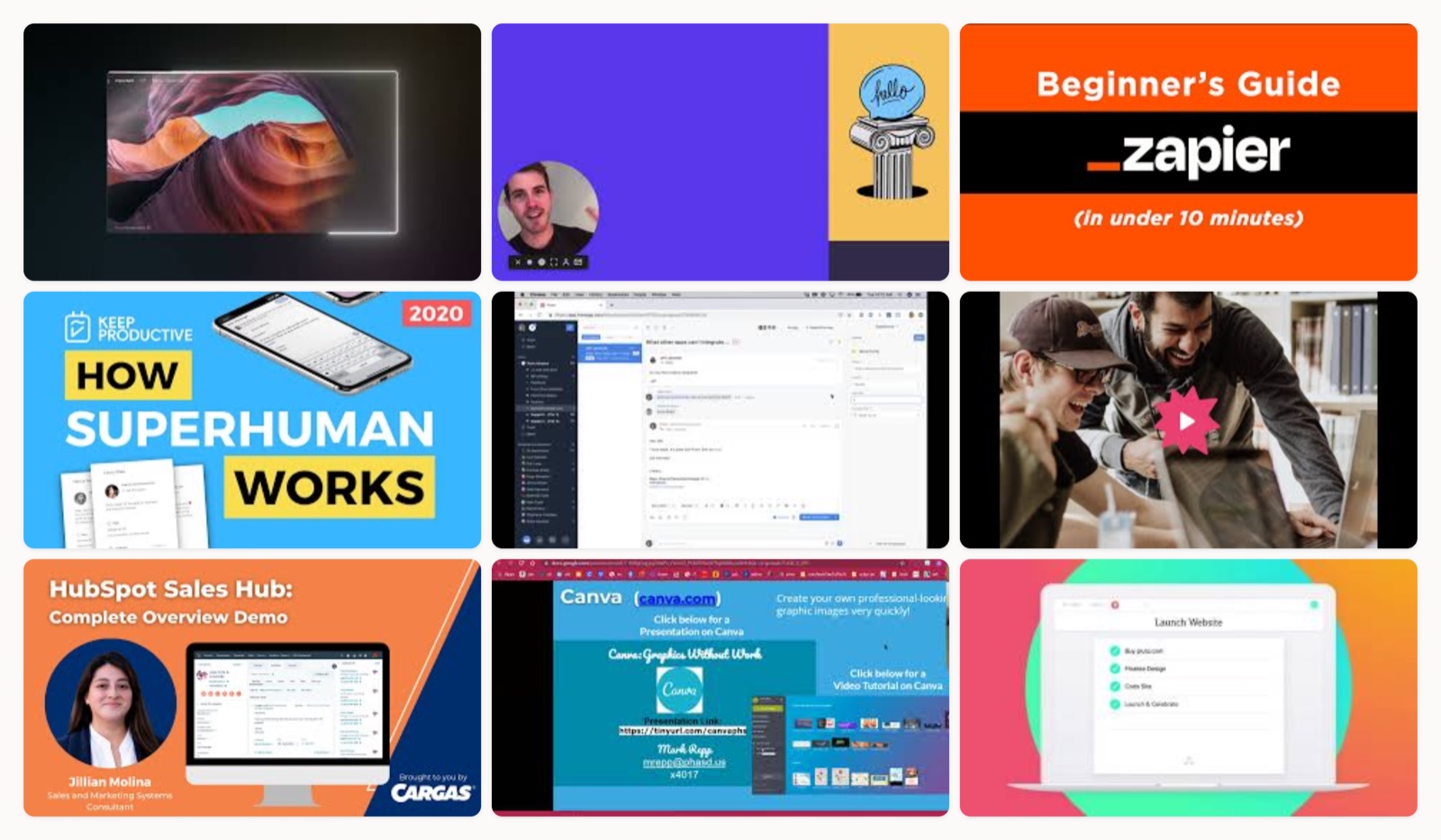
A software demo script lives or dies in its first line. When the opening fails to name the one thing a viewer came to solve, the rest of the walkthrough is talking to an empty room. I have written and produced demo scripts for products that range from a one-screen utility to a dense B2B platform, and the ones that convert almost always share the same spine.
Here it is, before anything else, because it is the part you can reuse today. You open with a hook, then name the problem, then turn into the product, then walk through the features in the order a real user moves, then show proof, and close on a single call to action. Every example on this page is a variation on that spine. Some compress it into sixty seconds and one stretches it across twenty minutes, but the good ones never lose the thread.
The six beats of a strong demo script
Every script I break down below is built on one structure. I think of it as six beats, and you can lay your own demo over it in an afternoon.
- Hook. One line that names the promise or the pain, delivered in the first few seconds.
- Problem. The specific chore the viewer recognizes from their own week.
- Here is how. The turn from problem into product.
- Feature-by-workflow. Walk the product in the order a real user moves through it, not screen by screen.
- Proof. The outcome made visible through a result or a named customer.
- One call to action. A single next step, never a menu of them.
Buyers really do lean on this content to decide. Gartner Digital Markets’ 2024 Global Software Buyer Trends Survey found that product demonstrations, alongside customer reviews, rank among the content types software buyers reference most when they choose a tool (Gartner Digital Markets). A script that respects the six beats is what turns a demo from a feature tour into a reason to buy. If you want a fuller, fill-in version, our software demo script template breaks each beat into copy you can edit.
Types of software demo scripts
“Software demo” covers a handful of distinct script types, and picking the right one is half the work. Here are the approaches the examples below draw from, so you can name what you are actually writing before you write it.
- Benefit-first brand film. A short, cinematic piece that sells one outcome before it shows any UI. Superhuman’s launch film is the archetype.
- Screen recording with voiceover. A live capture of the product while a narrator explains what is happening. This is the workhorse of SaaS demos.
- Founder-led guided tour. The person who built the product walks their own real setup, trading polish for authority.
- Animated or 2.5D screencast. Custom-designed screens and motion graphics, used when the raw interface is hard to film or still changing. Our roundup of animated product videos shows where this style earns its keep.
- Long-form sales walkthrough. A full, scenario-by-scenario demo aimed at buyers deep in evaluation.
- Educational how-to. An on-topic teaching video that builds authority even though it is not a demo of your own product.
Short formats dominate for a reason. HubSpot’s marketing research puts short-form video among the highest-returning formats marketers use (HubSpot), so unless a buyer is already deep in evaluation, shorter usually wins. For a closer look at the finished formats these scripts turn into, our guide to the software demo video walks through the production choices behind each one.
11 software demo script examples worth studying
I picked these because each one does a single script move better than almost anyone else, and every clip lives on the brand’s own official channel. Watch for the beat each one nails. For the finished pieces rather than the scripts, our roundup of product demo videos is the companion to this list.
1. Superhuman: Introducing Superhuman
This one leads with a feeling before it shows a single feature, opening on the promise of the fastest email experience ever made and then spending the rest of the runtime earning it. What I steal from it: pick one benefit, write the whole script to that benefit, and make every line ladder back to the promise so nothing reads like filler.
2. Loom: Meet Loom
The script here is a Loom, recorded in Loom, so the friendly spoken-not-written tone is itself the pitch. The lesson I point clients to is voice matching. When your product is casual and fast, your narration should sound the way the product feels rather than like a press release read aloud.
3. Zapier: How Zapier works
Zapier has the hardest job on this list, explaining an abstract automation tool, and it wins by narrating the exact clicks in the order a real user would make them. This is the cleanest example of workflow-ordered scripting I know. You frame one concrete manual chore, then build the automation step by step so the words track the cursor.
4. Superhuman: How Superhuman email works
Here the founder, Rahul Vohra, narrates his own inbox at real speed, naming exact keyboard shortcuts as he goes. That un-slick “here is how I actually use it” delivery buys a credibility a polished voice actor cannot, which is why founder-led scripts work so well for early-stage products.
5. Front: Full product demo
At around twenty minutes this is the long-form outlier, a full sales-style walkthrough, and it stays watchable because it is organized by use case rather than by menu. When you have to script a deep demo for a late-stage buyer, study how Front keeps every section anchored to a scenario so the length never feels like a tour of settings.
6. Gong: Product overview
Gong opens on the buyer outcome, closing more deals and selling like your best reps, then treats every feature as evidence for that claim. For revenue-team software this is the model. You lead with the number the buyer answers to and let the product prove it.
7. HubSpot: Sales Hub overview demo
HubSpot walks a sales rep’s actual day inside the tool instead of clicking through a feature list, which is the reliable way to script a product that does many things. Anchor a multi-feature demo to one realistic workflow from start to finish and the breadth takes care of itself.
8. Canva: Overview demo
Canva assumes the viewer has never designed anything and strips the jargon out completely, mirroring its own “anyone can design” promise. When your audience is beginners, write the narration the way you would explain it to a friend who is new, and cut every word that assumes prior knowledge.
9. Asana: How Asana works
Asana threads tasks into projects into goals as a single “one source of truth” narrative, so the features feel like one idea instead of a pile of them. The takeaway is to find the through-line that links your features, then let it carry the script from beat to beat.
10. HubSpot: Content Hub overview and demo
This newer product-line demo runs value proposition first, then walkthrough, and it is useful as a second HubSpot data point. Notice the repeatable formula they reuse across products. When you ship more than one product, a house script structure keeps every demo on-brand without starting from a blank page each time.
11. Descript: How to make a product demo video
This one teaches how to make a demo rather than demoing a product, and it comes from a tool a lot of people script and record demos in. I keep it here as the “now go write yours” embed. Watch it after the examples above when you are ready to turn the skeleton into a real shot list.
| # | Video | Brand | Style | Length |
|---|---|---|---|---|
| 1 | Introducing Superhuman | Superhuman | Cinematic live-action brand/demo film, benefit-first VO | ~1:30 (approx) |
| 2 | Hey there, meet Loom! | Loom | Screen-record + webcam, warm conversational VO | ~1:00 (approx) |
| 3 | How Zapier Works (In under 10 minutes) | Zapier | Screen-capture walkthrough, problem-to-automation narrative | ~9:00 (approx) |
| 4 | How Superhuman Email Works | Superhuman | Founder-led guided tour (CEO Rahul Vohra) | ~3:00 (approx) |
| 5 | What is Front, the shared inbox for teams? (Full Product Demo) | Front | Live product walkthrough, presenter VO | ~20:00 (approx, full demo) |
| 6 | Gong Product Overview Video | Gong | B2B overview, outcome-led VO | ~2:00 (approx) |
| 7 | HubSpot Sales Hub Overview Demo | HubSpot | Screen-capture product overview, guided VO | ~3:00 (approx) |
| 8 | Canva Overview Demo | Canva | UI demo, friendly approachable VO | ~2:00 (approx) |
| 9 | Overview of product features: How Asana works | Asana | UI walkthrough, structured feature VO | ~2:00 (approx) |
| 10 | HubSpot Content Hub: Product Overview & Demo | HubSpot | Product overview, guided walkthrough VO | ~5:00 (approx) |
| 11 | How to make a product demo video | Descript | Educational how-to, host VO | ~8:00 (approx) |
How to write your own demo script
Once you have watched a few of these, the writing gets easier, but a script still needs a couple of decisions made up front. Here is how I make them.
Choosing a style comes down to two questions: who is watching, and how complex is the product. A top-of-funnel viewer who just discovered you needs a short benefit-first film, while a buyer in a live evaluation needs a workflow walkthrough with real data on screen. Match the runtime to the buying stage, not to how much you want to show. Length matters more than most teams admit. Wistia’s State of Video research keeps landing on the same pattern, where engagement holds strongest on shorter videos and slides as length grows (Wistia), and Vidyard’s Video in Business Benchmark Report shows most business videos run short, with the majority under a couple of minutes (Vidyard).
A good brief for a demo script is small. Before I write a line, I want these five things settled:
- The single benefit the whole script ladders back to.
- The one workflow you will walk, in the user’s order.
- The proof, whether that is a number or a visible result.
- The one call to action at the end.
- A target length tied to where the video will run.
That is most of what you need. Our guide on how to make a product demo video covers the shoot and edit once the words are locked, and if you are demoing SaaS specifically, our notes on SaaS demo best practices go deeper on scripting for evaluators.
A few mistakes show up in almost every first draft I review:
- Touring the menu instead of following a workflow.
- Listing features instead of showing outcomes.
- Burying the hook under a company introduction.
- Stacking three calls to action so the viewer picks none.
- Running long because cutting is harder than shooting.
Before you record, read the script out loud to someone who has never seen the product. The lines that make them squint are the lines to cut.
Who actually makes videos like these
Most of the demos above came out of an in-house team or an ongoing creative partner who knew the product well enough to script it in the founder’s own voice. Moonb does that kind of work, an embedded creative team that scripts and produces demo videos alongside your product marketing, so the person writing the hook already understands what the software does. Whichever route you take, keep the skeleton close, write to one benefit, and let the workflow carry the rest.
Frequently asked questions
It depends on where the viewer is in the buying process. A benefit-first film for someone who just found you works best around sixty to ninety seconds. A workflow walkthrough for a buyer in active evaluation can run two to three minutes, and a full sales demo for a late-stage buyer can stretch past ten. Pick the length from the buying stage, then cut everything that does not serve the one benefit.
No. The script is the words, the voiceover and the on-screen actions written in order, while the storyboard is the visual frames that show how each moment looks. Write the script first, because the storyboard is far easier to draw once you know what every beat is saying.
Founder narration buys authority and works well for early-stage products where credibility matters more than polish, as in Superhuman's founder-led tour. A trained voice suits scaled brand films where consistency across many videos matters more. Match the voice to the audience and the stage, not to whoever happens to be free.



