13 Project Management Tools for Creative Teams
I tested 13 project management tools for creative teams: what each is best at, 2026 pricing, where the free plan runs out, and who should skip it.

Creative work has a rhythm most project software was never built for. Half of it is scheduled (the shoot is Tuesday, the deck ships Friday) and half of it is a feeling that shows up at 11pm and needs somewhere to go. The tools that work for creative teams respect both. The ones that fail try to force every fuzzy idea into a tidy row with a due date, and the team ends up back in Slack threads and a shared doc anyway.
I have run real projects through most of the tools below and watched other teams live inside the rest. So this is not a spec sheet. For each one I wrote what it is actually good at, where the free plan runs dry, and who should skip it. A tool cannot fix a brief that keeps moving or feedback scattered across five inboxes, but the right one makes that mess visible early, which is most of the battle. According to HubSpot, most projects spend 70-80% of their time in the execution phase, so the software’s real job is to keep that long stretch coordinated, not to do the creative work for you. If your creative workflow is the real problem, no app will save you. If coordination is the problem, one of these will.
One framing before the list. A video pipeline and a content calendar want a different tool than a design request queue or a whiteboard full of half-formed ideas. I noted which shape each tool fits best, so read for your work, not for the highest score.
1. Asana
More on Asana
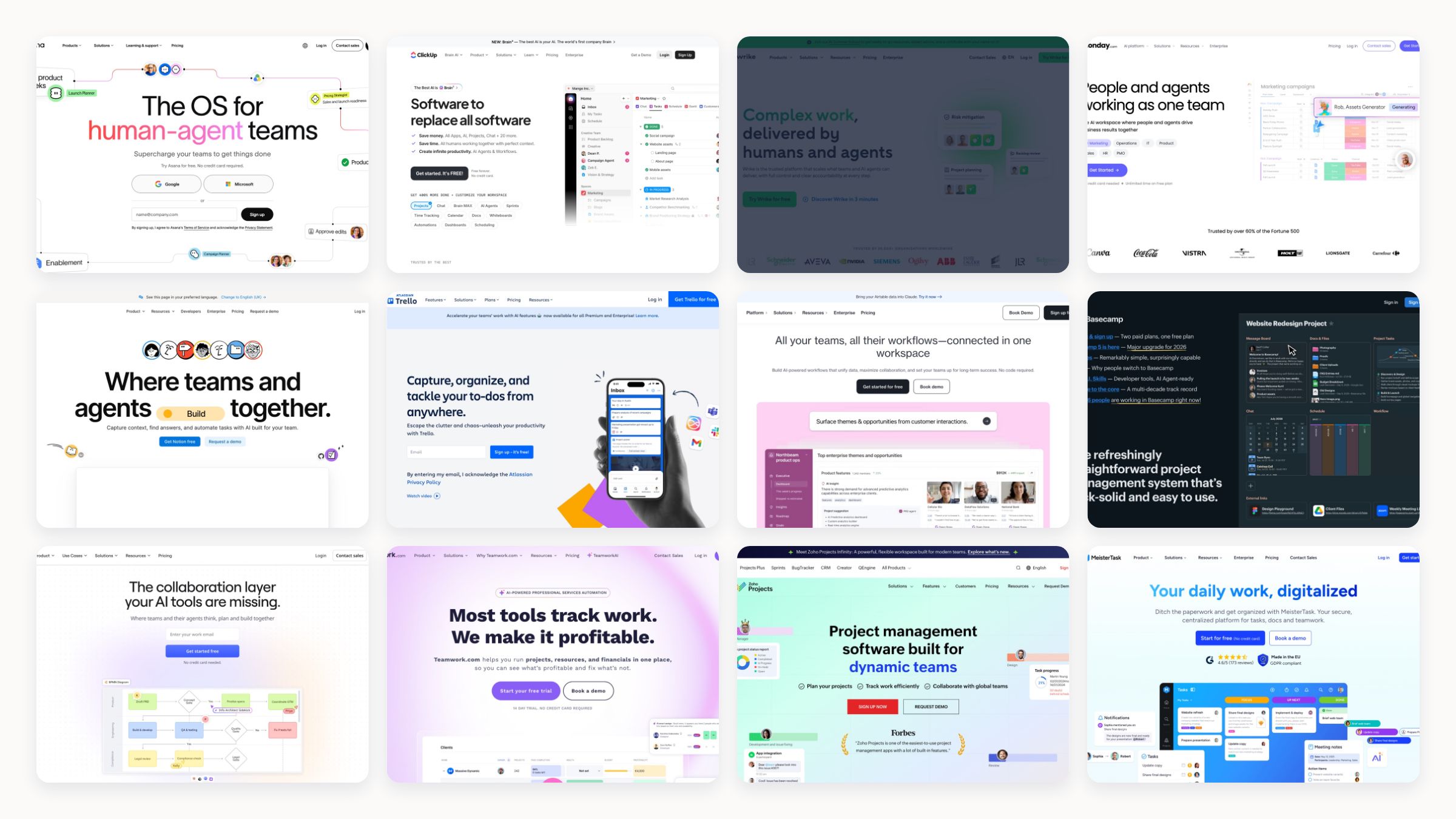
Asana is the tool I recommend when a creative team has outgrown a to-do list but does not want to lose a week configuring software. The free Personal plan is unusually generous, covering up to 10 people with List, Board, and Calendar views, so a content calendar and a video pipeline can live in the same workspace. It earns its paid tiers on creative review: proofing, approvals, custom fields, and forms turn scattered feedback into something trackable, and the Adobe Creative Cloud integration lets designers stay in their tools. The main free-plan gaps are the missing Timeline (Gantt) view and that Adobe link, both of which start on Starter at $10.99 per user per month. I would pick Asana for a marketing team juggling many small deliverables, and look elsewhere if heavy client proofing is your daily reality from day one.
2. ClickUp
More on ClickUp
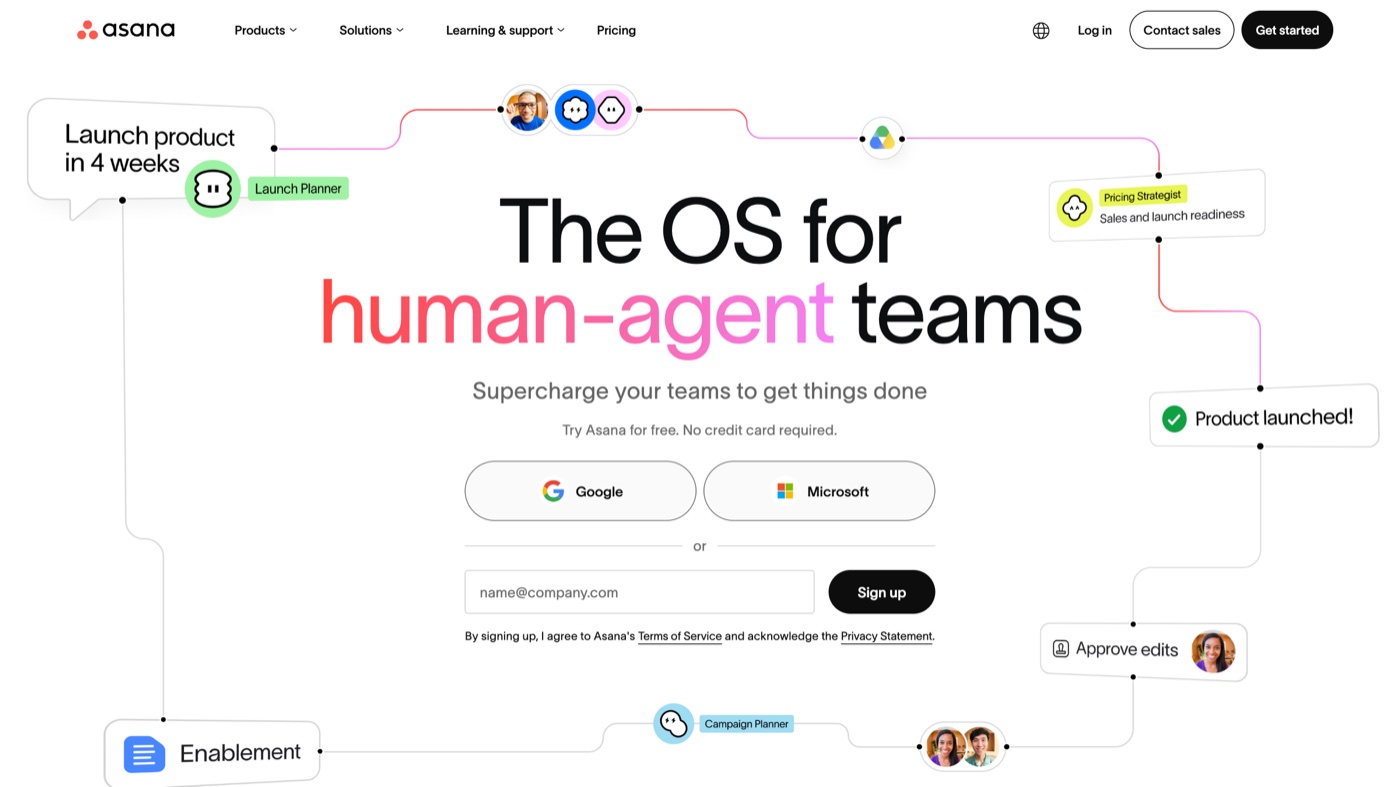
ClickUp sells itself as the one app to replace the rest, and for a small studio tired of paying for three separate tools, the pitch mostly holds. You can write a creative brief in a Doc, sketch on a Whiteboard, and run the campaign on a Board without leaving the window, and the free plan puts no cap on tasks or members. Paid tiers open up more views, more automations, and larger storage starting at $7 per user per month billed annually. The trade is real, though: all that surface area makes the interface busy, it can feel sluggish on big workspaces, and the 60MB free storage disappears the moment you attach production files. It suits teams that like to tinker and want everything in one place; it frustrates people who want an opinionated setup out of the box.
3. Wrike
More on Wrike
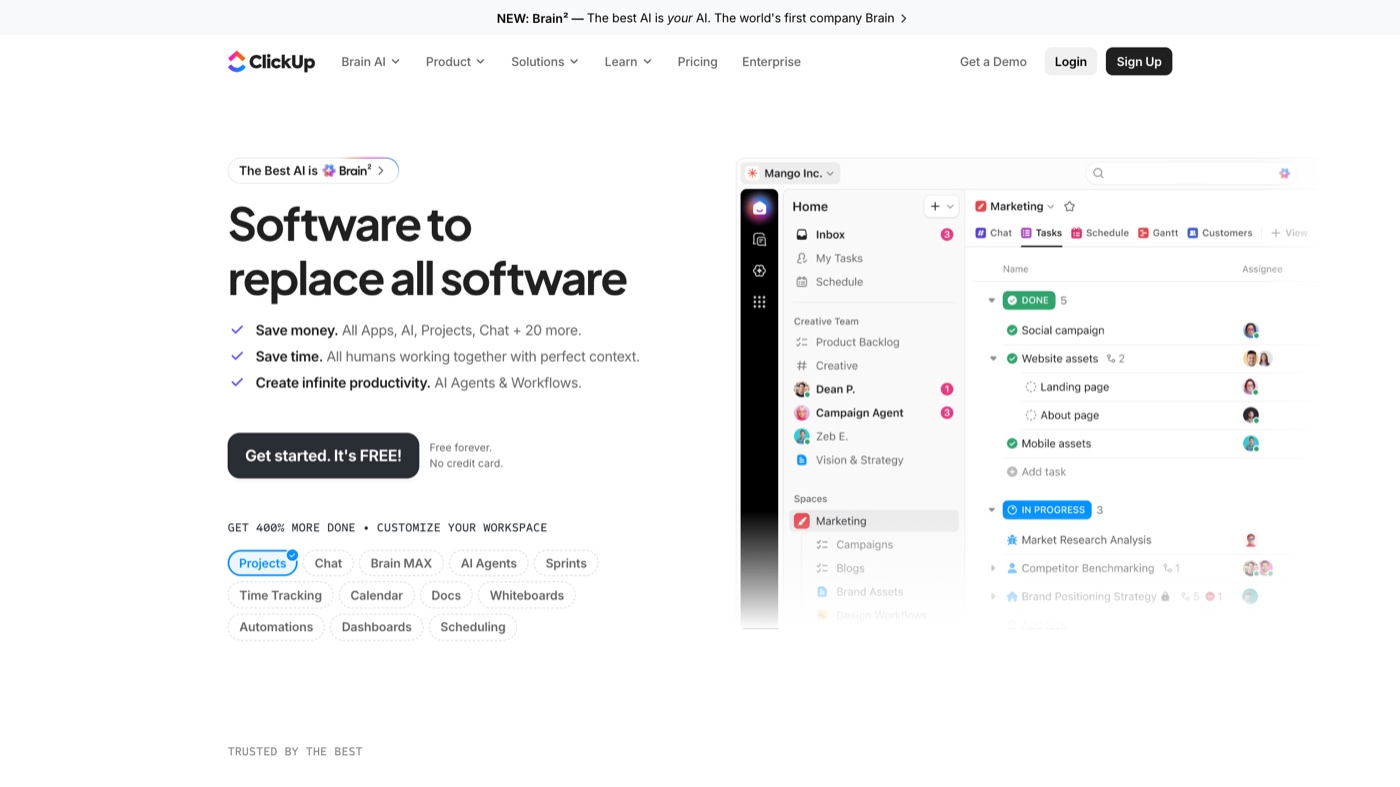
Wrike is the one I reach for when client feedback has become the bottleneck rather than the work itself. It was designed with marketing and creative teams in mind, so its proofing tool, approval routing, and Adobe Creative Cloud extension feel native instead of bolted on, and you can mark up a video or a layout in place and send it for sign-off. The free plan supports a full team with core task management, which makes it a reasonable place to start before you commit. The limitation for smaller teams is that the features that make Wrike special (proofing, approvals, request forms) live on paid plans from $10 per user per month, and the interface asks more of a newcomer on day one. Choose it if approval cycles are your pain; skip it if you just need a simple shared board.
4. monday.com
More on monday.com
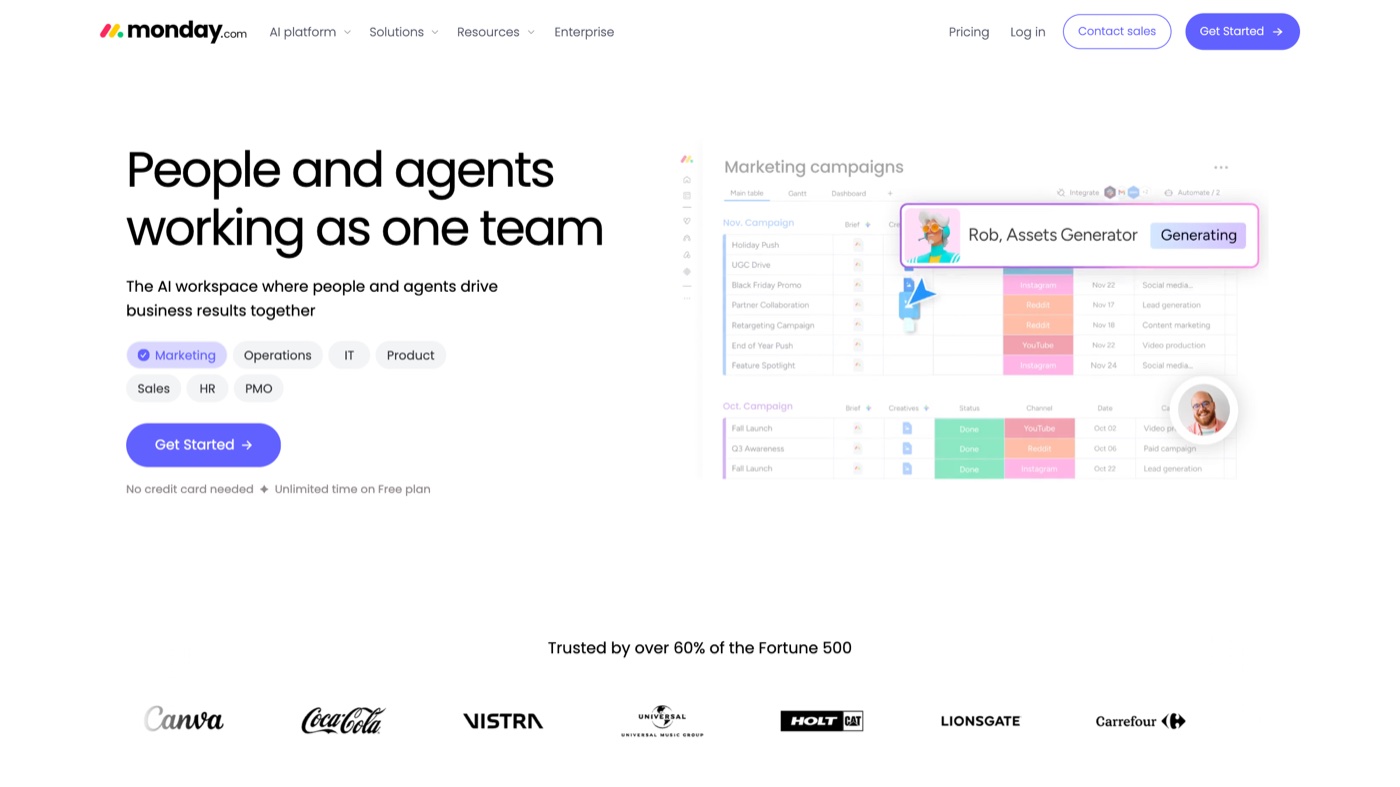
monday.com is a work operating system that turns creative workflows into bright, readable boards, and the daily experience of using it is a real selling point when your team lives in a tool all day. The template library for marketing, design, and content production cuts setup time, and Workdocs let you draft briefs and copy alongside the board. Its weakness is the free plan, which is the most restrictive on this list at 2 seats, 3 boards, and no integrations, so it works as a trial rather than a home. Paid plans start at $9 per seat per month billed annually and scale up through Standard and Pro as you add automations, integrations, and views. I would put it in front of a marketing team that values a clean interface and pre-built pipelines, and warn a bootstrapped duo that they will hit the free ceiling almost immediately.
5. Notion
More on Notion
Notion is less a project manager than a flexible workspace that happens to manage projects well once you shape it. Its strength for creative teams is consolidation: a single database entry can carry the full brief, mood references, task checklist, and links to final assets, so nothing lives in six different places. The free plan gives individuals as many pages and blocks as they want and is a strong personal hub, while team collaboration and larger uploads start at about $10 per seat per month billed annually. The real limitation is that Notion hands you a blank canvas, so someone has to design the system, and it has no proofing or approval tooling for heavy creative review. I recommend it to teams who already think in docs and want to build their own operating system, not to those who want a workflow ready on install.
6. ProofHub
More on ProofHub
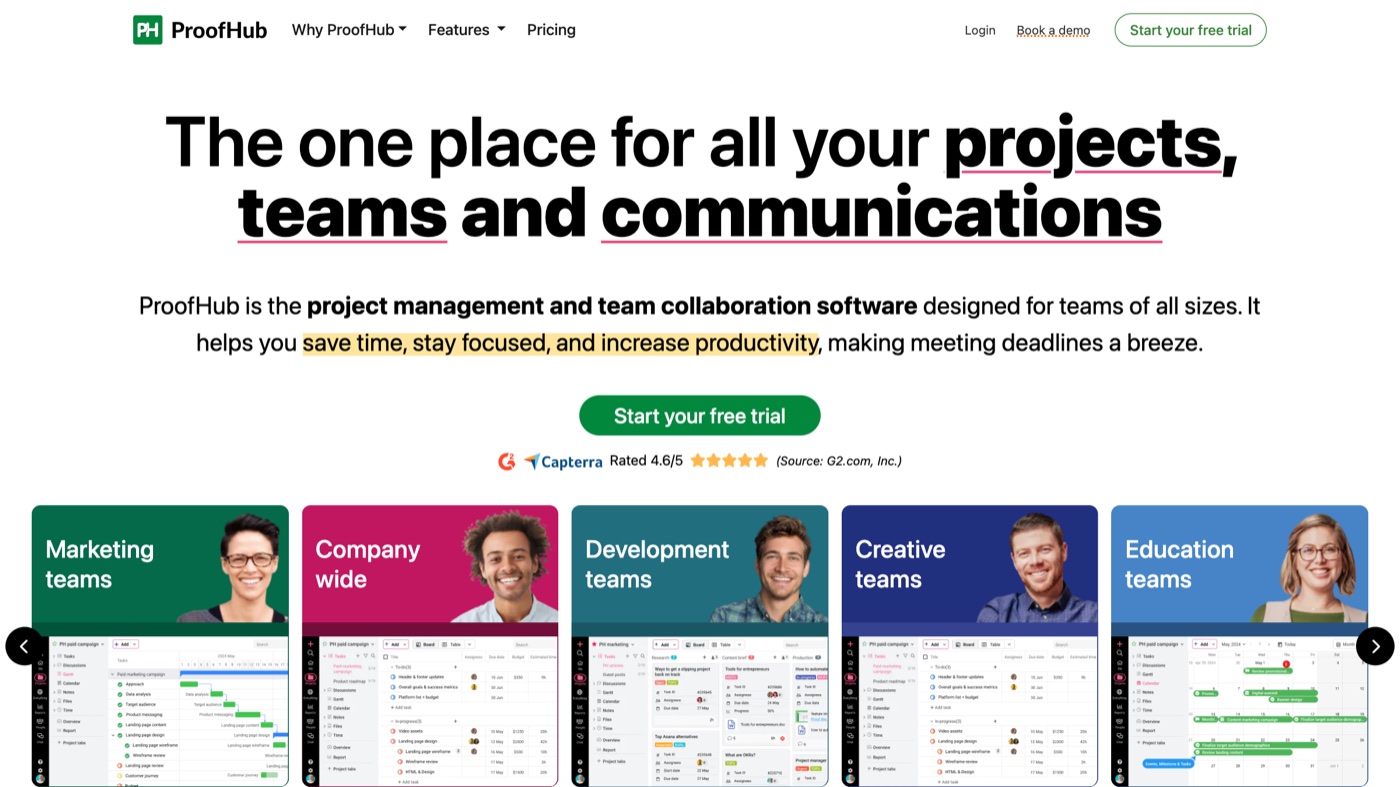
ProofHub sits high on this list for creative teams because it treats the two things most tools leave as afterthoughts as the main event. The first is proofing: markup and annotation on files, video included, live inside the task flow, so feedback lands on the actual work instead of scattering across email, Slack, and a shared drive. The second is the pricing model, a flat rate rather than per-seat, which quietly changes the math the moment your reviewers outnumber your makers, an everyday reality for studios that loop in clients, stakeholders, and freelancers on every project. Essential runs $45 per month and Ultimate Control $89 per month, billed annually, both with no per-user component, so the bill holds steady as the room fills up. The trade-offs are honest: there is no free plan to grow out of, only a trial, and if your stack leans on deep native integrations you will find the catalog thinner than Asana's or ClickUp's. But for a creative team drowning in review rounds, it is one of the few tools here designed for exactly that problem.
7. Trello
More on Trello
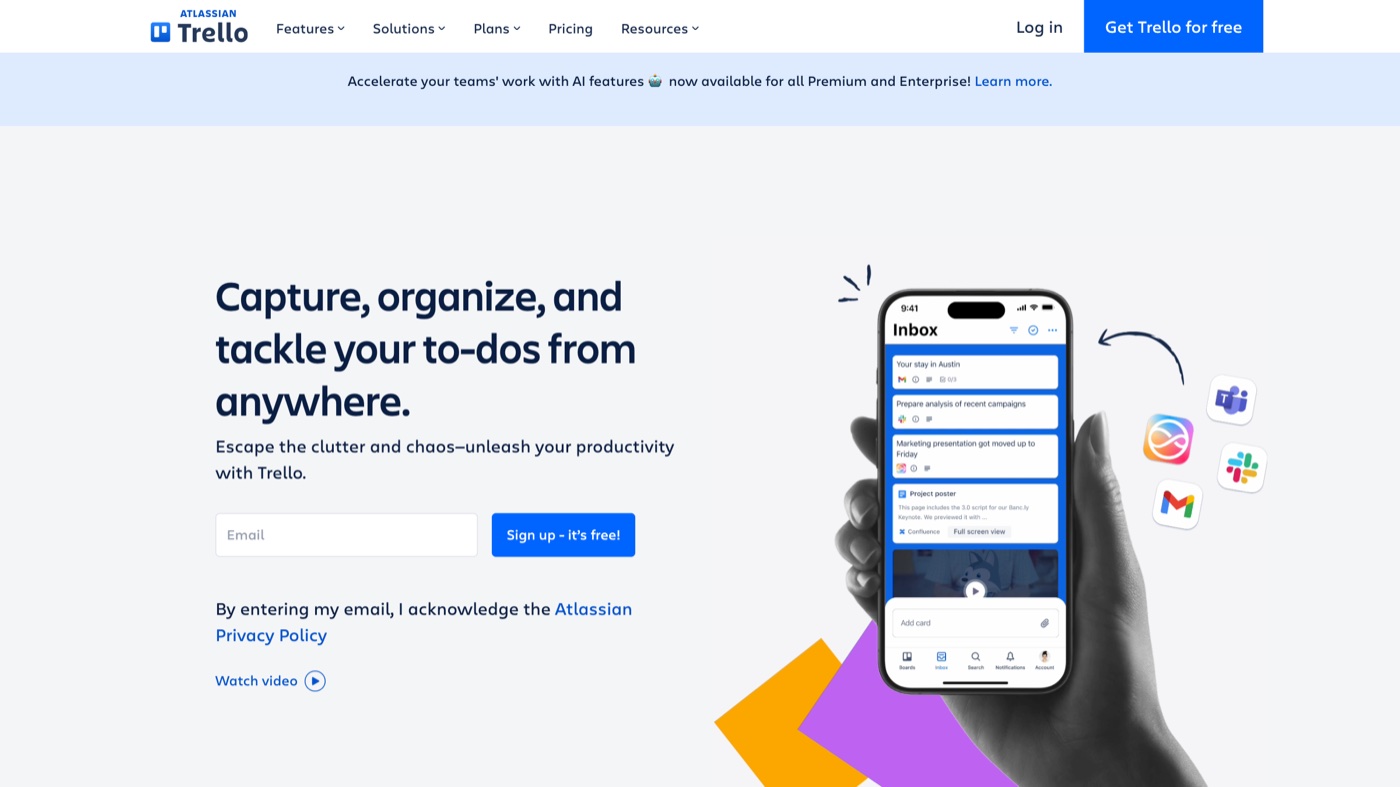
Trello is the tool I hand to a client or a non-technical stakeholder because it explains itself in about thirty seconds. Cards move across columns like To Do, In Review, and Done, and the free plan is usable with a good number of boards, any number of cards, and Power-Ups that connect Google Drive, Slack, and light Butler automation. Paid plans from $5 per user per month billed annually unlock more views (Timeline, Table, Calendar, Dashboard) and heavier automation. Its ceiling is structural: Trello is Kanban at heart, so complex dependencies, resource planning, and real reporting are not where it shines. It is perfect for content calendars, social schedules, and design request boards, and the wrong choice for a large cross-functional campaign that needs a true Gantt.
8. Airtable
More on Airtable
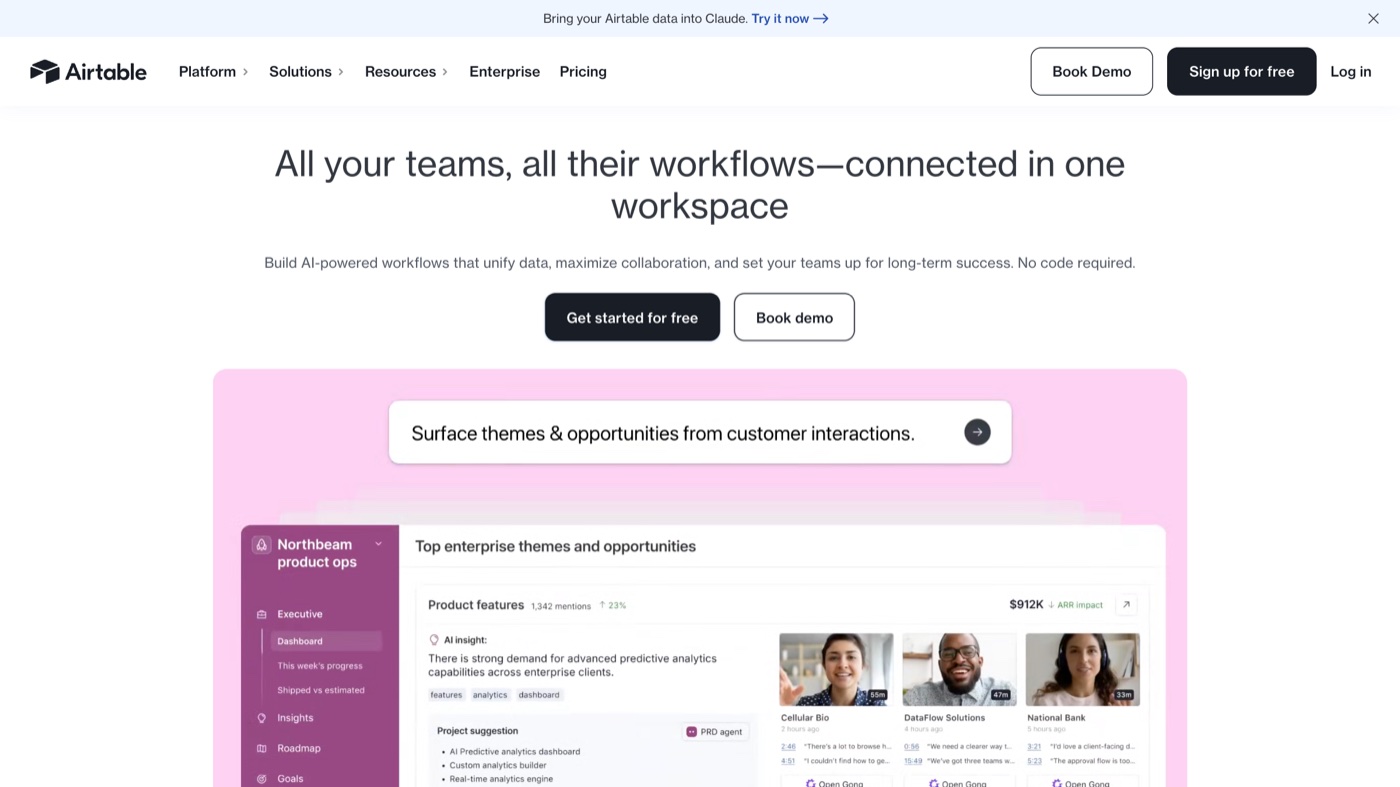
Airtable is what you graduate to when your content calendar or asset tracker has outgrown a spreadsheet but you do not want a full database rebuild. The same records show up as a Grid, Calendar, Kanban, or Gallery, and that Gallery view is a personal favorite for reviewing moodboards and design assets visually. Its forms are a quiet superpower for standardizing creative intake, feeding a consistent brief straight into a base so every request arrives with the same fields. The free tier is capped at 1,000 records per base and limited automation, and the paid tiers start at $20 per seat per month and climb to $45, which is the steepest entry on this list. Reach for it when structured production data is your problem; it is overkill for a team that just needs a simple task board.
9. Basecamp
More on Basecamp
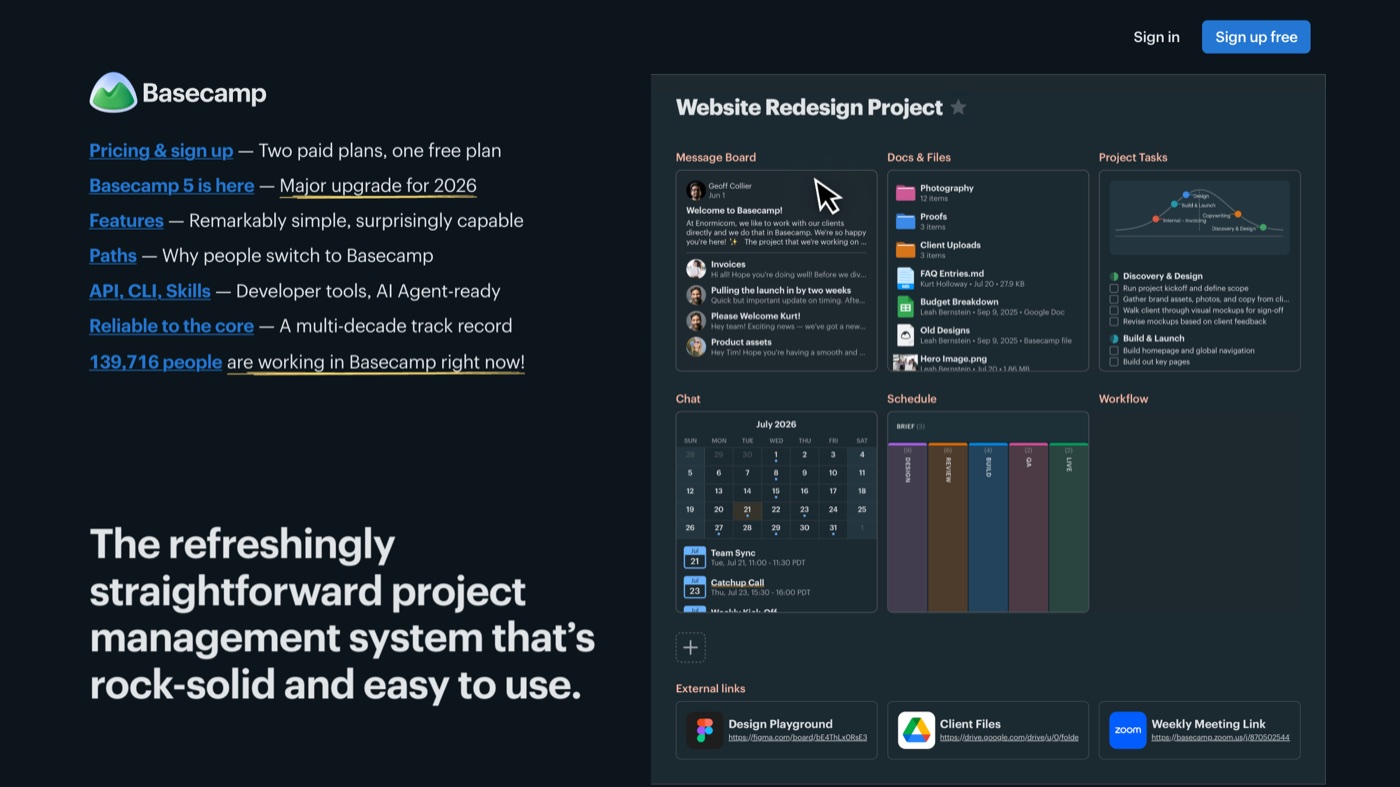
Basecamp is the opinionated choice, and that is the whole point of it. Each project gathers to-dos, a message board, docs and files, schedules, and a group chat in one calm place, which solves the constant creative-team problem of remembering where a decision was actually made. Pricing is refreshingly simple: one project at no cost to try it, then Pro at $15 per user per month, or $299 a month for the entire company with no per-seat math. What you give up is flexibility: Basecamp deliberately avoids Kanban boards, Gantt charts, and native time tracking because its makers think those features encourage bad habits. That philosophy is liberating for a studio that wants less software and heavier on communication, and a dealbreaker for a team that needs a visual pipeline or dependency planning.
10. Miro
More on Miro
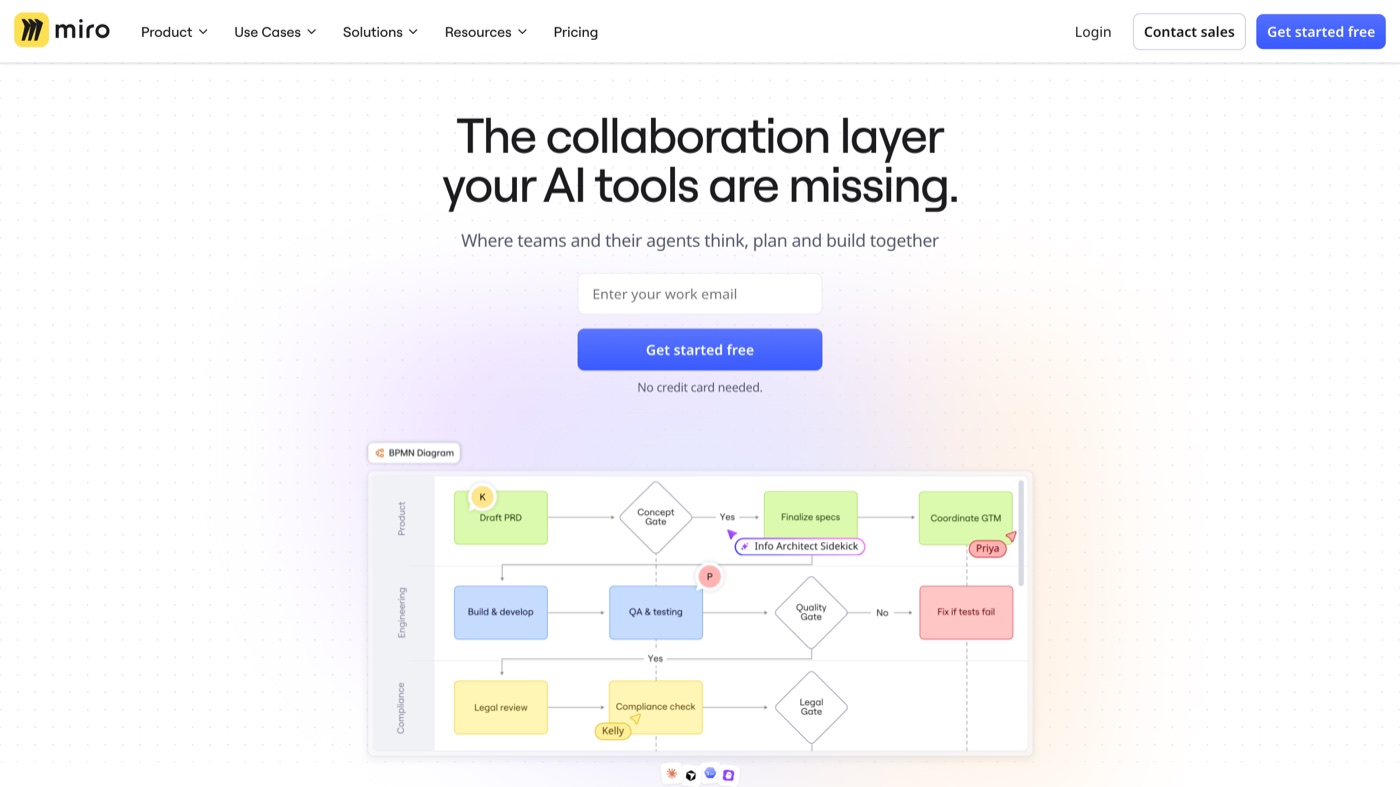
Miro is not a task tracker, and I recommend it precisely because it owns the part of a project that task trackers handle badly: the messy ideation at the start. It is an infinite whiteboard for storyboarding video concepts, building moodboards, mapping user journeys, and running virtual sticky-note sessions, and its template library gets a workshop moving fast. The free plan gives you 3 editable boards with no cap on collaborators, and paid plans start at $8 per member per month billed annually for private and additional boards. The 3-board limit arrives quickly once a team is active, and very large boards can lag on older hardware. Treat Miro as the ideation layer that feeds a tool like Asana or Trello, not as a replacement for one, and the pairing works beautifully.
11. Teamwork.com
More on Teamwork.com
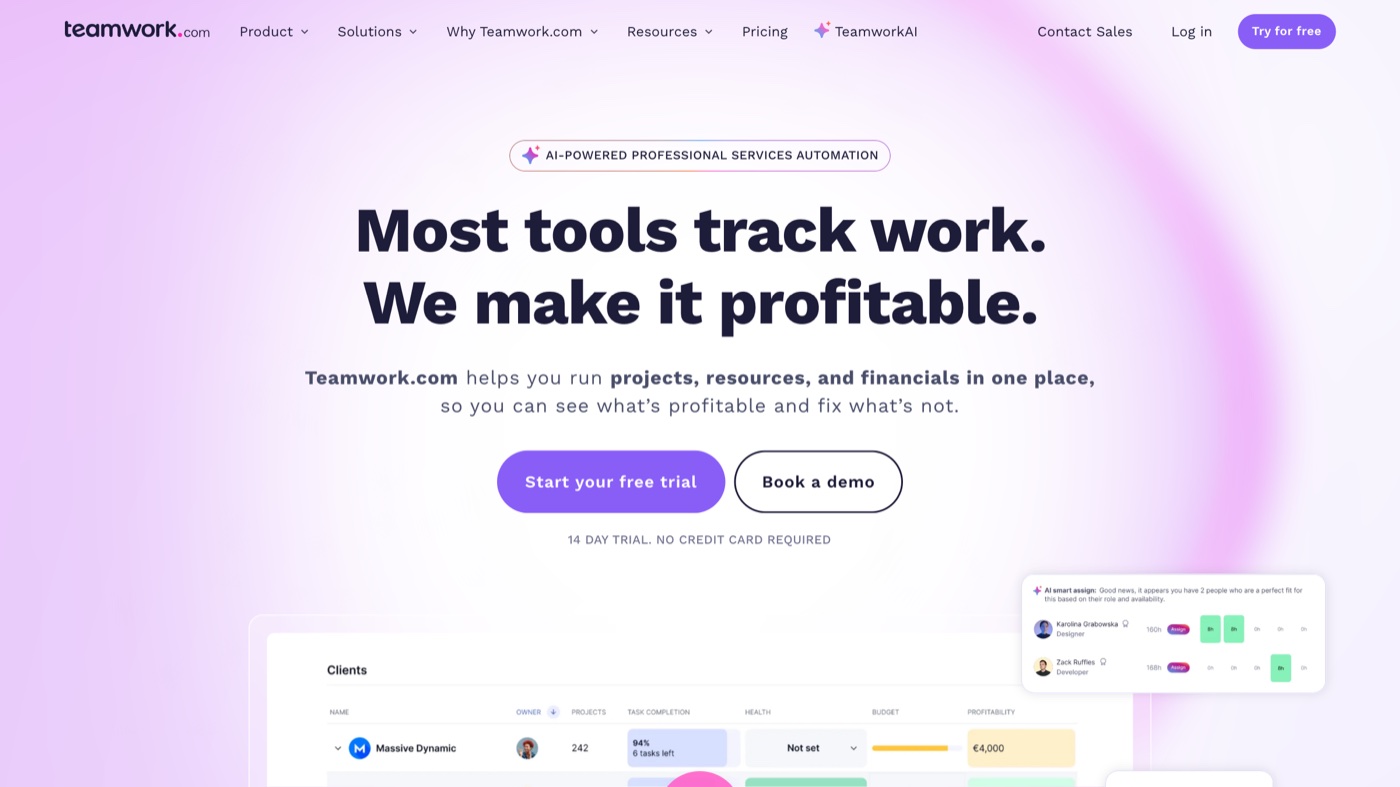
Teamwork.com is purpose-built for teams that get paid for their hours, which makes it a natural fit for studios and client-service creative teams. The free plan supports up to 5 users and, unusually, includes time tracking, so you can measure billable work from the start. Paid plans from $9.99 per user per month billed annually add the pieces that make client work profitable: billing and invoicing, budgets, resource management, and proofing. The interface carries more than the minimalist tools here, so there is a bit more to learn, and the features that justify the switch mostly sit on the paid tiers. If margin per project is the number you care about most, Teamwork is built around that question in a way general task tools are not.
12. Zoho Projects
More on Zoho Projects
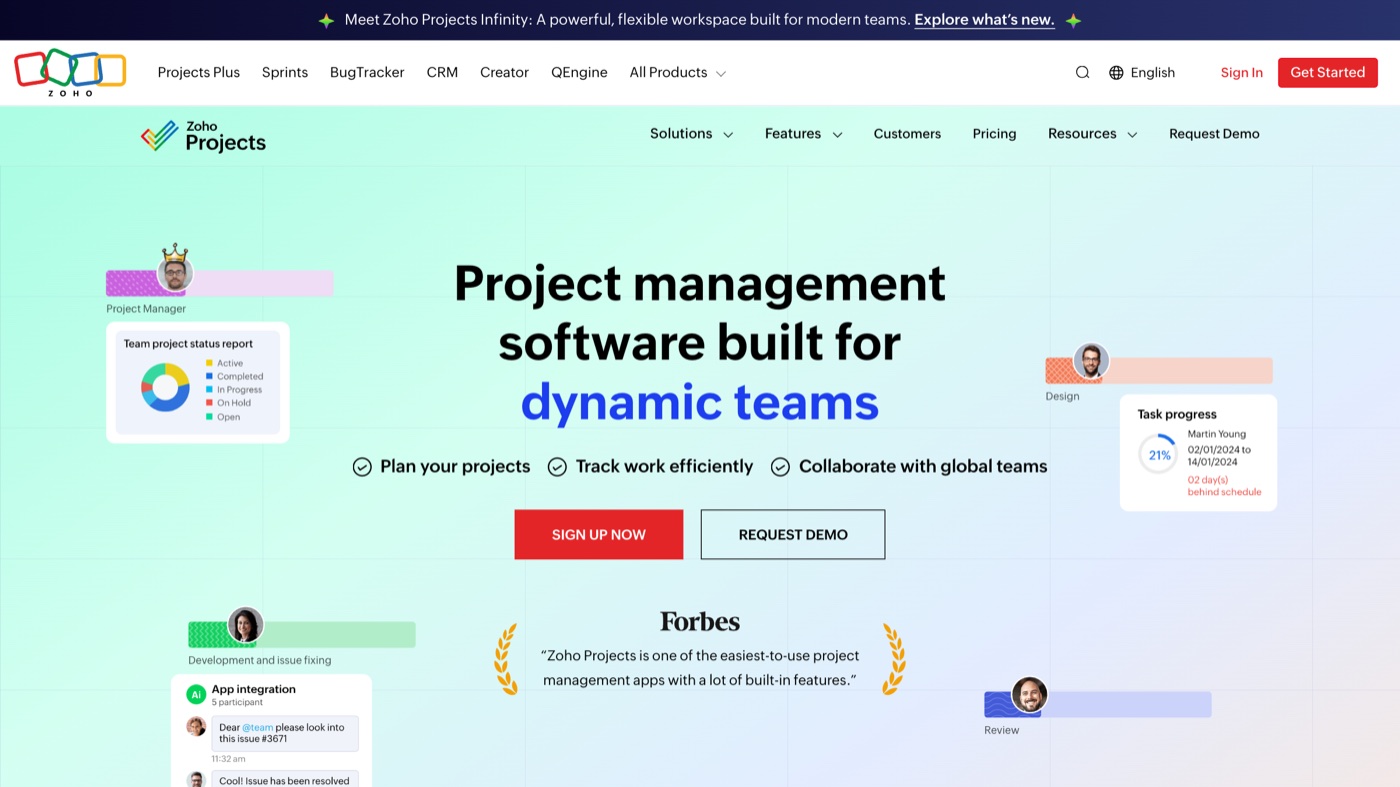
Zoho Projects is the pragmatic pick for a small team that wants traditional project structure without paying a premium for it. Its standout is that Gantt charts and task dependencies show up early, which helps scheduled creative work like a video production where storyboarding must finish before a shoot begins. The free tier covers a small group and a couple of projects, and Premium starts around $5 per user per month billed annually, which is one of the gentler entry points here. Its two weaknesses are a look and feel that trails the slicker tools, and time tracking that sits behind the paywall. It makes the most sense for teams already inside the Zoho ecosystem, where it connects cleanly to CRM, Books, and the rest without extra plumbing.
13. MeisterTask
More on MeisterTask
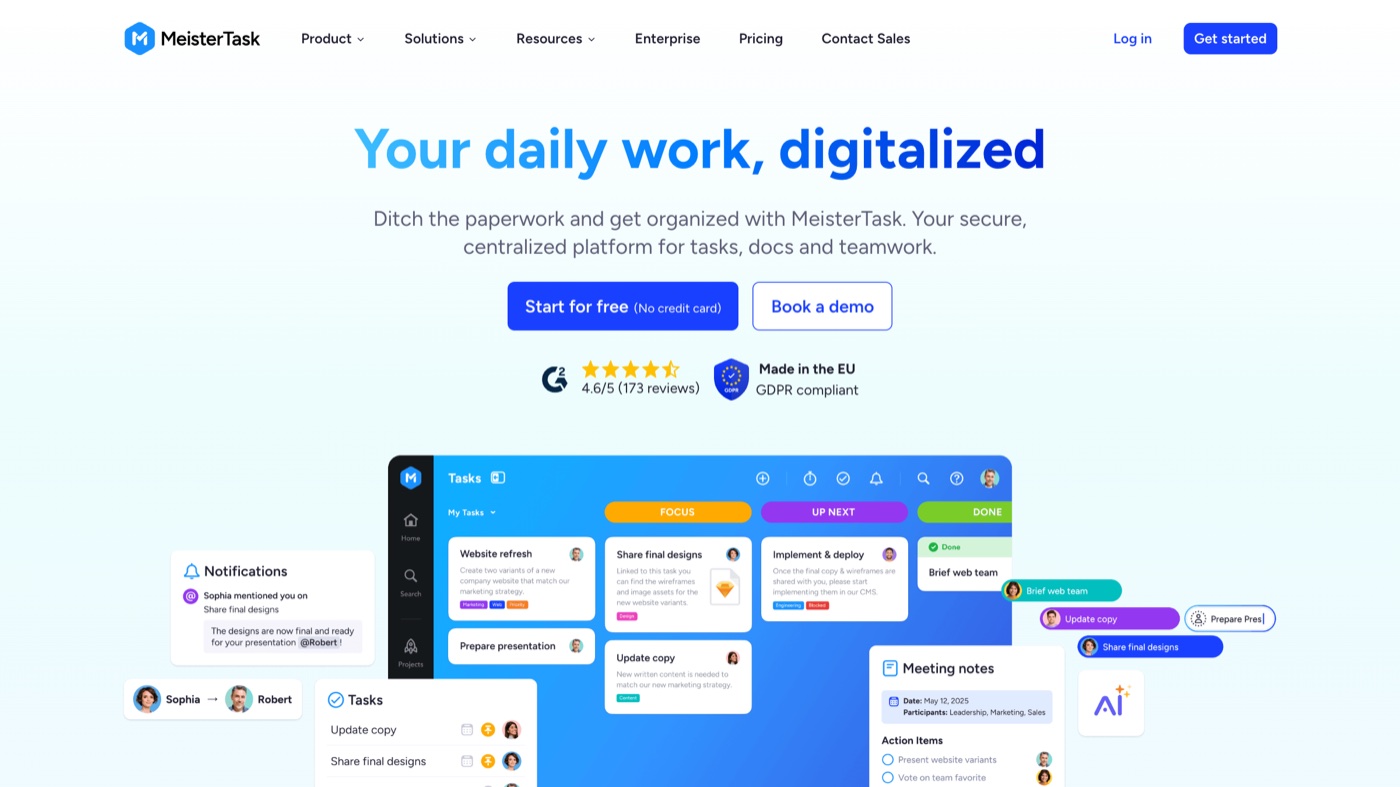
MeisterTask wins on clarity, and for a freelancer or a small team that just wants a beautiful Kanban board, that is often enough. The interface is clean enough to share with a non-technical client without any onboarding, and its link to MindMeister lets a brainstorming mind map convert directly into actionable tasks. The free Basic plan allows up to 3 projects with no cap on tasks, and Pro runs about $13.50 per user per month billed annually for more projects and automation. The obvious constraints are that 3-project ceiling, a Kanban-first view set with fewer alternatives than the big platforms, and a smaller integration ecosystem. Pick it for a tidy handful of active creative projects; outgrow it the moment you need many projects, multiple views, or deep third-party connections.
| # | Tool | Best for | Pricing | Limitation |
|---|---|---|---|---|
| 1 | Asana | Cross-functional creative teams that want structure without a week of setup | Free for up to 10; paid from $10.99/user/mo (billed annually) | Timeline (Gantt) and the Adobe integration are paid-only, and the free plan caps at 10 people. |
| 2 | ClickUp | Teams consolidating tasks, docs, and whiteboards into one app | Free plan; paid from $7/user/mo (billed annually) | The breadth brings clutter and some lag, and free storage is only 60MB. |
| 3 | Wrike | Creative teams buried in rounds of client feedback that need real proofing | Free tier; paid from $10/user/mo | The strongest creative features are paid, and the learning curve is steeper than Trello or Asana. |
| 4 | monday.com | Marketing and design teams that think in colorful boards and templates | Free for 2 seats; paid from $9/seat/mo (billed annually) | The free tier is tight (2 seats, 3 boards, no integrations) and per-seat cost climbs with features. |
| 5 | Notion | Doc-driven teams that want briefs, wikis, and task trackers in one connected space | Free for individuals; paid from $10/seat/mo (billed annually) | It is a blank canvas, not a task manager out of the box, and it has no real proofing. |
| 6 | ProofHub | Creative and client-facing teams that live in review rounds and want proofing built in at one flat price | No free plan; flat from $45/mo (billed annually), no per-user fees | No free tier, only a trial, and fewer native integrations than the big platforms. |
| 7 | Trello | Small teams and non-technical collaborators who want the pipeline on one board | Free plan; paid from $5/user/mo (billed annually) | It is Kanban-first, so dependencies, workloads, and Gantt views are where it hits a ceiling. |
| 8 | Airtable | Content calendars, asset libraries, and production trackers that outgrew a spreadsheet | Free tier; paid from $20/seat/mo (billed annually) | The free base caps at 1,000 records, and the paid jump to $20 and up per seat is steep. |
| 9 | Basecamp | Studios doing client work who want calm and opinion over endless configuration | 1 project free; Pro $15/user/mo or $299/mo company-wide | It intentionally skips Kanban boards, Gantt charts, and native time tracking. |
| 10 | Miro | The messy front end of a project: brainstorming, storyboarding, and kickoff workshops | Free for 3 boards; paid from $8/member/mo (billed annually) | Only 3 editable boards free, and it complements a task tool rather than replacing one. |
| 11 | Teamwork.com | Client-service teams that bill for their time and need budgets tied to the work | Free for up to 5 users; paid from $9.99/user/mo (billed annually) | The interface is busier than minimalist tools, and the real value lives on paid plans. |
| 12 | Zoho Projects | Small teams that want Gantt charts and dependencies without a high entry price | Free tier; Premium from ~$5/user/mo (billed annually) | The interface feels dated next to monday.com or Asana, and time tracking is gated. |
| 13 | MeisterTask | Freelancers and small teams who want a clean Kanban board and nothing to configure | Free for 3 projects; Pro ~$13.50/user/mo (billed annually) | The free plan caps at 3 projects, views are Kanban-led, and integrations are limited. |
Now the part nobody puts in a comparison table. Every tool here organizes work; not one of them makes the work. If your board is full because there is more video and design to ship than your people can produce, another app will not fix it. That is a capacity question, and it usually comes down to hiring, building an in-house creative team, or bringing in an embedded creative team like Moonb that adds a dedicated creative director and producers to your pipeline. Treating creative operations and creative capacity as the same problem is how teams end up with a beautifully organized backlog they still cannot clear. Pick the tool for coordination, then solve the making separately.
See it in action
Before the second half, this short breakdown covers how creative leads actually weigh these tools against a workflow instead of a feature checklist.
Frequently asked questions
There is no single winner, and the honest answer depends on how your team works. For visual Kanban I reach for Trello, for an all-in-one workspace ClickUp or Notion, and for structured campaigns with proofing later, Asana. The right free plan is the one whose limits (seats, boards, storage) you will not hit in your first three months of real use.
Not always. Proofing, version control, and approvals matter a lot once client feedback gets heavy, and that is where a creative-focused tool like Wrike or Asana's paid tier earns its keep. Smaller teams do fine on a general tool like Trello or Notion paired with a dedicated review step. Buy the creative-specific features when review cycles start eating your week, not before.
Upgrade when a limit is costing you time, not because a feature list looks nice. The usual triggers are seat caps, storage running out on design files, or locked proofing and approvals. Run a real project on the free tier first, so you are buying a fix for a problem you have actually felt rather than a hypothetical one.



