A Guide to Video Production for YouTube Marketing Teams
A start-to-finish workflow for YouTube video production: strategy, scripting, shooting, editing, and a publishing rhythm marketing teams can keep.

Your team already knows YouTube matters. The harder part is turning that belief into a production system that actually ships week after week.
Most marketing teams I talk to get stuck in the same spot. They have ideas, a couple of product experts, maybe a rough launch calendar, and a nagging sense that they should be posting more video. Then the work meets reality. Who owns the brief? Who writes the script? What do you film, how polished does it need to be, how do approvals work, and how do you keep going next week without starting from zero?
Answering those questions once, and writing the answers down, is how YouTube shifts from a creative side project into a production rhythm your team can actually hold.
Your Guide to a Repeatable YouTube Workflow
Teams tend to treat YouTube as a single-video problem. In practice it is a workflow problem, and the workflow is what breaks.
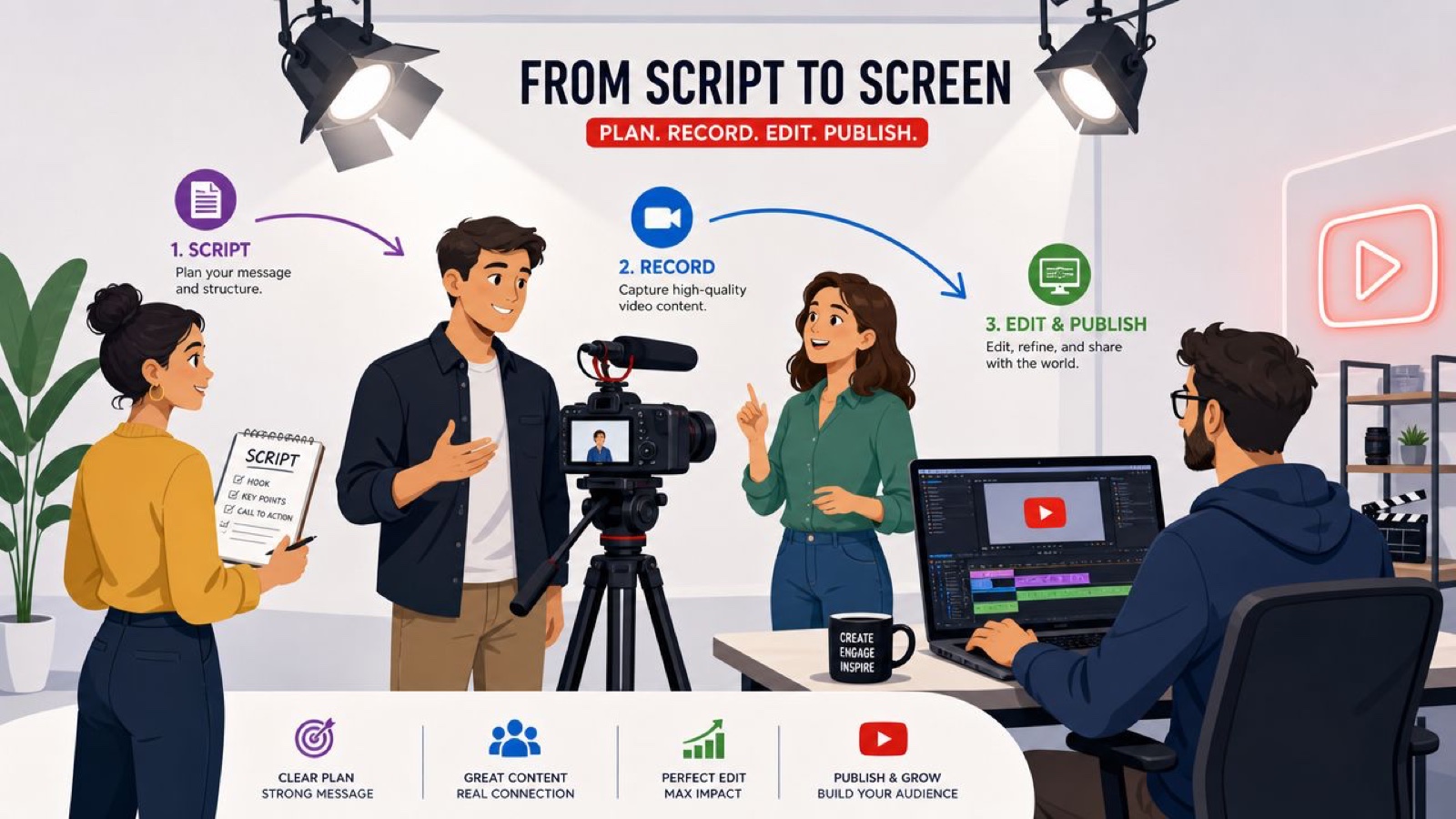
A repeatable system has a handful of clear parts. Strategy decides what the channel is for. Pre-production turns a topic into a brief, a script, and a shot list. Production captures the footage cleanly. Post-production shapes the story and gathers feedback without chaos. Publishing and tracking turn each upload into an input for the next one.
What a working team workflow looks like
A simple YouTube workflow usually includes:
- A clear business goal, not just “post more video”
- A format decision, so the team knows if this is a Short, an explainer, a demo, or a launch piece
- A brief and script, approved before cameras come out
- A planned shoot, with talent, locations, gear, and B-roll listed
- An edit and review loop, where comments are specific
- A publish plan, tied to channel goals
- A feedback loop, so the next video improves
Practical rule: If your team can’t describe the next three videos before producing the first one, the process probably isn’t repeatable yet.
That doesn’t mean every video needs heavy process. It means each one should move through the same checkpoints, because for marketing teams consistency beats heroics.
A lot of execution problems are really workflow problems wearing a disguise. A late script turns into a rushed shoot, and a shoot with no B-roll turns into a dull edit. Fix the handoffs and most of that clears up before production day. I’ve written more about creative workflow management for marketing teams, and the short version is that creative quality climbs when the handoffs are clear.
Building Your YouTube Content Strategy
Random uploads look random, and the audience feels it before your team does.
Good YouTube production starts with one plain question: what job is this channel supposed to do for the business? If that answer stays fuzzy, the content wanders, and no amount of editing rescues a channel that doesn’t know what it is for.
Start with business goals, not formats
Teams often pick a format too early. They debate whether to make Shorts, interviews, webinars, or tutorials before they have decided what the channel is for. A better start is to define the business outcome first.
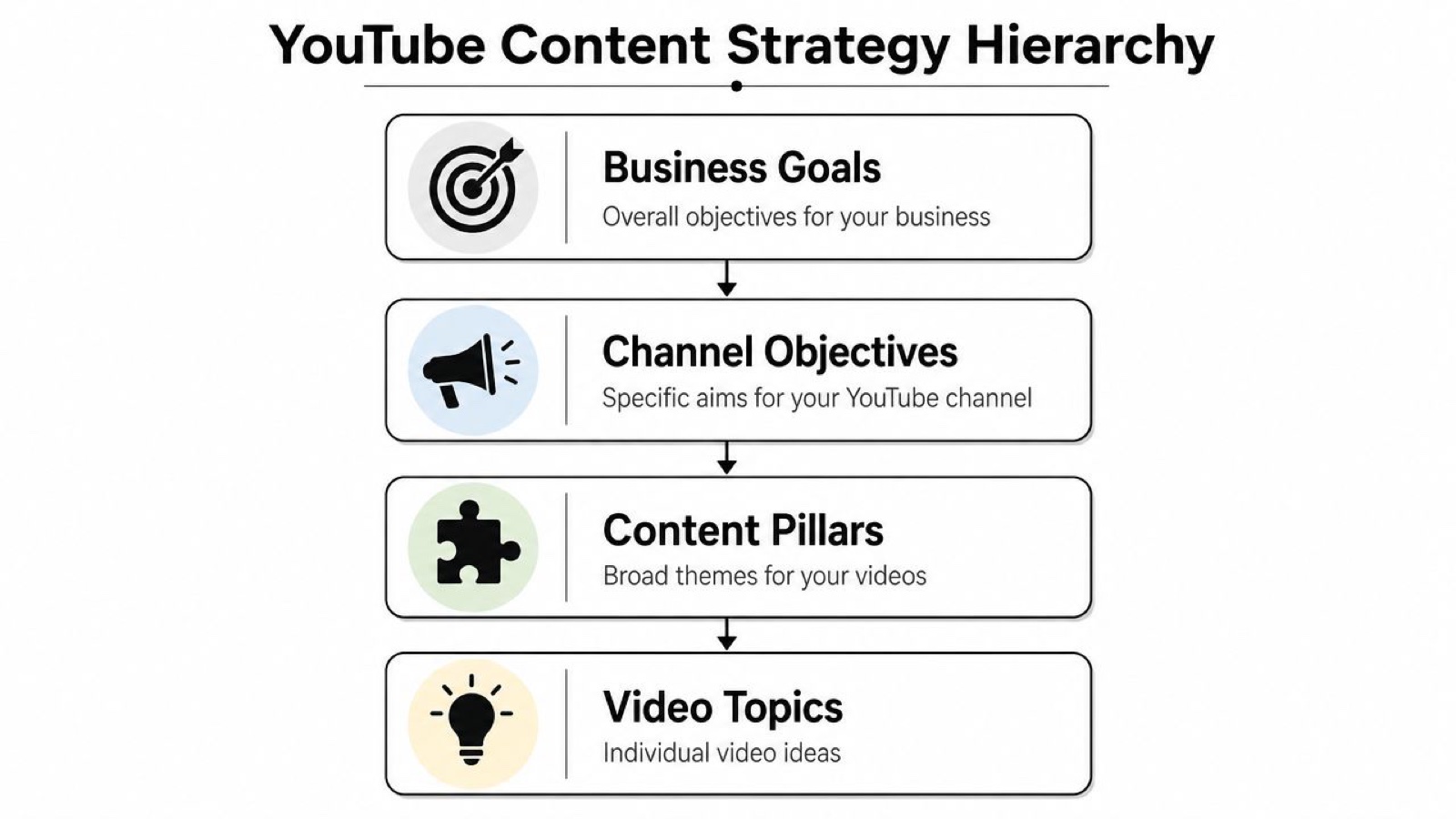
Here’s a simple hierarchy that works:
| Level | What to decide | Example |
|---|---|---|
| Business goal | What the company needs | Drive qualified interest for a new product line |
| Channel objective | What YouTube should contribute | Educate buyers and answer common objections |
| Content pillar | What themes repeat | Product how-tos, use cases, expert explainers |
| Video topic | What gets produced this week | “How to set up your first workflow in 10 minutes” |
This keeps the channel grounded, and it makes stakeholder conversations easier. Brand, product marketing, and demand gen can argue about style all day, but they line up faster once every video ladders back to a clear business outcome.
Pick a few content pillars and stay with them
Most teams need only two or three recurring pillars. More than that tends to create planning overhead and weaken consistency.
A strong set of pillars might look like this:
- Education, for tutorials, FAQs, and explainers
- Product proof, for demos, walkthroughs, and launch videos
- Brand perspective, for expert commentary, founder viewpoints, or industry takes
Each pillar should support more than one campaign. If a pillar only works for a single launch, it isn’t really a pillar.
A channel grows faster when viewers know what kind of help they’ll get from you each week.
Cadence matters too. A rhythm I’ve seen hold up for busy teams is two or three short videos under a minute plus one longer video a week, with consistency doing more work than raw volume. That mix gives you both reach and depth. Short videos let you test hooks and topics quickly, while longer videos build trust and answer the bigger questions buyers have about the product.
If you’re trying to turn loose ideas into a real calendar, this guide on how to plan a month of content is a useful next step. The point is to stop planning video one upload at a time. Plan in batches, by pillar, with a publishing rhythm you can keep.
Planning and Scripting for Viewer Attention
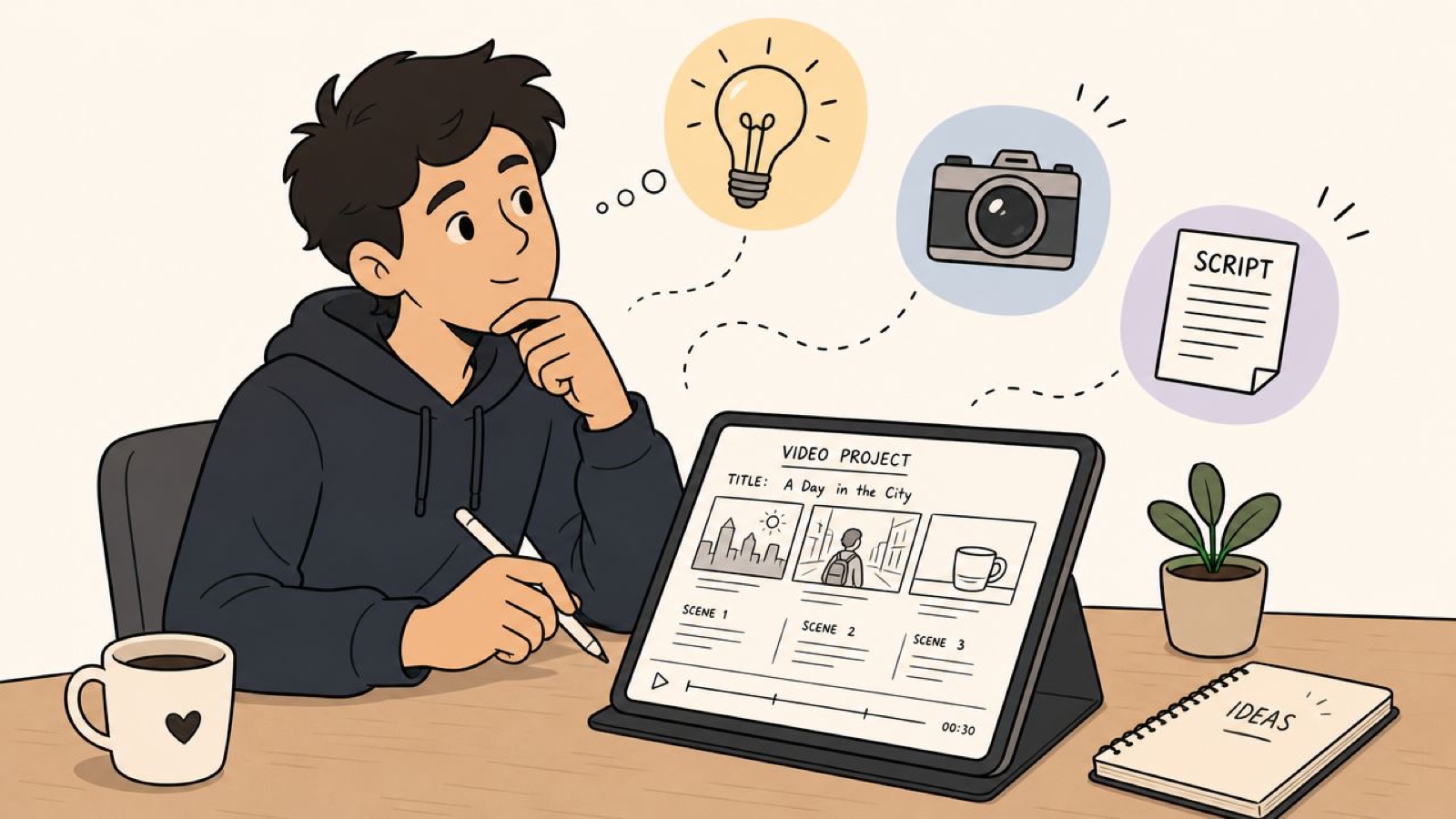
A rough idea gets expensive the moment production starts, so the planning phase earns its keep. A useful YouTube process produces three working documents before the shoot: a brief, a script, and a shot list. Skip any one of them and the team pays for it later.
Write a brief that keeps the team aligned
A creative brief for YouTube doesn’t need to be long. It needs to answer the questions your team will otherwise argue about halfway through the edit.
Include:
- Objective, the one business result this video supports
- Audience, the specific viewer this piece is for
- Core message, the main point the audience should remember
- Desired action, what the viewer should do next
- Format, such as Short, demo, explainer, testimonial, or launch video
- Distribution context, where and how the video will appear
This is what keeps in-house teams aligned, especially when product, brand, and growth all have a stake in the same video.
Script the first 30 seconds with discipline
The opening carries more weight than people expect. The first thirty seconds decide whether someone keeps watching, and early drop-off tells YouTube not to push the video further. That changes how you write the top of the script.
The first lines should answer three things fast:
- What is this video about
- Why should this viewer care
- Why should they keep watching now
A weak intro sounds like a company clearing its throat, with a slogan and a slow warm-up before anything useful. A strong intro gets to the point.
Here’s the difference:
| Weak opening | Strong opening |
|---|---|
| “Today we’re excited to talk about some updates to our platform.” | “If your reporting workflow breaks every week, this setup will save you time.” |
| “Welcome back to the channel. In this video, we’ll be discussing…” | “Three mistakes are slowing down your onboarding videos. Here’s how to fix them.” |
Start with the value, not the greeting.
The rest of the script should stay tight. Every section needs a job. If a line doesn’t move the story or set up the next visual, cut it.
For a practical drafting approach, our notes on writing a script for clearer videos keep the focus on message and pacing instead of filler.
Build a shot list that protects the edit
A script alone won’t save the final cut, because editors need options.
That means planning both A-roll and B-roll before the shoot. A-roll is the main interview, presentation, or direct-to-camera footage. B-roll is everything that gives the edit motion and meaning: product shots, screen captures, hands at work, office moments, reactions, details, and process visuals.
A basic shot list should include:
- Primary talking segments, tied to script sections
- Supporting product visuals, especially UI, hardware, or workflow steps
- Context footage, such as office, team, setup, or environment shots
- Close-ups, for emphasis and pacing
- Alternate framings, so the editor can cut around stumbles or tighten rhythm
One of the most common mistakes I see is under-shooting B-roll. Teams assume they have enough because they covered the script, then the edit drags because there’s nothing visual to bridge cuts or reinforce the point.
A Production Checklist for a Smooth Shoot
Shoot day should feel controlled. If people are solving basic problems on set, something went wrong in prep.
The good news is that a smooth shoot doesn’t need a big crew or a truck of gear. It needs preparation, a decent technical baseline, and a clear plan for what the camera and microphone have to capture.
Get the technical baseline right
That gives you two immediate rules:
- Use an external microphone, not the built-in camera mic
- Monitor the audio before and during the shoot
If you only fix one thing on a shoot day, fix the sound.
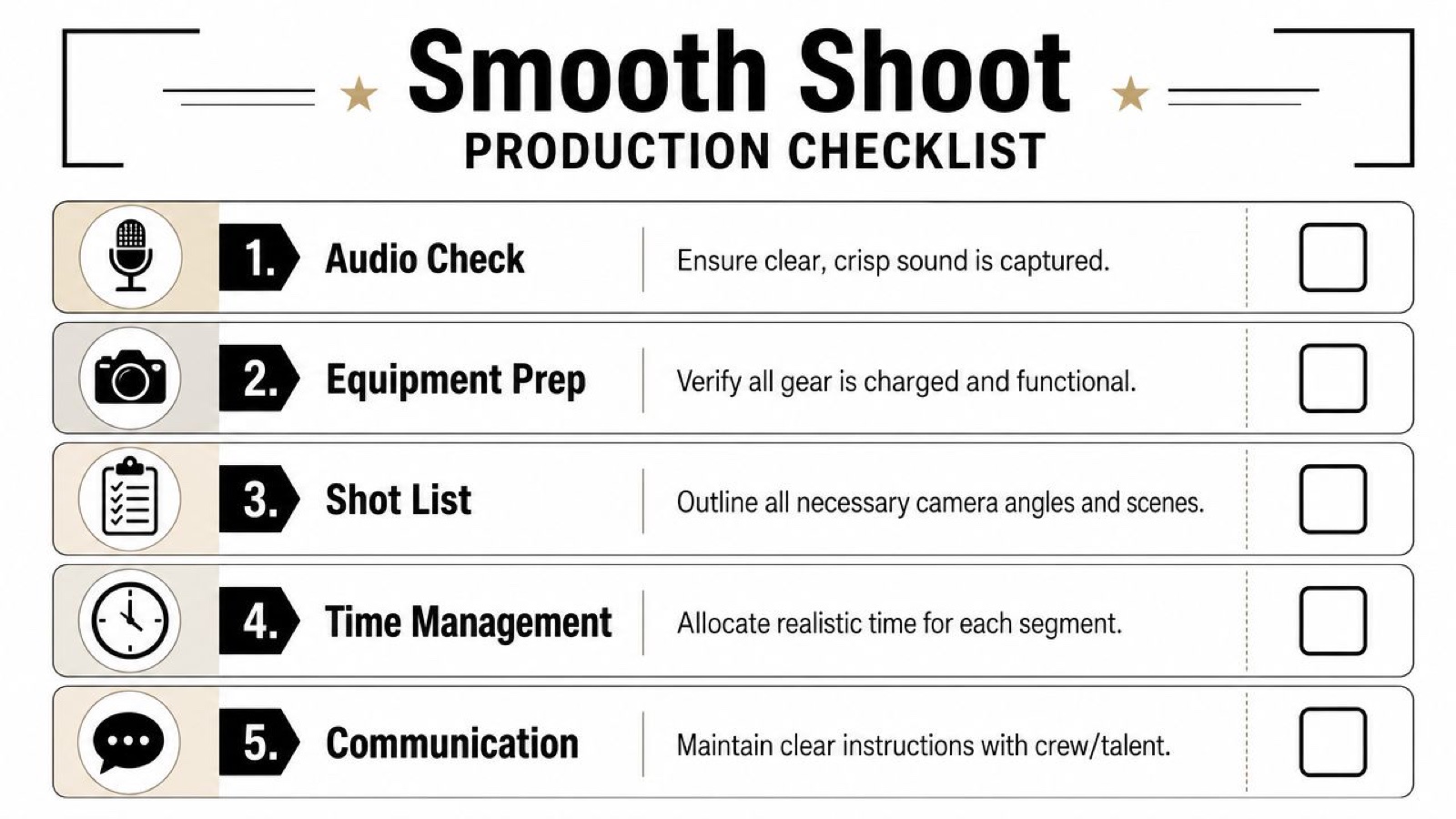
A practical pre-shoot checklist
Before anyone says “let’s roll,” check the basics:
- Power and storage: Batteries charged, backup batteries packed, cards cleared
- Framing: Headroom checked, background cleaned up, distractions removed
- Audio test: Mic connected, levels verified, room noise identified
- Lighting: Subject separated from the background, face evenly lit
- Script access: Printed or on a tablet, with key sections easy to find
- Shot list: Visible to the team, not buried in someone’s inbox
A checklist works because it removes the small decisions that eat a shoot day. There’s nothing clever about it, which is exactly why it holds up.
Lighting and angles that improve the footage
A lot of teams default to a flat talking-head setup. It’s safe, and it usually looks forgettable. Small choices in framing and angle can make the same subject read as sharper and more deliberate.
A useful way to think about angle choice:
| Angle | Best use | What it tends to communicate |
|---|---|---|
| Eye-level | Expert commentary, science, medical, internal updates | Credibility and trust |
| 45-degree | Brand storytelling, premium product shots | Polish and depth |
| Low-angle | Strong brand statements, assertive positioning | Presence and authority |
| Top-down | Tutorials, demos, process videos | Clarity and instruction |
Use this deliberately. Don’t just put the camera wherever there’s space.
Field note: Safe framing is fine for internal reviews. Public-facing YouTube videos need visual intention.
Lighting can stay simple. A clean key light plus fill is usually enough for interviews or direct-to-camera segments. If you have window light, use it and keep it consistent. What tends to ruin footage is mixed color temperature, or daylight that shifts over the course of a long shoot.
Capture enough variety for the editor
Editors need visual change to hold attention, so the camera setup should give them options.
During the shoot, make room for:
- Wide shots, to establish context
- Medium shots, for the main delivery
- Close-ups, when you need emphasis
- Hands and product details, especially in demos
- Environmental B-roll, to break up long talking stretches
If your team needs a production-ready worksheet, use a shot list template built for organized video shoots. It helps prevent the classic end-of-day problem: realizing you recorded the script but missed the visuals that make the edit work.
Editing Your Video and Optimizing for YouTube
The edit is where raw material becomes something watchable, and where weak planning shows up fast.
Most post-production problems come down to two things: the story isn’t clear, or the review process is a mess. Both matter, because YouTube performance depends on the quality of the cut and on how quickly your team can get a strong version out the door.
Shape the edit for clarity first
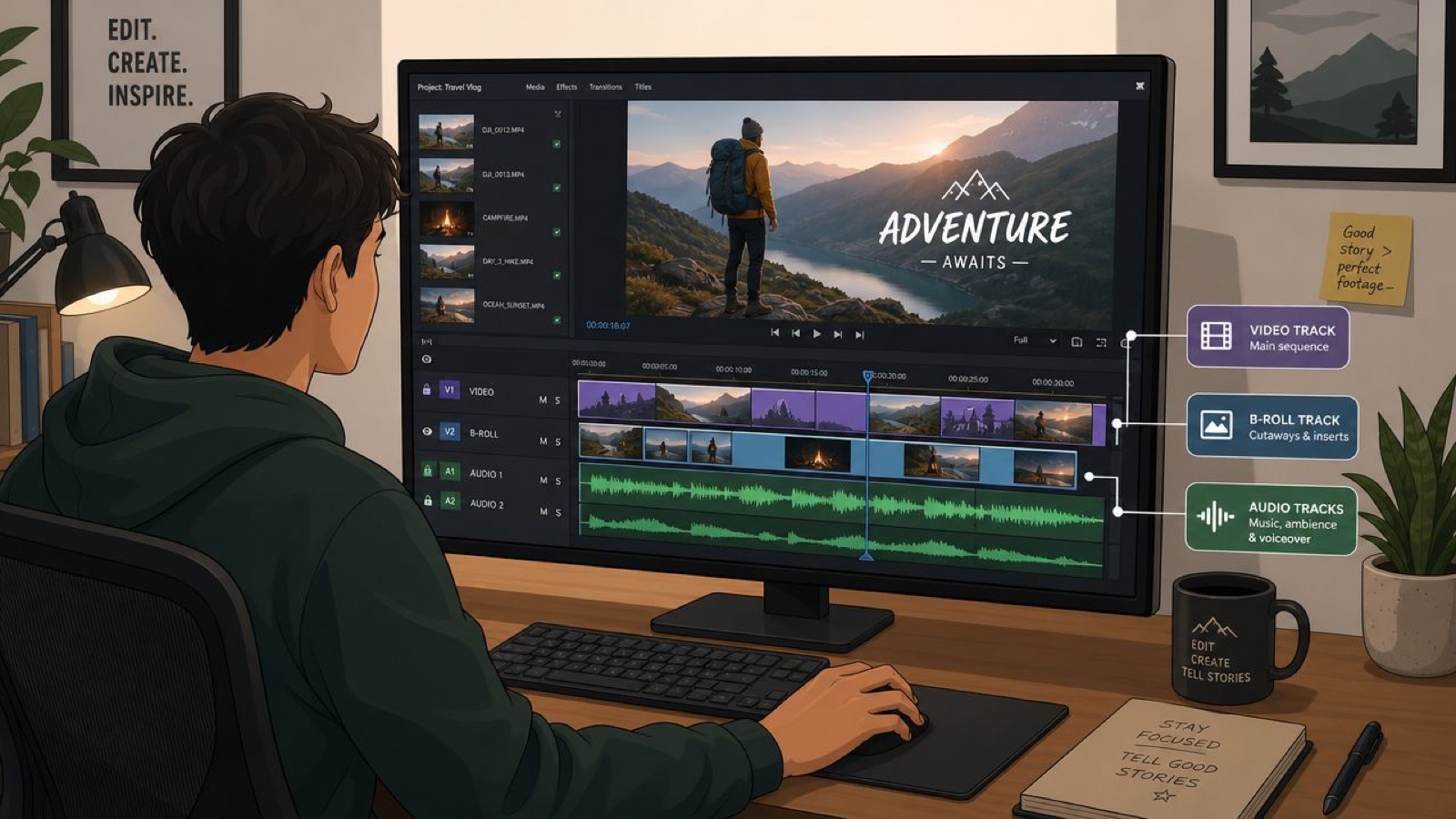
Start by building the spine. Pick the best take for each core idea, tighten for pace, then layer in B-roll, graphics, screen recordings, captions, and music where they help.
A useful sequence is:
- Story edit, get the message in the right order
- Pacing pass, remove drag, repetition, and soft transitions
- Visual support, add B-roll and graphics where they clarify or hold attention
- Audio cleanup, balance dialogue, reduce distractions, smooth transitions
- Color and finishing, make the piece feel intentional and consistent
Plenty of teams do this in the wrong order. They add motion graphics too early, then redesign half the piece after the script changes.
Review with precision, not vague feedback
Review cycles break when comments are broad. “Can we make this part stronger?” isn’t edit feedback; it’s a conversation starter. The fix is to put every comment on the exact frame at the exact timestamp, which removes the guesswork and keeps approvals moving between stakeholders.
That means feedback should sound like this:
- At 00:14, replace this product screenshot with the current UI
- At 00:28, trim the pause after the second sentence
- At 00:41, legal needs revised wording on the lower-third
- At 01:05, swap in the updated logo animation
A good review system protects momentum, not just hours.
If your team is refining internal edit habits, this guide to video editing workflows is a useful reference because it treats editing as a collaborative process, not just software work.
Optimize for YouTube before you publish
A finished export still isn’t ready for YouTube until the packaging is right.
Focus on these pieces:
- Thumbnail: Clear subject, readable contrast, obvious focal point
- Title: Specific and useful, with the topic stated plainly
- Description: Helpful summary that gives context and supports discovery
- Chapters or structure cues: Useful for longer educational videos
- End screens and cards: Direct viewers to the next logical step
Metadata as an afterthought wastes a good edit. The best cut underperforms when the title is vague and the thumbnail looks like every other frame from the video.
Publishing Tracking and Scaling Your Output
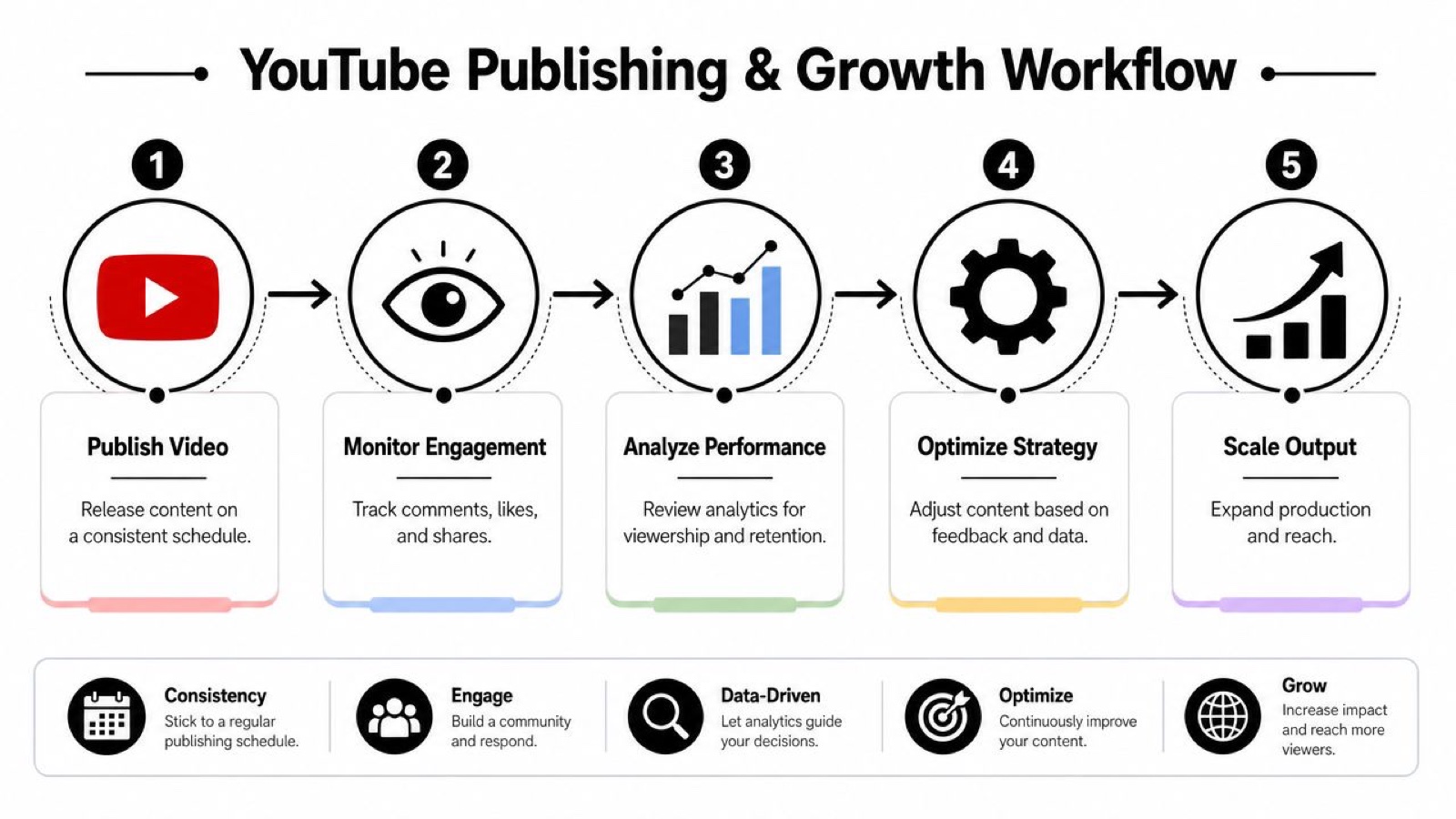
Publishing is where your process starts learning, not where it stops.
A lot of teams treat YouTube as pure distribution. They upload, drop the link in a channel, maybe send it to sales, and move on. That leaves value on the table. What you want instead is a rhythm: a review habit paired with enough production capacity to keep improving week after week.
Treat each upload like a feedback loop
Once a video is live, read the signals. Did viewers stay through the opening, or leave at the same point every time? Did the packaging earn the click, and did the topic pull in the right audience?
Don’t chase every small fluctuation; look for patterns. If your intros keep losing people, fix the scripts. If one topic holds attention, build a series around it. If one presenter lands better on camera, adjust your on-camera mix.
Teams that publish consistently improve faster, because they simply create more chances to learn.
Build a schedule your team can actually sustain
Consistency has to be realistic. A finished video carries more steps than most plans account for, from brief to shoot to edit to review to packaging, which is one reason internal teams struggle to hold a weekly schedule without support. The real question isn’t “Can we make a lot of videos?” It’s “What production model lets us keep publishing without burning out the team?”
A sustainable system usually includes:
- Batch planning, so topics are approved together
- Modular shoots, so one production day creates multiple assets
- A calendar with lead time, not same-week scrambles
- A clear owner, for analytics and next-step decisions
If you want a scheduling approach that holds, plan around lead time rather than upload-day guesswork: approve topics in batches, block shoot days that produce several assets at once, and give every video enough runway to be made properly.
Know when to add production support
There’s a point where the strategy is working but the team can’t keep up. It shows up as delayed edits, skipped Shorts, inconsistent design, and a pile of half-finished concepts.
That’s usually when outside production support starts to make sense. A dedicated creative team can take on the video, motion, design, and animation while your marketing team keeps directing the message. The internal team owns strategy; the production keeps moving.
The goal isn’t more for the sake of more. It’s a repeatable YouTube production system that holds your brand consistent, serves your business goals, and runs at a pace your team can maintain.
If turning YouTube from a loose initiative into a steady production rhythm is the bottleneck, Moonb works as a dedicated creative team alongside your marketing, brand, and product people, so the planning, production, editing, and delivery keep shipping on schedule and on brand.
Frequently asked questions
Consistency matters more than volume. A workable rhythm for most in-house teams is two or three short videos under a minute plus one longer video a week, but the right number is whatever you can sustain without the quality slipping. If you can only reliably ship one strong video a week, do that and add cadence once the process is steady. Plan topics in batches by pillar so you're never starting from a blank page on upload day.
It depends heavily on format. A talking-head explainer with light B-roll can move from brief to publish in a few days, while a produced launch piece with a full shoot and motion graphics takes considerably longer. The step teams underestimate most is review, not filming. Vague or slow feedback stretches timelines more than the edit itself, so a tight review loop with timestamped comments usually does more for your schedule than a bigger crew.
Both, and they fail separately. The title and thumbnail decide whether anyone clicks, and the first thirty seconds decide whether they stay. A strong edit with a weak thumbnail never gets seen, and a great thumbnail on a slow, unfocused video loses viewers early and gets throttled. Treat packaging as part of production, not a last-minute task, and script the opening to earn attention before it asks for it.



