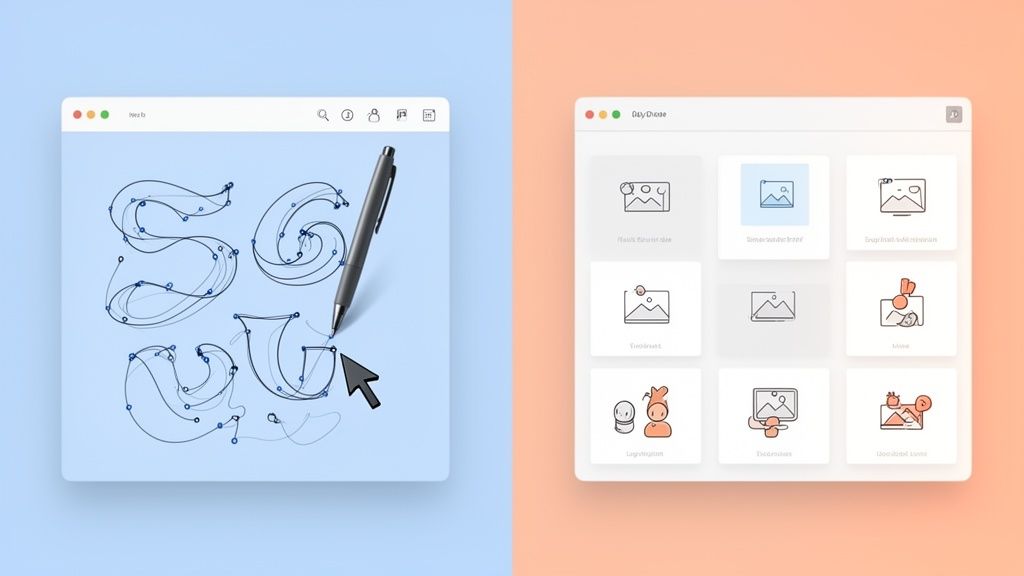

What is the difference between a motion designer and a video editor?


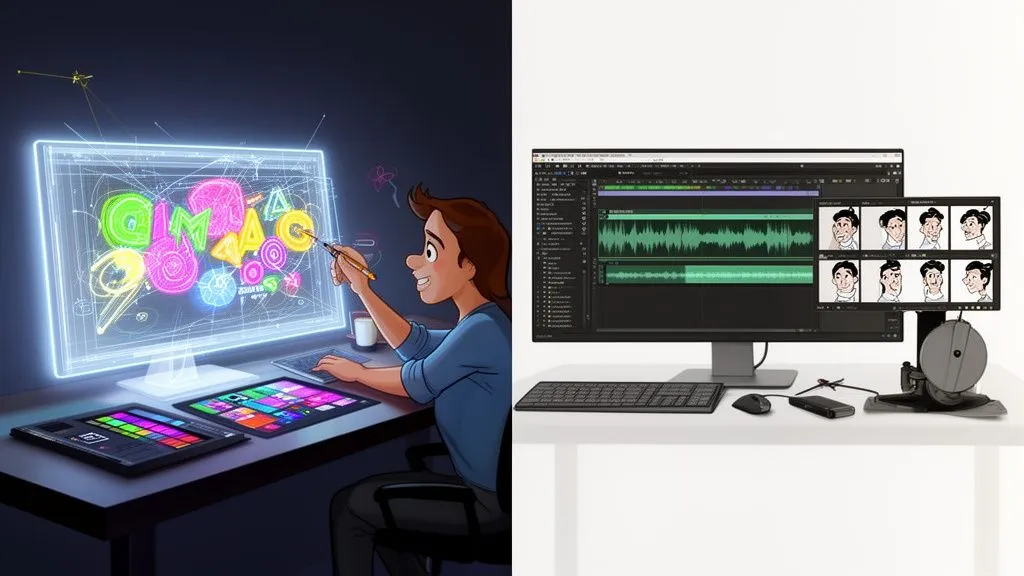
It really comes down to this: A motion designer creates animated graphics from scratch, while a video editor assembles existing footage into a cohesive story. One is a creator, starting with a blank canvas. The other is a storyteller, weaving together pre-recorded material.
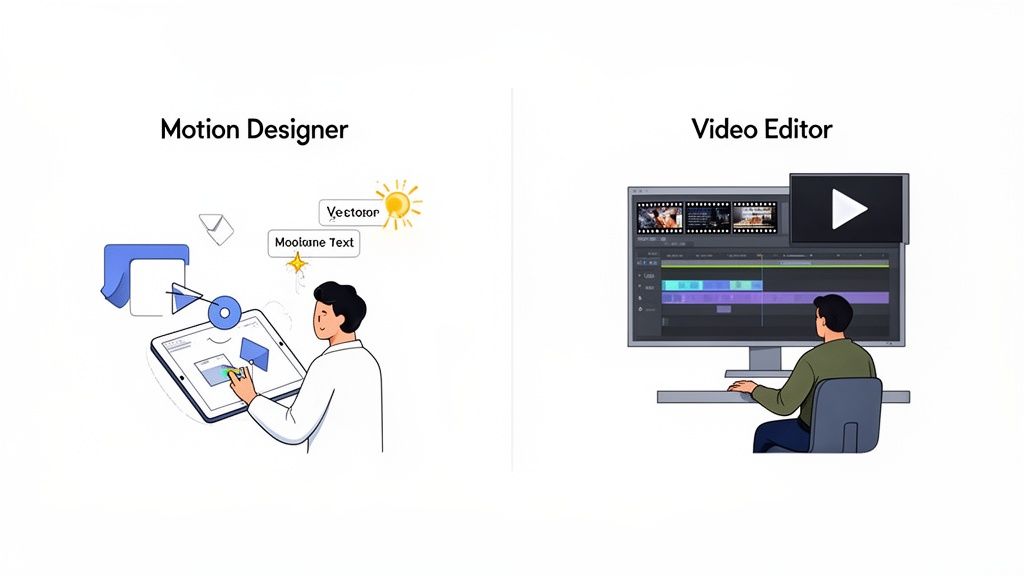
Defining the Core Creative Roles
Nailing the difference between a motion designer and a video editor is a must for any marketing team that wants to create high-impact video. While both roles are essential, they come from totally different creative headspaces, use distinct tools, and deliver unique assets that hit different strategic goals.
A motion designer is basically a graphic designer who makes things move. They live and breathe typography, illustration, color theory, and abstract shapes, bringing static designs to life. Their main goal is to build visually stunning graphics that communicate a message, explain a tricky concept, or slap a layer of slick branding onto a video. If you want to see just how broad their work can be, check out these different types of motion graphics.
On the other side of the studio, a video editor is a master of narrative and pacing. They take raw footage—from a film shoot, a talking-head interview, or stock libraries—and stitch it all together. Their real art is in the shot selection, timing, and rhythm, constructing a story that flows perfectly and pulls a specific emotional response from the viewer.
Key Takeaway: Think of it like building a house. The motion designer is the architect who designs and creates the custom windows and decorative trim from scratch. The video editor is the construction manager who assembles all the pre-made parts into a beautiful, functional structure.
This distinction isn't just semantics; it's even reflected in how the U.S. Bureau of Labor Statistics classifies these jobs. Motion designers are often grouped with animators, while video editors are in their own category, underscoring their different core functions.
To put it all in perspective, here's a quick look at how these roles stack up against each other.
Motion Designer vs. Video Editor At a Glance
While this table gives you the basics, the real magic happens when you understand the nuanced skills, tools, and workflows that define each role—and more importantly, when to bring each specialist into your project.
Exploring Core Skills and Creative Mindsets
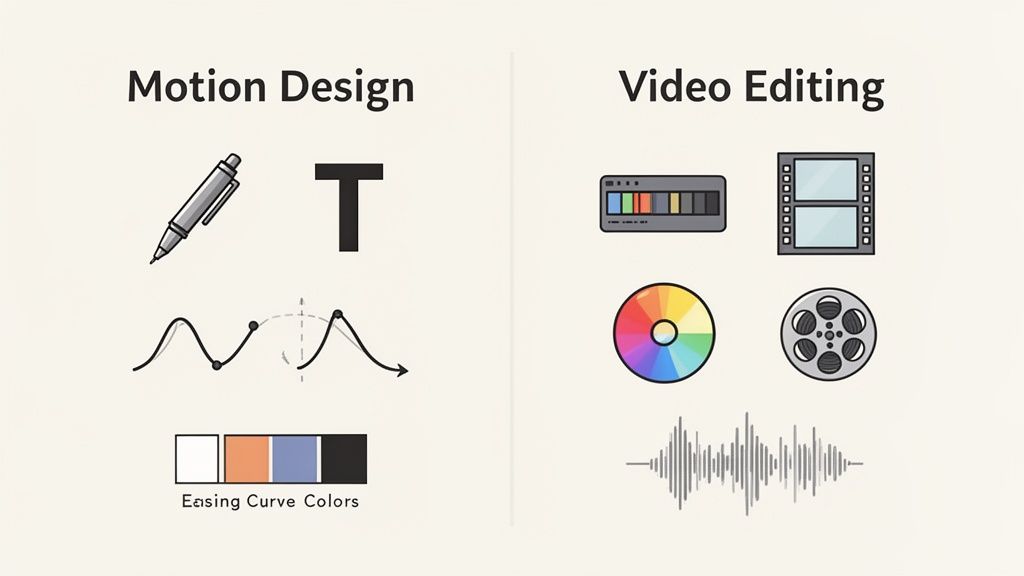
From a distance, a motion designer and a video editor might seem like they do the same thing. But when you get up close, you’ll see their core skills, creative mindsets, and even the way they approach problems are fundamentally different.
Knowing this distinction is everything. It’s the key to hiring the right person for the job, because it’s not just about what they do, but how they think.
A motion designer’s world is built on the principles of graphic design. They think in composition, typography, color theory, and visual hierarchy, bringing assets to life from a completely blank slate. On the other hand, a video editor is a storyteller and a curator. They don’t start with nothing; they start with hours of footage and have to find the single most powerful moments to weave into a compelling story.
The Motion Designer's Technical Toolkit
The skill set of a motion designer revolves entirely around creation and animation. They are artists who build stunning visuals from scratch, demanding a sharp eye for design and serious technical chops to pull it off.
Here’s what’s in their toolkit:
- Graphic Design: A rock-solid foundation in layout, typography, and color theory is absolutely essential.
- Animation Principles: A deep understanding of timing, easing, and spacing is what creates that fluid, believable movement you see in great animation.
- Illustration & Vector Art: They need the ability to create original characters, icons, and other visual elements from scratch.
- Compositing: This is the magic of blending different visual layers—graphics, text, and effects—into one seamless, polished scene.
This unique combination of skills is what allows them to turn abstract data into a clear infographic, bring a brand’s logo to life, or build an entire explainer video that makes a complex idea feel simple.
A motion designer asks, "How can I build a visual that explains this concept?" A video editor asks, "Which clip best shows this emotion?" This fundamental difference in approach defines their entire creative process.
The Video Editor's Narrative Craft
A video editor’s skills are all about narrative construction and post-production. They are the ones who shape the story, control the pace, and polish the final video until it shines.
Their core skills include:
- Pacing and Rhythm: This is an intuitive sense of exactly when to cut to keep viewers hooked, build tension, or drive an emotion home.
- Shot Selection: They sift through all the raw footage to pick the perfect takes and camera angles that will build the most compelling sequence.
- Color Correction & Grading: This is where they adjust color and light to create a consistent look and establish a specific mood or feeling.
- Audio Mixing: They meticulously balance dialogue, sound effects, and music to create a rich, immersive soundscape.
These abilities are what turn hours of raw interview footage into a powerful customer testimonial or cut a product launch video that gets everyone buzzing. For a closer look at what this craft entails, check out our complete guide to video editing. Their entire focus is on finding the story hidden within the footage and bringing it to the surface.
Comparing the Tools of the Trade
A huge difference between a motion designer and a video editor comes down to their digital toolkits. While both work with moving pictures, the software they live in is built for entirely different jobs: one is for creating from scratch, and the other is for curating what’s already been shot.
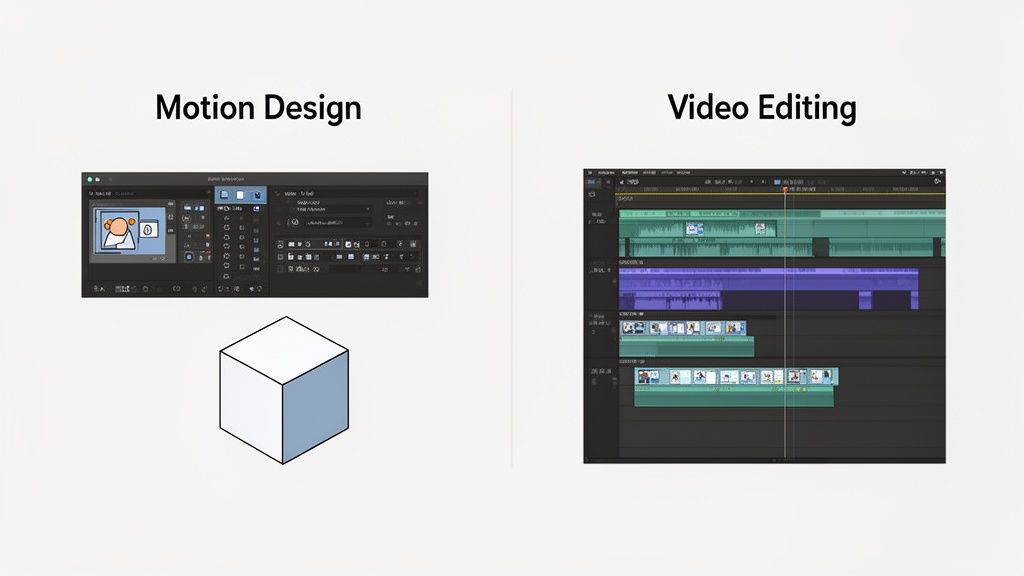
The Motion Designer's Creation Suite
Motion designers work in programs that are essentially blank canvases for movement. Their go-to tool is Adobe After Effects, a layer-based compositing program perfect for building complex animations, adding visual effects, and manipulating text and shapes over time. Think of it as Photoshop, but for video.
When a project needs more depth, they’ll jump into 3D software:
- Cinema 4D: This one is a crowd favorite for its user-friendly interface. It's fantastic for creating 3D models and scenes that play nicely with After Effects.
- Blender: A beast of a program that’s also free and open-source. It handles everything from 3D modeling and sculpting to heavy-duty animation and VFX.
These tools aren't built for stringing together long video clips. They shine when you need to craft intricate visual elements, one frame at a time.
The Video Editor's Sequencing Toolkit
Video editors, on the other hand, spend their days in non-linear editing (NLE) software. These programs are all about the timeline, designed specifically for arranging, trimming, and piecing together existing video and audio clips into a coherent story. Their strength is in juggling massive amounts of footage and playing it back in real-time without a hiccup.
The editing world is dominated by a few major players. One industry report shows Adobe Premiere Pro leading the pack with a 35% market share, with Final Cut Pro and DaVinci Resolve not far behind.
The fundamental divide is simple: A motion designer uses layer-based software to build an animation from the ground up. A video editor uses timeline-based software to construct a story from existing footage.
This technical split is everything. Trying to edit a feature film in After Effects would be a nightmare of inefficiency, just as creating detailed motion graphics in Premiere Pro would feel incredibly restrictive. Understanding this helps clarify which expert you need for your project and why they need specific tools to do their best work. To get a better sense of the options, check out our deep dive on the best video editing software.
What They Make: Connecting Deliverables to Your Strategy
The easiest way to see the difference between a motion designer and a video editor is to look at what they actually create. Each role produces distinct assets—or deliverables—that serve very different purposes in your marketing funnel. Picking the right pro means matching their specific output to your campaign goals.
A motion designer is your go-to for grabbing attention and making complex ideas simple. They build visuals from scratch, making their work perfect for top-of-funnel awareness or mid-funnel educational content.
Common motion design deliverables include:
- Animated Logos: A dynamic first impression that makes your brand stick.
- Explainer Videos: Breaks down a tricky product or service into a simple, engaging animated story.
- Data Visualizations: Turns dull stats into compelling, shareable animated infographics that people actually want to watch.
- UI/UX Animations: Shows exactly how your app or software works, walking users through the experience visually.
On the other hand, a video editor is a master of telling authentic stories that drive action. Their deliverables are pieced together from real-world footage, which is incredibly powerful for building trust and pushing for conversions at the middle and bottom of the funnel.
The Marketing Power of Post-Production
An editor’s work just feels more personal and real. They harness the power of human connection by taking raw footage and shaping it into something polished, persuasive, and ready to convert.
Typical video editor deliverables include:
- Customer Testimonials: Weaves together interview clips to create a powerful story of success that builds instant social proof.
- Social Media Ads: Chops up raw footage into short, punchy ads that are tailor-made for platforms like Instagram or TikTok.
- Event Highlights: Pulls the best moments from a conference or webinar into an energetic recap that generates FOMO.
- Corporate Videos: Assembles interviews and b-roll to communicate your company culture or share important announcements in a genuine way.
The strategic impact here is huge. Think about it: motion graphics—a key output for motion designers—can skyrocket message retention from a dismal 10% all the way up to 95%. This is exactly why the number of businesses using motion graphics in their marketing jumped from 63% in 2017 to 86% in 2023, with a staggering 87% of marketers agreeing it delivers a strong ROI. You can explore more data on the ROI of motion graphics to see for yourself.
The Strategic Choice: If your goal is to explain a complex SaaS product, an animated explainer from a motion designer is a no-brainer. But if you need to build trust with potential customers, a compelling testimonial video shaped by a skilled editor will always win.
How To Choose The Right Creative Professional
Deciding between a motion designer and a video editor really boils down to one simple question: Are you creating visuals from scratch, or are you assembling a story from existing footage? Your answer immediately points you to the expert your project needs. Getting this choice right is crucial because it directly shapes your project's workflow, budget, and final quality.
Understanding the difference is the first step, but knowing how to apply that to real-world projects is where you’ll see the biggest impact. Making the right hire saves time, cuts down on creative friction, and ensures the final product aligns perfectly with your goals.
This decision tree breaks it down visually: if your main goal is to create graphics, you need a motion designer. If you need to assemble footage, a video editor is your go-to.
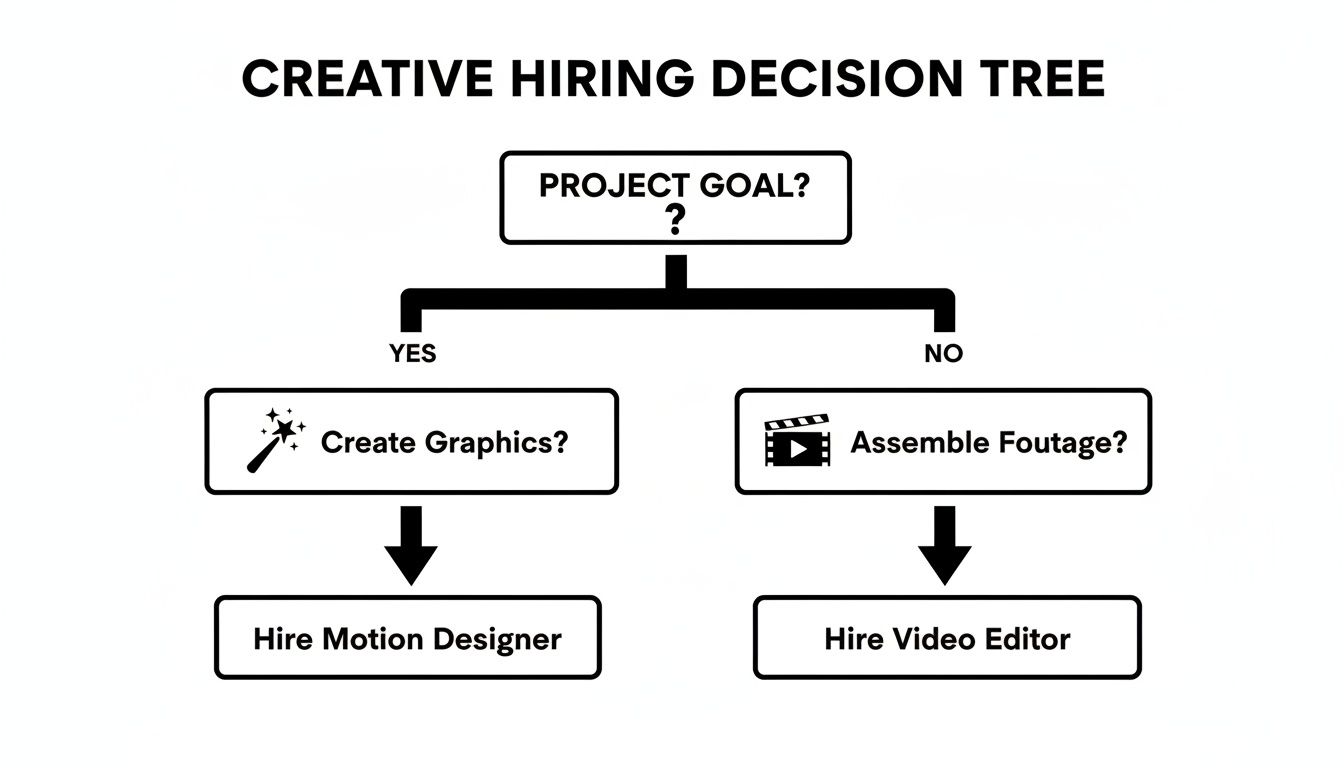
This visual simplifies the hiring process by focusing on the project's primary action—either creation or curation.
When to Hire a Motion Designer
You should bring a motion designer on board when your project is built around custom animation and graphical elements. Their ability to translate abstract ideas into clear, engaging visuals is unmatched.
Hire a motion designer if you need to:
- Create an explainer video to simplify a complex product or service.
- Animate a logo or design a branded intro for your video content.
- Visualize data with dynamic charts and animated infographics.
- Add custom lower thirds and transitions that reflect your brand’s unique identity.
When to Hire a Video Editor
A video editor is essential when your project's foundation is raw footage that needs to be shaped into a coherent narrative. They are the storytellers who find the most powerful moments within your recorded content and piece them together.
Hire a video editor when you need to:
- Produce a customer testimonial from interview footage.
- Cut together a highlight reel from a recent event or webinar.
- Assemble a social media ad using product shots and user-generated content.
- Edit a documentary or corporate video that requires careful pacing and emotional impact.
The core difference lies in the source material. A motion designer starts with a blank canvas, while a video editor starts with a collection of clips. Knowing this removes nearly all ambiguity from the hiring decision.
To help you map your project needs to the right creative professional, here’s a quick-reference table for some common scenarios marketing leaders face.
Hiring Guide: Project Scenario vs. Required Role
This table should make it even clearer which expert is the best fit for your specific marketing goals.
Of course, in some cases, your project may need both. An editor might assemble the main narrative from live-action footage, and a motion designer could then overlay animated text and graphics to enhance it. For complex projects, partnering with experienced motion graphics companies can provide access to both skill sets under one roof, ensuring a seamless workflow.
Unpacking Common Questions About Creative Video Roles
Even when you have the definitions down, things can get a little fuzzy when it's time to hire or start a project. Let's dig into some of the practical questions that pop up when you're trying to build a killer video workflow.
Can One Person Do Both Motion Design and Video Editing?
Technically, yes, but it's like finding a unicorn. Finding a true expert in both is incredibly rare.
While you'll come across some multi-talented creatives, most professionals pick a lane. Why? Because the mindsets and technical skills are fundamentally different. A motion designer is an artist starting with a blank canvas, creating something from nothing. A video editor is a storyteller, weaving a narrative from existing footage.
Your project will almost always be better off with dedicated specialists. A master motion designer understands the physics and feel of animation in a way a generalist can't. A seasoned editor has an instinct for pacing and story that elevates raw footage into something compelling.
Key Insight: Hiring a "hybrid" creative might seem like a budget-friendly move, but you often end up sacrificing the deep expertise that makes a video truly stand out. It's almost always better to have two specialists than one person juggling two very different disciplines.
How Do These Roles Collaborate on a Project?
Great question. When you’re blending live-action footage with graphics, collaboration is everything. The process usually follows a clean handoff from one expert to the other.
- The Editor Lays the Foundation: The video editor gets the first crack at the raw footage. They assemble the clips into a "rough cut," which sets the story's structure, pacing, and timing. Think of this as the architectural blueprint.
- The Designer Adds the Magic: With the blueprint in hand, the motion designer takes over. They layer in their graphics—animating lower thirds, designing slick title cards, or building out data visualizations that sync perfectly with the editor's timing.
- The Editor Finishes It Off: The project then boomerangs back to the editor. They drop in the final graphics, perform the color grading to make everything look cohesive, and master the final sound mix. This is the final polish that gets it ready for the world.
How Do I Write an Effective Job Description?
If you want to attract the right person, get specific about the tools and the deliverables. Vague job descriptions attract generalists; specific ones attract specialists.
For a motion designer, you’ll want to mention software like After Effects and Cinema 4D. List the kind of work they'll be doing, like creating "explainer videos" or "animated logos."
For a video editor, be sure to list tools like Premiere Pro or DaVinci Resolve. Define their outputs clearly, such as "customer testimonials" or "social media ad cutdowns." Highlighting these details is the fastest way to find the pro you actually need. You can see just how much technology is shaping these creative fields by reading up on whether AI will replace animators.
Ready to access both motion designers and video editors without the hiring hassle? Moonb provides a dedicated creative team on a simple monthly subscription. Get world-class creative on demand.